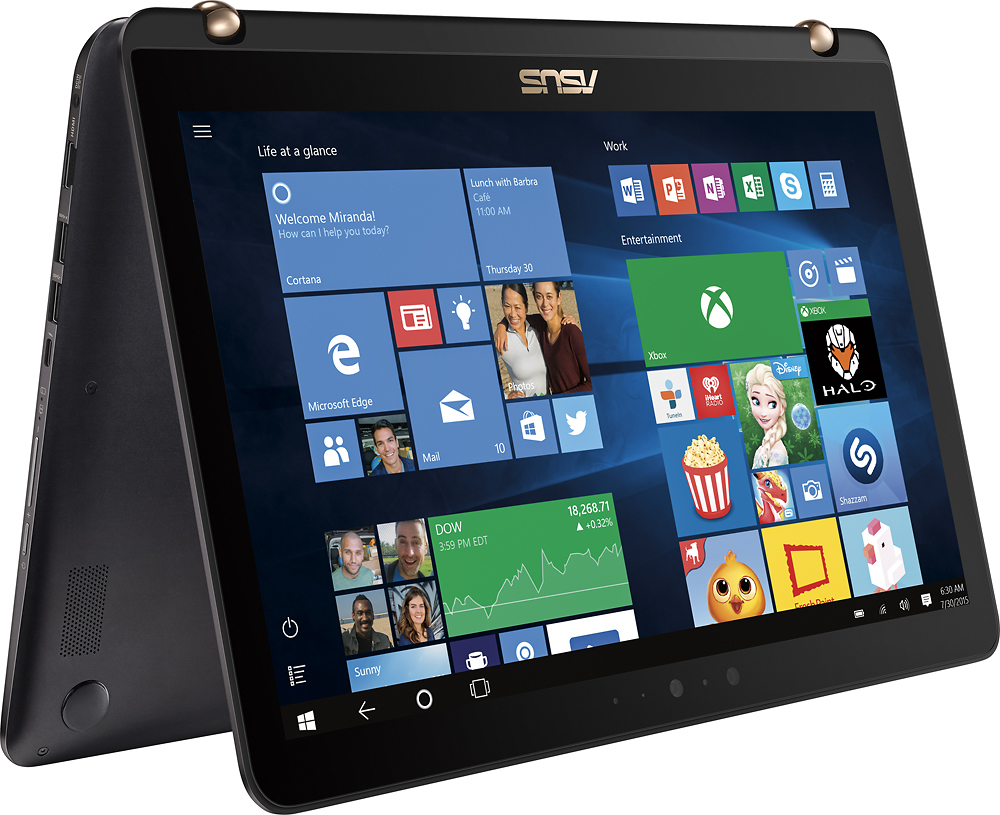
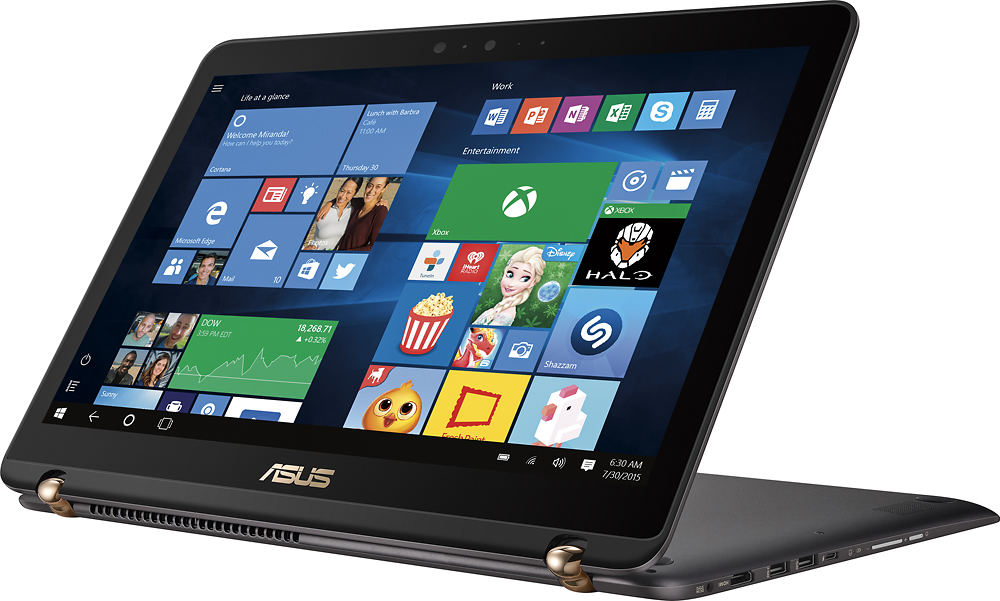
A:AnswerHard drives are usually kept separate from the motherboard. I'd check with the manufacturer just to make sure they didn't start doing some wacky stuff but I'm 99% sure the answer is replaceable.
A:AnswerClearly "goob" and "worksforgeeksquad" missed the part about this laptop where it clearly states "2TB HDD + 512GB SSD".
To answer your question, you would not save any power by powering down the 2TB HDD (which uses platters, not an SSD.) I'm going to yank the 2TB drive out and simply replace it with the SSD drive from my old laptop, however, until I need more room.
A:AnswerThis laptop has a 512GB M.2 SSD drive as the primary (OS) drive AND a 2TB 5400rpm drive for other data. (According to this tech guy, me, that took it apart and swapped out the 2TB 5400rpm drive for another 512Gb Sata III SSD drive).