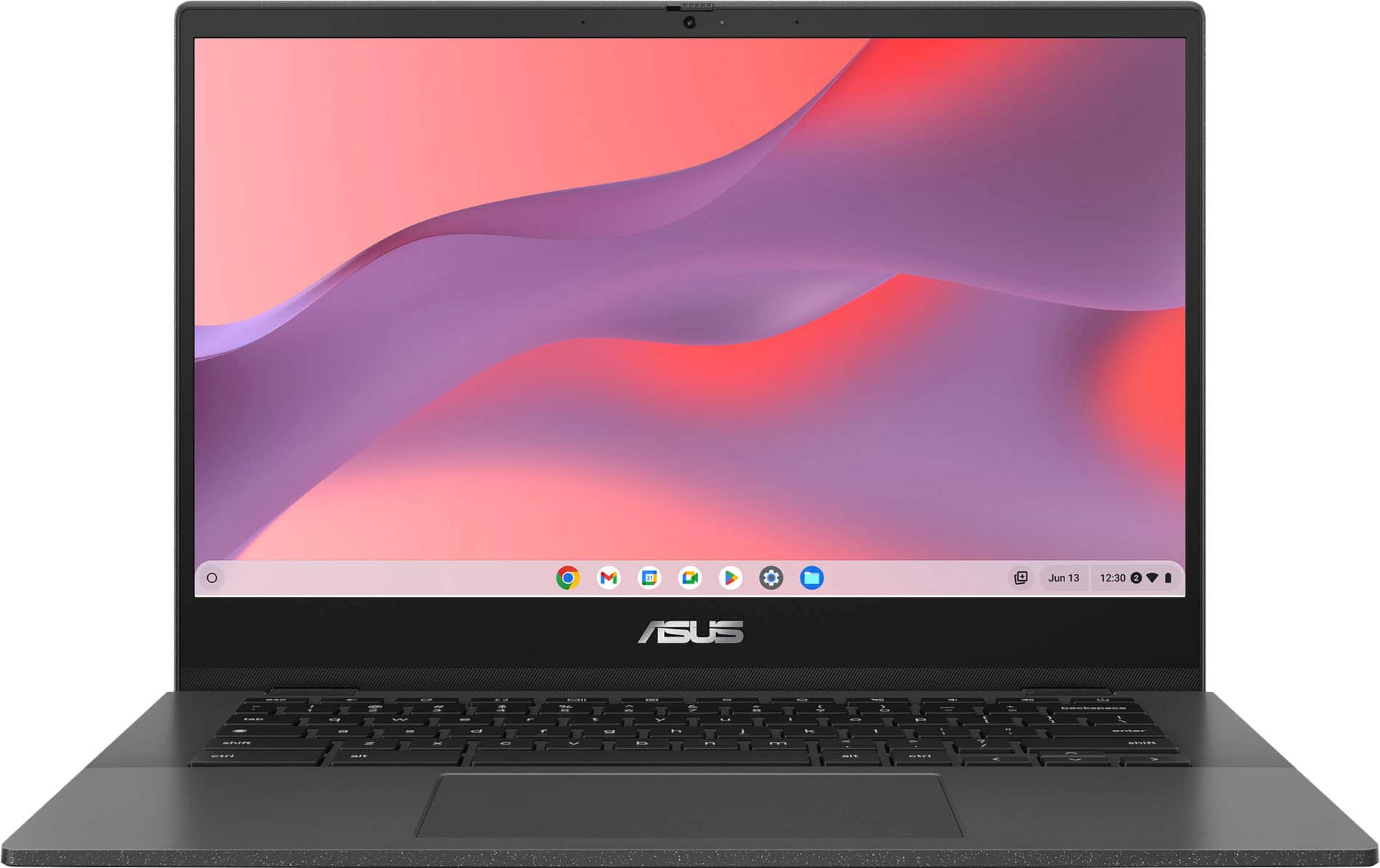
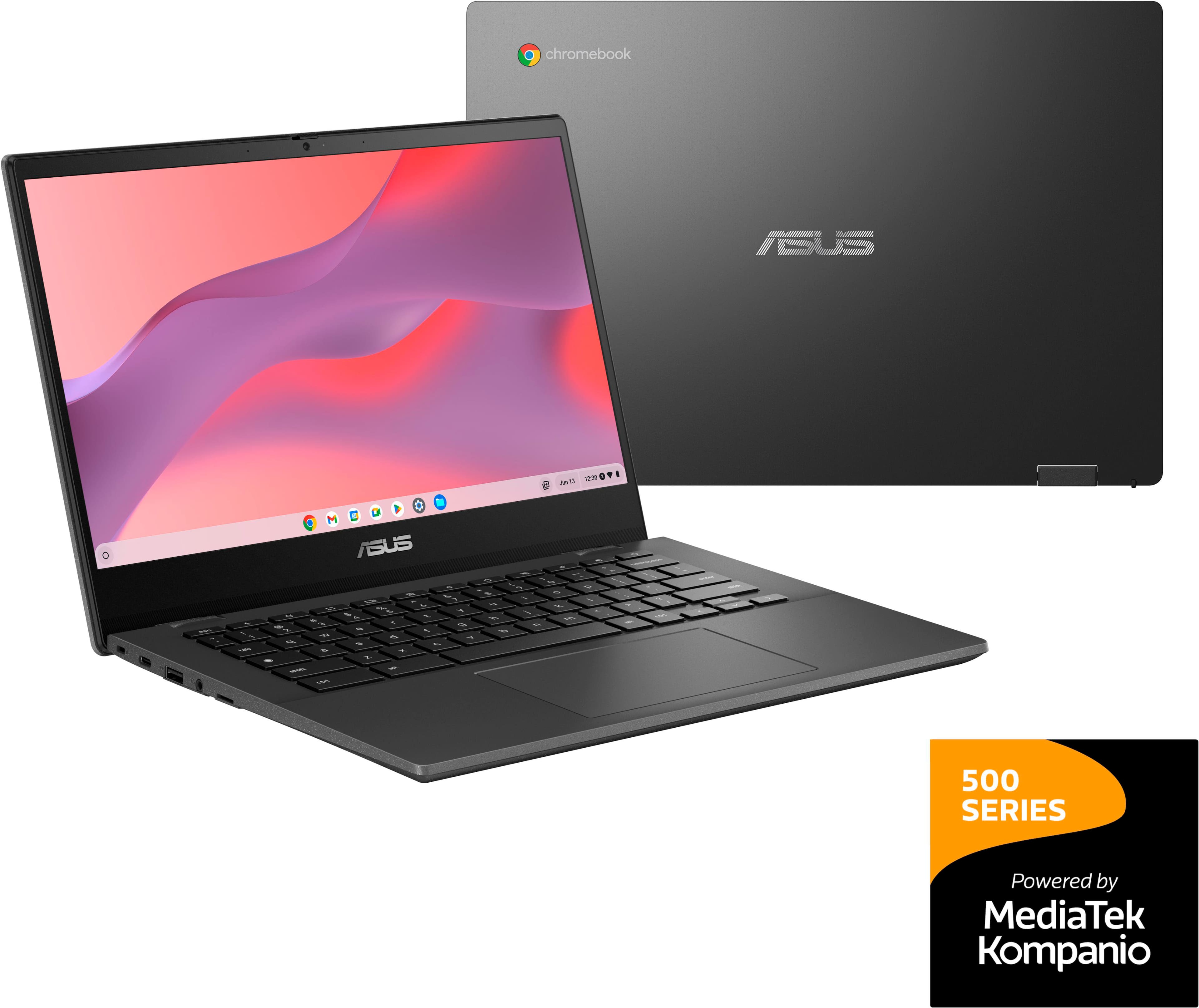
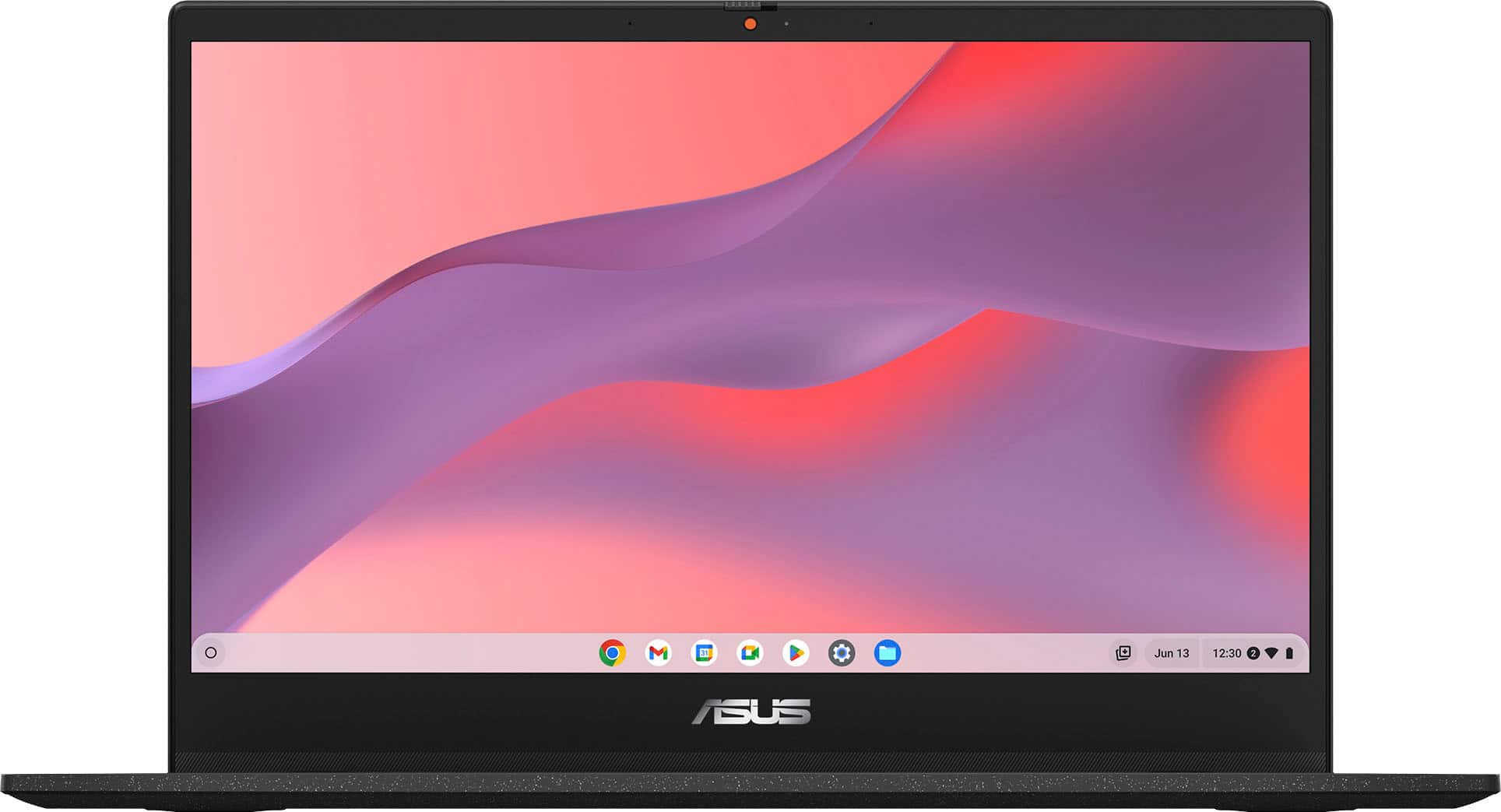
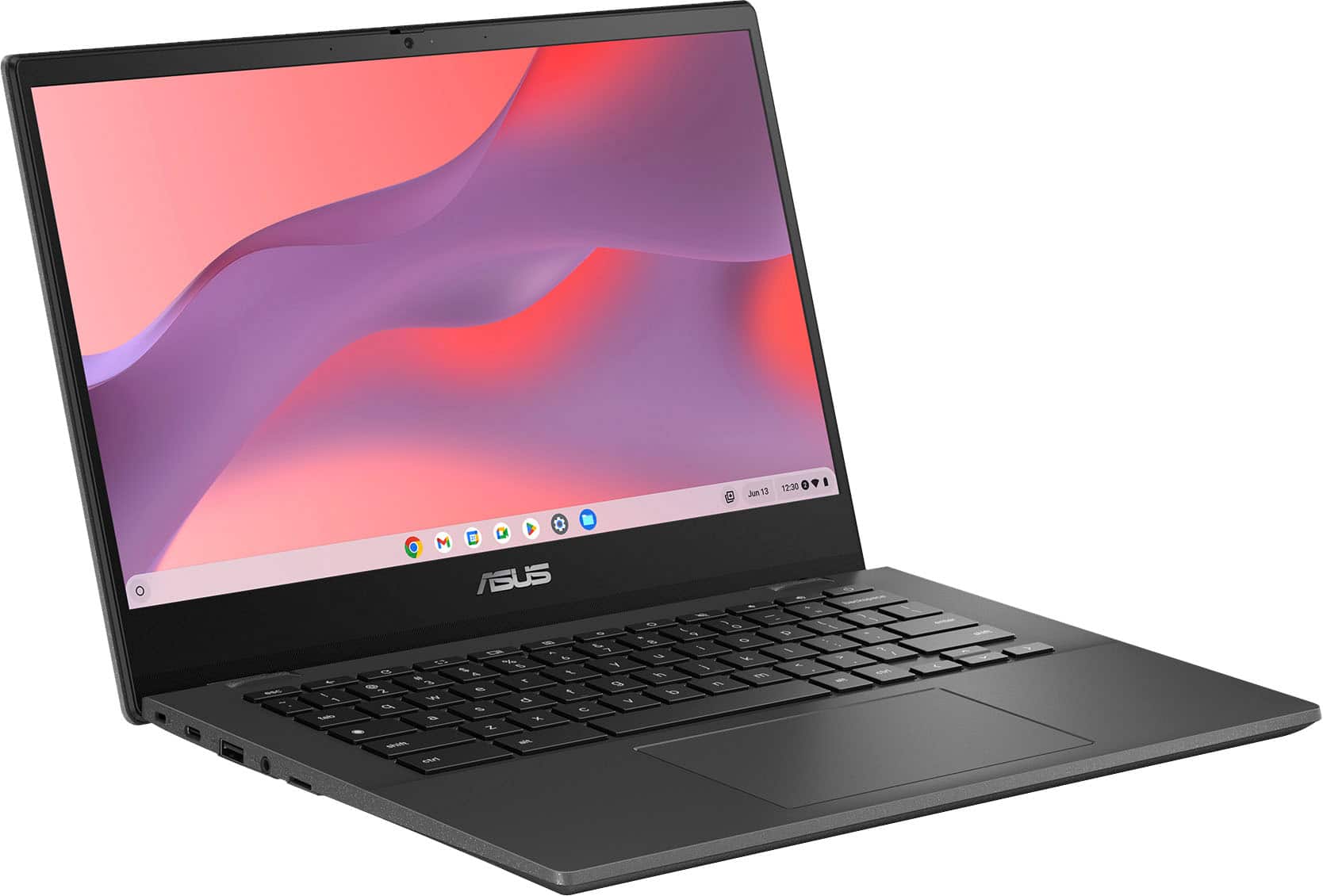
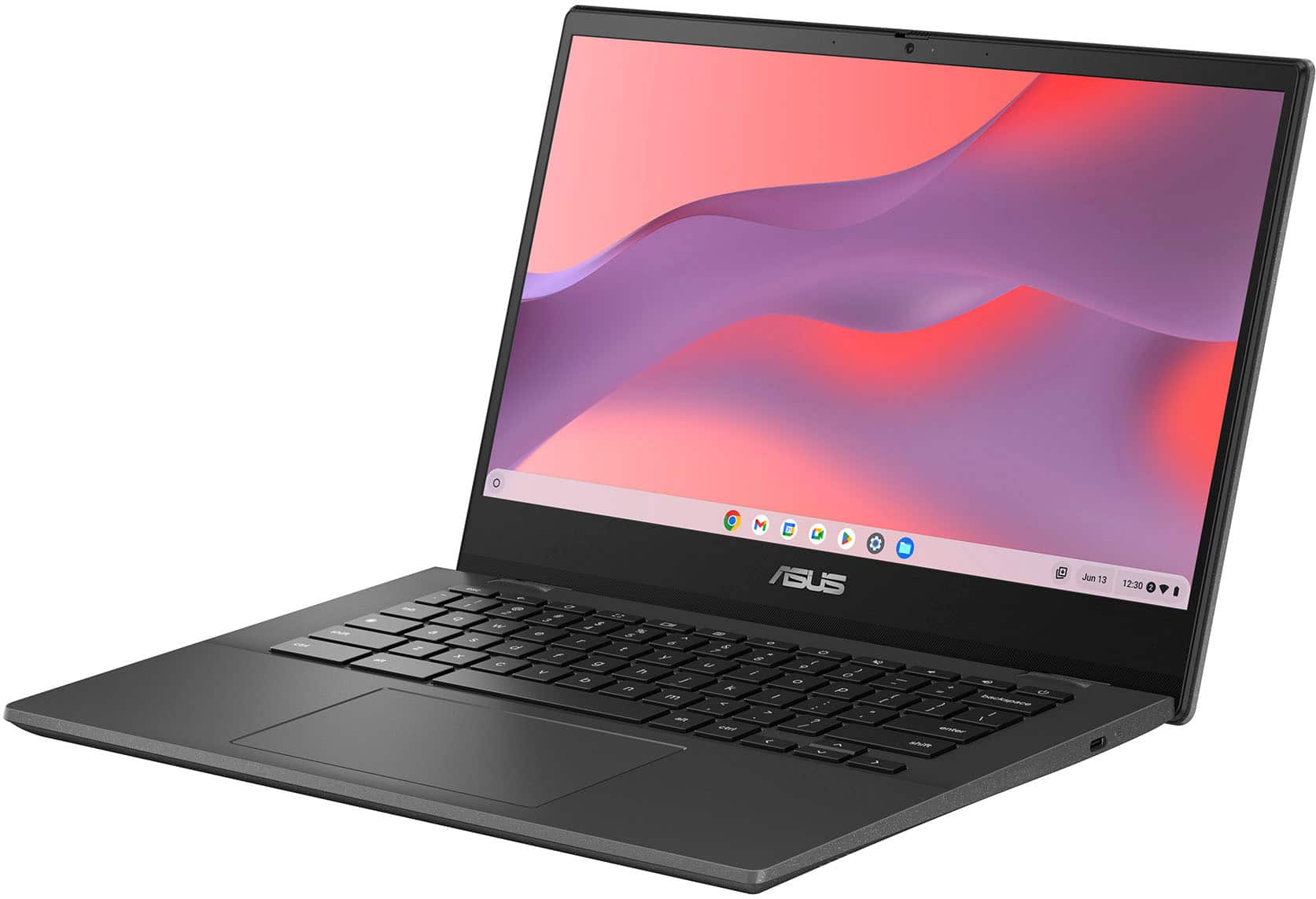
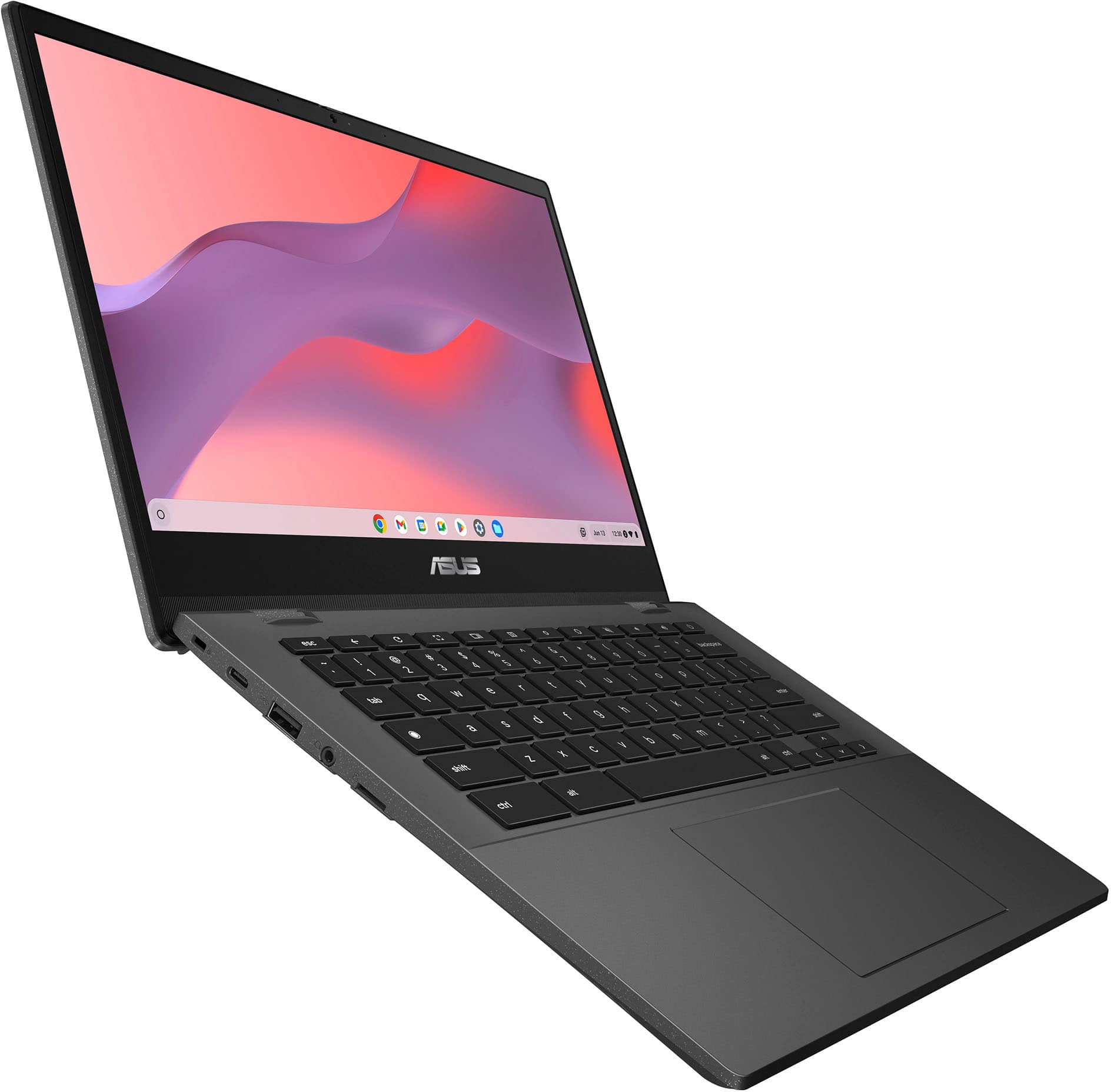
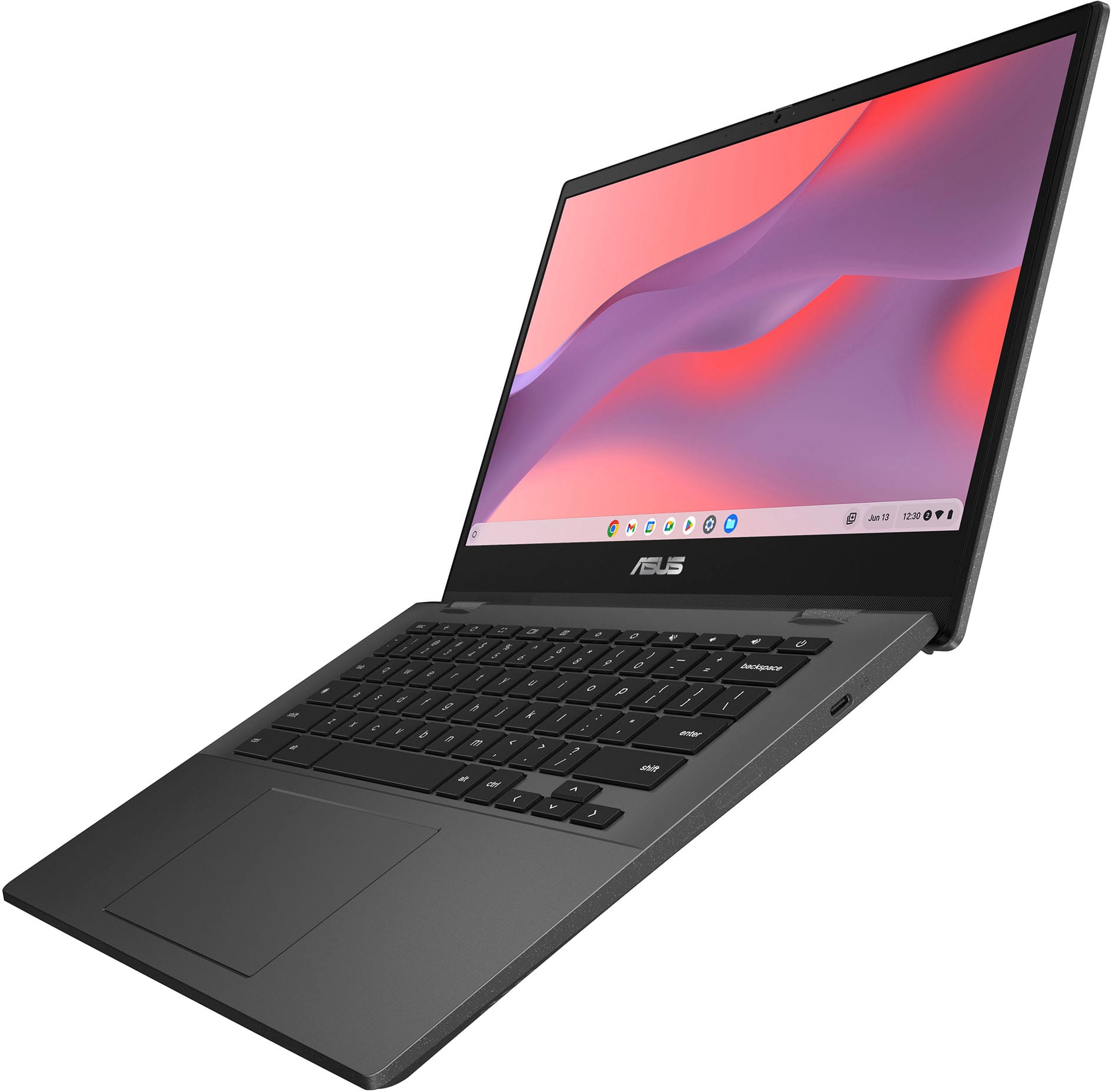
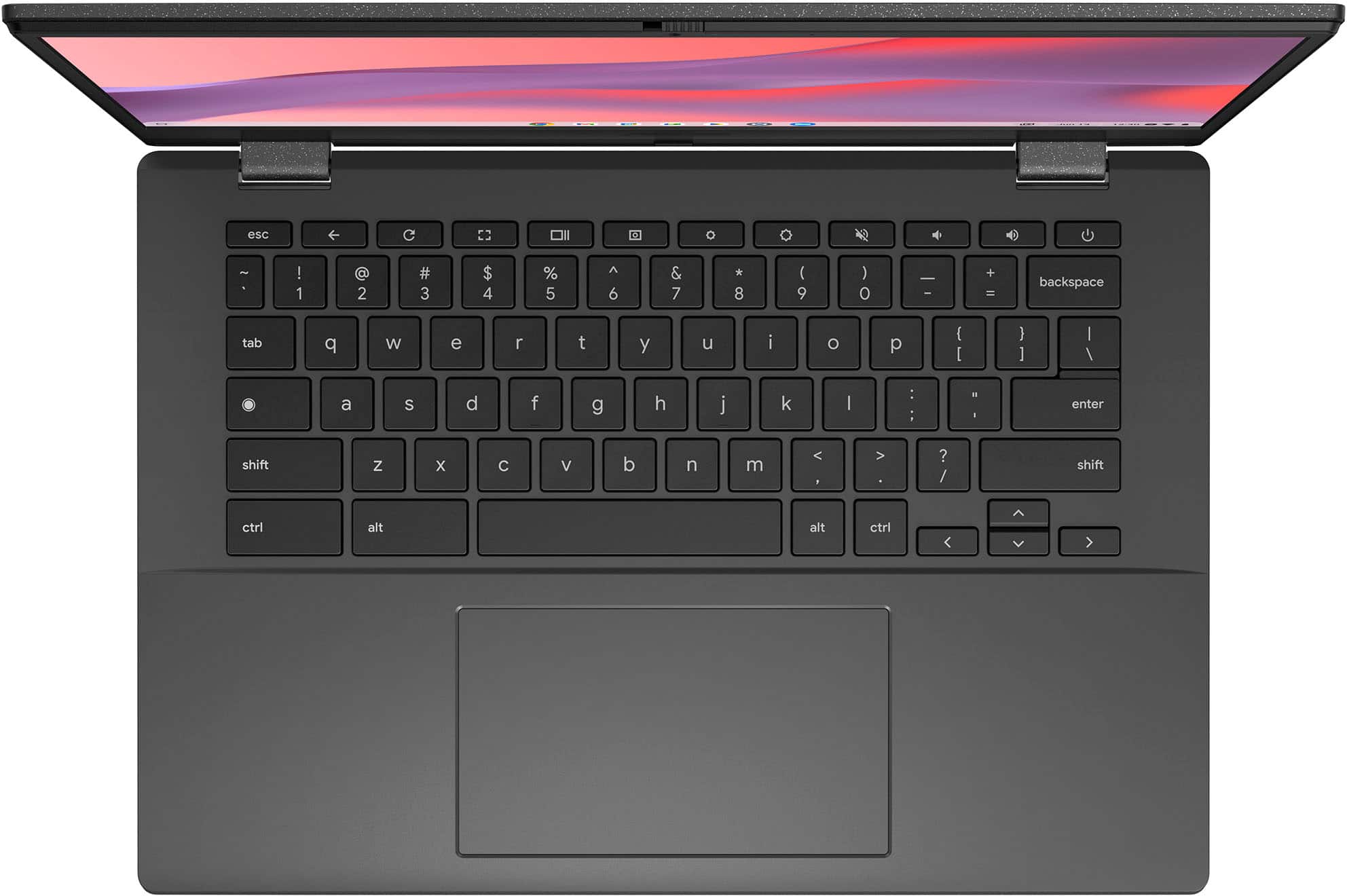
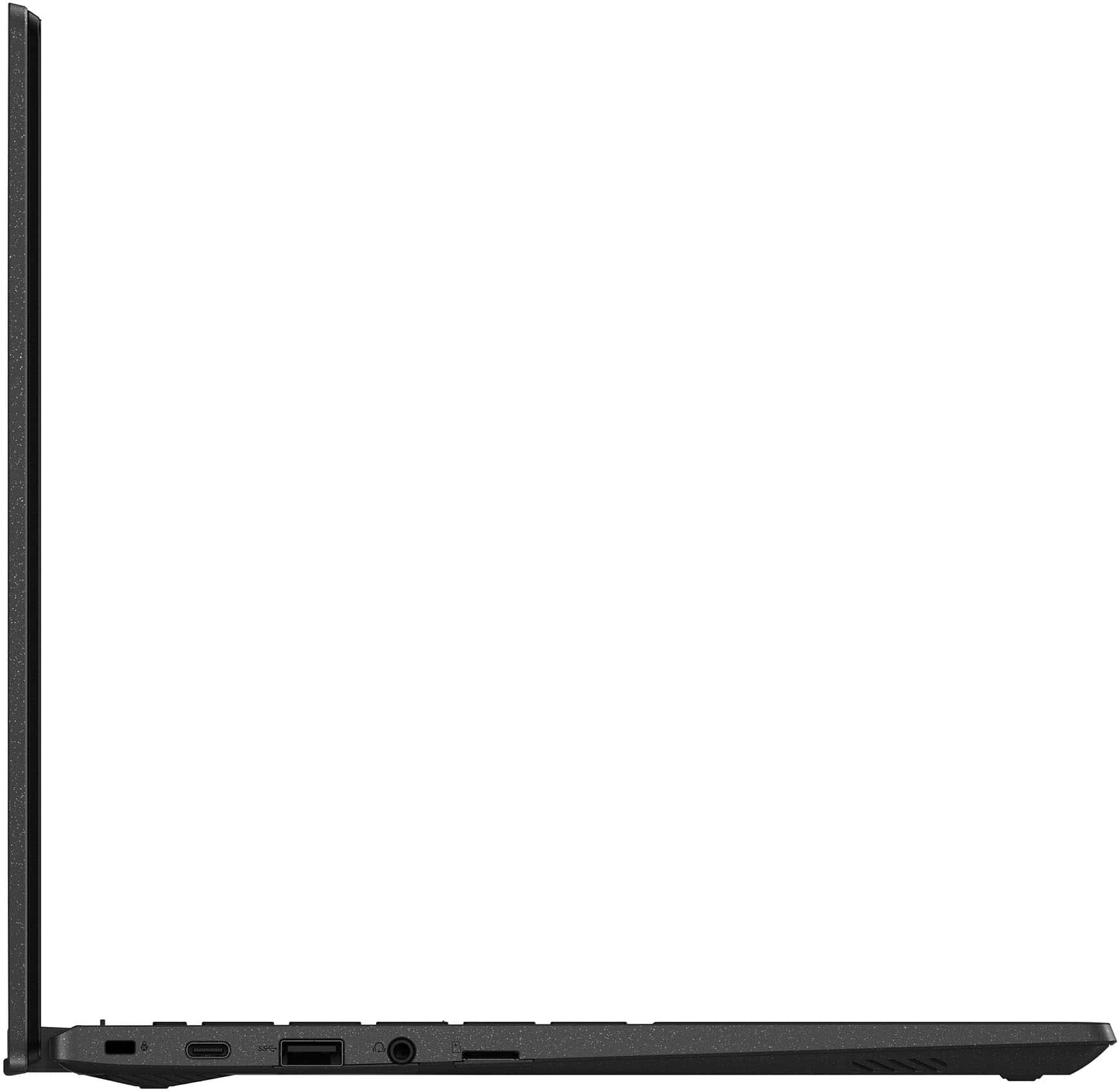
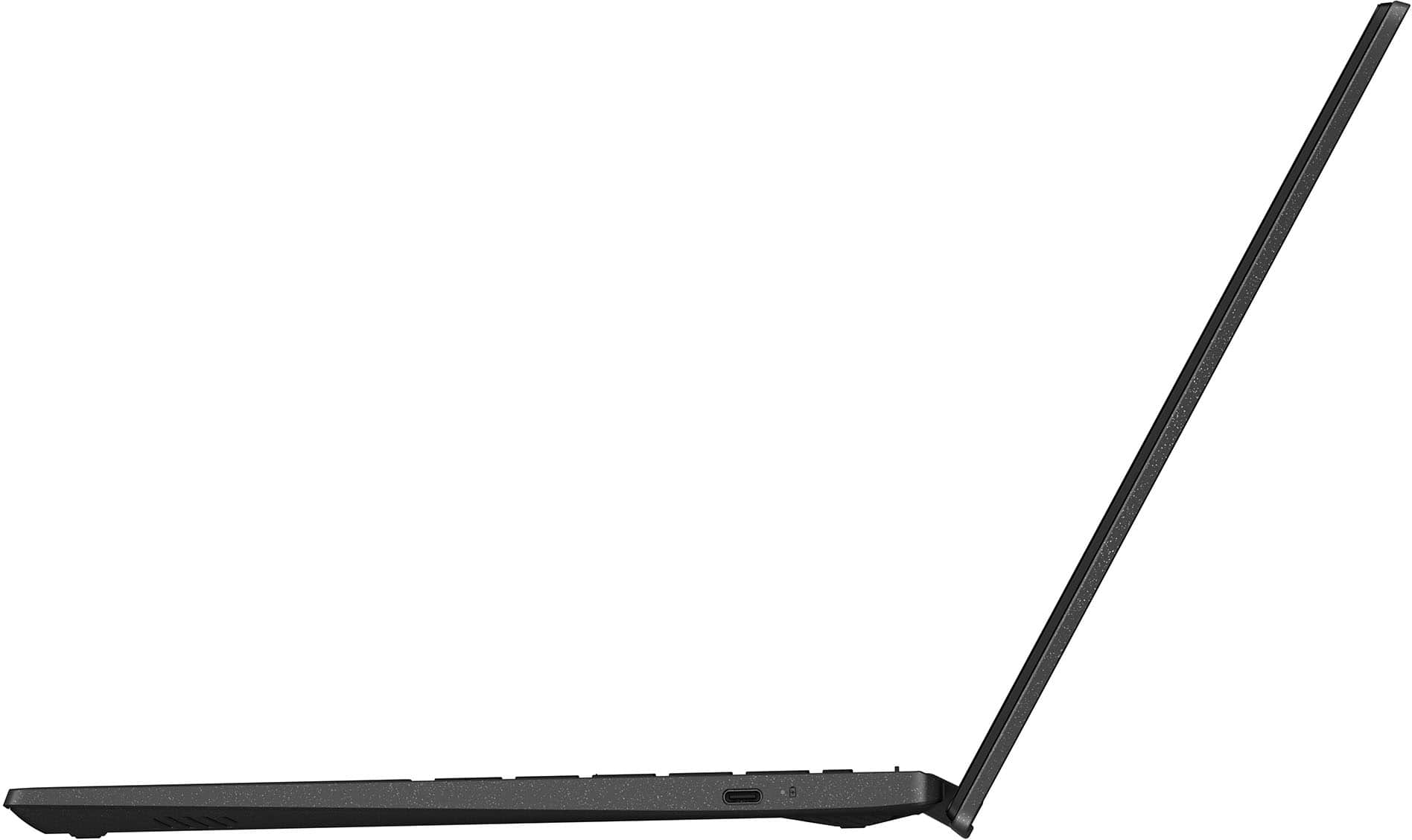
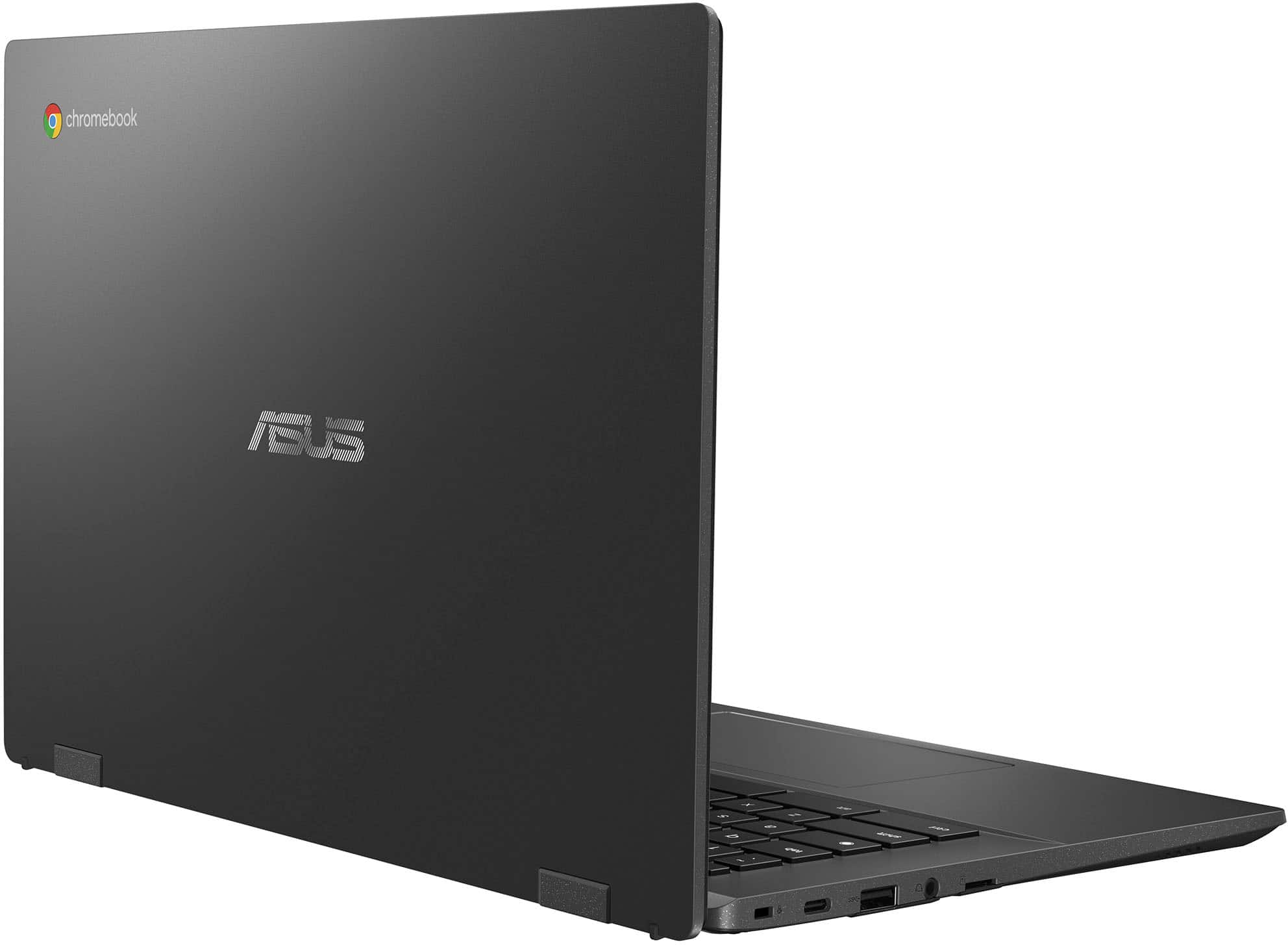
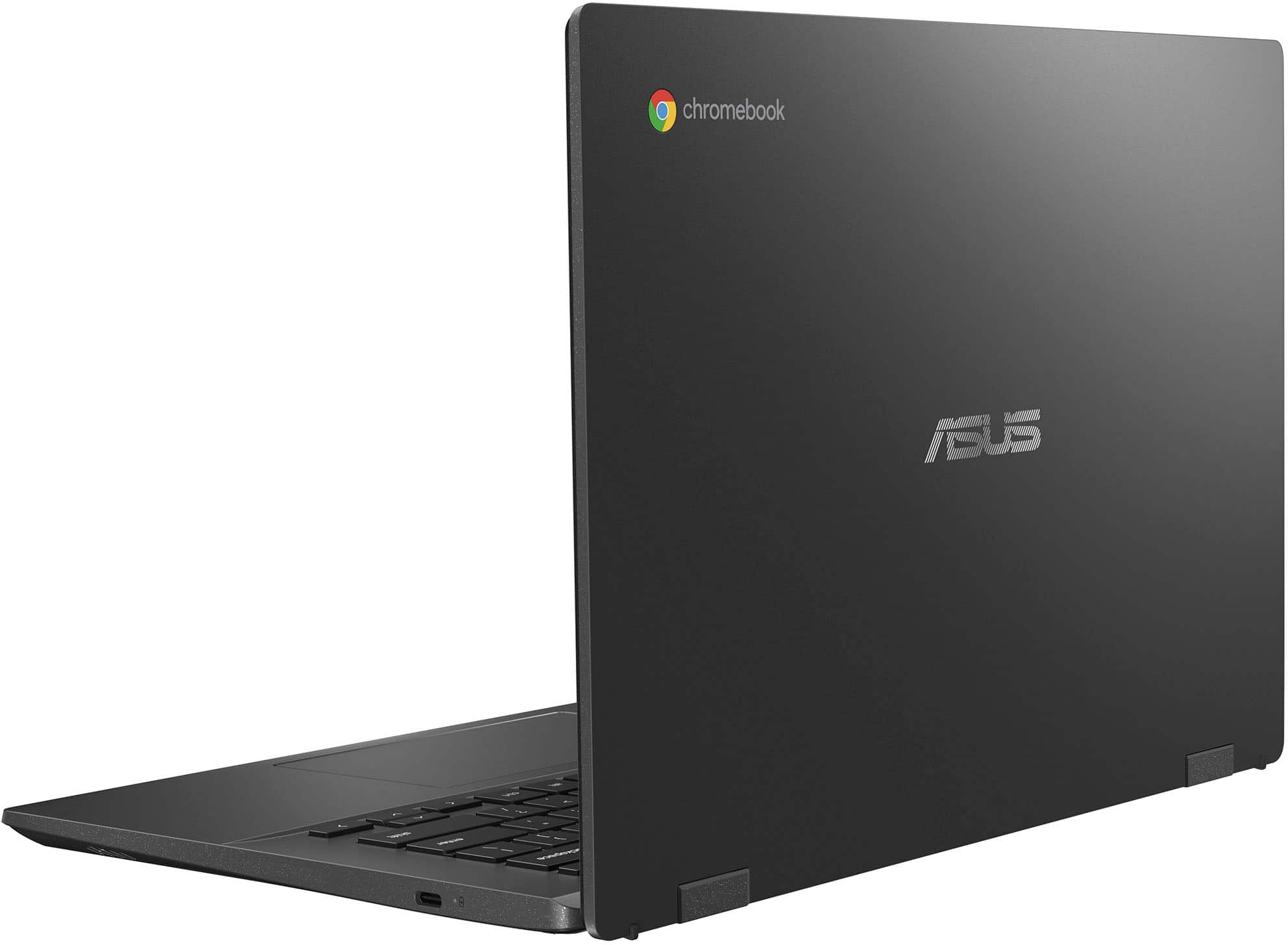
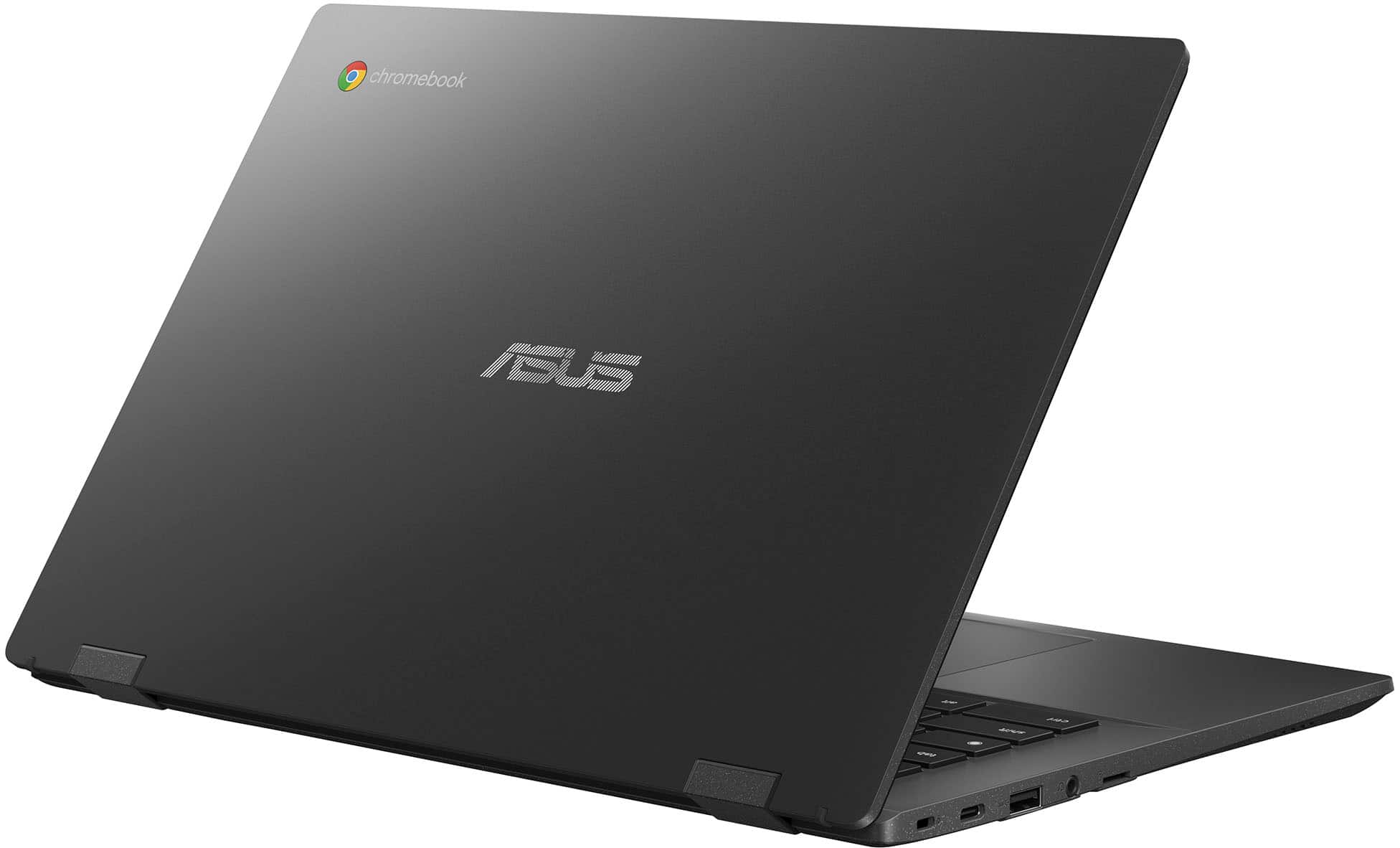
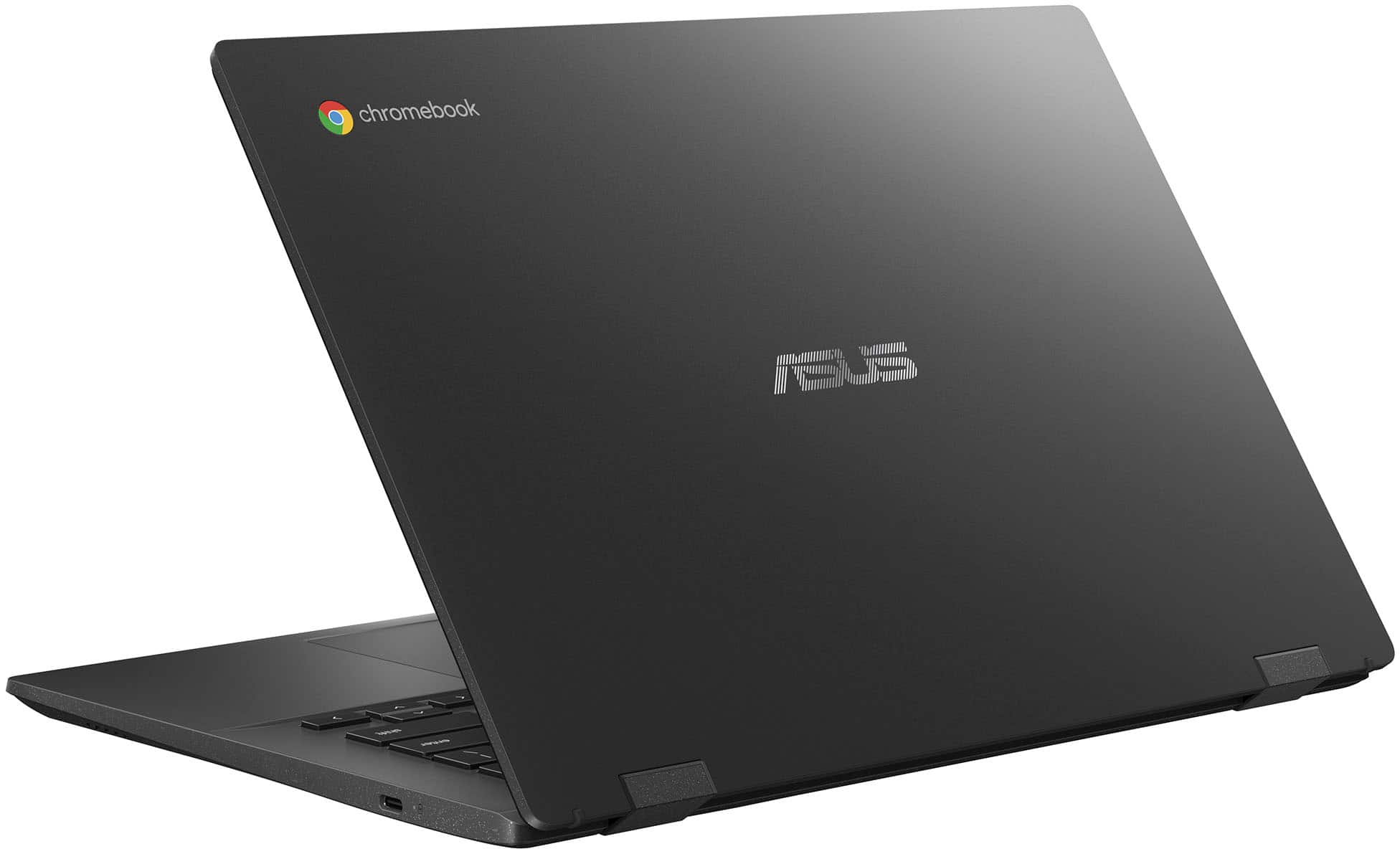
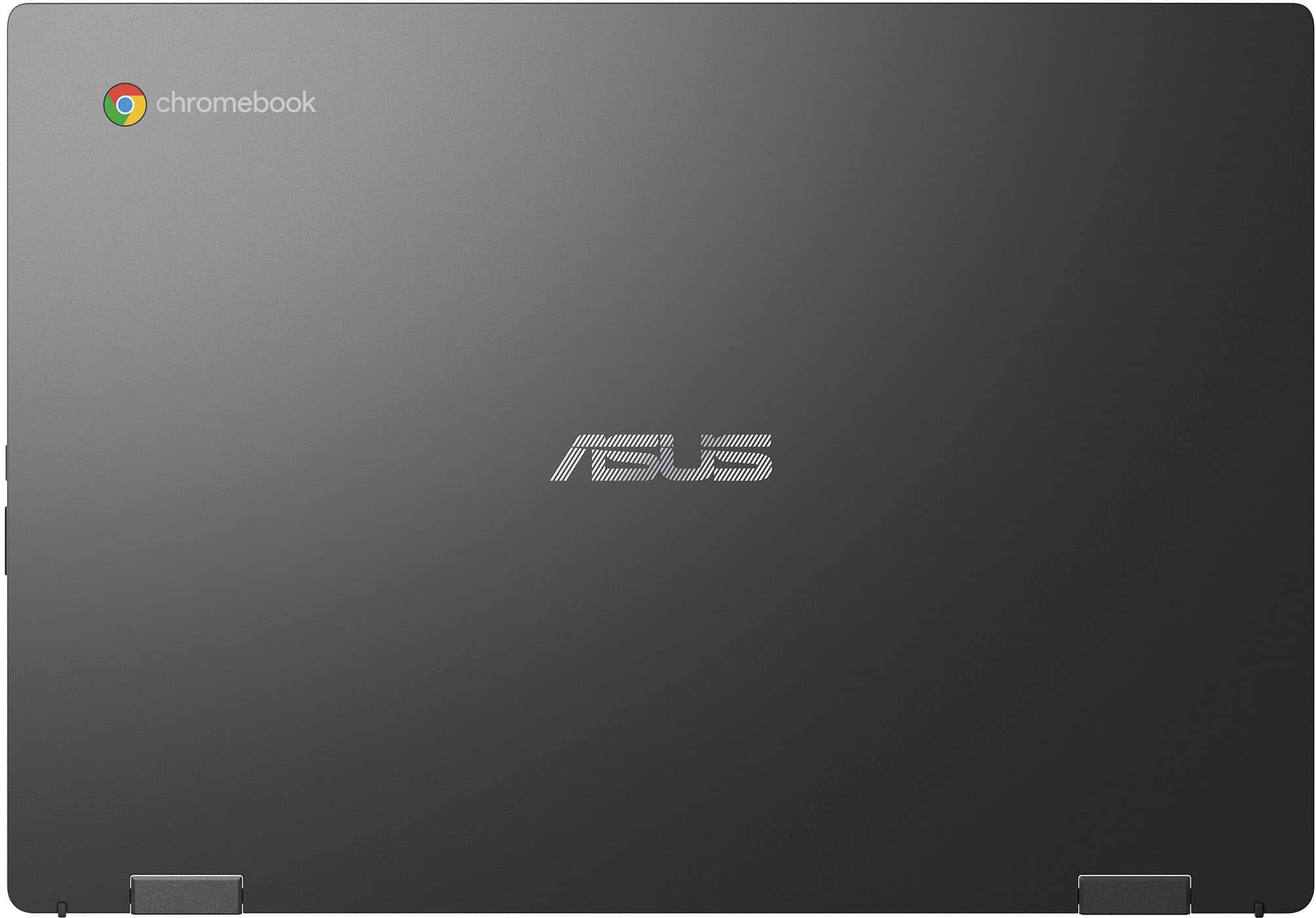
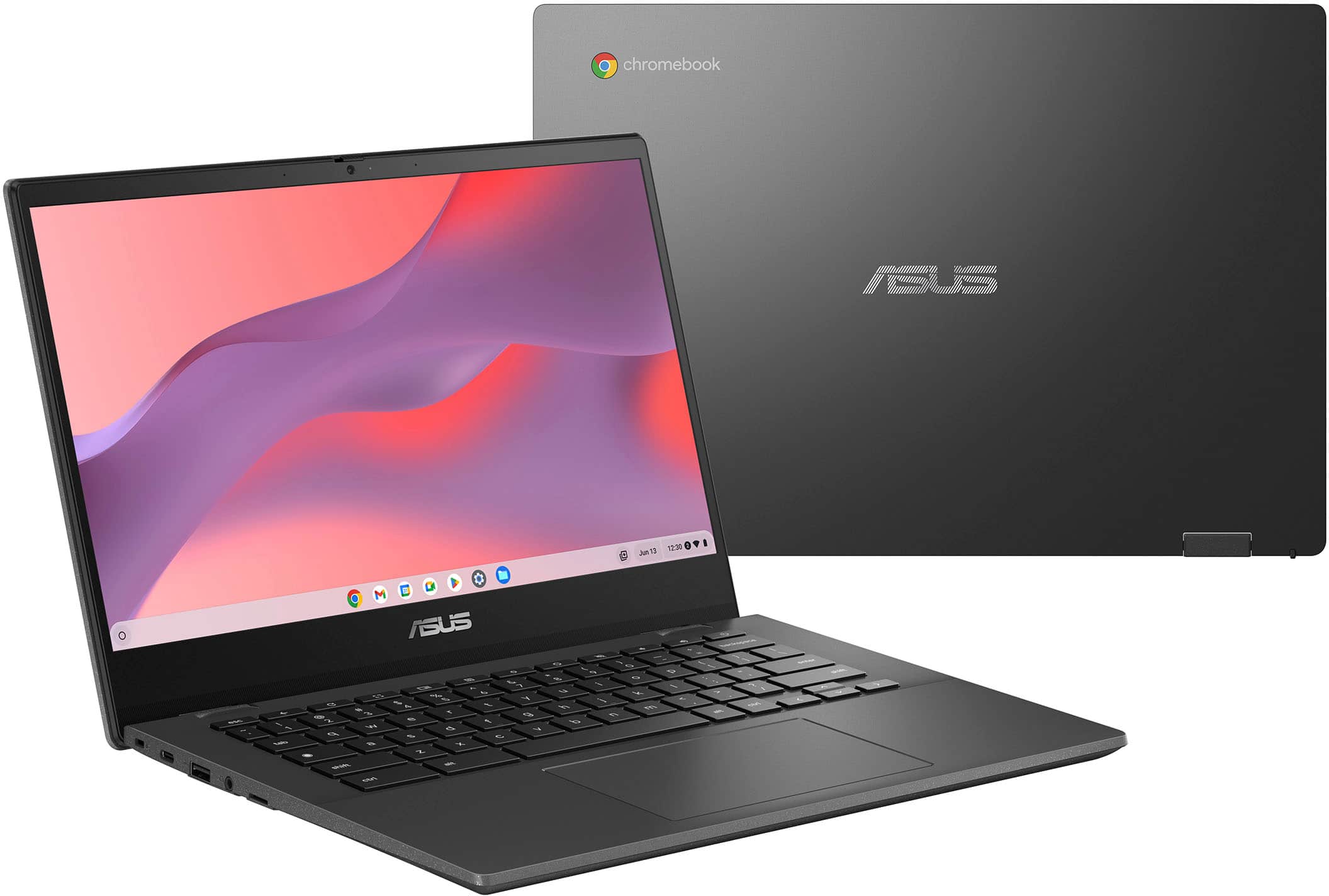
A:AnswerThe dimensions of the ASUS Chromebook CM14 (CM1402CM2A) are 32.46 cm x 22.67 cm x 1.83 cm (approximately 12.78 inches x 8.93 inches x 0.72 inches).
https://www.asus.com/laptops/for-home/chromebook/asus-chromebook-cm14-cm1402c/techspec/
A:AnswerThis Chromebook’s USB-C port supports charging and basic peripherals, but it may not support video output (DisplayPort Alt Mode). Not all Chromebooks have full USB-C display out capability. You can double-check on the ASUS support site or your user manual, but this is a common limitation. If display output is critical, you may need a Chromebook model that specifically lists DisplayPort over USB-C as a feature.
A:AnswerThe ASUS Chromebook CM1402CM2A comes with an eMMC solid-state flash drive that is integrated into the system board, which means it is not upgradable.