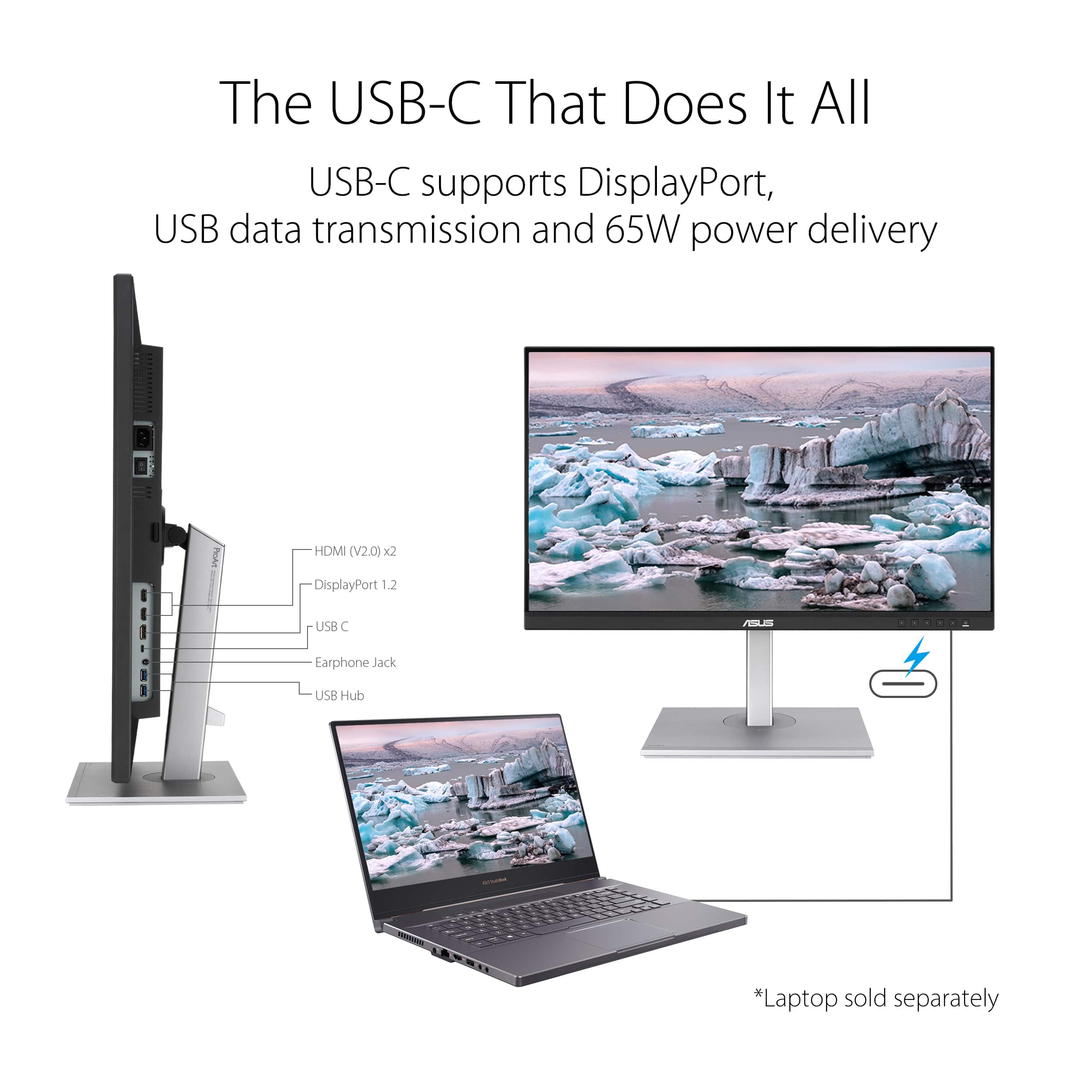
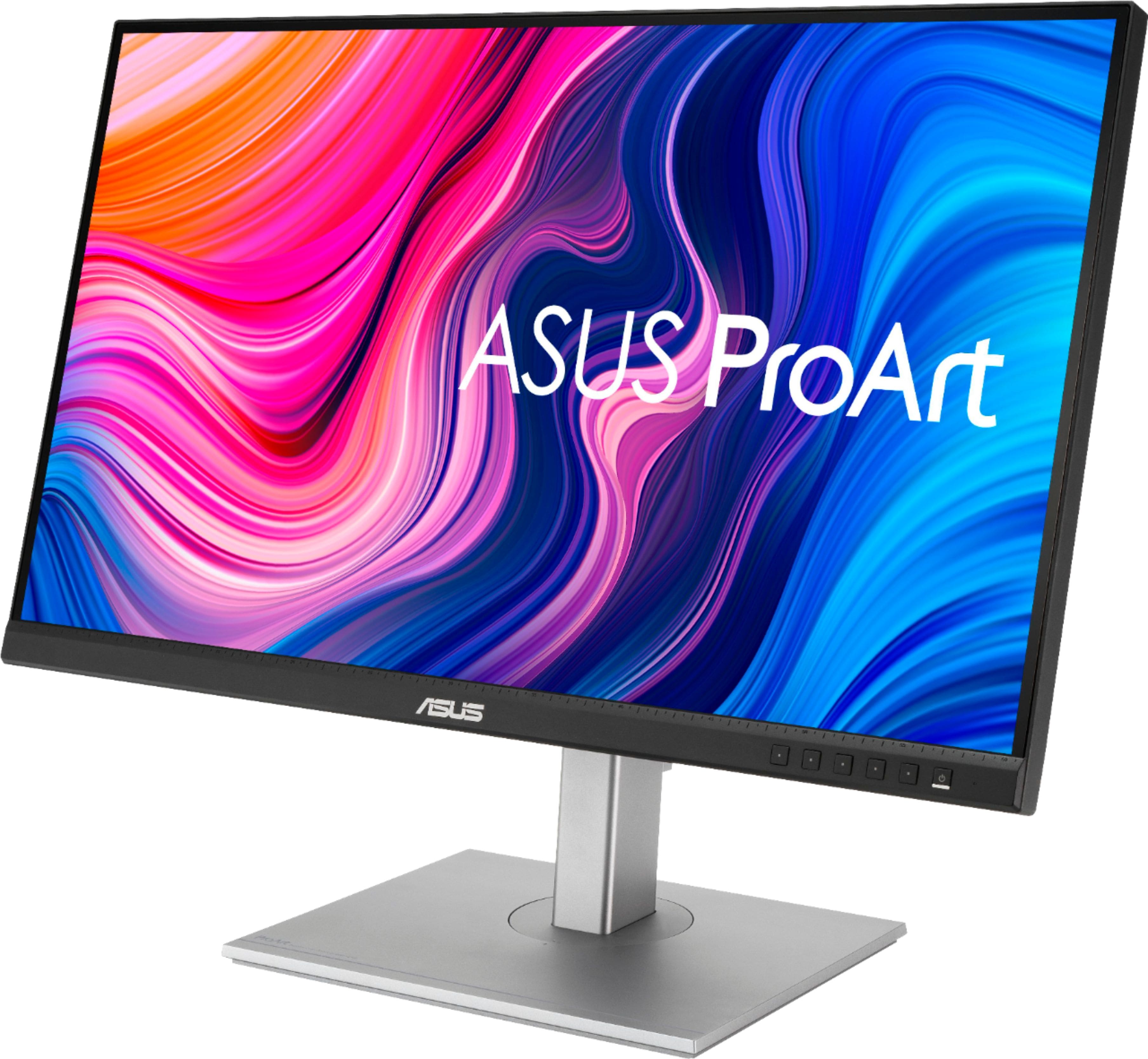
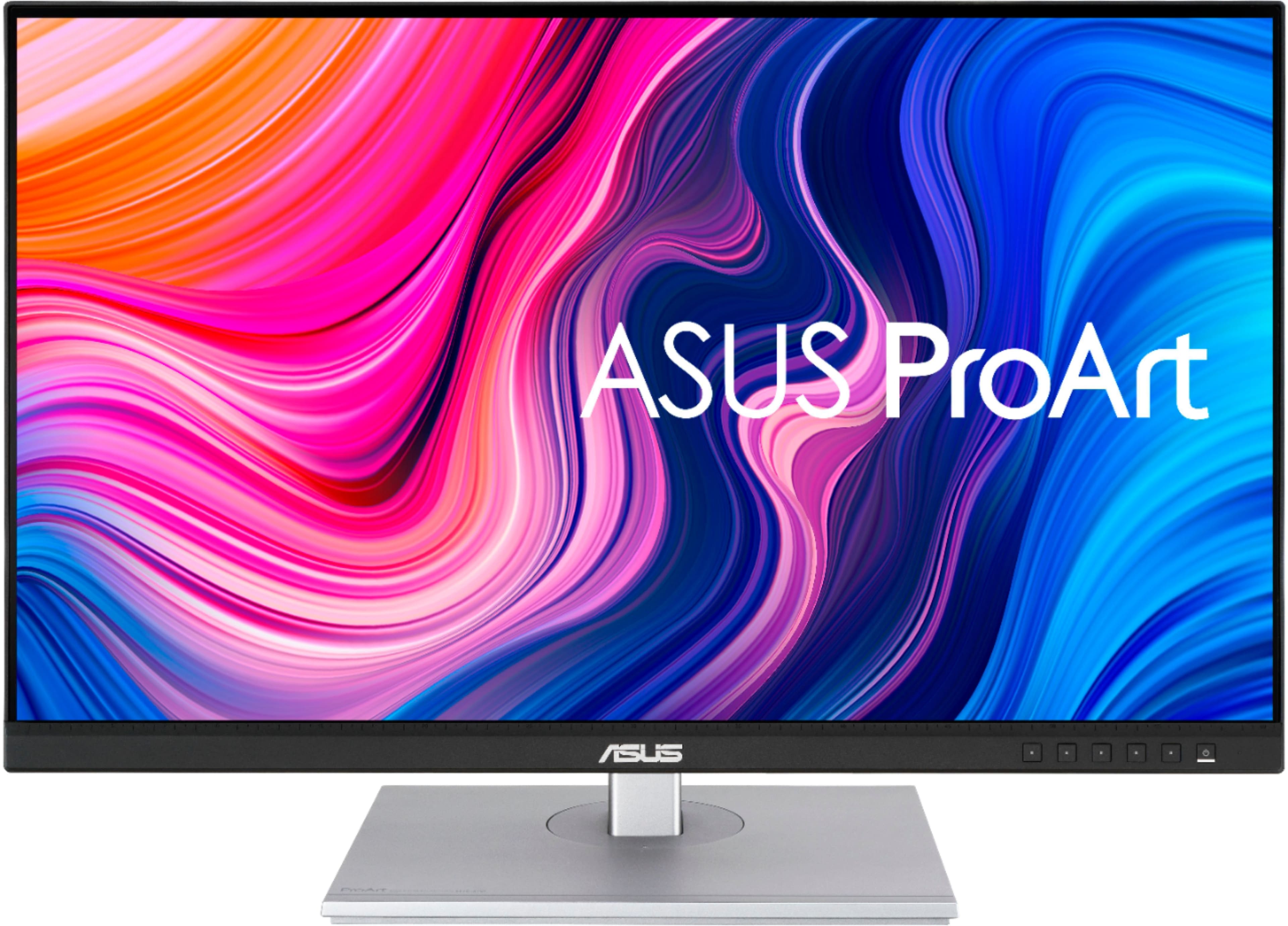
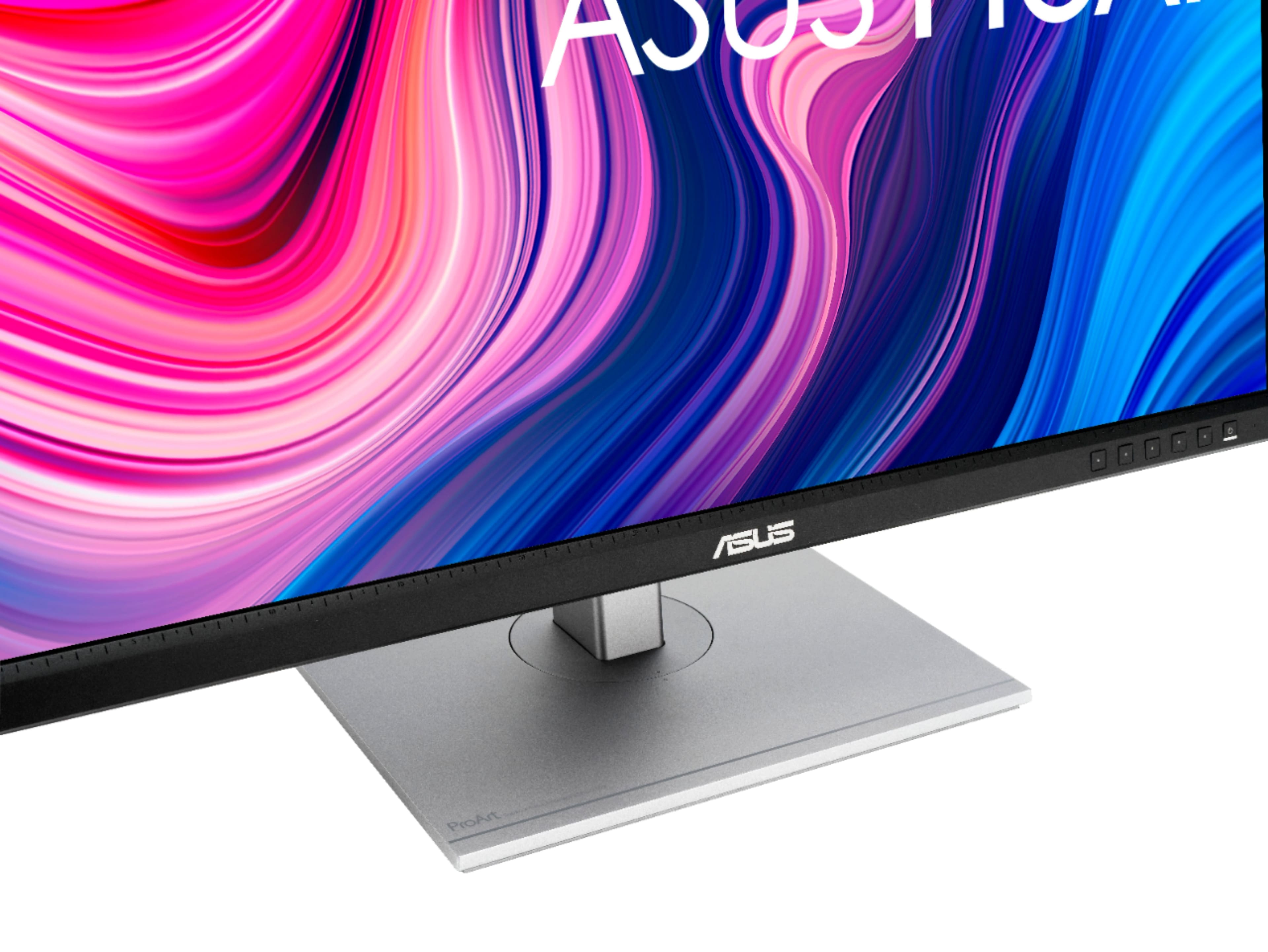
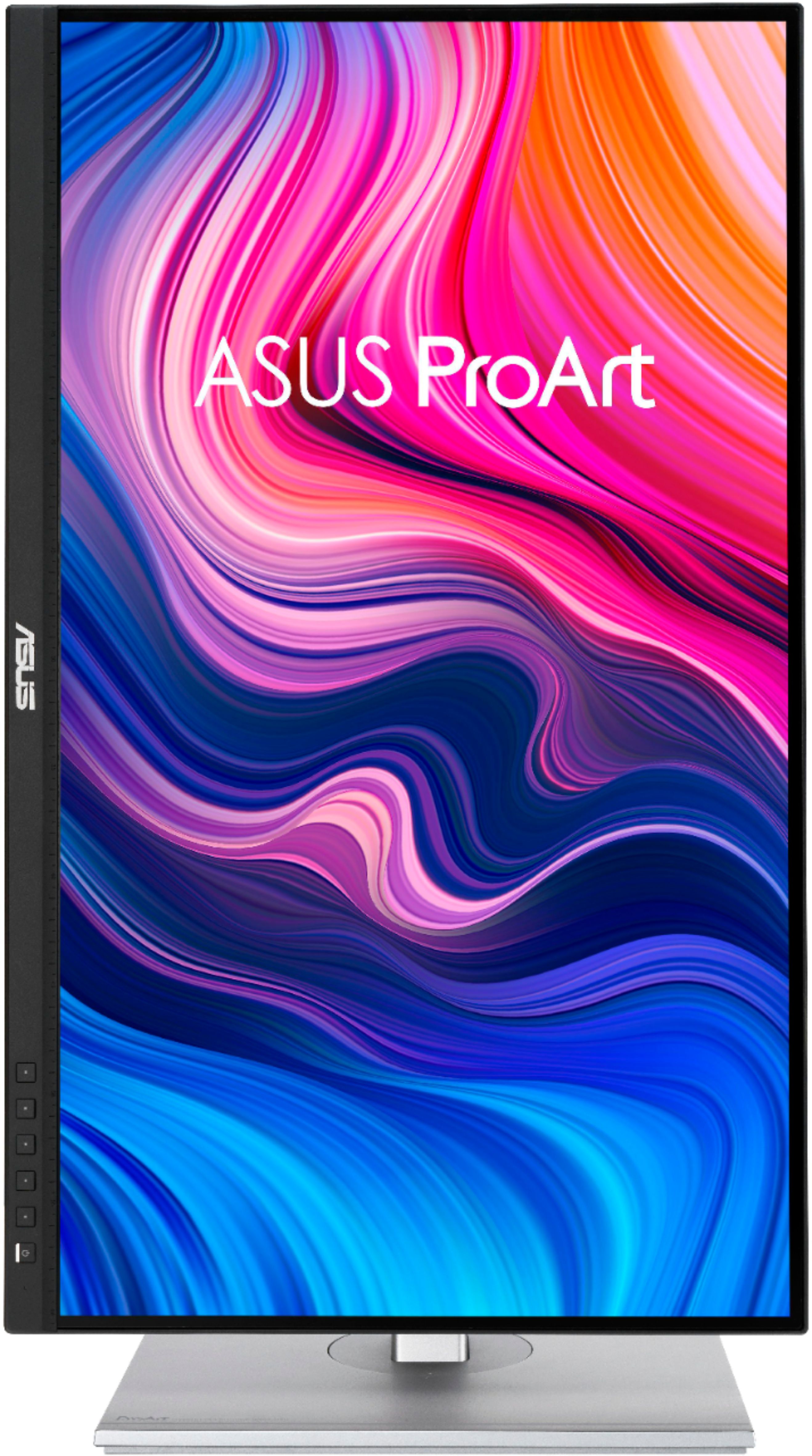
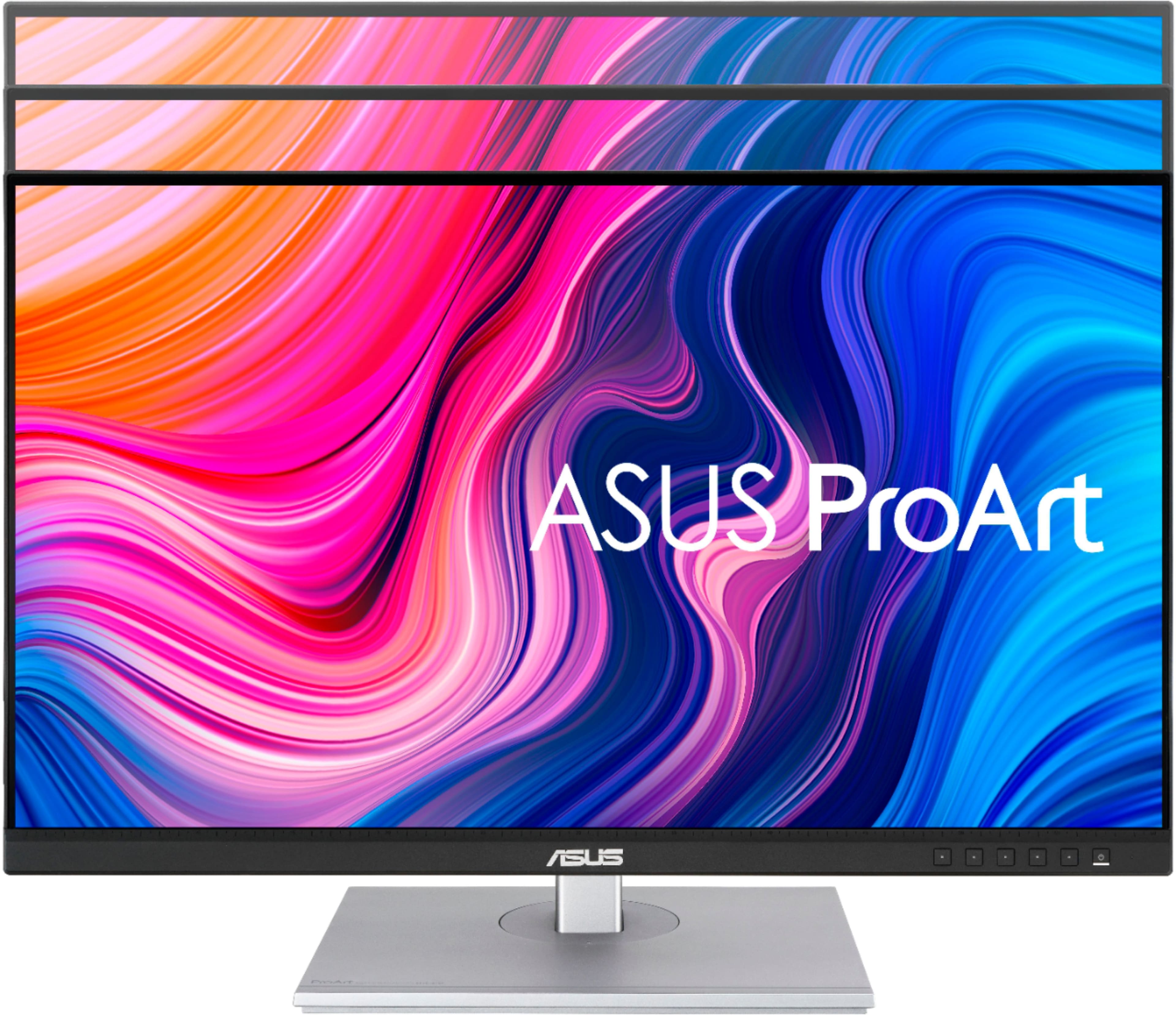
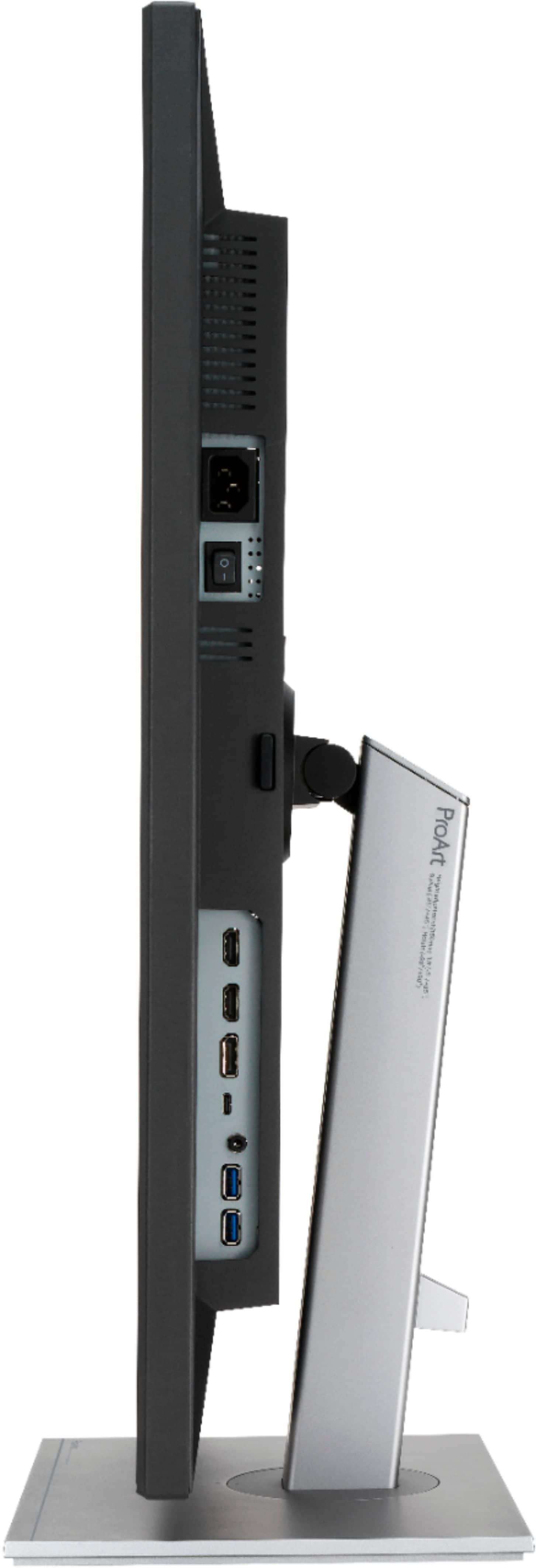
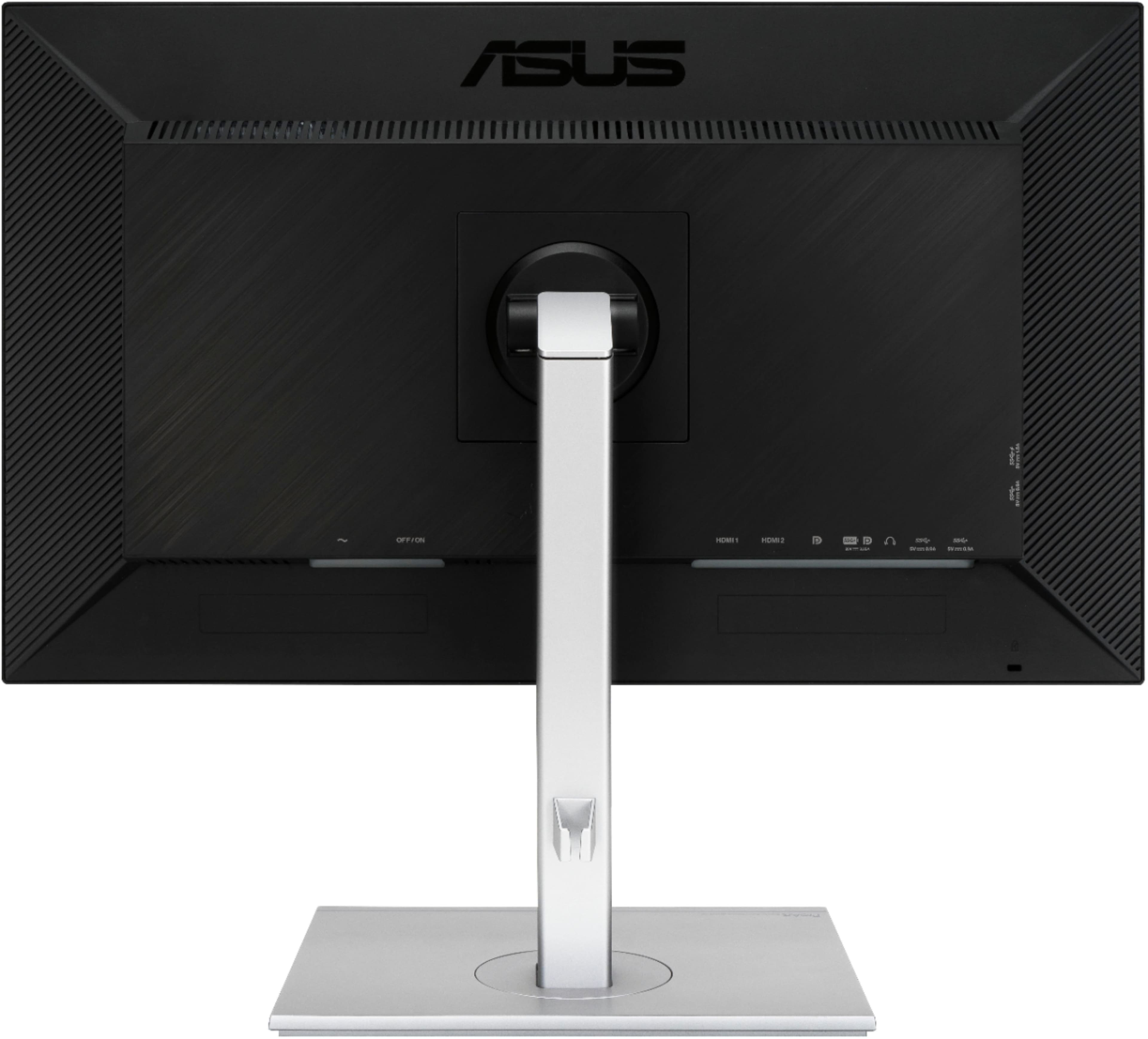
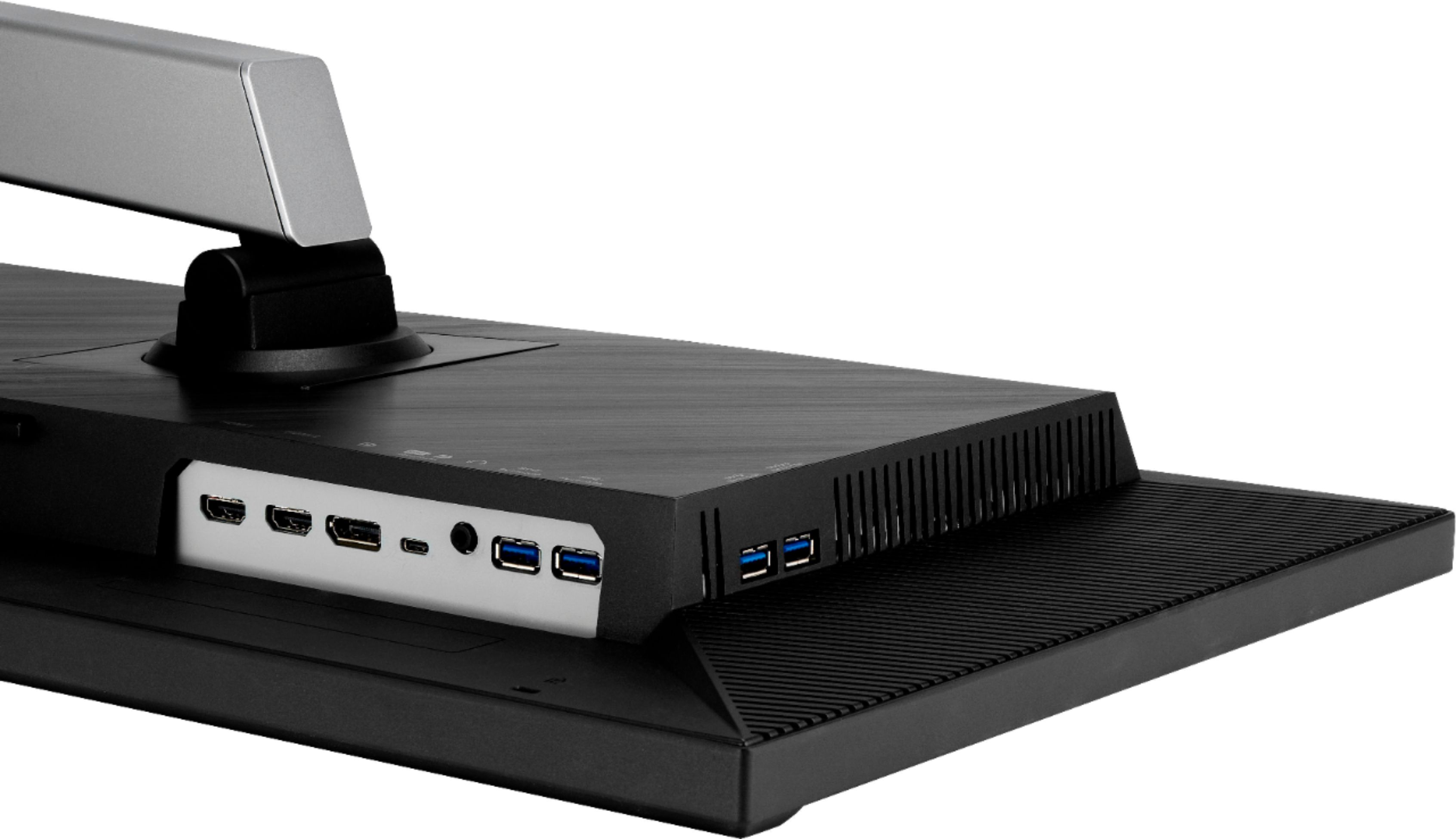
A:Answerchange your input select by pressing on left side next to power button, and it pop up the option for input select by navigating up down option and select what port you connect your monitor (ex. HDMI, Display Port or DP port)
A:AnswerAccording to the following article: https://www.photoreview.com.au/reviews/digital-darkroom-reviews/monitors-digital-darkroom/asus-proart-display-pa279cv-monitor/
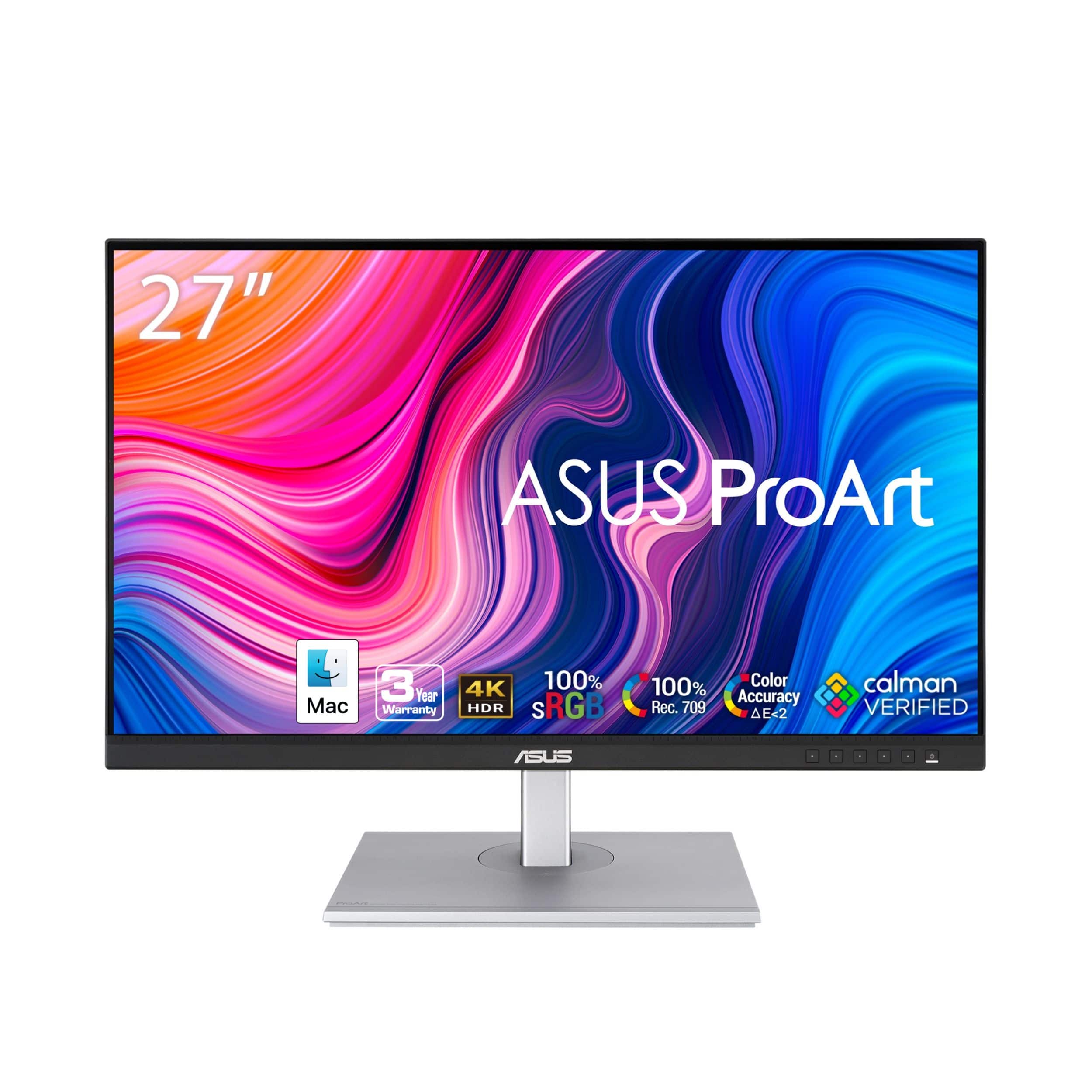
This monitor can handle 100% of sRGB and 80% of AdobeRGB, so no, not quite 100% AdobeRGB.
A:AnswerThe USB-C connection doesn't work; ASUS has a firmware fix that is both complex and does not work. If you want a monitor that works with USB-C, find another option.