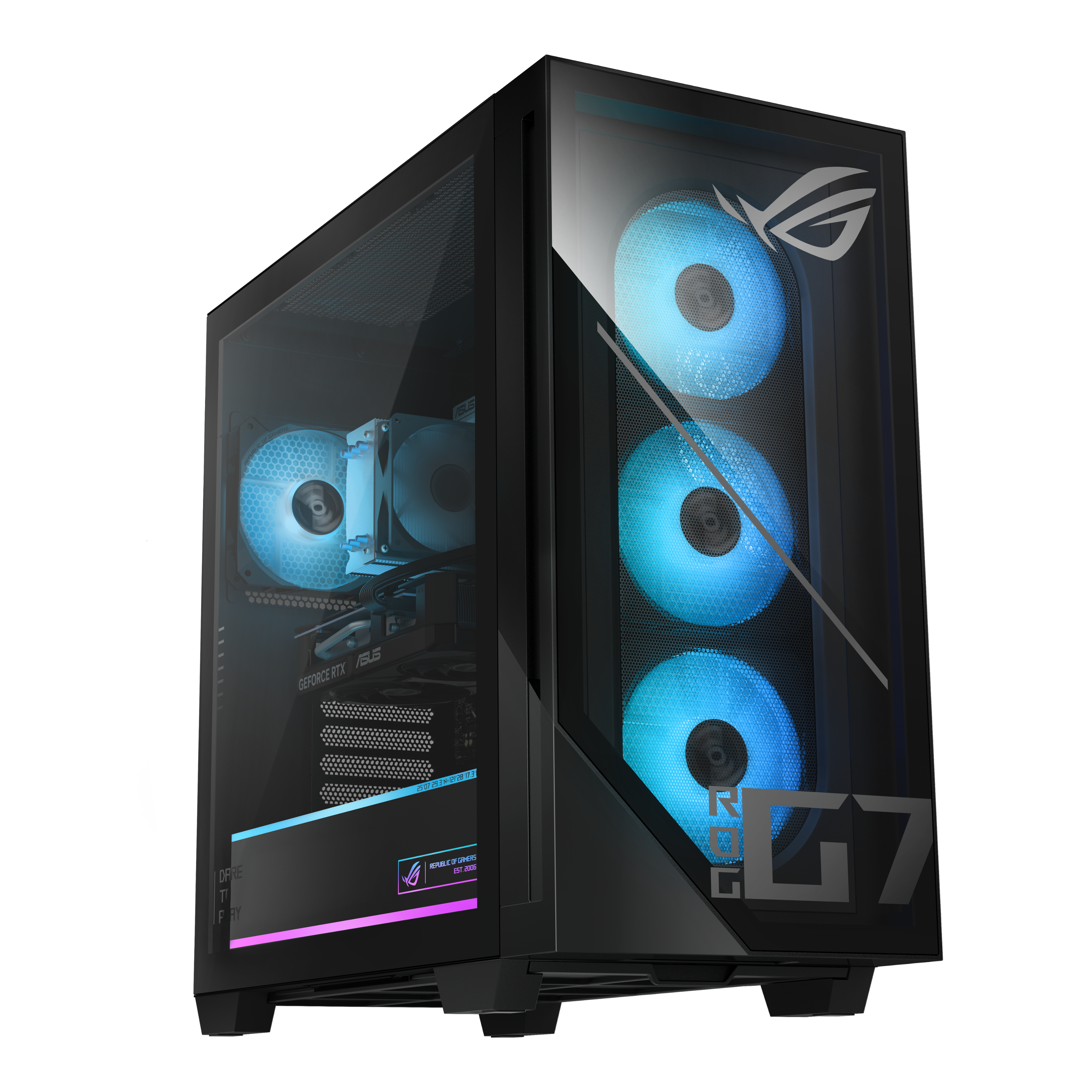
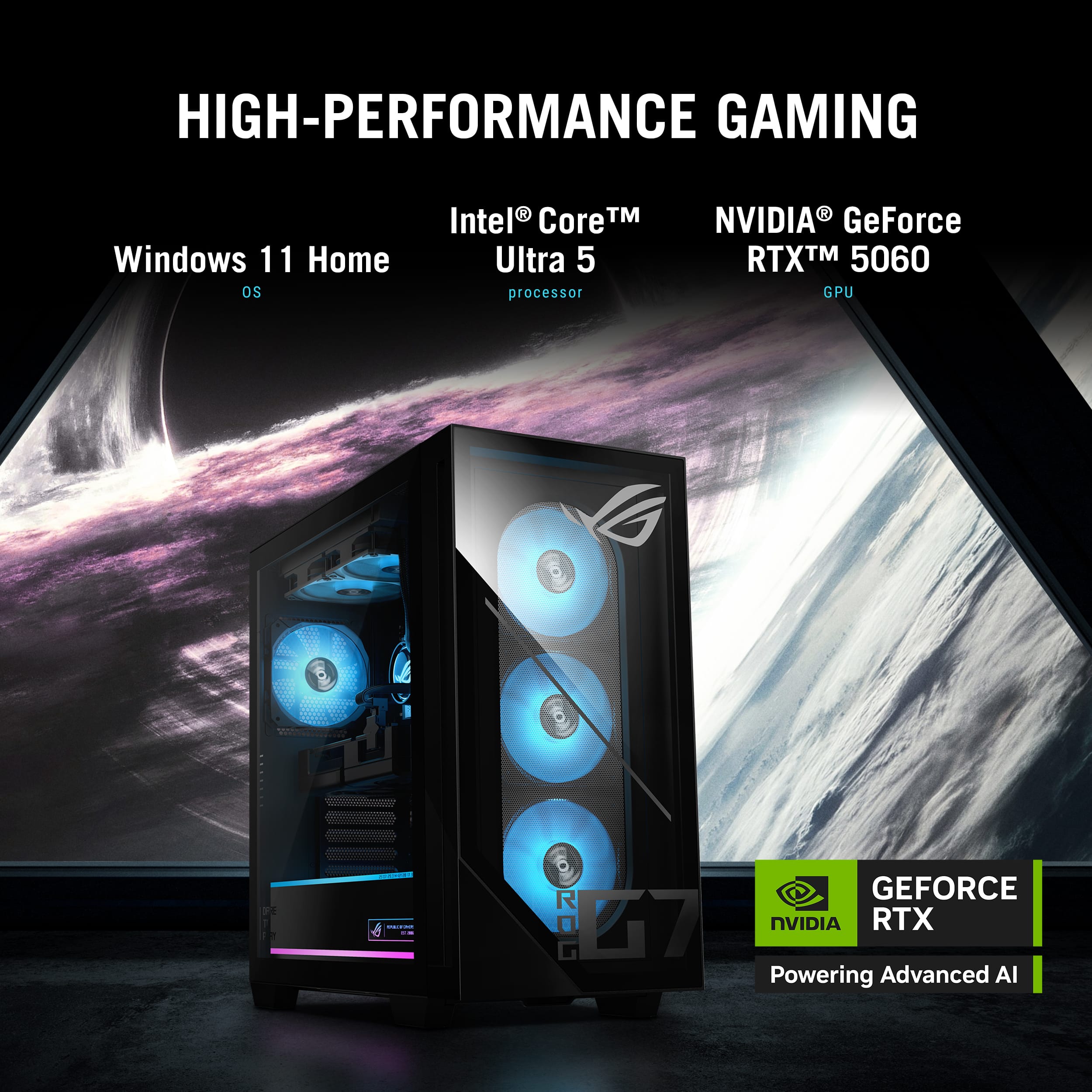
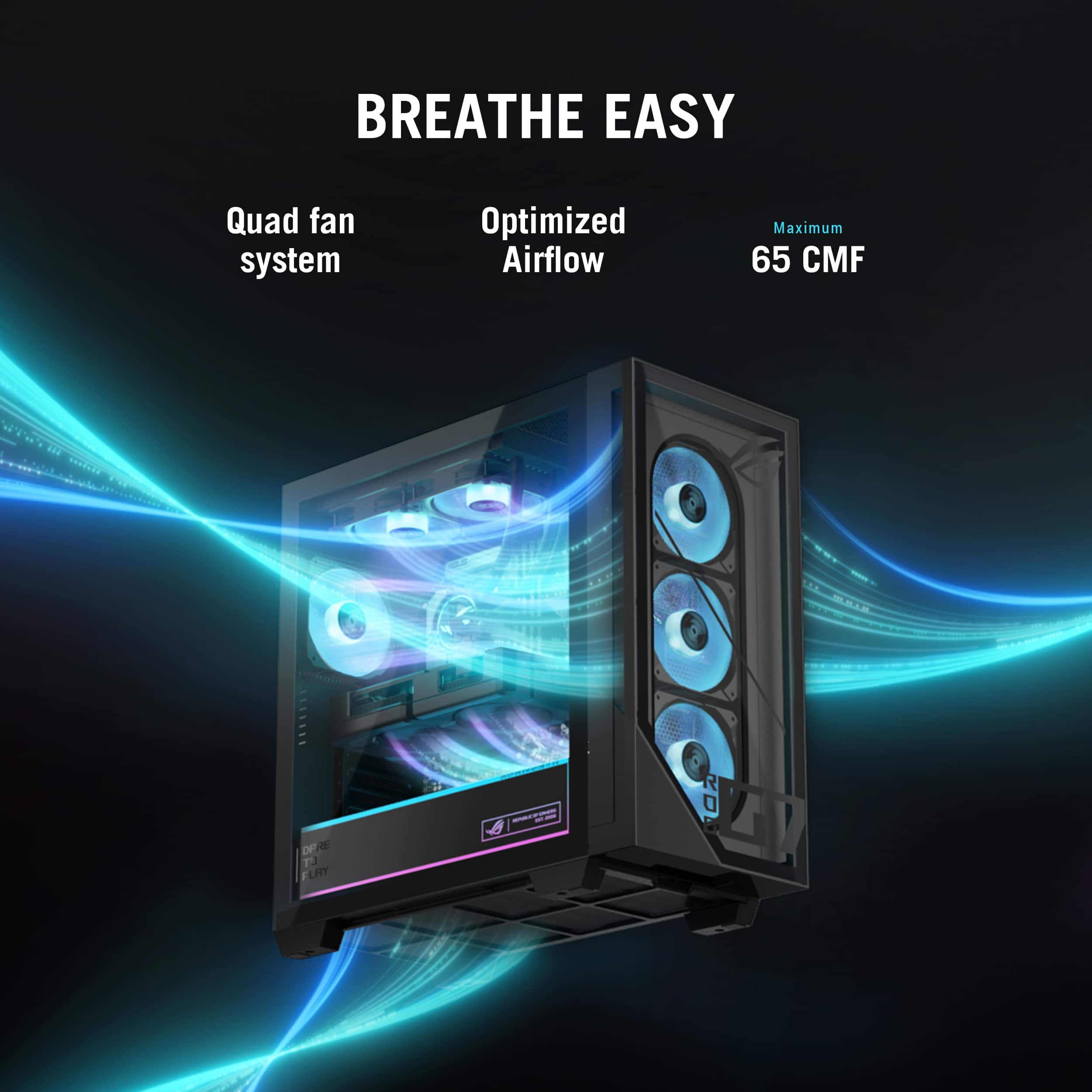
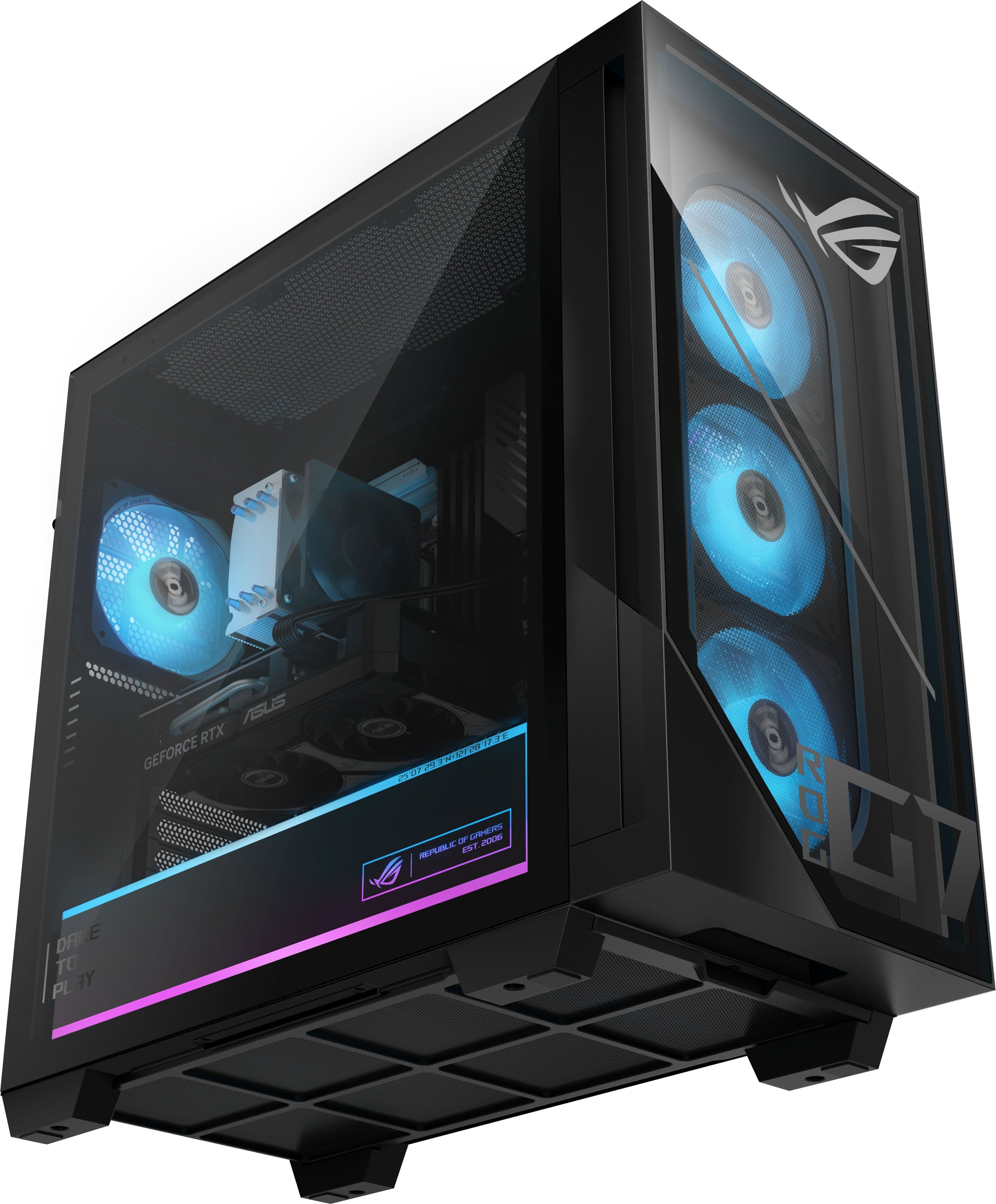
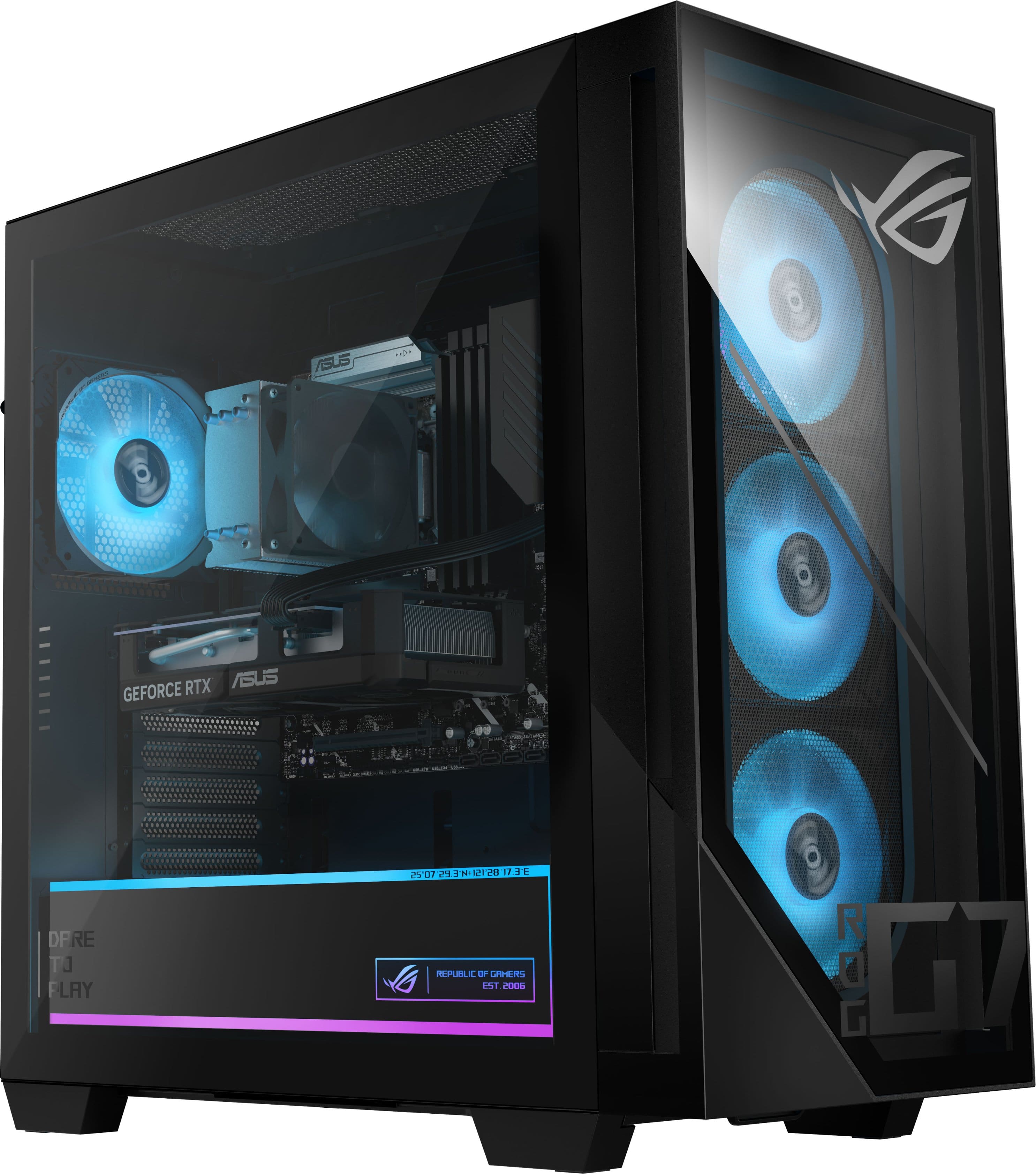
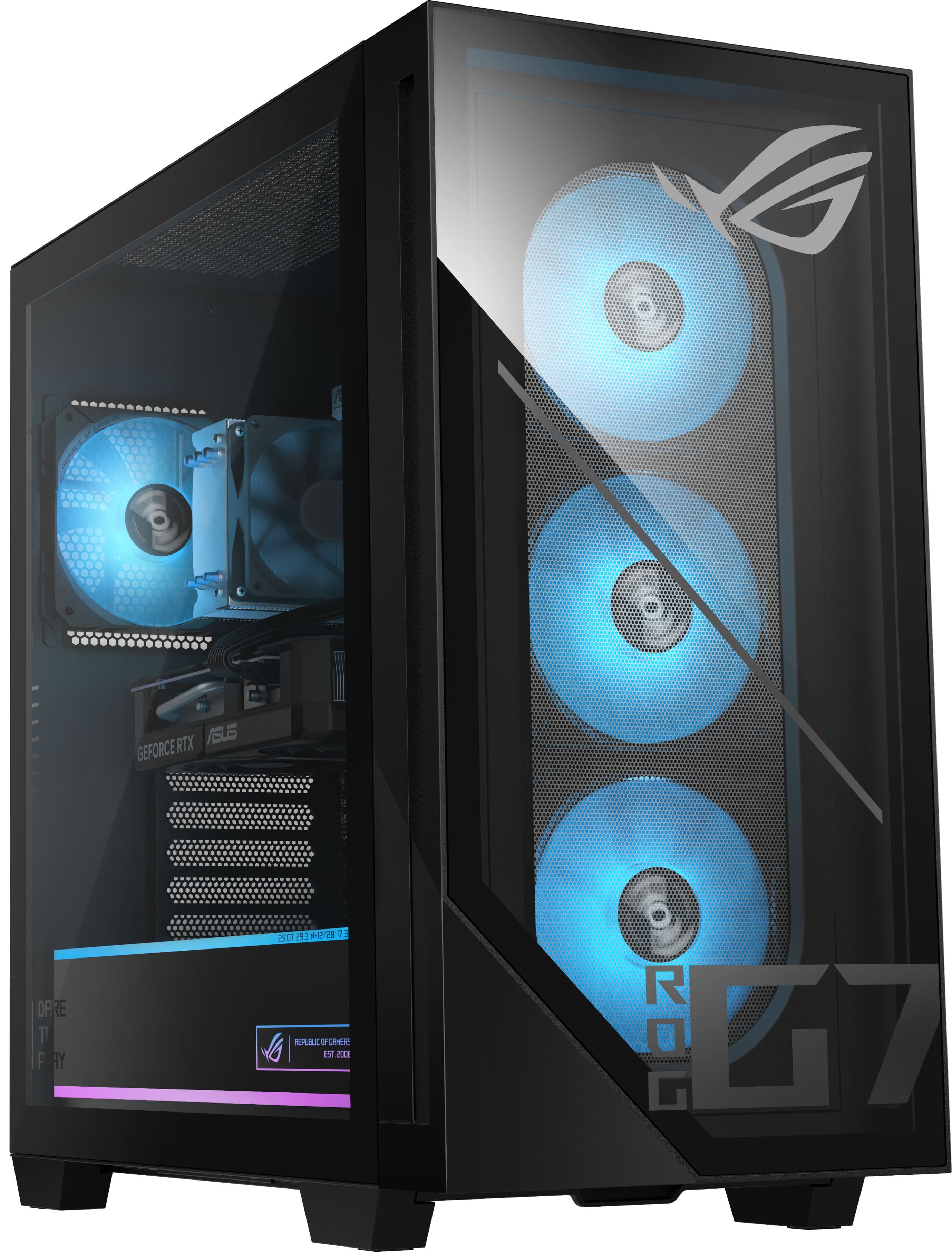
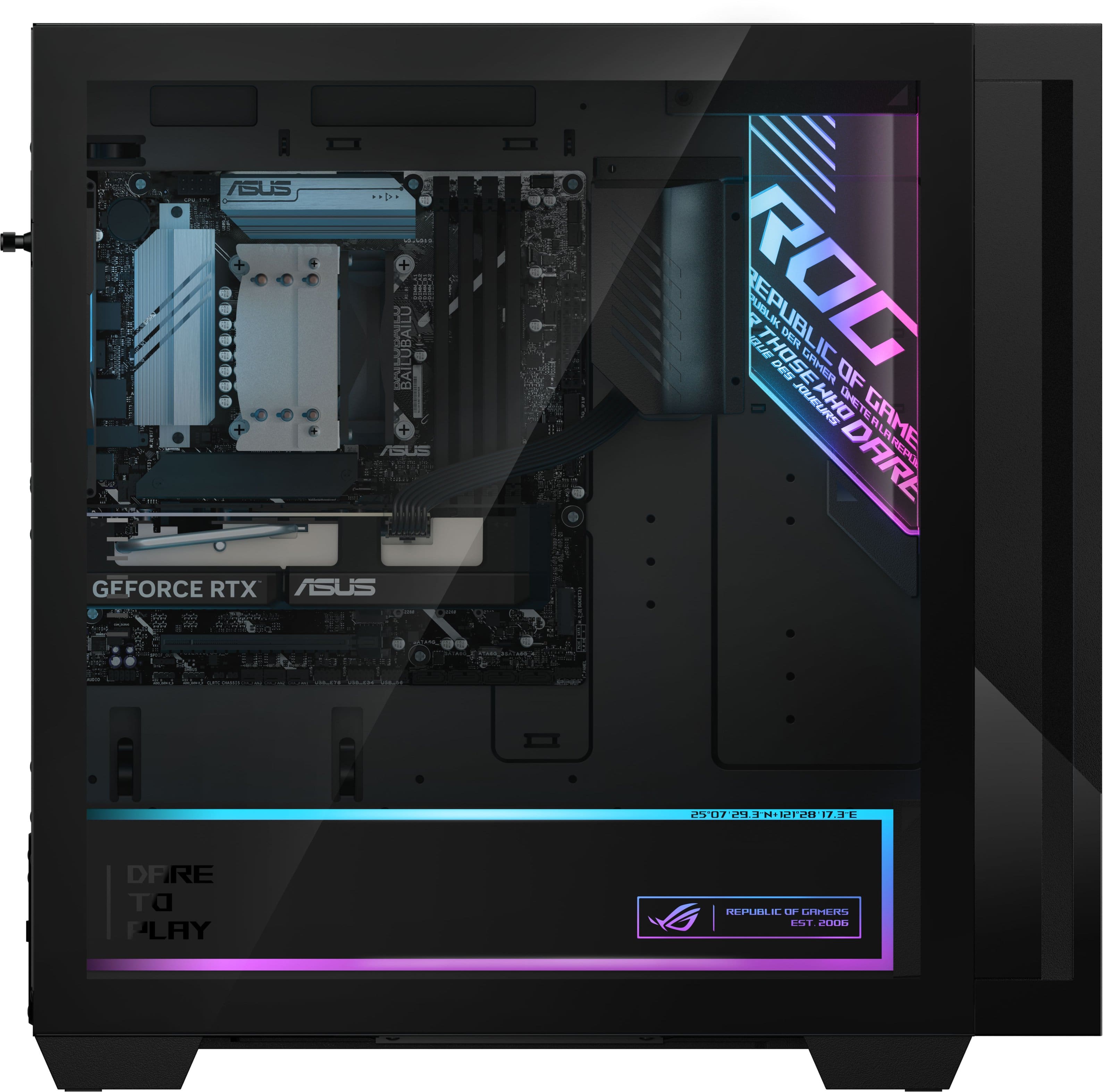
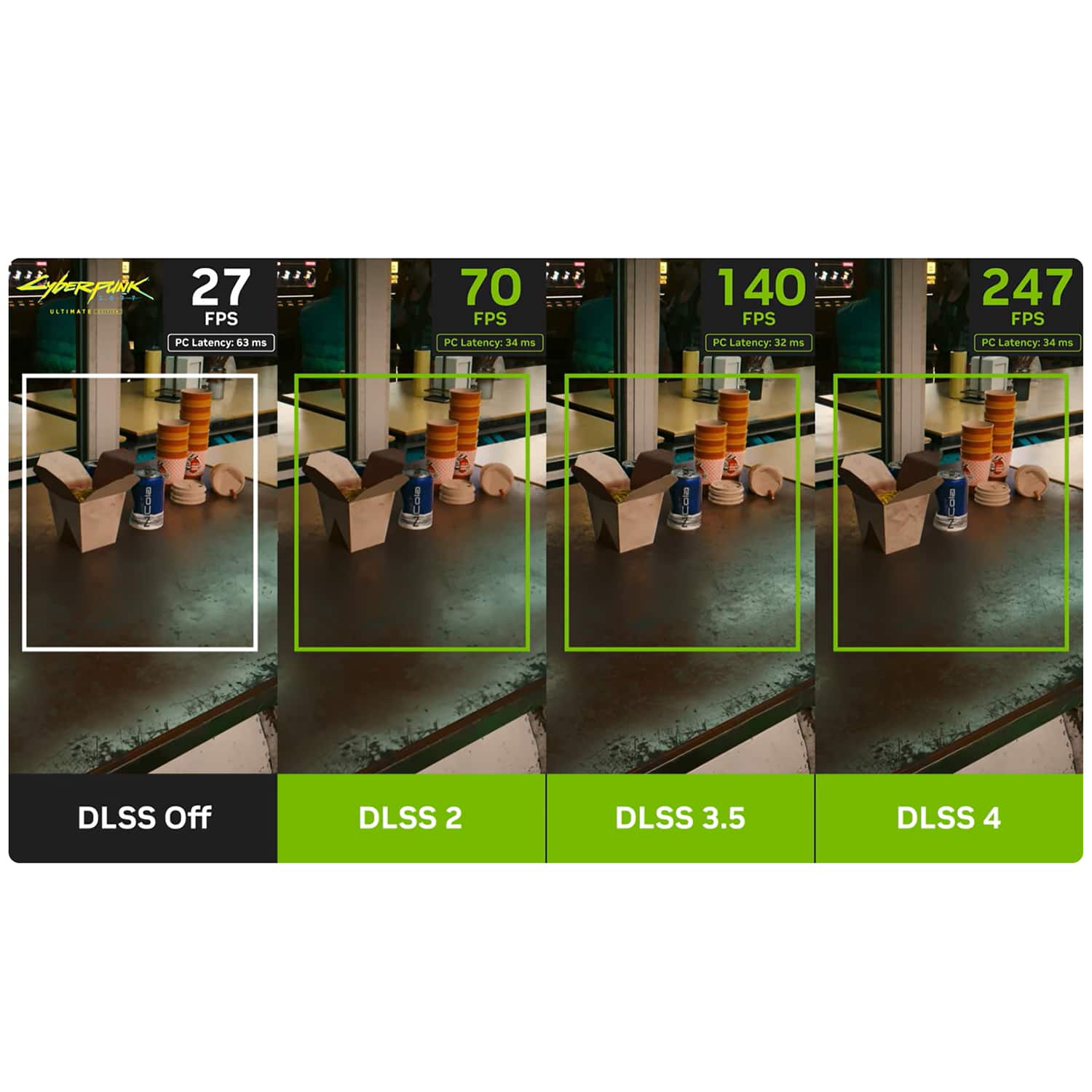
A:AnswerThis ROG G700TF-U5F5060 gaming desktop comes with an Intel Core Ultra 5 225F and an RTX 5060 (8GB) graphics card is capable system for 1080p gaming. While you can play less demanding games at 1440p, you will likely need to adjust graphic settings or rely heavily on DLSS upscaling to maintain smooth, high frame rates.
A:AnswerThe ASUS ROG G700TF gaming desktop available at Best Buy comes bundled with a keyboard and mouse, and these peripherals are included as part of the standard package. They are designed to provide an out‑of‑the‑box experience, so the bundle cannot be modified to exclude them or reduce the overall cost.
A:AnswerThe ROG G700TF Desktop PC does not have a built-in display resolution. The resolution is determined entirely by the external monitor. It is designed for high-end gaming and is fully capable of outputting at resolutions from 1080p (FHD) up to 4K (UHD) with the Nvidia GeForce RTX 5060 GPU.
A:AnswerThe dimensions of the ROG G700 (G700TF) are as follows: 24.00 x 50.92 x 47.96 cm (9.45" x 20.05" x 18.88") - Not including chassis feet and GPU bracket.
A:AnswerPlease follow the steps found in the following FAQs to troubleshoot the issue:
Troubleshooting - Device Boot Failure or No Display After Boot (Black Screen) - https://www.asus.com/support/faq/1014276/
No Display Upon Power On, but Power Indicator Light is On - https://www.asus.com/support/faq/1050298/
A:AnswerThe ASUS ROG G700TF PC comes with 4 DDR5 memory slots. Depending on the exact pre-built model you buy, it typically ships with either 2 sticks of RAM (e.g., 32GB as two 16GB sticks) or just 1 stick of RAM (e.g., 16GB as a single 16GB stick).
A:AnswerYes, this Desktop PC can use CL30 RAM stick. It uses DDR5 U-DIMM memory. CL(CAS Latency) settings are generally tied to specific operating speeds, your RAM will adjust to the corresponding JEDEC profile or run at your XMP/EXPO target speed.
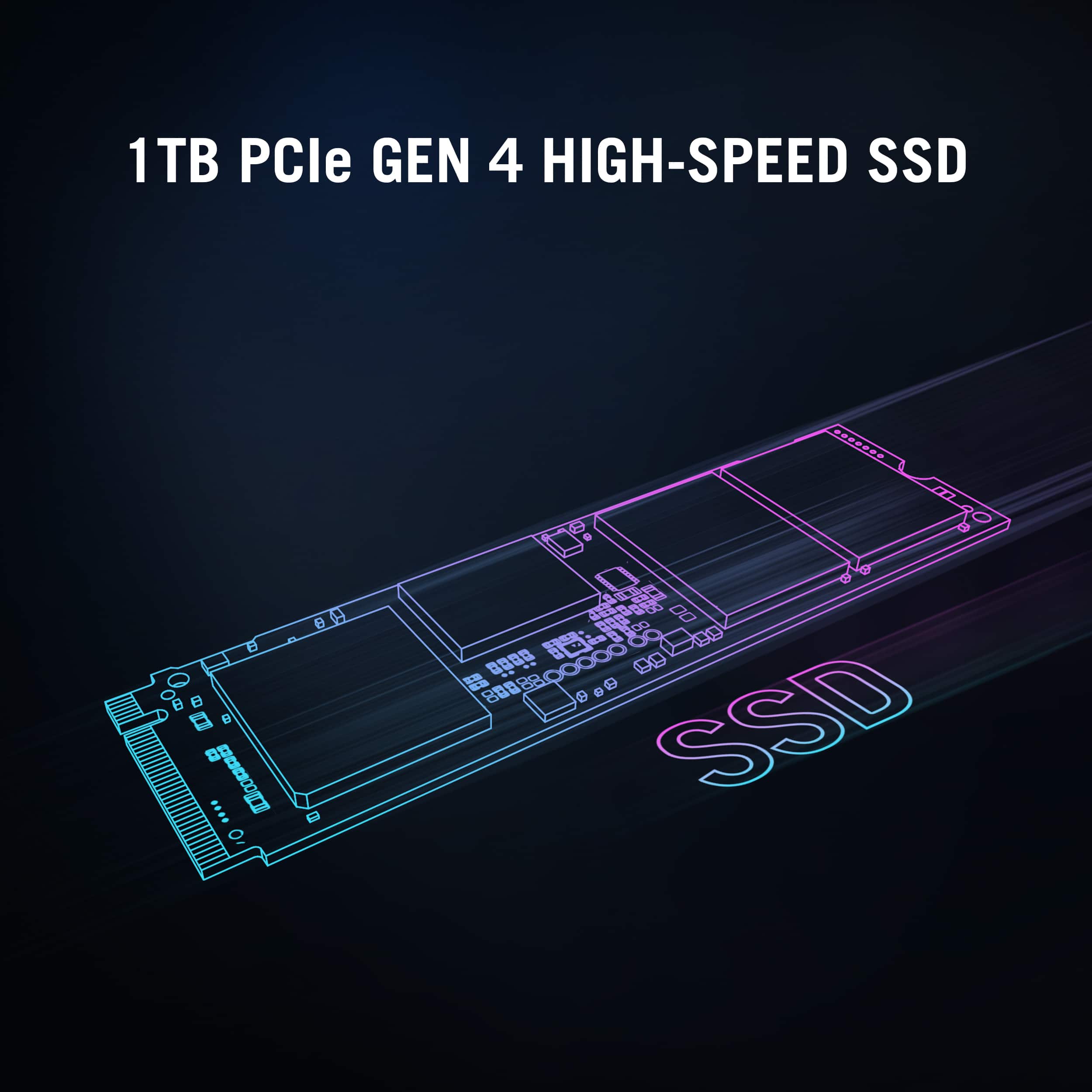
A:AnswerThe ASUS ROG G700TF Gaming Desktop supports two M.2 SSDs, allowing you to add another NVMe drive alongside the existing one. In addition, it includes two internal 2.5" bays for SATA SSDs or HDDs, giving you even more flexibility for storage expansion.
A:AnswerThis Desktop PC is preinstalled with 16GB of DDR5 5600MHz U-DIMM RAM module and comes as a single 16 GB stick in this specific budget configuration. Since we(ASUS) frequently sources standard PC parts from various suppliers, the exact brand can vary depending on your specific production batch.
A:AnswerThe ASUS ROG G700TF gaming desktop is fully equipped to support both the NVIDIA GeForce RTX 5070 and RTX 5070 Ti. It comes with an RTX 5070 by default, and its chassis, power supply, and PCIe slots are designed to accommodate triple‑slot, next‑generation GPUs, including Ti variants.
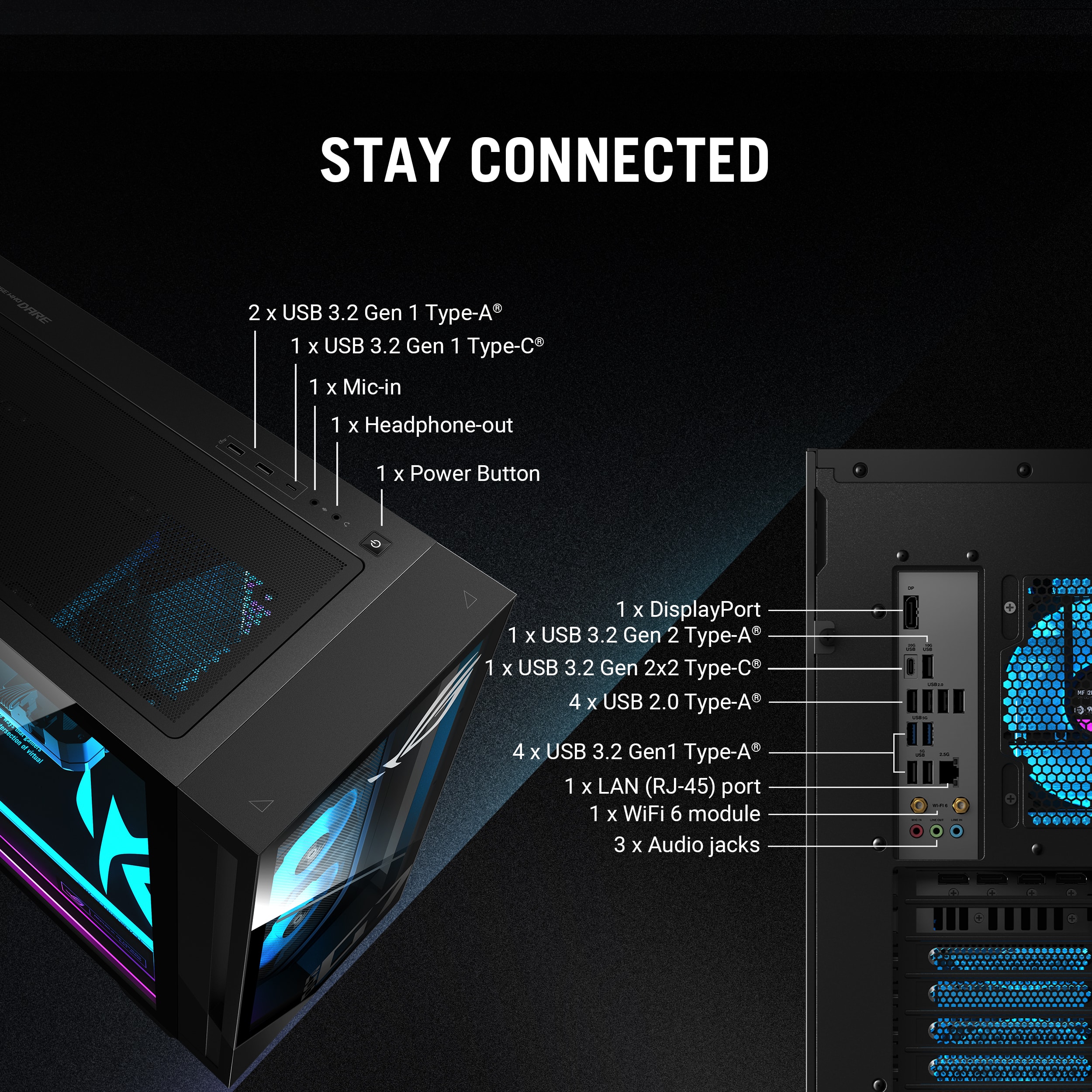
A:AnswerYes, the ASUS ROG G700TF Gaming Desktop desktop supports dual‑monitor setups. It includes HDMI and DisplayPort outputs, so you can connect two displays at the same time.
A:AnswerTo resolve the issue, unplug the mouse and plug it into a different USB port on the back of your PC. Avoid using USB hubs. Uninstall the driver in the Device Manager. Go down to Mice and other pointing devices, find your mouse, and select Uninstall device. Restart your PC.