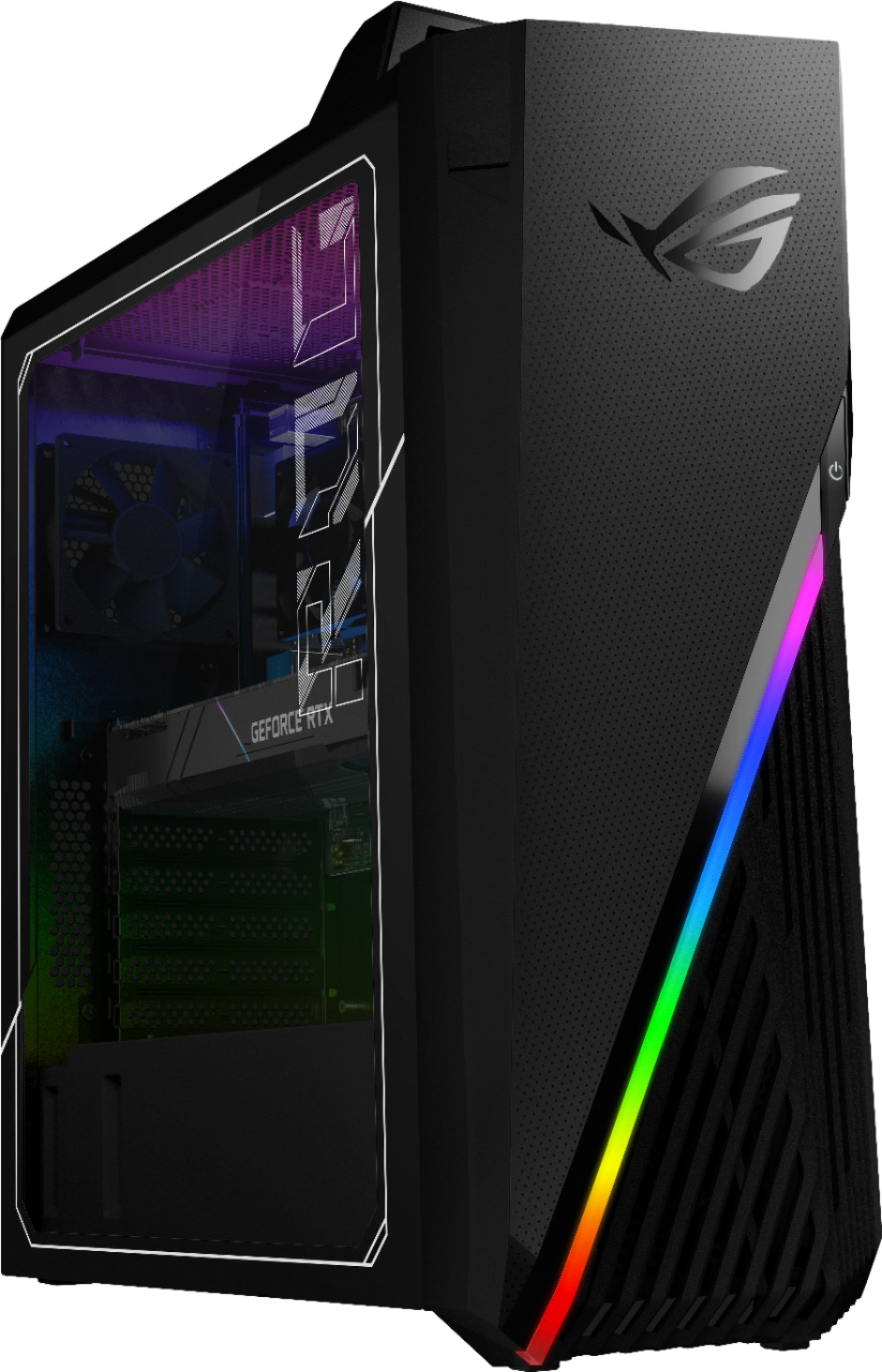
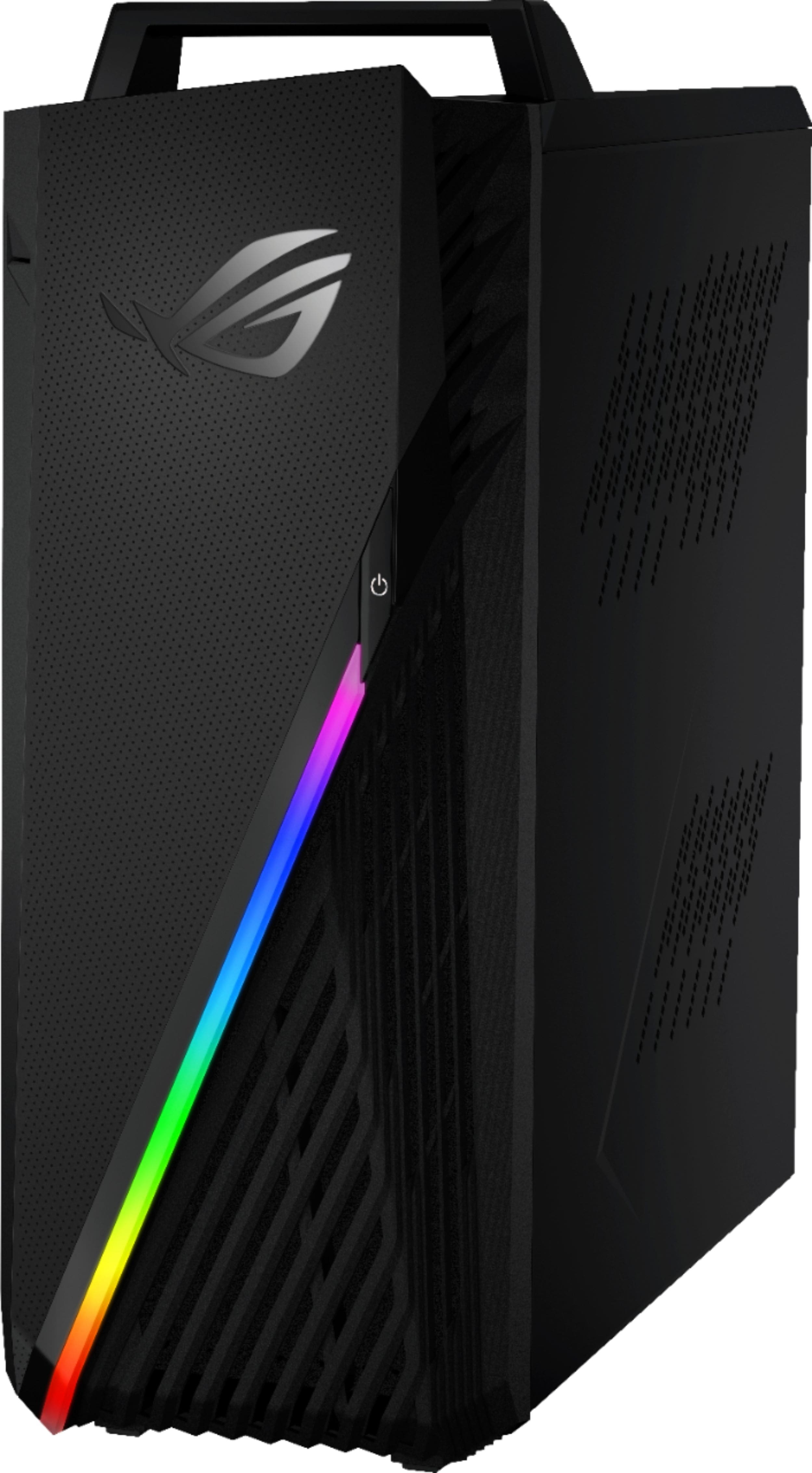
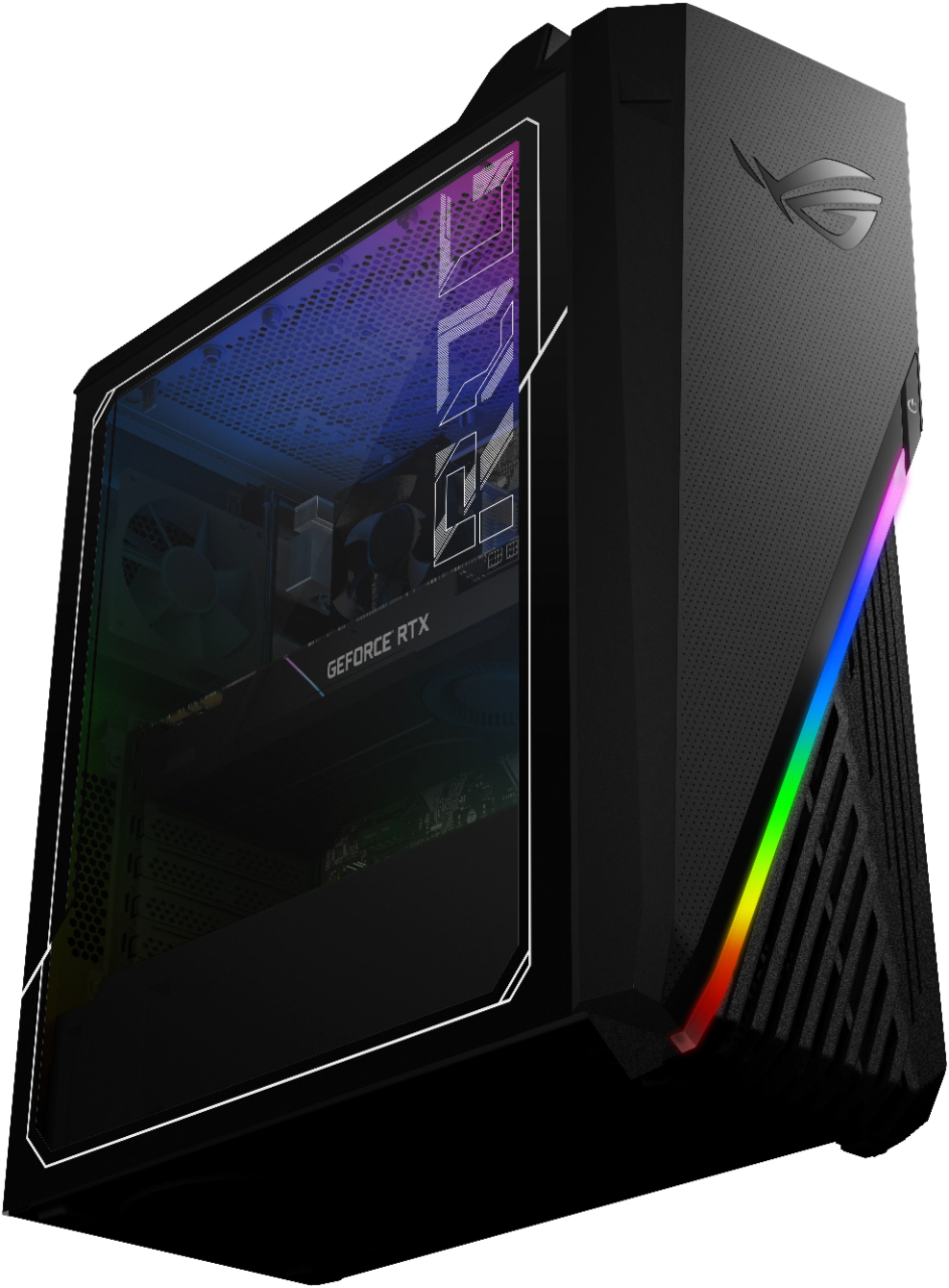
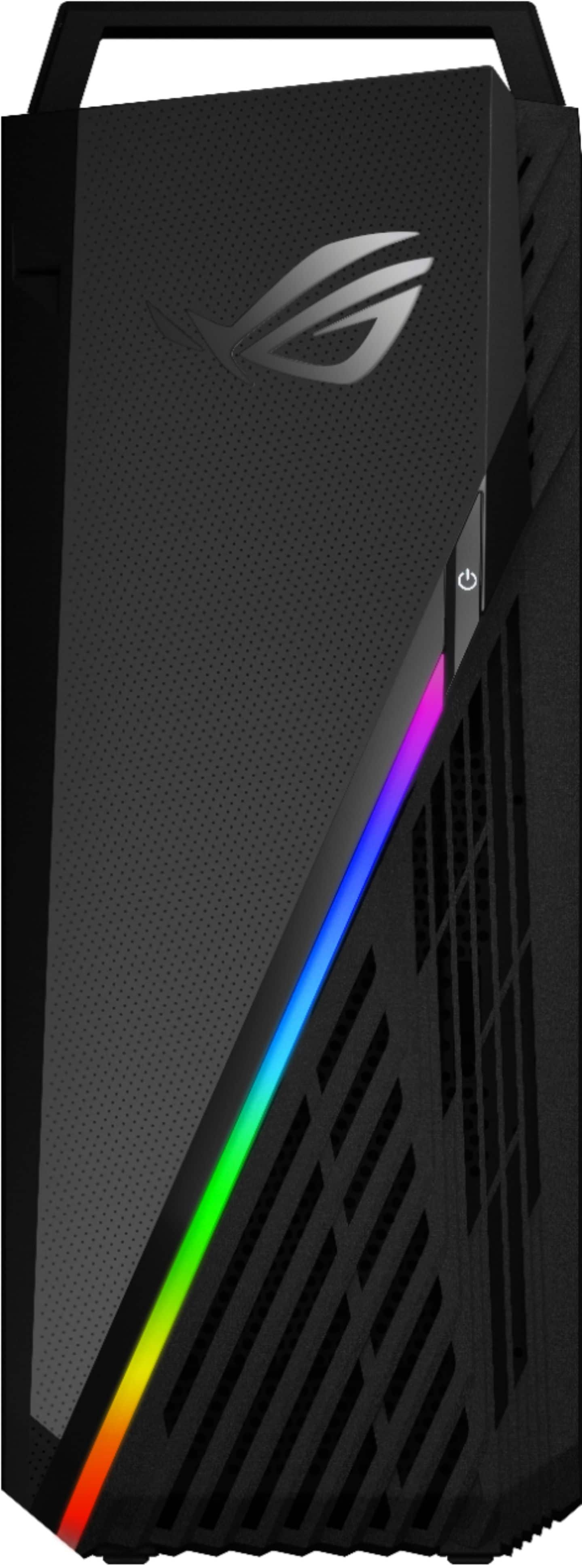
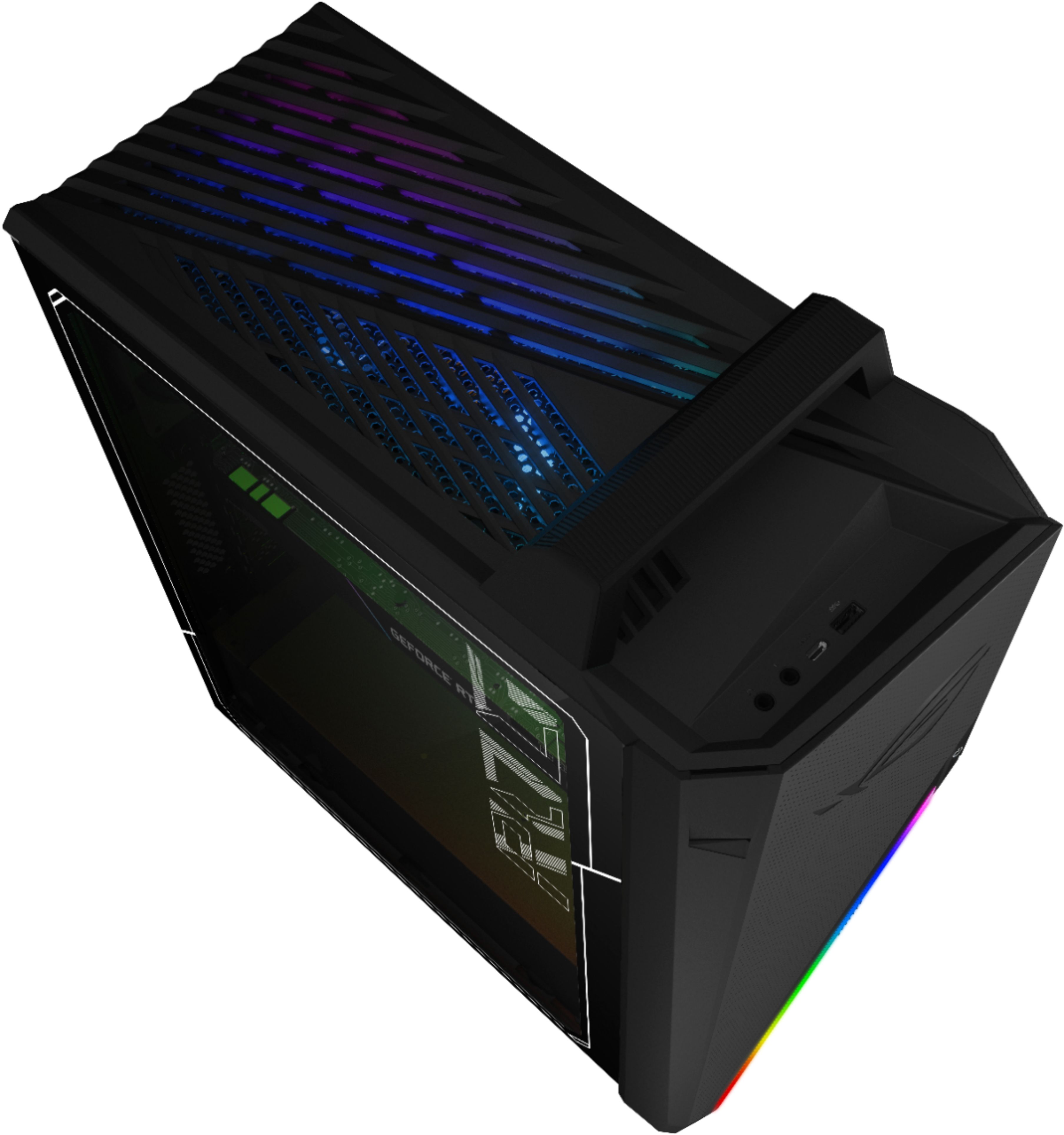
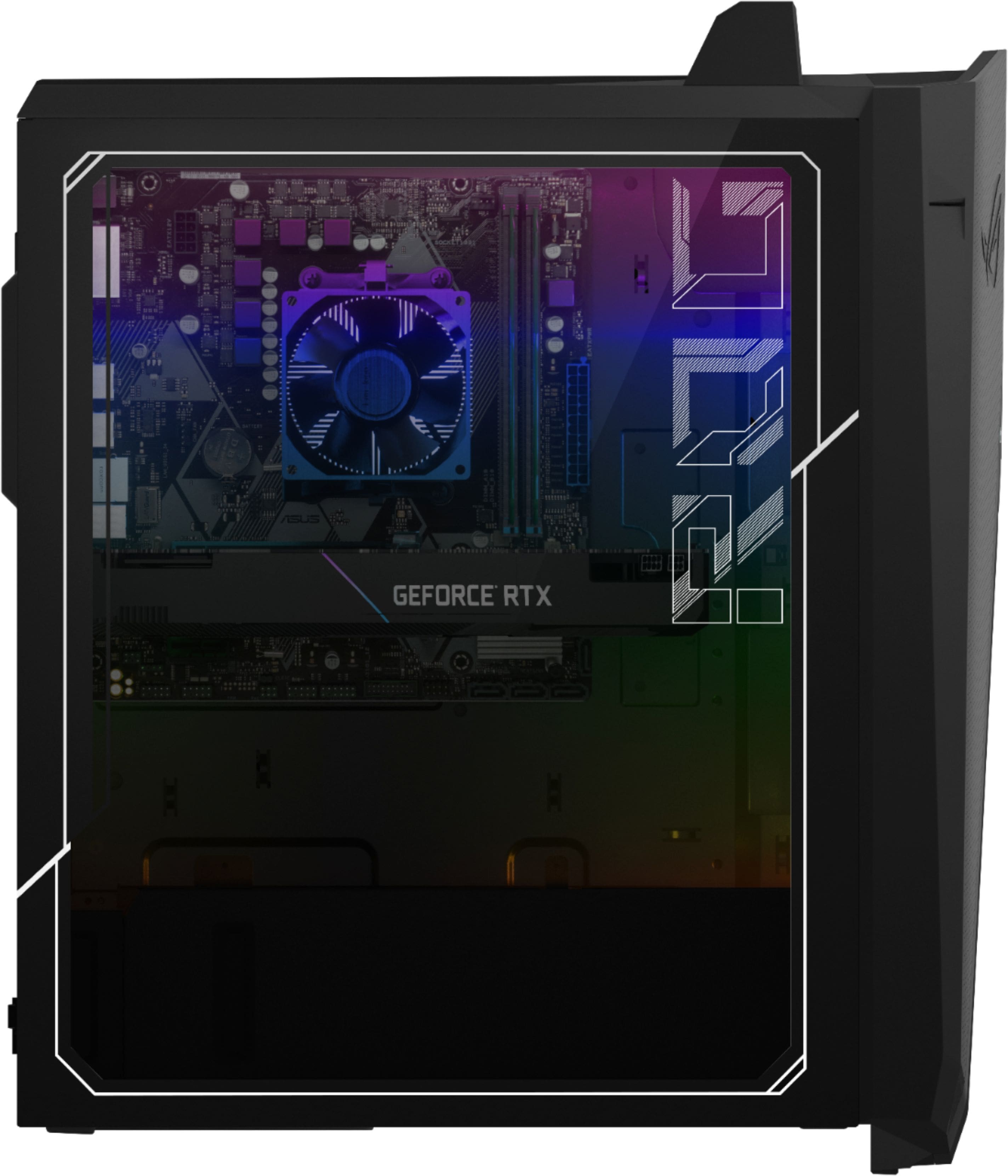
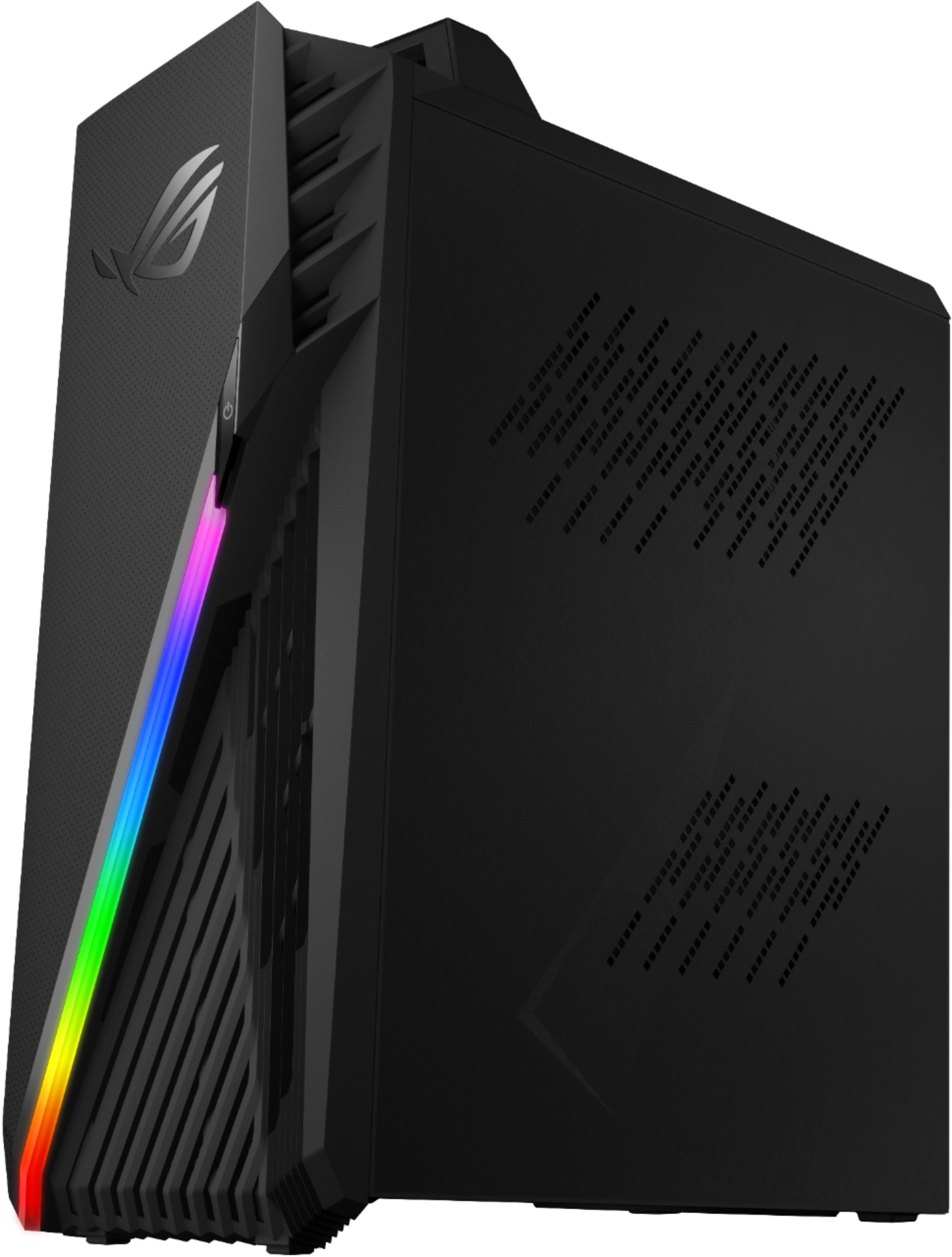
A:AnswerThe desktop PC is a complete and fully-configured system that can handle power-hungry game and applications, without the need of upgrade. ASUS doesn't provide hardware customization or hardware upgrade support. The 1TB hardrive can easily be connected to the USB port using a hardrive enclosure.
A:AnswerFor troubleshooting help, please reach out to ASUS Support either by phone, chat, or email. https://www.asus.com/support/ You can also find us on Twitter @AsusHelpUS.
A:AnswerUnlikely. There is no M.2 slot on the board, and the drive cage is stuff with cabling. You could untangle the cable mess, put it inside the case, then get another drive in there but ... good luck with that. The case is honestly too small in general for this rig unless you are only going to use it stock and nothing else.
A:AnswerFor configuration/upgrade help, please reach out to ASUS Support either by phone, chat, or email. https://www.asus.com/support/ You can also find us on Twitter @AsusHelpUS.
A:AnswerFor upgrade and troubleshooting help, please reach out to ASUS Support either by phone, chat, or email. https://www.asus.com/support/ You can also find us on Twitter @AsusHelpUS.
A:AnswerThe desktop computer is a fully-configured, complete system that can handle any power-hungry game or application, without compromising system speed or performance. ASUS doesn't provide hardware upgrade support.
A:AnswerIt is located directly on the motherboard. For troubleshooting help, please reach out to ASUS Support either by phone, chat, or email. https://www.asus.com/support/ You can also find us on Twitter @AsusHelpUS.
A:AnswerNo. The reason why is because i did the same thing using an extra ddr4 ram stick i had, it didn’t even read it into its system, as if i didnt put it in at all. Not only that, but there’s only 2 slots not 4.