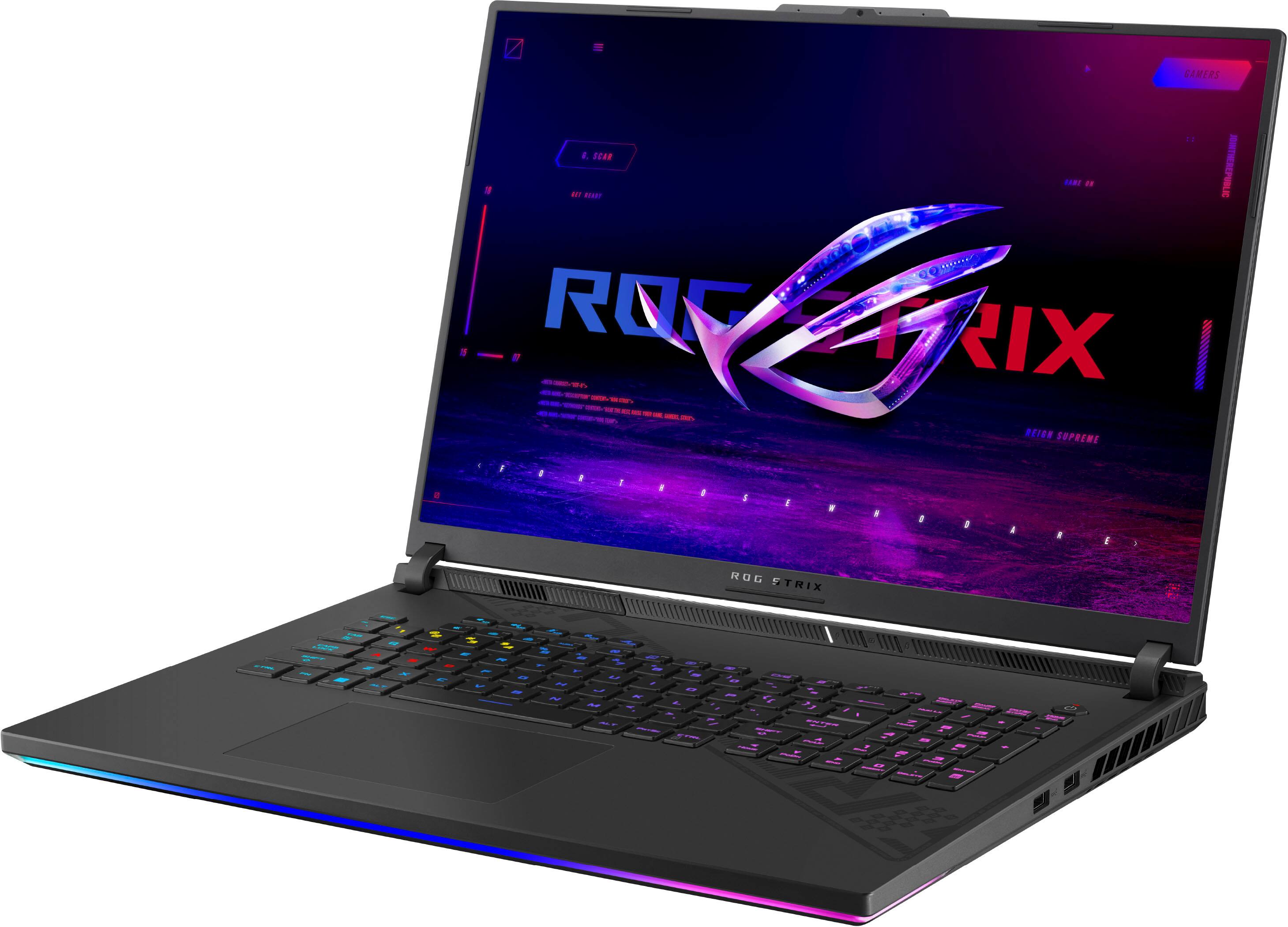
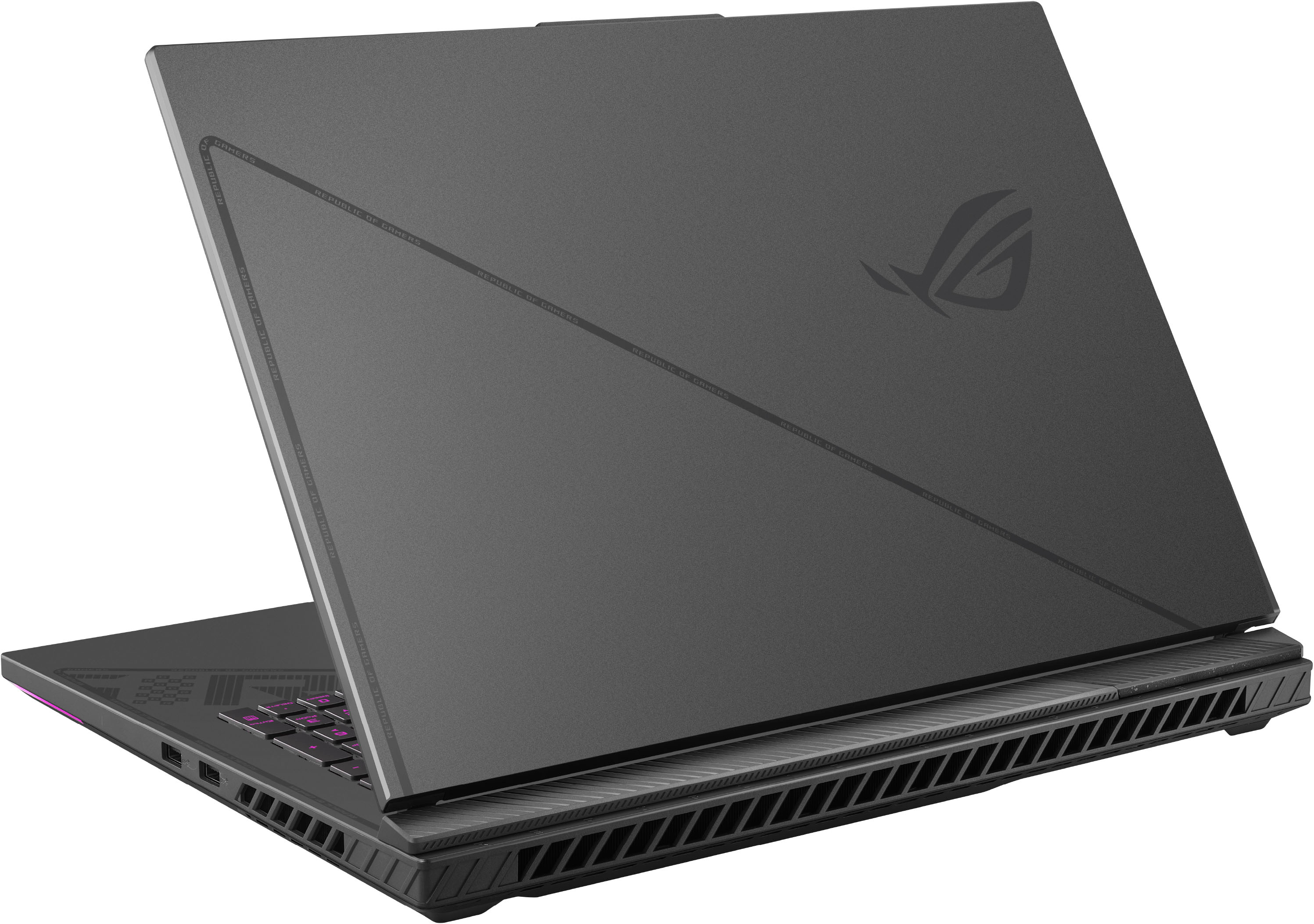
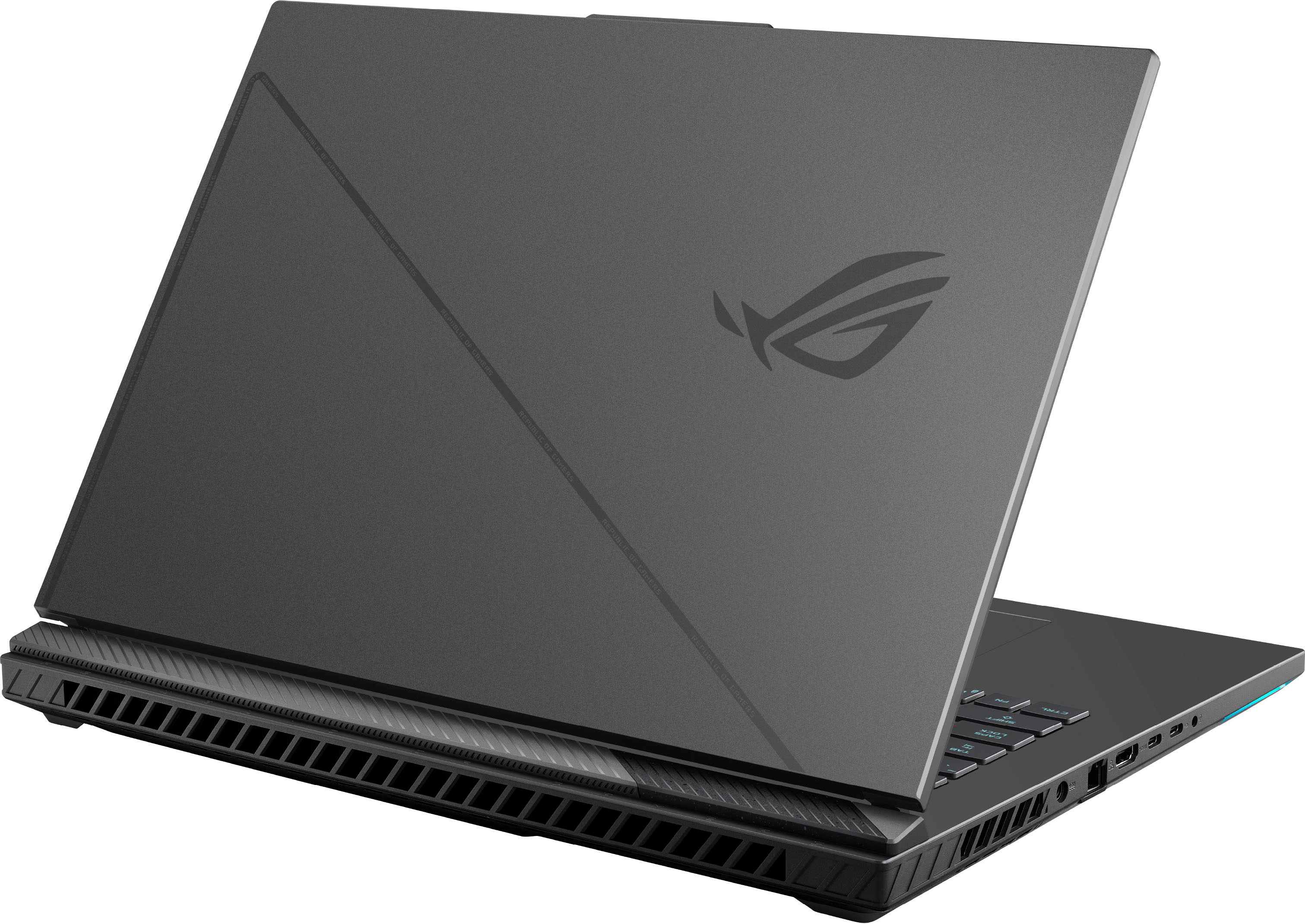
A:AnswerI assume you mean replacing the GPU after buying (as opposed to just buying a laptop with the better 4090 GPU)
It is a laptop...
Normally (at least in 2023) the CPU and GPU is soldered down for laptops (e.g. no GPU is not upgradeable).
Typically the only upgradeable components in laptops are the SSD and RAM (and sometimes the WiFi card)
A:Answerup to 500 nits and is not MiniLED, here's the product description: The 240Hz ultra bright 500nits display features a QHD+ 16:10 2560x1600 resolution that gives you more space for toolbars and tabs and 100% DCI-P3 coverage for cinema quality colors.
A:AnswerThis laptop has some beefy spec and I am pretty sure the i9 CPU can handle Adobe Creative Cloud with no issues. I am not sure about the RTX 4080 GPU though, I see some comments online that some features in After Effects are grayed out for some people.
Also, the 16Gb RAM may not be enough for video editing and rendering, but you can easily upgrade.
A:Answeri dont know what type of sketchy place your gonna get 96 gb ddr5 so-dimms from, but thats your problem. the reason asus reccomends 32gb is because of thermal constraints, but they do admit that you can do more, its just what they reccommend. i do plan to put 64 gigs in mine.
(btw there are only 2 ram slots in this thing)
A:AnswerMy model has a slight coil whine but you can only hear it for a second or two before the fans blast off and they pretty much overpower that noise. I also suggest a re-application of the liquid metal on both dies as asus does a terrible job with factory applications… overall it’s been a good machine, i just hate that i had to repair mine out of the box. It also supports 64 gb of ram.