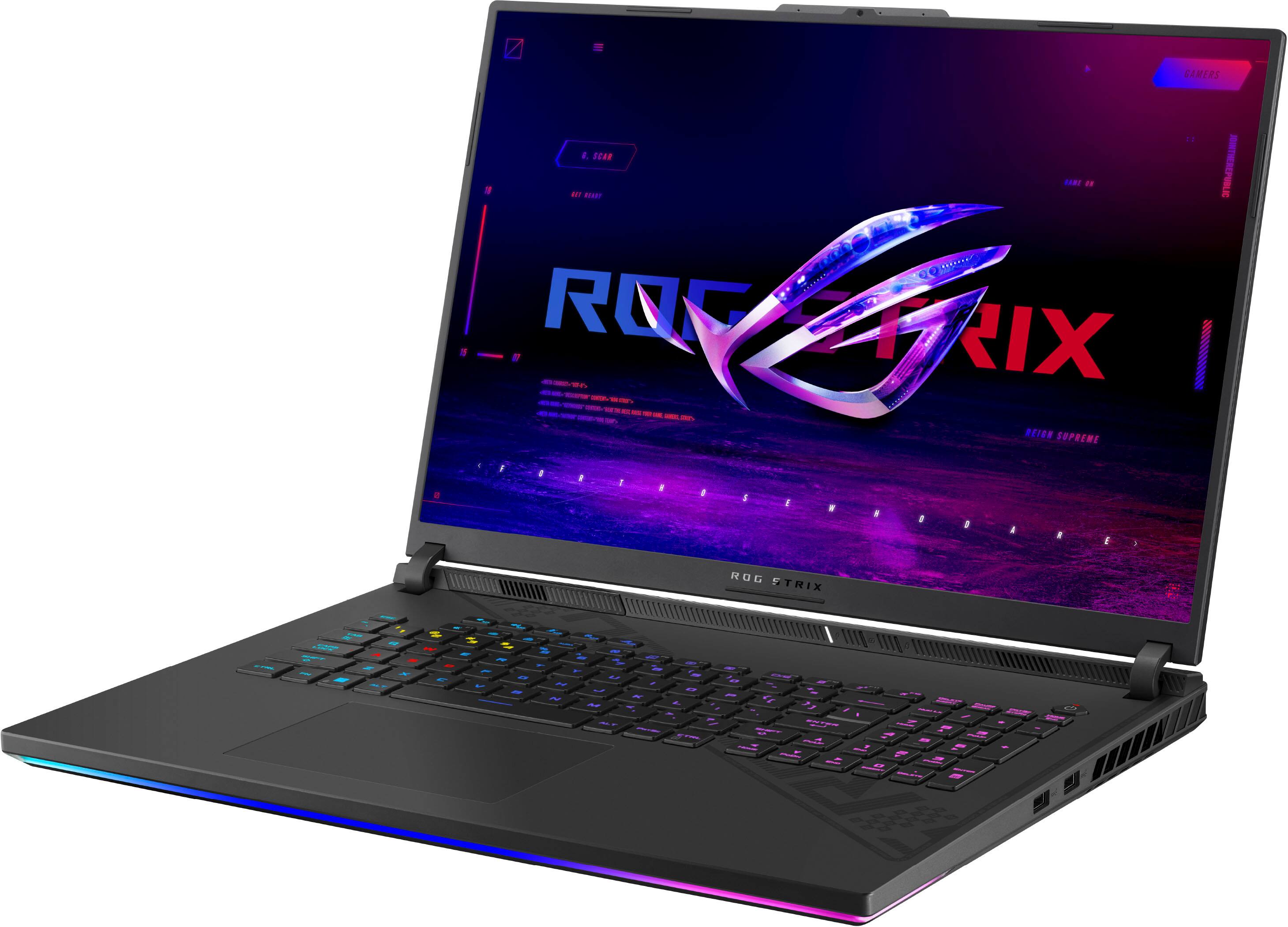
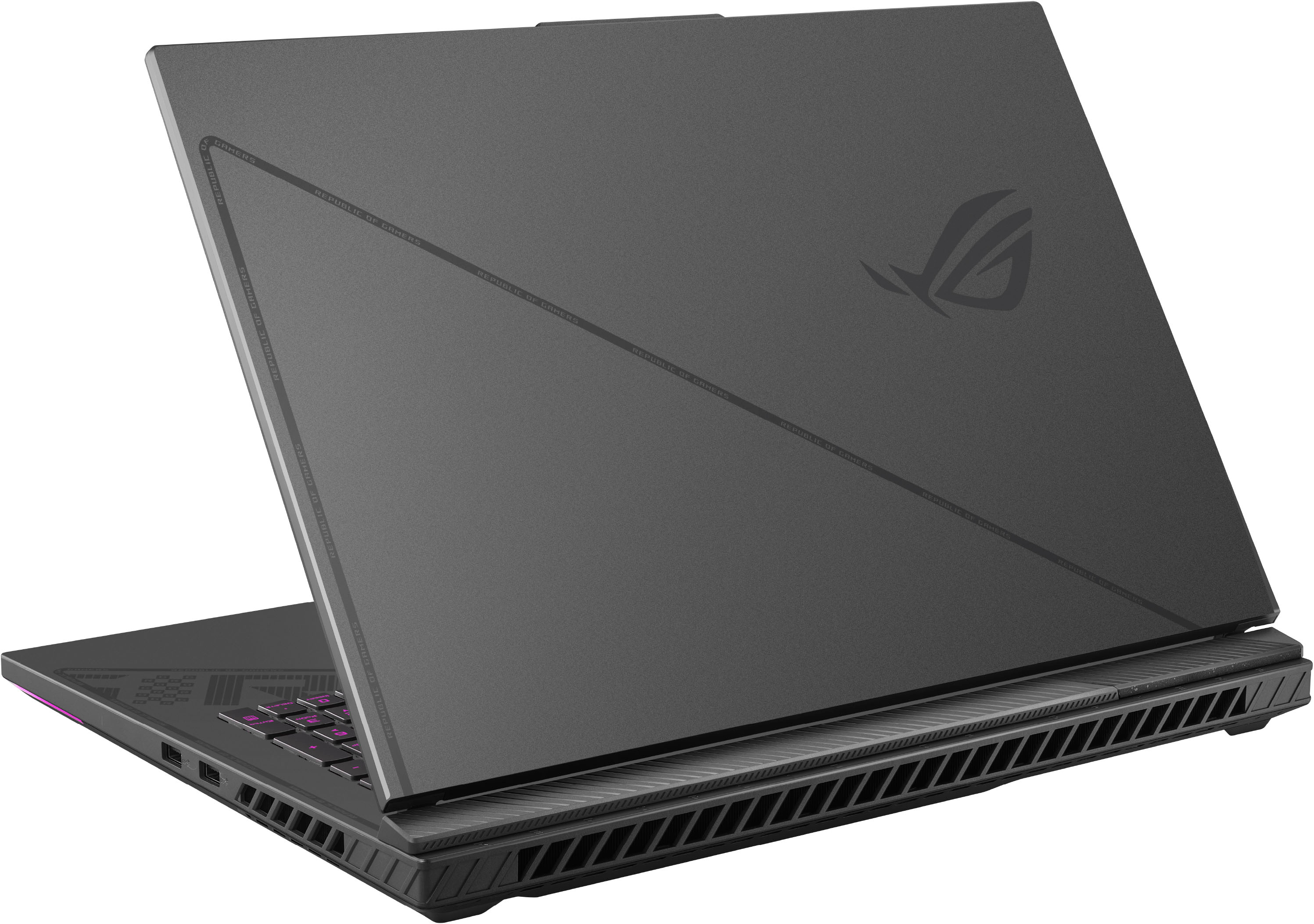
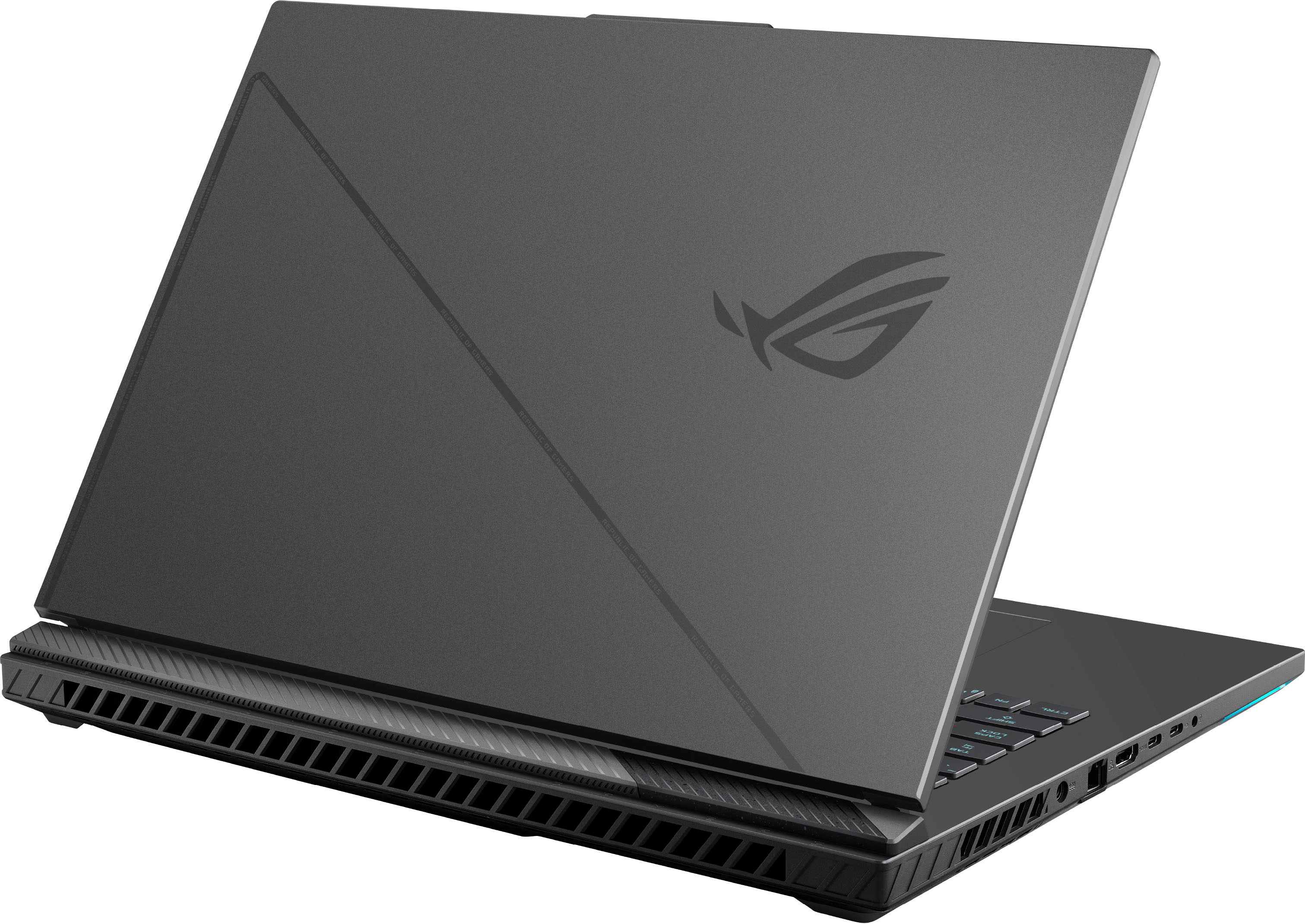
A:AnswerThere are two total SSD slots, including the one already installed. You can remove the current SSD and add your own, in addition to adding an entirely new SSD into the second slot. Therefore, you can fit as mini TB as you can in TWO SSD cards.
A:AnswerWe recommend 32GB RAM in order to run the laptop cooler. It will support 64GB, however, it will run hotter under peak or heavy load having a bigger RAM size.
A:Answerhold onto them just in case, or sell them outright, your choice.
just mke sure your intentions for need of that much ram justified for whatever programs/viewing intended.
A:AnswerIt did have pre-orders because I have pre-ordered one that is scheduled to ship out tomorrow so I am unsure if they just sold out or if they are waiting until it releases tomorrow.
A:AnswerTry rebooting it, but when I did the RAM and SSD upgrade it took a loooong time to reboot and sat at black screen for like five minutes the first time. Give it a few.
A:AnswerI had to buy mine via ebay and unfortunately shipped overseas. Took about 6 weeks to get it. Looks identical to the original, still working so far
A:AnswerIf the open box has a previous user already setup, please do a factory restore. Please following the instructions posted at: https://www.asus.com/support/FAQ/1013064/.