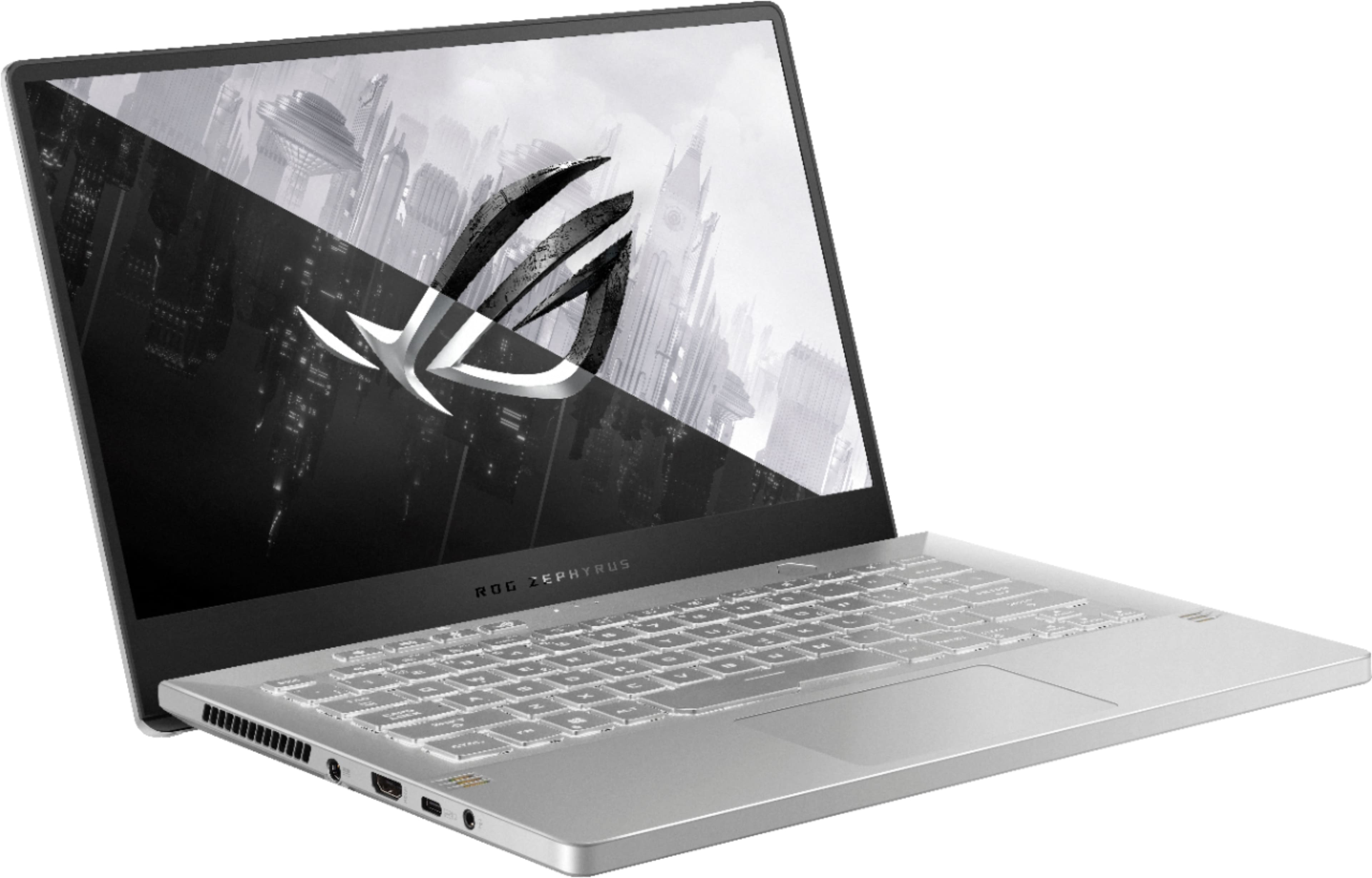
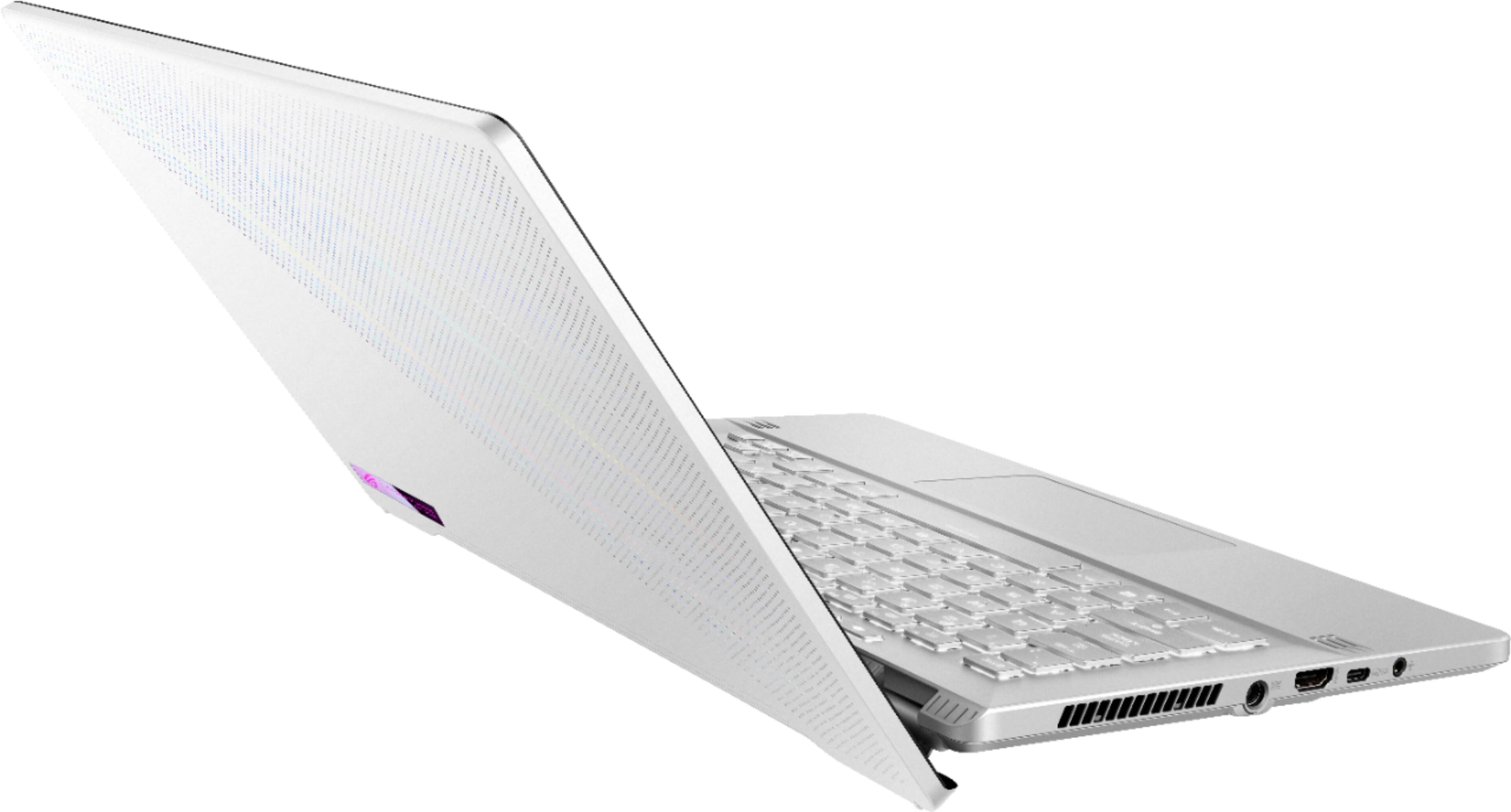
A:Answerthere's an hdmi port that has a very minor performance hit since it runs through the integrated gpu after the 3060, but if you use a usb-c to hdmi/displayport adapter you connect directly to the 3060.
A:AnswerThe G5 looks like an Intel i5 CPU and either an RTX 3050 or an RTX 3060, so yes this is better than the Gigabyte and Dell laptops in this class.
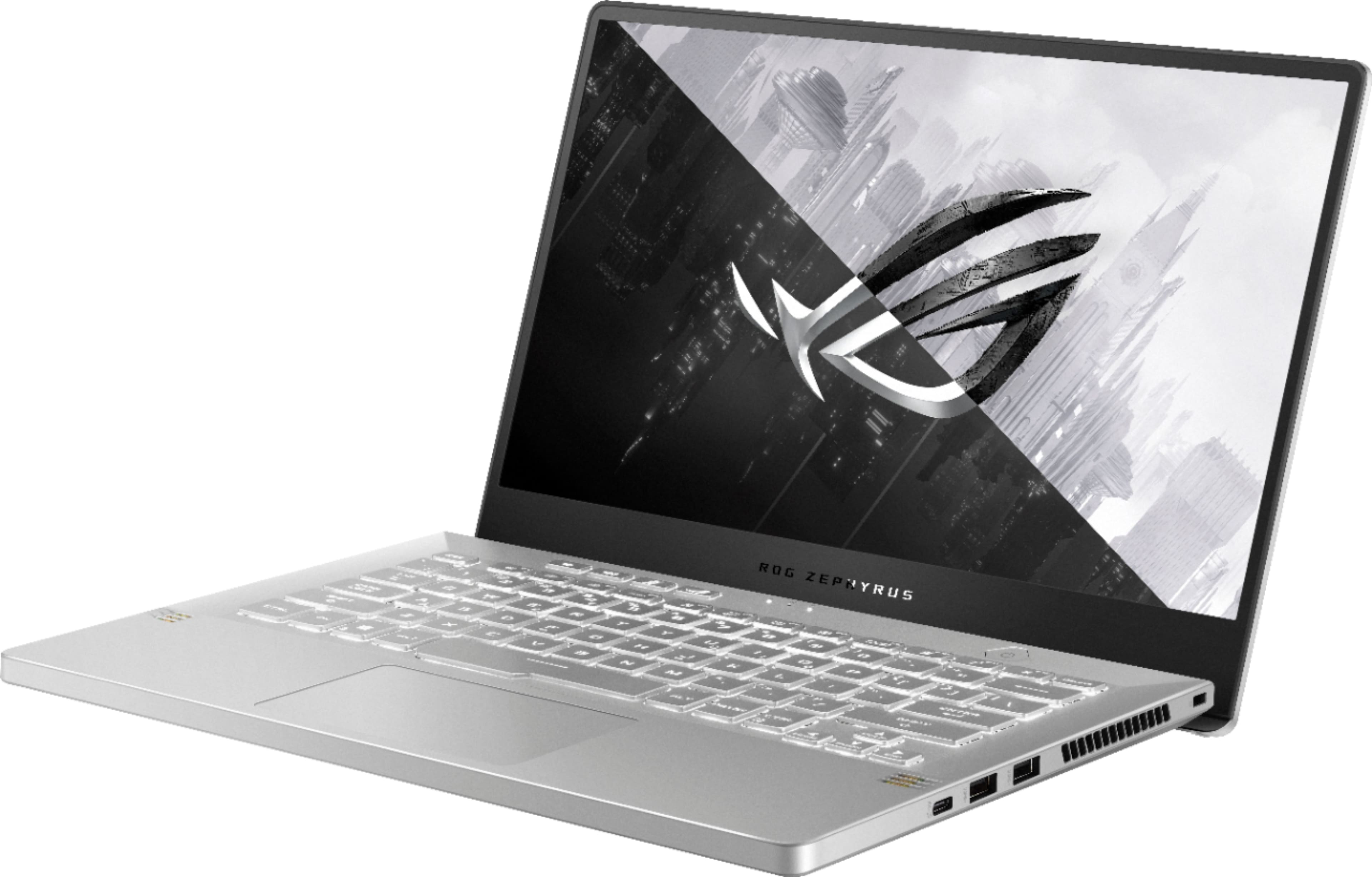
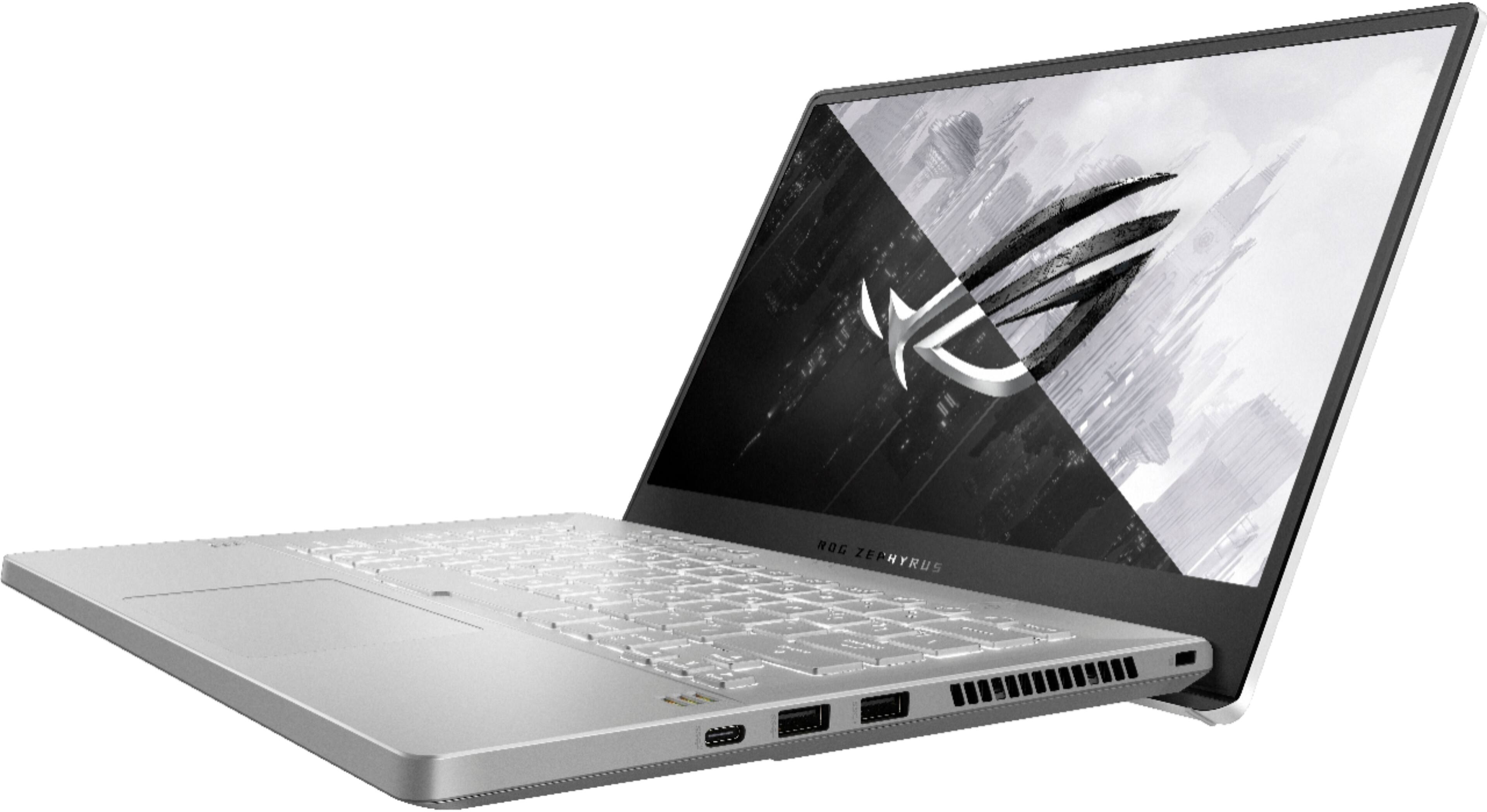
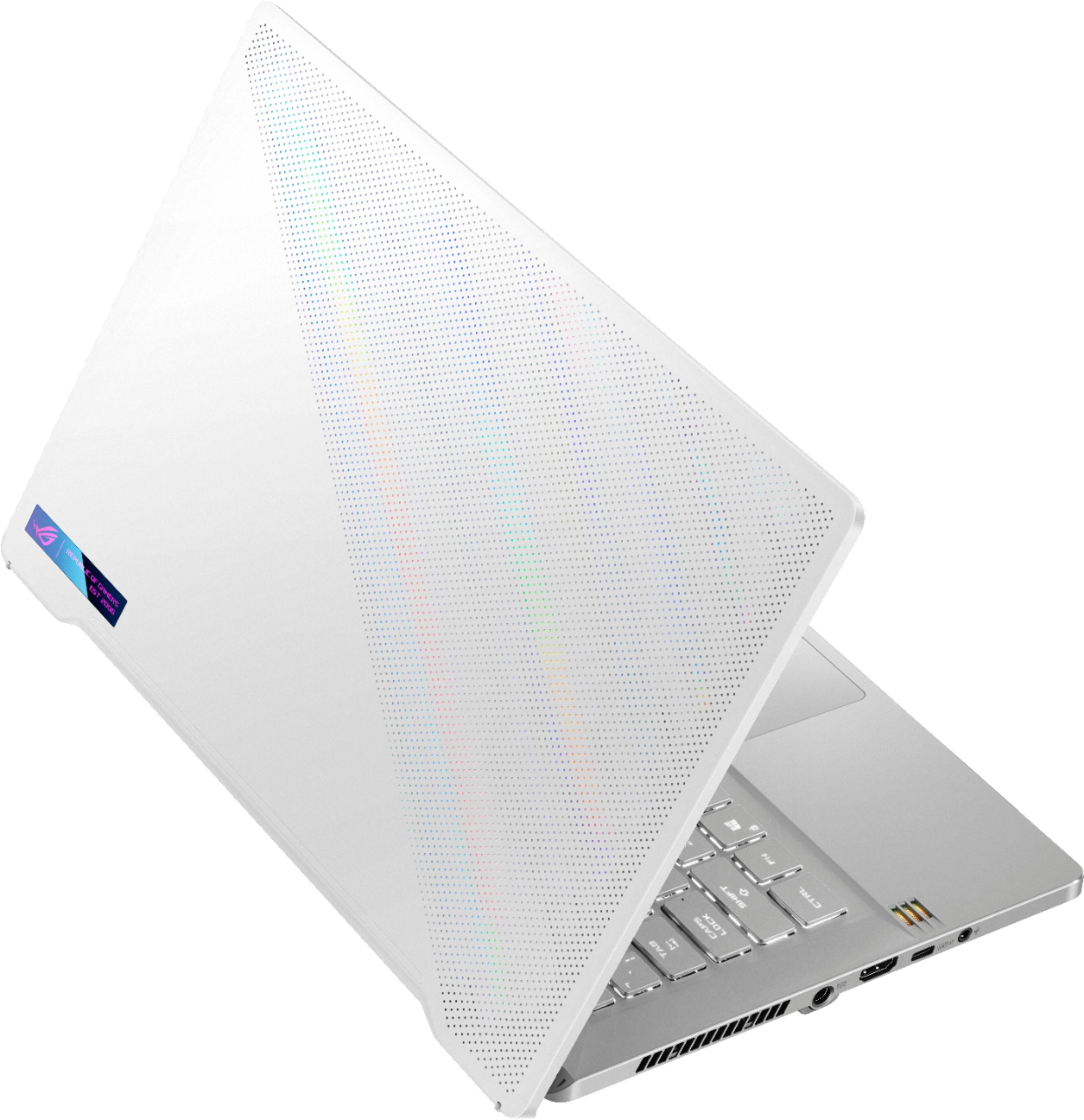
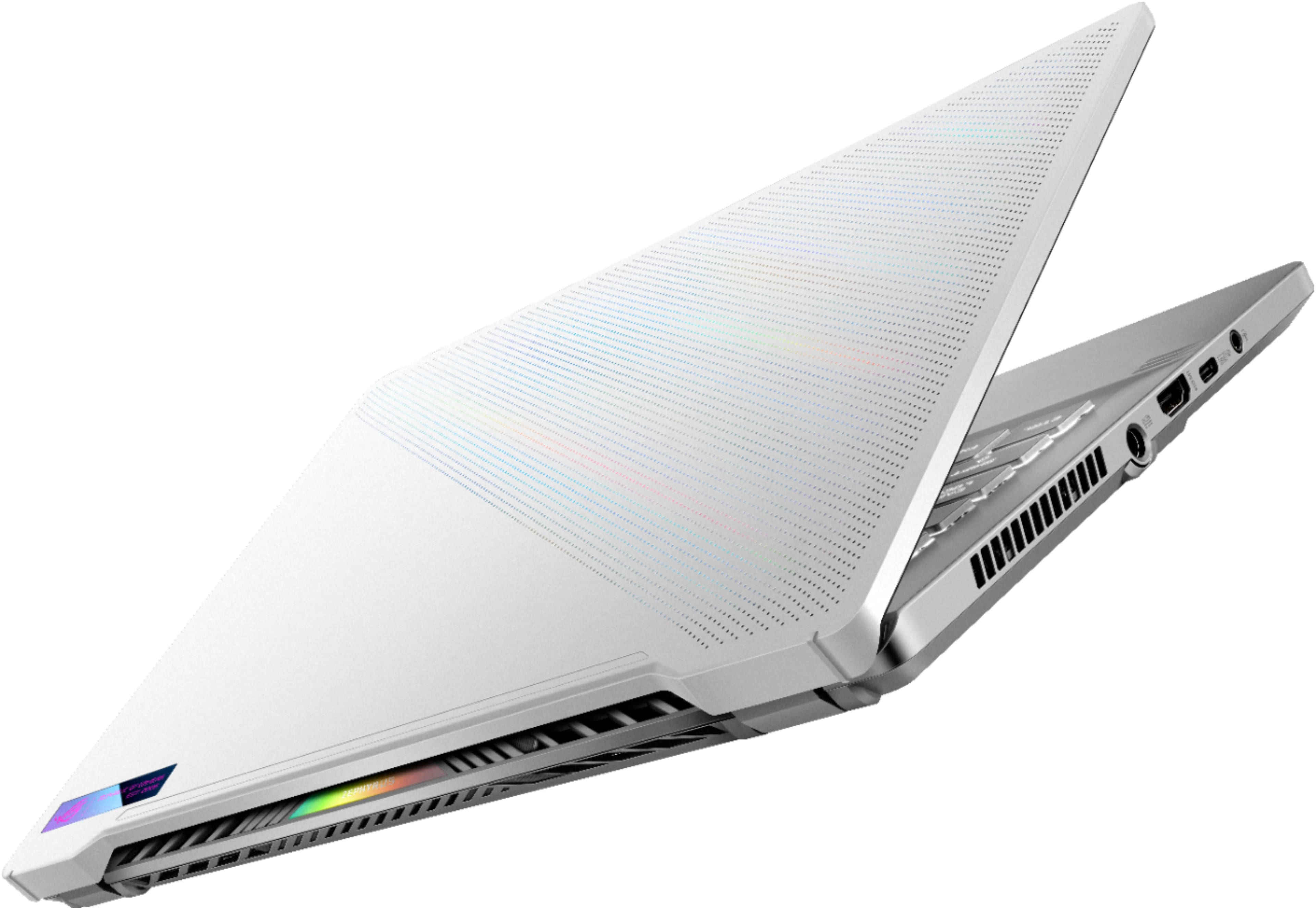
A:AnswerThe laptop has the following I/O ports: 1x 3.5mm Combo Audio Jack, 1x HDMI 2.0b, 1x USB 3.2 Gen 2 Type-C, 2x USB 3.2 Gen 1 Type-A and 1x USB 3.2 Gen 2 Type-C support DisplayPort / power delivery / G-SYNC.
A:AnswerNot directly, but you can easily pick up an ethernet to USB-C adapter for $20-30, or a universal dock if you want to also be able to connect external monitor(s) and other peripherals through it, and potentially power your device (though not all USB-C docks include pass through power, and as far as I know they top out at around 100w so it'll charge slower than with the charger it comes with).
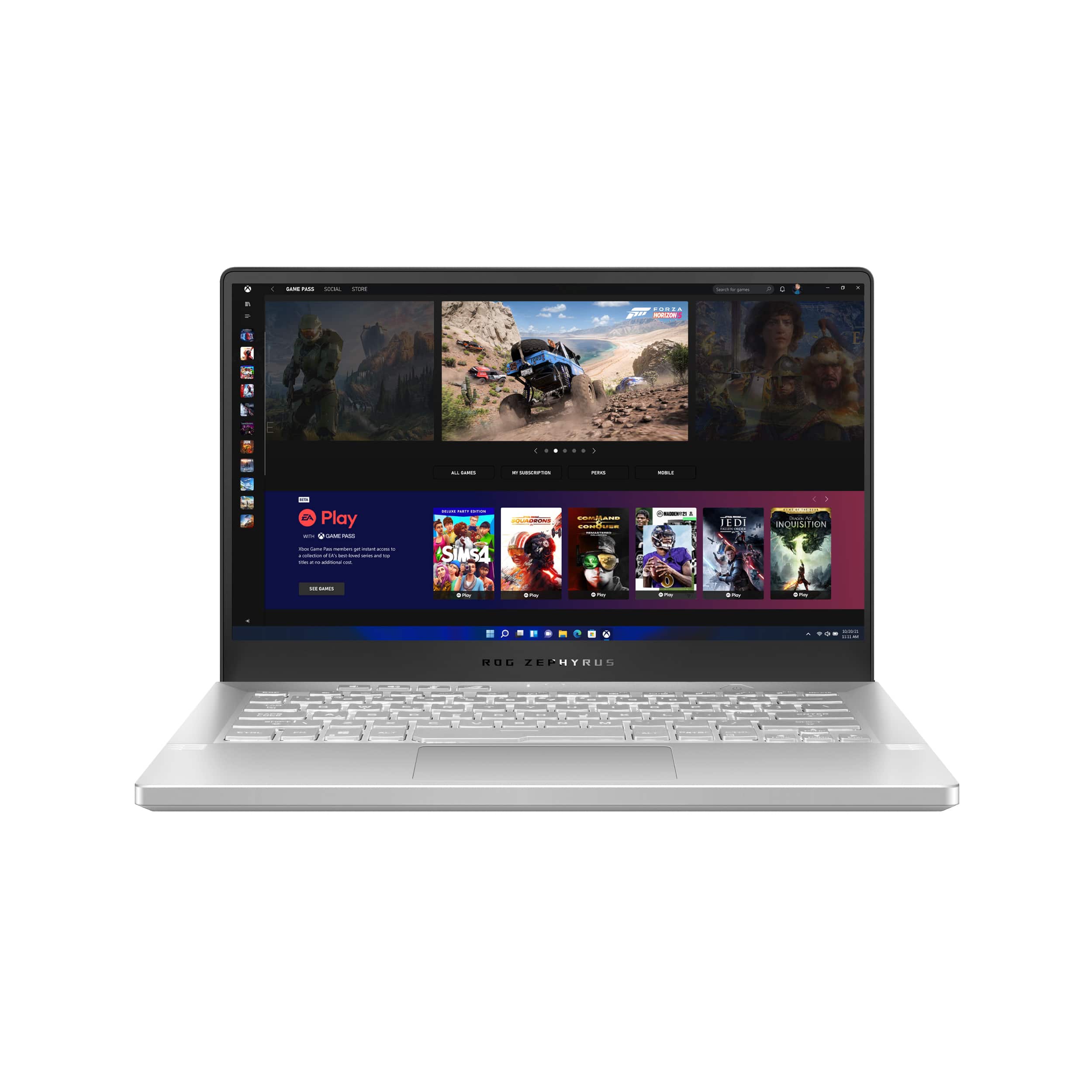
A:AnswerYes, the computer has HDMI and USB-C with displayport on the left side USB-C port both of which can be connected to run external monitors. Additionally you could use a USB-C hub.
A:AnswerNo it does not you should get it replaced you probably have a dud I can run valorant just fine on silent and it only gets up to a max of like 80 C
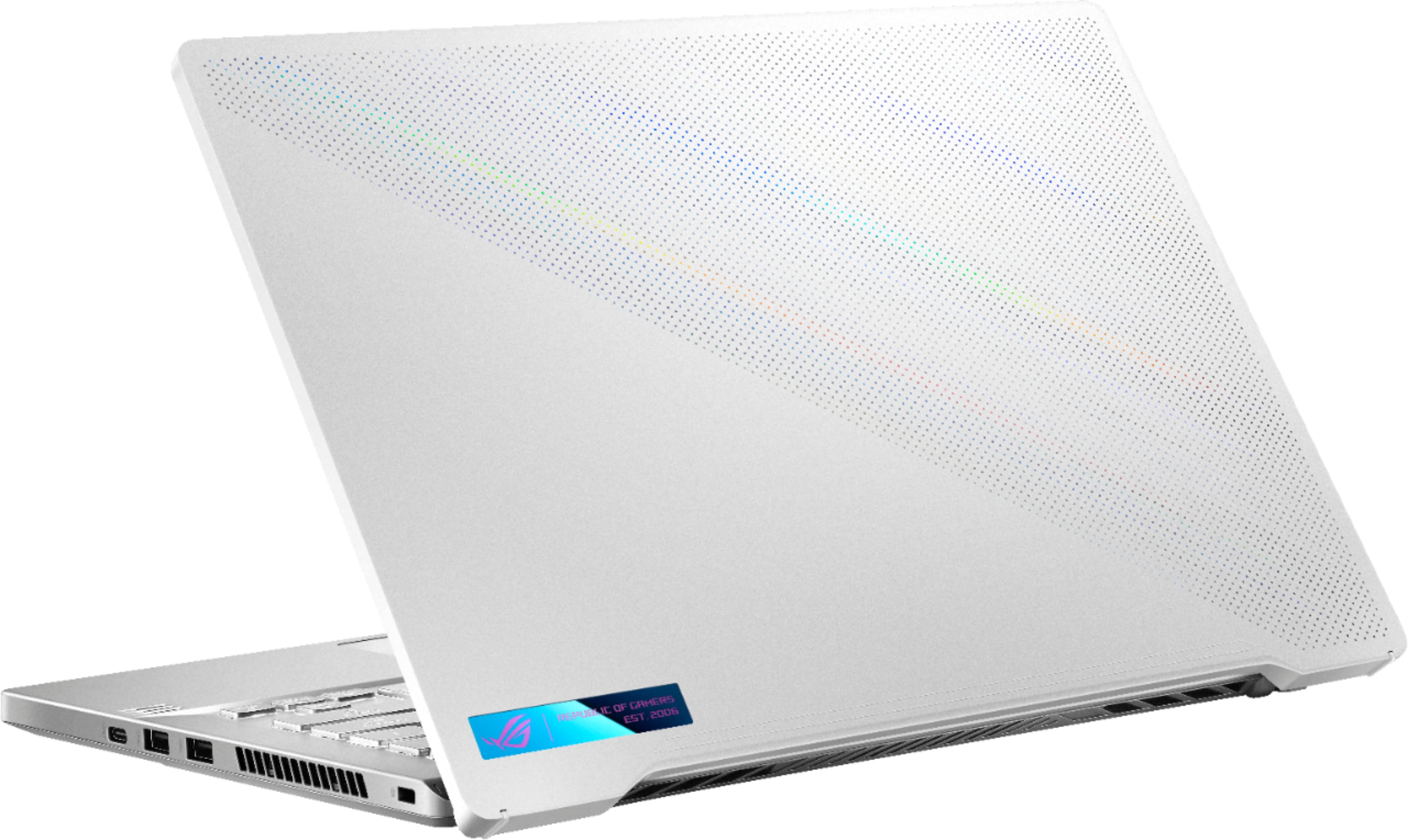
A:AnswerNot really, as the laptop has plenty of vents. Still, I always recommend buying a 'low rise' laptop mount, which you can buy at Amazon for about 8-9 bucks. That way, it stays off the table, and gets plenty of ventilation. This is what I advise of all laptops, really...