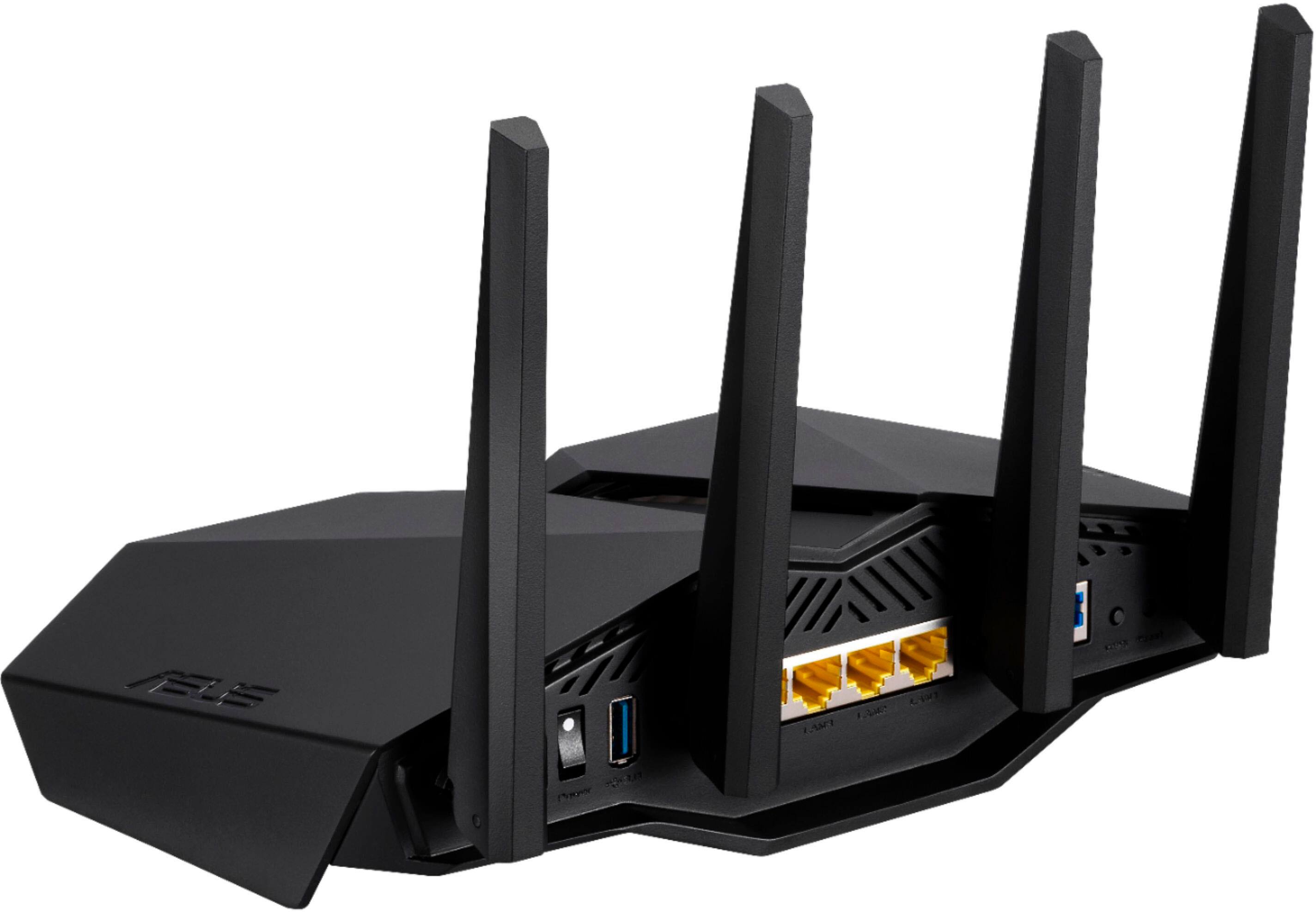
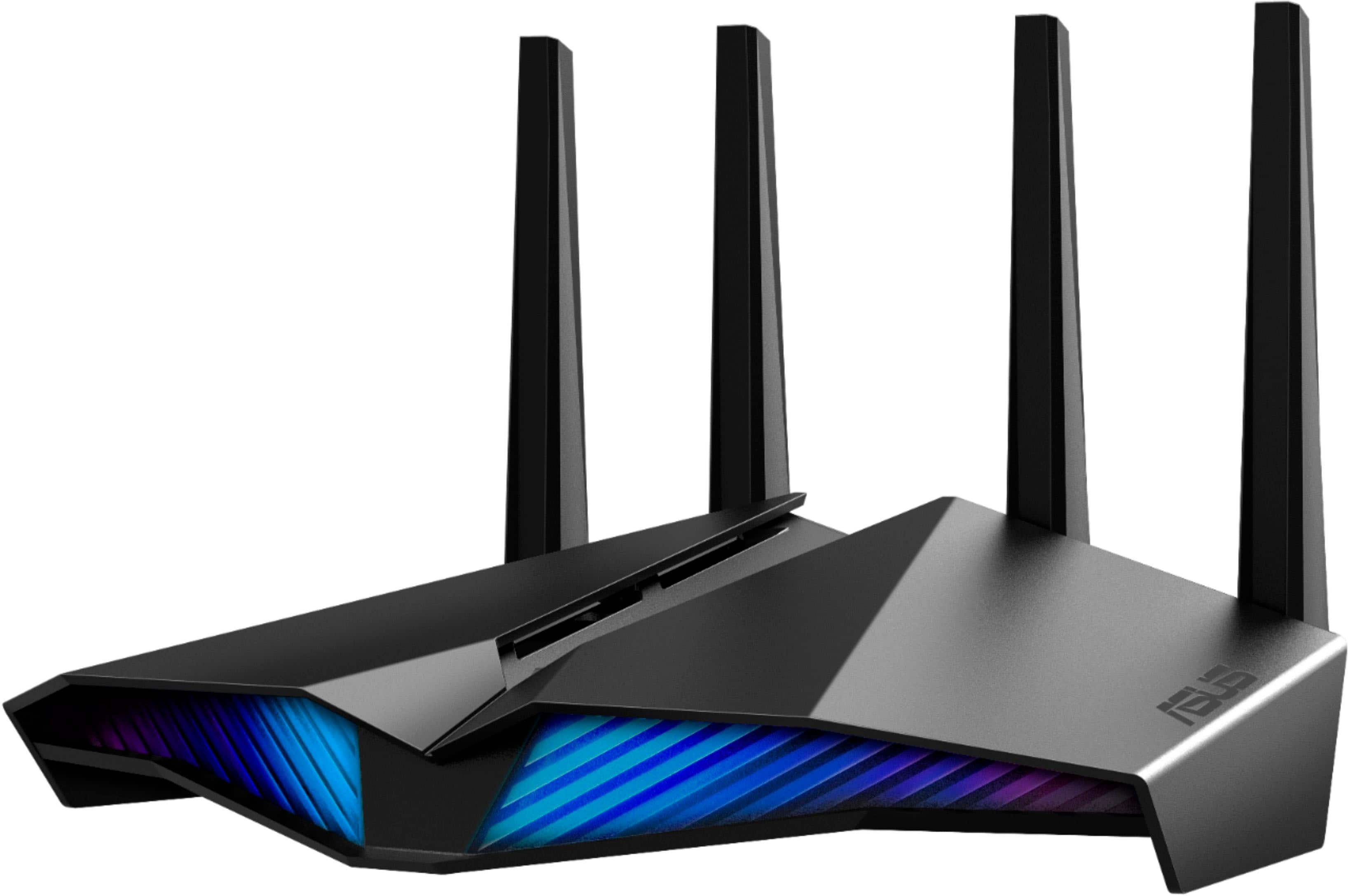
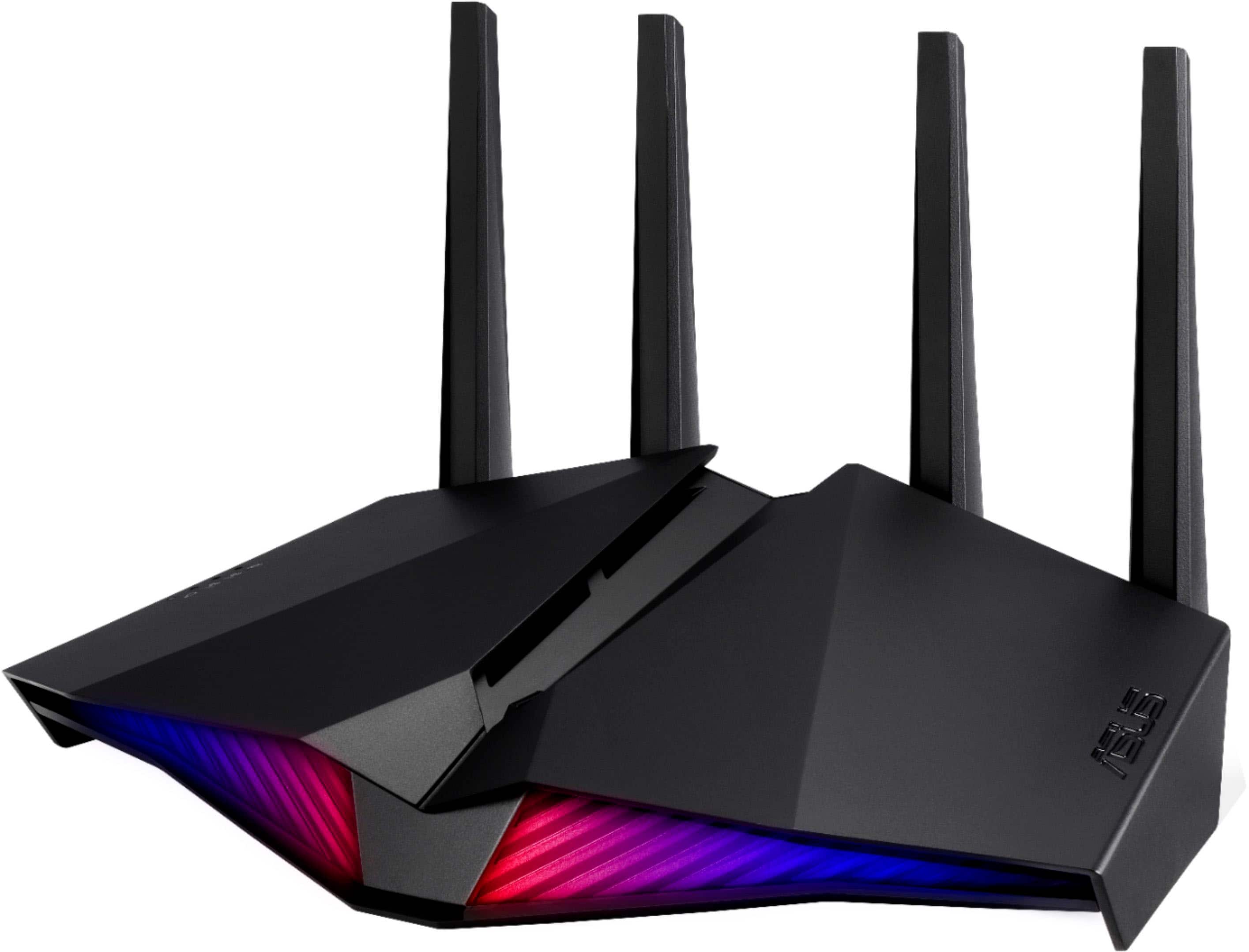
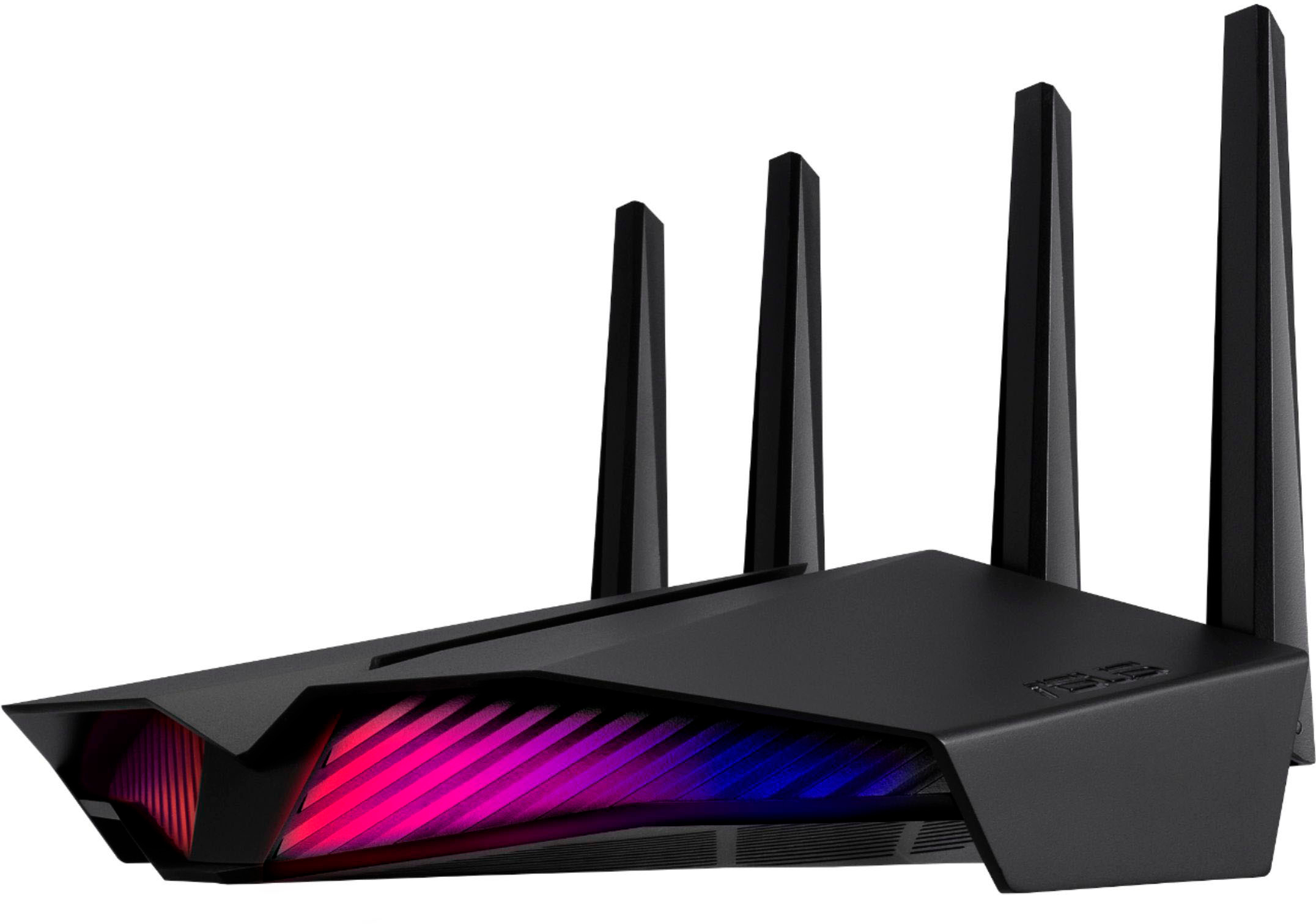
A:AnswerHere is a simple answer, if you have 100systems connected to a 1gb network the router is rated for 1gb speeds at the same time (over all channels) divide 1000 by 100 so overall bandwidth is 10mbps each per computer so you really would need to upgrade your network not the router. I will say the router is great and saved me when my Netgear nighthawk died and seems very consistent with it's speeds but all in all you might wanna see about getting more internet speed or get a connected server.
A:AnswerYes, but I would recommend disabling the router portion of the cox wifi network. Two conflicting signals could end up weakening wifi signals and providing a poor experience.
A:AnswerYes, there are available ASUS modem/router that will work with ATT/DSL internet service. Please contact BestBuy directly at: 1 (888) 237-8289 for availability.
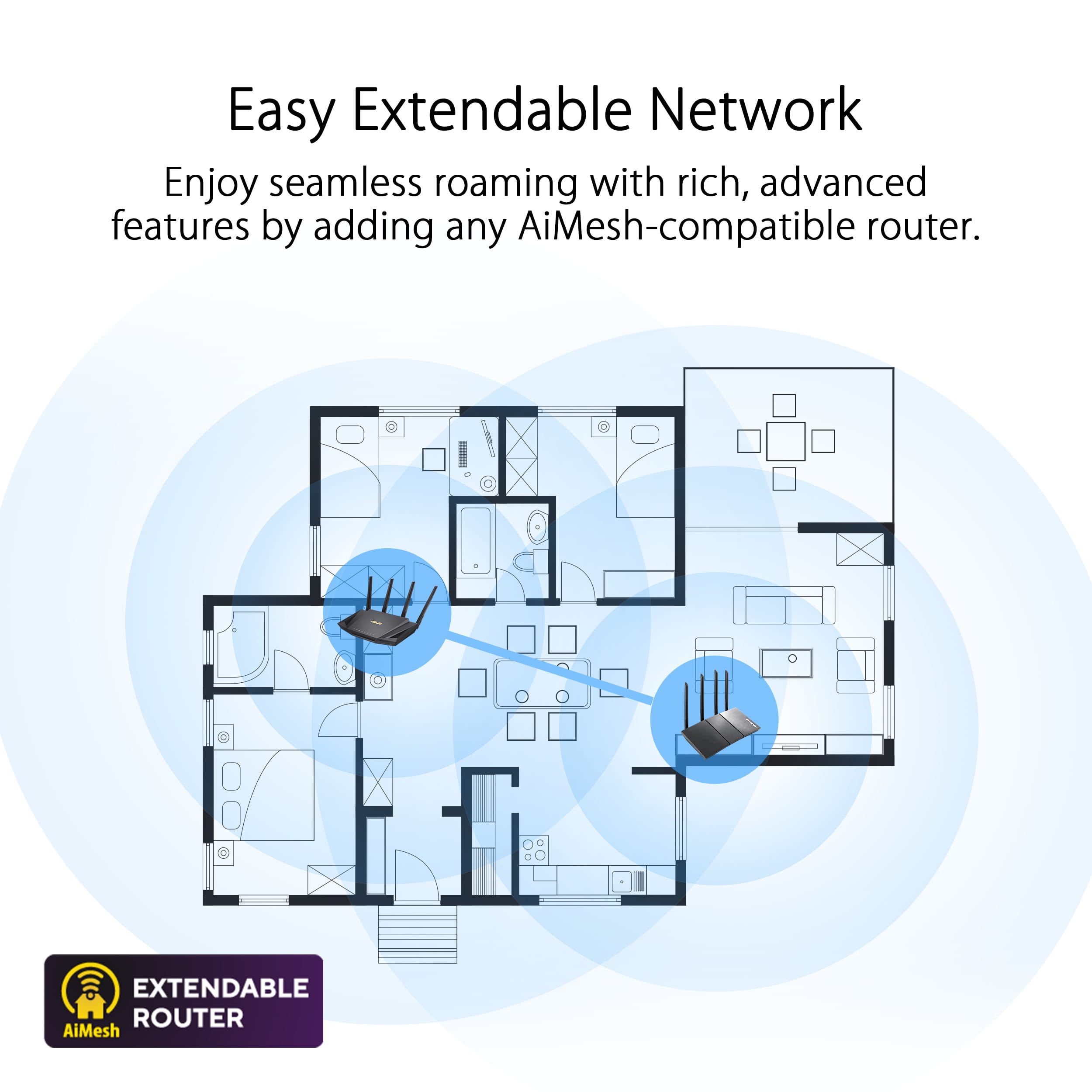
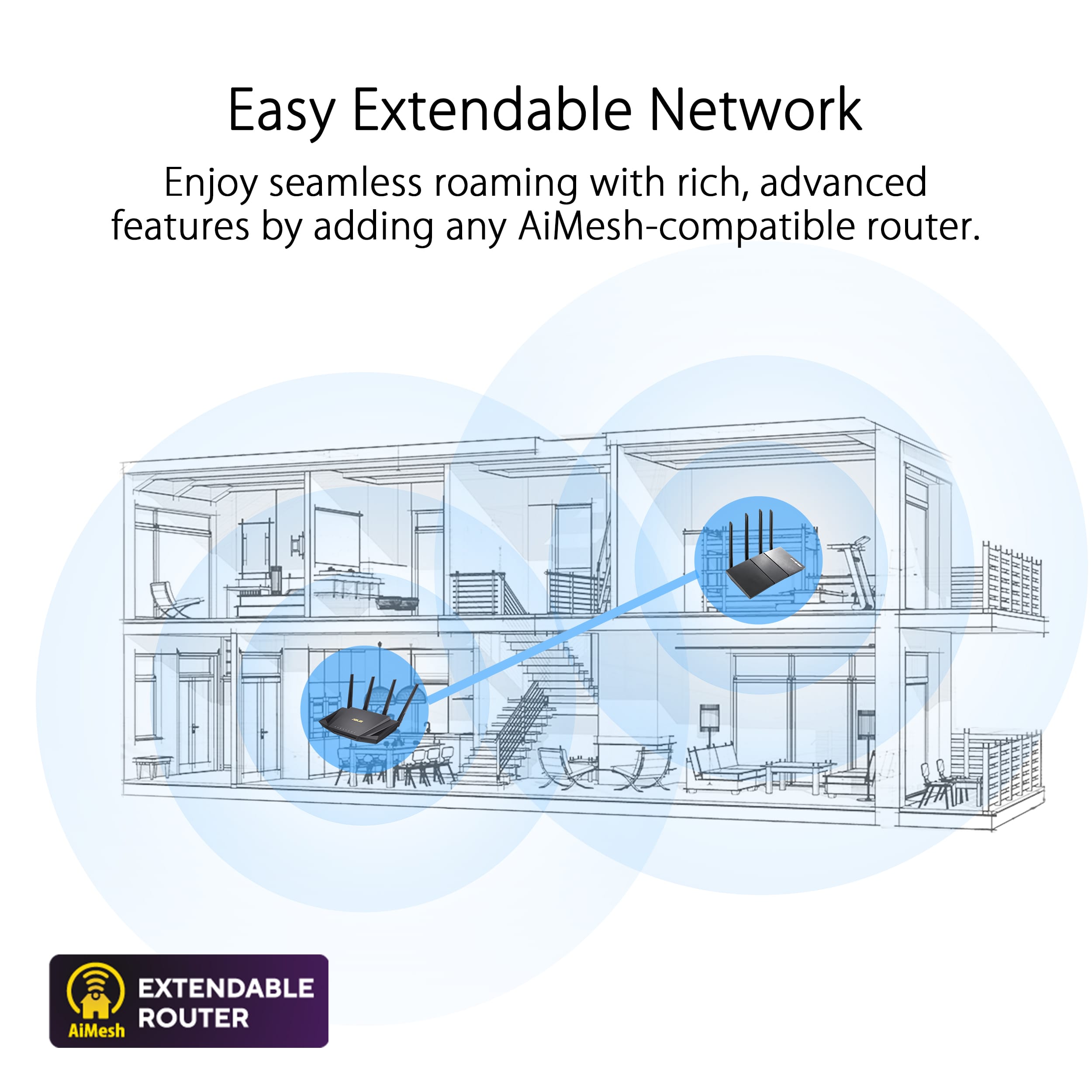
A:AnswerThat’s up to you. This router has great range and gives you the ability to add others into an Ai mesh for even greater range. 100Mbs speed will not really be able to let this stretch it’s legs but you can always upgrade that later and the router will not be a bottleneck.
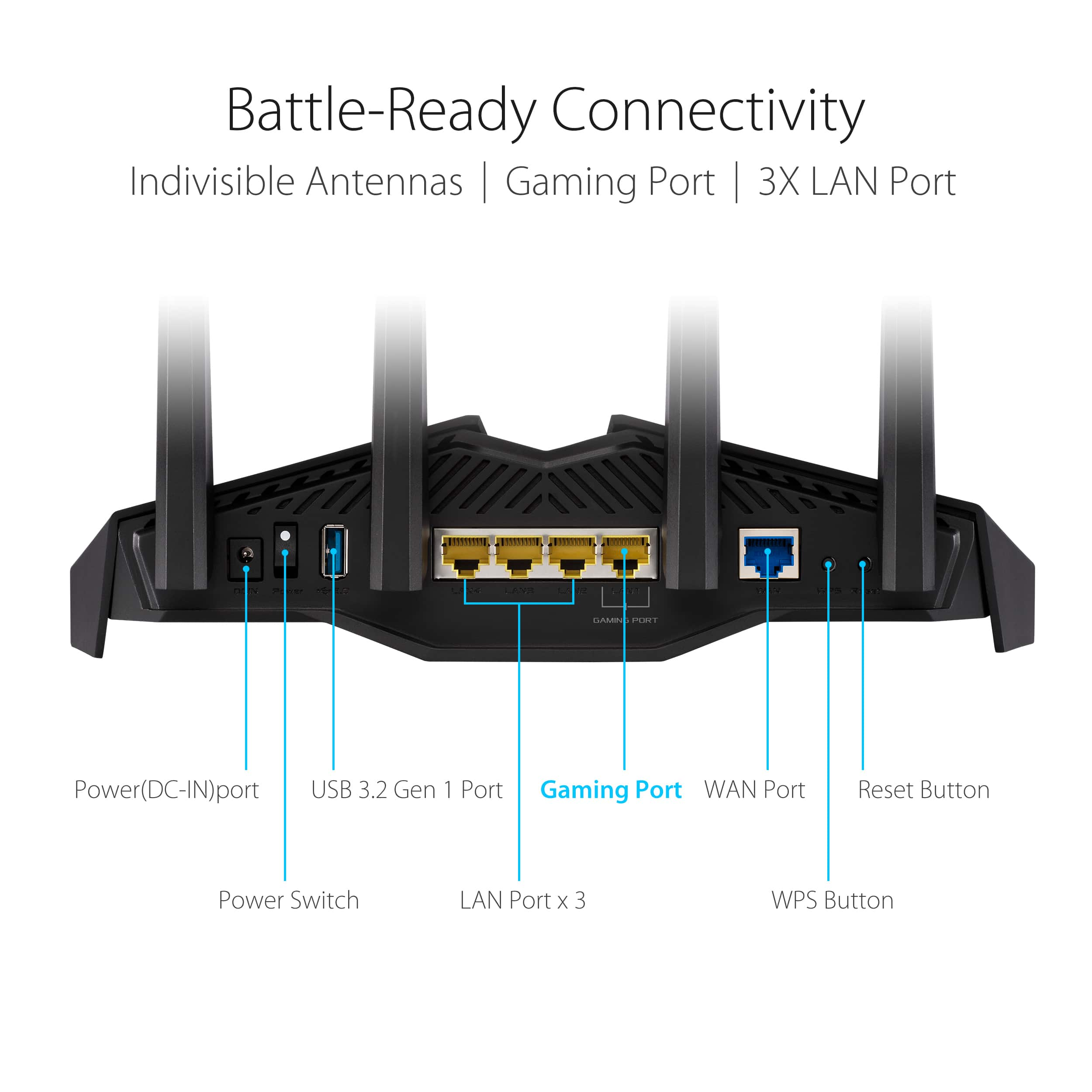
A:AnswerAs long as your modem has a rj45 LAN out port yes it will work. If your DSL modem is a gateway that has its own WiFi and router function you may want to go into its settings to turn off those functions. That will use extra power and build up heat. That’s usually what slows down your bandwidth locally.
A:AnswerI have fiber optic in the Phoenix area through Centurylink and can confirm this router will work and give you the speeds you are paying for which is close to 1 gigabit per second in the wired mode. 200-500 mps on wifi depending on your physical distance from the router.You don't need any other equipment except the router To get the service to work you must get your username and password from CL. There is no modem involved and you don't need their unit for it to work. You must assign a user name and password to the router with the phone app which you obtain from the internet provider. Next is to connect a laptop to the router via wifi. Type the IP in the address bar as follows 192.168.50.1. Makes the changes pictured and you are good to go. Vlan tag to 201 In LAN>IPTV. Wan connection type is PPPoE with username and password. Hope this helps
A:AnswerUpnp function can be set to send connection requests to a locally network connected PC, so this may provide the function you need. General operation does not have connection notifications, but does have very advanced limiting / blocking capabilities and network protection plus drill-down (to individual device) traffic monitoring and restriction settings.