A:AnswerNetwork Protection with Trend Micro protects against network exploits to secure your network from unwanted access.
https://www.asus.com/Content/AiProtection/
will have questions answered there.
A:AnswerThe ASUS router operates on two bands, so there is more chance of establishing a connection than with a single band. Signal strength at an outside device will depend on where your routes is placed and where the outside device is placed. The further apart, the weaker the signal, in fact the signal strength drops disproportionate to the distance. You can offset a weak signal by: 1) trying a different location for the device and/or turning the router or trying it in a different location; 2) using a more directional receiving antenna. 3) Note: If there are metal barriers between them, the signal may be very much attenuated or blocked completely.
A:AnswerYes it can handle all of them at the same time. And you have the ability to tweak it to however you need it to work once it’s hooked up and setup.
A:AnswerWell that depends on your wiring and your isp speeds but I have gig and no issues getting gig through it with multiple devices and the same time.
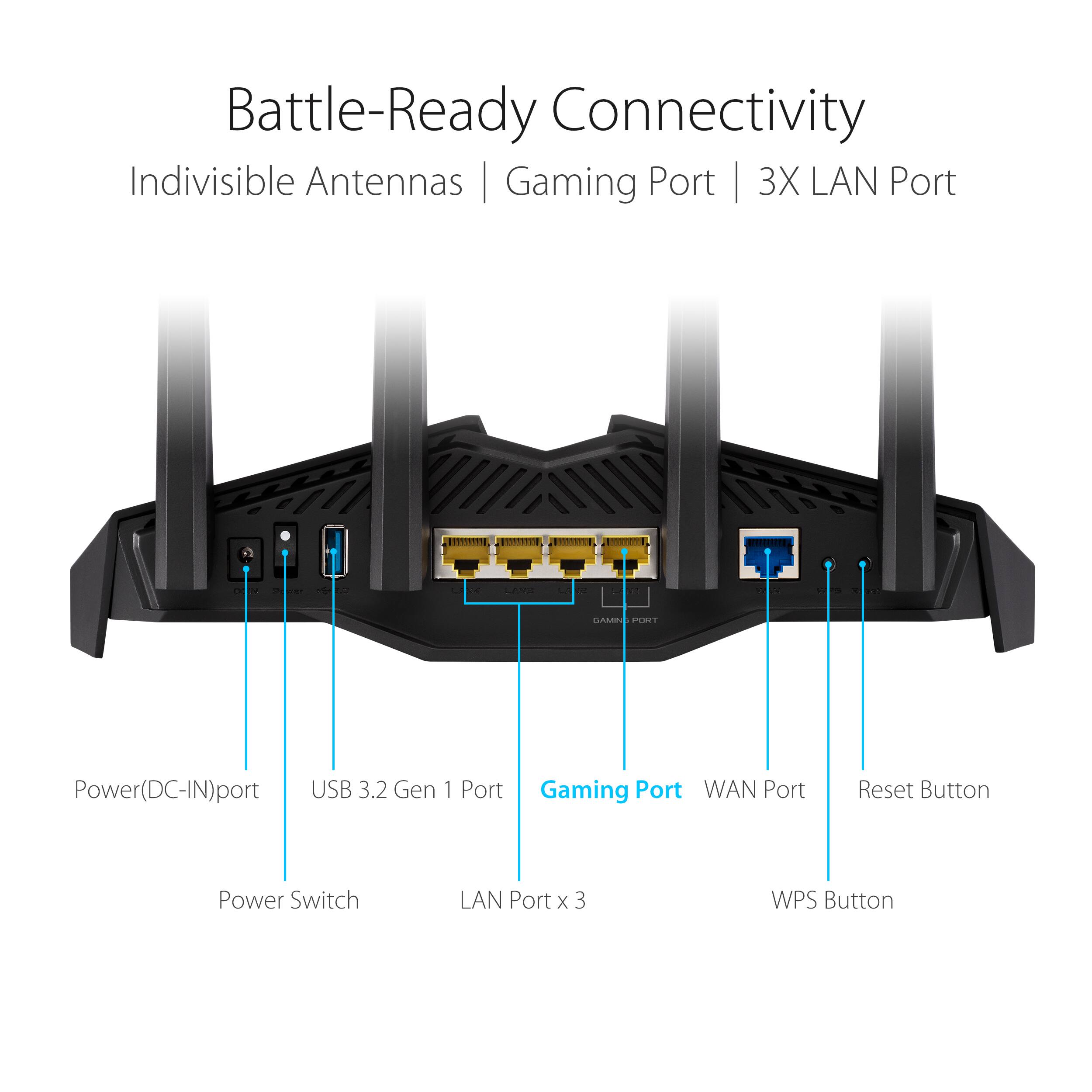
A:AnswerAs long as you connect from the explorent modem with an rj45 connection (the larger looking telephone cord wire) to the computer then it will work just fine. All this dose is provide a connection point to the modem that adds the ability to connect more devices either by rj45 connections or wireless
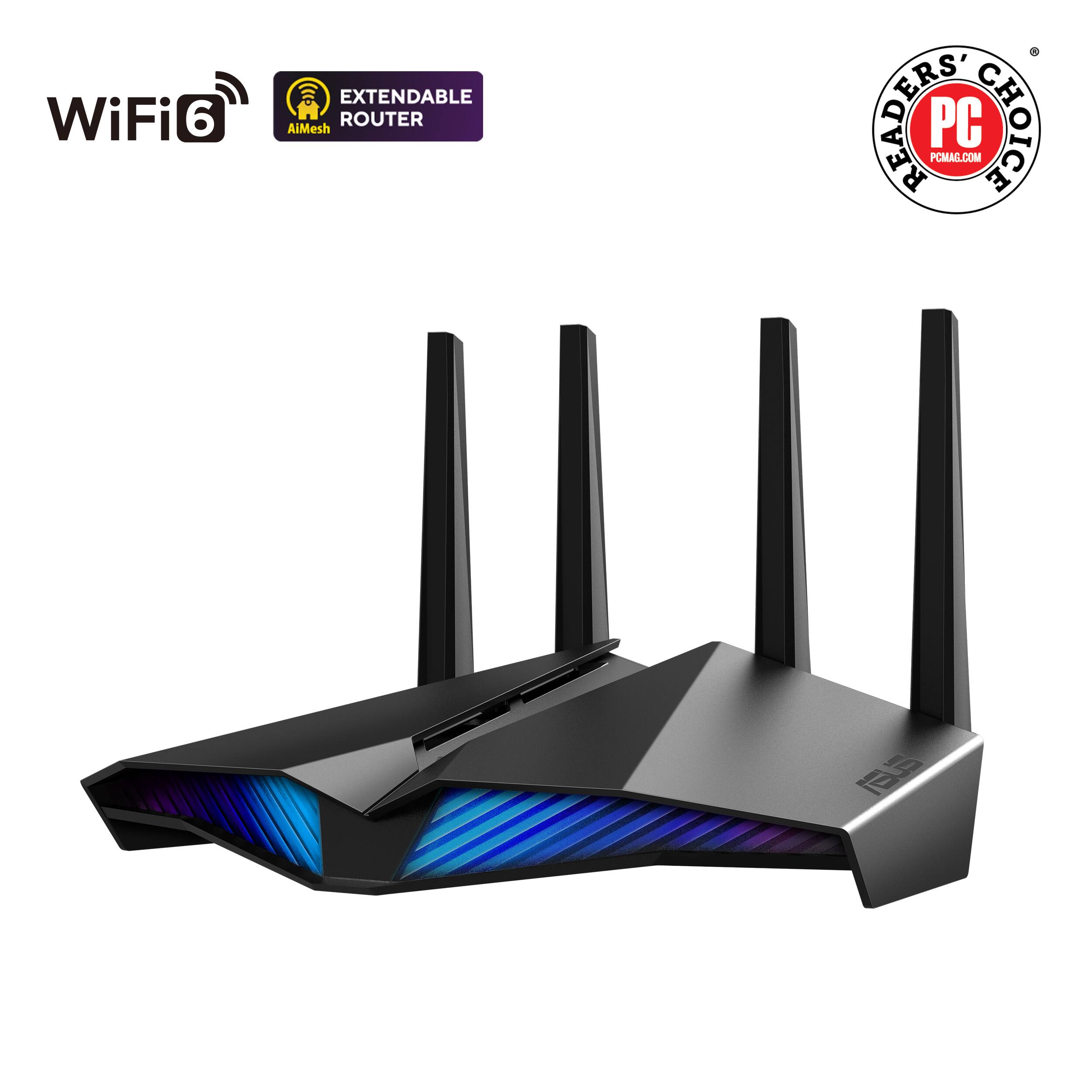
A:AnswerThe ASUS router has its unique parental control and network security features. It delivers an ultra speed of 5400Mbps using the latest WIFI 6 technology. The speed will be optimized depending on the maximum speed the ISP provides.
A:AnswerAs long as you have an open Ethernet port to hook it to, yes it will work make sure you set it up as an AP and not as a router. Also be careful to have too many devices with the same bandwidths near each other. Can cause issues.