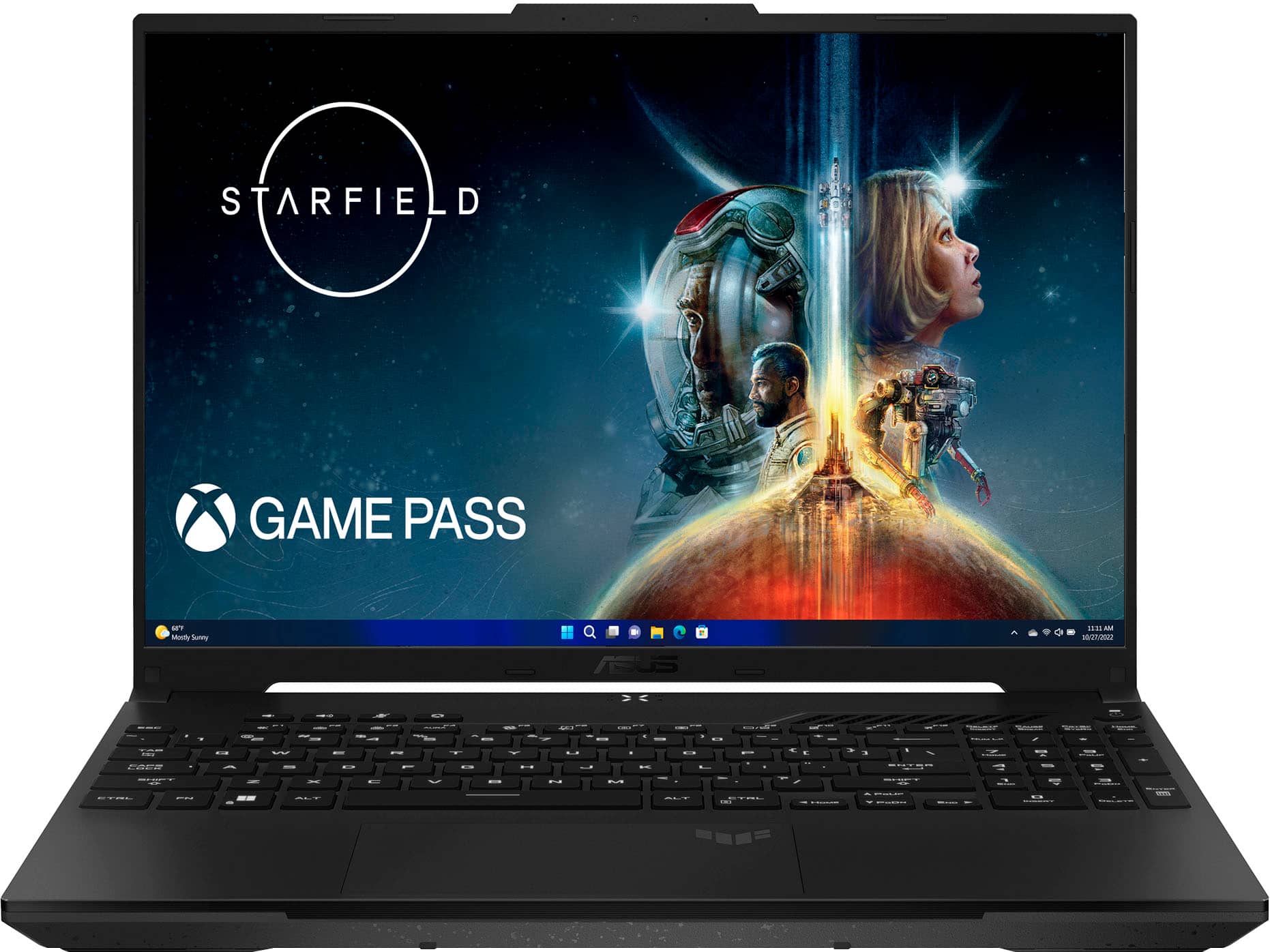
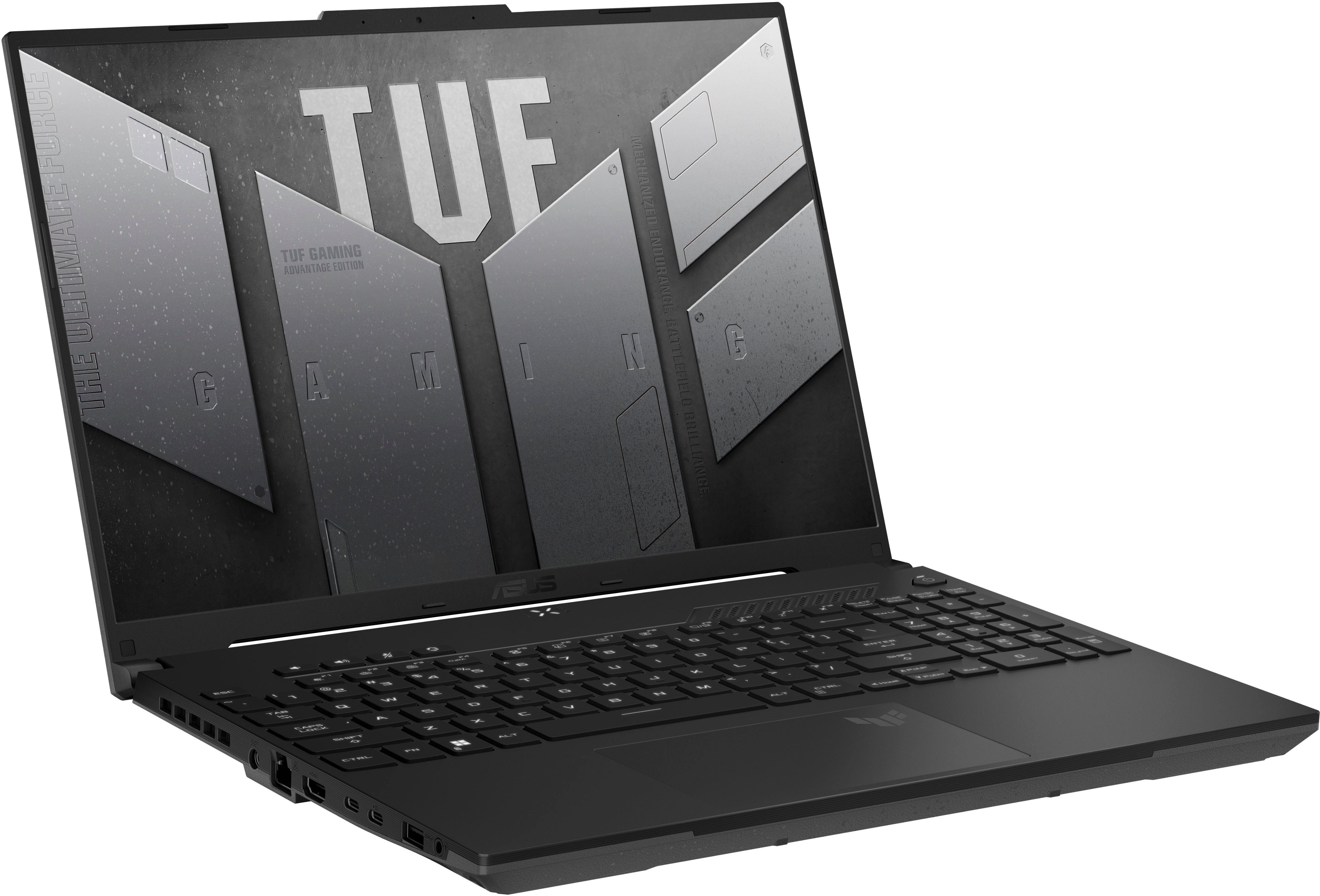
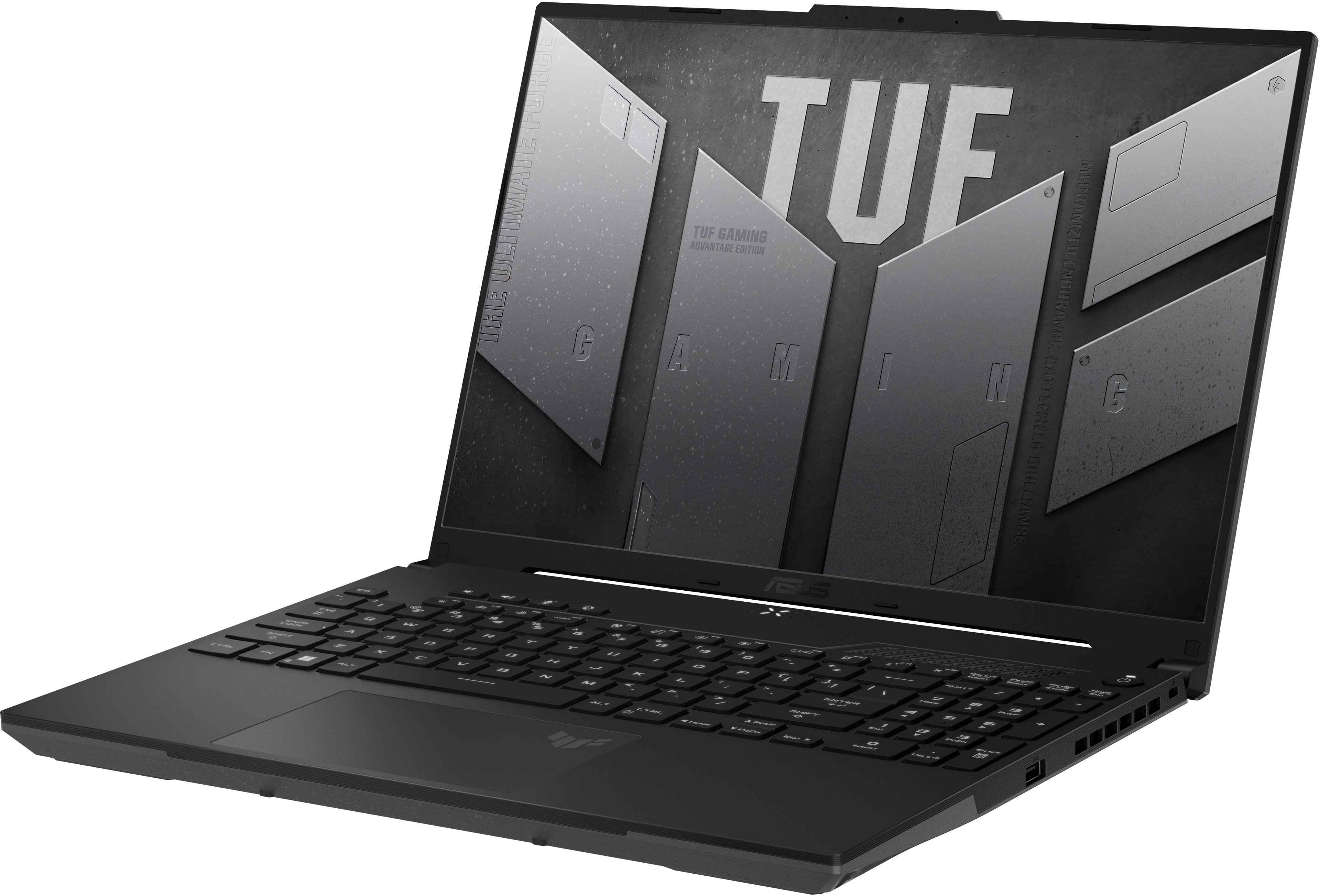
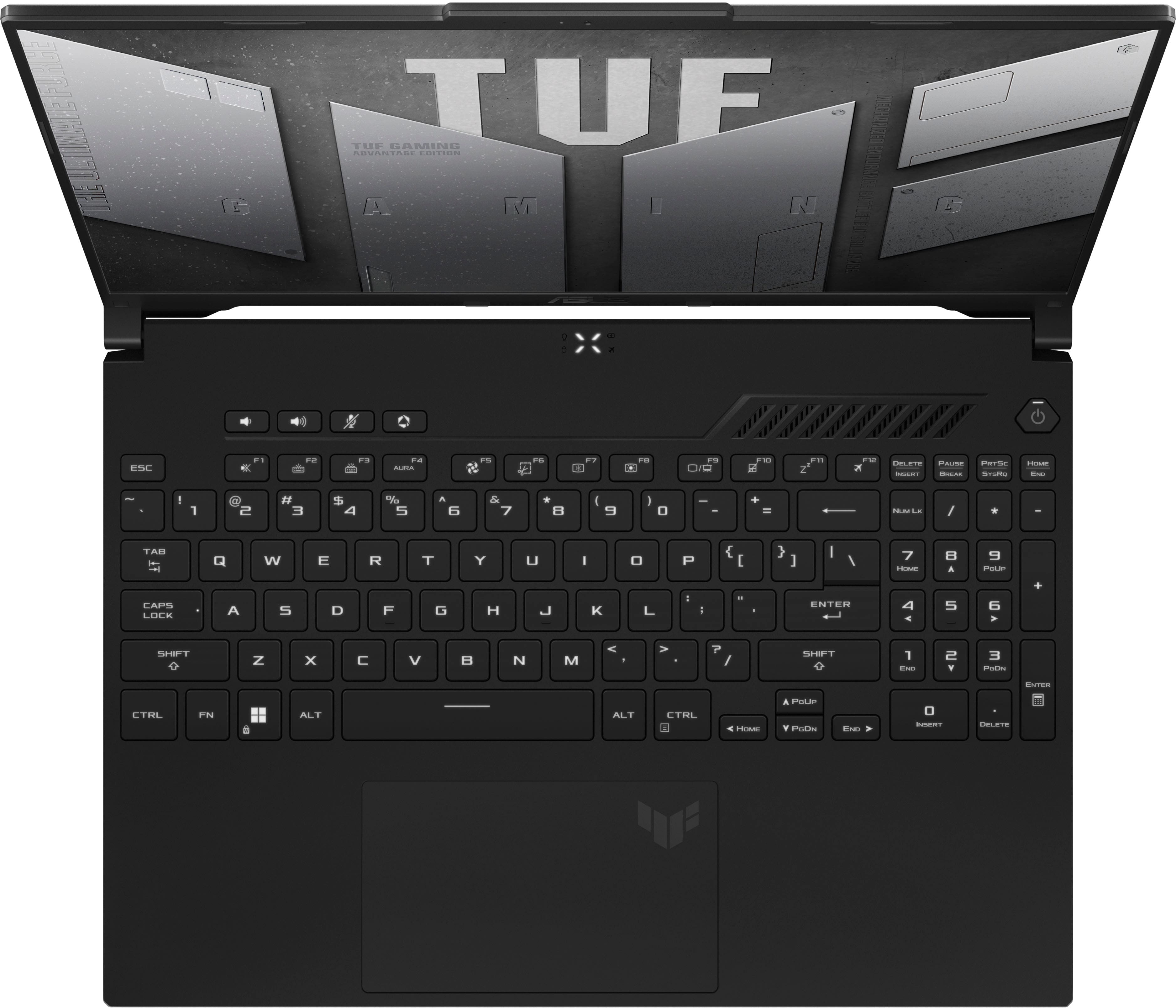
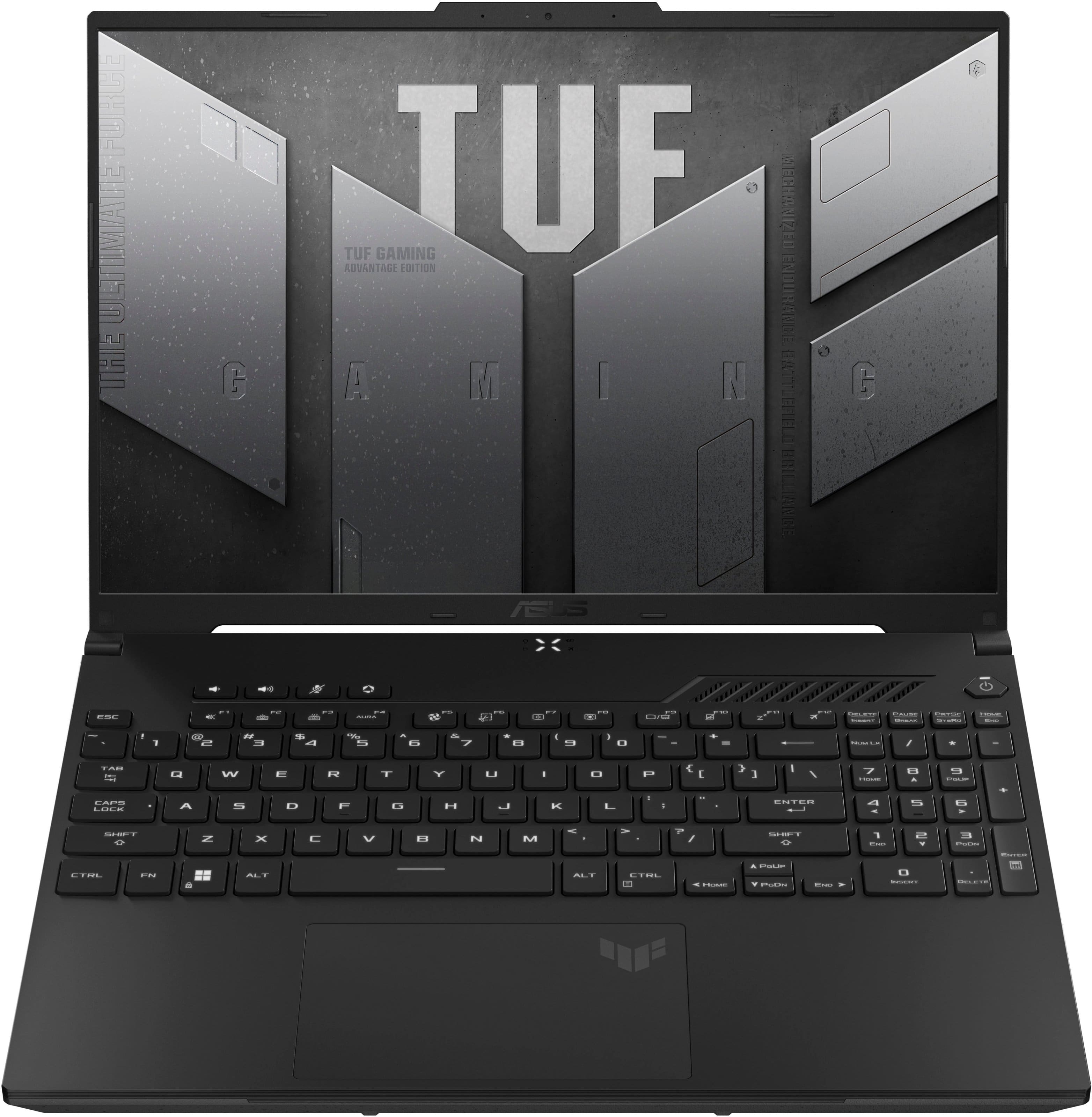
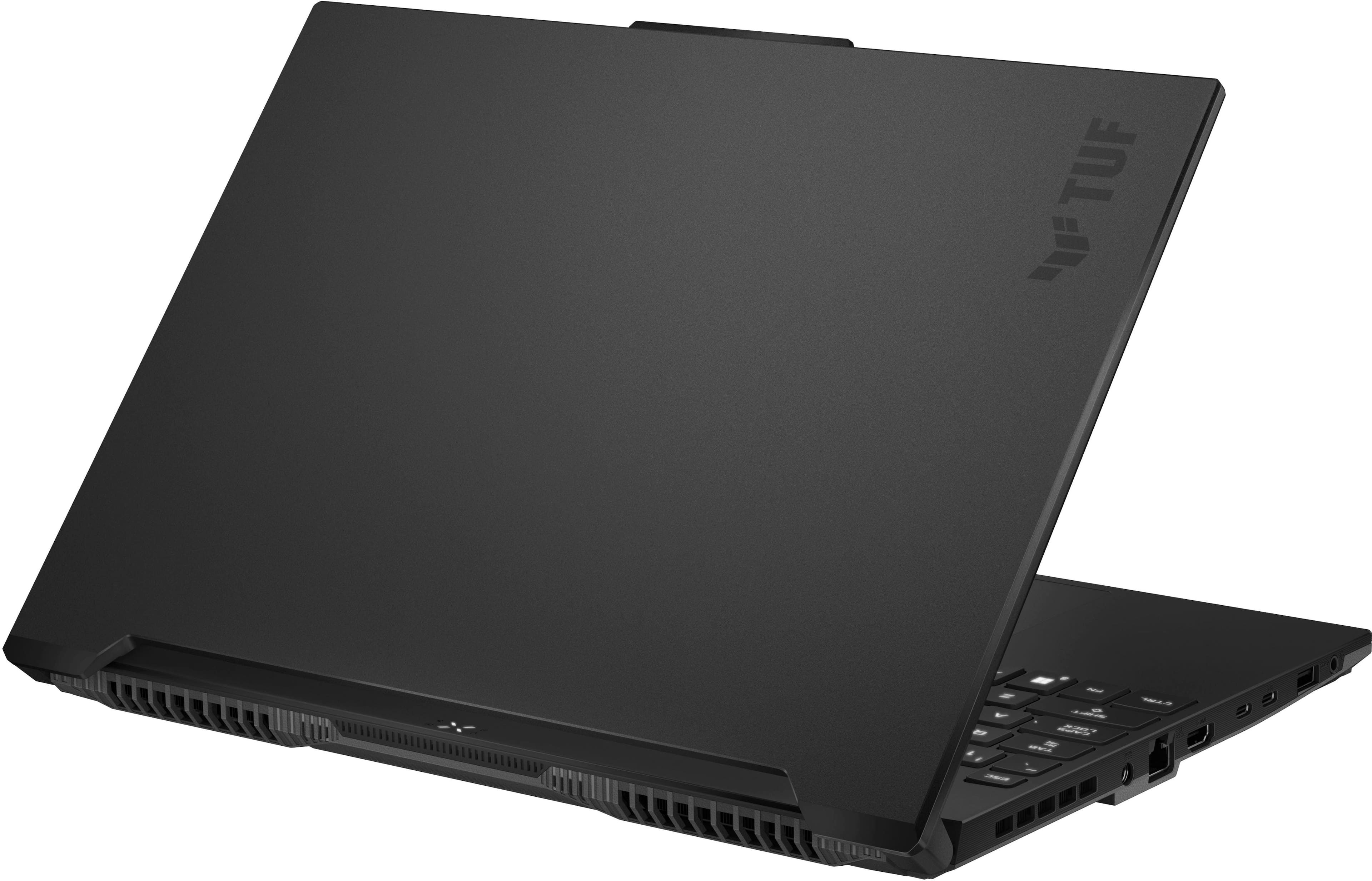
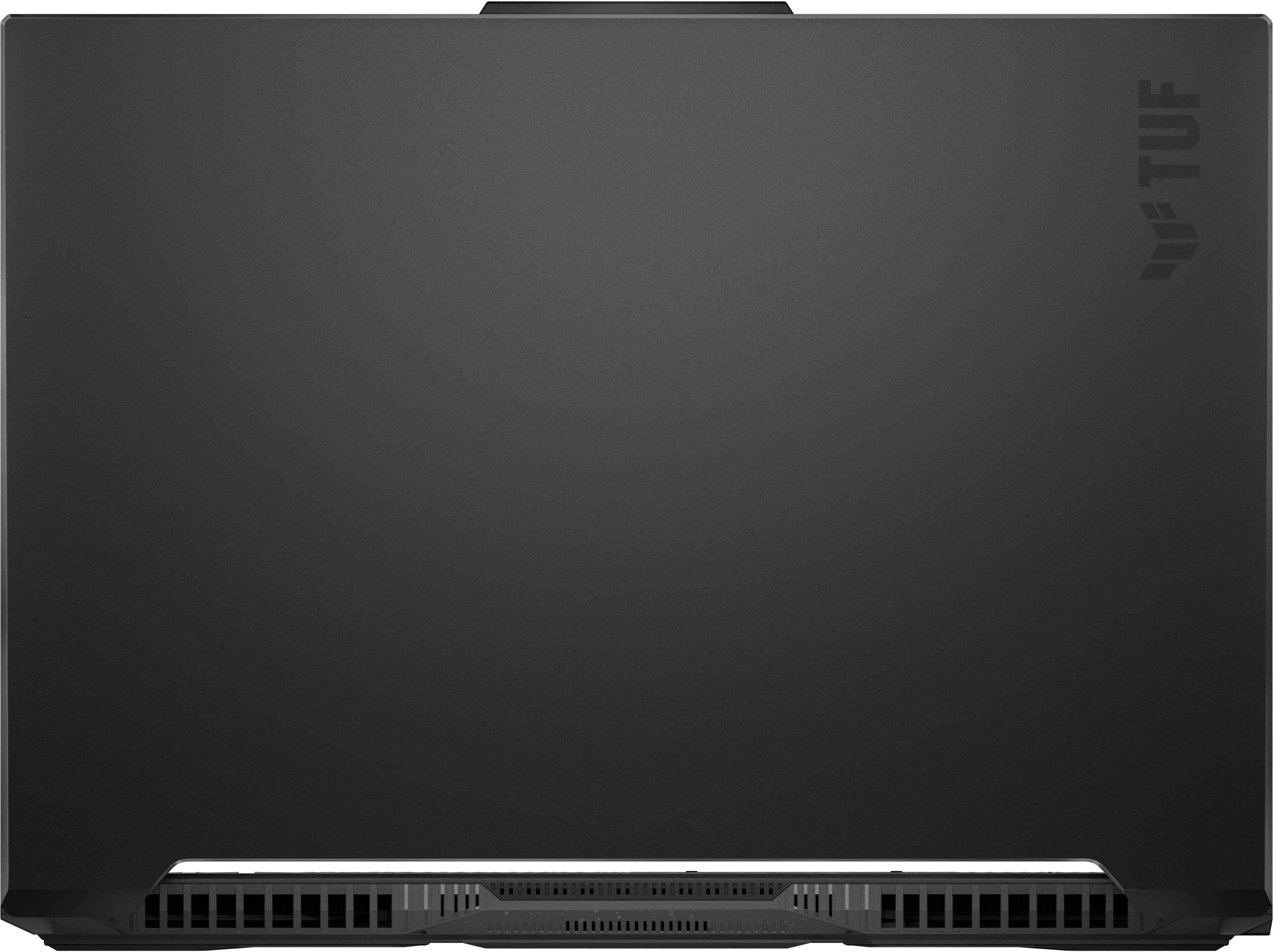
A:AnswerThe ASUS FA617NT does support ray tracing. The following link will provide you with more information about this device.
https://www.asus.com/laptops/for-gaming/tuf-gaming/asus-tuf-gaming-a16-advantage-edition-2023/
A:AnswerIt has a silent mode and it keeeps it that way unless there is heavy graphic usage and the the fan will start going somewhere between low and mid loud.
A:AnswerDear Christmas,
Thank you for your comment.
We do understand the inconvenience this may have caused if you cannot log in to Windows. To resolve this, try waiting two hours for the system to unlock, or use an alternative sign-in method like your Microsoft account password or a recovery key if available. If these steps failed, you may need to reset your PIN by going to the sign-in screen, selecting the option to forget your PIN, and following the prompts to set a new one.
Should you need further assistance with the product, please email me at cl-rodel@asus.com and I would be more than happy to help. Or, you are most welcome to call Product Support Hotline at: 1(888) 678-3688. Also, you can chat with an ASUS live support agent from the link: https://www.asus.com/us/support/article/1135/.
Thank you for choosing an ASUS product.
Regards,
Rodel
ASUS Customer Loyalty
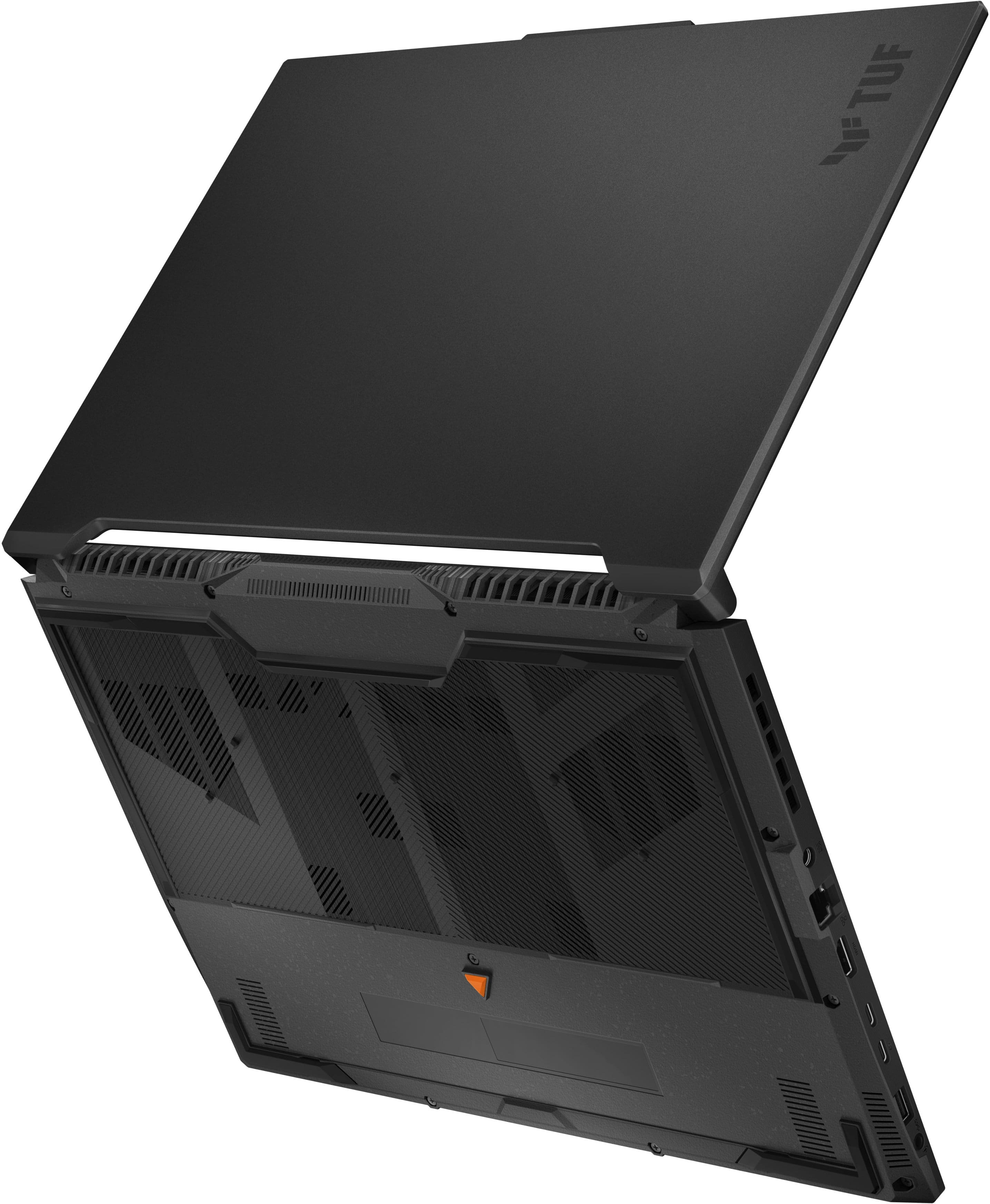
A:AnswerIt has an extra m2 nvme slot. You can just get an extra up to 2tb. That's what I did. Ram goes up to 64gb 4800mhz if you wanna upgrade that too.
A:AnswerI used Corsair. It can take up to 64gb at 4800mhz of ram and up to 2tb per nvme slot. It has 2 of them. I used samsung, but anything is fine. You can get faster ram, but it will slow it down to 4800mhz regardless.