A:AnswerUsually, car stereo will not meet the system requirements of the Bluetooth adapter, please check with your car stereo manufacturer if it is supported.
A:Answer-Yes, this Bluetooth adapter is plug-and-play(should not need to install drivers on your own) compatible with Windows 10+11.
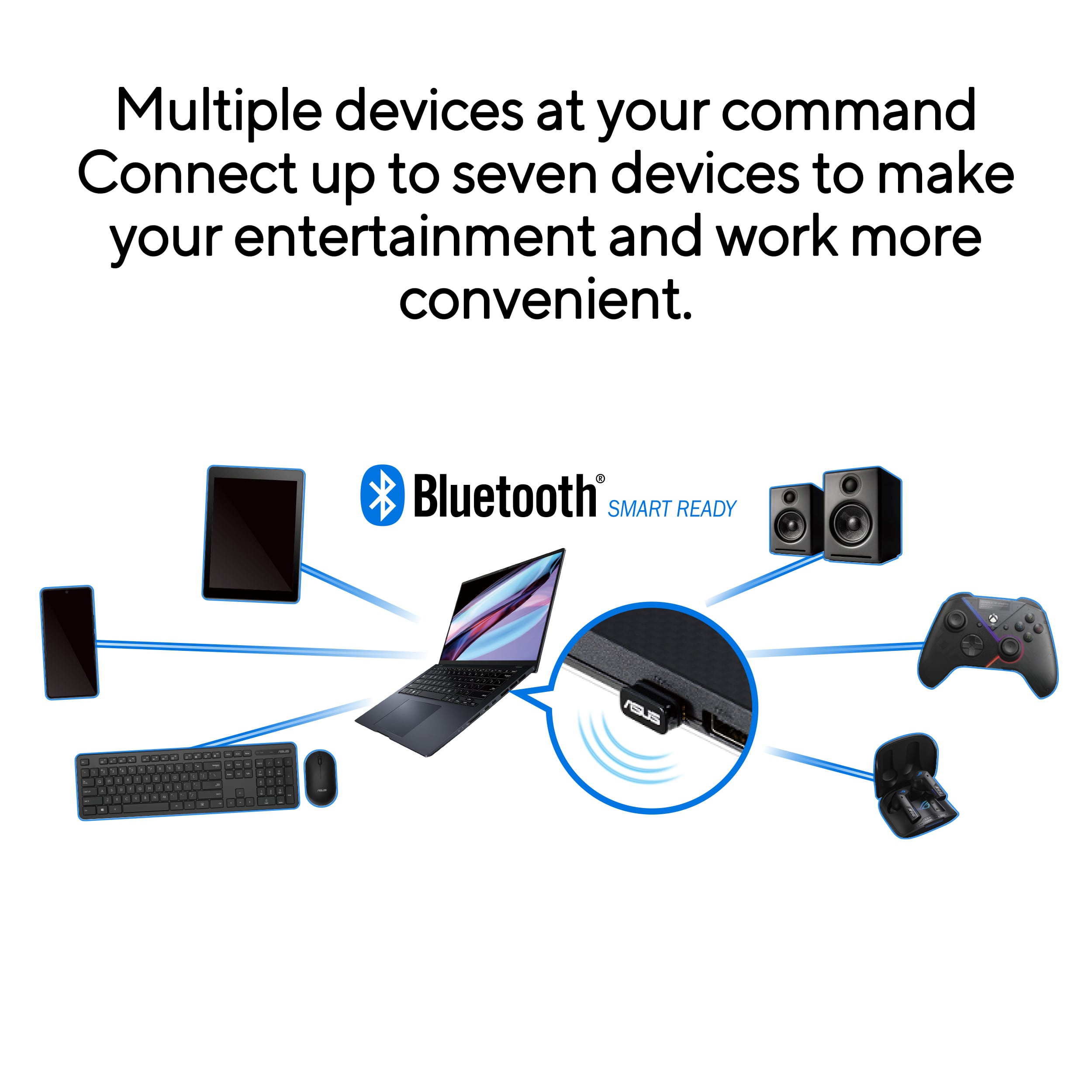
-Yes, this device will allow you to pair a Bluetooth speaker, Bluetooth headset, Bluetooth mouse, etc. with your PC.
-Yes, can then play all PC system audio on your Bluetooth speaker.
Two small words of caution:
-It will depend on your Bluetooth speaker’s features/age whether the audio from videos will sync up really well with what you are seeing on screen. Although, most speakers with BT 4.0 or newer should sync that audio just fine(most BT speakers since 2012 are at least 4.0).
-The wireless range on this adapter can be somewhat limited. If you are listening in the same room as the computer, you should be fine. If you find that you move further away and audio starts cutting in and out, try moving the adapter to a USB port on the front of your PC. This should provide less interference.
Hope this all helps.
A:AnswerDepending on the OS, this adapter supports Windows 8.1/10, Linux. Please review the specs here: https://www.asus.com/us/Networking-IoT-Servers/Adapters/All-series/USB-BT500/techspec/
A:AnswerMost car stereo will not support a Bluetooth adapter, please check with the car manufacturer if it meets the system requirements of the Bluetooth device.
A:AnswerYes it will. The AirPods would connect through Bluetooth rather than the H1 chip. So, the features may not all be there but you’ll get the standard Bluetooth features. As long as your MacBook has a usb-A port