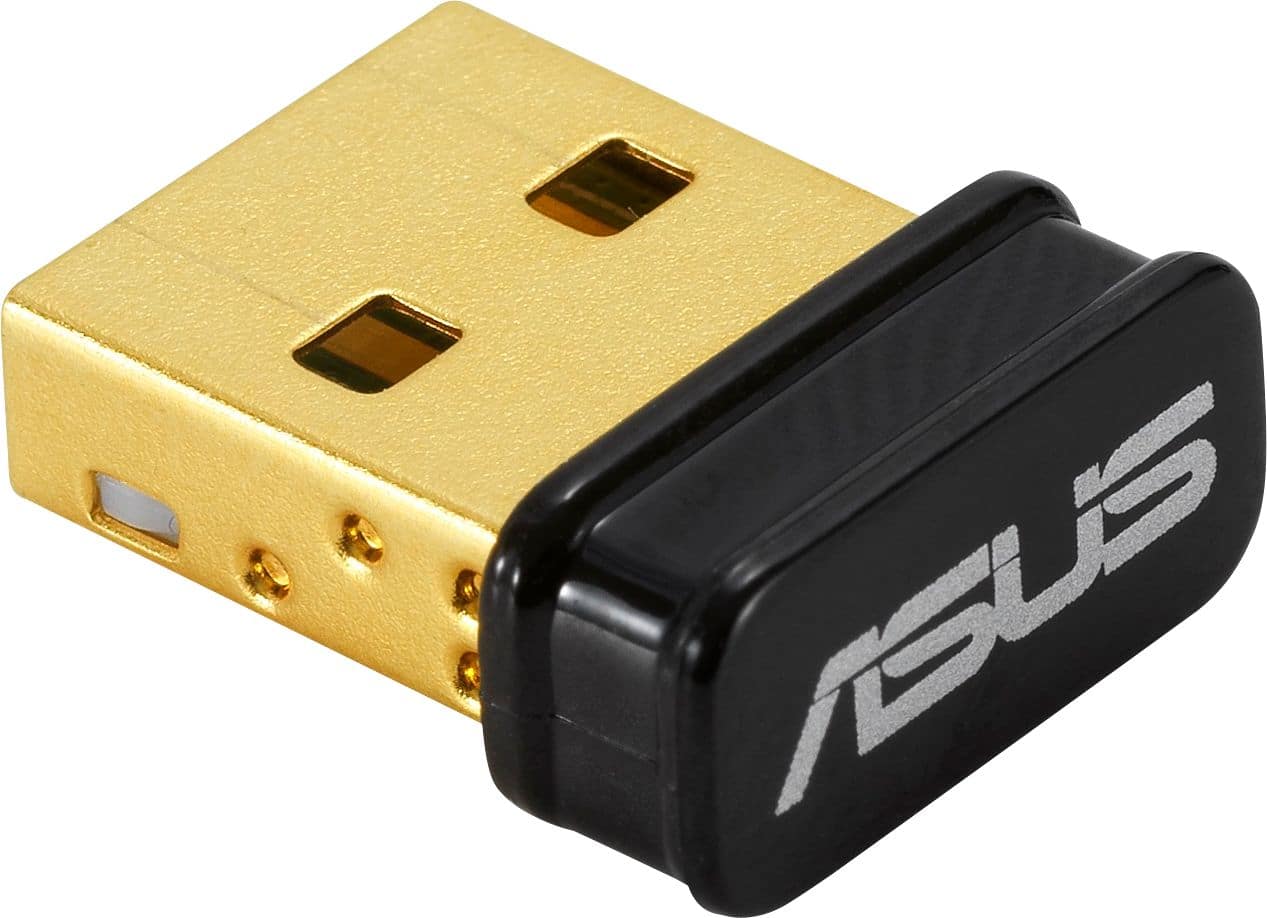
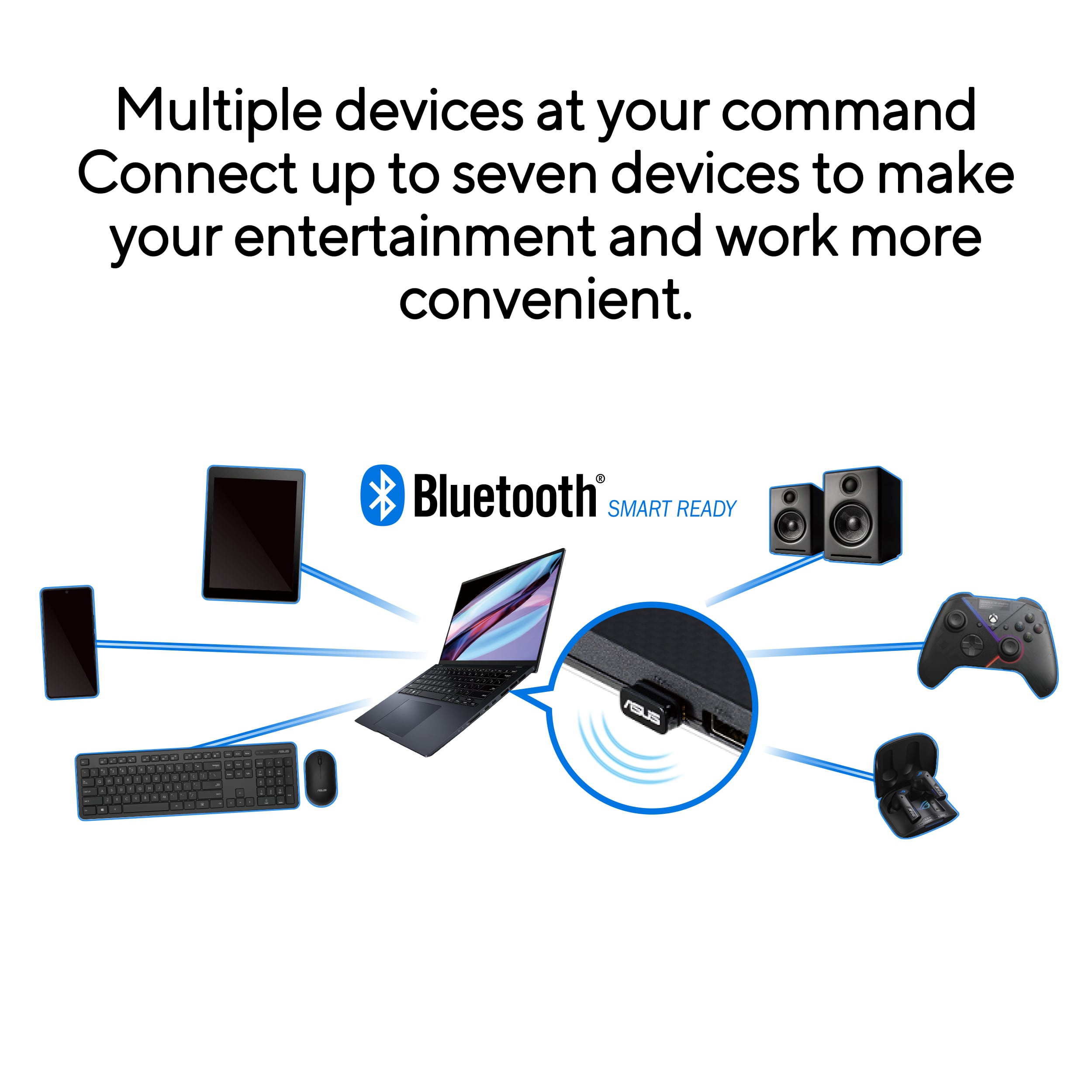
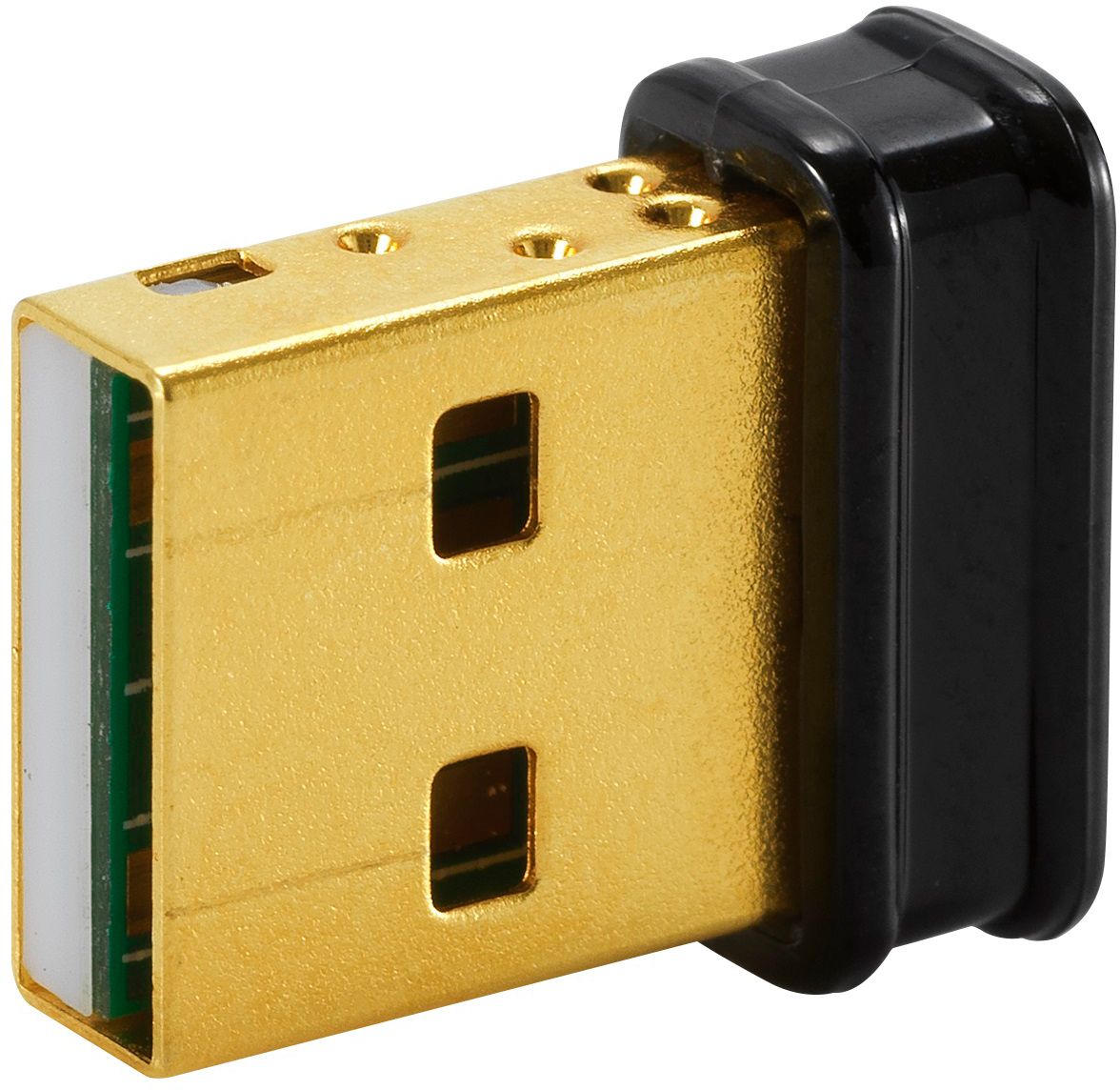
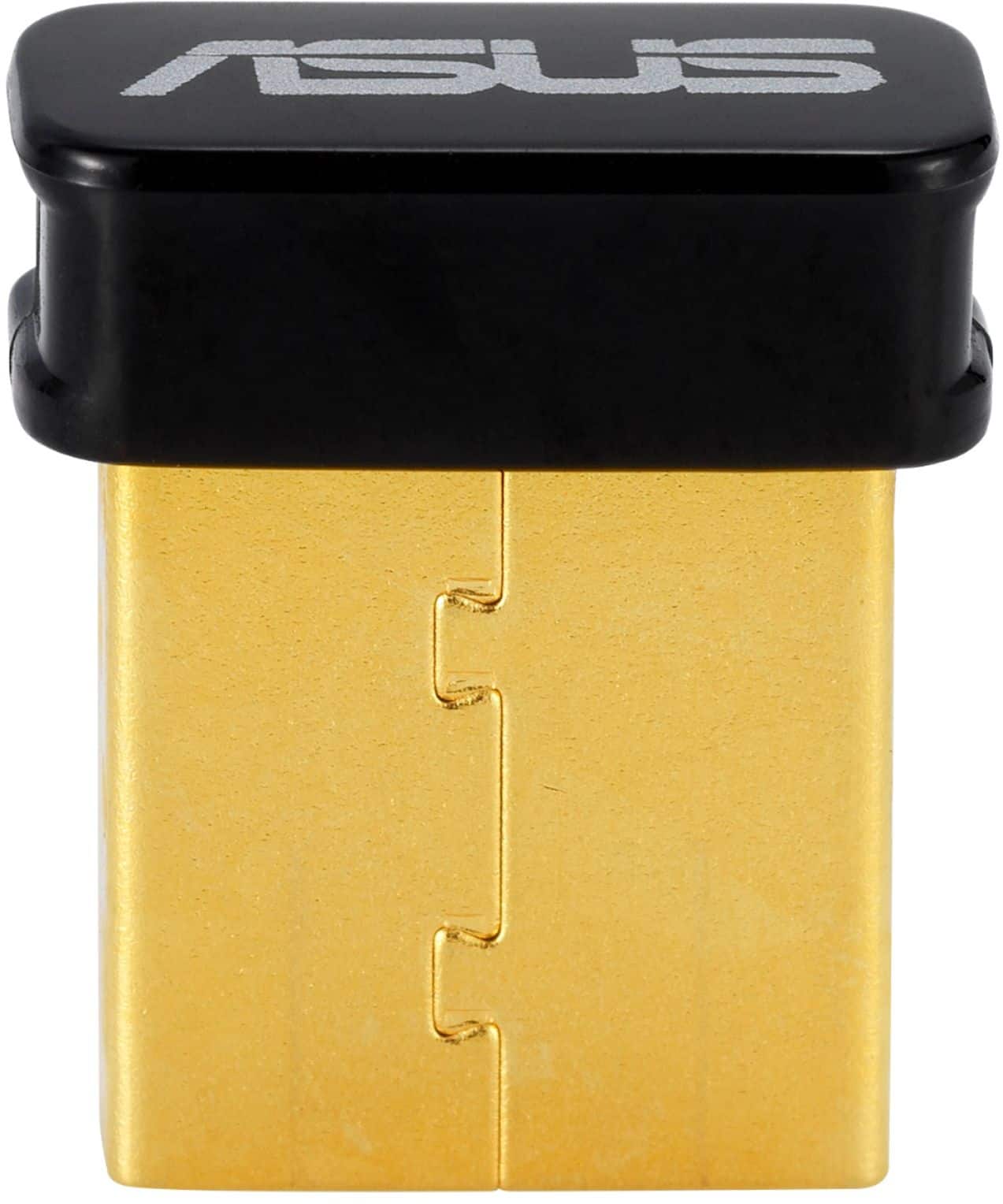
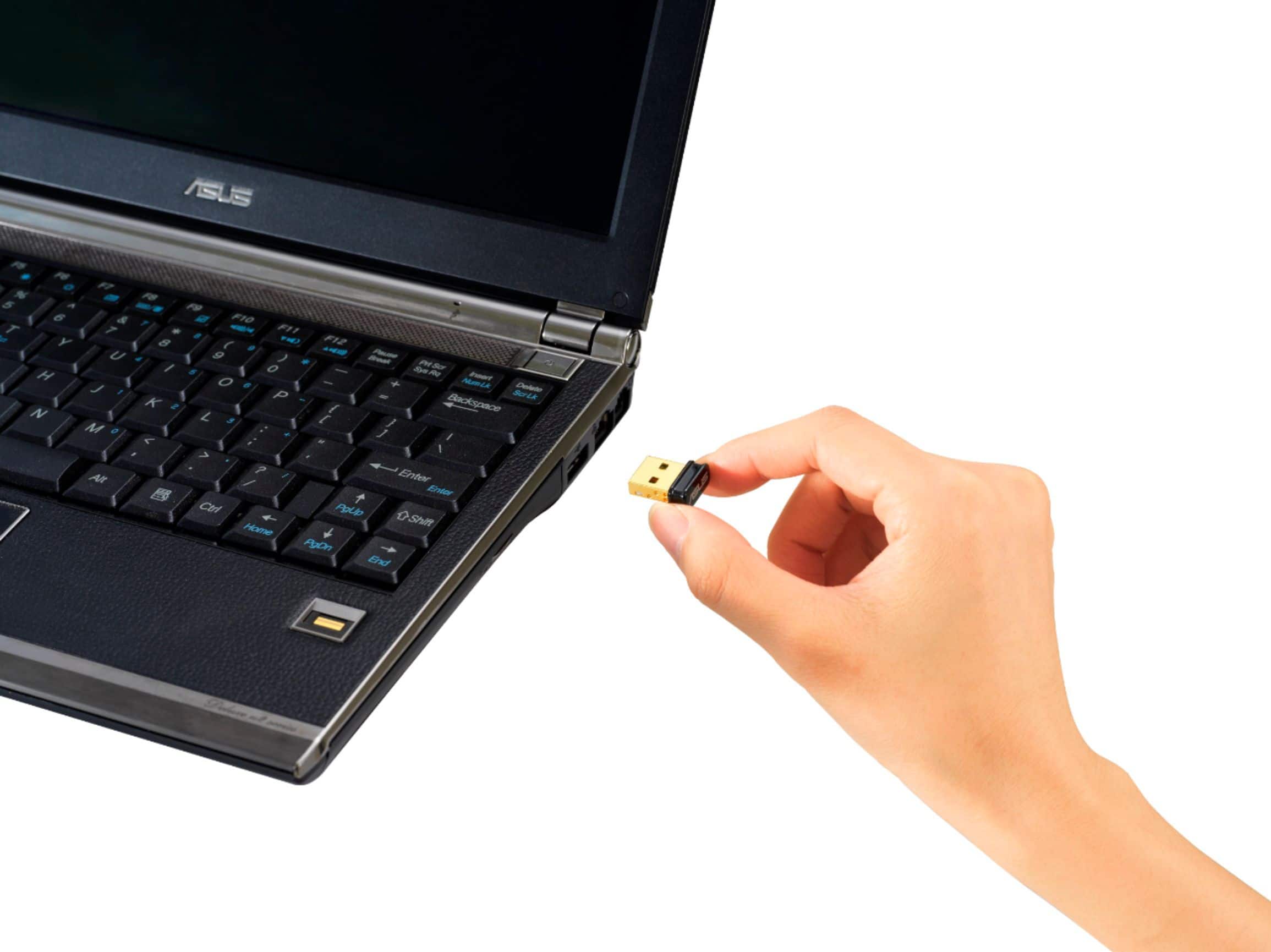
A:AnswerMy older laptop lacked "Bluetooth" ability. Connecting the USBBT500 Bluetooth Smart permits connection to my Beats Studio wireless headset.
"connect a xbox x controller" to your windows PC is entirely technical application.
The option is to purchase the product & try. BEST BUY has an excellent return policy.
A:AnswerIt should since the purpose of this is to enable Bluetooth functionality for a computer. You are then able to go into the Control Panel and do a search for Bluetooth supported devices. If you cutter is Bluetooth and it has a pairing mode it should connect no problem.
A:AnswerThis would be excellent for pairing an Xbox controller to your Windows 10 PC. For latency concerns, I recommend contacting Microsoft customer service for more information.
A:AnswerYes, you should be able to choose the Bluetooth Adapter you would like to use. For further advice, please reach out to our support team here: https://www.asus.com/support/callus
A:AnswerIt should work but take care of following the install instructions. It's quite important to DISABLE any bluetooth that comes pre-installed on your laptop
and also take note that there is almost no support's information about this device in any Asus sites.
A:AnswerThe Bluetooth adapter doesn't connect to a WIFI router, it only requires a PC that supports it in order to work and connect a Bluetooth device.
A:AnswerNo, this model supports Windows 8.1/10, Linux. Please review further specs here: https://www.asus.com/Networking-IoT-Servers/Adapters/All-series/USB-BT500/techspec/