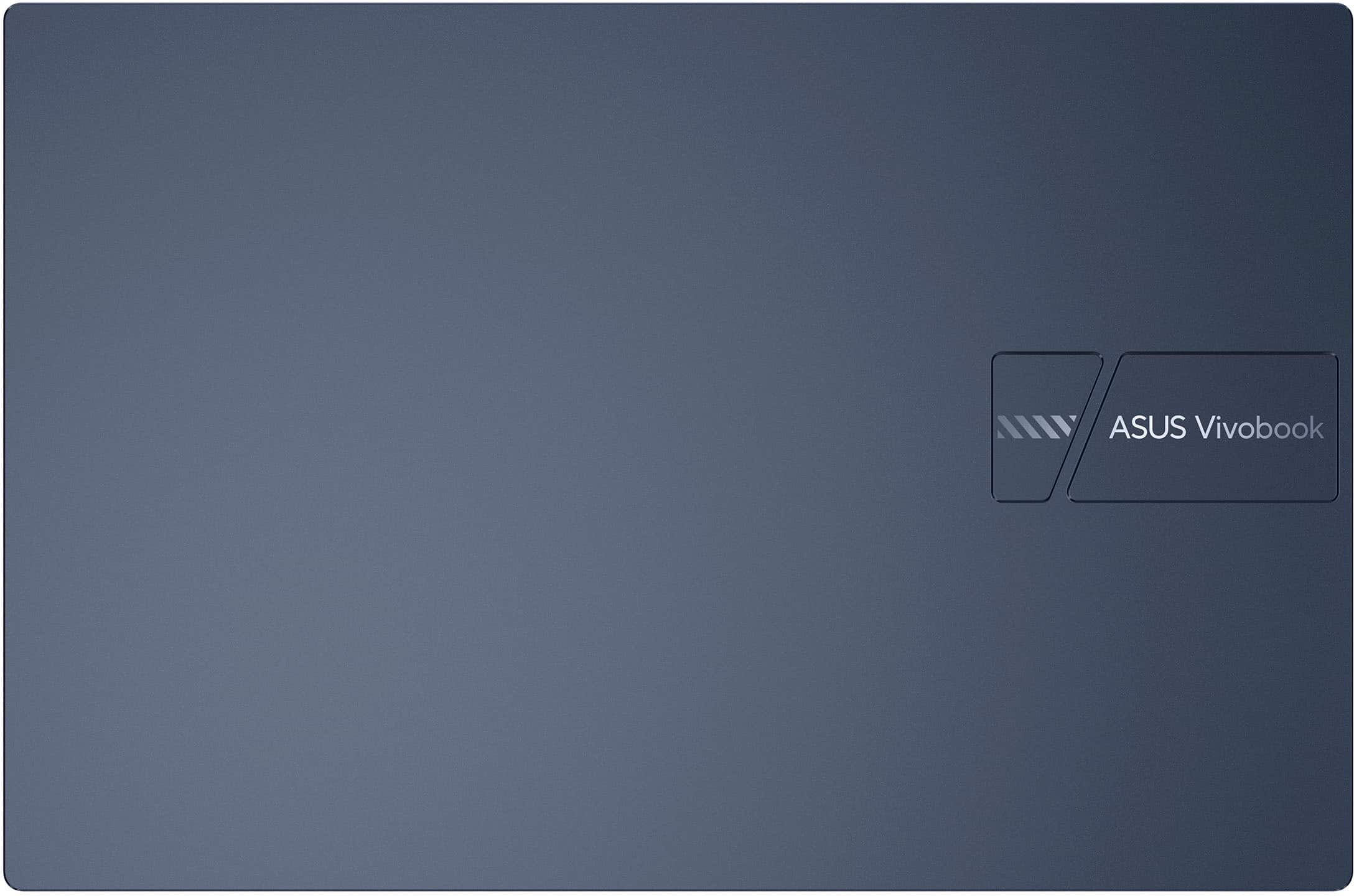
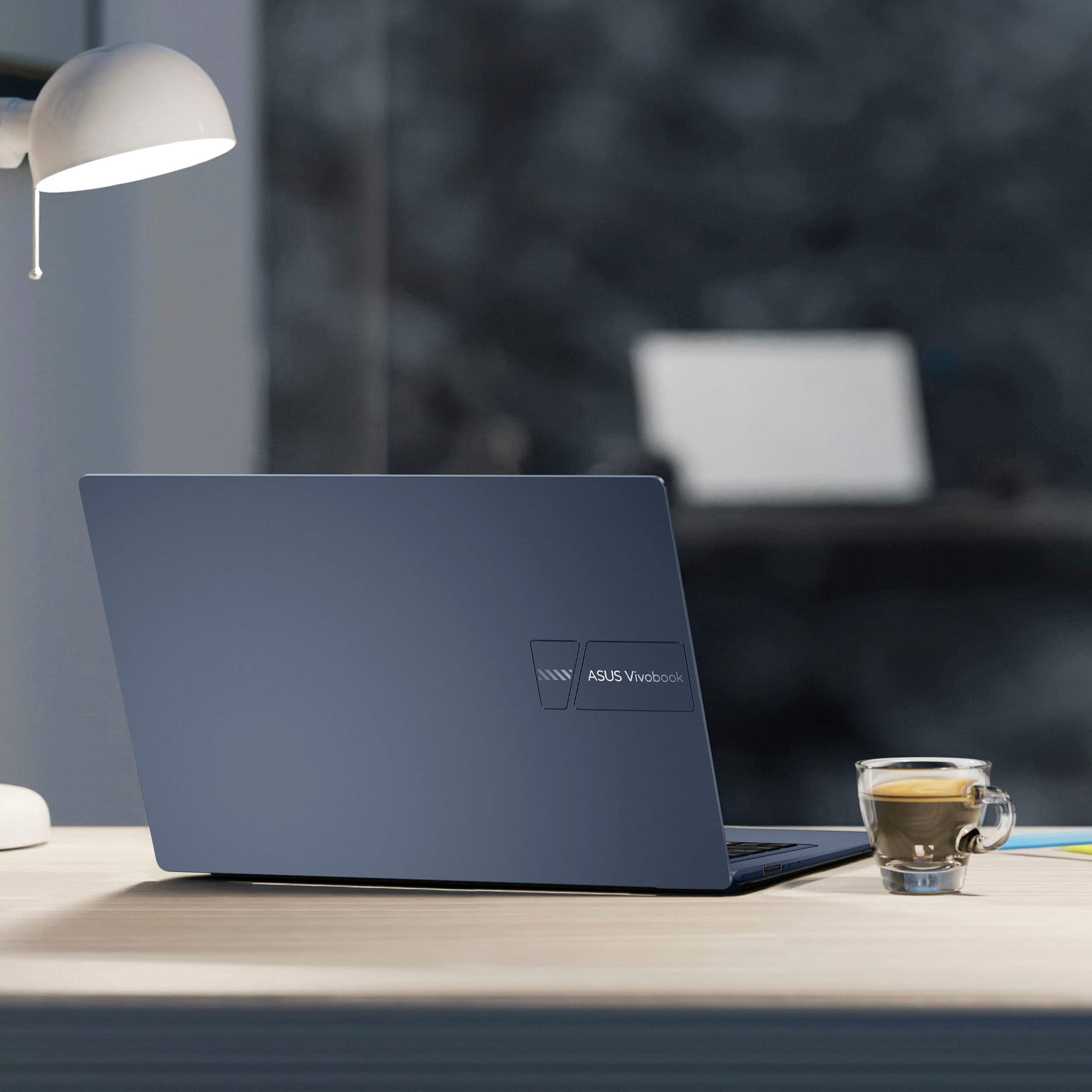
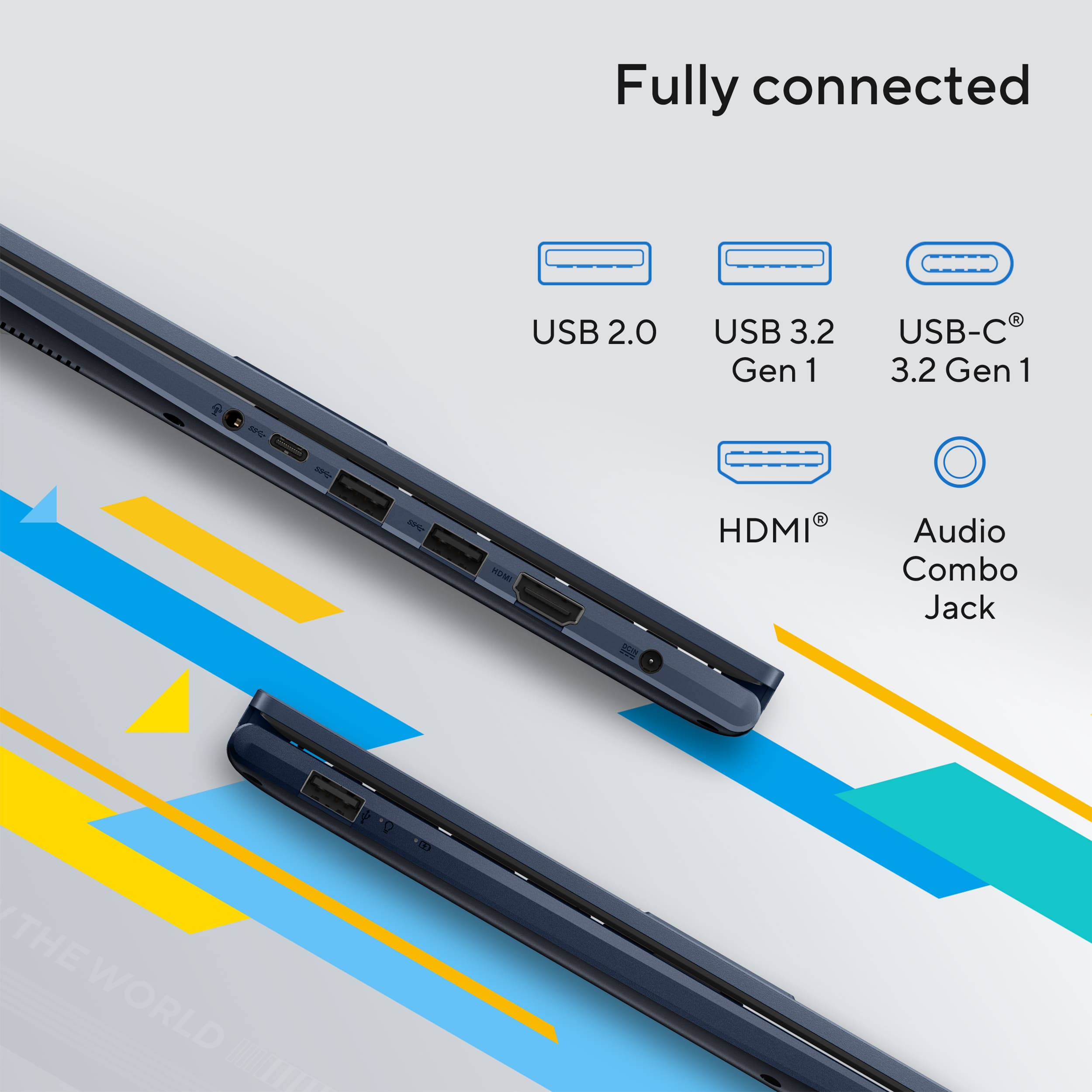
A:AnswerThe ASUS X1404VA laptop does not include a built-in Ethernet (RJ-45) port. To use a wired connection, you’ll need a compatible USB-to-Ethernet adapter or docking station that the system recognizes.
A:AnswerIf you are experiencing slow wireless connection with this laptop, ensure it is running with the most current WLAN driver posted at: https://www.asus.com/laptops/for-home/vivobook/asus-vivobook-14-x1404/helpdesk_download?model2Name=X1404VA . Additionally, ensure Windows and chipset driver are updated to ensure optimum system stability and performance.
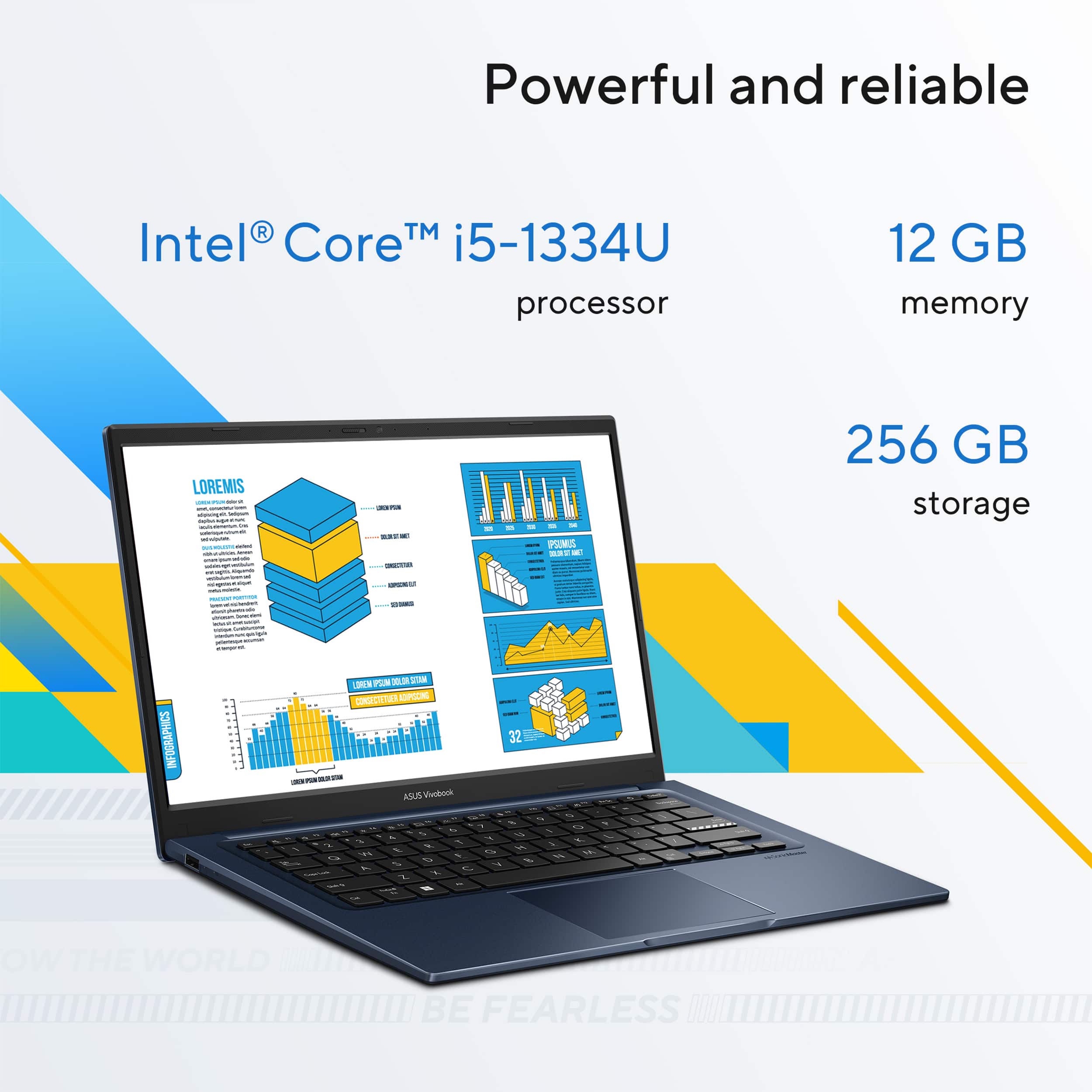
A:AnswerThe ASUS X1404VA laptop is powered by the Intel Core i5-1334U processor. It features 10 cores (2 performance cores and 8 efficiency cores), 12 threads, a base frequency of 1.3 GHz, and a maximum turbo frequency of up to 4.6 GHz.
https://www.asus.com/laptops/for-home/vivobook/asus-vivobook-14-x1404/techspec/
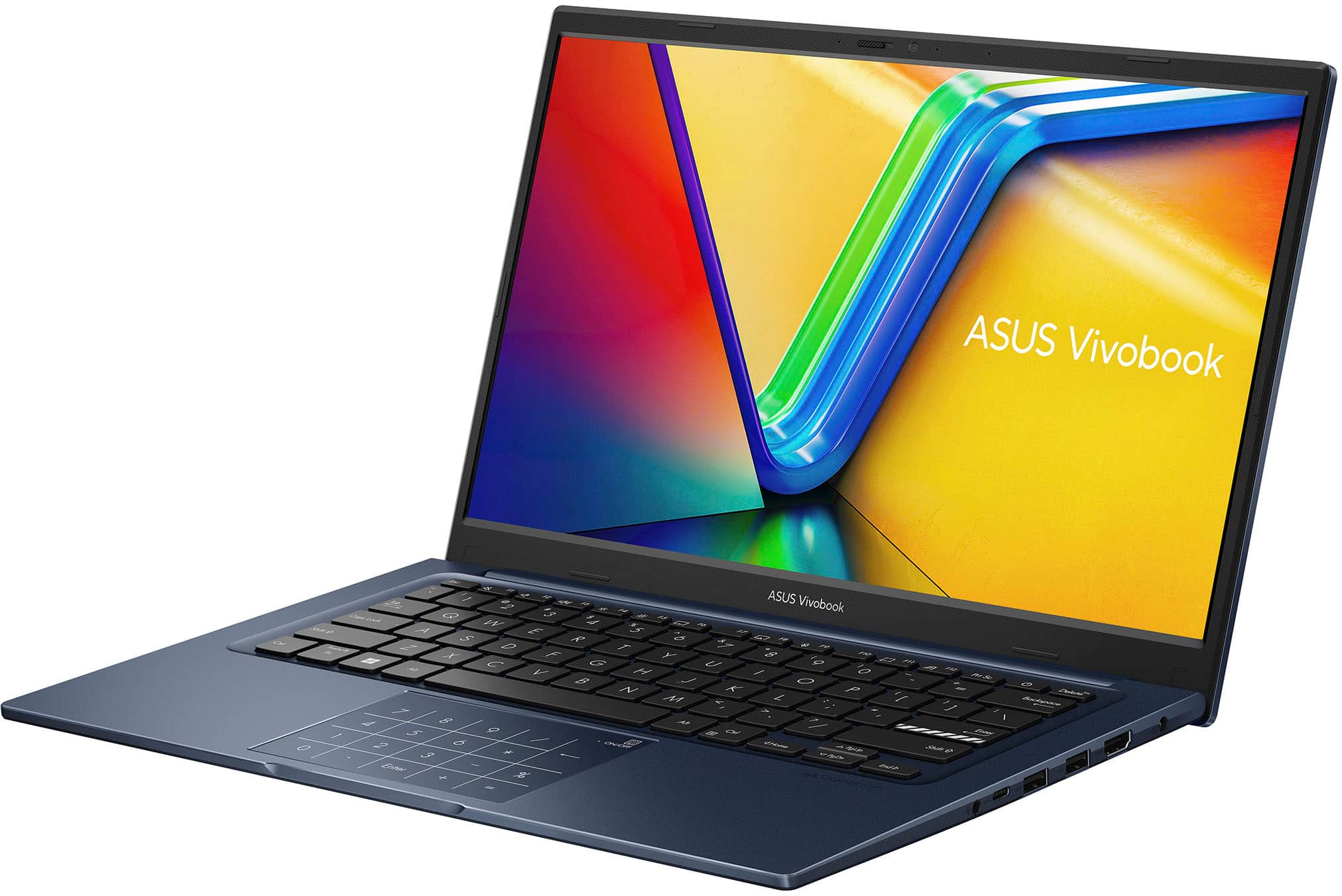
A:AnswerYes, you can connect two monitors to this laptop. First monitor connects to the HDMI port and the secondary monitor to the USB 3.2 Gen 1 Type C using a USB C to HDMI adapter.
A:AnswerFor the most accurate and up-to-date information about the ASUS X1404VA laptop or any specific listing, we recommend contacting Best Buy directly at 1-888-237-8289. Their customer service team can confirm product details, availability, and help with any purchase-related questions.
A:AnswerYes, the ASUS X1404VA comes with 8GB of onboard RAM and includes one available memory slot that supports up to 8GB of DDR4-3200MHz single-channel memory. This brings the maximum supported RAM capacity to 16GB.
https://www.asus.com/laptops/for-home/vivobook/asus-vivobook-14-x1404/techspec/
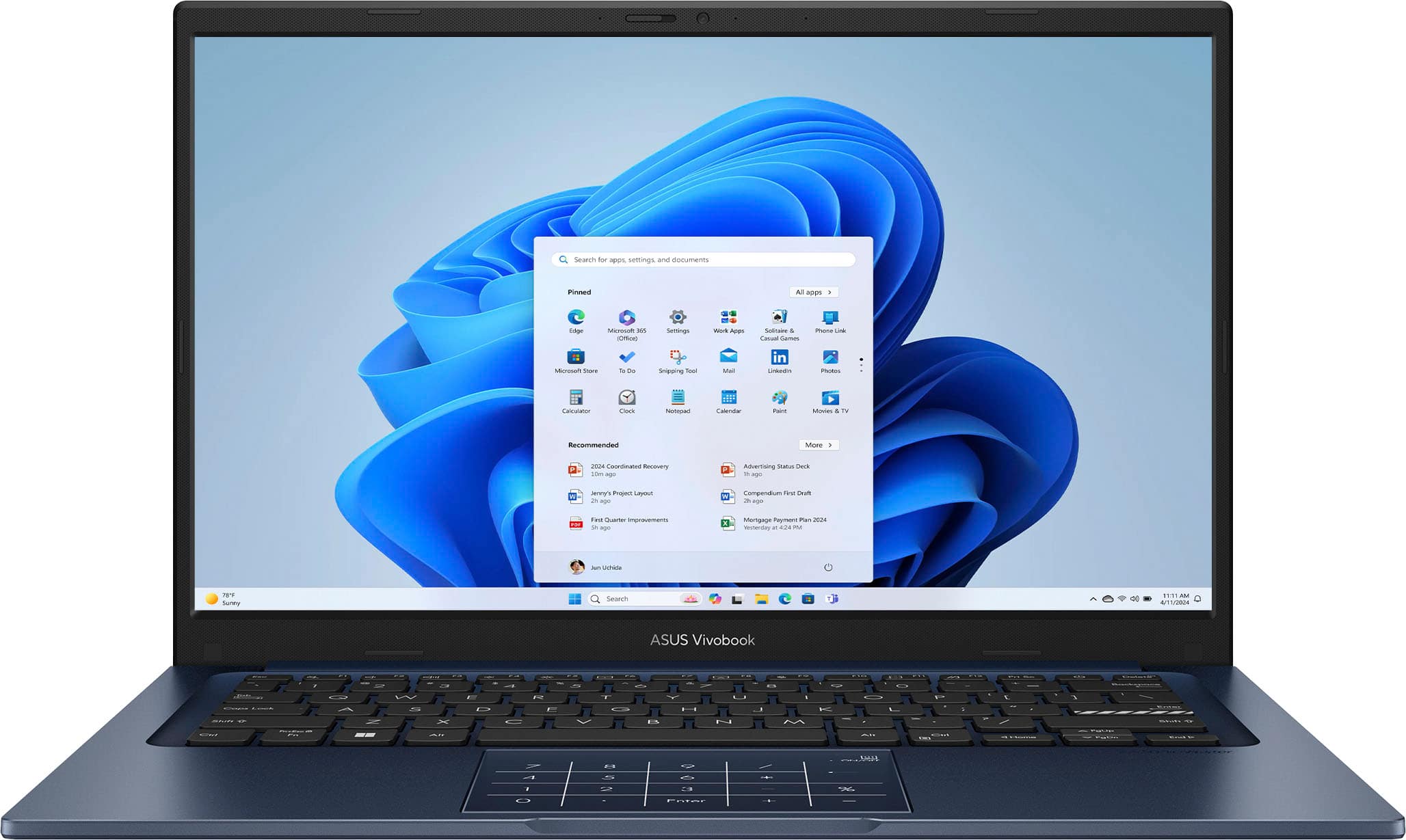
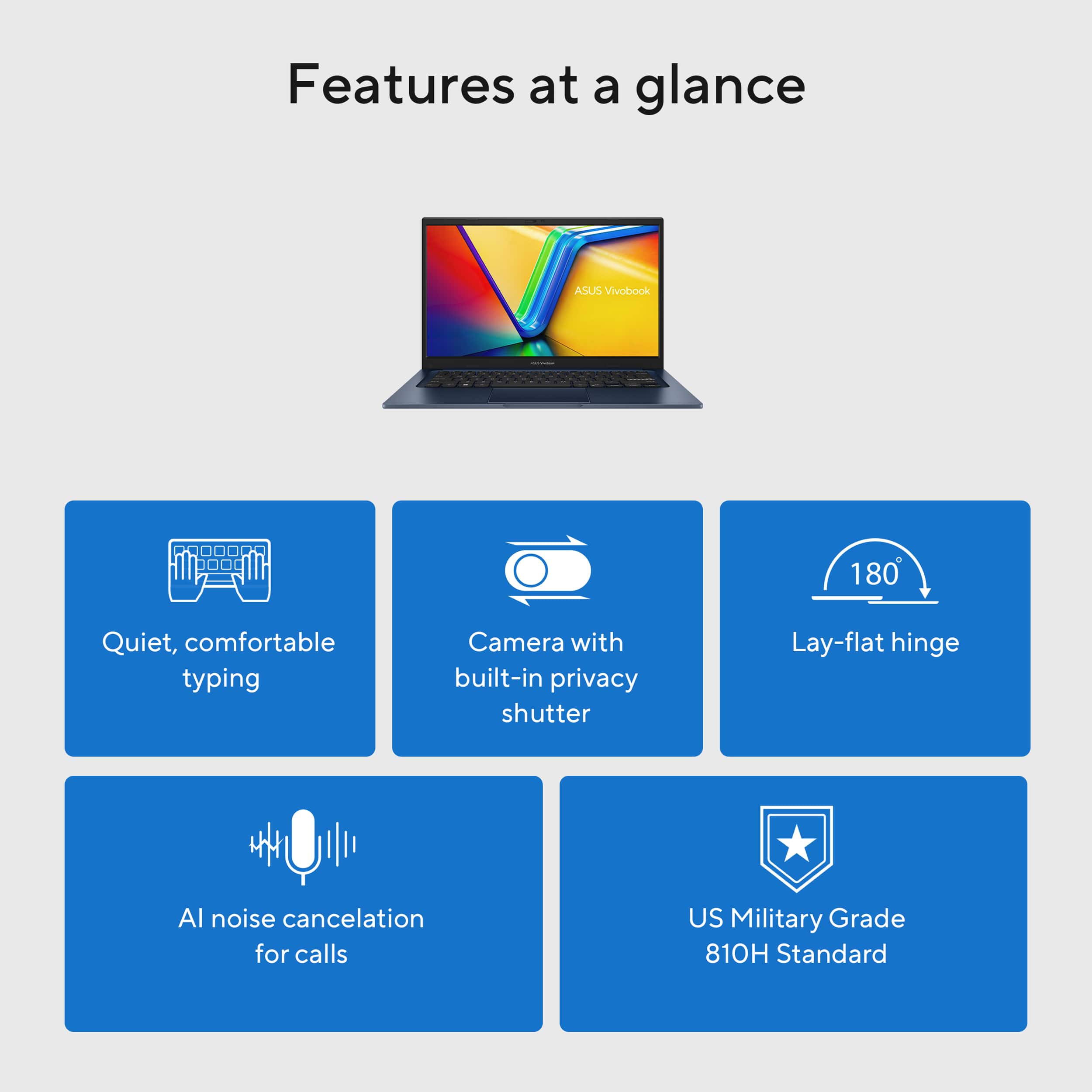
![ASUS Vivobook Esc 2 F1 F2 F3 F4 F5 F6 F7 FB 8 F9 F10 F11 F12 Prt Sc and Delete - & I 1 Q 2 # 3 $ 4 % 5 A 6 & 7 * 8 I 9 - O - I + = Backspace Tab Q W E R T Y U I O P I [ ] | / Ctrl Lock A S D F G H J K L : : I Enter Shift Z X C V B N M V ? / Shift Ctrl Fn Alt Alt Ctrl Home A PgUp PgDn End b ON/Off SonicMaster 7 8 9 / 4 5 6 * 1 2 3 I % 0 Enter + =](https://pisces.bbystatic.com/image2/BestBuy_US/images/products/8785ef94-8fa8-4d9a-bfb8-9c161c09ab91.jpg)