A:AnswerMine came with Win 10s installed. It's easy to remove the "s" limitation to run WIn 10 Home. After a few days of using the laptop, you will get requests from Microsoft to upgrade to Win 11. You can just cancel (refuse) the request. If for some reason yours comes with Win 11s installed, I'm sure you can roll back. Just keep in mind that most everything that runs on Win 10 will probably run in Win 11. You should check with the Software manufacturer.
A:AnswerHello Katie. Yes, this model would be a good laptop for school, watching movies or tv shows. However, please keep in mind that software has minimum requirements that need to be verified on your device before downloading it. We highly recommend you check the specific software publisher's website for their minimum/recommended hardware requirements to run their program, then compare those requirements to this system's configuration. Thank you for choosing Intel.
A:AnswerHi Vaude. The latest version of ZOOM needs a device with 4GB RAM and a 1.00 GHz processor (minimum). For this particular case, this model has the minimum requirements to run so it is recommended. Please keep in mind that this program depends on an internet connection commonly broadband wired or wireless of 3G or 4G/LTE for better performance. You can view in detail the system requirements for ZOOM below: *https://support.zoom.us/hc/en-us/articles/201362023-System-requirements-for-Windows-macOS-and-Linux* Thank you for choosing Intel.
A:AnswerThis answer contradict's Asus's other that indicates a maximum of 20GB RAM. Also, if it has 8GB, according to them, you would max out at either 16 or 24GB.
A:AnswerYes, an externa USB 1TB HDD can be connected and be used. The User's Manual can be downloaded at: https://www.asus.com/Laptops/For-Home/All-series/ASUS-X515/HelpDesk_Manual/?model2Name=ASUS-Laptop-15-X515JA.
A:AnswerAdobe what? Adobe is a brand name for a few dozen products.
For most of them, the answer will be 'No'.
Well, yes, if you do the switch from the default 'S' mode to straight Windows 11, you can install all the Adobe software you want... it's just a Windows PC. But with the i3 processor, it won't run programs like Photoshop, Premiere Pro, etc. very well. Those programs want more ram and much faster processors.
So yes, but no.
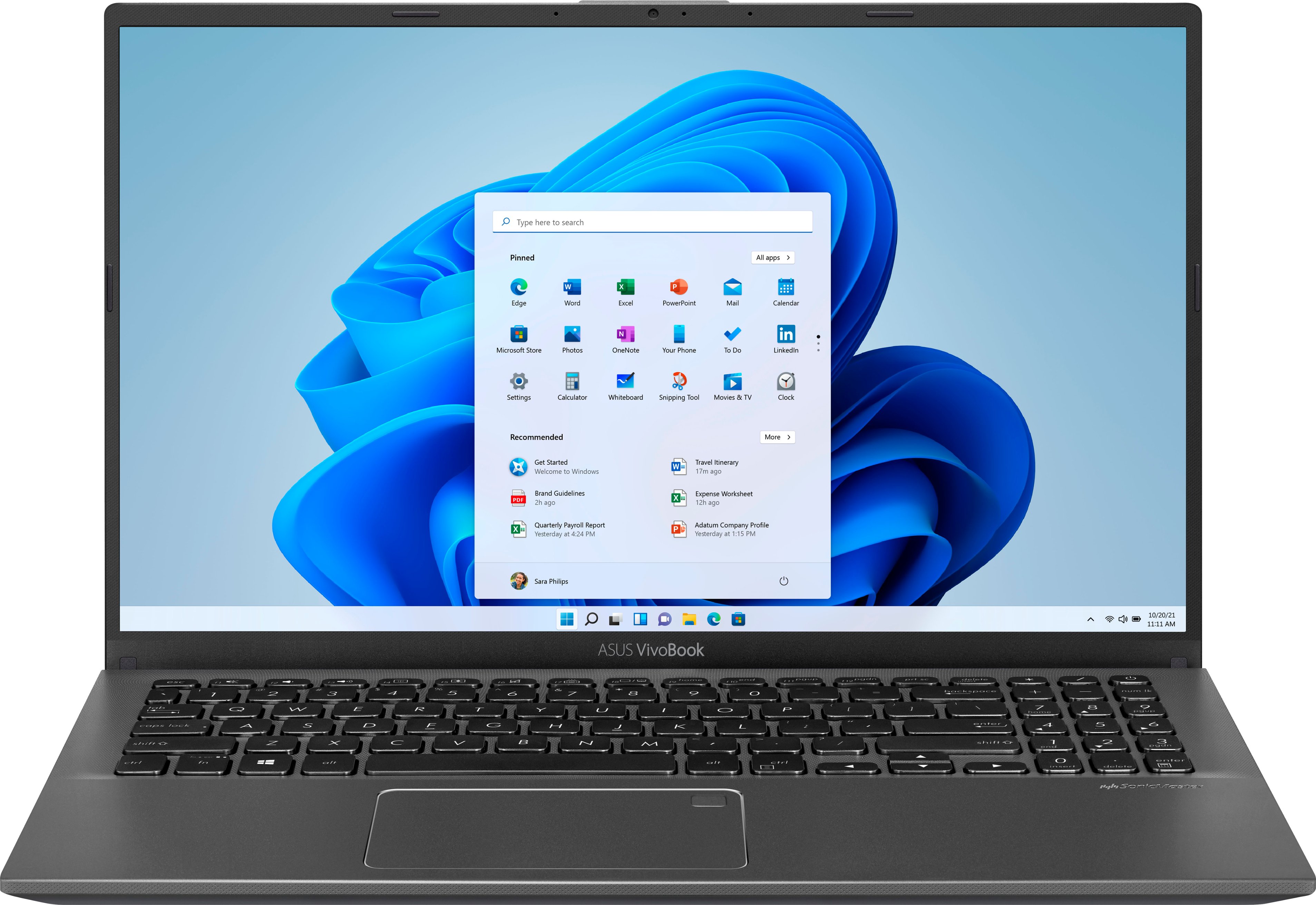
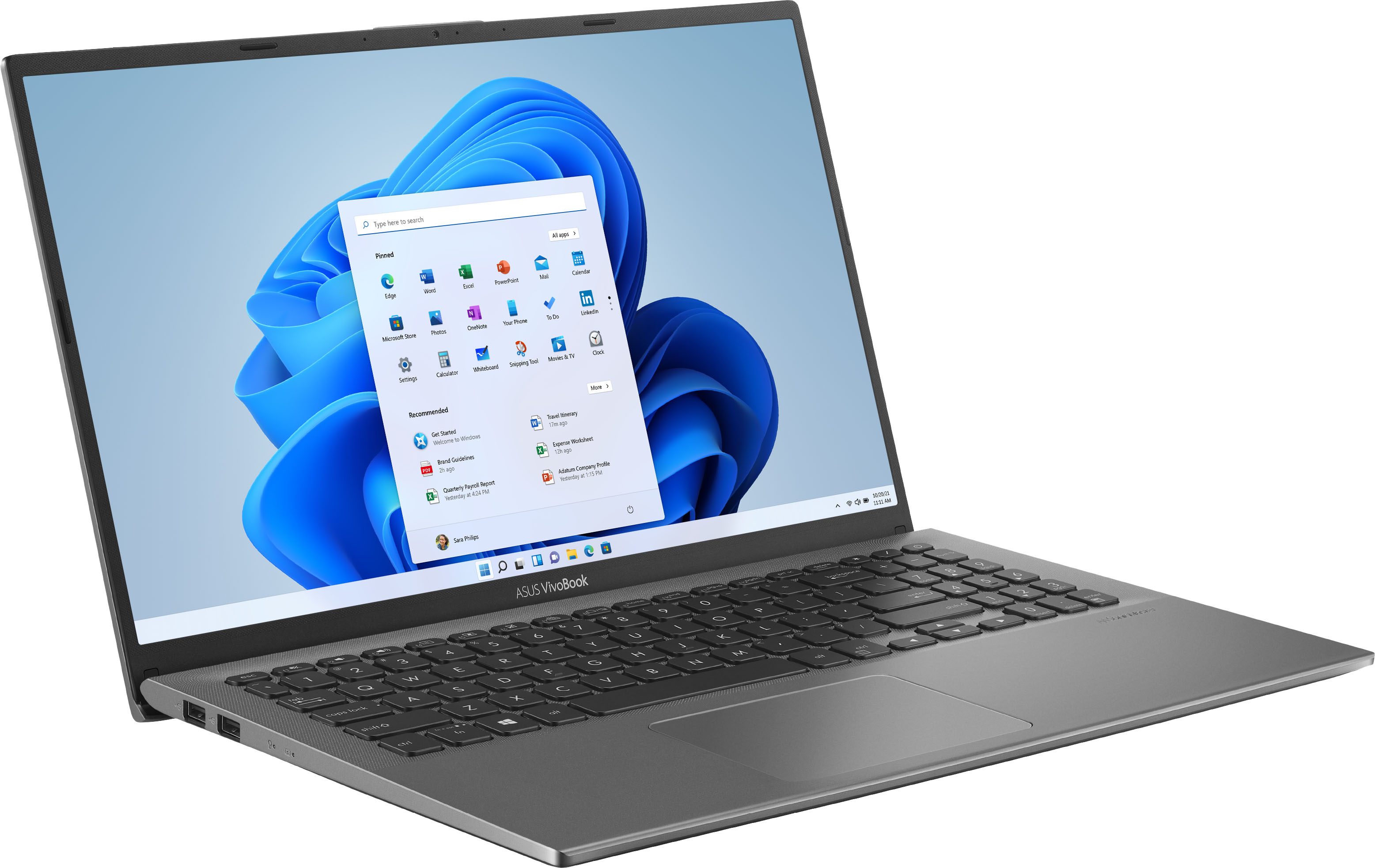
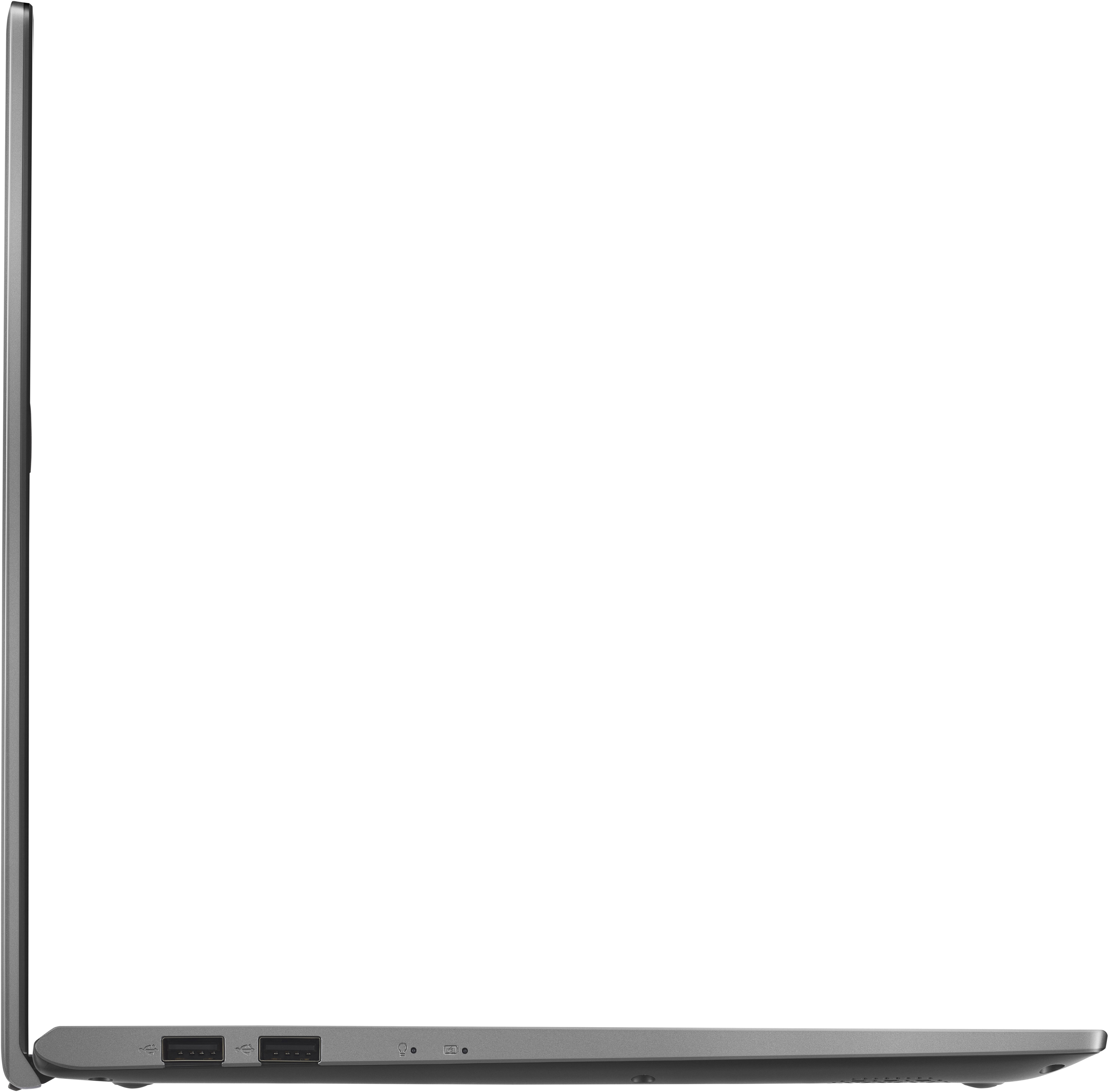
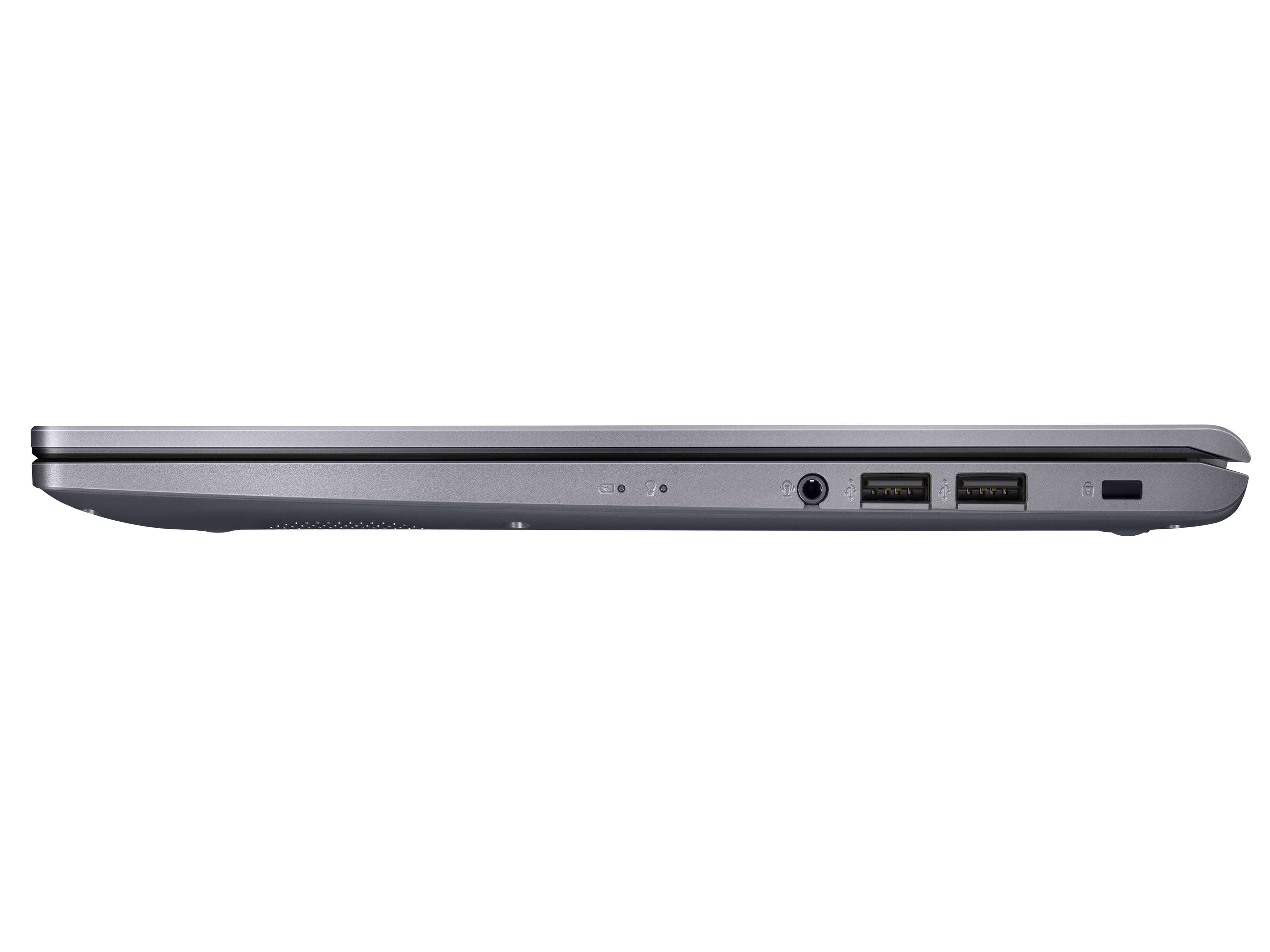
A:AnswerThe pictures are not correct, at least compared to the unit I received. I have what you listed (2 USB2, 1 USB3, 1 USB-C), AND an HDMI port that's not shown or listed in the specs.