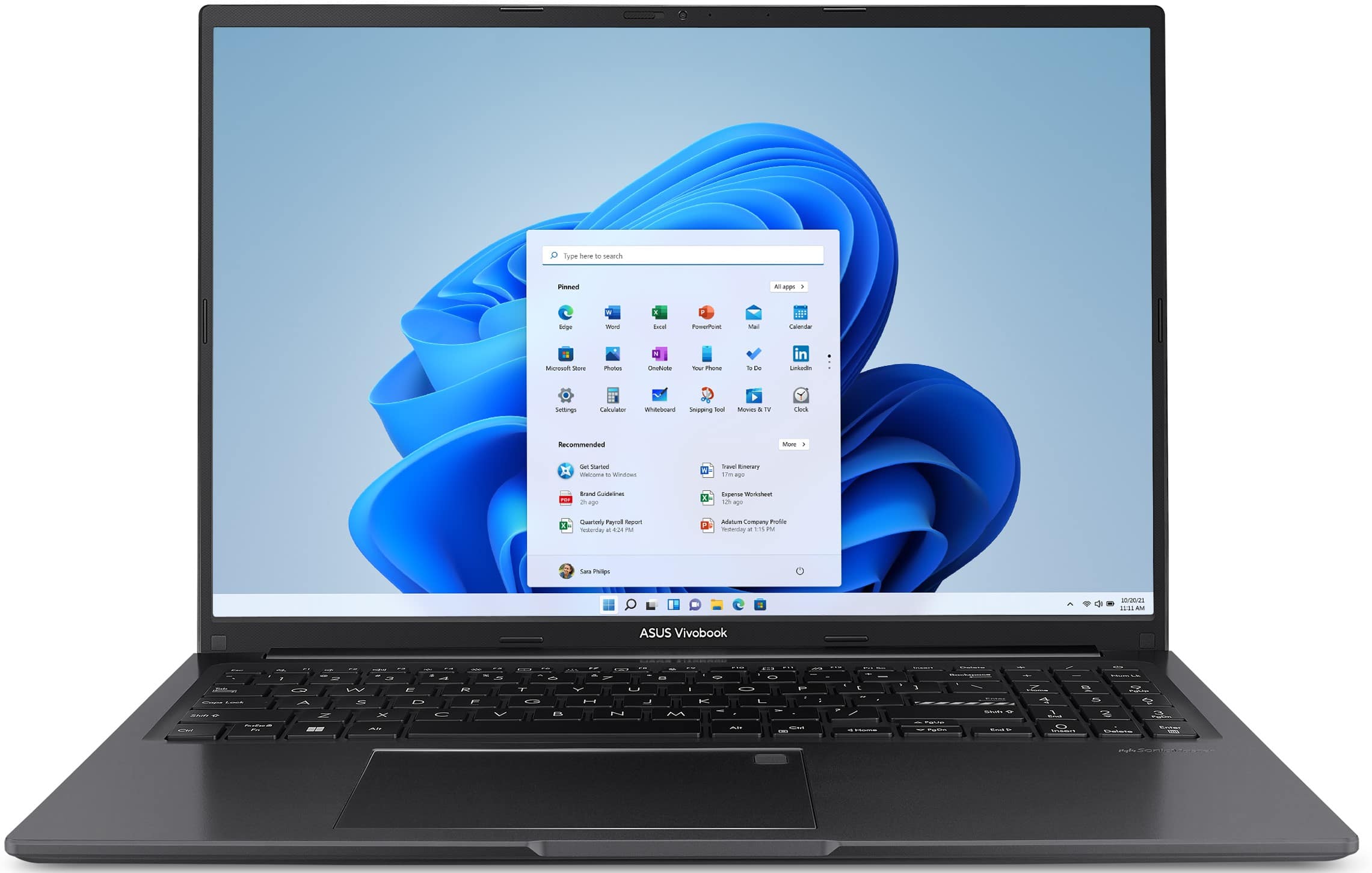
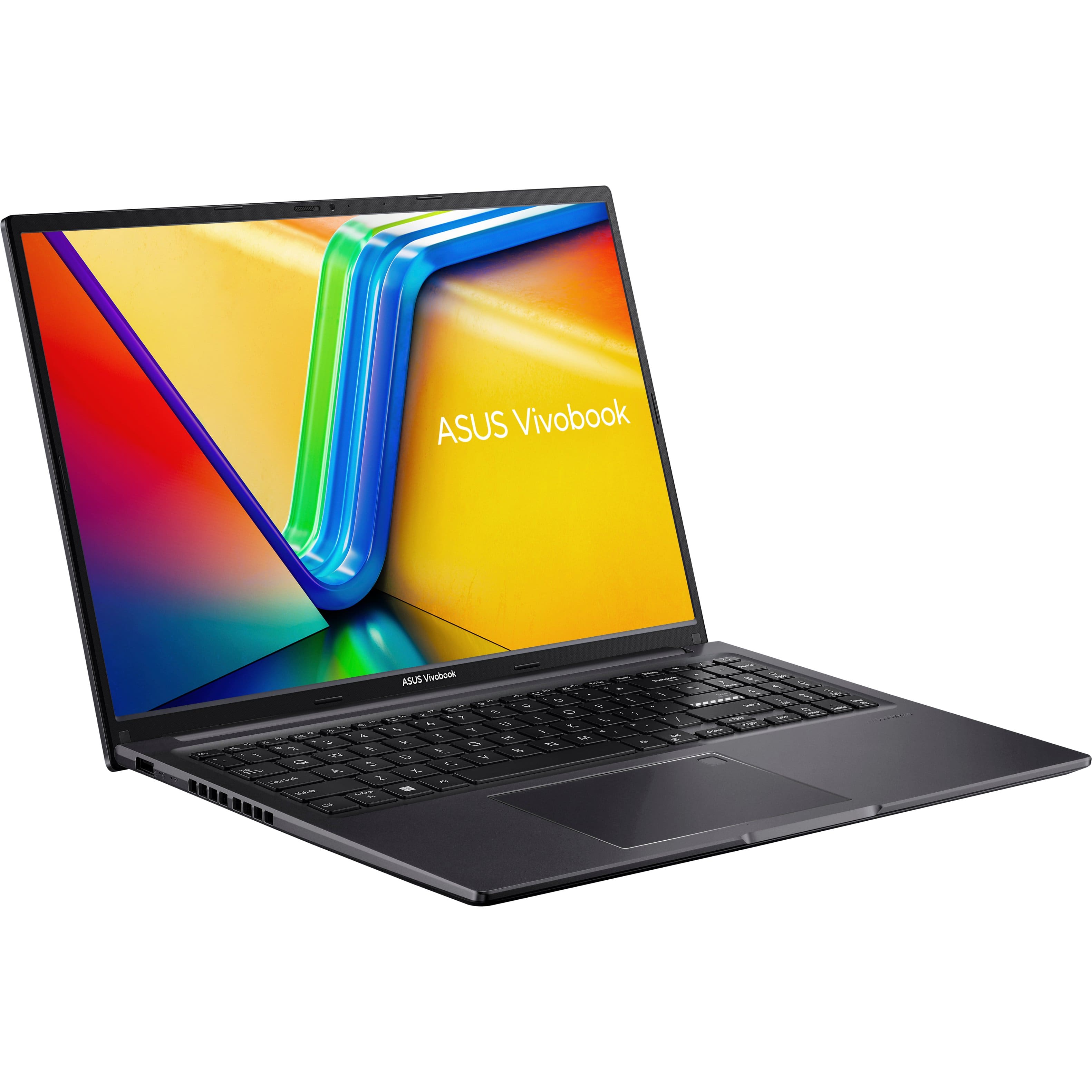
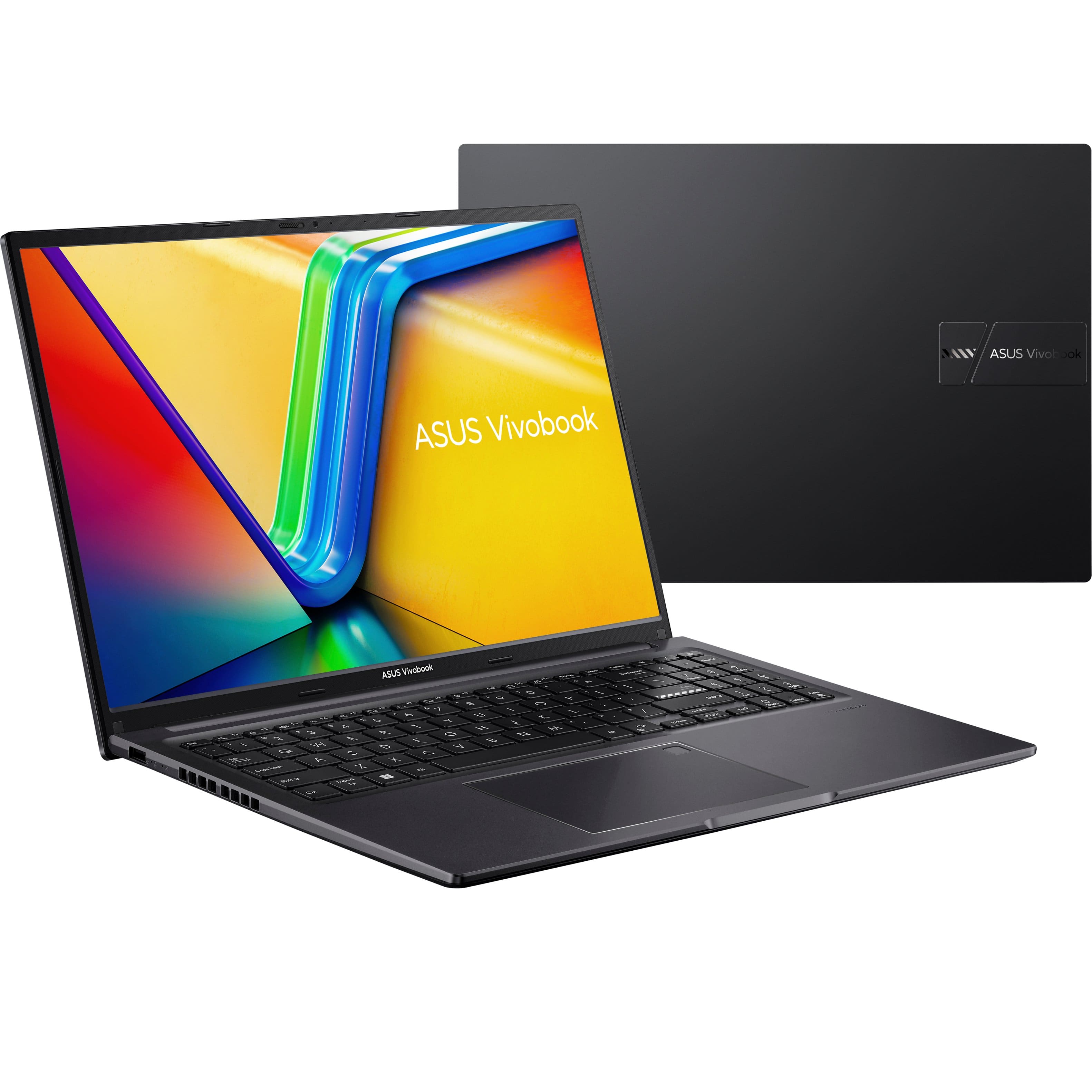
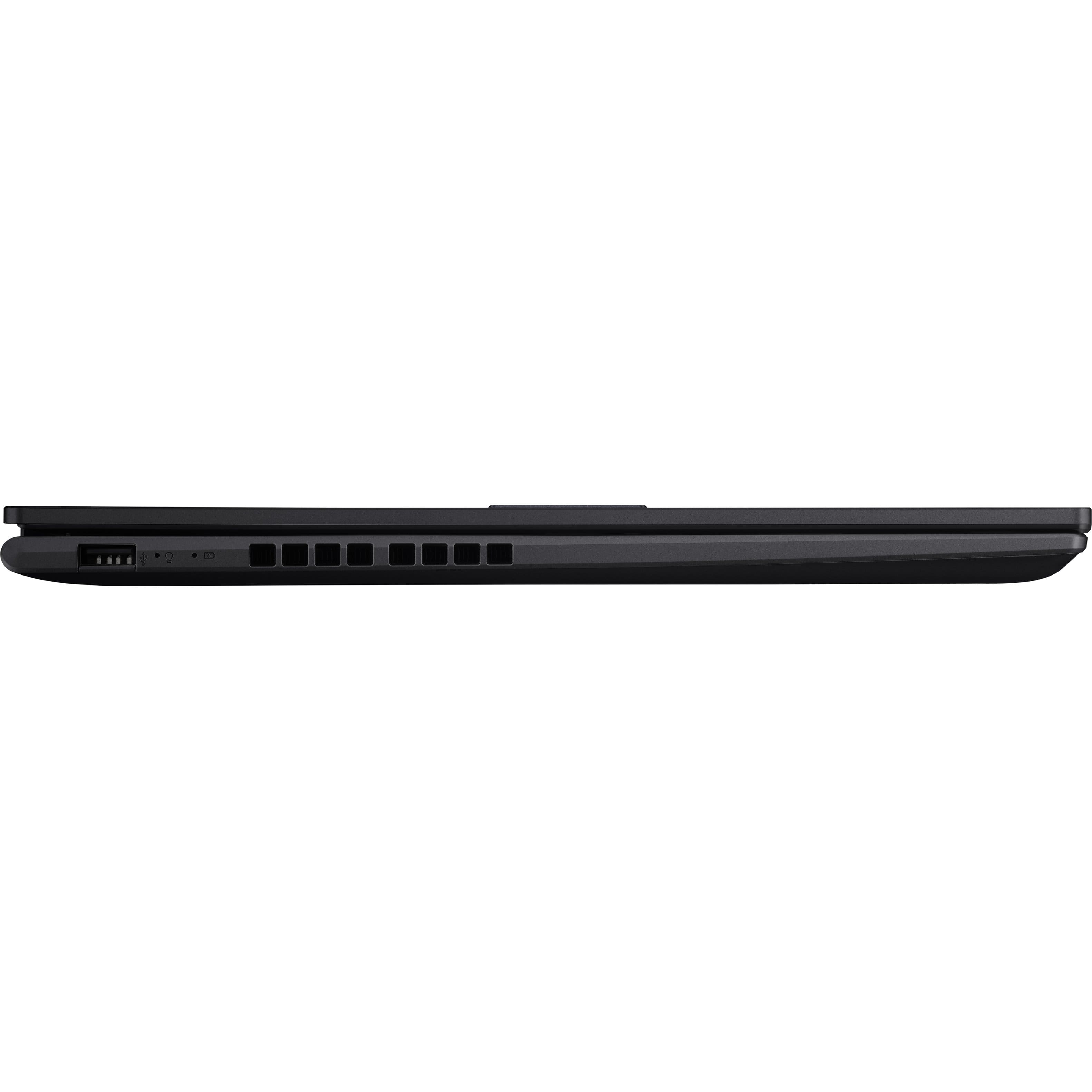
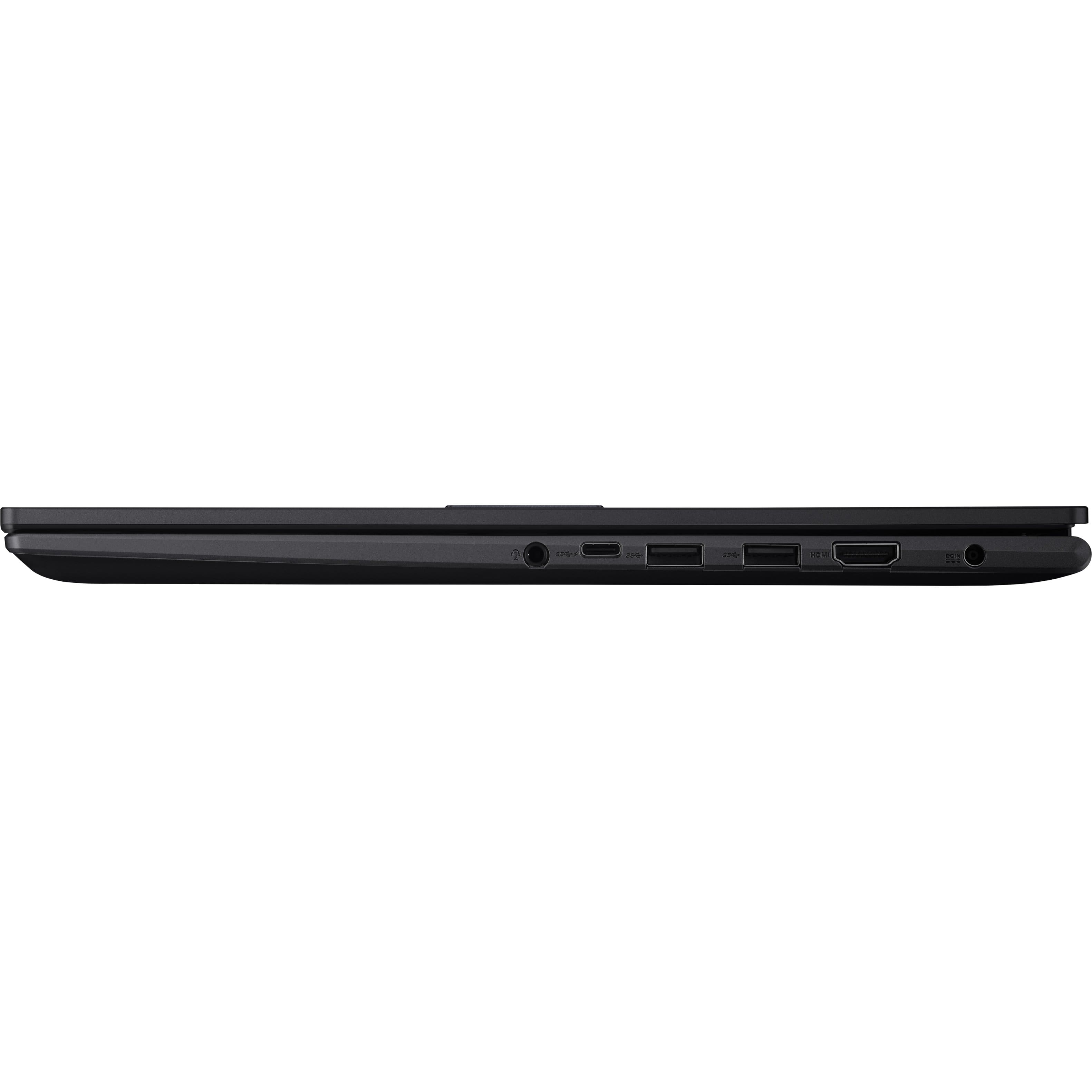
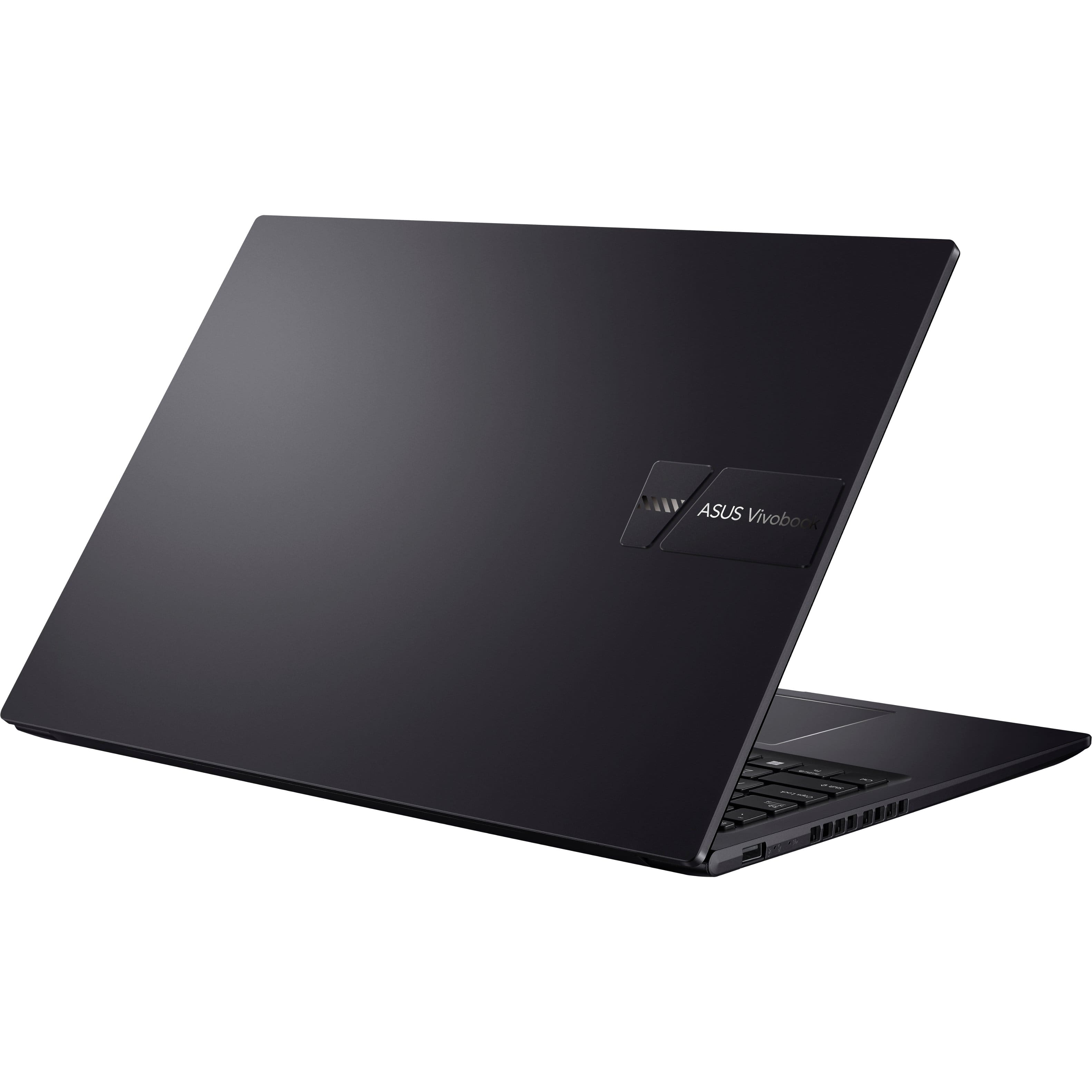
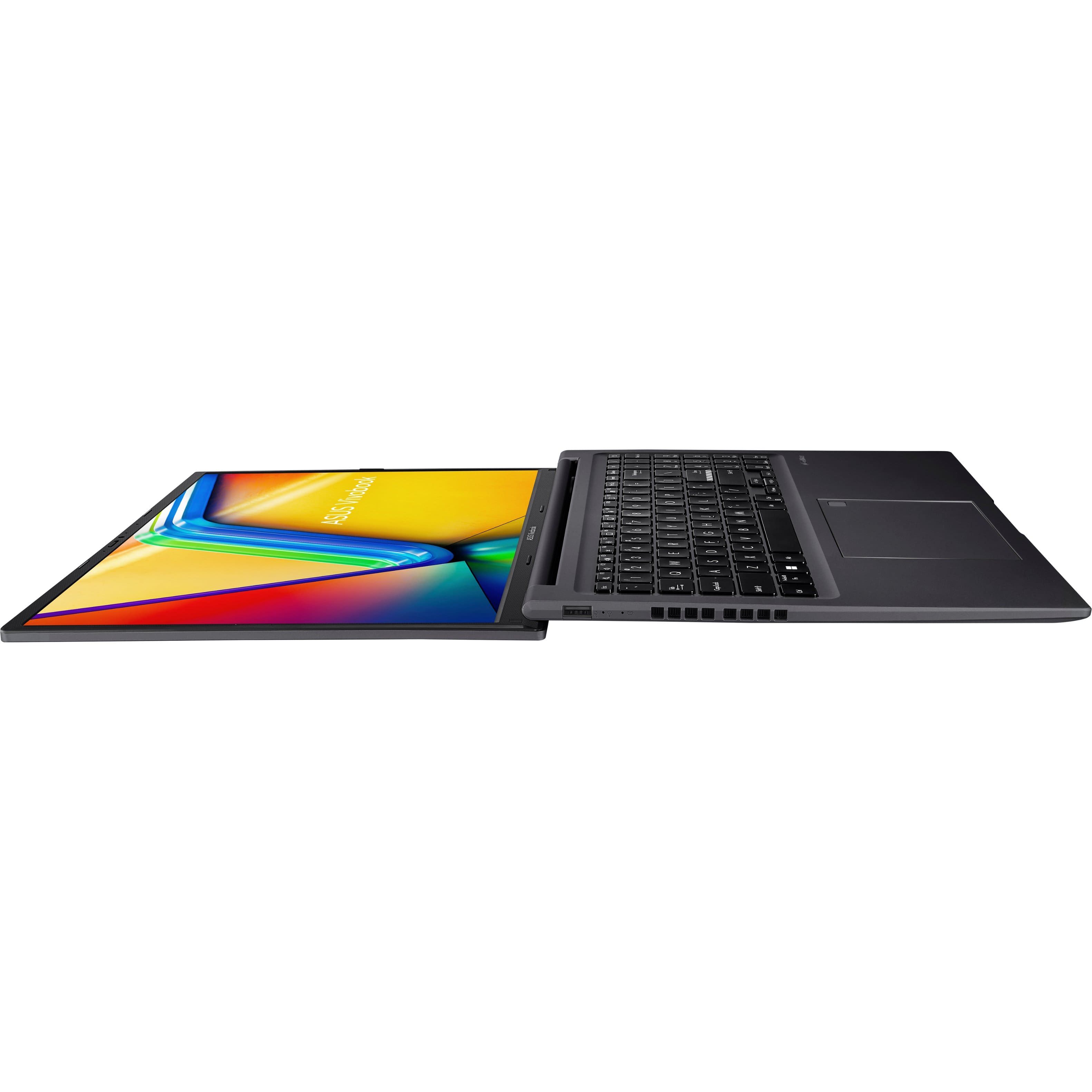
A:AnswerThe ASUS Vivobook 16 (M1605YA) features a 16-inch WUXGA (1920 x 1200) IPS-level panel. IPS (In-Plane Switching) panels are known for their wide viewing angles, which means you can view the screen clearly from various angles without significant color distortion or loss of clarity.
A:AnswerYes, but the Go back option is only available for 10 days after you upgraded Windows. Once 10 days have passed, the system will delete the old files to save space as well as the go back option will be unavailable and removed from settings. Use this link to asus website it'll explain how to go from windows 11 to 10. https://www.asus.com/support/faq/1013073/
A:AnswerYou will only be able to replace the removable module with a 16GB module for a total of 24GB. Slot 0 is soldered to the motherboard. The 1TB SSD is PCIe NVMe 3.0 so you shouldn't have any issues upgrading to 2TB, probably even 4TB would be perfectly compatible. Note that as Gen 3 phases out, Gen 4 is still backwards compatible and will work just fine, even if not at the SSD manufacturer's advertised speed (but still as fast as Gen 3 allows).
A:AnswerNo, you cannot replace the memory in slot 0 with a 32GB stick. This has 8GB of RAM permanently soldered to the motherboard, and only physical SO-DIMM slot only supports a maximum size of 16GB RAM, not 32GB .