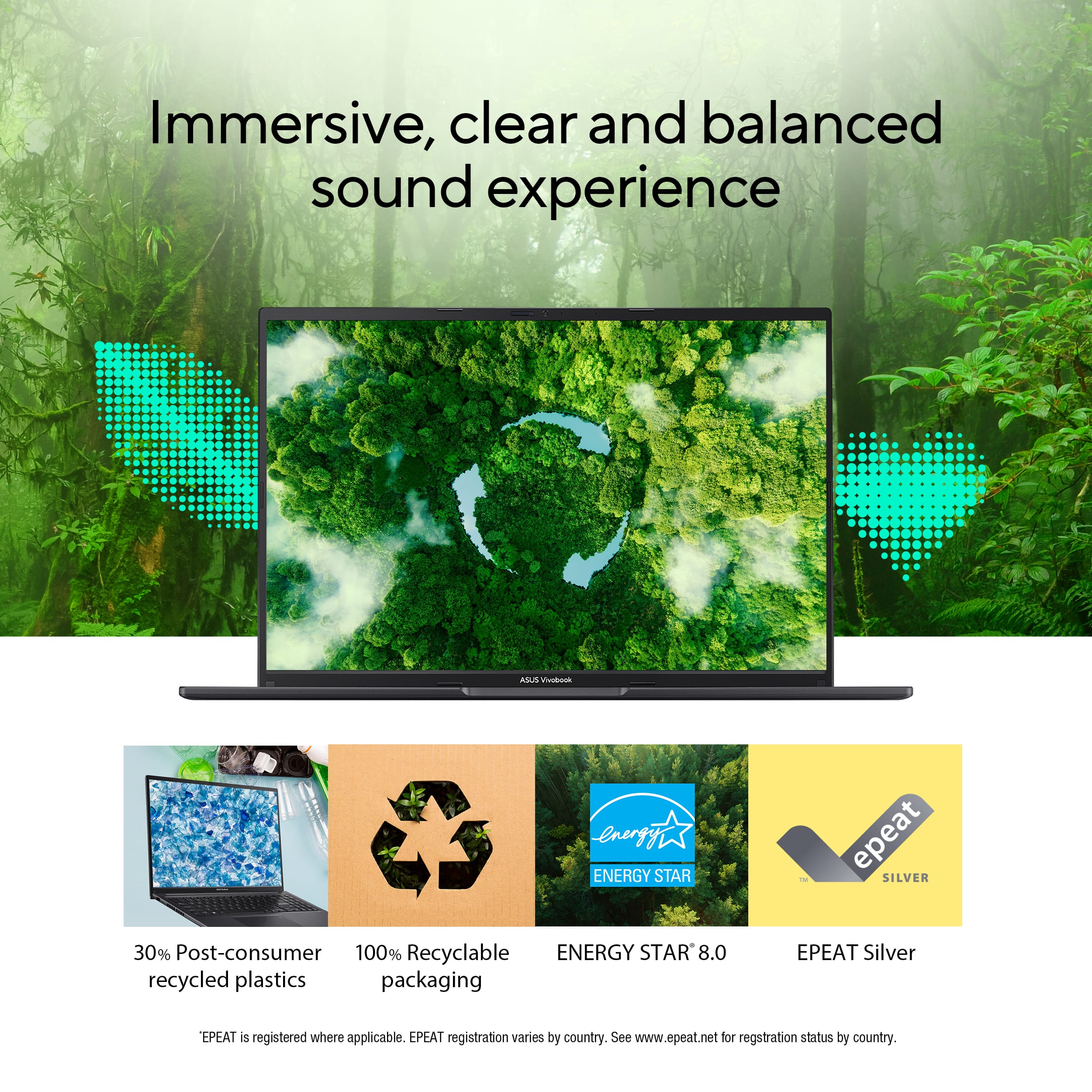
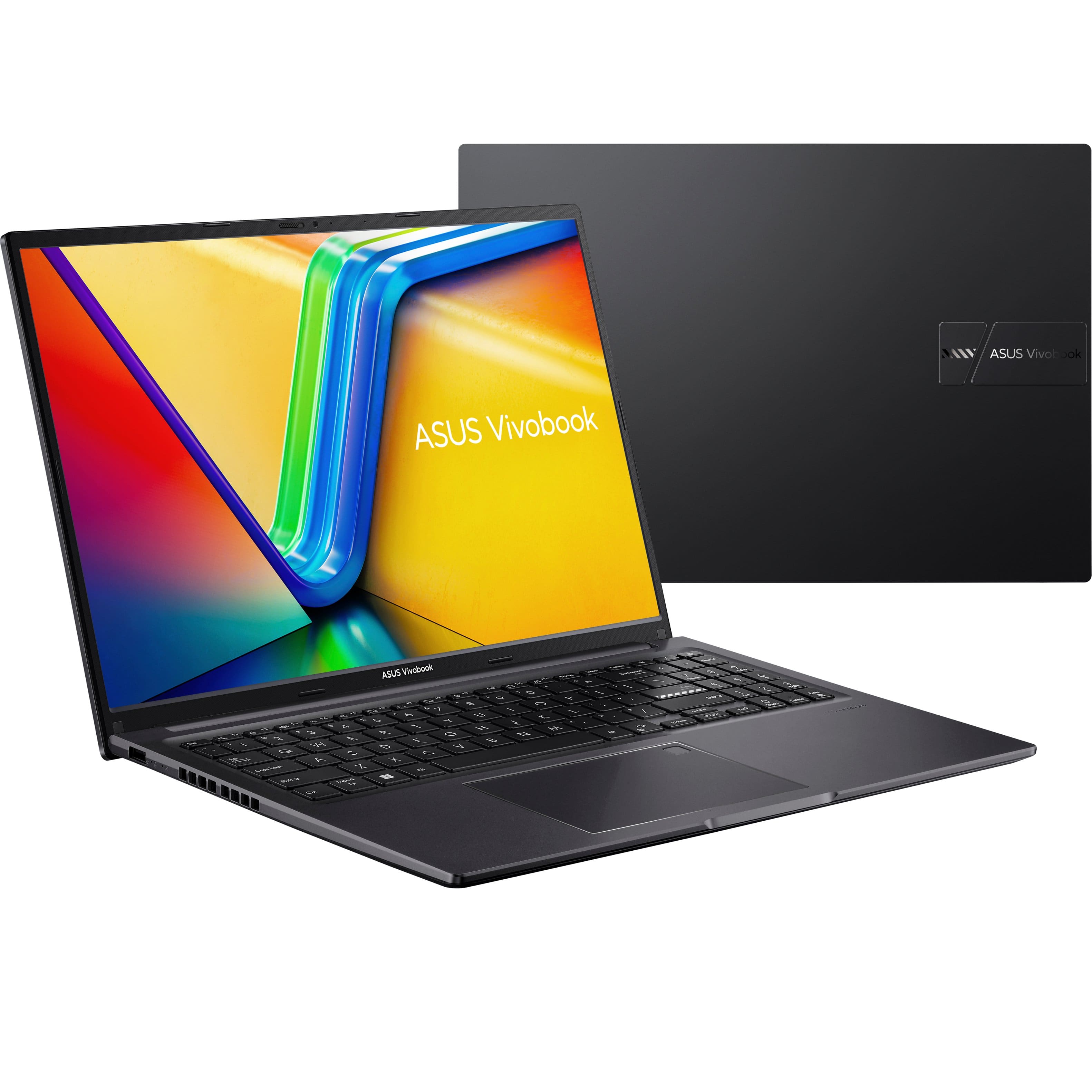
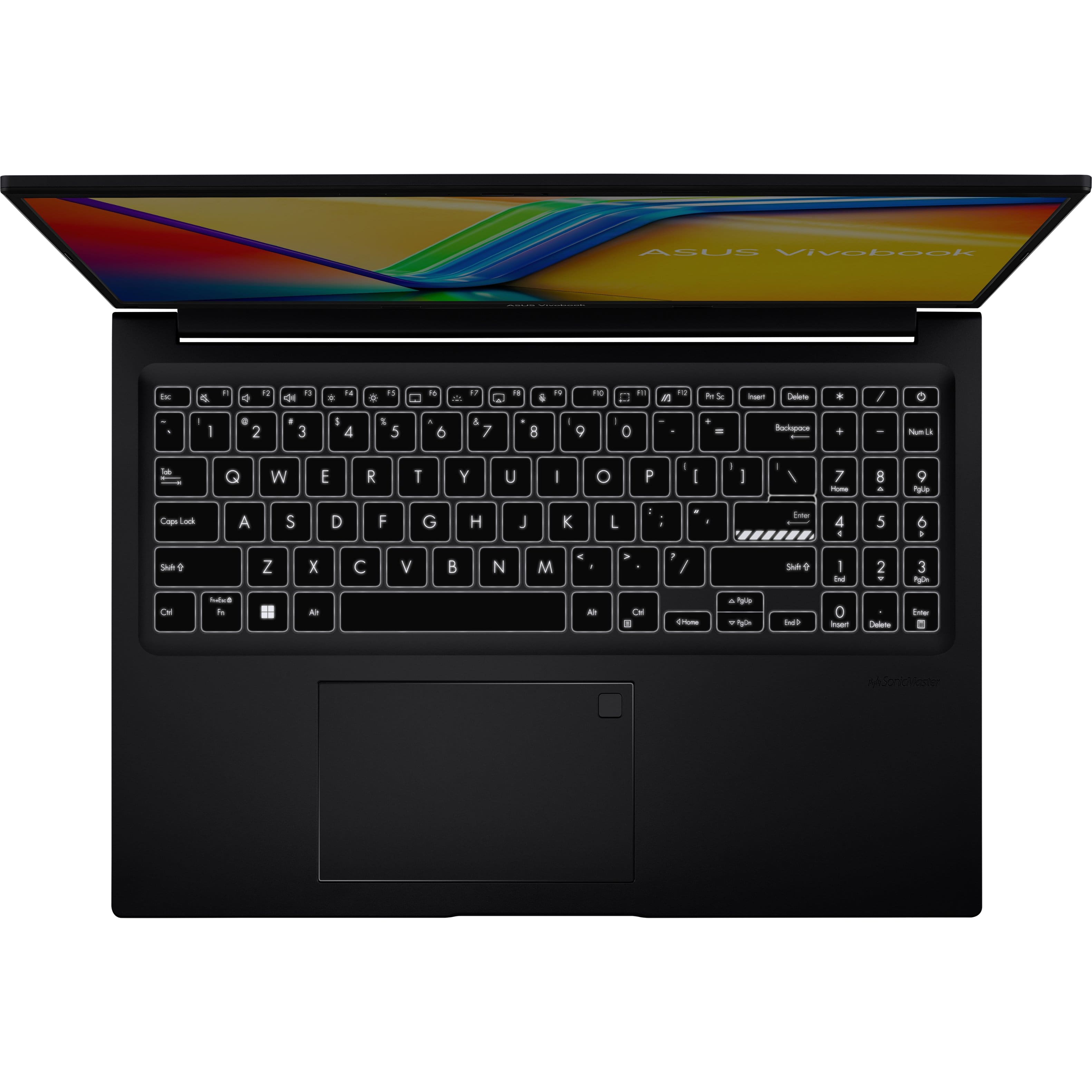
A:AnswerThe ASUS M1605YA (Vivobook 16) offers decent audio quality for everyday music listening, featuring ASUS SonicMaster technology and Dirac-tuned speakers for enhanced clarity. The 2.0 speaker setup can reach up to 78 dB, providing sufficient volume for casual listening.
A:AnswerThe ASUS M1605YA is not primarily designed for gaming. While it features an AMD Ryzen 7 7730U CPU and integrated AMD Radeon graphics, its performance is best suited for light gaming or older titles at lower settings. For modern, graphically demanding games, a laptop with a dedicated GPU would be a better choice.
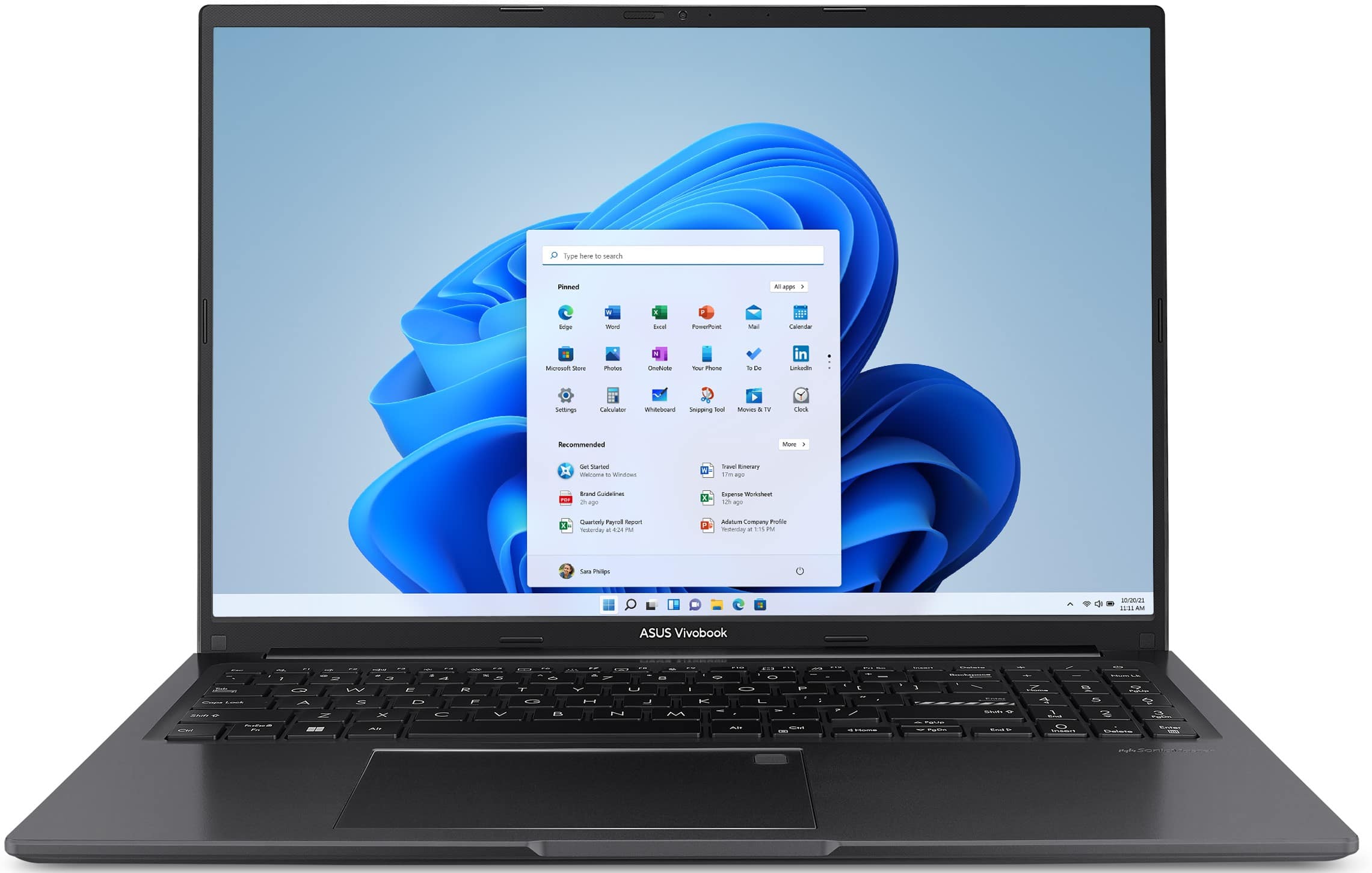
A:AnswerThe ASUS M1605YA typically comes with Windows 11 Home pre-installed, along with ASUS's proprietary software like MyASUS for system management and updates. It may also include a trial version of Microsoft 365 and basic utilities like antivirus software McAfee.
https://www.asus.com/laptops/for-home/vivobook/asus-vivobook-16-oled-m1605/techspec/
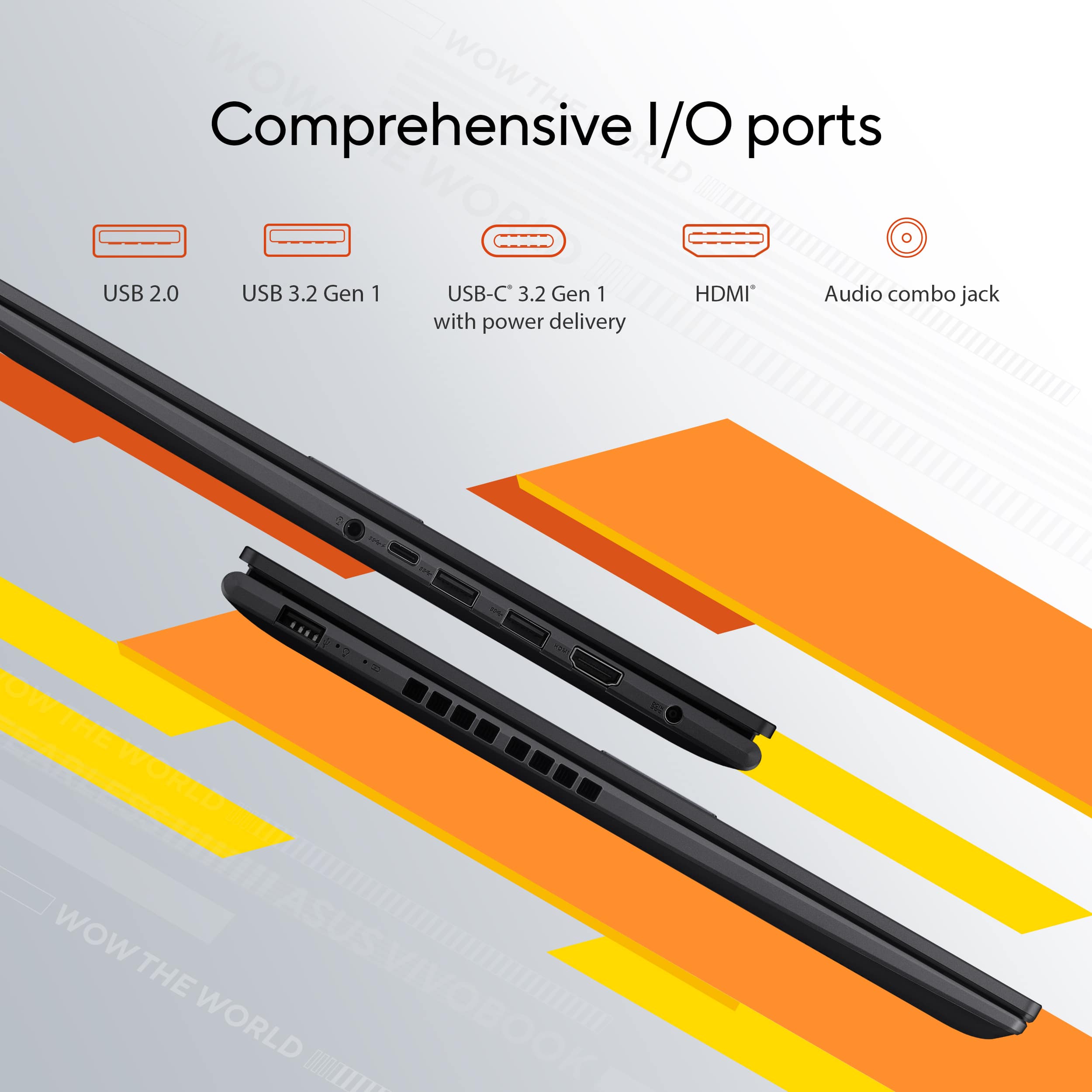
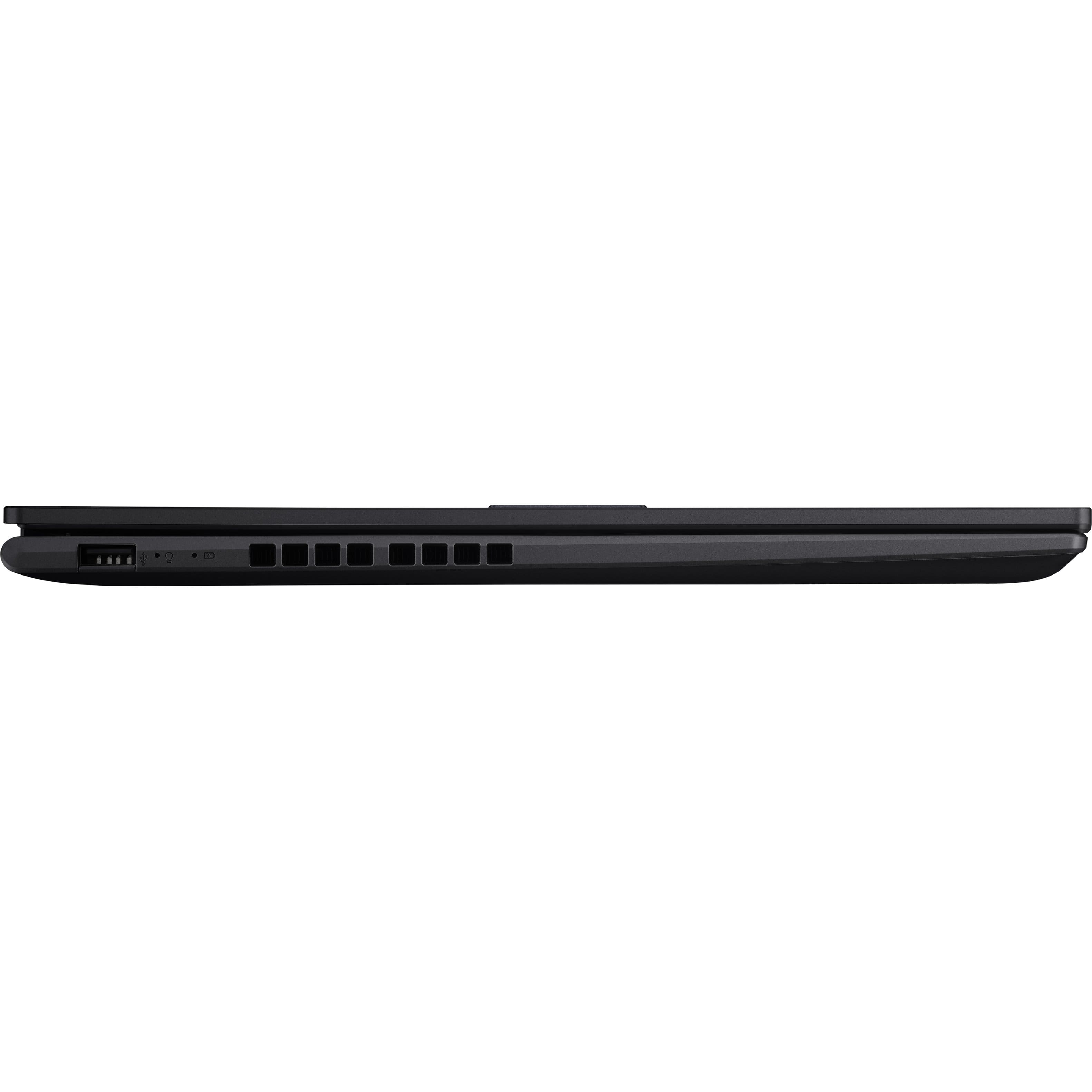
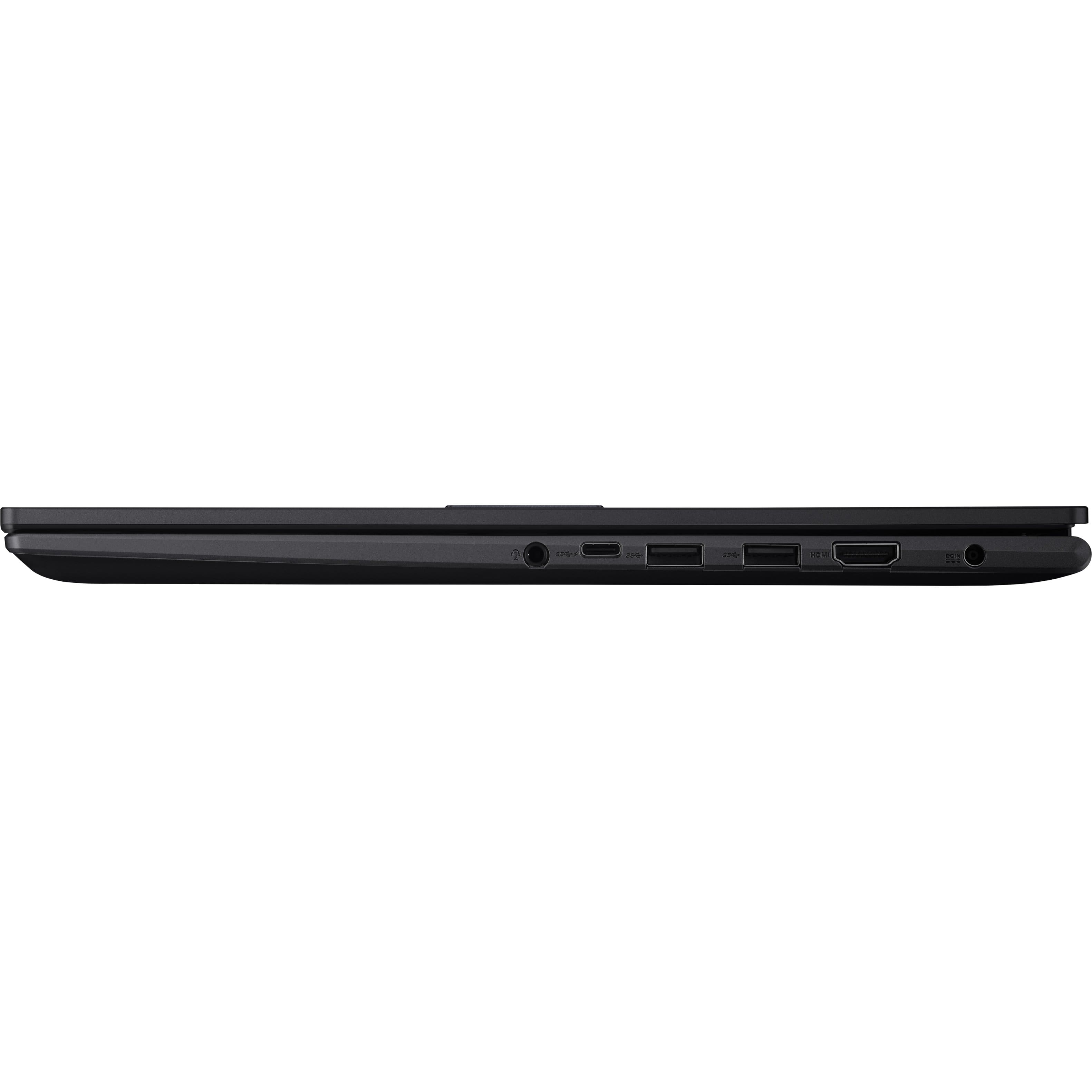
A:AnswerThe ASUS M1605YA does not support display output through its USB-C port, so you won't be able to connect external monitors using a docking station through the USB-C port.
A:AnswerThe ASUS M1605YA comes with an integrated GPU, which is part of the processor. Unfortunately, laptops with integrated GPUs, like this one, do not allow for GPU upgrades or replacements, as the GPU is soldered onto the motherboard.
A:AnswerIt is partitioned into several volumes. To determine the sizes, please go to Control Panel, change "View by" from the upper right-hand corner to "Small icons". From the lists, click on "Administrative Tools", from the popup window, select on "Computer Management" from the right-pane, from the Computer Management window, click "Disk Management" from the left-pane. And, from the pop window, you will see the list of volumes assigned on the SSD.
A:AnswerThe ASUS M1605YA (Vivobook 16 OLED) sold by Best Buy typically comes with the laptop, power adapter, and a quick start guide in the box. However, it usually does not include a bag or mouse.
A:AnswerThe ASUS M1605YA (Vivobook 16 OLED) is not compatible with the Meta Quest 3 for VR gaming. The laptop does not have the necessary hardware to support VR experiences properly.
A:AnswerWith an AMD Ryzen 7 7730U processor and 16GB of Memory, the ASUS M1605YA (Vivobook 16 OLED) should be a solid choice for music production. This setup provides sufficient power for running music production software smoothly and handling multi-tasking without significant slowdowns.