Appliances Memorial Day SaleFree delivery. Ends 6/3. Terms apply.Shop now

Skip to contentGo to Product Search
Main Content

Questions & Answers

$799.99
Page Showing 61-80 of 147 questions
  • QuestionDoes this come with word 16

    Asked by AngelaF.

    • Answer The ASUS M1605YA usually includes a 1-month trial of Microsoft 365 for new users.

      Answered by ASUS Answers

  • QuestionIs this good for music listening.

    Asked by Kc54.

    • Answer The ASUS M1605YA (Vivobook 16) offers decent audio quality for everyday music listening, featuring ASUS SonicMaster technology and Dirac-tuned speakers for enhanced clarity. The 2.0 speaker setup can reach up to 78 dB, providing sufficient volume for casual listening.

      Answered by ASUS Answers

  • Questionis there a headphone jack

    Asked by can.

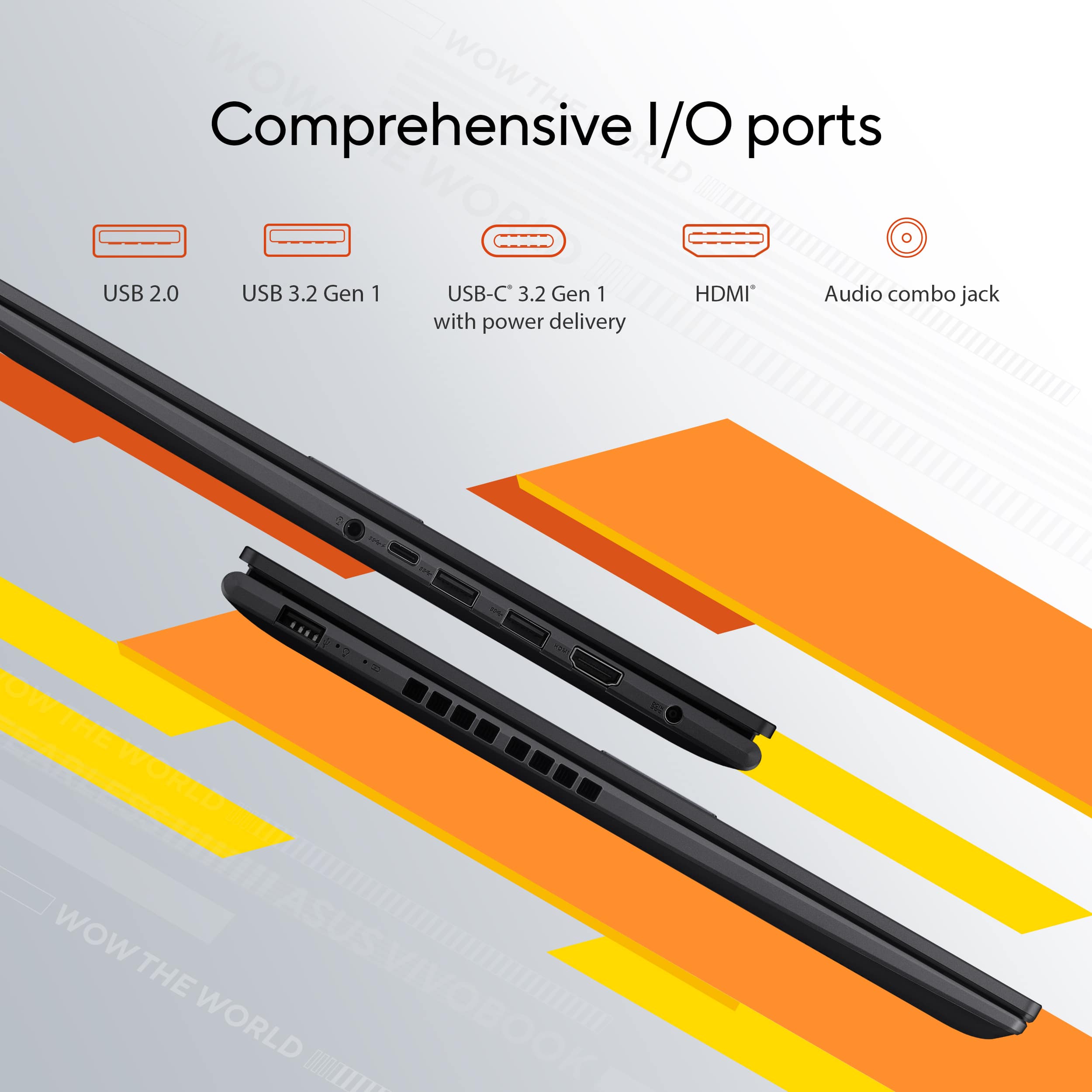
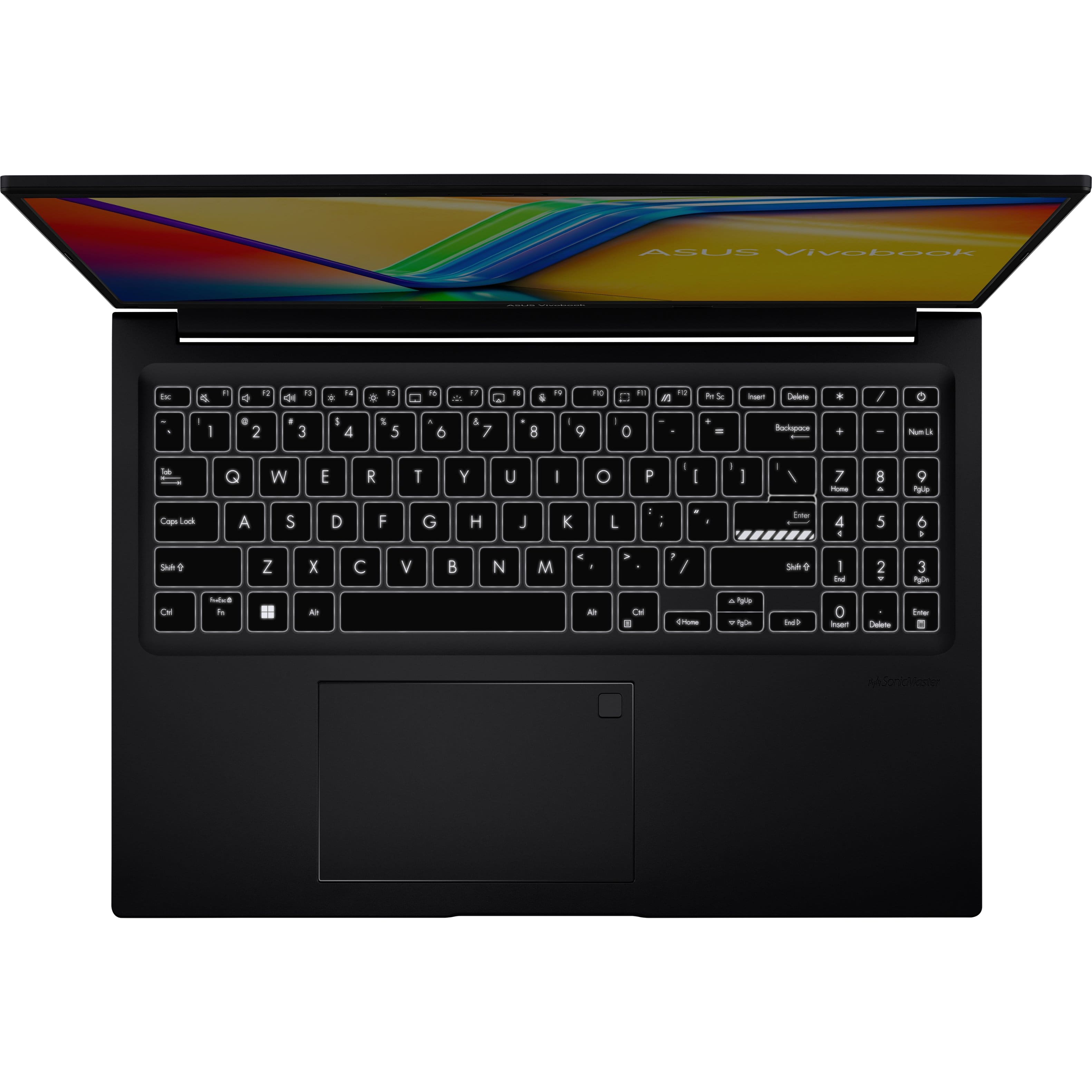
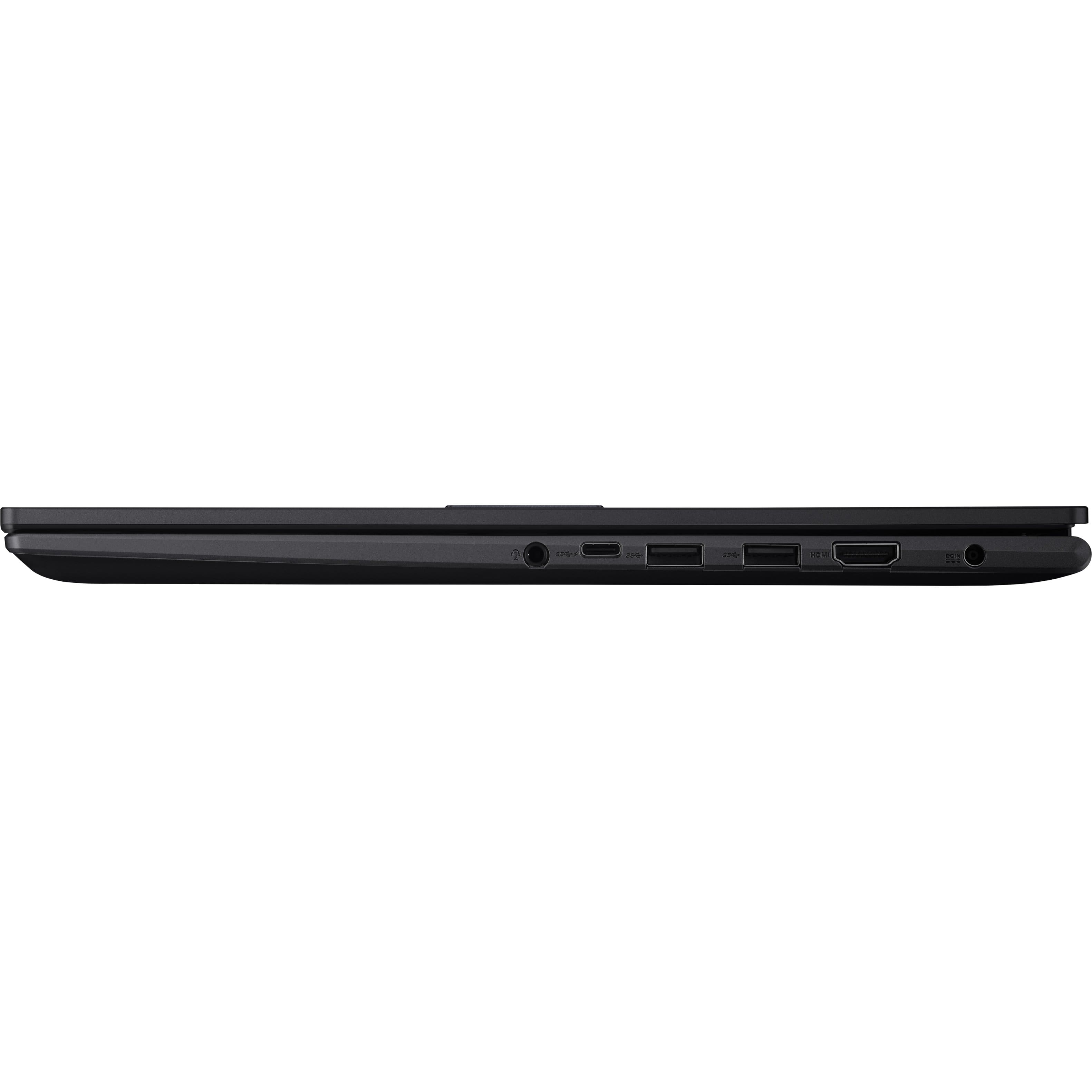
    • Answer Yes, the ASUS Vivobook 16 (M1605YA) has a 3.5mm combo audio jack for headphones and microphones.

      Answered by ASUS Answers

  • QuestionDoe's it have a matt or glossy screen.

    Asked by Jonesgee.

    • Answer The ASUS Vivobook 16 (M1605YA-ES74) has a matte (anti-glare) screen.

      Answered by ASUS Answers

  • QuestionIs the RAM dual channel?

    Asked by Mori.

    • Answer No, the RAM on this laptop model is not a dual-channel.

      Answered by ASUS Answers

  • QuestionDoes this laptop work well for gaming

    Asked by Finn.

    • Answer The ASUS M1605YA is not primarily designed for gaming. While it features an AMD Ryzen 7 7730U CPU and integrated AMD Radeon graphics, its performance is best suited for light gaming or older titles at lower settings. For modern, graphically demanding games, a laptop with a dedicated GPU would be a better choice.

      Answered by ASUS Answers

  • QuestionDoes this laptop come with a mouse?

    Asked by Anonymous.

    • Answer The ASUS M1605YA does not typically come with a mouse included. You can purchase a compatible mouse separately if needed.

      Answered by ASUS Answers

  • QuestionWhat software is preloaded on this

    Asked by KCKim.

    • Answer The ASUS M1605YA typically comes with Windows 11 Home pre-installed, along with ASUS's proprietary software like MyASUS for system management and updates. It may also include a trial version of Microsoft 365 and basic utilities like antivirus software McAfee. https://www.asus.com/laptops/for-home/vivobook/asus-vivobook-16-oled-m1605/techspec/

      Answered by ASUS Answers

  • QuestionCan I hook a docking station with external monitors , data etc with just the usbc port? If so, which would you recommend?

    Asked by BR.

    • Answer The ASUS M1605YA does not support display output through its USB-C port, so you won't be able to connect external monitors using a docking station through the USB-C port.

      Answered by ASUS Answers

  • QuestionCan i switch the gpu for this laptop?

    Asked by Frankdtank.

    • Answer The ASUS M1605YA comes with an integrated GPU, which is part of the processor. Unfortunately, laptops with integrated GPUs, like this one, do not allow for GPU upgrades or replacements, as the GPU is soldered onto the motherboard.

      Answered by ASUS Answers

  • QuestionDoes it have a touch screen

    Asked by Winter.

    • Answer The ASUS M1605YA does not have a touch screen.

      Answered by ASUS Answers

  • Questionhow many USB ports does it have and what kind of USB ports are they?

    Asked by gus.

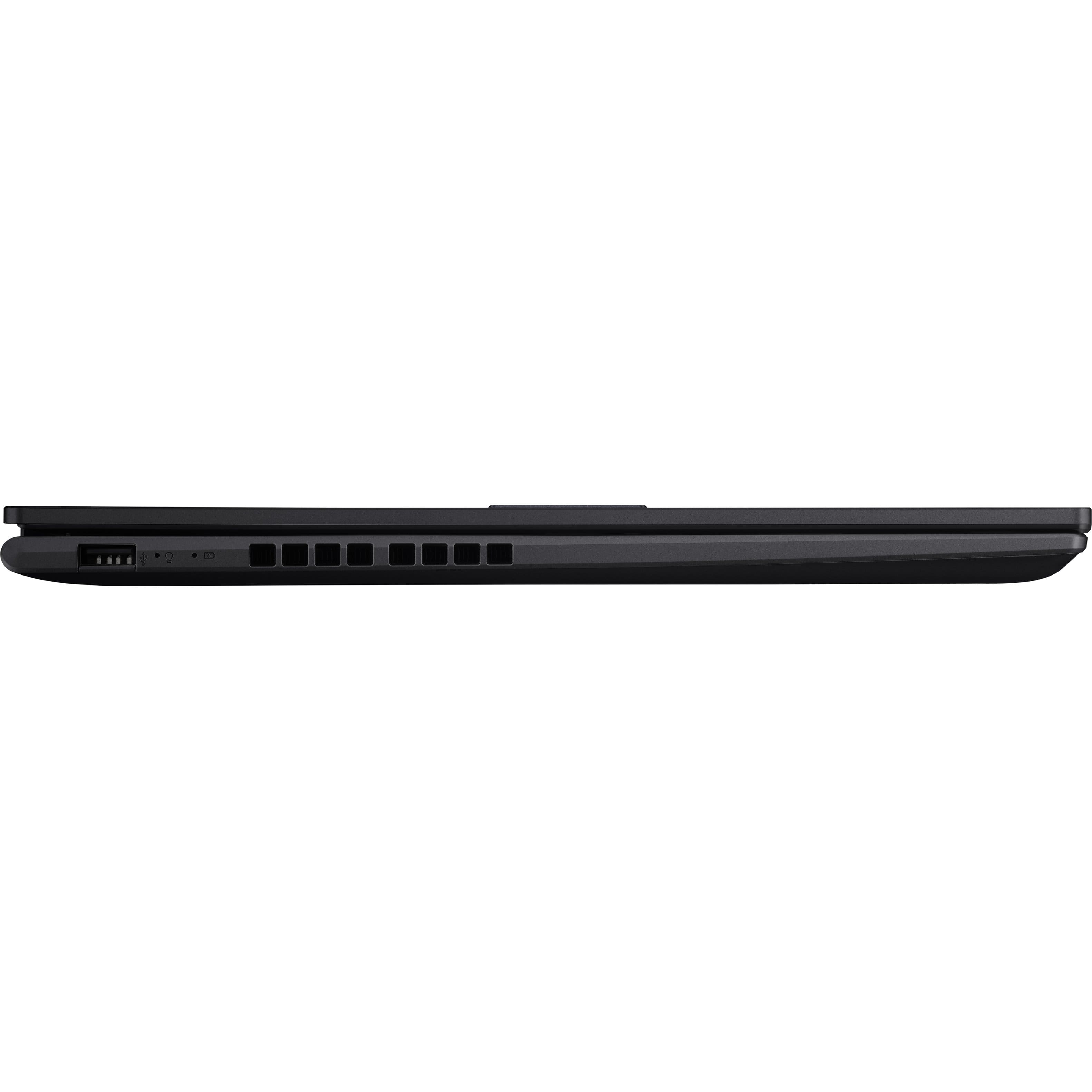
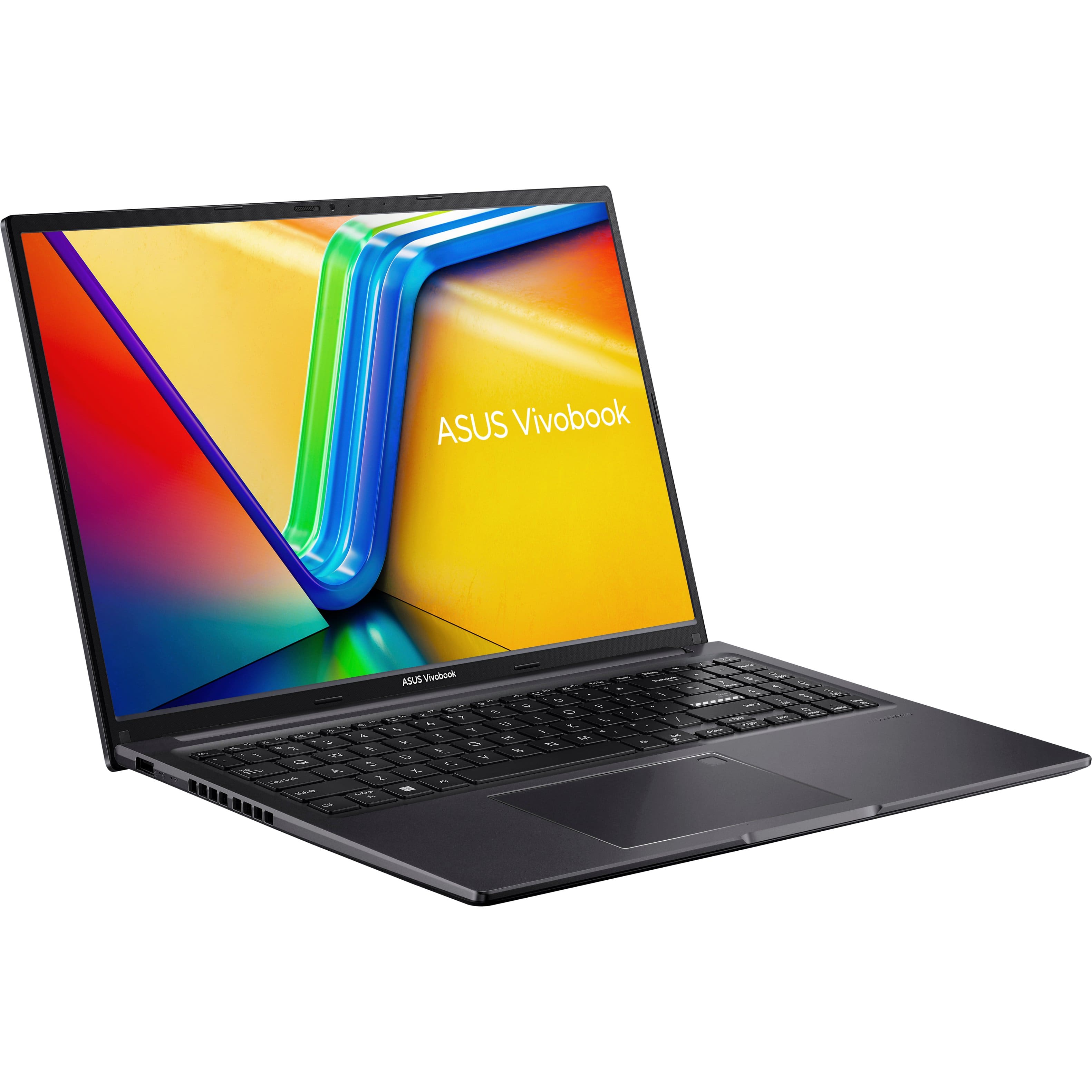
    • Answer The ASUS M1605YA has the following USB ports: 1x USB 2.0 Type-A 2x USB 3.2 Gen 1 Type-A 1x USB 3.2 Gen 1 Type-C (supports power delivery)

      Answered by ASUS Answers

  • Questiondoes this laptop have a built in disc drive?

    Asked by Chassang.

    • Answer The ASUS M1605YA laptop does not have a built-in disc drive.

      Answered by ASUS Answers

  • Questionwhat is the year of this laptop

    Asked by PaulD.

    • Answer The ASUS M1605YA was released in 2023.

      Answered by ASUS Answers

  • QuestionIs the 1TB SSD partitioned?

    Asked by rmm.

    • Answer It is partitioned into several volumes. To determine the sizes, please go to Control Panel, change "View by" from the upper right-hand corner to "Small icons". From the lists, click on "Administrative Tools", from the popup window, select on "Computer Management" from the right-pane, from the Computer Management window, click "Disk Management" from the left-pane. And, from the pop window, you will see the list of volumes assigned on the SSD.

      Answered by ASUS Answers

  • QuestionWhat external items comes with this laptop like bag or mouse?

    Asked by Sal.

    • Answer The ASUS M1605YA (Vivobook 16 OLED) sold by Best Buy typically comes with the laptop, power adapter, and a quick start guide in the box. However, it usually does not include a bag or mouse.

      Answered by ASUS Answers

  • QuestionDoes the laptop come in different colors like the zenbook?

    Asked by Anonymous.

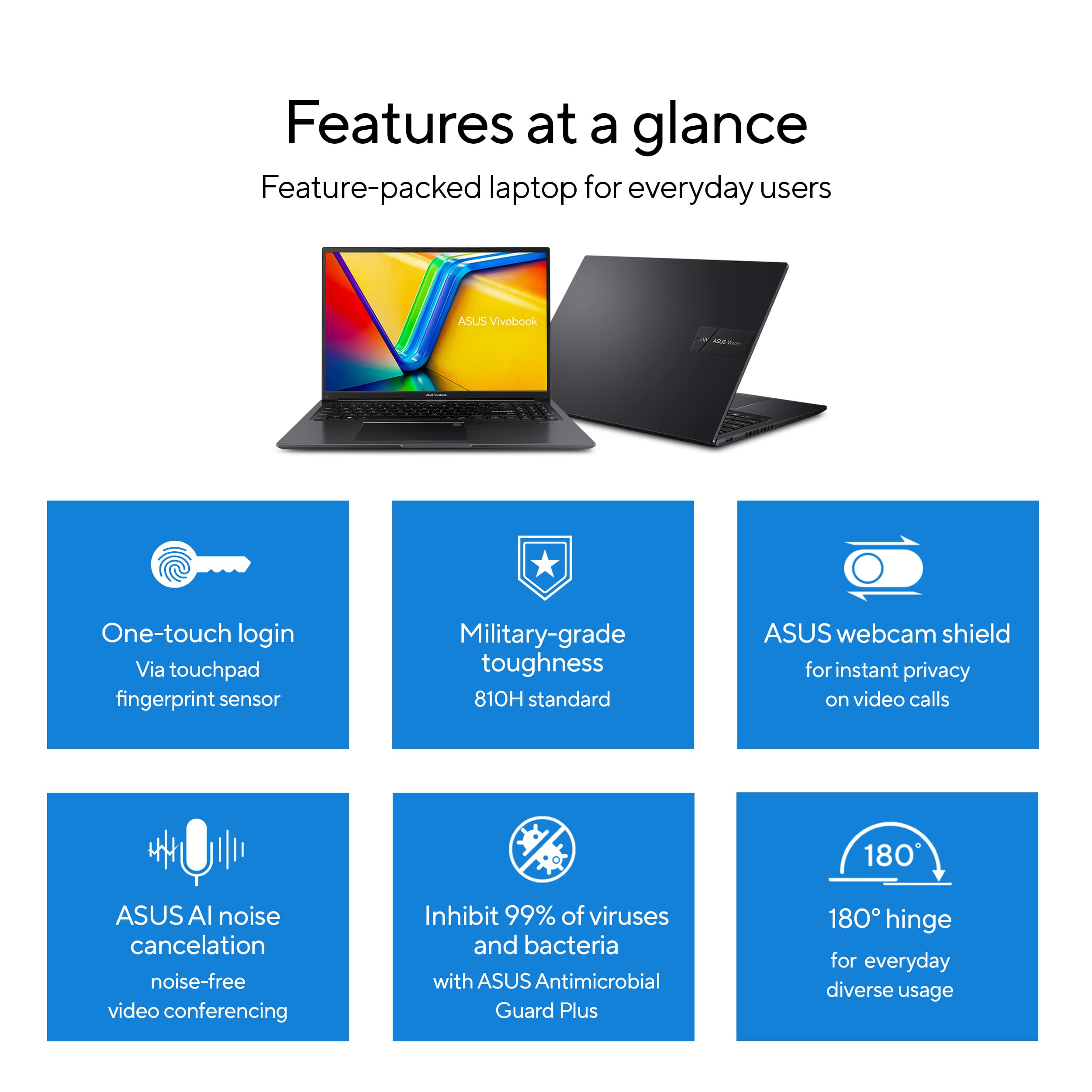
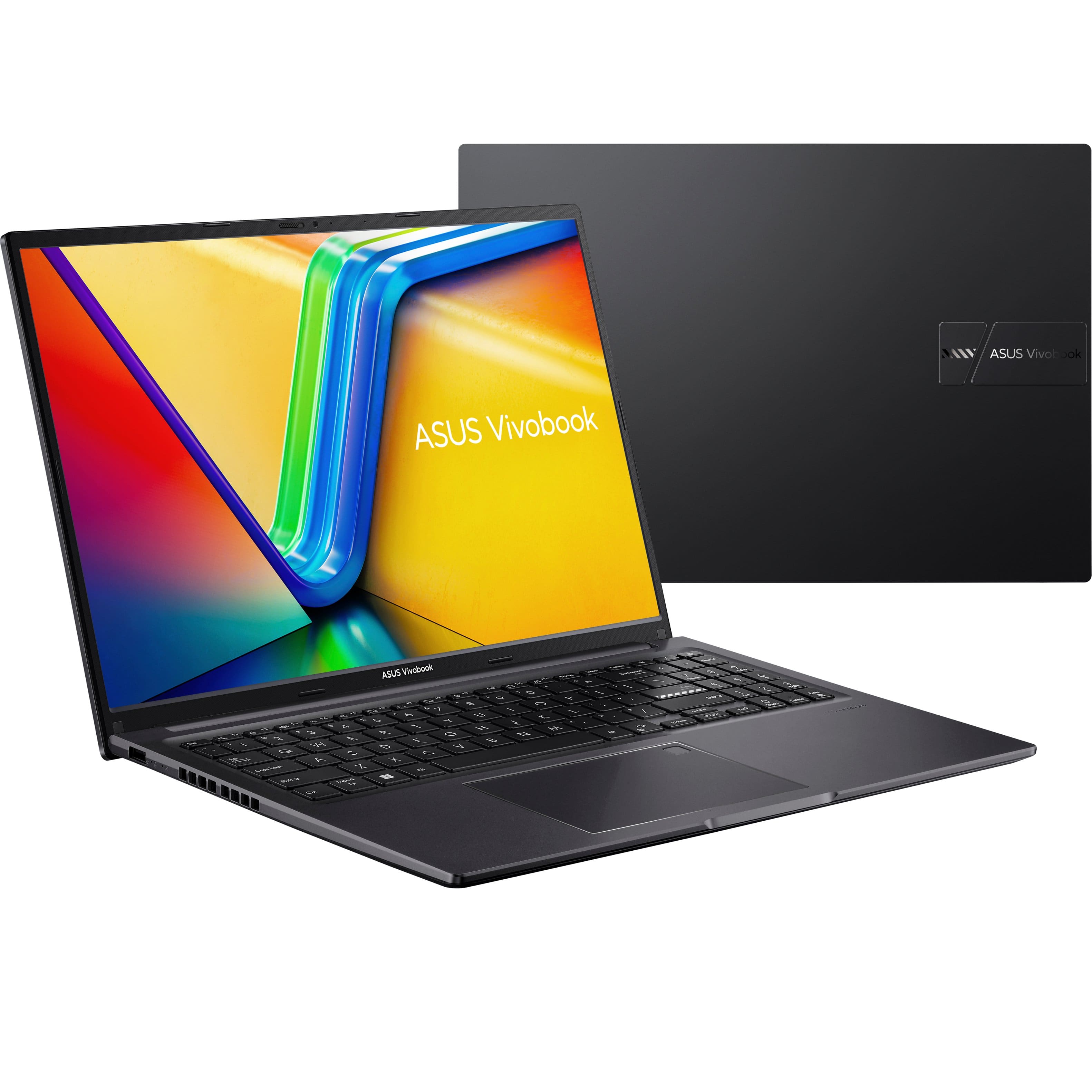
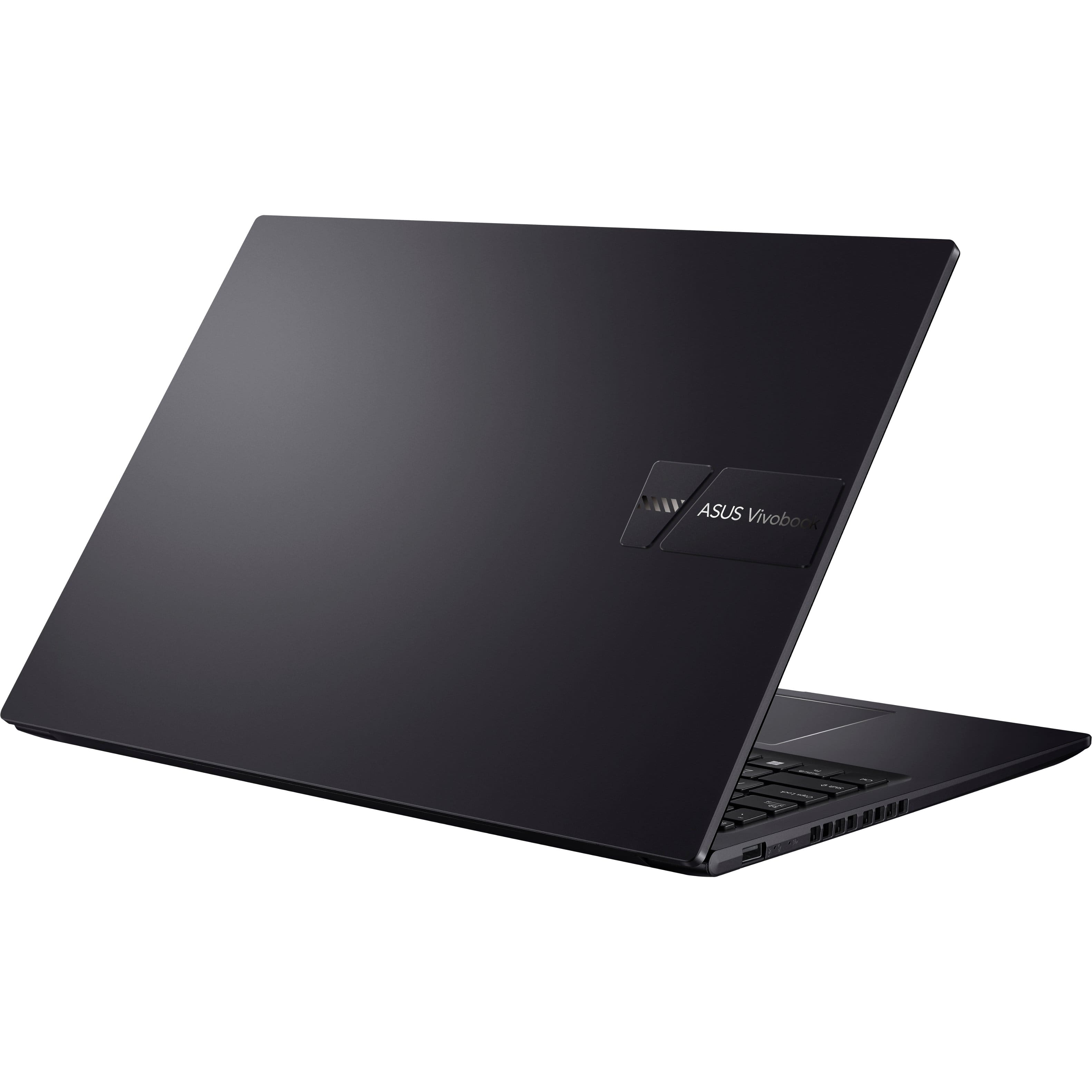
    • Answer The ASUS M1605YA (Vivobook 16 OLED) comes in different colors. You can choose between Indie Black and Cool Silver.

      Answered by ASUS Answers

  • QuestionIs it compatible with Meta Quest 3

    Asked by Notageek.

    • Answer The ASUS M1605YA (Vivobook 16 OLED) is not compatible with the Meta Quest 3 for VR gaming. The laptop does not have the necessary hardware to support VR experiences properly.

      Answered by ASUS Answers

  • Questionwhat resolution are the HDMI and USB-C outputs?

    Asked by Mitch.

    • Answer The ASUS M1605YA has an HDMI port that supports a resolution of 1920x1080 at 60Hz. Unfortunately, the USB-C port does not support display.

      Answered by ASUS Answers

  • QuestionIs this laptop good for music production

    Asked by Anonymous.

    • Answer With an AMD Ryzen 7 7730U processor and 16GB of Memory, the ASUS M1605YA (Vivobook 16 OLED) should be a solid choice for music production. This setup provides sufficient power for running music production software smoothly and handling multi-tasking without significant slowdowns.
      Answered by ASUS Answers