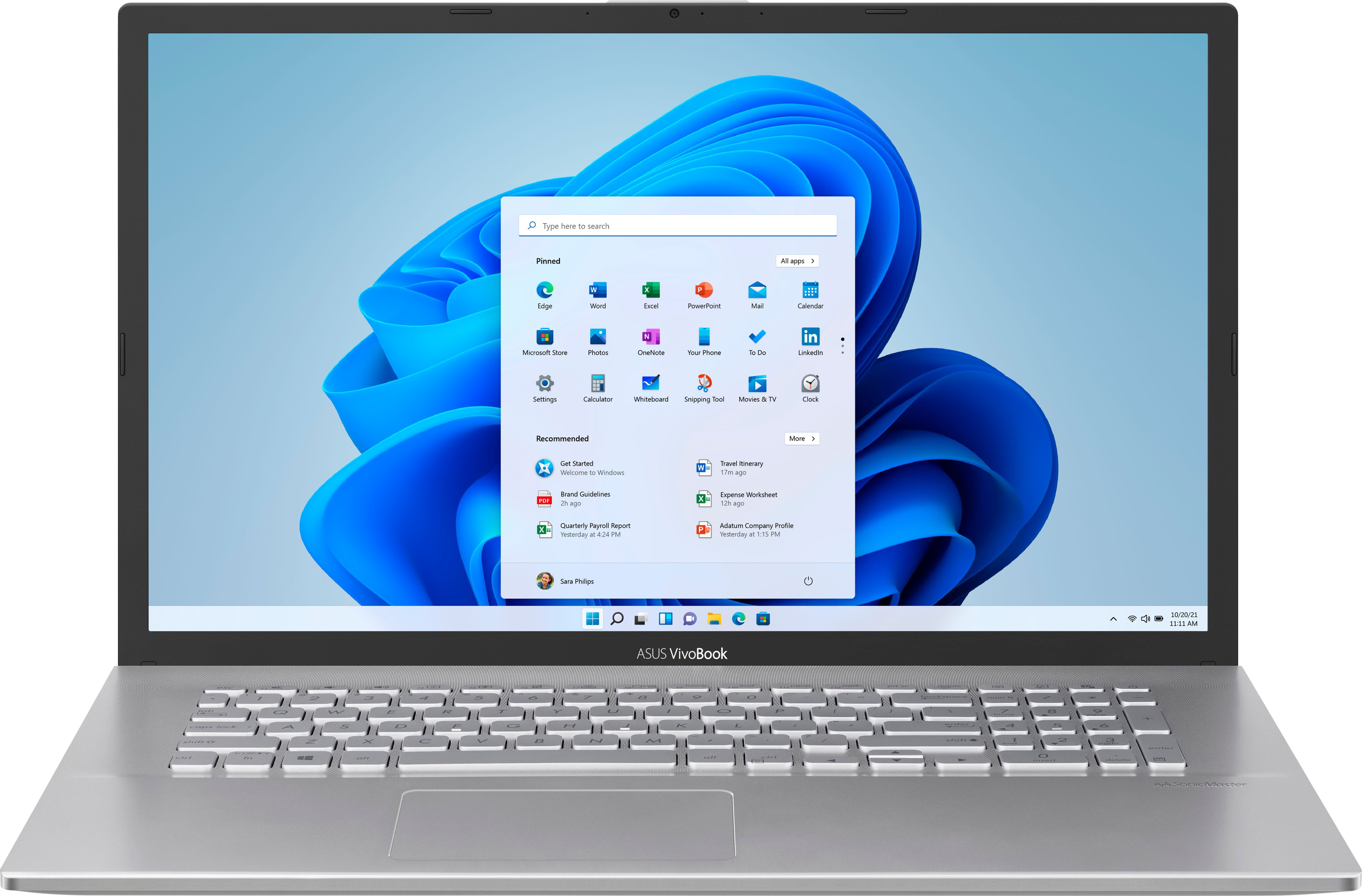
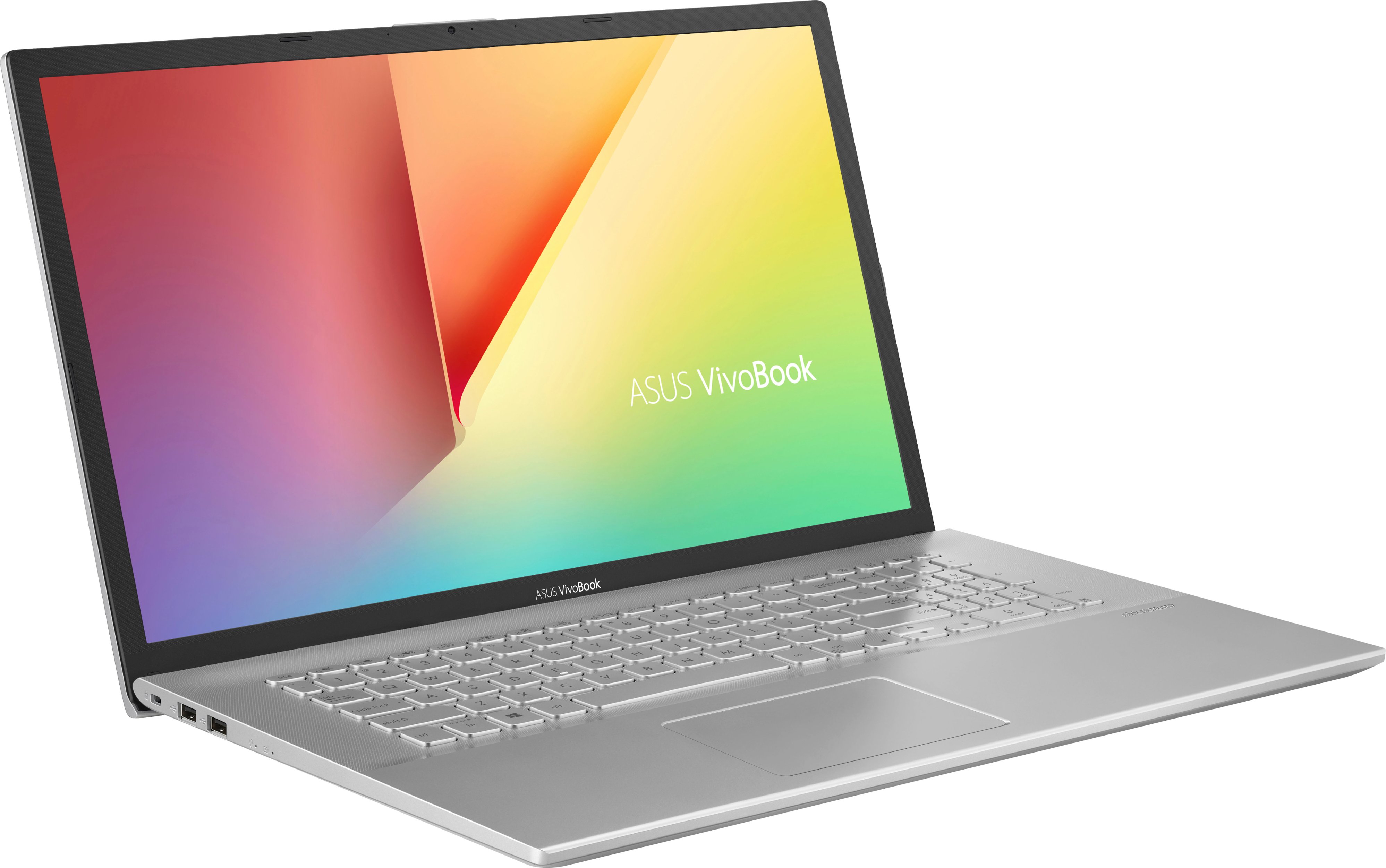
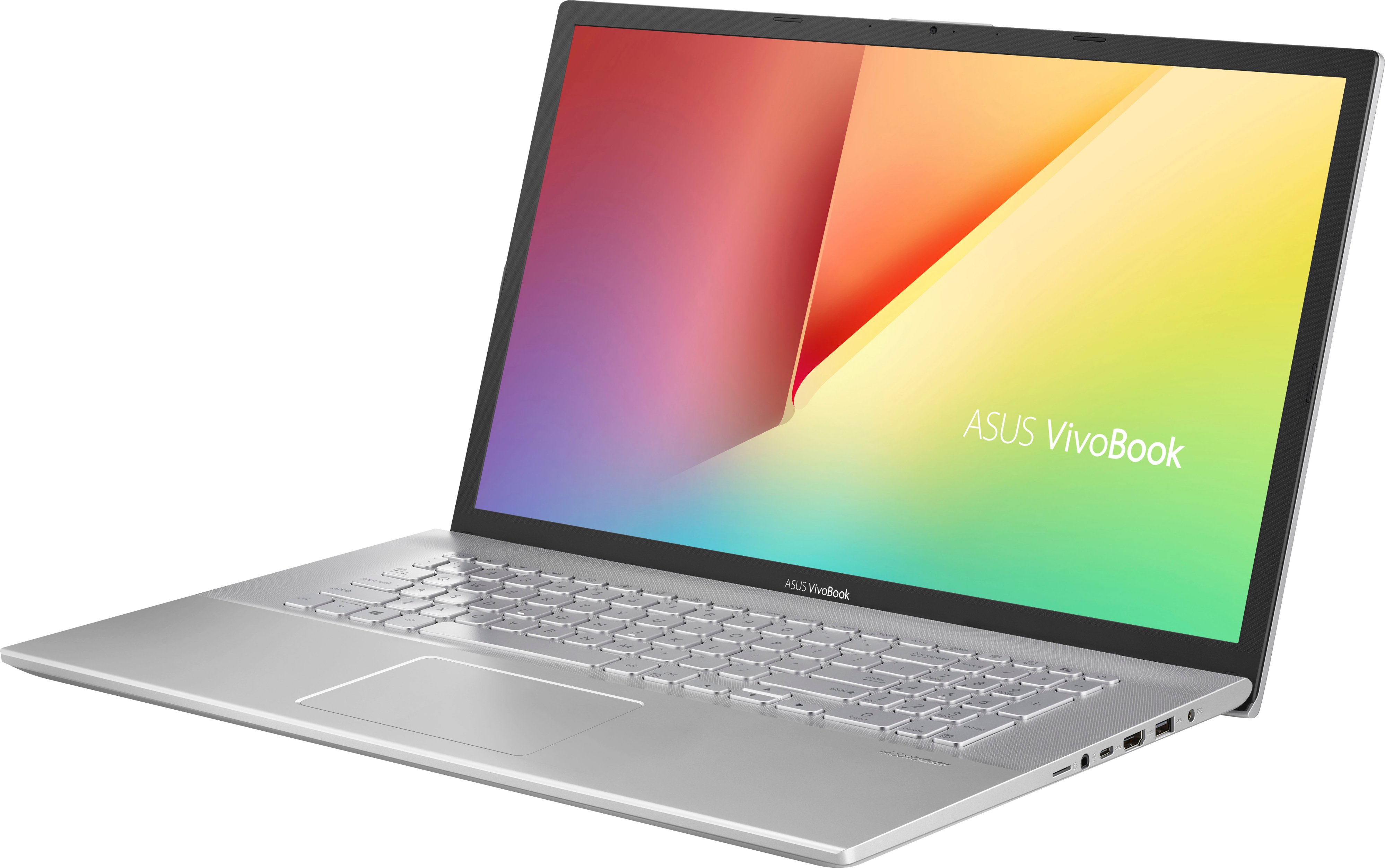
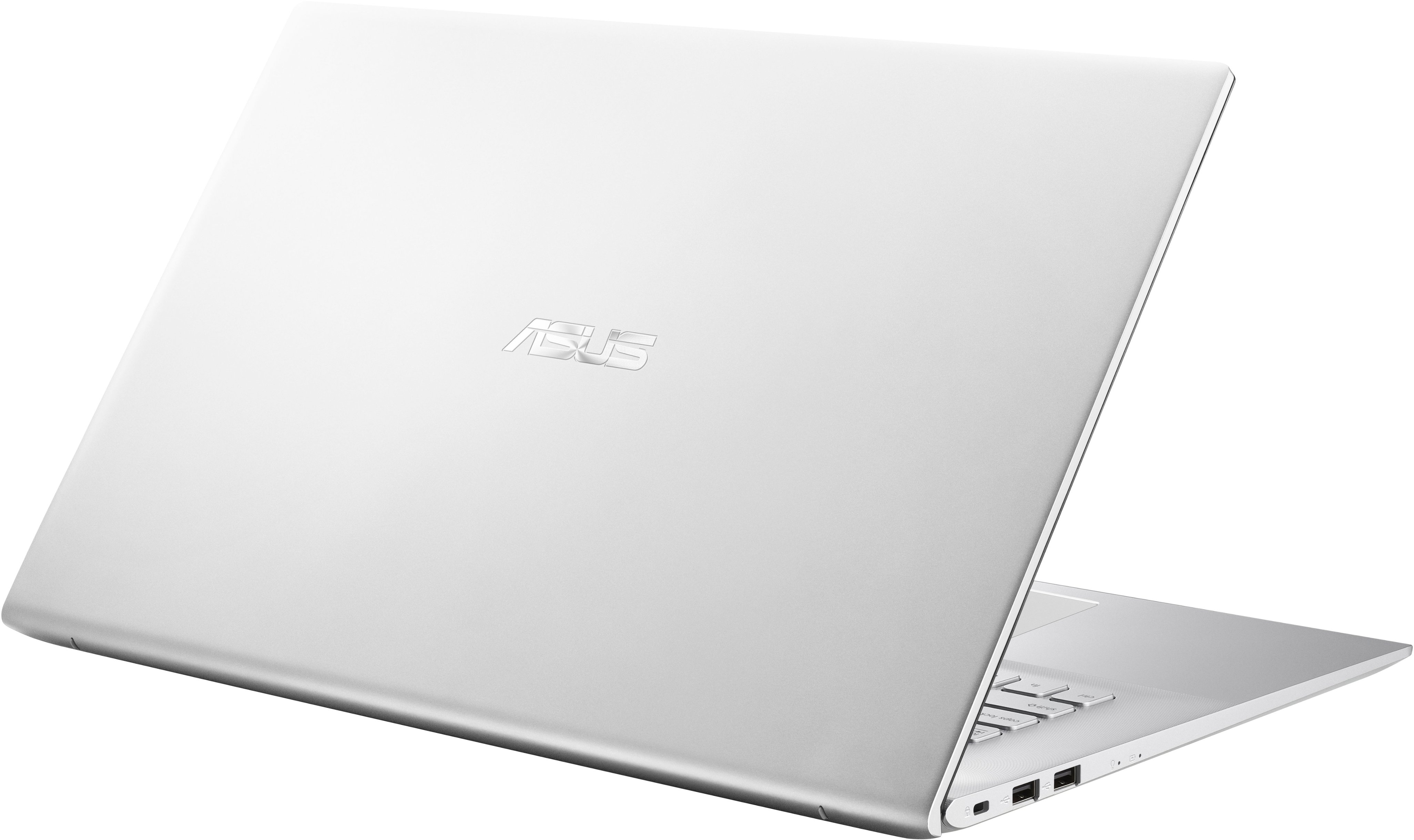
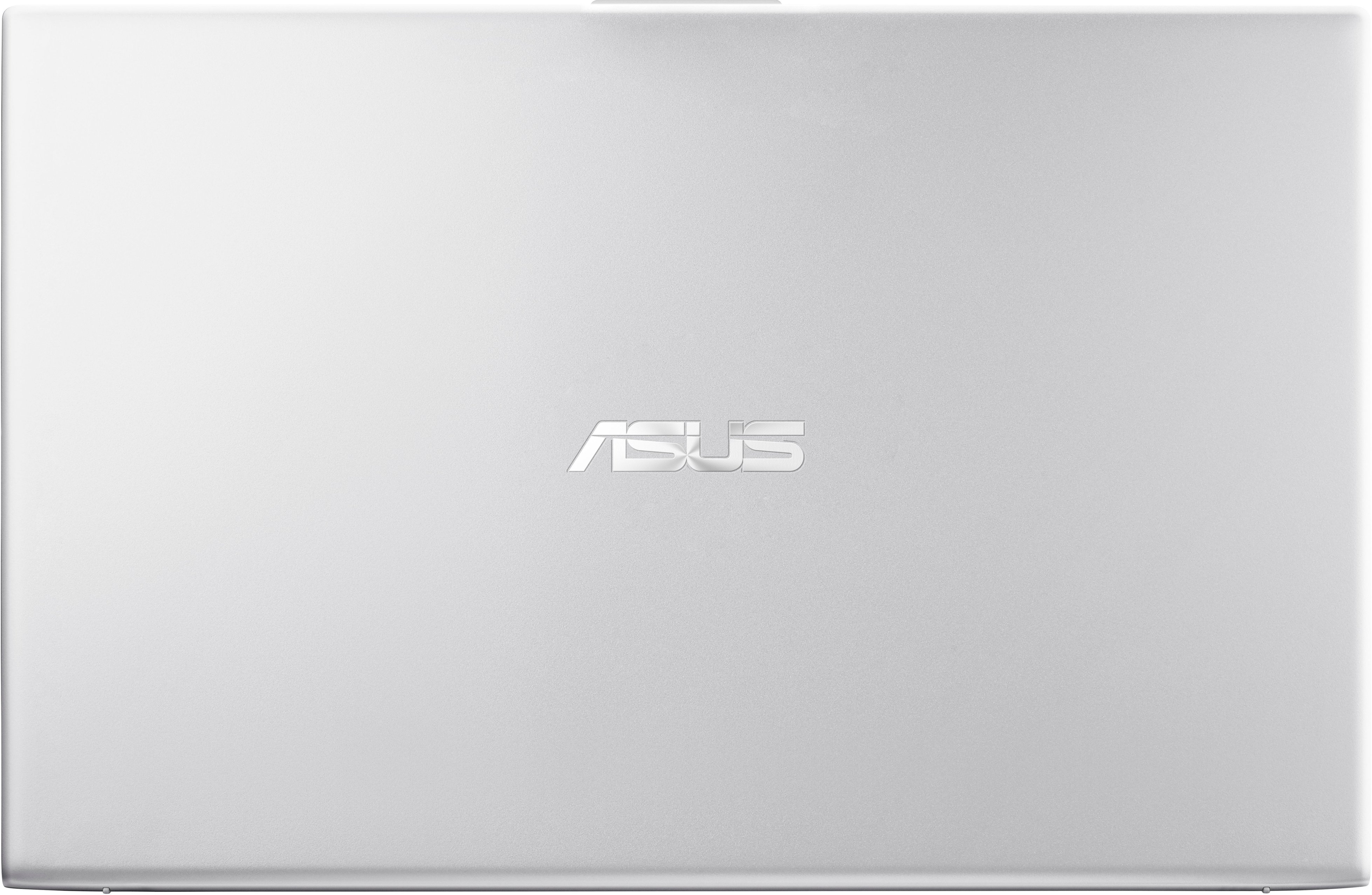
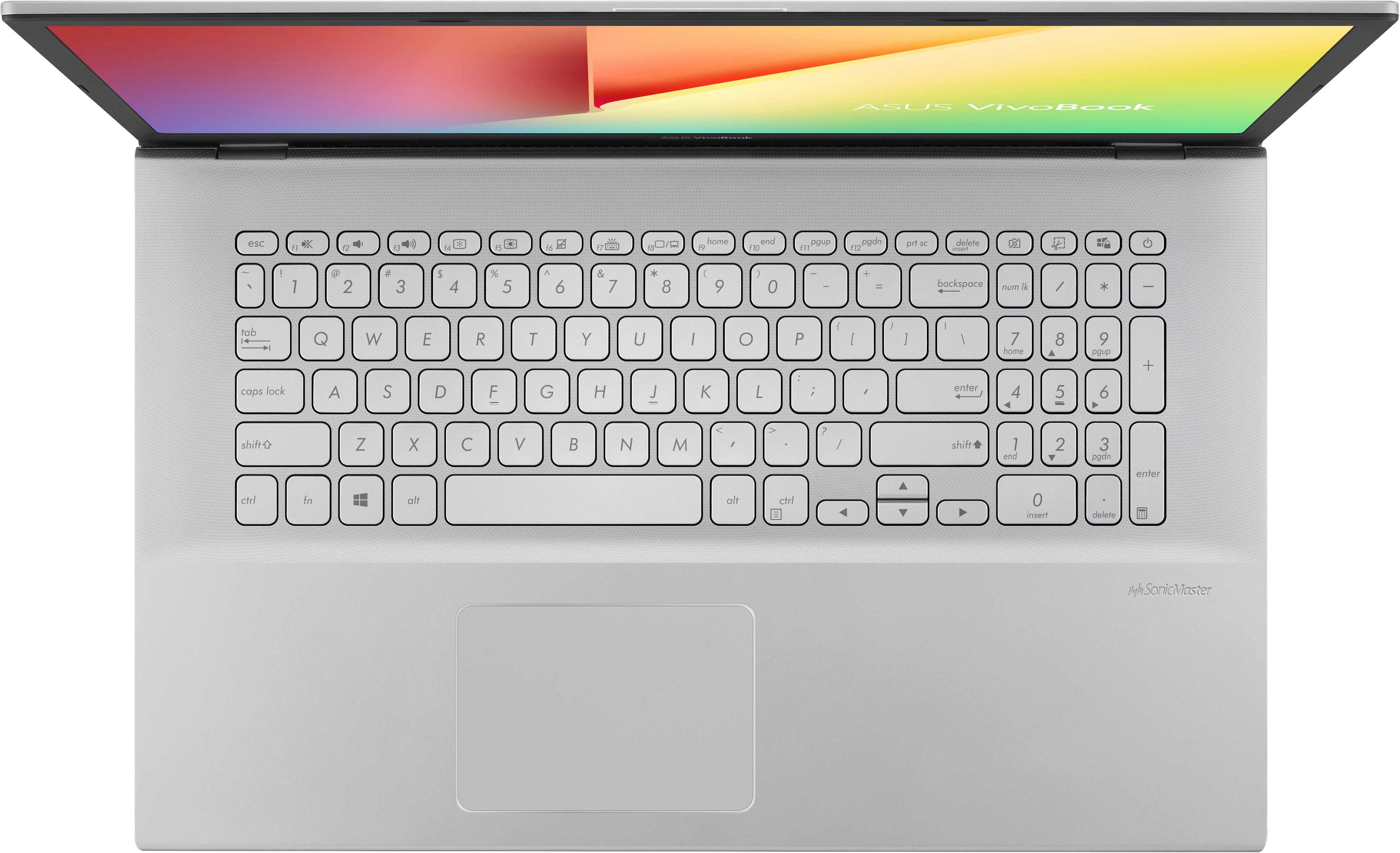
A:Answer I think the problem is Windows. Windows 10/11 takes forever to boot and runs programs out the wazoo in the background, which eats up processor power & RAM memory. This is why those of us in IT call it the "nanny OS" because it decides for you regardless of your wants and needs or how it affects the usability of your machine. Okay for someone who doesn't know much about computers and just wants to check their email, but a nightmare for more advanced users. I just bought this ASUS Vivobook 17, have installed Linux Mint as a dual boot with Windows (because a few programs & websites simply won't play nice with Linux, but I generally only boot into Windows once per month at most), and the laptop booted into Linux in less than a minute, and everything is working fine, perfect response time to both the keyboard and mouse. Even on my old laptop, a Dell with an Intel i3 8th gen processor at 2.4GHz, booting into Windows 10 was a nightmare. (I was also dual booted on that machine with Linux Mint.) If you do decide to dual boot Linux on your laptop, Linux Mint Cinnamon is the best one, it runs a lot like Windows 7 (which I loved) did, and is very user-friendly. If you decide to stick with Windows 10/11, then yes you should get a different laptop with a top-of-the-line processor and maxed-out RAM, but it'll cost you more.