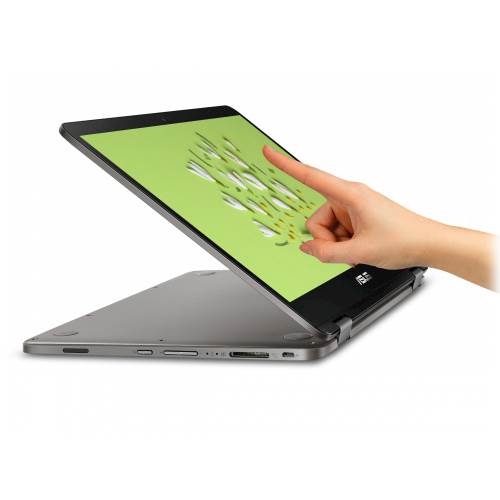
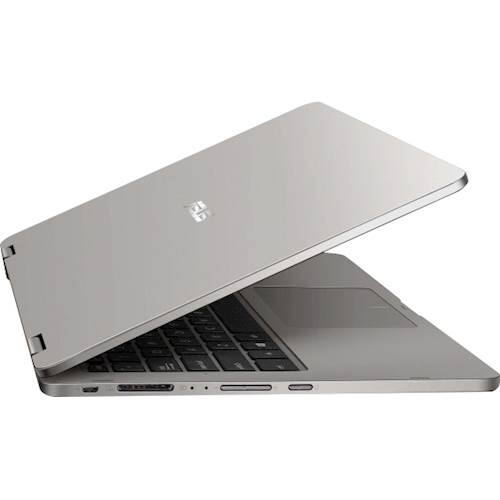
A:AnswerThe device has very low ram but based on what I tested you can have a playable experience with Minecraft,Garrys mod plays really fine basically if it’s really old and a basic game you can play it no doubt however like I said mine craft even though it might seem basic I had some struggles to where I needed to turn down settings,in conclusion don’t buy this expecting to game or to do animation rendering but school work is fine.(the touch screen is good for basic drawing but if you want to render art into high quality stuff I’m gonna doubt it,it’s been a while since this question was asked I hope things are going well for yah) :)
A:AnswerYour new ASUS VivoBook Flip 14 hard drive is 58.3GB and there are 2 very similar models. One of these models has 8GB of RAM and the other model has 4GB of RAM. These differences are made obvious in their display and in the price.
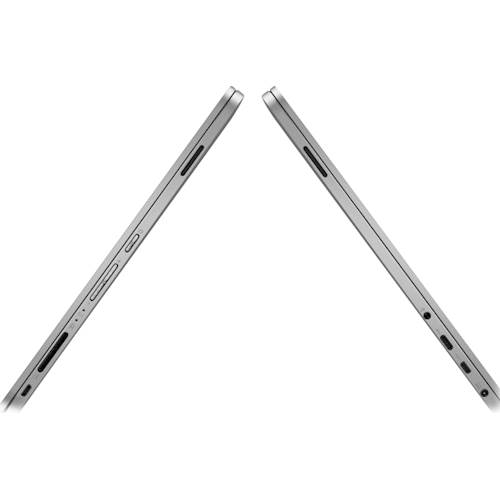
The adapter that comes with your laptop is to assist with the connection between your new laptop's Kensington Lock Slot Portal and any USB-B ended cable married to your desired external device. Plugging the device in should allow your new laptop to automatically install any software if needed for the device to operate. However, depending on what kind of device it is, you may need to go into settings to redetermine this device as your new default device of operation, and Windows will detect any need for any driver updates to either automatically download and install them or ask for your permission to do it.
Then the return/exchange policy with Best Buy is in-store only and includes open box policy. Any opened merchandise to be returned or exchanged must include all additional parts, adaptors, and devices that were included with the merchandise in the package at the time of sale. No matter if you've bought your new device online or in the store, you must make your transaction at your local store with your receipt of sales, credit card, and identification. Generally, these time limits extend for 15 days for most customers. For an Elite Member, these limits extend to 30 days, and for an Elite Plus Member, they will be to 45 days. The return/exchange policy limits will stay the same for both opened and unopened merchandise.
A:AnswerTo setup Bluetooth connection successfully, please select the Start button > type Bluetooth > select Bluetooth settings from the list. Turn on Bluetooth > select the device > Pair. Please follow instructions in order to connect successfully. Also, please make sure WINDOWS is current with cumulative updates. Ensure the Bluetooth battery has ample amount of charged life and device working properly and is powered on.