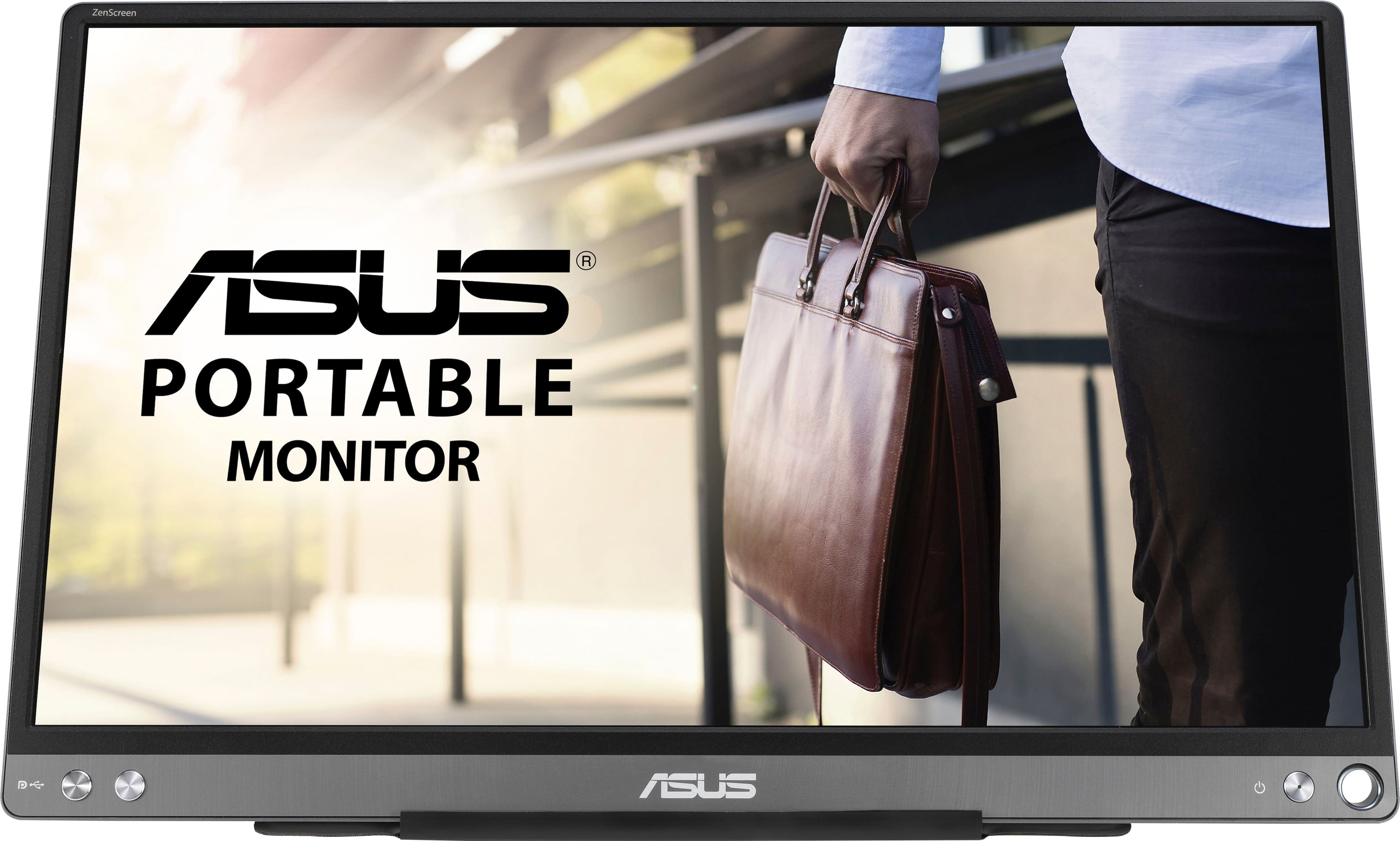
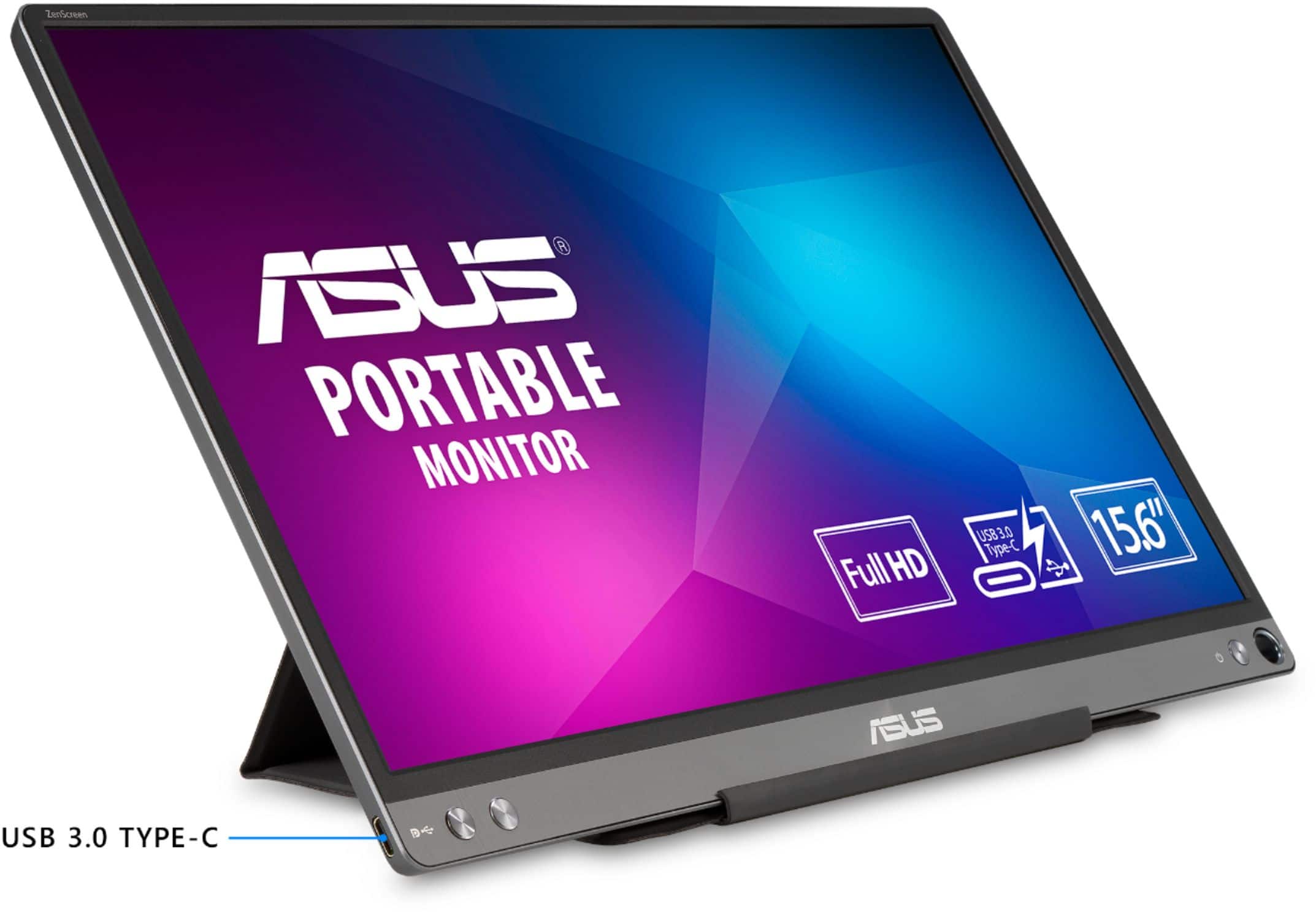
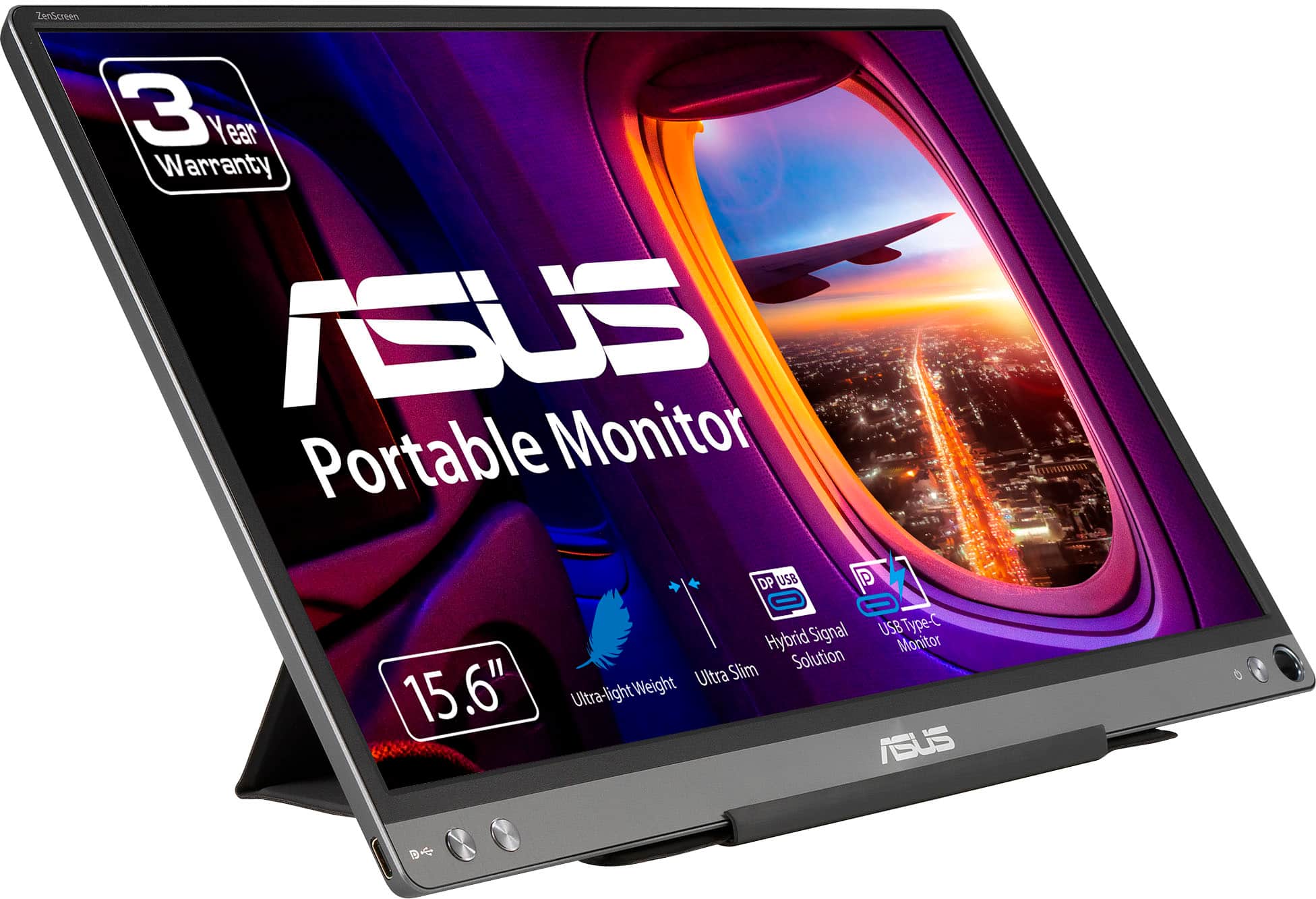
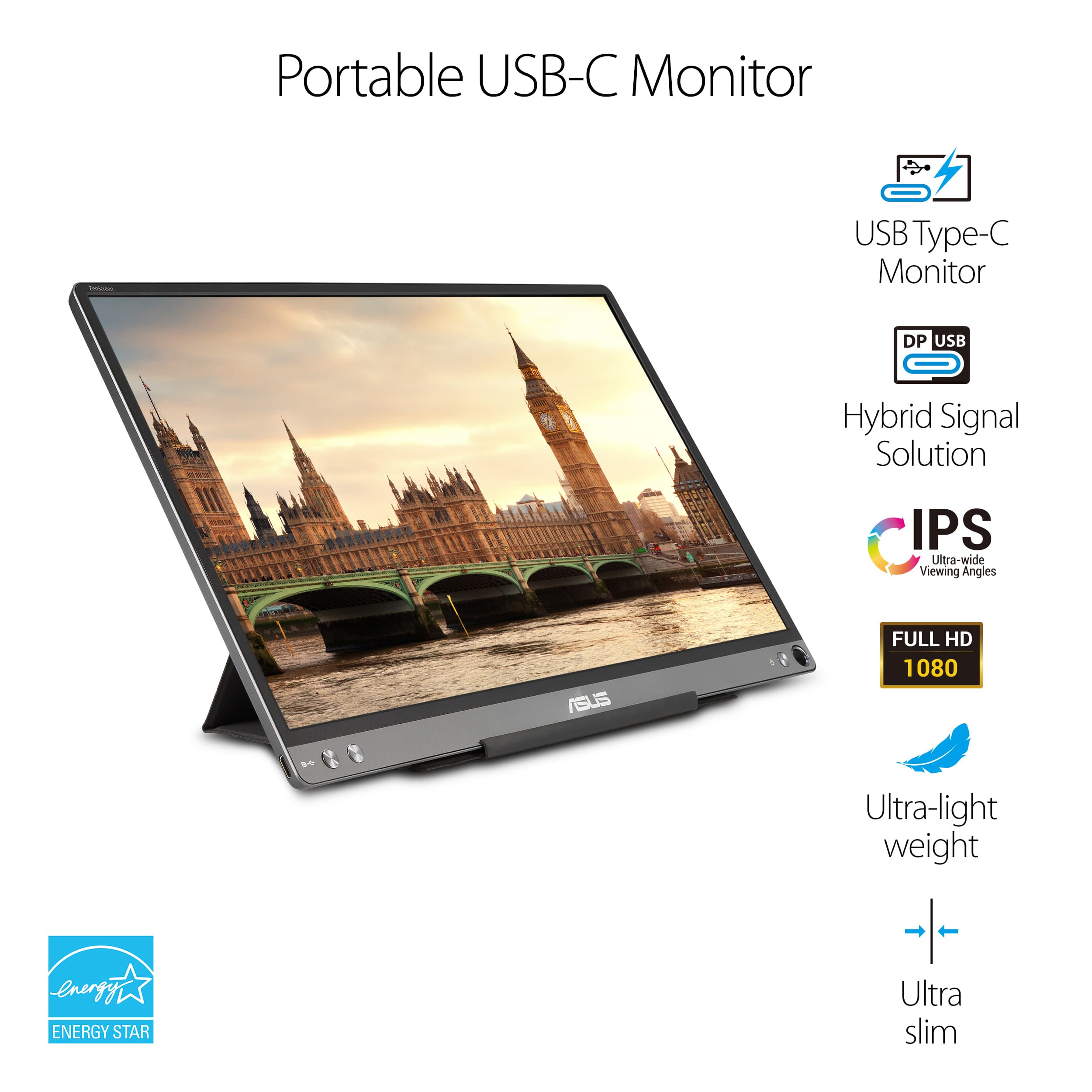
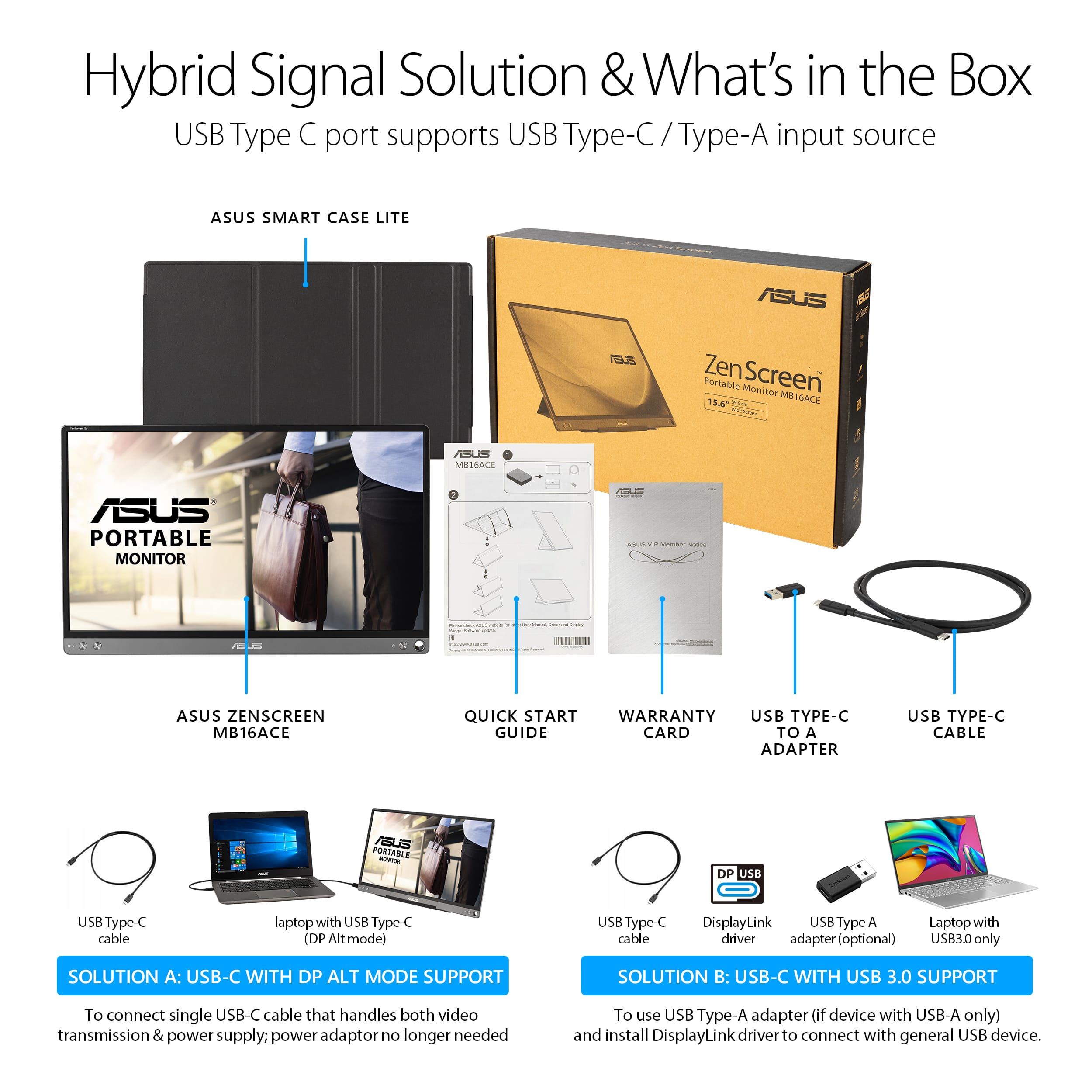
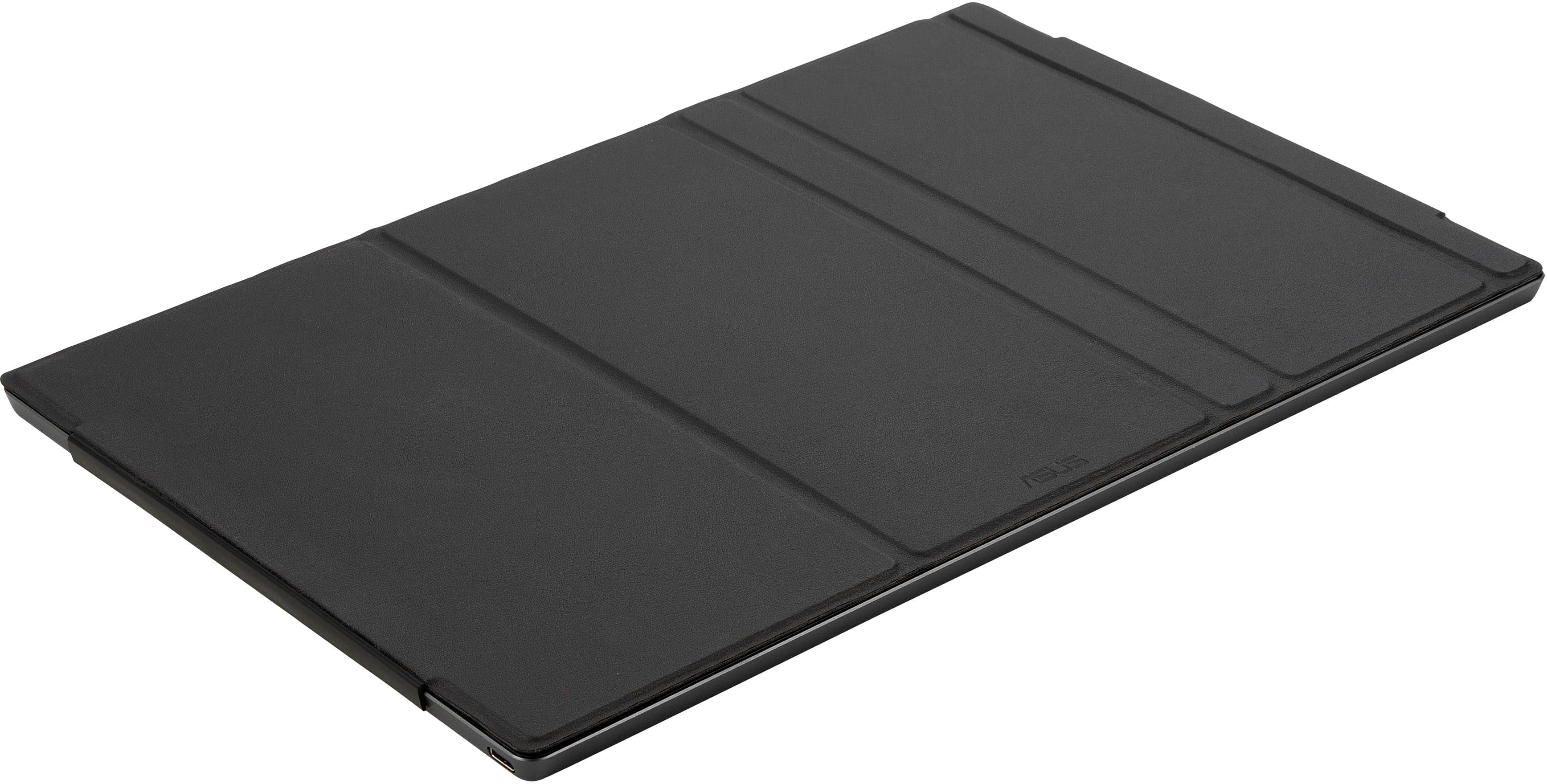
A:AnswerYes. Based on the tech specs linked here, that model appears to have a USB-C port. https://www.lenovo.com/us/en/laptops/ideapad/ideapad-flex-series/IdeaPad-Flex-5-14ITL-05/p/88IPF501452
A:AnswerBased on the tech specs available here, they should be compatible. That model appears to have a USB-C port. https://www.lenovo.com/us/en/laptops/ideapad/s-series/Lenovo-IdeaPad-S340-15IWL/p/88IPS301215
A:AnswerThat would depend on the model and what ports you have available. Please reach out to me at cl-lane@asus.com and include case #N2102014538 in your email for reference, I would be happy to do a compatibility check.
A:AnswerI have not tried it with an iPad, but it does not work with my Samsung tablet since the tablet does not deliver enough power for the monitor directly. I might try seeing if there is a way I can use a dock or power splitter to provide more power to the setup, but directly plugged into the tablet it does not work.
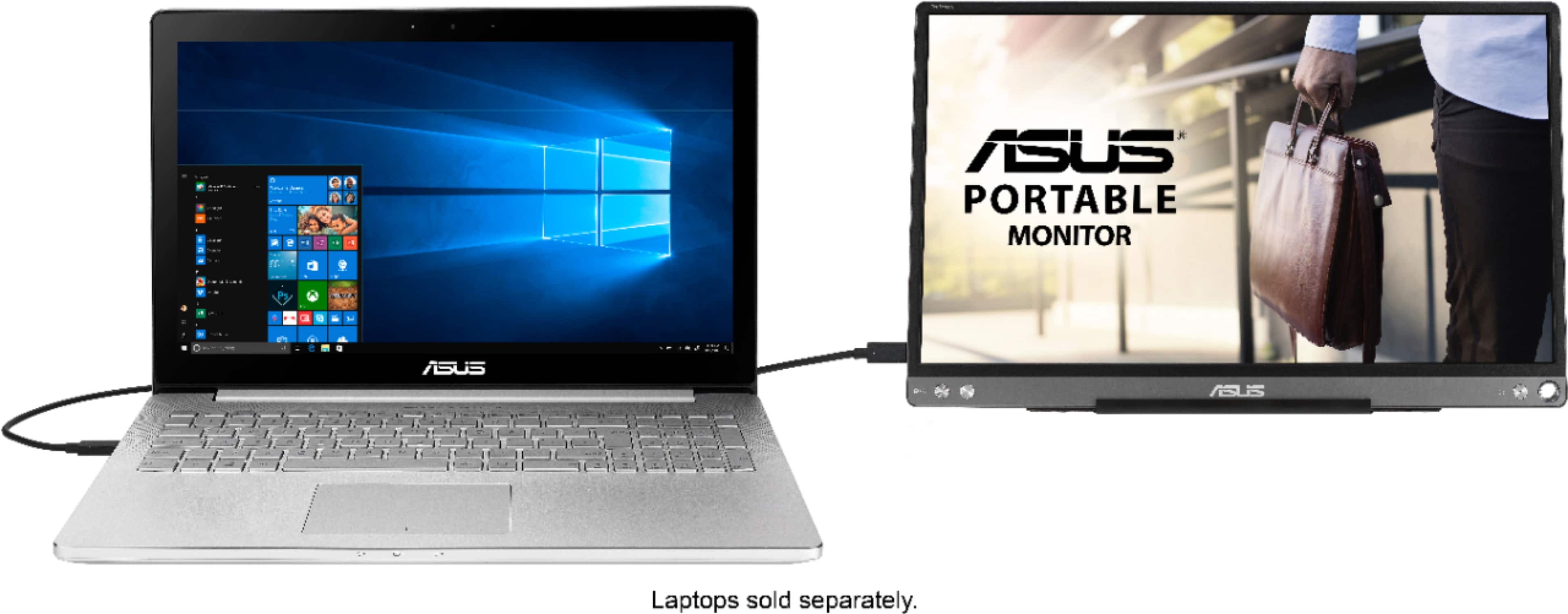
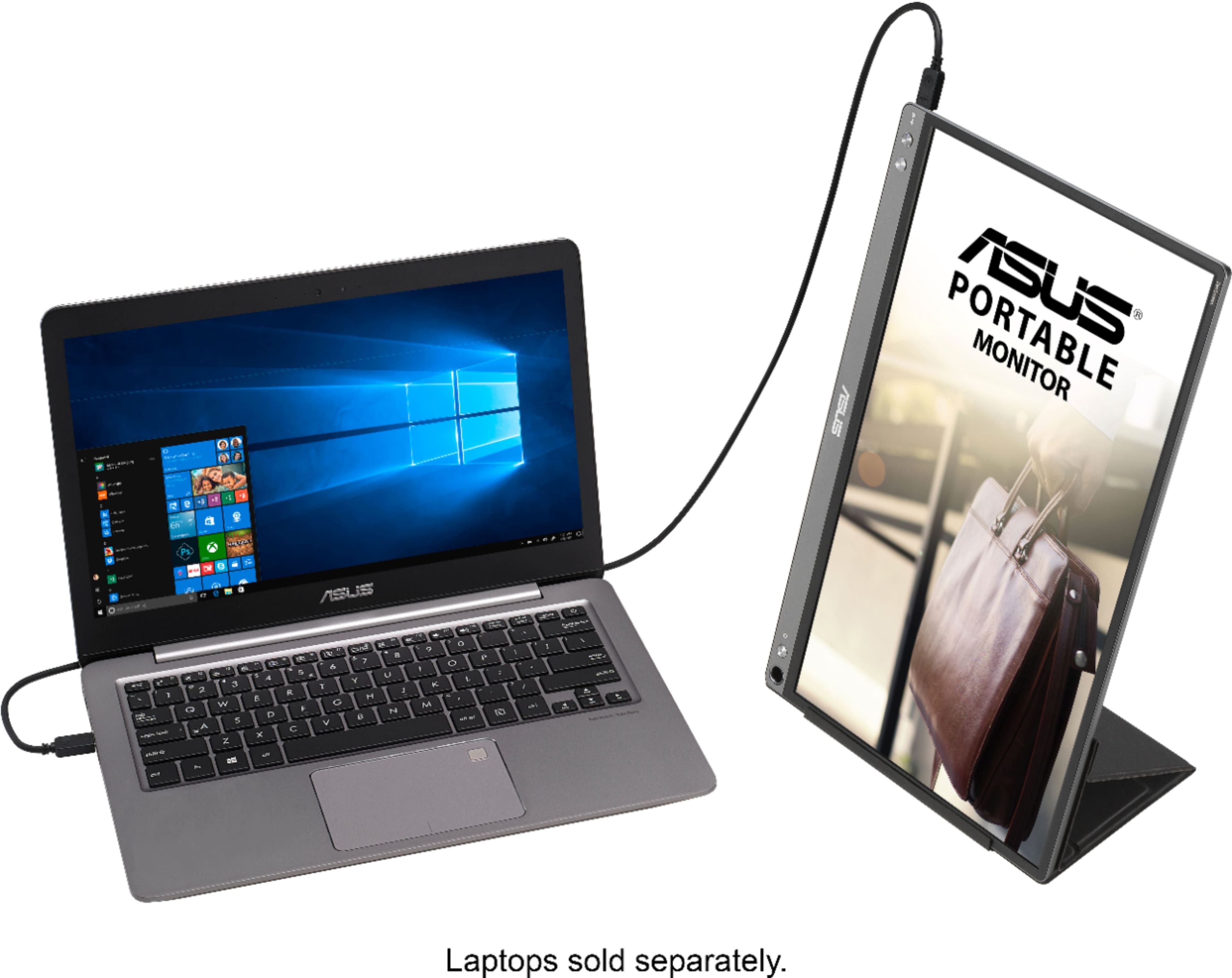
A:AnswerIt is USB, so it's compatible with pretty much any computer that has a USB port. However, I wouldn't recommend it for PC gaming - the color and refresh rate are not too suitable for graphics-intense applications.
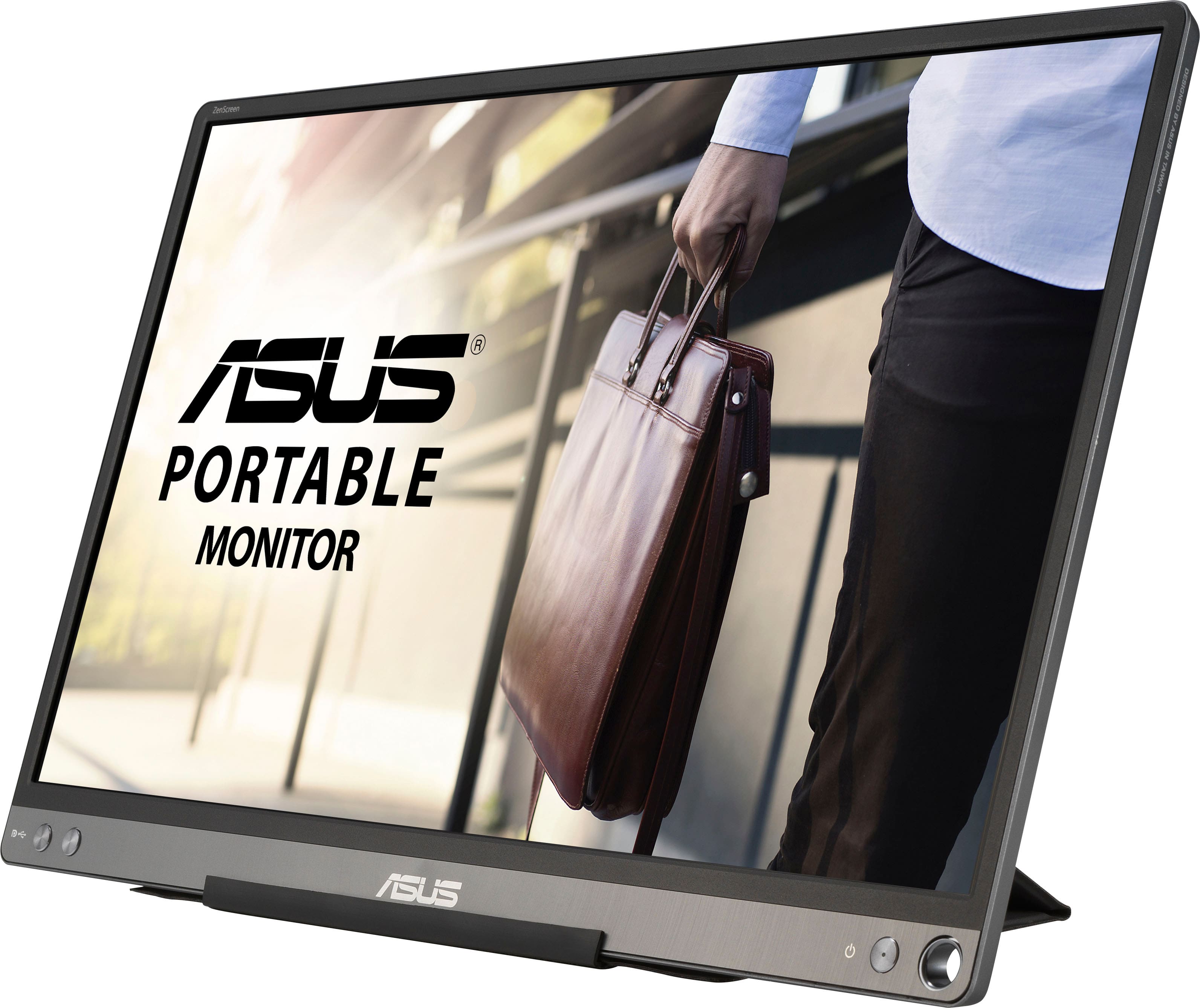
A:AnswerThis model only supports video input via USB-C. If your system has a USB-C port you should have no issues. https://www.asus.com/us/Monitors/ZenScreen-MB16ACE/specifications/