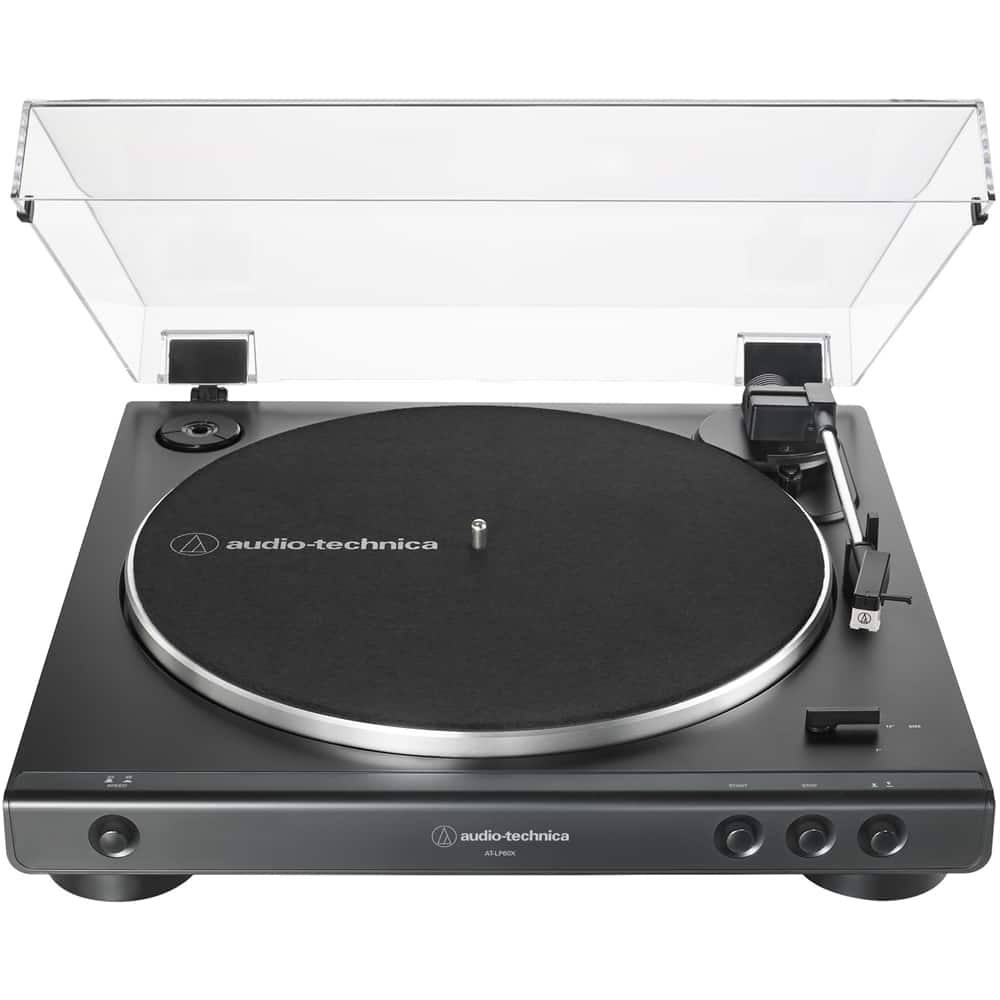
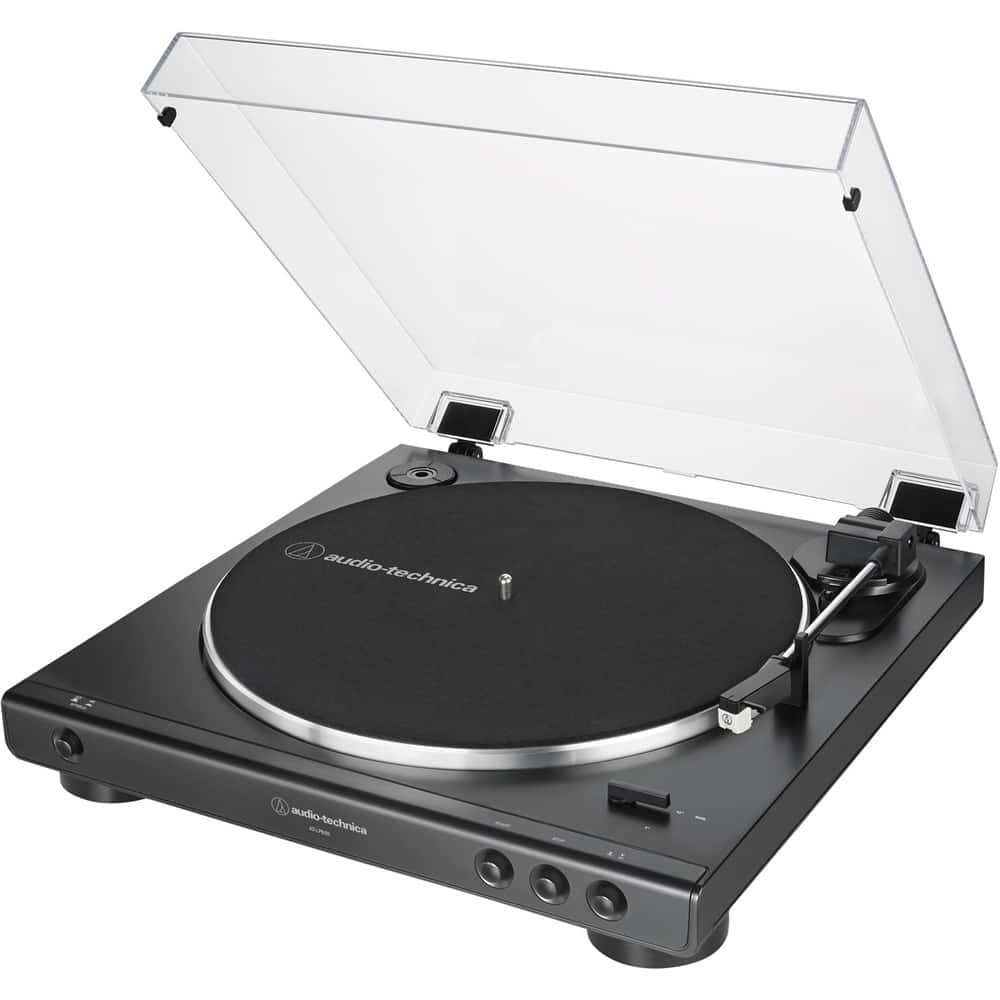
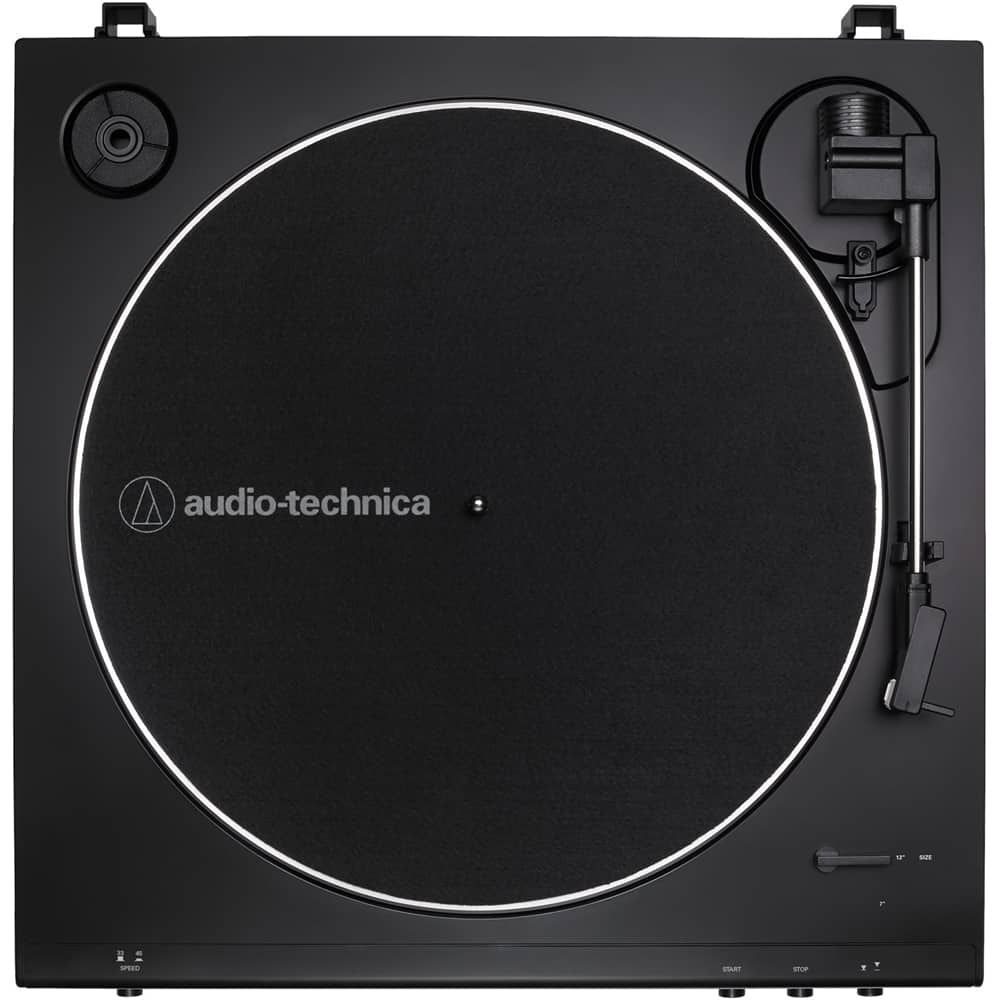
A:AnswerNo it does not, consider our AT-LP60XHP Turntable instead. The LP60XHP has a front panel headphone jack with volume control. ATH-250AV Headphones are included!
A:AnswerYou can either use a stereo amplifier or receiver with passive speakers attached to the amplifier or receiver, or you can attach the turntable directly to a set of powered (aka active) type speakers. Powered speakers have the amplifier built into them so a separate amplifier or recover between the turntable and the speakers is not required.
This applies to all of our 60 Series turntables and any of our other models featuring a built-in phono preamplifier.
A:AnswerNo, you don't have a problem. You won't need a grounding wire with this unit anyway since magnetic cartridges generally don't need a grounding wire. Just leave your grounding wire where it is.
A:AnswerYou can connect the turntable to the AUX In jacks on the Samsung Home Entertainment System. Make certain that you turn the phono preamplifier inside the turntable ON by placing the preamp selector switch on the back of the turntable in the LINE position.
A:AnswerYour TV is taking over. Mine did the same . I think the sound bars place the priority on TVs. You have to disconnect the TV from the sound bar each time or do like I have done ..which is connecting it to a separate bluetooth speaker.
A:AnswerWhat you are hearing is known as needle talk and is normal. This is just the noise created by the mechanical interfacing of the stylus (needle) to the record surface.
A:AnswerTest the turntable for sound by listening to it directly. To do this, connect a set of wired headphones to the 3.5mm Analog Out jack on the back of the turntable. Make certain that the preamp selector switch located next to the jack is set to the LINE position for this test. You may leave the switch set to the LINE position for Bluetooth use. If you will be connecting the turntables RCA audio cable to the PHONO input on a stereo amplifier or receiver at some point however, the switch will need to set to the PHONO position AFTER this test. Do you hear the record playing in the headphones while the switch is in the LINE position? If you do, the turntable is producing sound and the problem lies elsewhere. If you do NOT hear the record playing n the headphones, remove then reinstall the stylus assembly as if you were replacing it with a new one. Refer to the illustrations on page 10 of the User Manual (below) for assistance with this.
https://www.audio-technica.com/media/wysiwyg/product/pdfs/us/at_lp60xbt_um_162501372_v2_en_web_190527.pdf