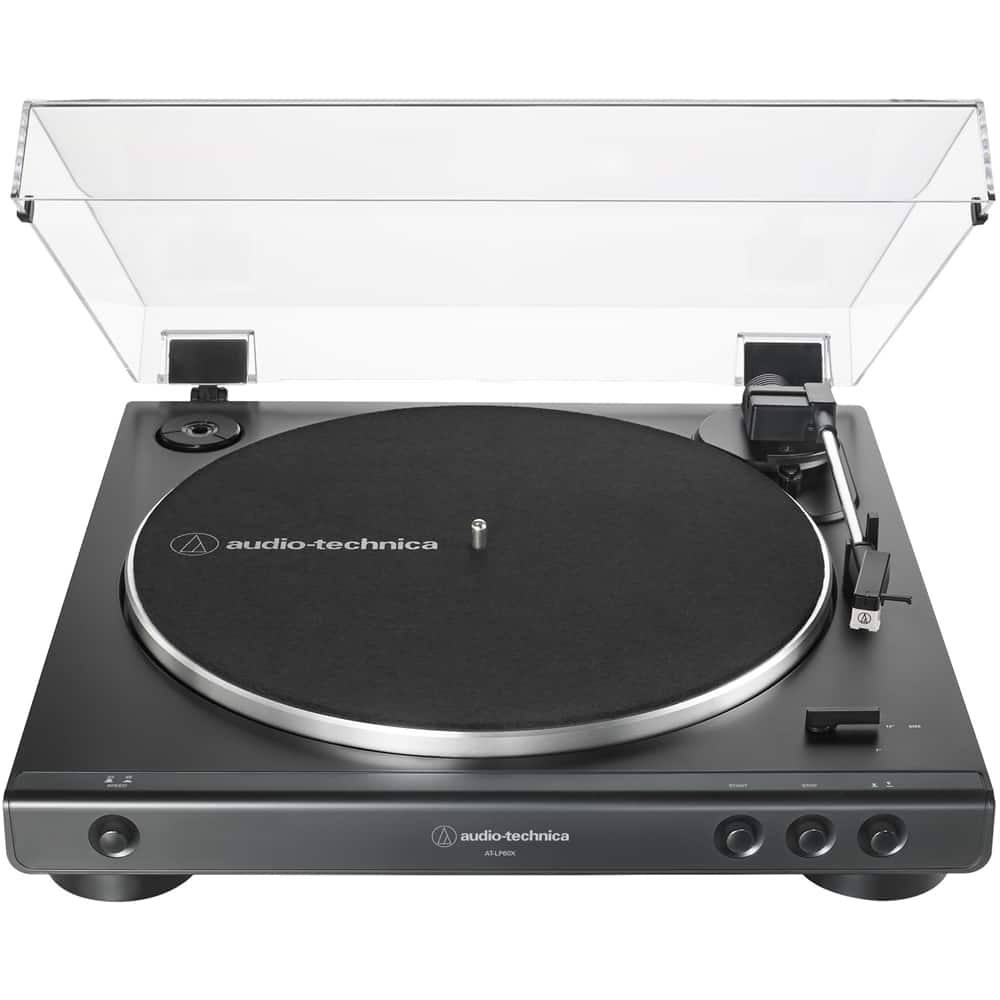
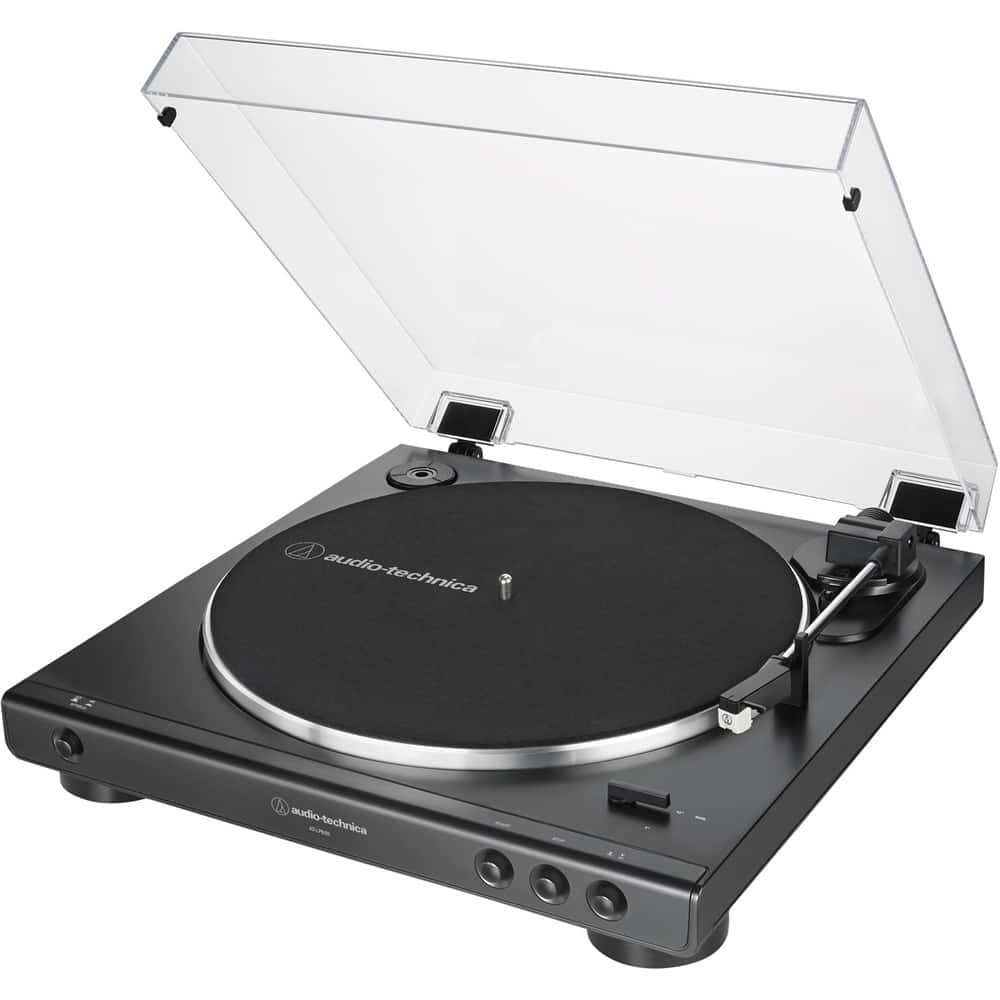
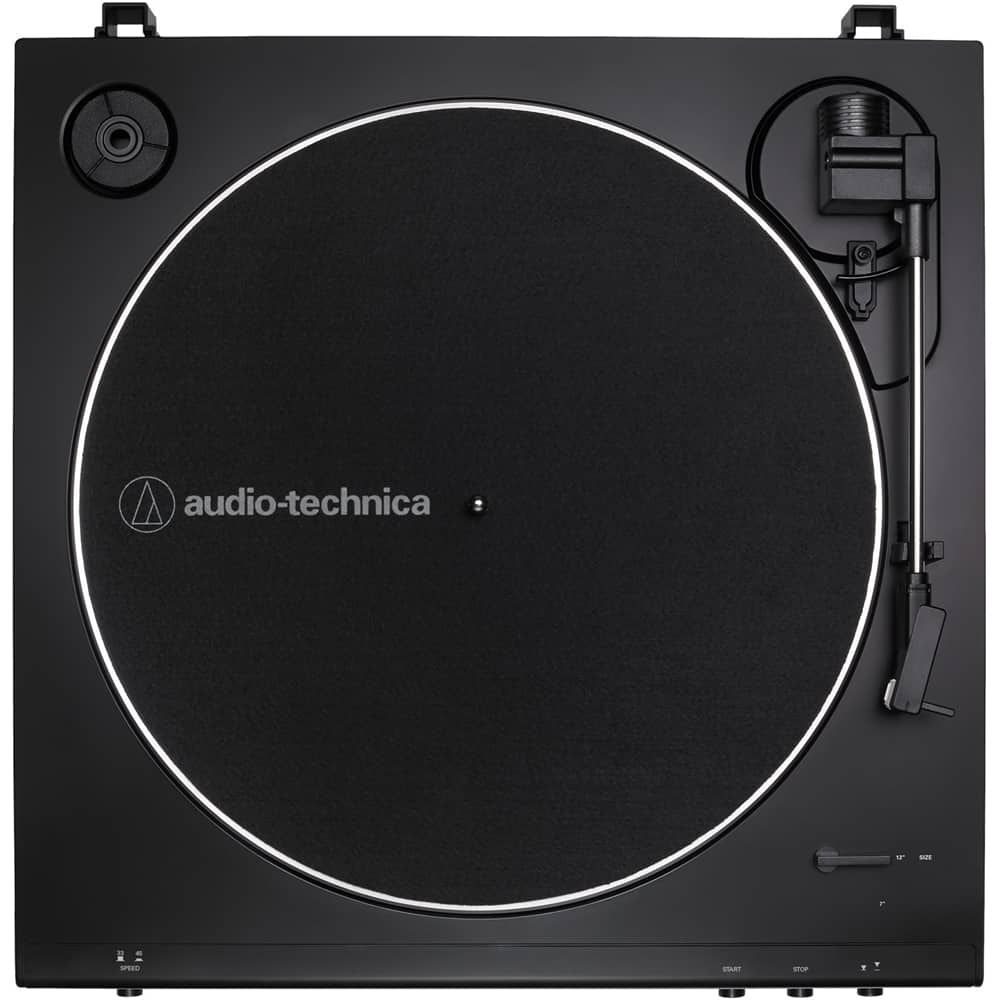
A:AnswerWith the proper cable, a 3.5mm male stereo to 3.5mm male stereo type, you could connect the turntable to the single 3.5mm stereo LINE IN or AUDIO IN jack on a computer but a lower noise and more of a plug and play option is to either use a USB audio interface or purchase the USB version of the turntable, the AT-LP60XBT-USB, to connect the turntable to the USB port on the computer,
A:AnswerThere are some errors in the Best Buy specs listed for this model turntable, it does NOT feature Bluetooth, a cartridge IS included (the type is MM), and the motor type is DC (an AC to DC adapter is utilized). We do manufacture a version of this turntable that adds Bluetooth as a feature, it is the AT-LP60XBT and is available in all black (BK), black with a red front (RD), or all white (WW). To send sound from most audio players to a wireless network typically likely requires Wi-Fi, not Bluetooth, however.
A:AnswerYes, it does, but we recommend replacing the supplied white conical stylus with the higher resolving black elliptical stylus, the ATN3600LE, to take advantage of Hi-Res vinyl's high-quality audio.
A:AnswerYou can but you would not want the speakers to be in the same room, the speakers connected via Bluetooth will lag behind the speakers that are wired.
A:AnswerI don't know the cartridge number it comes with, it's white. But there is only one different one available, it's an elliptical. I switched to this and it greatly improved the sound quality. The replacement # is ATN2600LE. Costs about $50