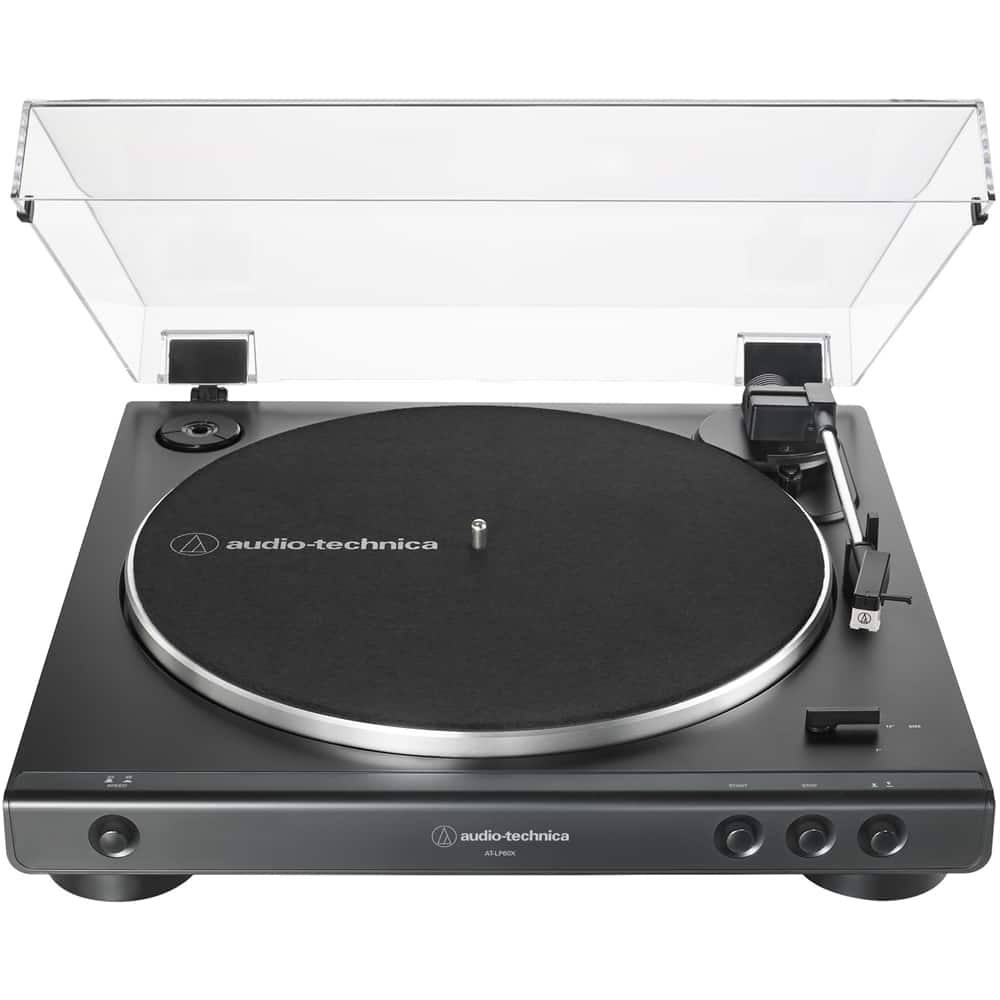
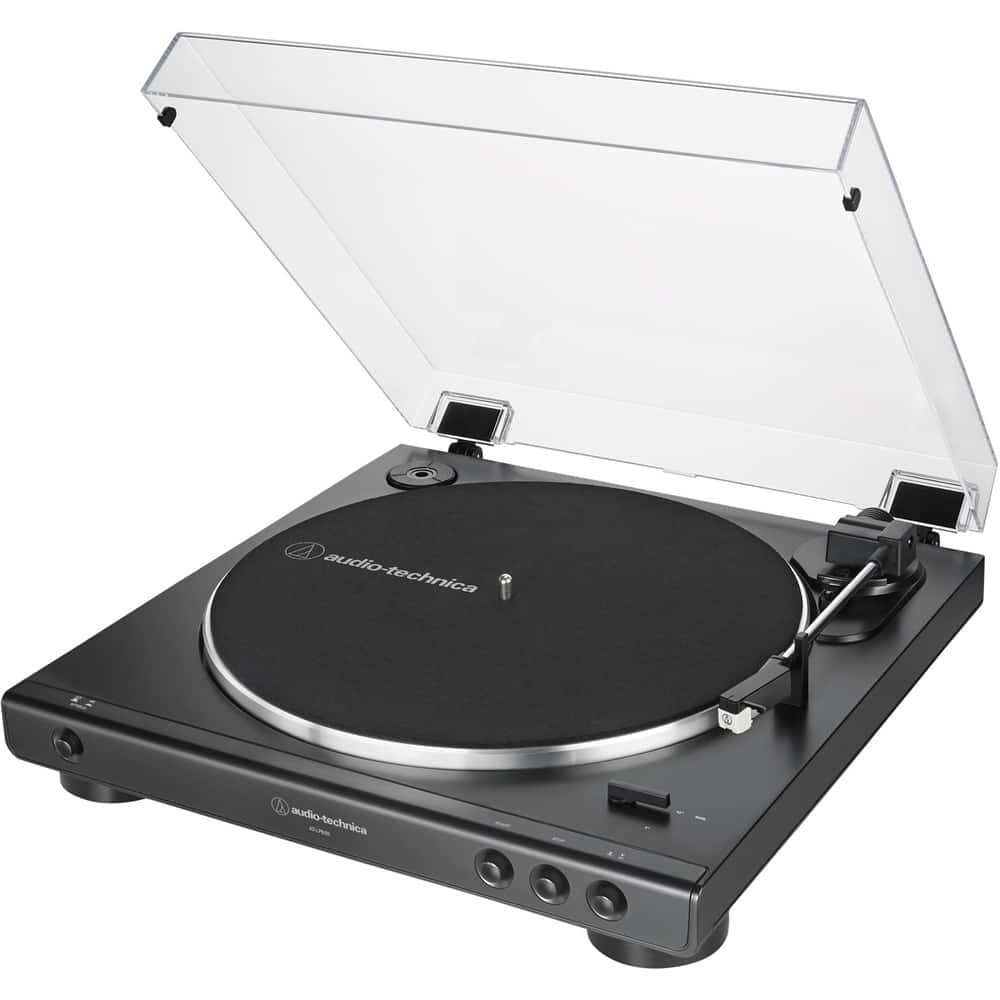
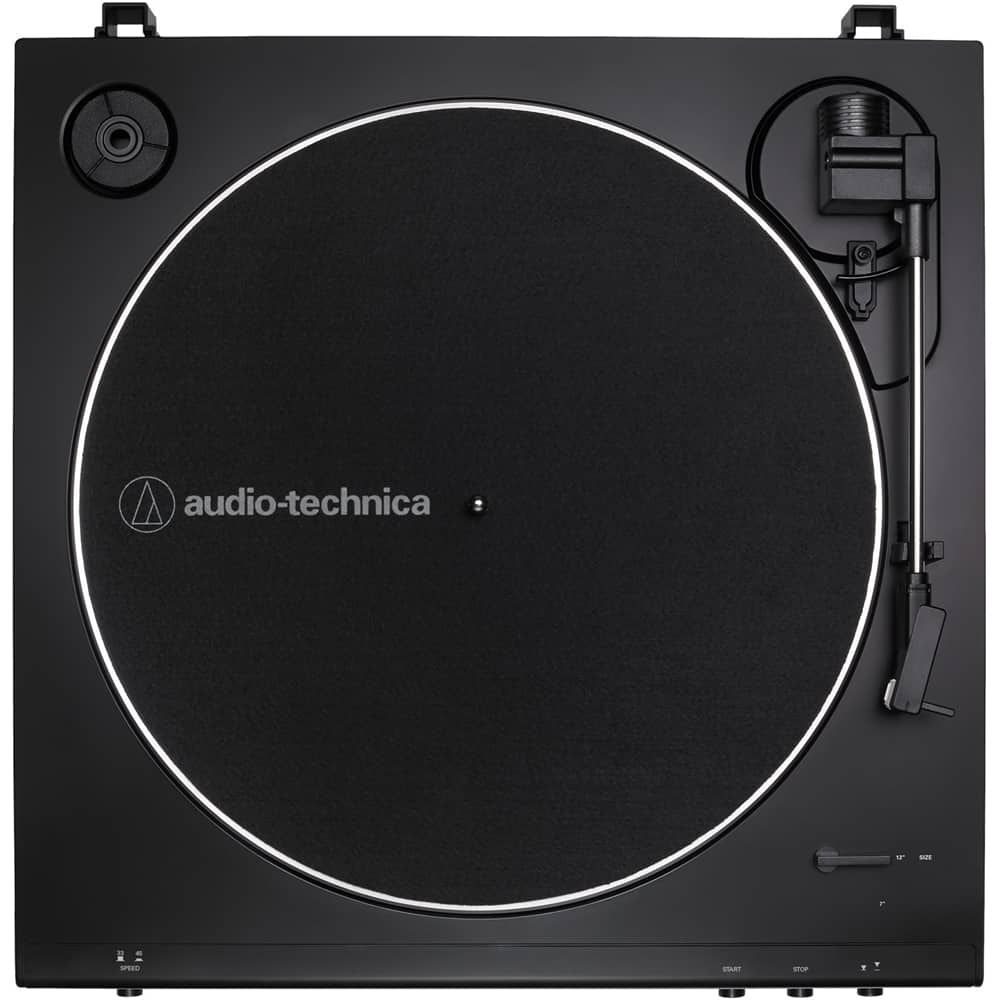
A:AnswerYes, paired easily. you won't get a lot of distance so not good for listening to vinyl and cleaning the house, maybe 25 feet away you start breaking up.
A:AnswerYou can choose not to install the hinges but this will not reduce the front to rear dimension of the turntable because the hinge holders are molded into the turntables base.
A:AnswerNo, it does not have a USB port, but here's a work-around for recording if that's at the core of this question. Make the turntable an audio input device on your computer, then install an audio program on your computer that will record "What-U-Hear." Bluetooth it into a file (as long as your computer has Bluetooth). I did it. Works great!
A:AnswerYes. I did. Works great! This turntable is contemporary and affordable, and therefore doesn't have all the RCA in's and out's on the back like mine did when I was...younger, but there is an analog stereo-out. ~ DQ
A:AnswerIf the Bluetooth on your receiver is meant for connecting to external speakers, then no. Most devices use Bluetooth to either send OR receive, but cannot swapped.
A:AnswerOur USB turntables, such as the AT-LP60XUSB, can be connected via a provided USB cable tote USB port on a computer. With the aid of an audio recording and editing program, such as Audacity, the computer can digitize your albums.
A:Answeryea, i did buy a pre-amp. But i still need to be at vol 45 to really get that sound which is weird. I mean it sounds better, less crackling but still needs to be high
A:AnswerThe turntable can be connected directly to the TV if there is an analog audio input jack on the TV. This can be the dual RCA (red and white) type jacks or the single 3.5 mm stereo AUX type jack. You will need a dual RCA (females) to single 3.5 mm stereo (male) mini-plug type adapter cable to connect the provided cable to a single 3.5 mm stereo AUX jack.
A:AnswerYou will need either a dual RCA (female) to single 3.5 mm male stereo mini-plug adapter cable which you can add to the cable supplied with the turntable OR a different cable which you would use in place of the supplied cable. This cable would need to have a single 3.5 mm stereo male mini-plug o each end of it. Connect the AT-LP60XBT Turntable to the 3.5 mm Audio line-in jack on the rear of your speaker. Note that this type adapter cable is available for purchase from our Parts Department. Please contact Parts by phone at (330) 686-2600 ext 5002 or by email at parts@atus.com for further assistance.
A:AnswerThe tracking force on the AT-LP60X-GM Turntable is not adjustable. If the stylus (needle) assembly is not fully seated in the cartridge body, this can happen. You may have inadvertently caused the stylus assembly to loosen when you removed the clear plastic guard from it during assembly of the turntable. Try removing then reinstalling the stylus (needle) assembly. There is a good illustration on how to do this in the User Manual.
https://www.audio-technica.com/media/wysiwyg/product/pdfs/us/at_lp60x_um_162501370_v2_en_web_190502.pdf
A:AnswerThe only thing I recommend is a Bluetooth speaker, since this turntable does come equipped with Bluetooth you can connect to a speaker wireless, which is a nice option