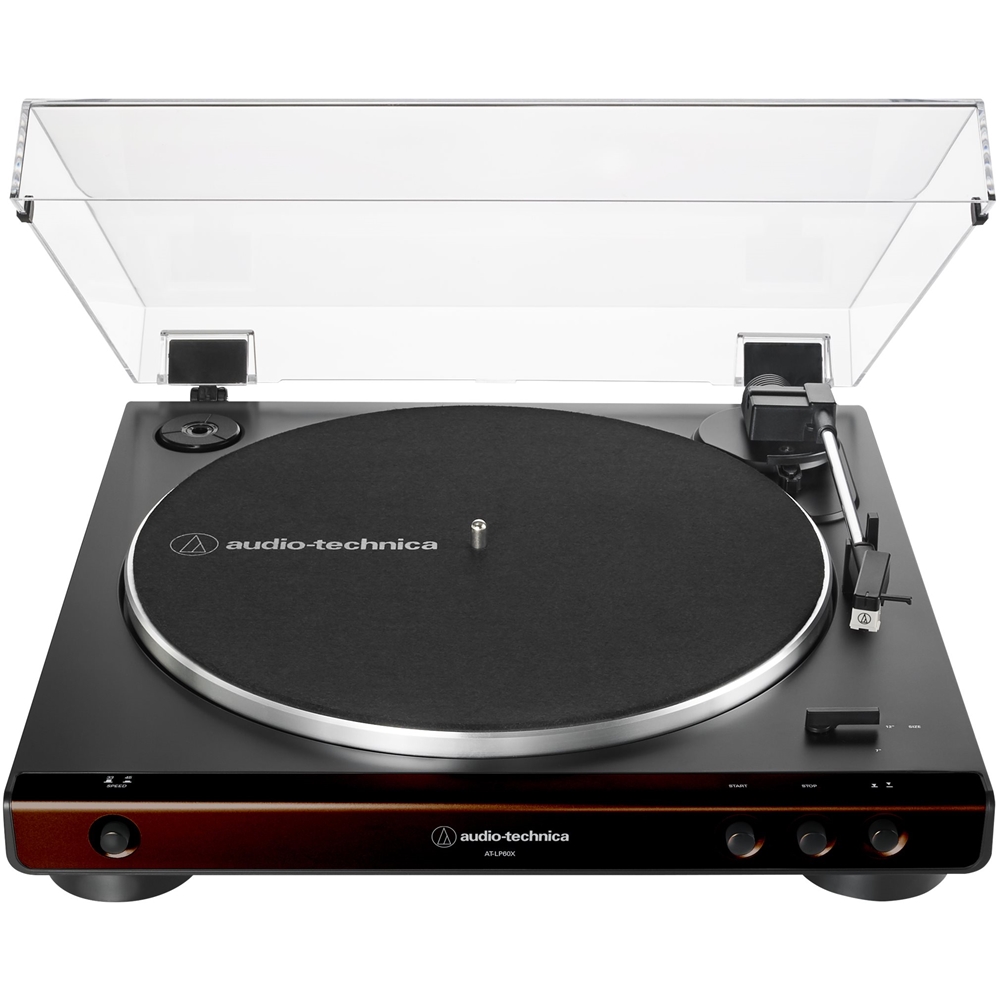
A:AnswerNo, we do not manufacture a turntable that can play multiple records in sequence without user assistance at this time. The turntable is automatic in operation in the sense that it can start at the touch of a button, play the entire side of a record, then automatically return the tonearm to the resting position and stop the record from spinning without additional user assistance.
A:AnswerTry resetting the Bluetooth on the turntable again. Note that the procedure was recently amended. Right after you press the button and the light starts flashing red/blue, let go of the button for like 1 second THEN press and hold it down until you see the light flash just RED slowly twice. See the full procedure below.
Resetting the Bluetooth on the AT-LP60XBT and AT-LP120XBT-USB-BK Turntables.
1. Unplug your Sound Link 3 speaker from power. Turn any other devices that have previously been paired to the turntable off (power them down), then reset the Bluetooth on the turntable by doing the following.
2. Without the turntable being in the pairing mode (the indicator light on the turntable should be solid red), press and hold down the Bluetooth button on the turntable for about 5-8 seconds. You will see the light begin to flash red and blue rapidly back and forth as it does when it goes into the pairing mode. After about 1 to 2 seconds of seeing this, briefly release the button (for about 1 second) then press and hold the button down until you see the light blink just RED slowly - twice, then the light will go back to flashing red and blue. It may take up to a minute or so to see the light blink just RED twice. Once the light goes back to flashing red and blue, you may let go of the button.
3. Wait for the flashing red and blue light to time out, at which time it will go back to being solid red. This may take up to a minute or so to occur. Once the light is solid red, the Bluetooth function has been reset.
4. Plug your Sound Link 3 speaker back into power and attempt to pair the turntable to the speaker again.
A:AnswerYou may need to turn the Bluetooth on the speakers OFF, or just have the speakers powered off, while attempting to connect the headphones. The turntable has a tendency to connect to the last device it was used with if that device is on and its Bluetooth is on. The turntable can "remember" pairings of up to 8 different devices, so you should not have to go through the PAIRING process again.
A:AnswerContact our Parts Department for help obtaining a replacement. Parts may be reached by phone at (330) 686-2600 extension 5002 or by email at [email protected]
A:AnswerFollowing are two models of powered type speakers available at Best Buy that I have been recommending. The Edifier R1280T is wired only and the Edifier R1280DB can be wired or wireless. With the R1280DB model, which adds Bluetooth, in addition to using the turntable with it (wired) you could also use other devices, such as your smartphone, with it (wirelessly).
Edifier R1280T Powered Bookshelf Speakers
https://www.bestbuy.com/site/edifier-4-r1280t-powered-2-way-bookshelf-speakers-pair-brown/6402725.p?skuId=6402725
Edifier R1280DB Powered Wired or Wireless Bookshelf Speakers
https://www.bestbuy.com/site/edifier-4-r1280t-powered-2-way-bookshelf-speakers-pair-brown/6402725.p?skuId=6402725
A:AnswerOur Bluetooth turntables may be connected to only one Bluetooth device at a time. In the Bose App, it appears you can connect 2 Revolve speakers together either in Party Mode (both speakers play in unison) or in Stereo mode. This is a function of your speakers, not the turntable.
A:AnswerGood morning. You should be able to hook it up to any standard receiver; since it has its own built-in preamp, you shouldn't need at dedicated phone input, but it's always better if you have such an input. Do you have a receiver or tuner with the Polk Audio speakers or not?
A:AnswerYes, it can. Best Buy carries some of the replacement needles in store, and others are available on line. As long as you tell them the exact model of the turntable, and if possible the cartridge, you should be able to find a replacement. Depending on where you are, some smaller electronic supply stores either have them or can order them.