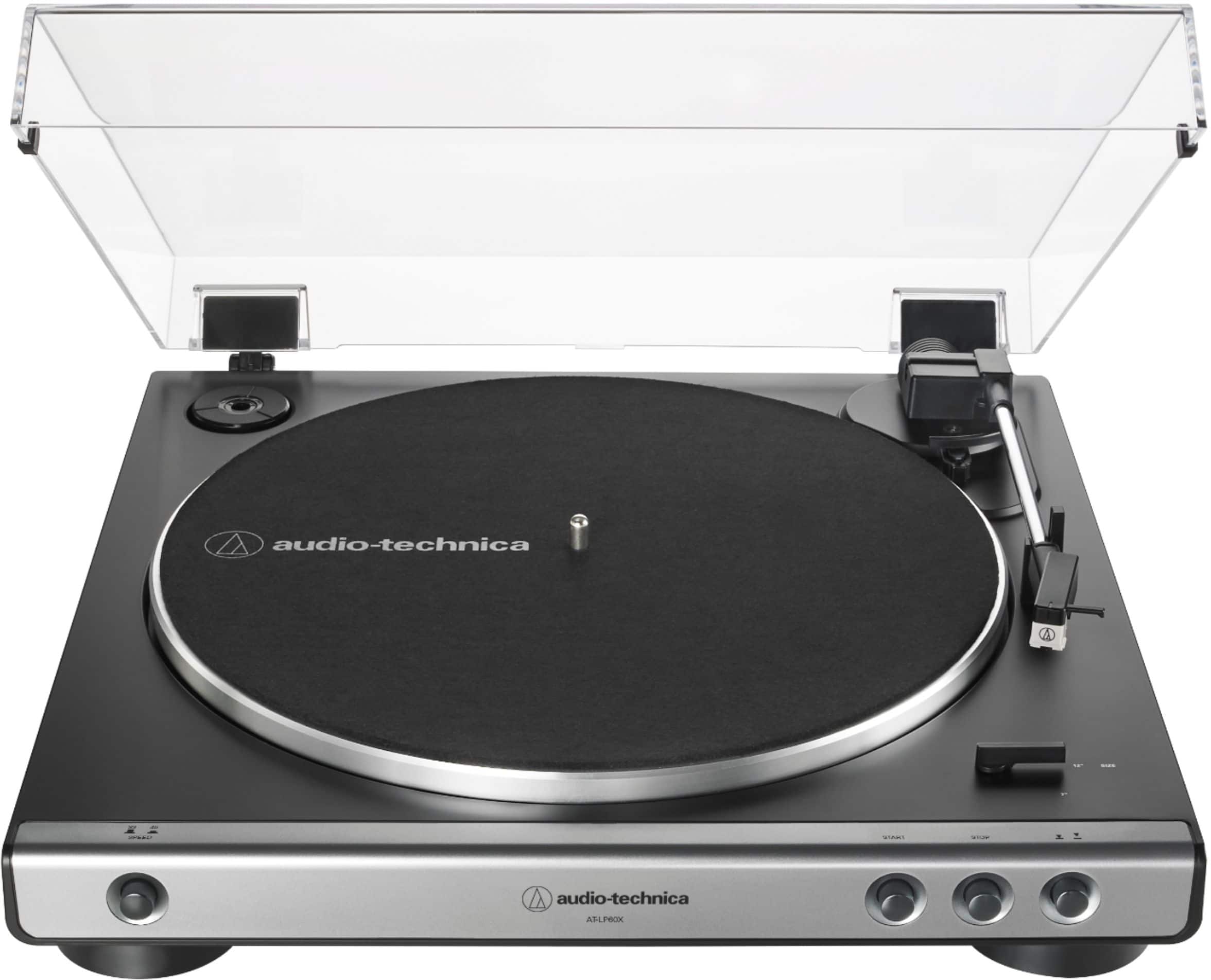
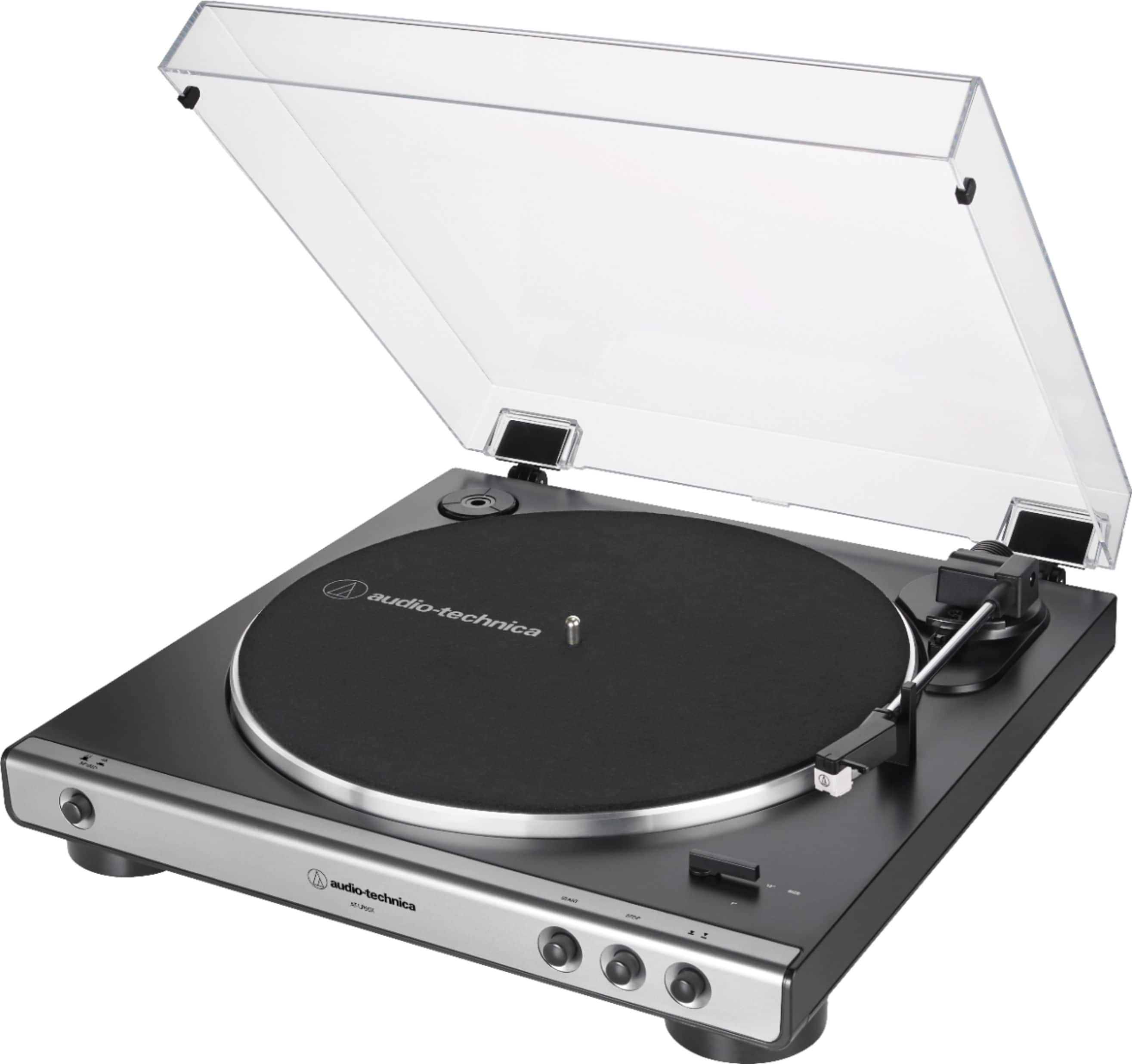
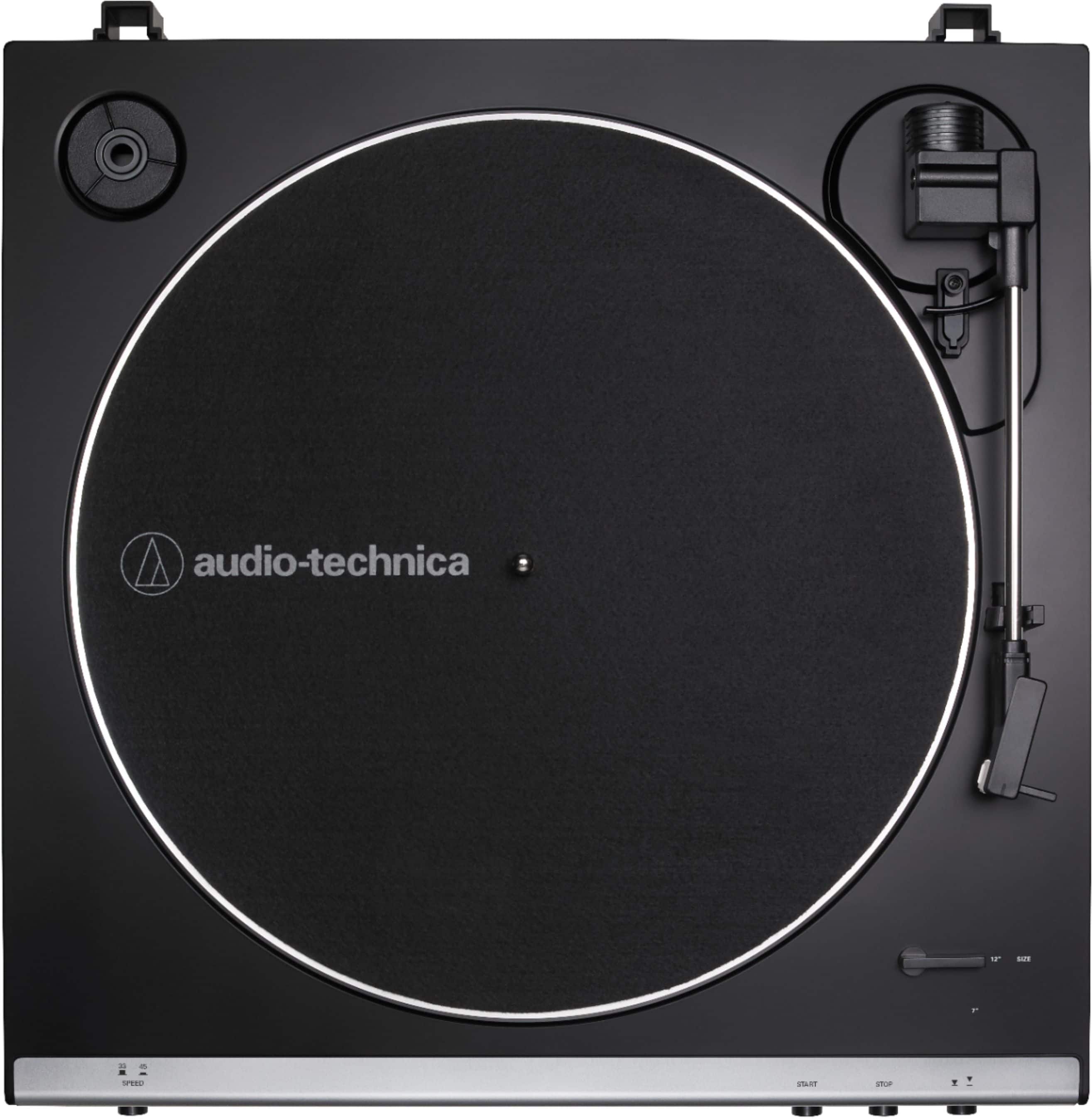
A:AnswerThere is a pre-amp selector switch located on the rear of the turntable that allows you to turn the pre-amp ON (LINE position) or OFF (PHONO position). If you are connecting the turntable to a device, such as a stereo amplifier or receiver which has a PHONO input for the connection of a turntable, the device contains its own phono pre-amp. You cannot use TWO phono pre-amps at the same time, so we allow you to turn the one in the turntable off when needed.
A:AnswerAllow 14 inches of height if you plan to use the dust cover. You will need 14 inches to fully open the dust cover if it is installed on the hinges. If you do not have 14 inches, you could leave the cover off of the hinges and get away with around 6-1/2 inches to remove the cover from the turntable without striking the tonearm. Allow about 16 inches on the depth for the connections on the rear to clear.
A:AnswerYes, the Z323 speaker system should work fine. You may want to get a 3.5 mm stereo (TRS) to 3.5 mm stereo (TRS) audio cable in the length required for your particular setting to simplify the connection of the turntable to the right satellite speaker however. This speaker has a single 3.5 mm stereo input jack on it. The audio cable included with the turntable has dual RCA male plugs at the output end. If you use this cable, you will need a dual RCA female to single 3.5 mm stereo (TRS) mini-plug adapter cable to connect the turntable to the satellite speaker. The Analog Out jack on the rear of the turntable that this cable connects to is a single 3.5 mm stereo jack. The use of a 3.5 mm stereo (TRS) to 3.5 mm stereo (TRS) audio cable would allow you to connect the turntable directly to the speaker, no adapter cable would be needed. Be aware that there are RCA type jacks on the subwoofer that the included cable could be connected to, but the subwoofer would be so close to the turntable in this case that you can expect to have feedback problems, especially at higher volume levels and with sources that have strong bass content.
A:AnswerYes it does.
The platter starts spinning when the tone arm moves over the platter, then will lift and return at the end of the record.
Mine was great for the first 6 weeks. Now its junk. No anti-skate at all. The skating force causes mine to skip inward and is unusable
The tone arm is factory set around 3.5 grams (mine is 3.78 g), so unless its skating your records are safe from excess wear. But if the needle can’t play more that 20 records before wearing too far….
A:AnswerYes, using a 3.5mm male to 3.5mm male stereo cable (not included), you can connect the record player to the AUX IN connector on the back of a Bose SoundTouch 30 speaker. Make certain that the preamp selector switch on the back of the turntable is set to the LINE position for this application.
A:AnswerNo, it does not have adjustable arm height. Consider the AT-LP140XP Turntable instead. Please note that the AT-LP140XP is a fully MANUAL turntable however, there are NO automatic functions. Also, it DOES NOT have a built in phono preamplifier. The felt mat provided with the AT-LP60X Turntable is 1/8" (3.175 mm) thick.
A:AnswerIt depends. The turntable is producing an RIAA equalized LINE level signal when the phono preamp inside it is used. If your computer is an Apple computer, the 3.5mm AUDIO IN jack on it can typically be designated as either a MIC input or as a LINE input. You need a LINE input. This may or may not be the case on a Windows computer. If the the input is a MIC input ONLY it is not going to work, the line level signal will overdrive the input and the sound will be distorted a a result. Since this type input is 3.5mm stereo mini-jack, you will need either a dual RCA (females) to single 3.5mm male stereo mini-plug adapter to adapt the supplied audio cable to the computer, OR you can use a different cable all together, one that as 3.5mm male stereo mini-plugs at each end. The Analog Out jack on the back of the turntable is the 3.5mm stereo (TRS) type jack. The audio cable that we supply with the turntable is the 3.5mm stereo mini-plug to dual RCA (males) type cable.
A:AnswerNo it does not, consider our AT-LP120XUSB Turntable instead if you need a pitch adjustment. Please note that the AT-LP120XUSB model is a fully manual type turntable, there are no automatic functions.
A:AnswerYou can get many answers on the Audio Technica site (www.audio-technica.com) ... But yes, to your answer. These "fully automatic" units usually means that you press start, the turntable spins, you move arm over record and use the 'lever' on the arm lifter to lower the arm/stylus to the record. You can manually lift in the same way at any point to reset where it plays. At end of record, arm automatically lifts and motor shuts off, but arm does not return to rest point, you would do that manually. Simple design means less to go wrong!
A:AnswerAbsolutely! If your receiver has a phono input, use that . Otherwise, this turntable has it's own preamplifier so you can connect to any input .
A:AnswerThe needle (stylus) can be replaced, but not the arm. If you are looking for the capability of replacing the entire cartridge assembly for upgrading, you might consider the higher end turntable units. This is not one of them.
A:AnswerI don’t know about a manual, but to go from Bluetooth to a receiver you simply need to plug in the rca cable to the back of the turntable and connect it to your receiver.
A:AnswerIs this happening only when using the turntable wirelessly (connected via Bluetooth), when using it hard-wired, or both? Is it skipping as in the needle is physically stuck in the same spot on the record (the tonearm does not progress) and the same section of the record is repeated over and over, OR is the sound just dropping out momentarily throughout the record as the record plays (the tonearm DOES progress)? If it is sticking, exchange this unit for another one as this could be caused by a number of factors. If it is dropping out only when using the wireless connection, you are experiencing interference from another electronic device nearby. Keep the turntable away from wireless routers as these seem to be the most common source of interference at this time. As much as 30 feet between a router and Bluetooth turntable may be required.