A:AnswerYes, paired easily. you won't get a lot of distance so not good for listening to vinyl and cleaning the house, maybe 25 feet away you start breaking up.
A:AnswerYou can choose not to install the hinges but this will not reduce the front to rear dimension of the turntable because the hinge holders are molded into the turntables base.
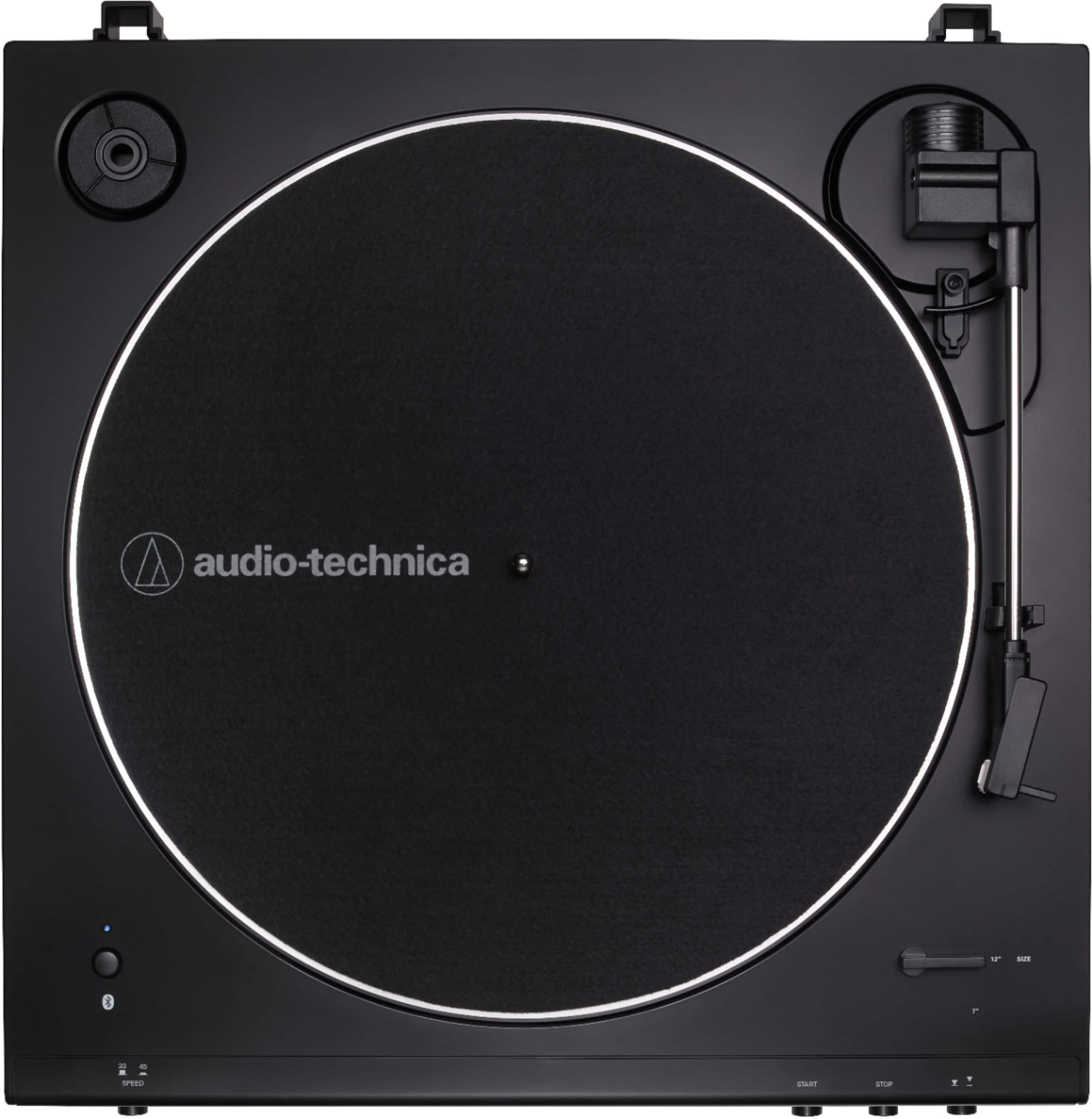
A:AnswerNo, it does not have a USB port, but here's a work-around for recording if that's at the core of this question. Make the turntable an audio input device on your computer, then install an audio program on your computer that will record "What-U-Hear." Bluetooth it into a file (as long as your computer has Bluetooth). I did it. Works great!
A:AnswerYes. I did. Works great! This turntable is contemporary and affordable, and therefore doesn't have all the RCA in's and out's on the back like mine did when I was...younger, but there is an analog stereo-out. ~ DQ
A:AnswerIf the Bluetooth on your receiver is meant for connecting to external speakers, then no. Most devices use Bluetooth to either send OR receive, but cannot swapped.
A:AnswerOur USB turntables, such as the AT-LP60XUSB, can be connected via a provided USB cable tote USB port on a computer. With the aid of an audio recording and editing program, such as Audacity, the computer can digitize your albums.
A:Answeryea, i did buy a pre-amp. But i still need to be at vol 45 to really get that sound which is weird. I mean it sounds better, less crackling but still needs to be high
A:AnswerThe turntable can be connected directly to the TV if there is an analog audio input jack on the TV. This can be the dual RCA (red and white) type jacks or the single 3.5 mm stereo AUX type jack. You will need a dual RCA (females) to single 3.5 mm stereo (male) mini-plug type adapter cable to connect the provided cable to a single 3.5 mm stereo AUX jack.