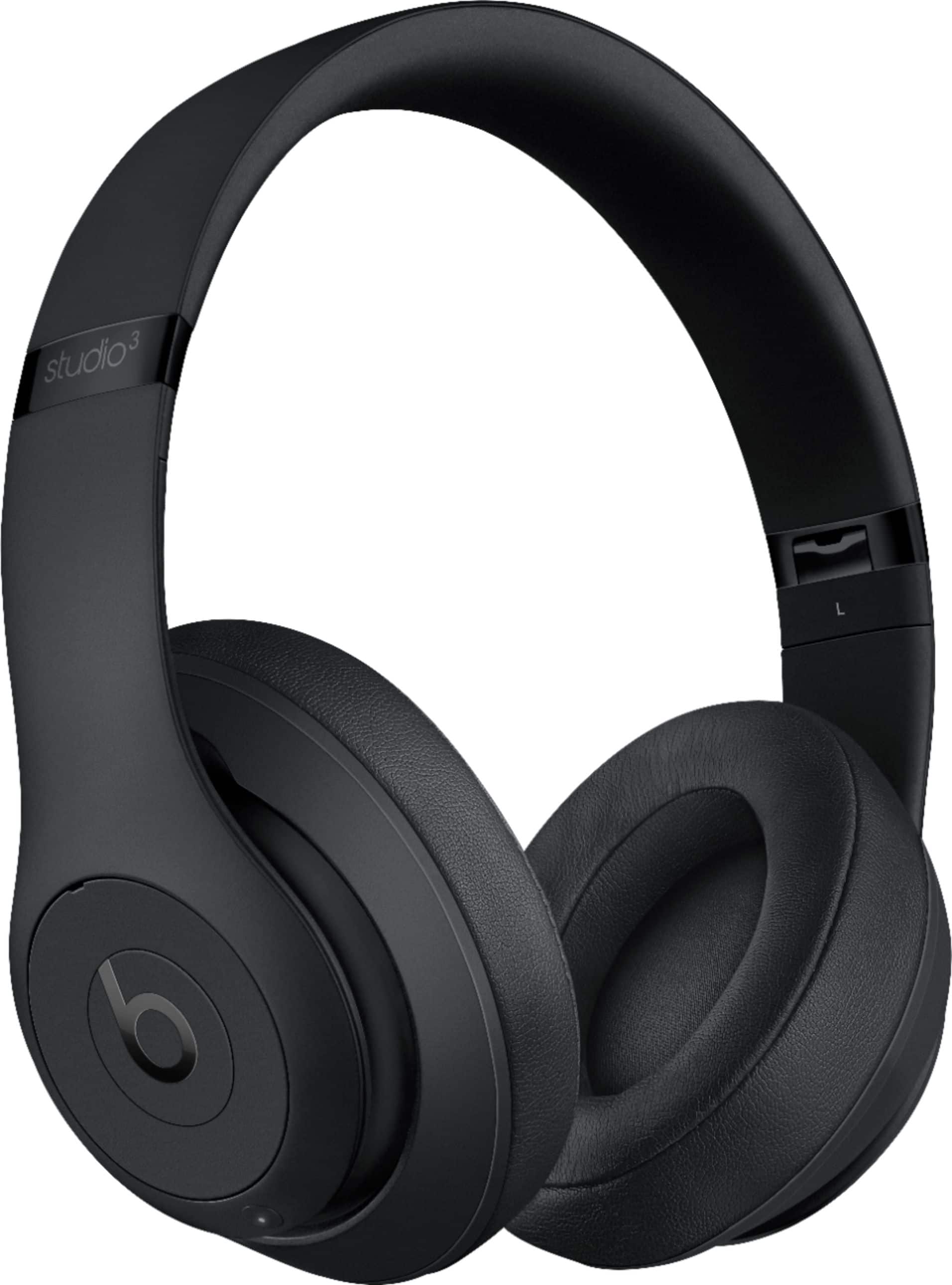
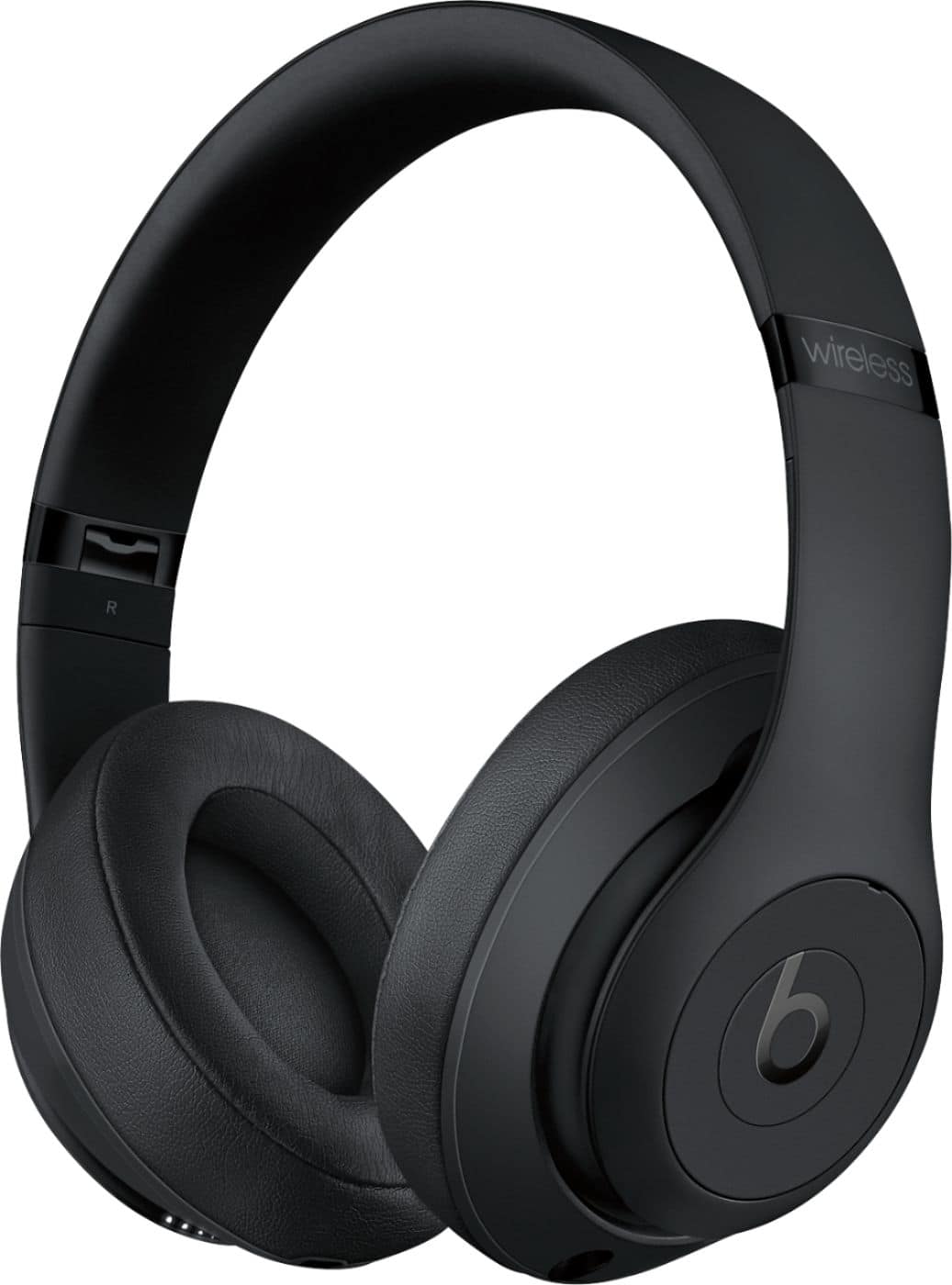
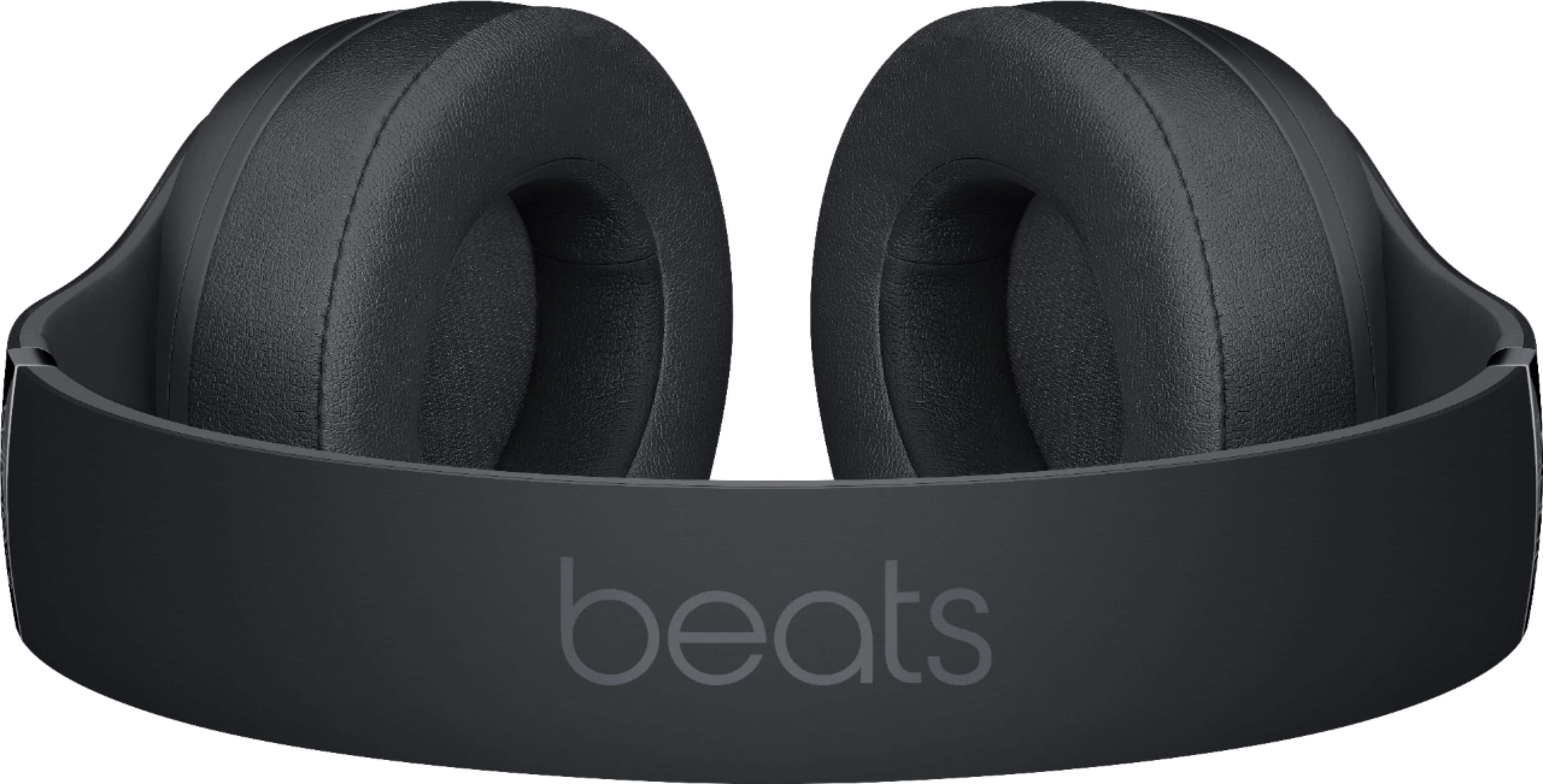
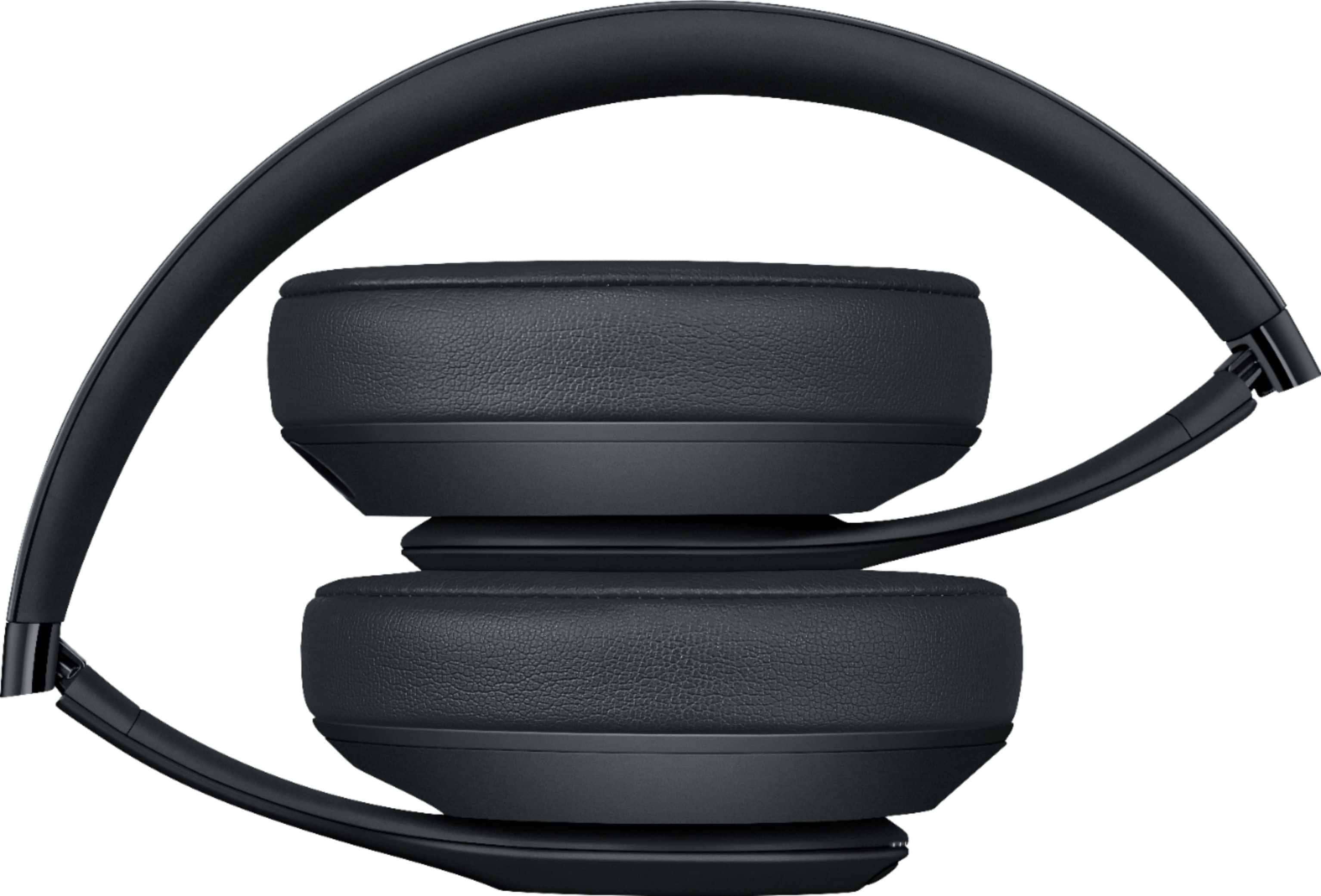
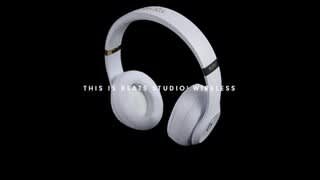
A:AnswerThey already are on sale. They discounted it by $49. If you were looking for a bigger sale, just grab one of Best Buy’s open box special. A lot of people including myself have returned these Studio Wireless 3.
Even if they was half-price, they are not worth it. I have the original Studio Wireless from 2005. My 2005 buried the Studio Wireless 3 easily. I was a major fan of Beats. The quality of the sound and based has diminished by 65%. It took me weeks to do my research and I finally found the wireless headphones that is number one. You can download the app that gives you more custom control over your Sony wireless headset. I never thought in 1 million years I would be purchasing Sony wireless headsets over Apple’s Studio Wireless 3. I think they can improve on the base with the Sony‘s but the clarity and the noise cancellation is amazing!
A:AnswerOnly company that I know of that has that technology is Bose. Their Sound sport wireless or QC35's allow you to pair with another pair of either of those and both listen to the same music or anything off of your phone or device that's transmitting.
A:AnswerThey have no smart assistant integration built in; however, they would work the same as any other speaker/microphone if you connect them to a Siri- or Alexa- capable device.
A:AnswerBeats Studio 3 Wireless Headphones feature the same technology across different color ways. Some retailers offer promotions on various products for different reasons. You can contact the retailer directly for more information.
A:AnswerYes. Download the Roku app on your phone. Connect the Beats headphones to your phone via bluetooth or the remote talk cable. Then open the app - at the bottom of the rook app click on remote, then click on the headphone icon over to the bottom right. You will be listening to the TV via your phone and other people can listen through the TV volume.