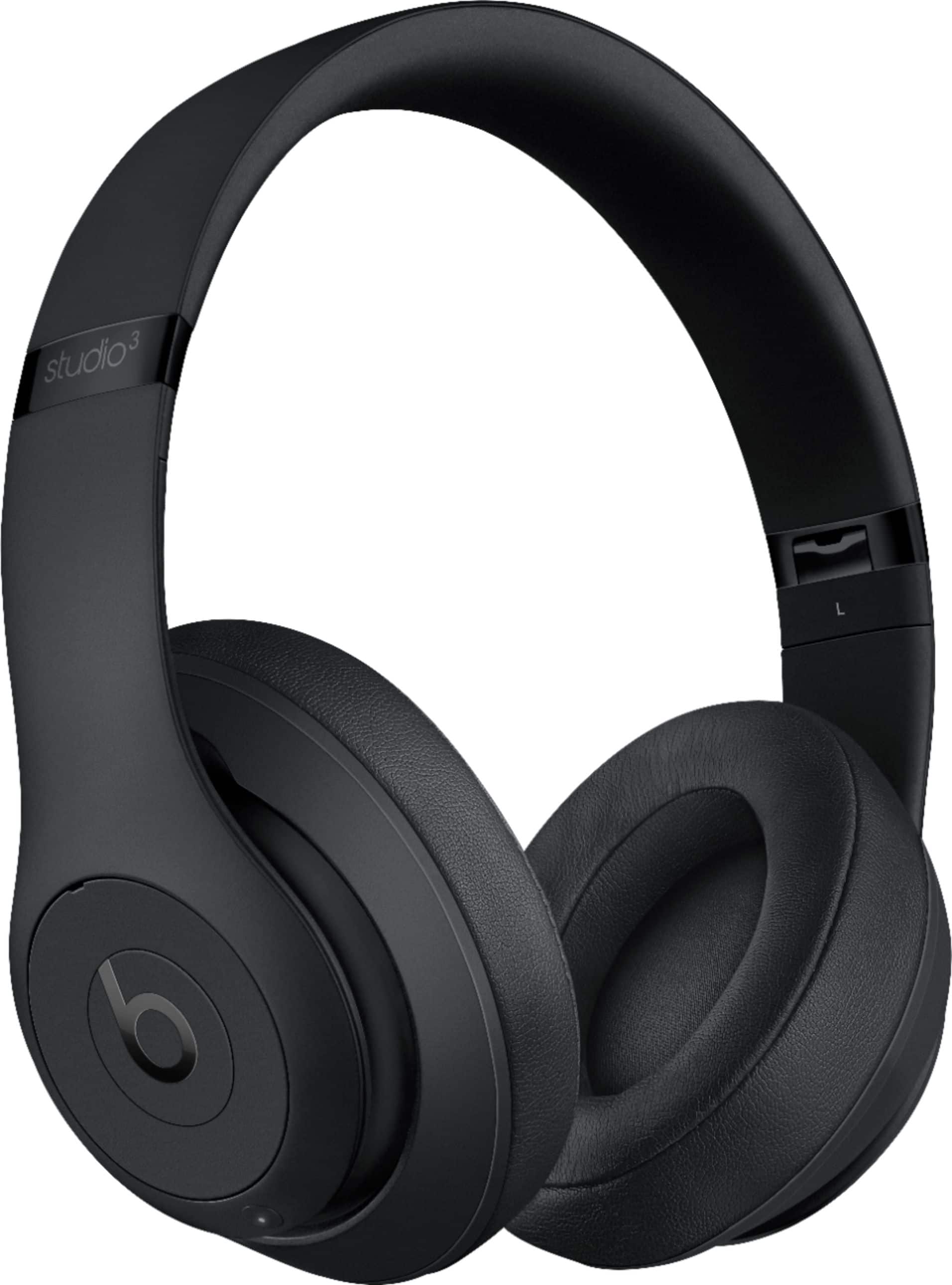
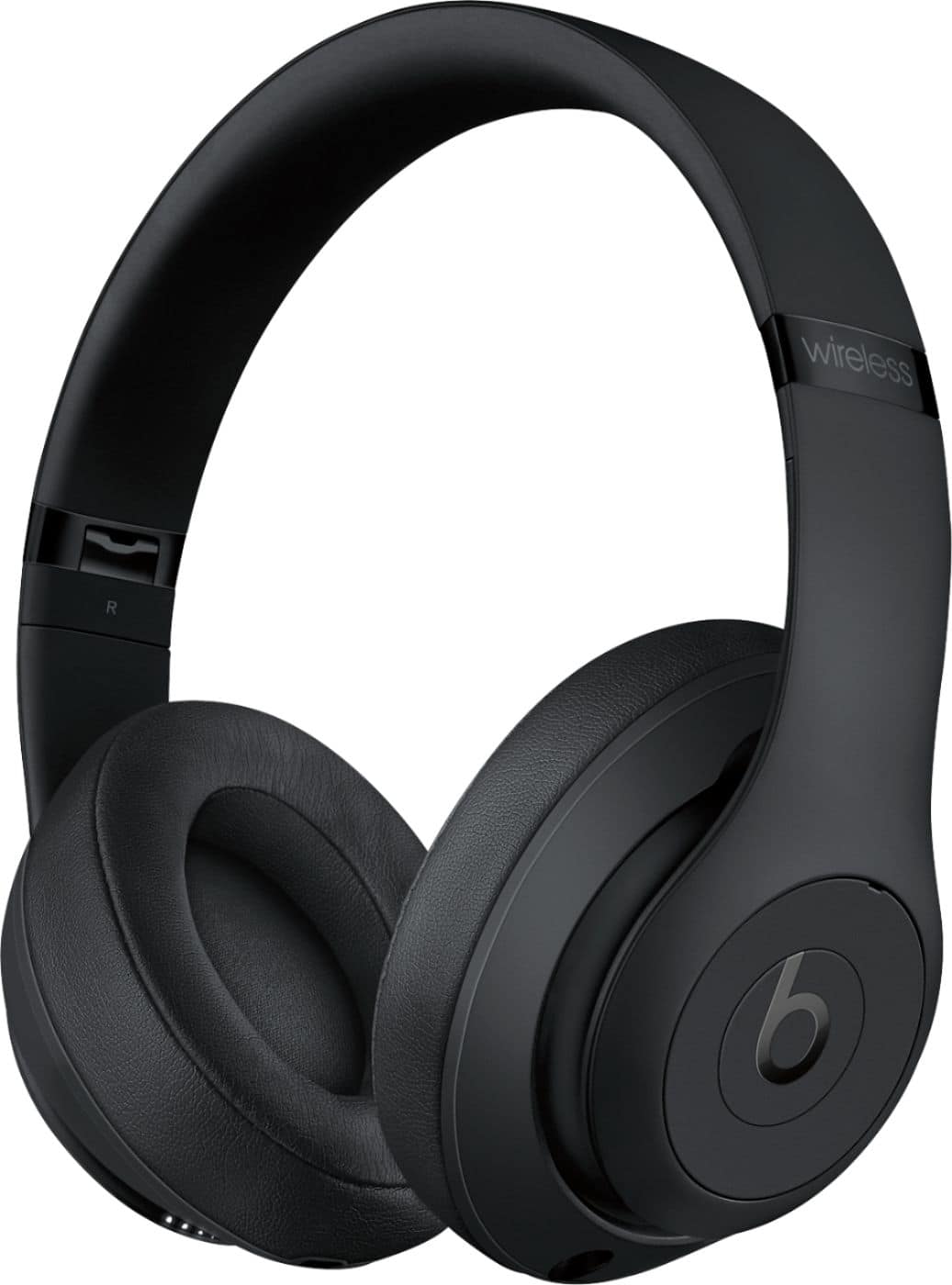
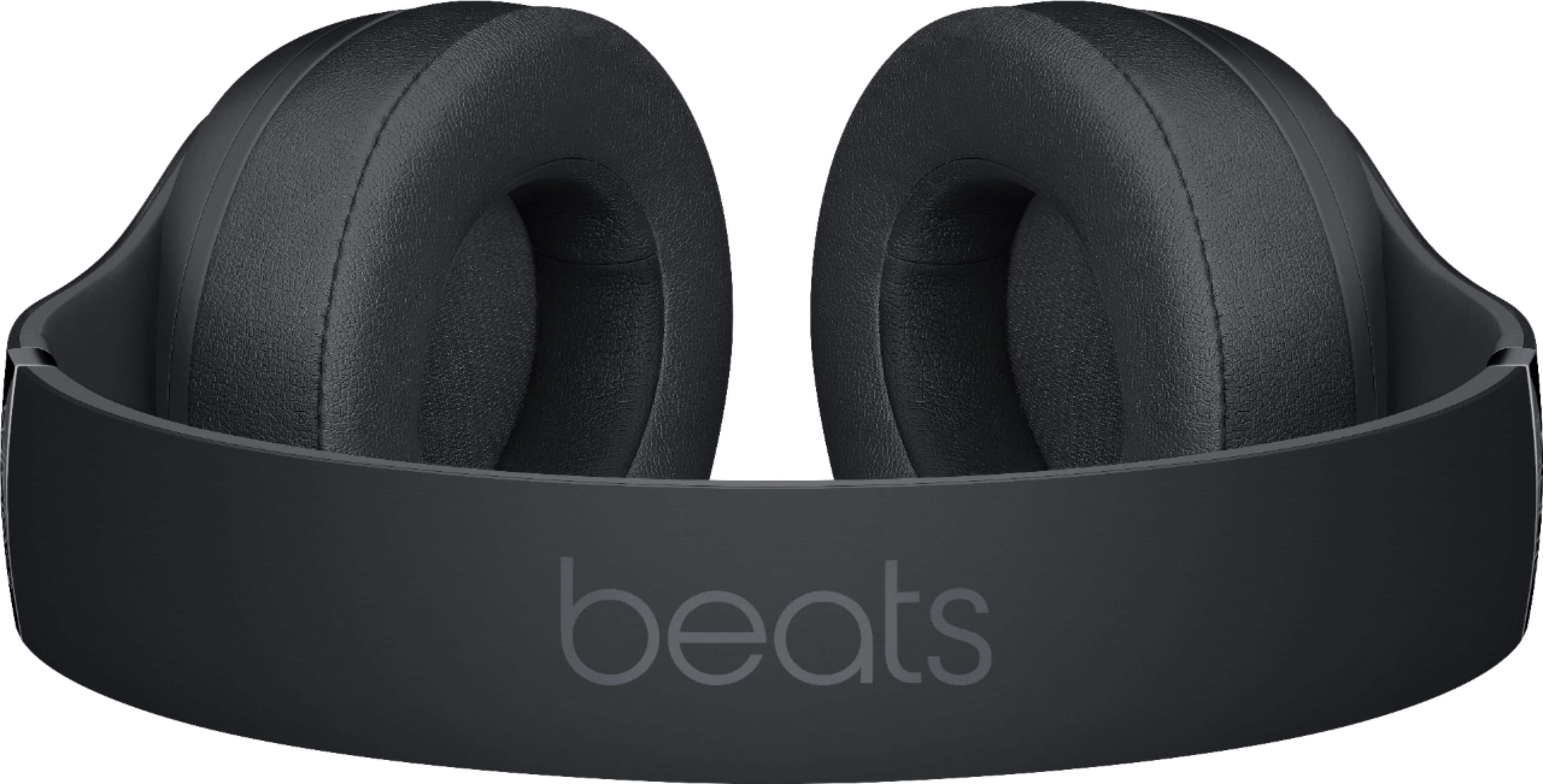
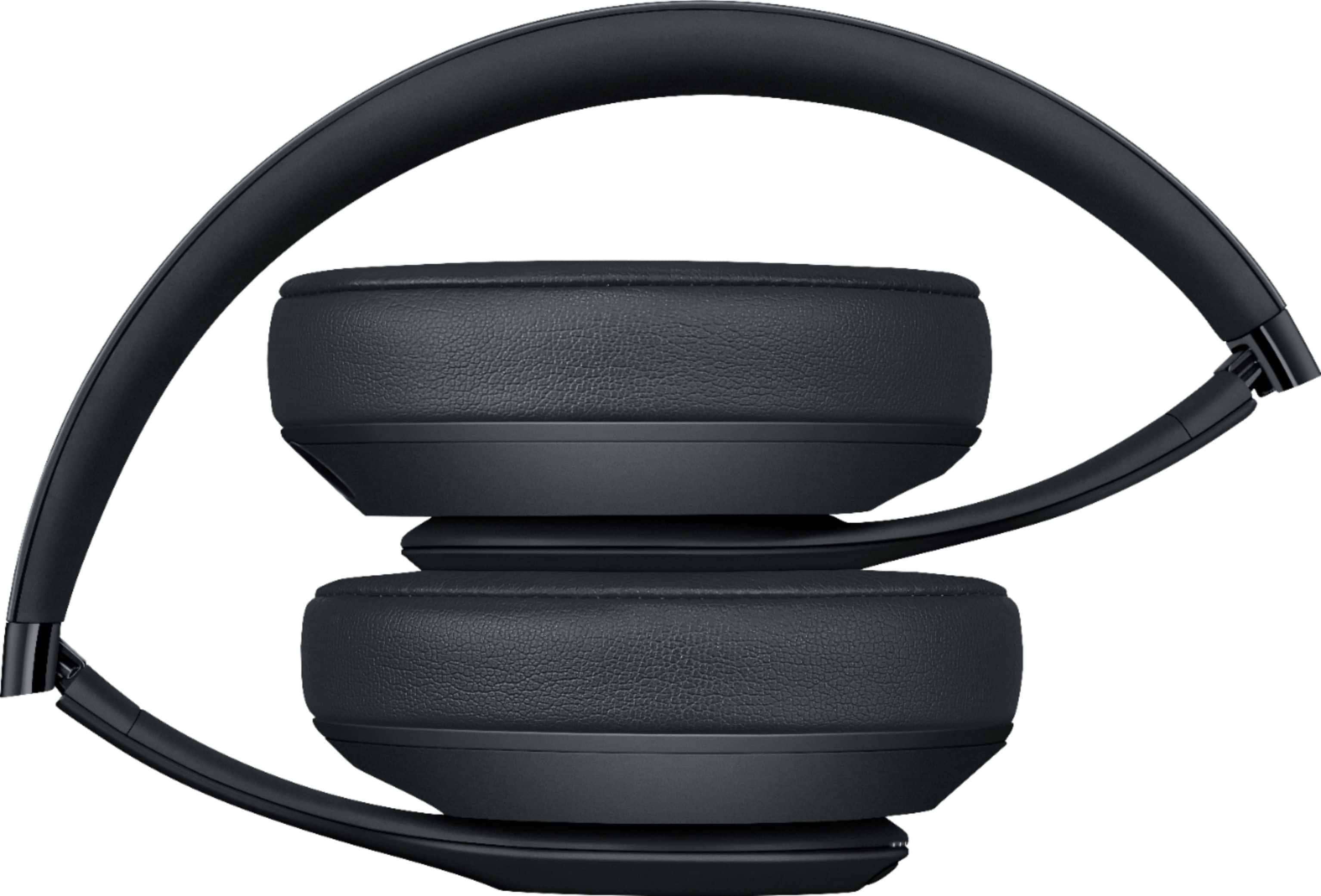
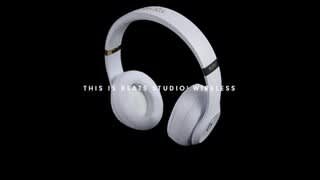
A:AnswerThese have the W1 chip so paring is easy on all iphone devices but note they work great with any phone runing android the pairing is simple the traditional way ofcourse but they pair with ease only thing is pairing must be done again unless ur in the apple fam
A:AnswerYour Beats Studio 3 Wireless headphones can be connected to your device to listen to music downloaded on that device. Your headphones do not have storage memory.
A:AnswerYour Beats Studio 3 Wireless Headphones have an internal rechargeable battery. You can also contact Apple Support to find out about service options: https://www.beatsbydre.com/support/service-warranty
A:AnswerBeats Studio 3 Wireless Headphones will connect wirelessly to any Bluetooth capable device. They can also connect wired using the RemoteTalk Control cable with 3.5mm connector end.
A:AnswerYou need an audio source so that the Noise Canceling technology can reduce external noise to hear your audio better. You can try listening to white noise.
A:AnswerI wouldn't recommend these for a workout, especially a heavy workout. I rather use my in-ear headphones. For a light workout or jog, these could work.
A:AnswerThe W1 Chip provides 1-tap pairing for iOS devices and seamless switching from other devices signed into the same iCloud account. For non-iOS devices, you will pair through the bluetooth settings.