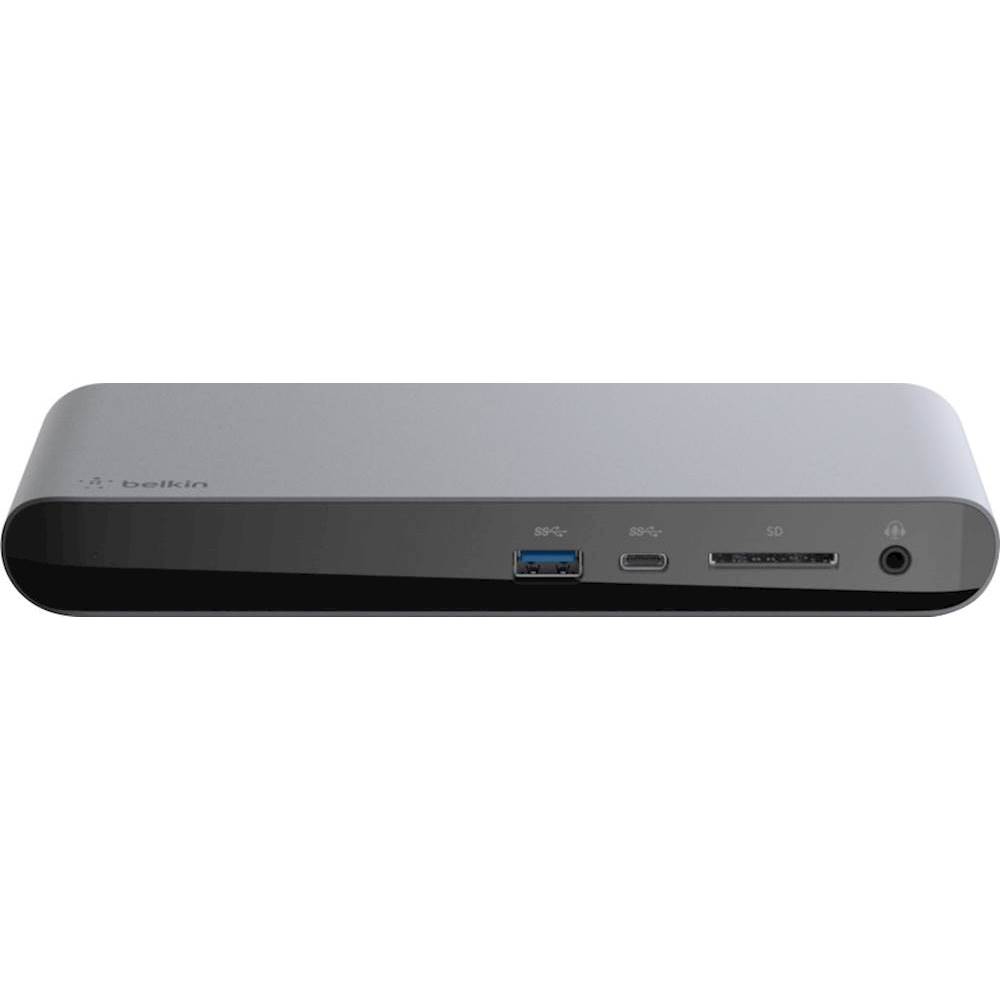
A:AnswerHi, jmorgan. You can charge your laptop through the Belkin USB-C Multimedia Hub (F4U092) that supports up to 60W over the USB-C port but, it requires using the USB-C power adapter of your laptop. You can try to remove other devices connected to the hub for isolation and, reach out to us at [email protected] with the link to this post for our reference. We'll assist you further there.
A:AnswerHi, Am. If you mean to charge a Nintendo switch into the USB-C port of the hub, then it wouldn’t work. The USB-C port supports only data or power input. It is strongly recommended to use the USB-A ports on the hub for charging devices.
A:AnswerHi, Courage. It should fine with the Belkin F4U092 Hub as long it supports USB-C connection. Click here to learn more: https://www.belkin.com/us/support-article?articleNum=315197.
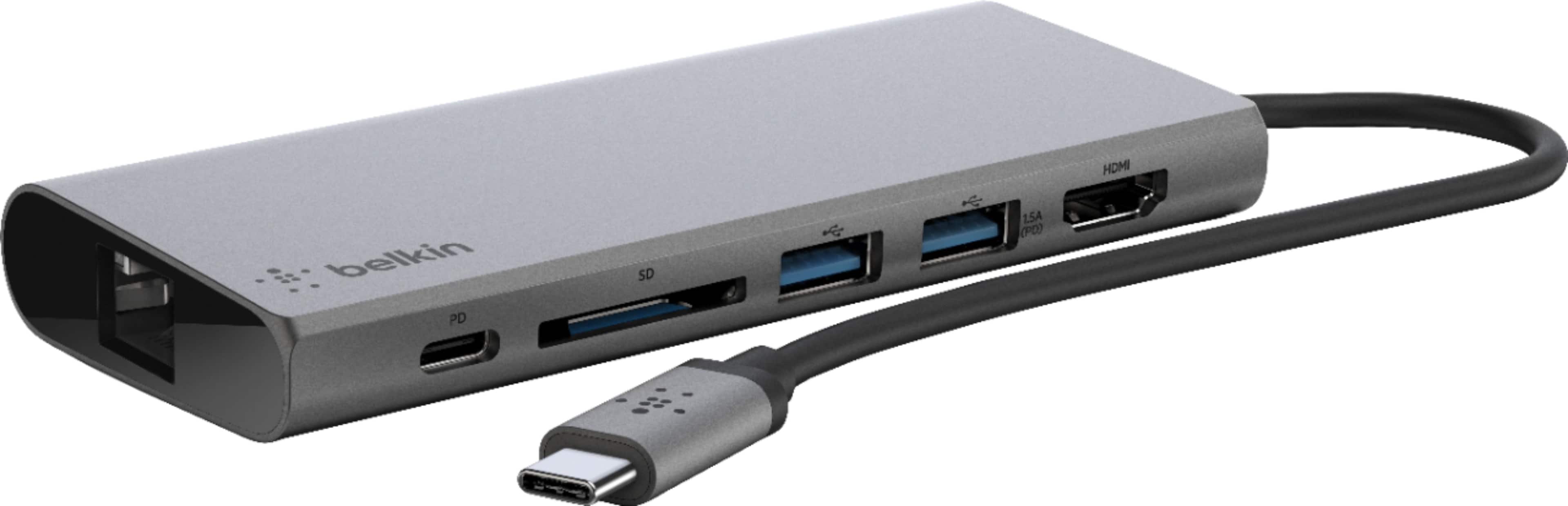
A:AnswerHello, Max. The Belkin F4U092 allows you to connect multiple devices to a USB-C laptop through a single cable, as it offers USB-A, USB-C, HDMI™ (supporting 4K 30Hz monitors), ethernet and SD card ports, to connect your laptop easily and safely to all kinds of peripherals and devices, including projectors, monitors, SD cards, thumb drives, internet and more. However, it should be wired/physically connected to the dock.
A:AnswerYes, Mikey. This dock will work with most laptops supporting USB-C connection. To know more about the unit, click here: https://www.belkin.com/us/support-article?articleNum=315197.
A:AnswerHi, Cmark. Plugging the unit on a power outlet is not necessary. Please click on this link to know more about the unit: https://www.belkin.com/us/support-article?articleNum=315197.
A:AnswerHi. The USB-C Multimedia Hub needs to be plugged into a computer in order to charge your phone or tablet. Get in touch with us at [email protected] so we can help you look into this. Include a link to this post as our reference when you reach out.
A:AnswerHello, costas. If you wish to charge your handheld device using the Belkin F4U092, then yes you can, as it can charge devices from the USB-A ports only and an external USB-C power adapter should be used to avoid disruption with the other ports.
A:AnswerHi. This hub is designed for USB-C laptops to connect different peripherals and devices, including projectors, monitors, SD cards, thumb drives, internet and more.
A:AnswerThis is not a Thunderbolt device, it supports USB 3 with a USB-C connector. So any USB 3.x device should be fine. I believe it is limited to 5Gb/s throughput, however. I needed Thunderbolt, so I returned this and purchased the Belkin Thunderbolt dock.
A:AnswerI have tried to do this and my iMac 24” (2021) flags up that the “usb device requires power” it’s being recognised but not powered up. I’ve tried both usb A ports and switched between the usb C and Thunderbolt ports on the iMac, the result is the same: it connects but has insufficient power.
A:AnswerHi, WP. The USB-C cable on the Belkin USB-C Multimedia Hub (F4U092) is dedicated for your laptop while the USB-C port supports either data or USB PD pass-through charging, but not at the same time.
A:AnswerHi, Tina. The USB-A port on the Belkin USB-C Multimedia Hub (F4U092) can deliver power to connected peripherals. The power output of the USB-A ports is shared across both ports. When using a USB-C power adapter: 3.0 A, 5 V, 15 W. When not using a USB-C power adapter: 1.8 A, 5 V, 7 W.
A:AnswerHello, JayTee. The Belkin F4U092 was designed to work with USB-C capable laptops. However, it can charge devices from the USB-A ports only and an external USB-C power adapter should be used to avoid disruption with the other ports.