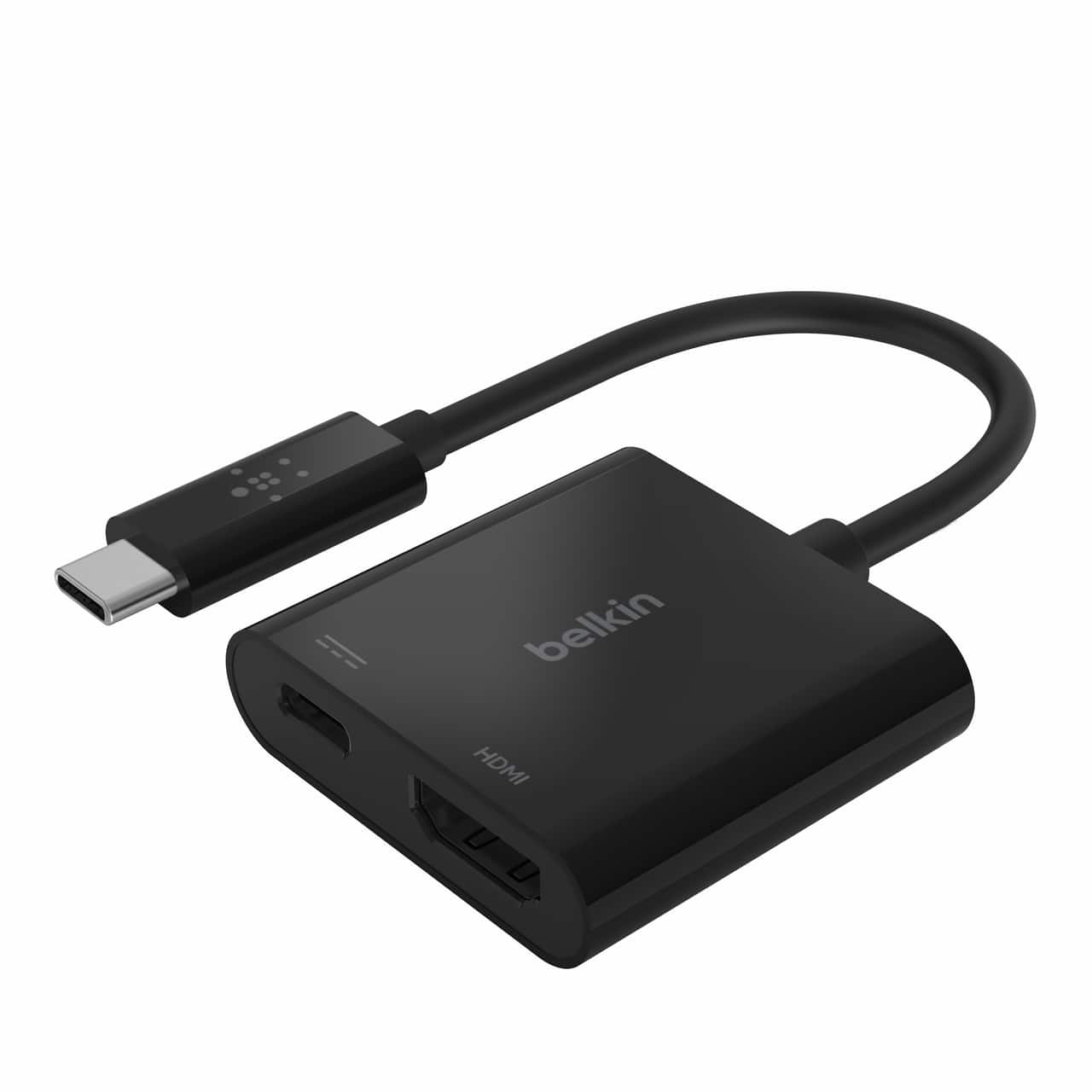
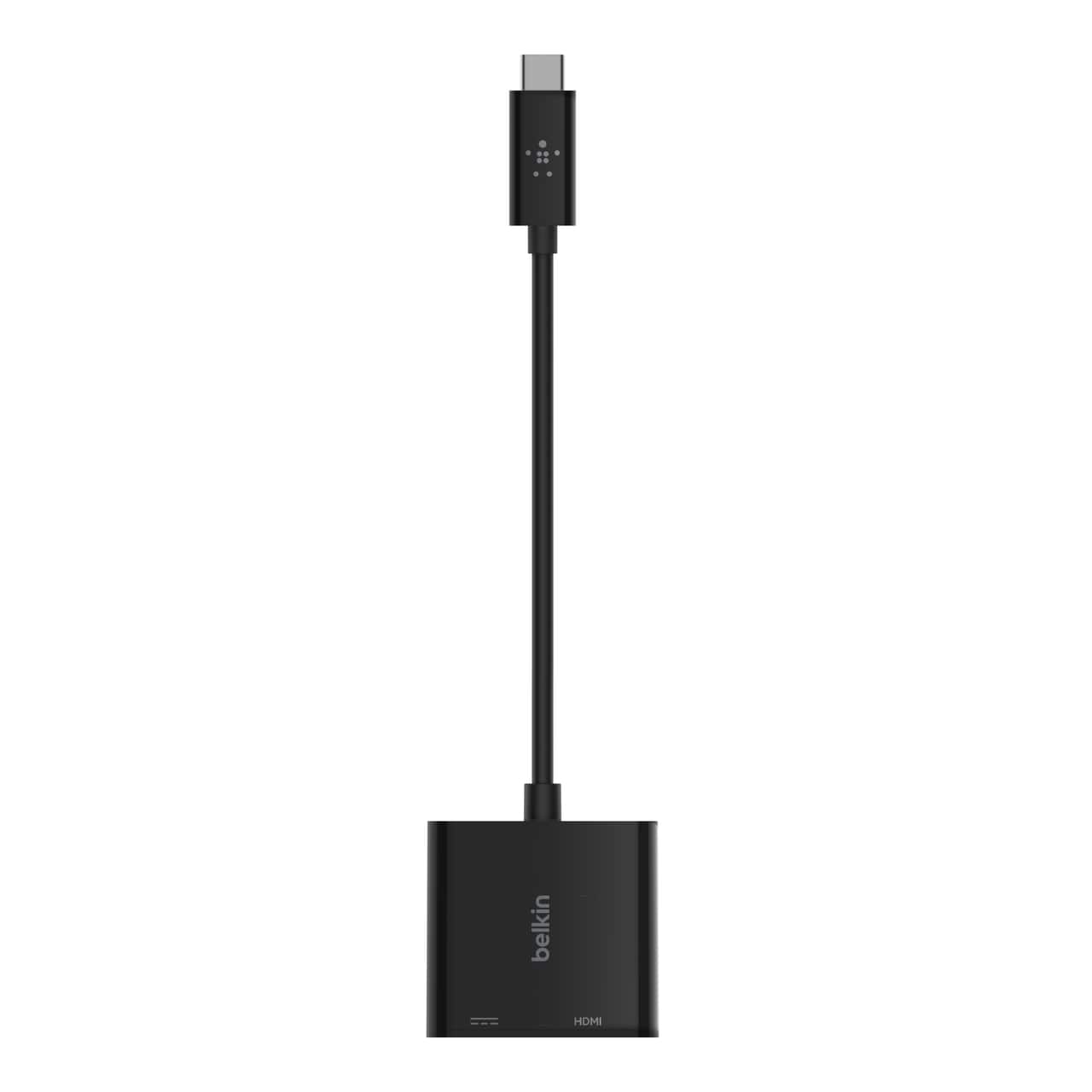
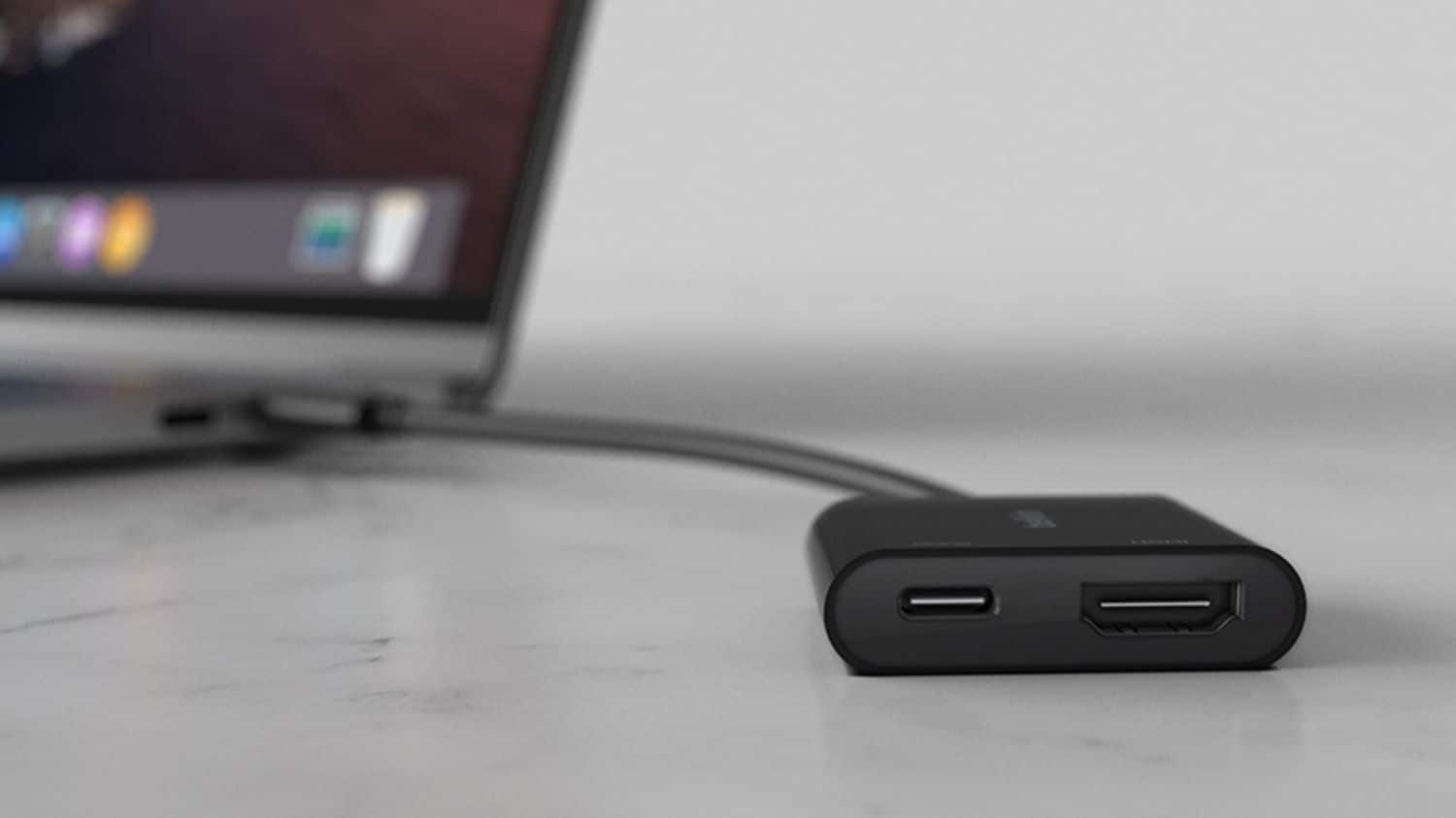
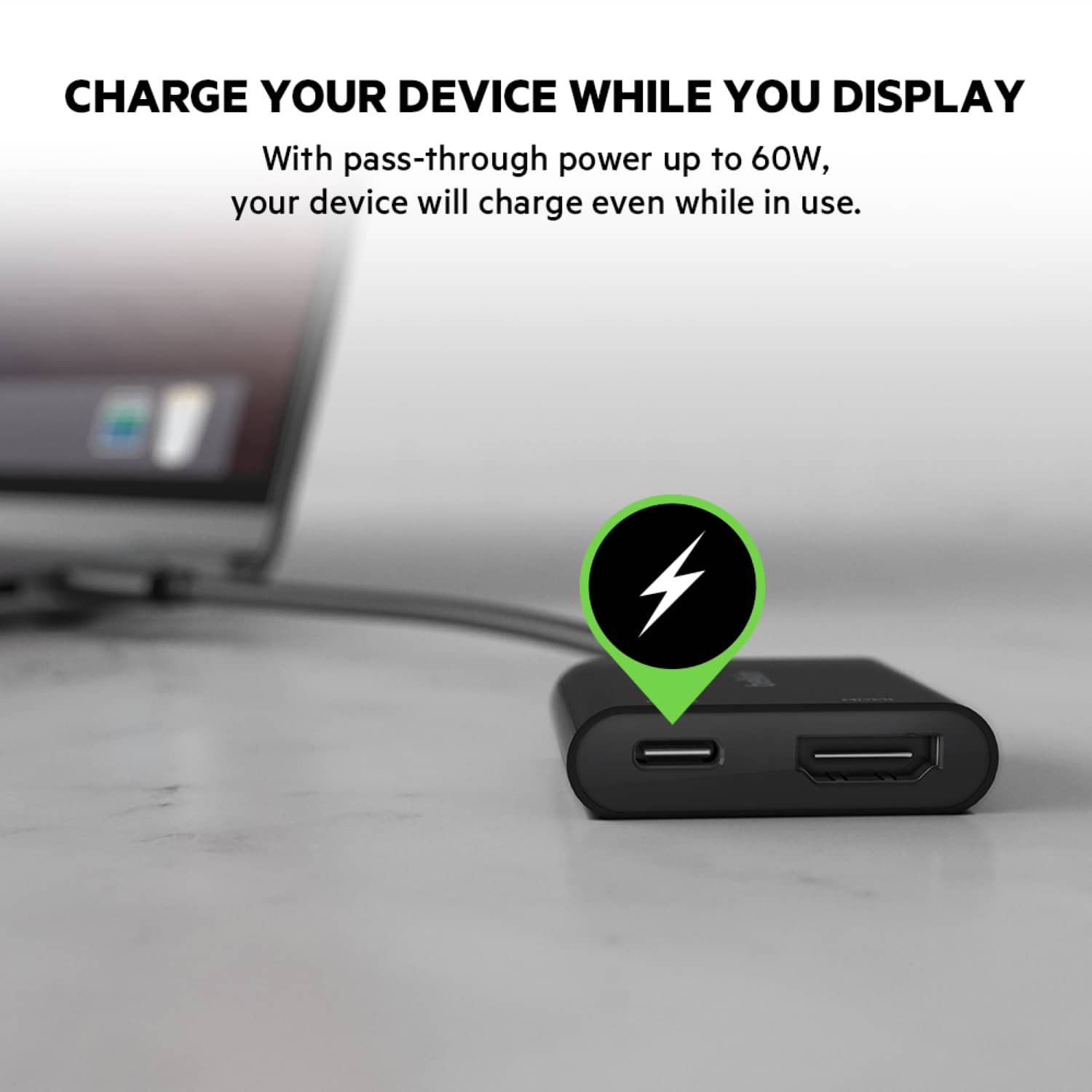
A:AnswerIt features a HDMI port capable of up to 4K@60Hz/4096x2160 resolution and 60W passthrough. I don't have my ruler on me but the main body is approximately 1.5x1.5 inches with about 3 inches of cable from the adapter to the USB-C plug. As for working with Apple products, I am not sure as I have none but the box does say "For USB-C Thunderbolt 3" however the passthrough port looks like it's a female USB-C and the male end is definitely USB-C. If that works with your device (searching online it says the plug should be interchangable?) then you should be good to go!
A:AnswerIf your device has USB-C connector (female connector) then it should work with Belkin - USB C (male connector) to HDMI Adapter + USBC Charging Port, 4K UHD Video, 60W Passthrough Power - Black. Sometimes a copy-write protection software prevents streaming.
A:AnswerIf your device has USB-C connector (female connector) then it should work with Belkin - USB C (male connector) to HDMI Adapter + USBC Charging Port, 4K UHD Video, 60W Passthrough Power - Black. Sometimes a copy-write protection software prevents streaming.
A:AnswerHi, Cam. We can try a different compatible device and check if the same issue persists. Please reach out to [email protected] along with your contact details and the link to this post. Our Product Experts will assist you from there.
A:AnswerI just figured this out for myself unfortunately. You cannot have a monitor using the hdmi port AND the USB-C port. I read the actual manual for the Thinkpad L480 and it clearly states that. So I myself am trying to figure out how to get 2 monitors in addition to the laptop screen (2+1) without buying the $200 Lenovo USB-C Dock.
A:AnswerThis adapter is for USB-C ports. If your Galaxy has a USB-C port, then yes for mirroring, no for charging. The connection mirrors what you have on your device unless you go to full screen. So, if you play a movie at full screen, it will play on your monitor only.
A:AnswerHi, Rusty. The Belkin AVC002 is compatible with mobile devices and laptops that have a video-enabled USB-C port. It has also been tested to work with Thunderbolt 3 port-compatible devices.
A:AnswerNo. This adapter is not yet tested to work on this kind of set up. It is compatible with mobile devices and laptops that have a video-enabled USB-C port, and has also been tested to work with Thunderbolt 3 port-compatible devices.
A:AnswerHi, ClarkKent. Our Belkin AVC002 is compatible with mobile devices and laptops that have a video-enabled USB-C port. It has also been tested to work with Thunderbolt™ 3 port-compatible devices.
A:AnswerHi, drivingsilver. The Belkin USB-C to HDMI + Charge Adapter (AVC002) supports charging with up to 60W of Power Delivery (PD) and with a video resolutions up to 4K x 2K (3840 x 2160) at 60 Hz.