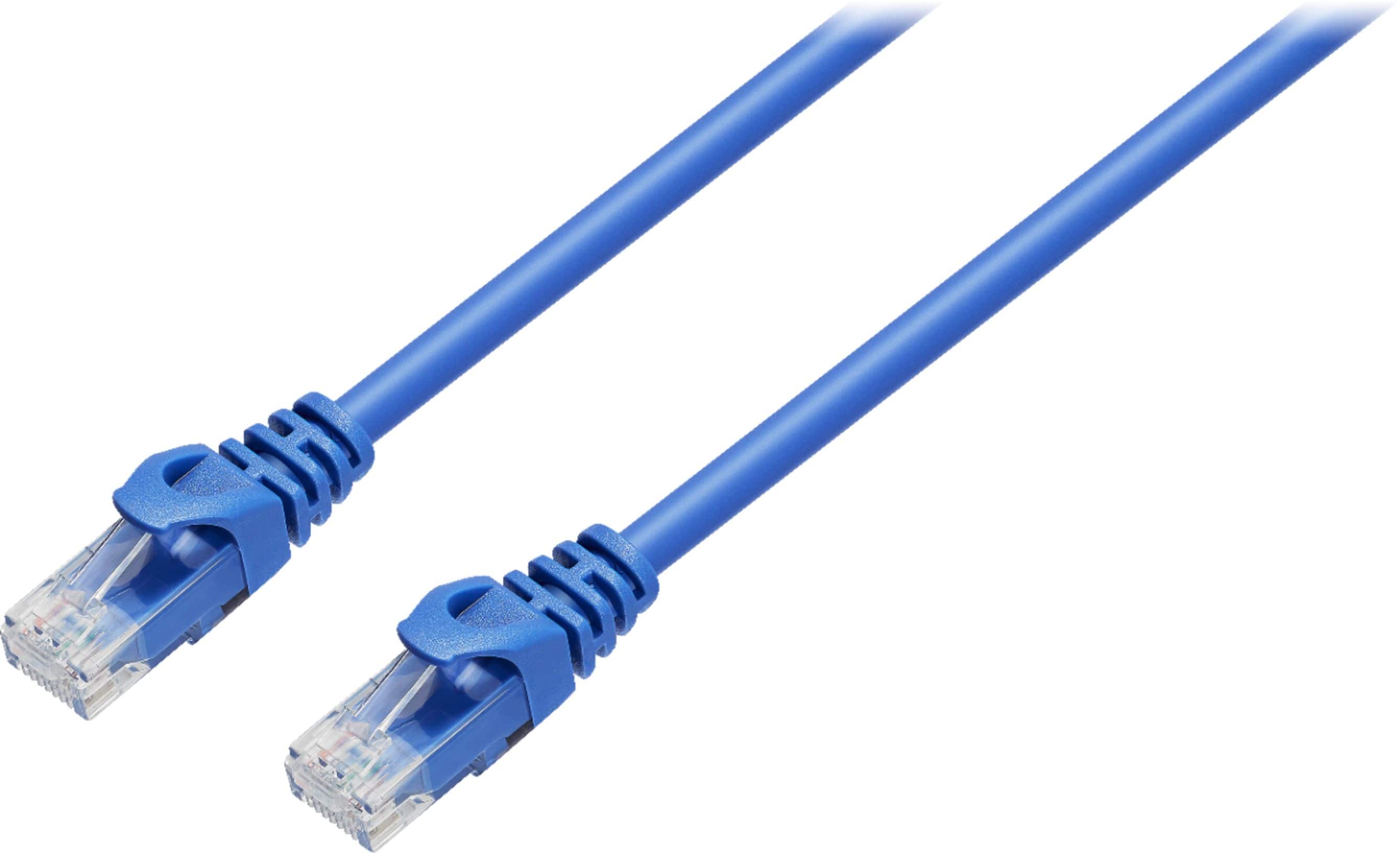
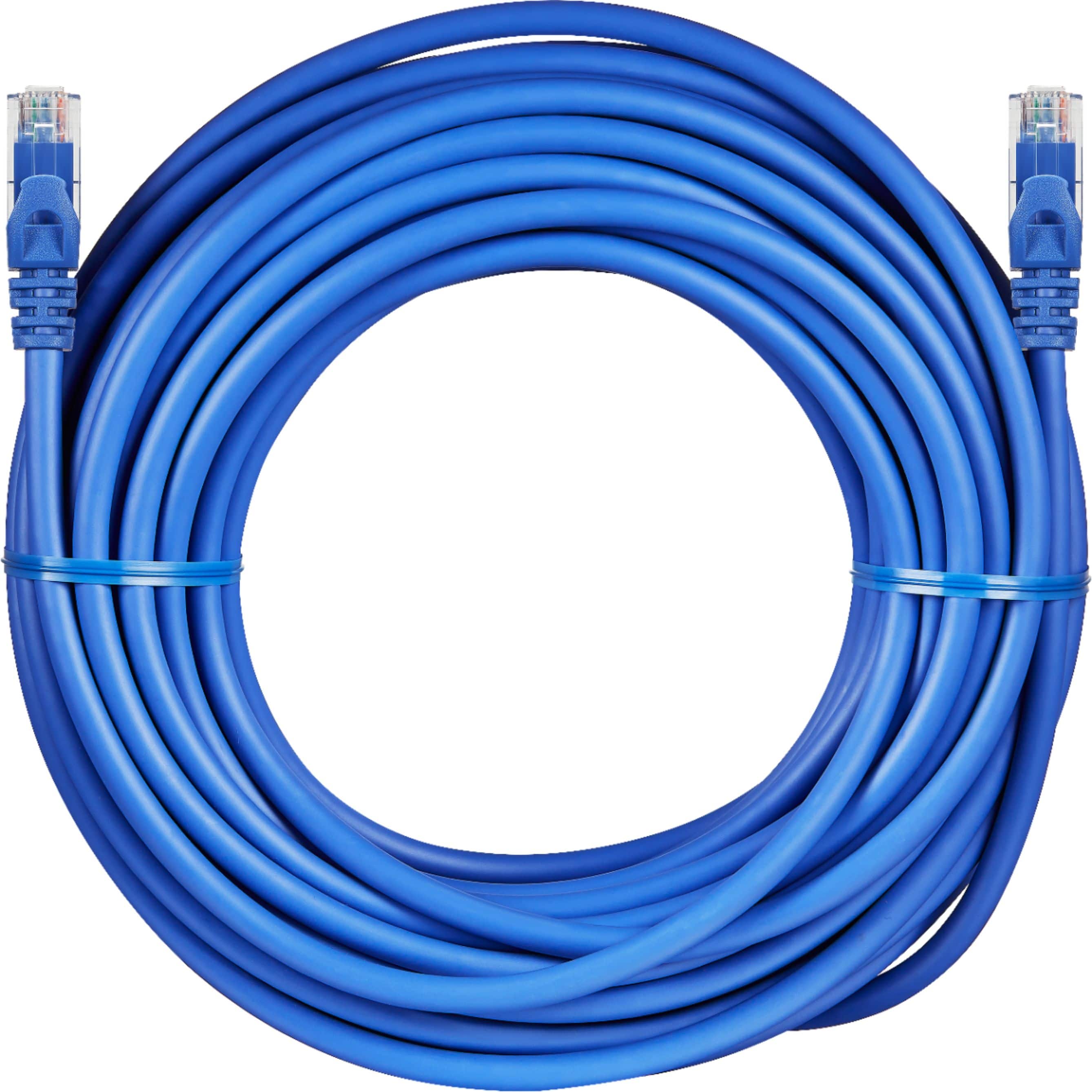
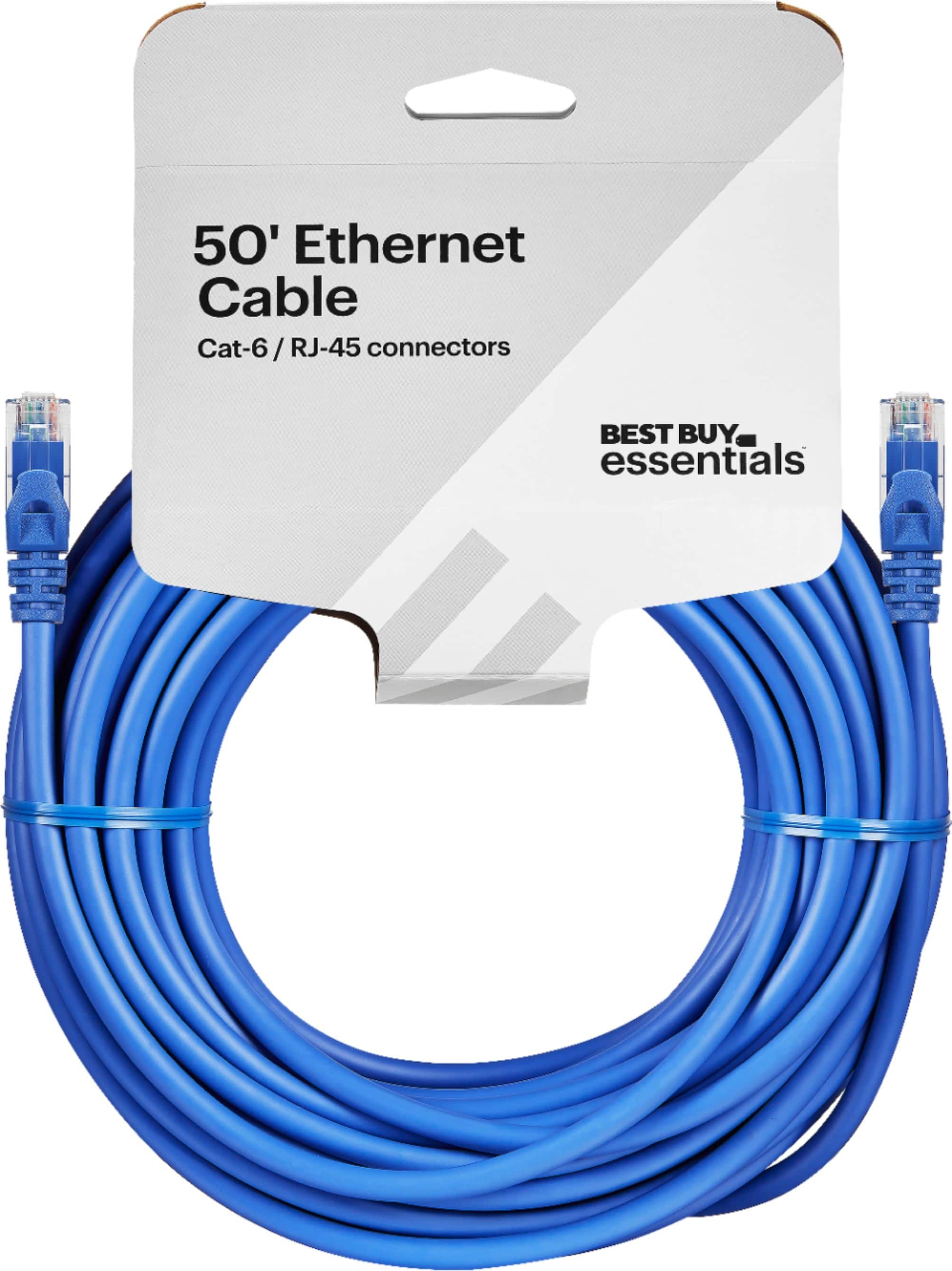
A:AnswerMaybe. Laggy performance can be due to several things. A flakey WIFI connection from your PS5 to your WIFI router that is weak due to the location of the router or has other radio interferences can result in laggy game play. The quality of your home network connection to the internet or a low bandwidth connection can also cause games to get laggy. If it's convenient, you can try to run an ethernet cable to the router to see if it helps. But this may not be easy if your home does not have wired network support. But its worth a try if you can borrow a cable from someone and put the PS5 near the router to plug in to see if it helps before running wires for a more permanent connection.
A:Answeryes it will plug straight in and try pausing onedrive and turn off subtitles also lower the resolution and turn off vsync if this dosent help then your only option is faster internet
A:AnswerNo, a Cat5 Ethernet cable cannot directly replace a Starlink cable — and trying to do so could damage your equipment or simply not work. Here’s why:
---
1. Starlink Uses Proprietary Cabling (Especially Gen 2)
Starlink Gen 2 (rectangular dish) uses a proprietary high-speed cable between the dish and the router. It’s not standard Ethernet.
It carries both power and data, using a custom connector and sometimes Power over Ethernet (PoE), but not the standard kind.
The cable is shielded and built for outdoor durability, handling voltage and environmental conditions regular Ethernet can't.
---
2. Starlink Gen 1 (Round Dish)
If you have Starlink Gen 1, it does use an **Ethernet adapter
A:AnswerHi Acadianus! The weight of the Best Buy essentials 100ft Cat-6 ethernet cable is approximately 0.96 pounds.
JC | BestBuy Essentials Support https://www.bestbuy.com/site/best-buy-essentials-100-cat-6-ethernet-cable-blue/6435181.p?skuId=6435181
A:AnswerIt should make it lower, but it totally depends on your internet itself! I'd recommend going into your control panel and making sure your PC is completely set to performance.