A:AnswerAssuming a fairly standard home (single building, no unusually dense construction materials), the Sync Module should be able to communicate with Blink camera units up to 100ft away in any direction. As far as how far away the system can be from the wireless router that would depend on the strength of your internet/WIFI, we recommend at least three bars of signal strength for optimal performance.
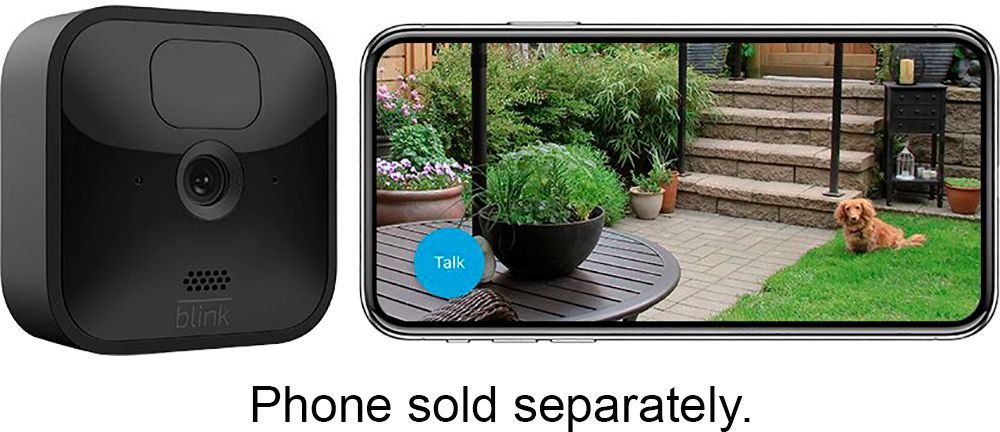
A:AnswerThe Blink Outdoor cameras do feature two-way audio that you would access within the live view mode of the camera within the APP on your compatible mobile device.
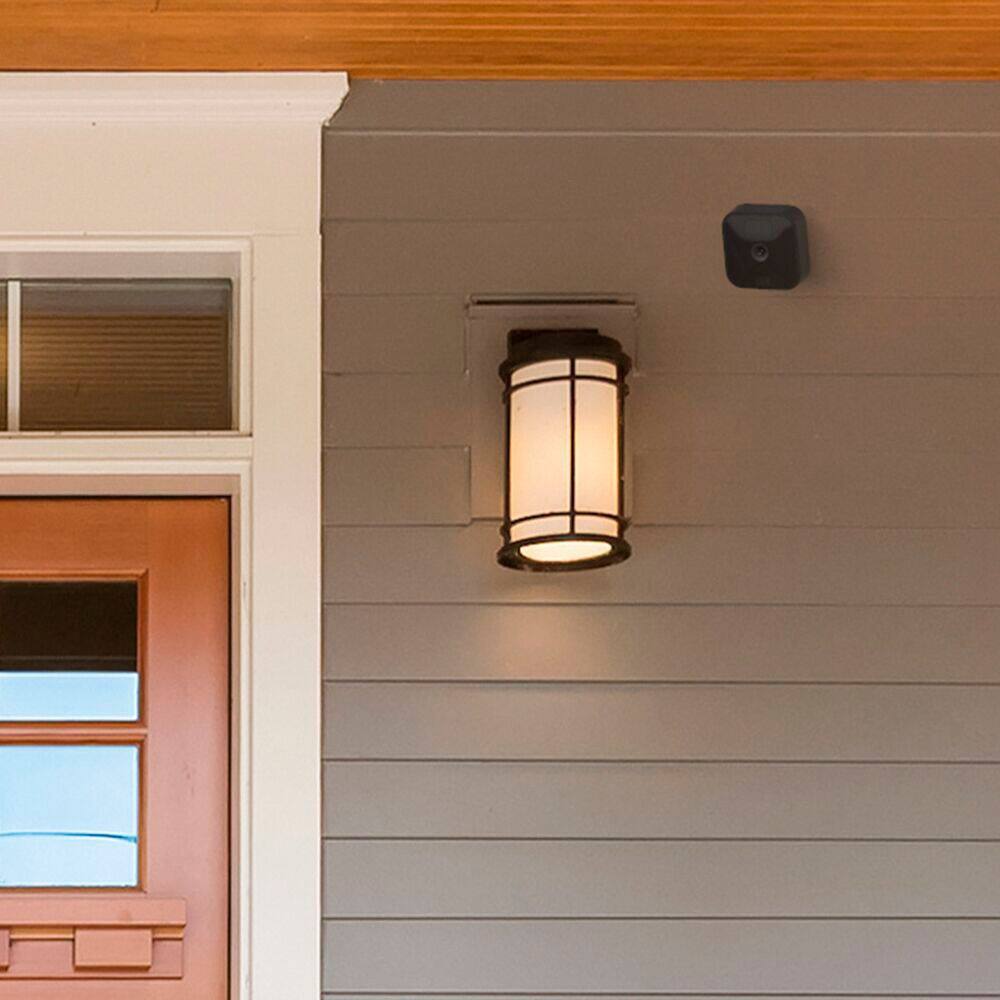
A:AnswerShould you wish to place your Blink Outdoor cameras anywhere other than a flat surface we do ship each camera with a mount and mounting hardware screws, noting the use of the included screws would create two holes in the surface.
A:AnswerI don't have a definitive answer for this question, but I use this app on my Iphone 6 with the minimum memory. So as old as this phone is, it works. Hope that helps.
A:AnswerAssuming a fairly standard home (single building, no unusually dense construction materials), the Sync Module should be able to communicate with Blink camera units up to 100ft away in any direction. As far as how far away the system can be from the wireless router that would depend on the strength of your internet/WIFI, we recommend at least three bars of signal strength for optimal performance.
A:AnswerThe Blink cameras themselves are battery powered however the sync module needed to operate the Blink Outdoor cameras would need to be plugged into a normal wall outlet at all times.
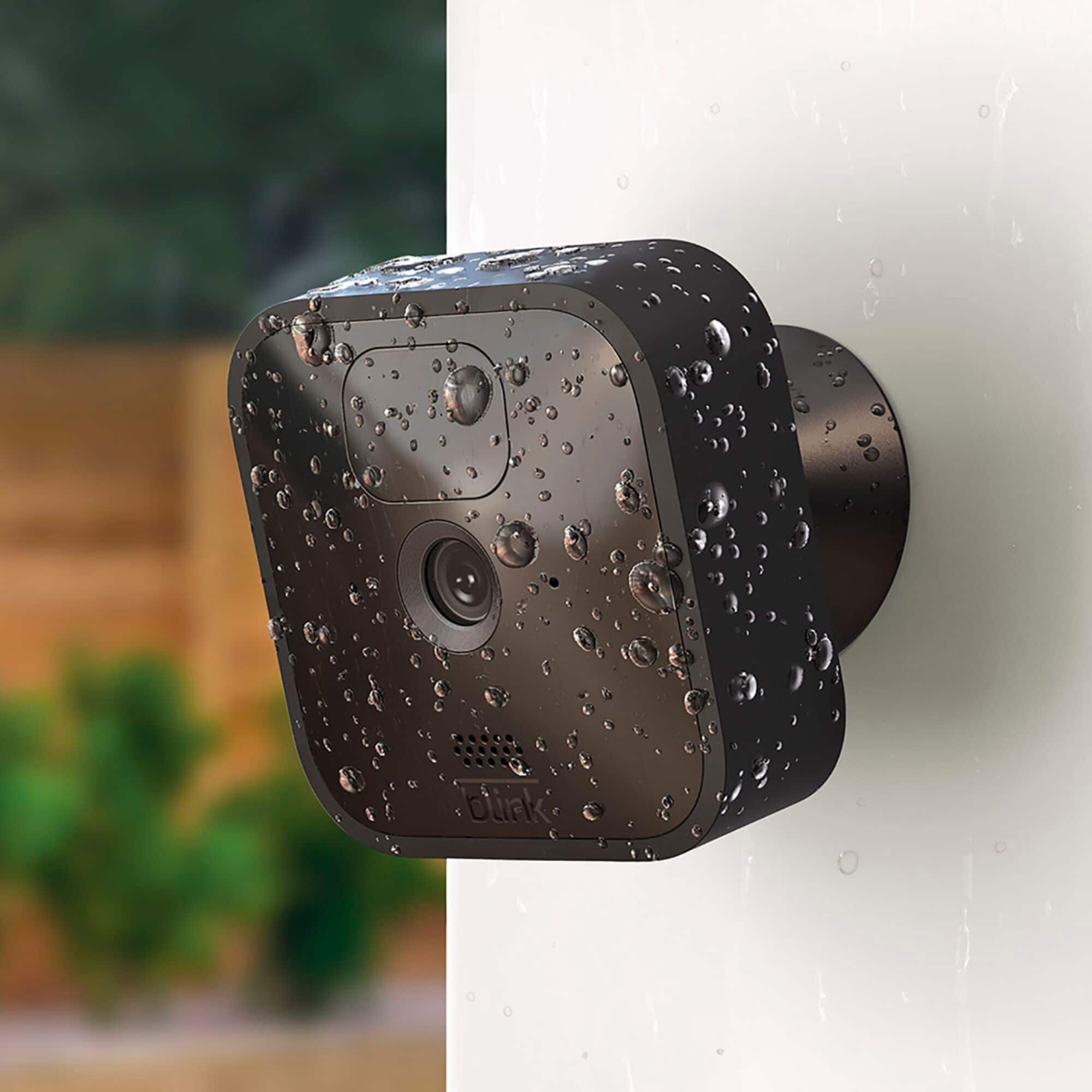
The USB port on the back of the camera can be used with a Micro USB cable and power adapter (not included with your camera) to power your cameras rather than using batteries (for proper safety only use 5V/1A USB power adapters). Note: The Blink Outdoor cameras feature a rubberized cover over the USB port. Removing this cover makes the camera no longer weatherproof. Furthermore, we cannot warranty devices connected to unreliable, third party power sources, or when weather protection is removed; therefore, it is important to have all devices kept indoors when connected to a power source through the USB port.
A:AnswerBoth local and cloud storage allow you to use your Blink app and cameras in the same way. The only difference is where your videos are saved.
Note when using the local storage option only you will not be able to save any live view sessions.
A:AnswerYou can only have one username/email address and password per account however, you can download our app to as many compatible iOS, Android and Amazon Fire devices as you’d like, so the entire household can receive alerts or check in at home.
When launching the app on additional devices, please use the sign in option to access the account you created on your first Blink connected mobile device. You will not have to go through the setup process again. Please note you will not be able to use Live View from multiple devices at the same time.