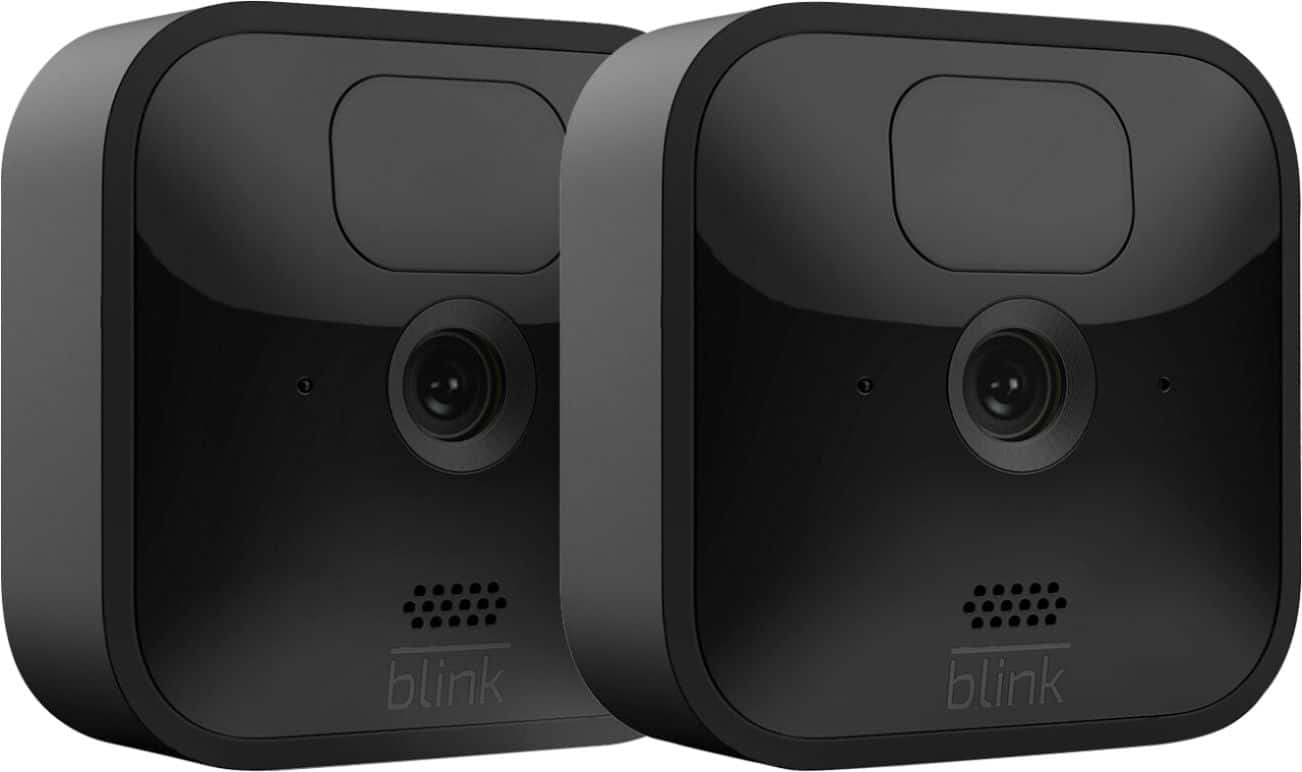
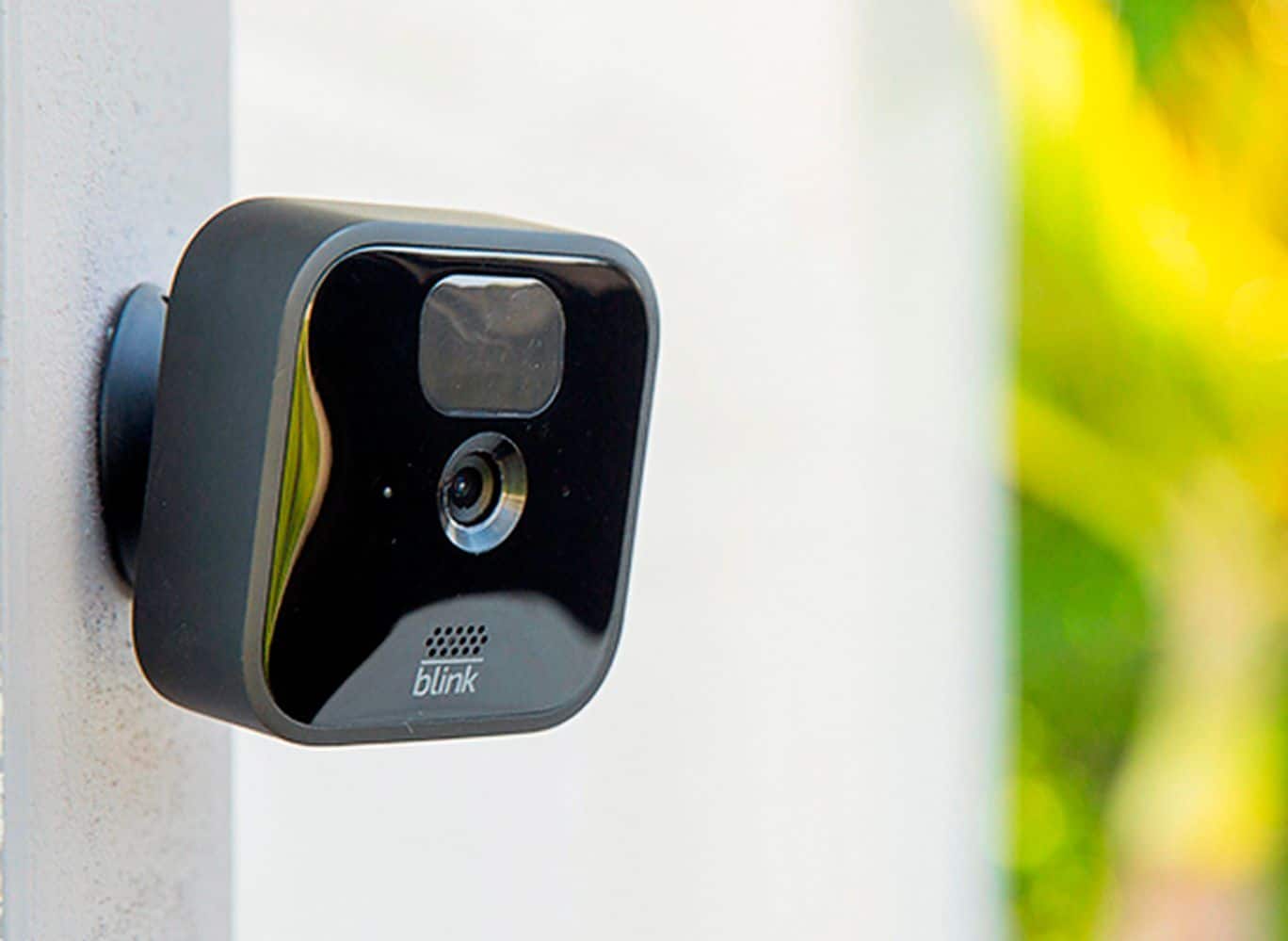
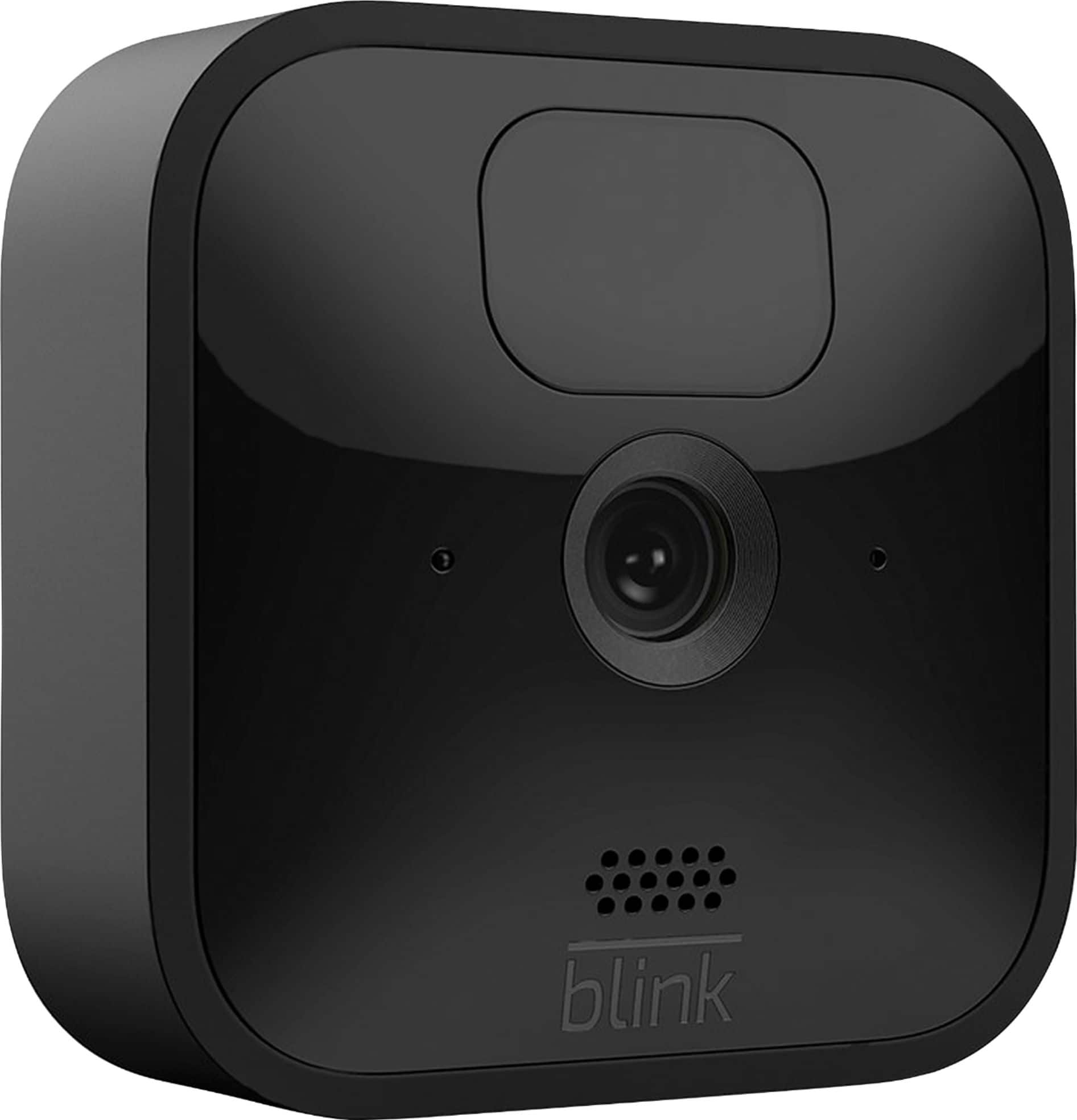
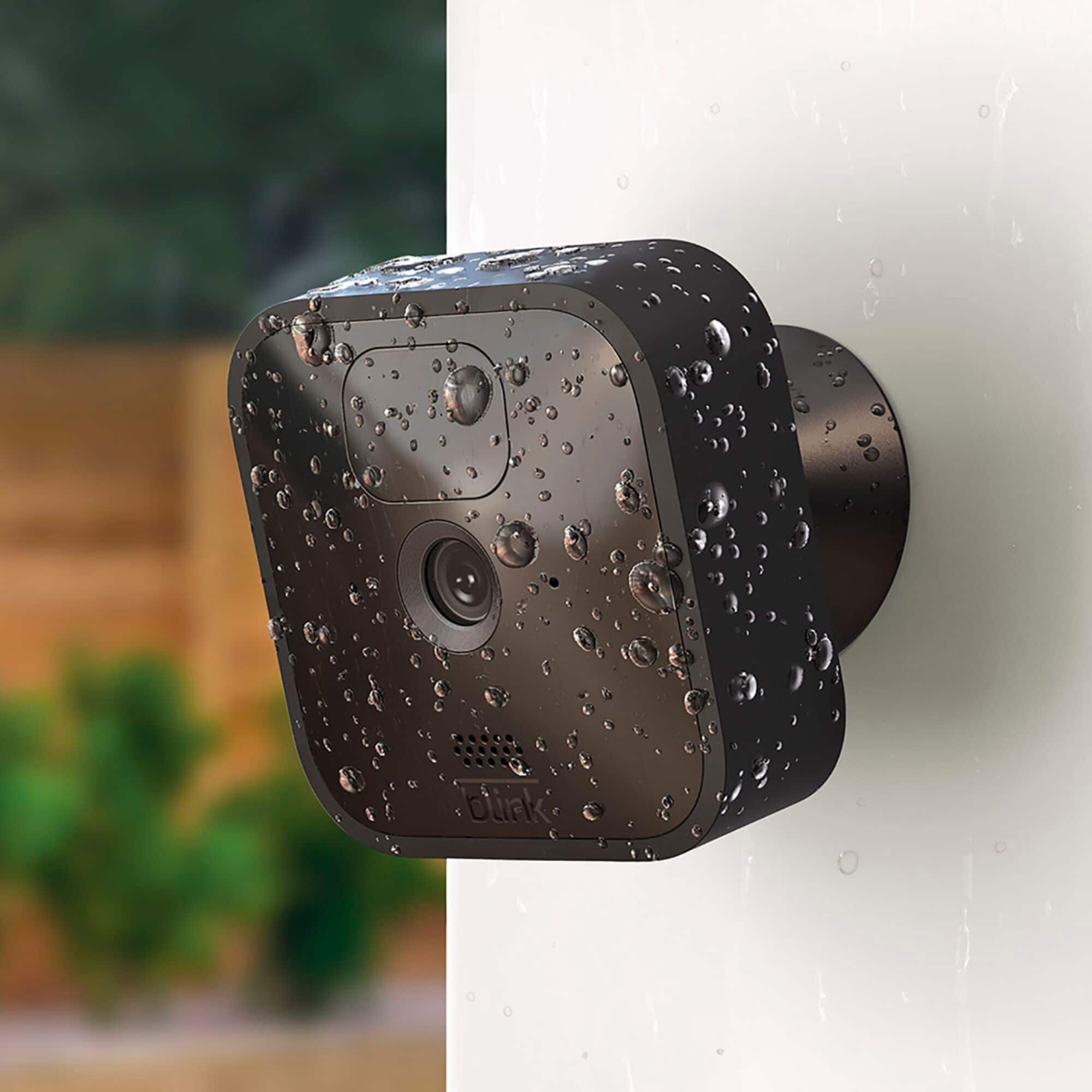
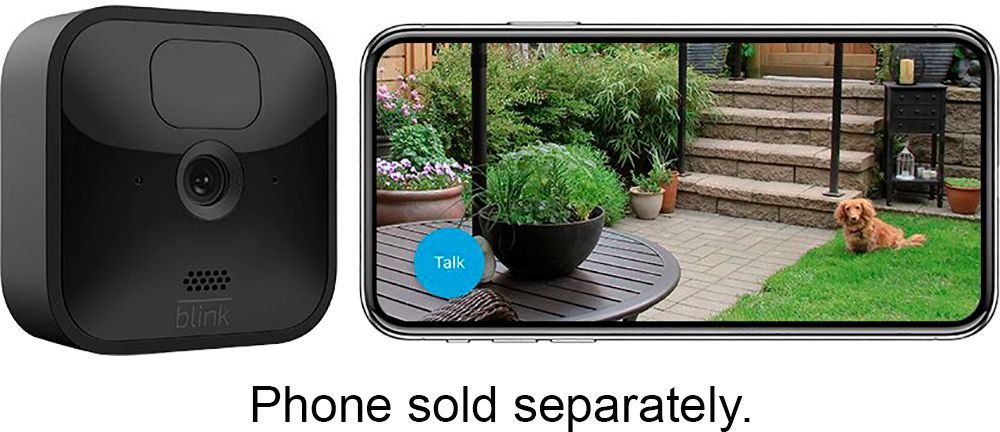
A:AnswerThe Blink Outdoor cameras are battery-powered, they are shipped with two non-rechargeable AA 1.5v Lithium batteries and they’re easy to replace when the time comes. Simply open the battery compartment, take out the old batteries, and insert the new set. The sync module however would need to be plugged into a normal wall outlet and within 100ft of the cameras in any direction to operate.
A:AnswerYes but don’t place them against the window against the glass. It will produce a glare and you will not get anything. I didn’t keep any photographs from my system but did run them indoors before installing them outside.
A:AnswerYes you can disable or enable each camera separately. You can also do a live view on any camera selected. They are individually posted in app. Just click the little guy in upper right hand corner of each camera to enable or disable camera. The individual cameras appear on app & are titled as you choose ie: front door, back door etc
A:AnswerThe Blink App is currently only compatible with any iOS mobile devices running version 10.3 or higher, Android mobile devices running version 5.0 (Lollipop) or higher and Fire OS mobile devices, running software version 5.1 or higher.
A:AnswerThe ease of getting everything connected to your Wi Fi is very quick. I had 1 camera up and running in less than 20 minutes, the remaining cameras went quicker. You might spend an additional 30 minutes to 1.5 hours setting and mounting the cameras in and around your home. You Tube has quite a few videos reviewing and setting up your Blink system. Hope this helped.