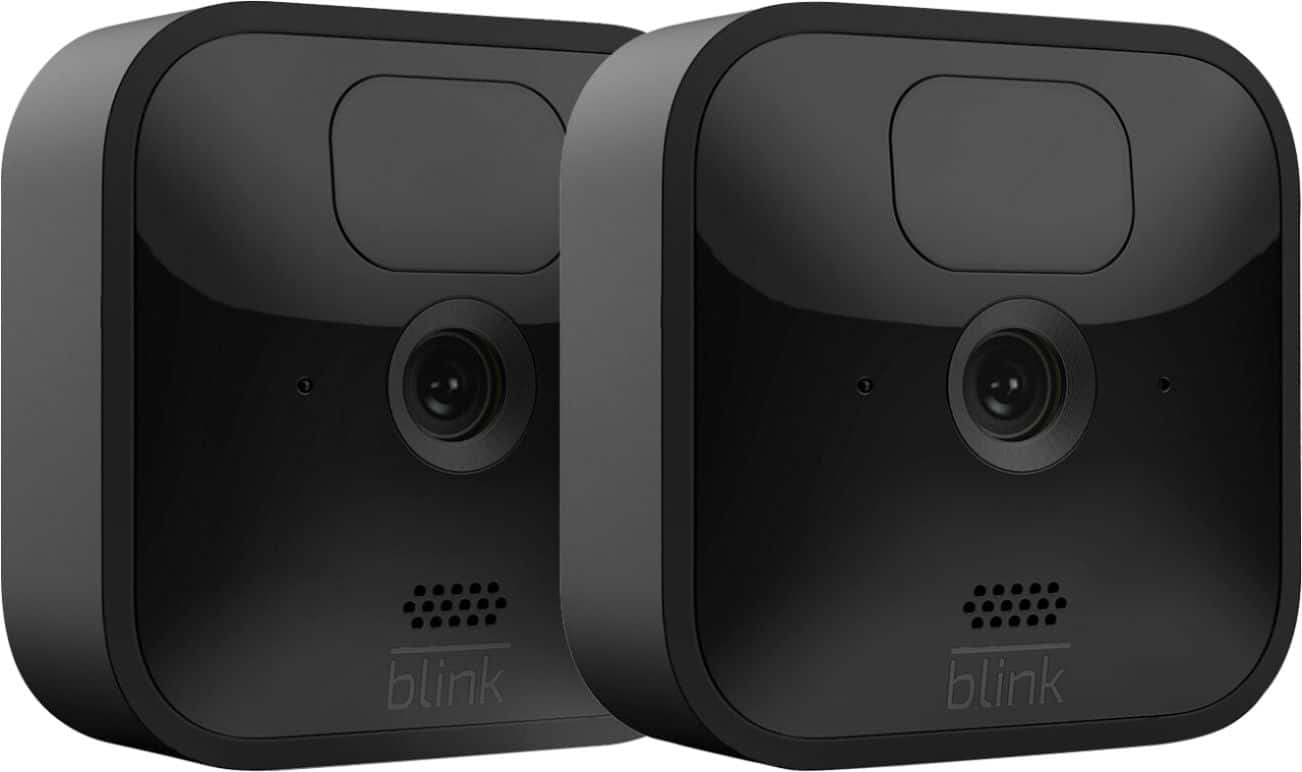
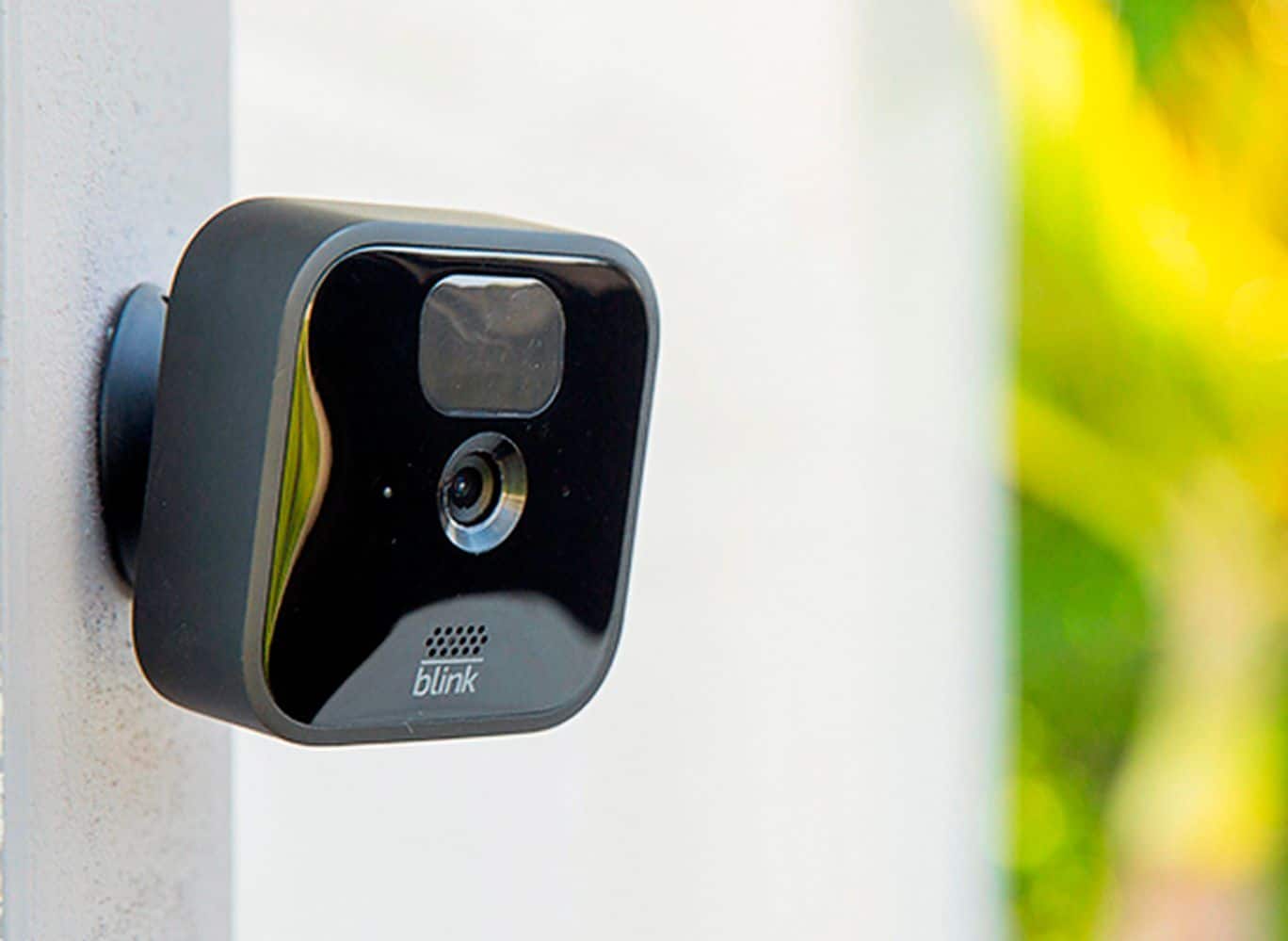
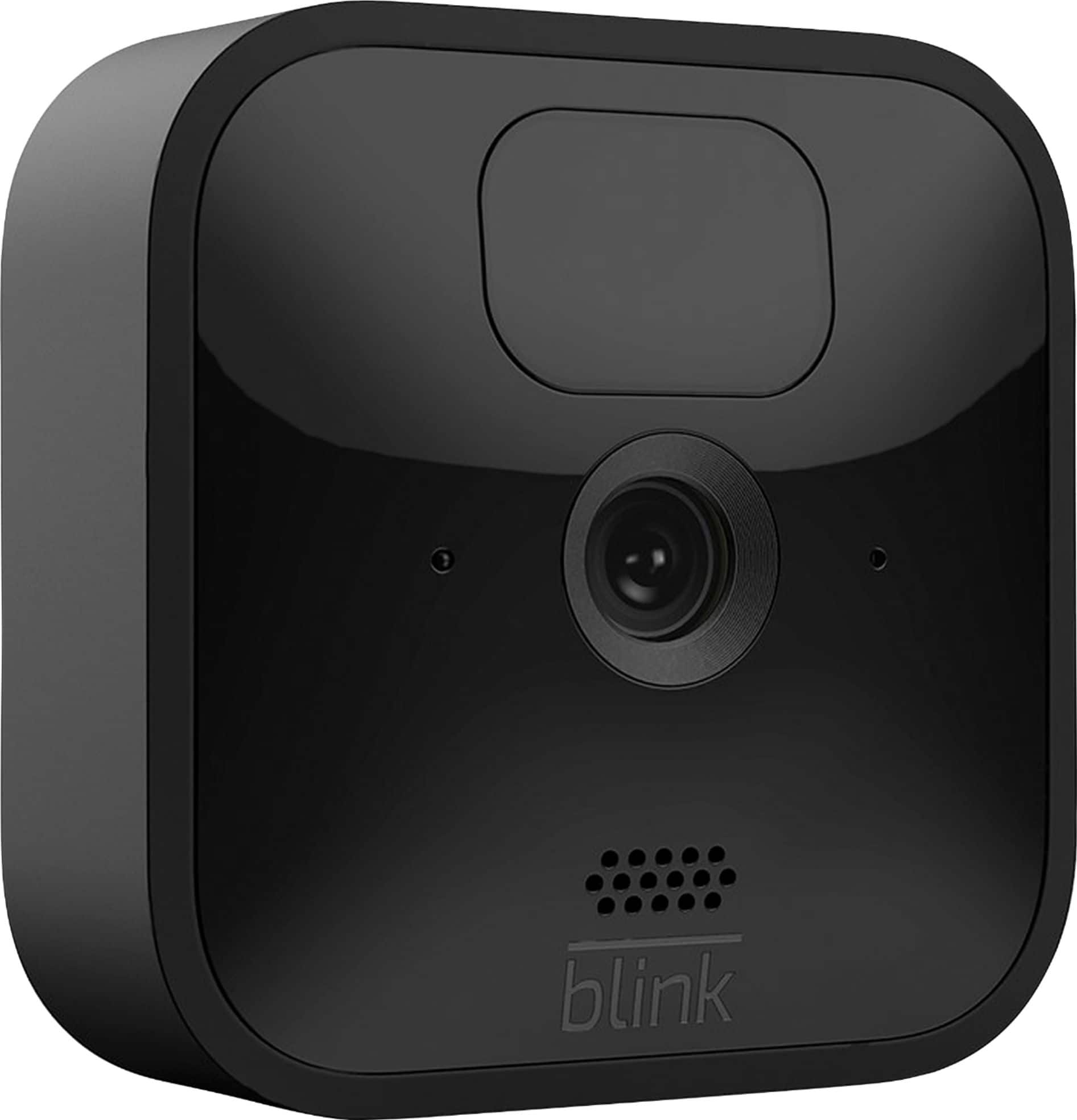
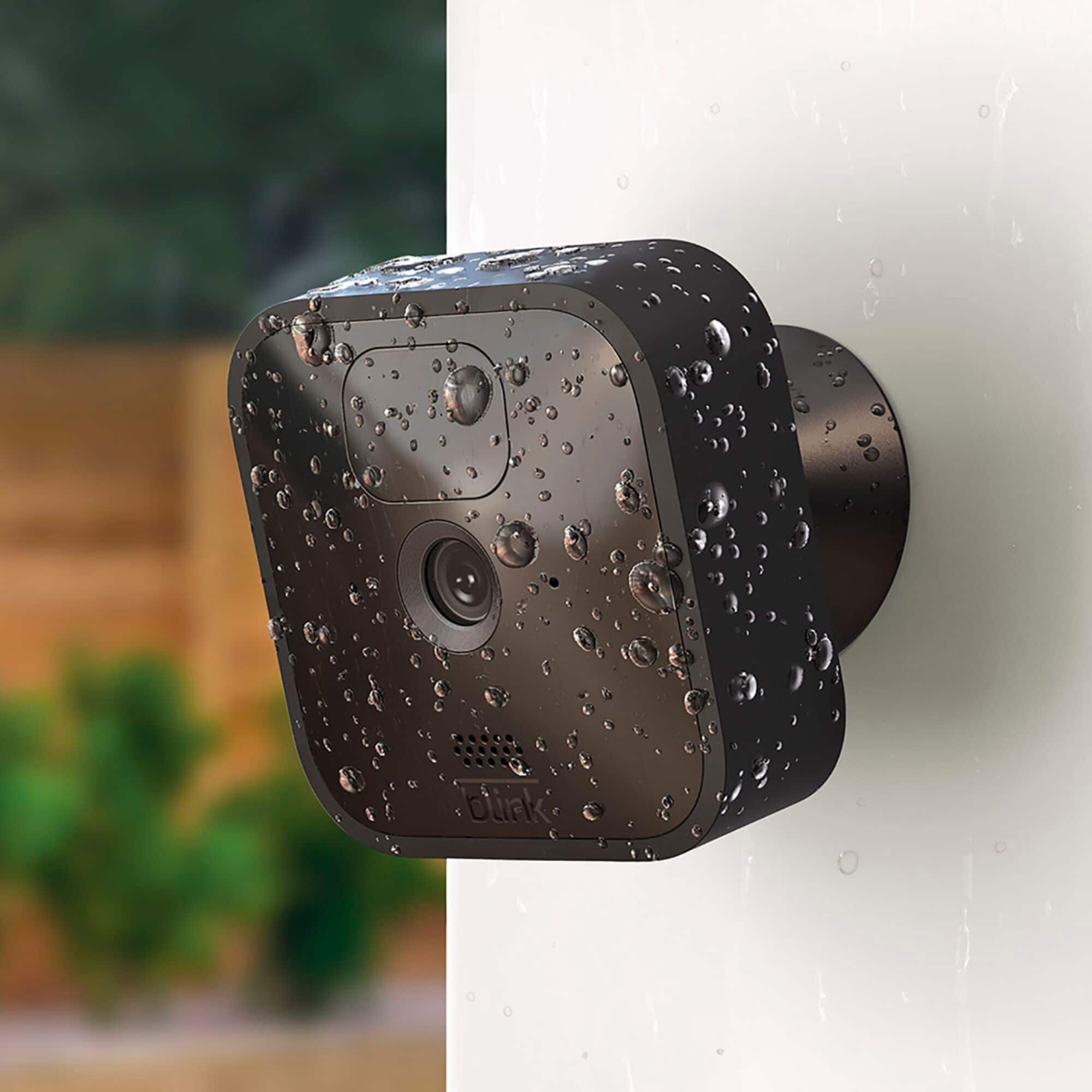
A:AnswerFor the Blink Outdoor and Indoor cameras you would use the included opening tool/right angle mount adapter to open the battery cover. Turn the screw counter-clockwise (turning to the left) until the screw turns freely. (optional) Attach the right-angle adapter to lift the camera's back cover. Apply side pressure on the opening tool to gently pry the cover loose. You can also find support articles on our website as well, support.blinkforhome.com
A:AnswerAfter the free trial of the Blink Cloud Storage Subscription Service, you can subscribe for just 3$ (5$ CAN) per month per camera, or 10$ USD (15$ CAN) per month for unlimited cameras at a single location. You can learn more about the Blink subscription plans here, https://www.amazon.com/b?node=21154643011
A:AnswerThe Blink Outdoor camera is compatible with local storage functionality, which allows you to back up videos in your home to the Sync Module 2 when you insert a USB flash drive. Additionally, you can use the Battery Expansion Pack-coming soon- with Outdoor, to allow your camera to run on four batteries instead of two, extending battery life by up to two extra years.
A:AnswerEach camera system comes with a “base” unit that connects to your WiFi. You can add additional cameras but to use separate WiFi’s, you would need separate “base” units
A:AnswerYou are able to split up the cameras from a system/kit purchase however to use them in separate locations/wifi networks you would also need an additional sync module. You can set-up and access the separate systems from the same account by using the multi-system support feature.
A:AnswerYou dont need alexa or pay for a cloud works good out the box no sign up or anything just follow instructions to set up the blink app on phone and wifi and you are set
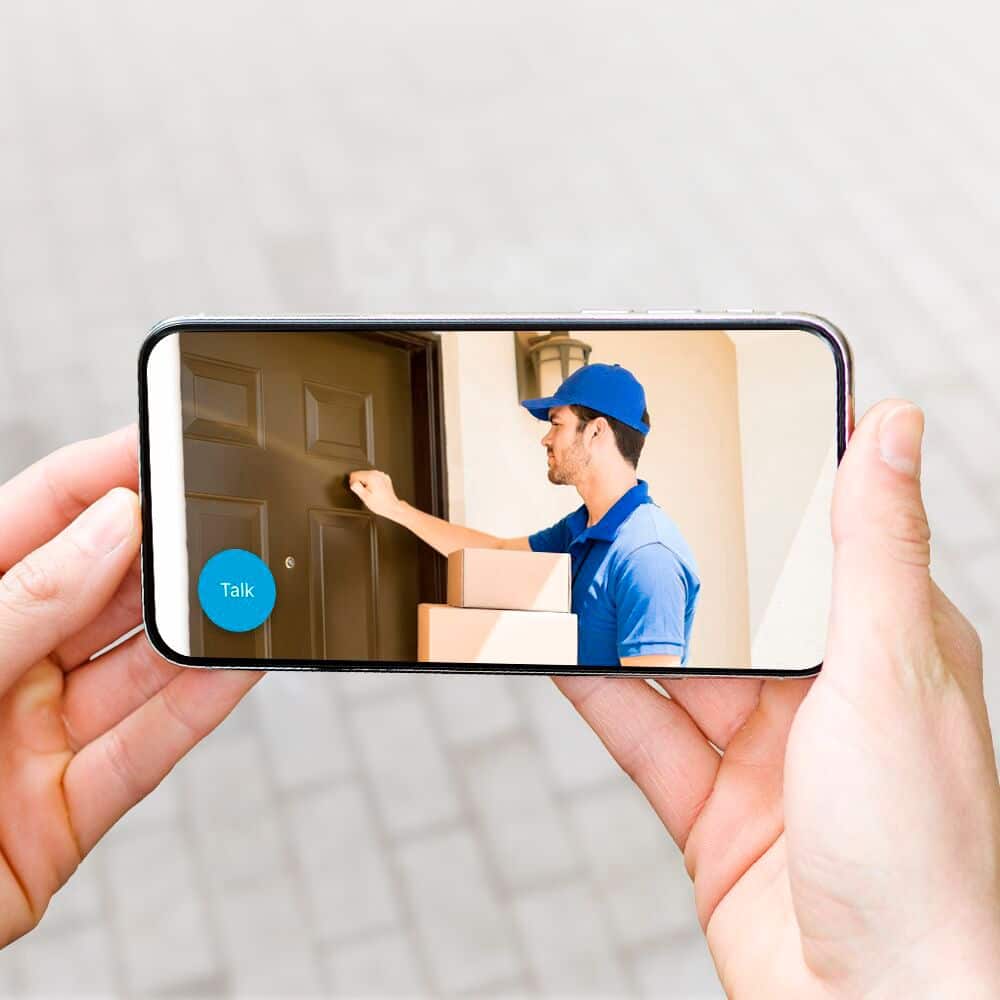
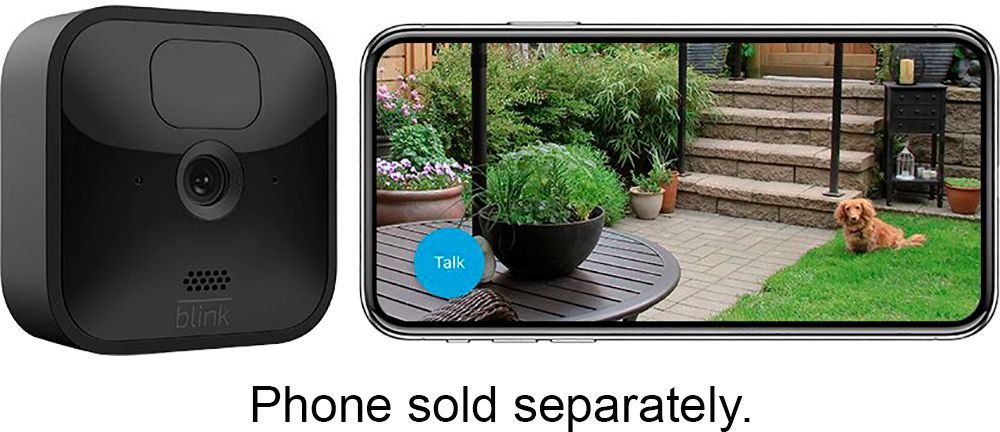
A:AnswerThe XT2 cameras have two-way audio. You can view any camera, listen to the audio, or speak to a person at the camera using the APP on your smart phone.
A:AnswerYou can store your clips locally in the privacy of your home for no additional fee using the Sync Module 2 — all you need is a USB flash drive.
For the convenience and added benefits of cloud storage, a free trial of the Blink Subscription Plan valid through January 13, 2021 in US and March 31, 2021 for UK/EU is available with the purchase of each new Mini, Indoor and Outdoor.
The sync module 2 is shipping with all new Blink Indoor and Blink Outdoor Systems/Kits.
A:AnswerYes. You would set up one MODULE at your home to control up to TEN cameras via the app, and another MODULE at your work location, likewise controlling up to TEN cameras in the same manner. The app will accept multiple module feeds.
A:AnswerYou are able to spit up the cameras from a system/kit purchase however in order to use them in separate locations or different wifi networks you would also need to purchase an additional sync module. You are then able to set-up and access a second or separate Blink System from the same account by using our multi-system support feature.
A:AnswerBy placing the camera outside of the operating temperature range you could suffer from poor performance, lag time issues, and quickly draining battery life as a result. This would also void our warranty as well.
A:AnswerYou are able to add the Blink Mini, Blink Outdoor or Blink Indoor to your existing Blink System. If you are adding the Blink Mini, Blink Indoor and Outdoor cameras to an existing Blink Account that has been activated on or before 4/15/2020, you will be grandfathered into your current free cloud storage model in the Blink app.
Accounts activated after 4/15/2020 will receive motion alerts and be able to enter Live View for free, but will will require either local storage via the Sync Module 2 or a subscription for cloud storage to save videos.
You can have up to 10 Blink devices per sync module as long as they are all within the 100ft operating range of the sync module in any direction. The cameras on the sync module can be in any combination.