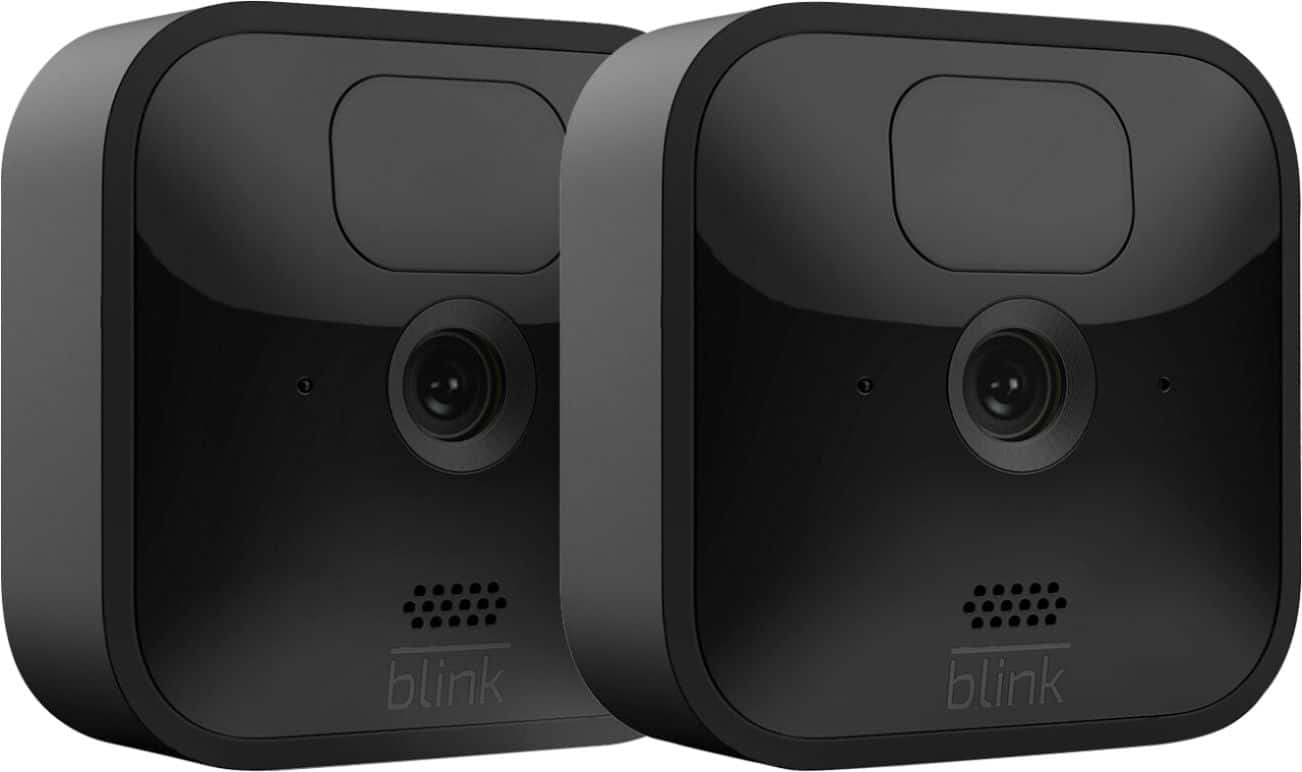
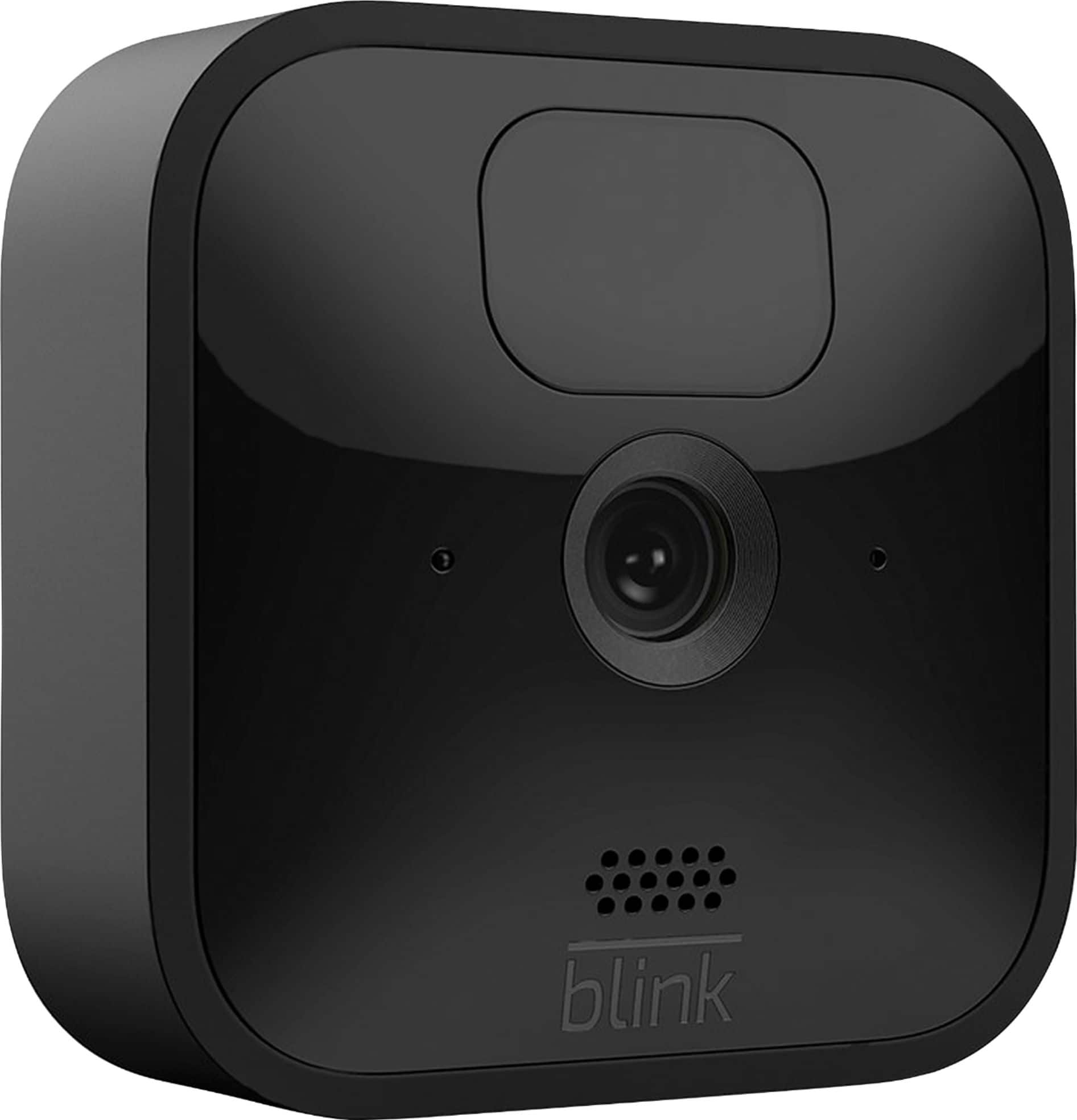
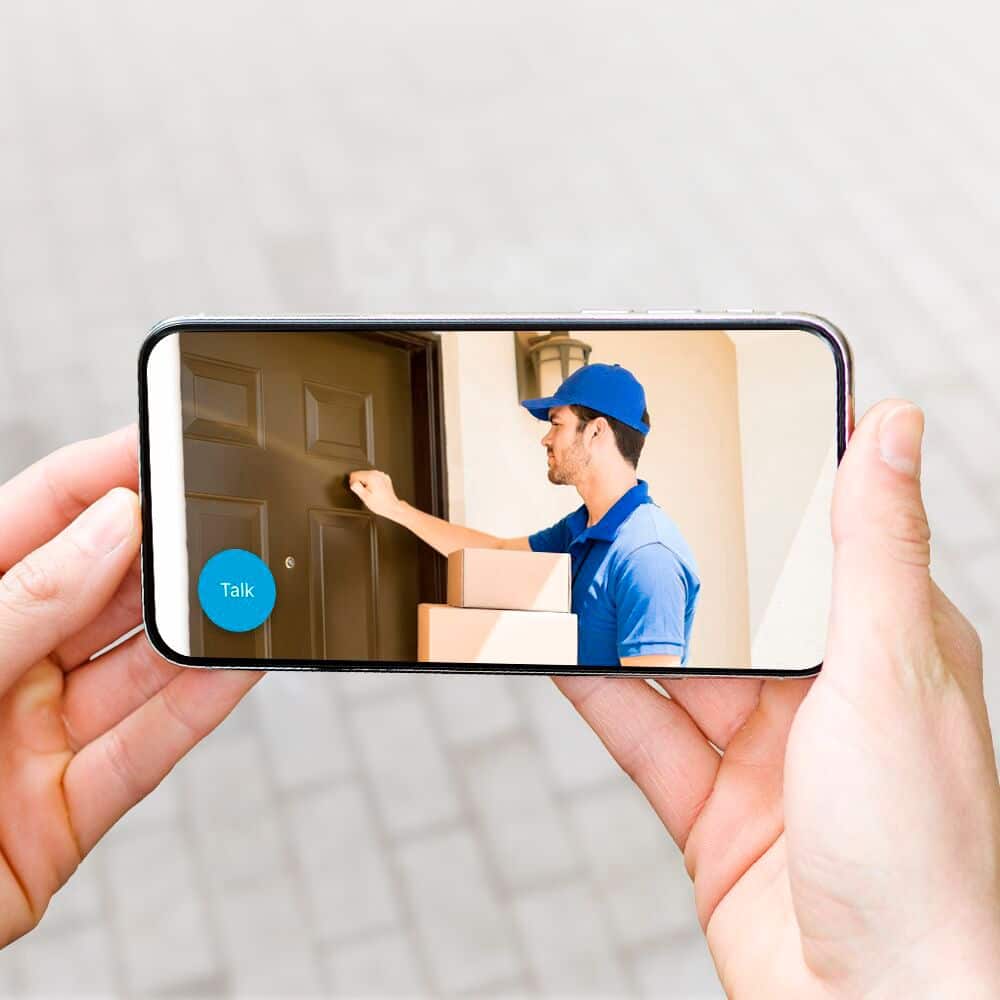
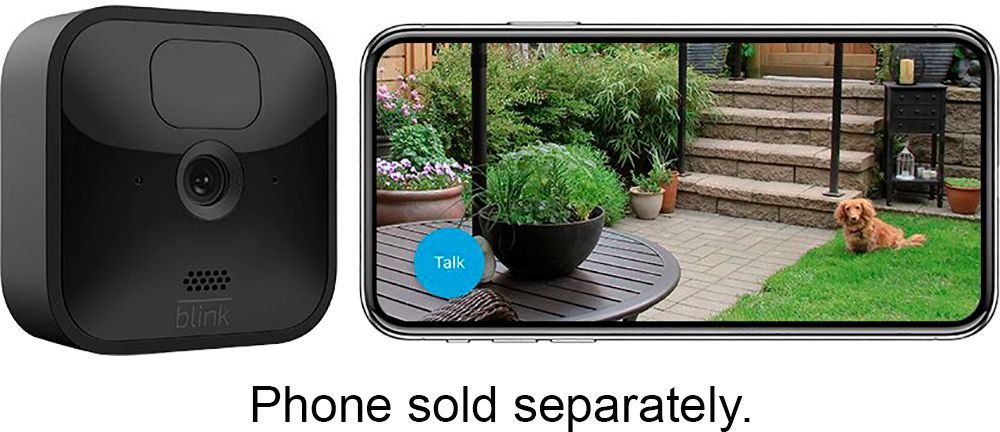
A:AnswerThe Blink Outdoor cameras do feature two-way audio that you can access within the live view mode of the camera within the APP on your compatible mobile device.
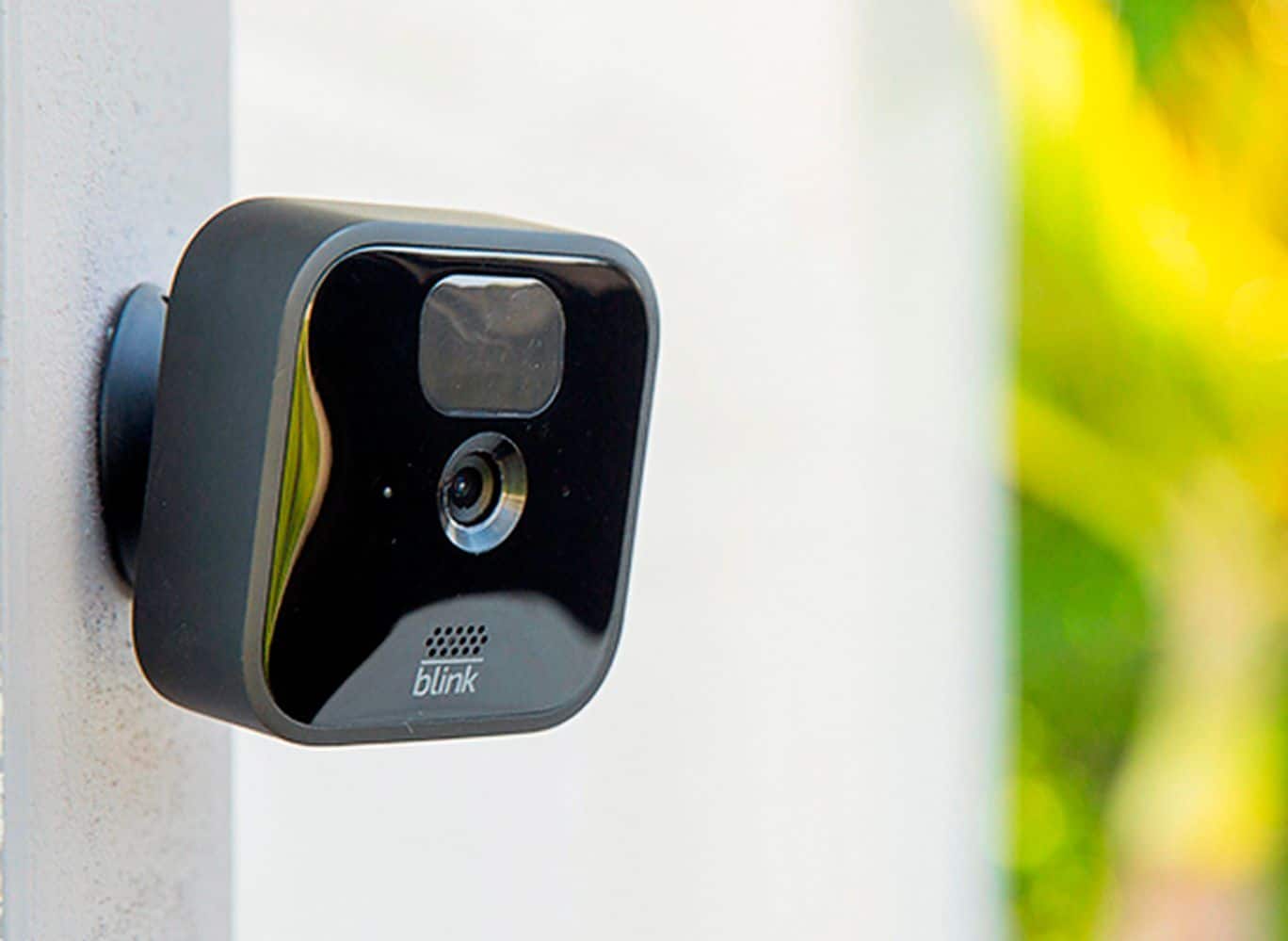
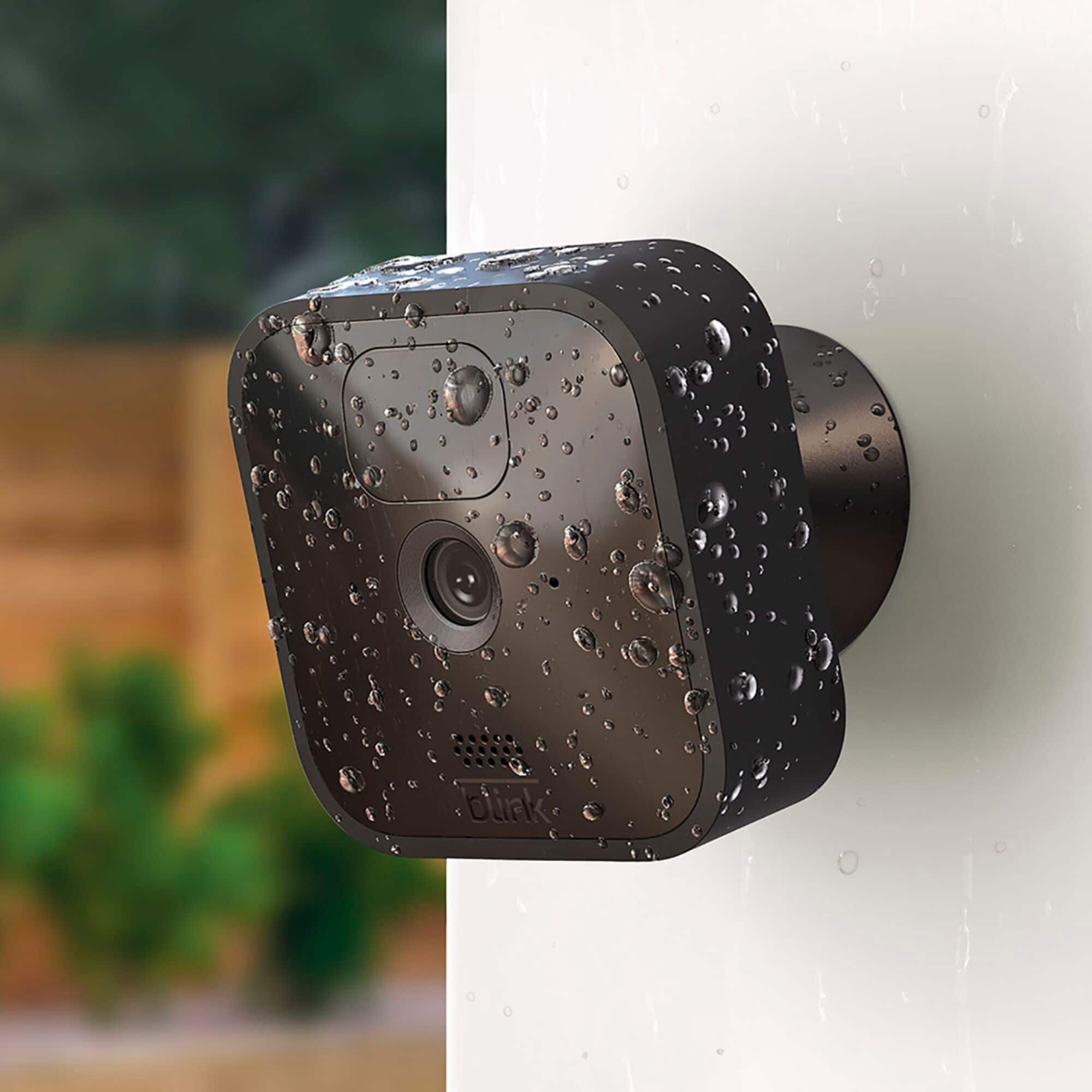
A:AnswerThe Blink Outdoor cameras have an operating temperature range of -4° to 113° F (-20° to 45° C). The Blink Outdoor camera is IP-65 rated to ensure that the water-resistant unit delivers clear, HD quality video no matter the forecast!
A:AnswerAssuming a fairly standard home (single building, no unusually dense construction materials), the Sync Module should be able to communicate with Blink camera units up to 100ft away in any direction. As far as how far away the system can be from the wireless router that would depend on the strength of your internet/WIFI, we recommend at least three bars of signal strength for optimal performance.
A:AnswerWe do hope to have the add-on sync module 2 available soon however the sync module 2 is shipping with all new Blink Indoor and Blink Outdoor Systems/Kits.
A:AnswerThe Blink App is currently compatible with any iOS mobile devices running version 10.3 or higher, Android mobile devices running version 5.0 (Lollipop) or higher and Fire OS mobile devices, running software version 5.1 or higher.
The Blink Systems (including the Blink Mini) do currently require a 2.4ghz wifi-based Internet connection to operate. Blink is not compatible with wifi networks broadcasting a 5ghz signal.
A:AnswerYou can set up many phones to monitor the same module (and the cameras controlled by that module). Phones can individually be turned ON and OFF, so each phone can be set to monitor or not monitor the cameras.
A:AnswerThe Blink Outdoor cameras do have a two-way audio feature that you can access within the live view mode of the camera in the APP on your compatible mobile device.
A:AnswerAssuming a fairly standard home (single building, no unusually dense construction materials), the Sync Module should be able to communicate with Blink camera units up to 100ft away in any direction. As far as how far away the system can be from the wireless router that would depend on the strength of your internet/WIFI, we recommend at least three bars of signal strength for optimal performance.
A:AnswerYou are able to split up the Blink cameras from a system/kit purchase however in order to use the cameras in separate locations/wifi networks you would also need an additional sync module. You are able to set-up and access this second system from the same account by using our multi-system support feature.