A:AnswerHi Phil! You don't need a subscription to access live-view or receive notifications on your phone, but if you want to save clips to the cloud or use some advanced features you'll need a subscription. You can get all the info about the available options at https://support.blinkforhome.com/subscriptions . I hope that helps, have a great rest of your day!
A:AnswerHi Katherine,
Great questions! Yes to both!
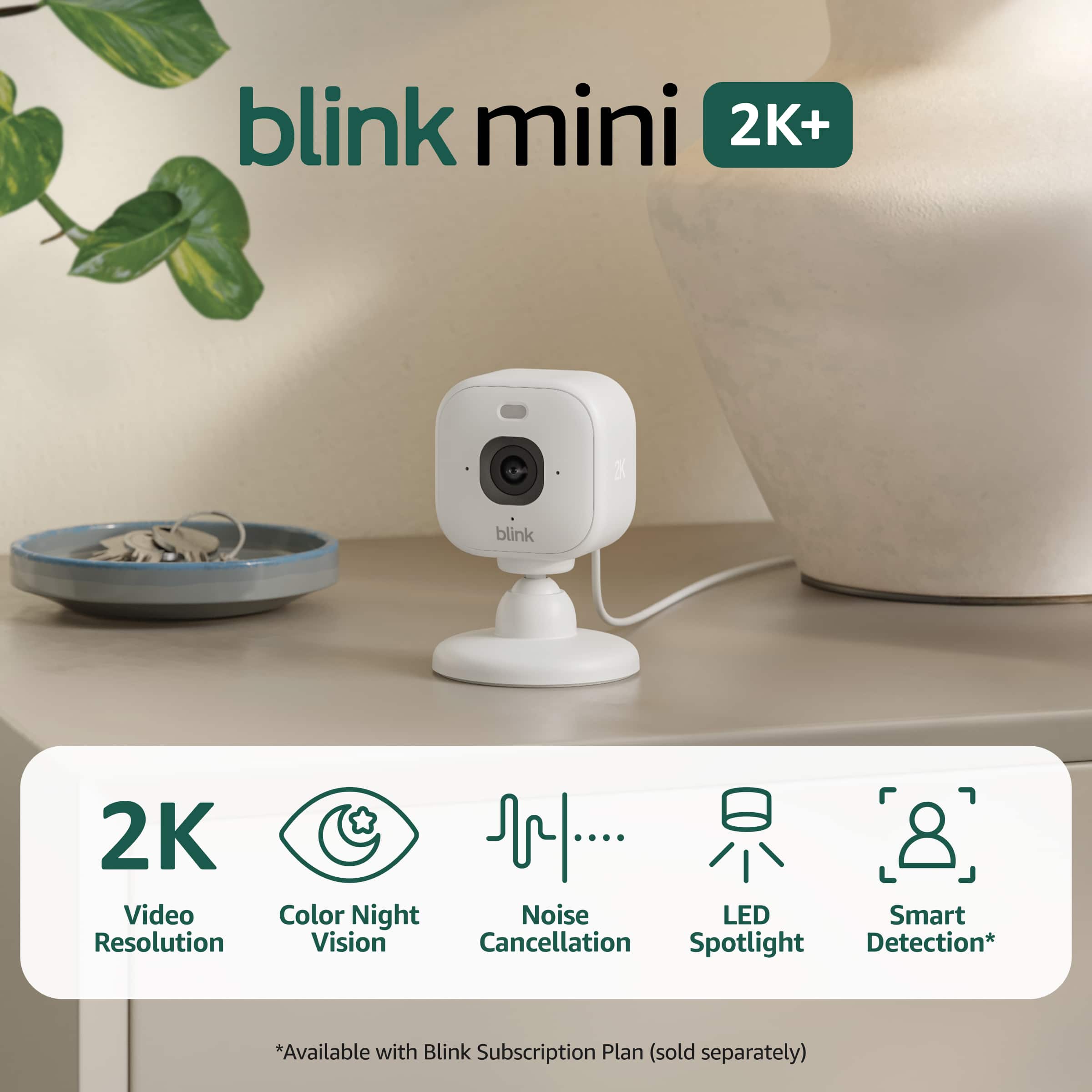
Blink App Compatible: The Blink Mini 2K+ works with the free Blink Home Monitor app, which is the same app used to manage all Blink devices. You can view live feeds, receive motion alerts, and control settings all from one place.
Works with other Blink cameras: The Mini 2K+ can be added to any existing Blink system alongside your other Blink devices — including Blink Mini, Mini 2, Outdoor cameras, and even the Blink Video Doorbell. You can manage everything from a single Blink account and app, so there's no need for separate apps or accounts.
A few bonus features when combining Blink devices:
If you have a Blink Video Doorbell, the Mini 2K+ can double as an indoor chime so you hear when someone's at the door
You can connect up to 10 devices per Sync Module
All your cameras appear in one unified view in the Blink app
It integrates seamlessly into your existing Blink setup! I hope this helps, Have a great day!
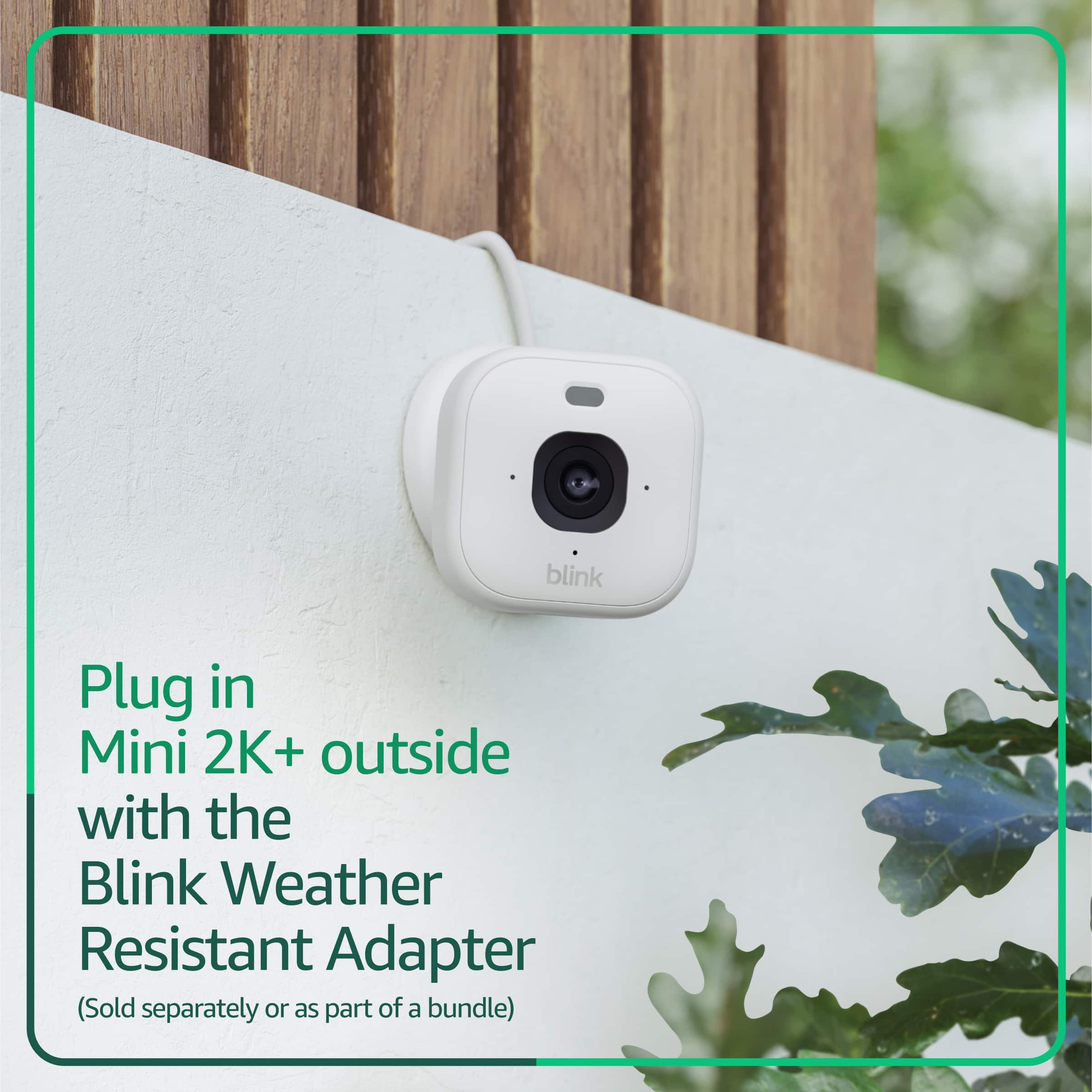
A:AnswerHi Bibi! Typically the cord that comes with the Blink Mini line of devices is around 2m long, a little over 5ft. If you need a longer cord, you can always replace the included cord with another USB-A to USB-C cable like the weather resistant 13ft power adapter. With that particular adapter you can even set your Blink Mini 2K+ outside! I hope that helps, have a great rest of your day!
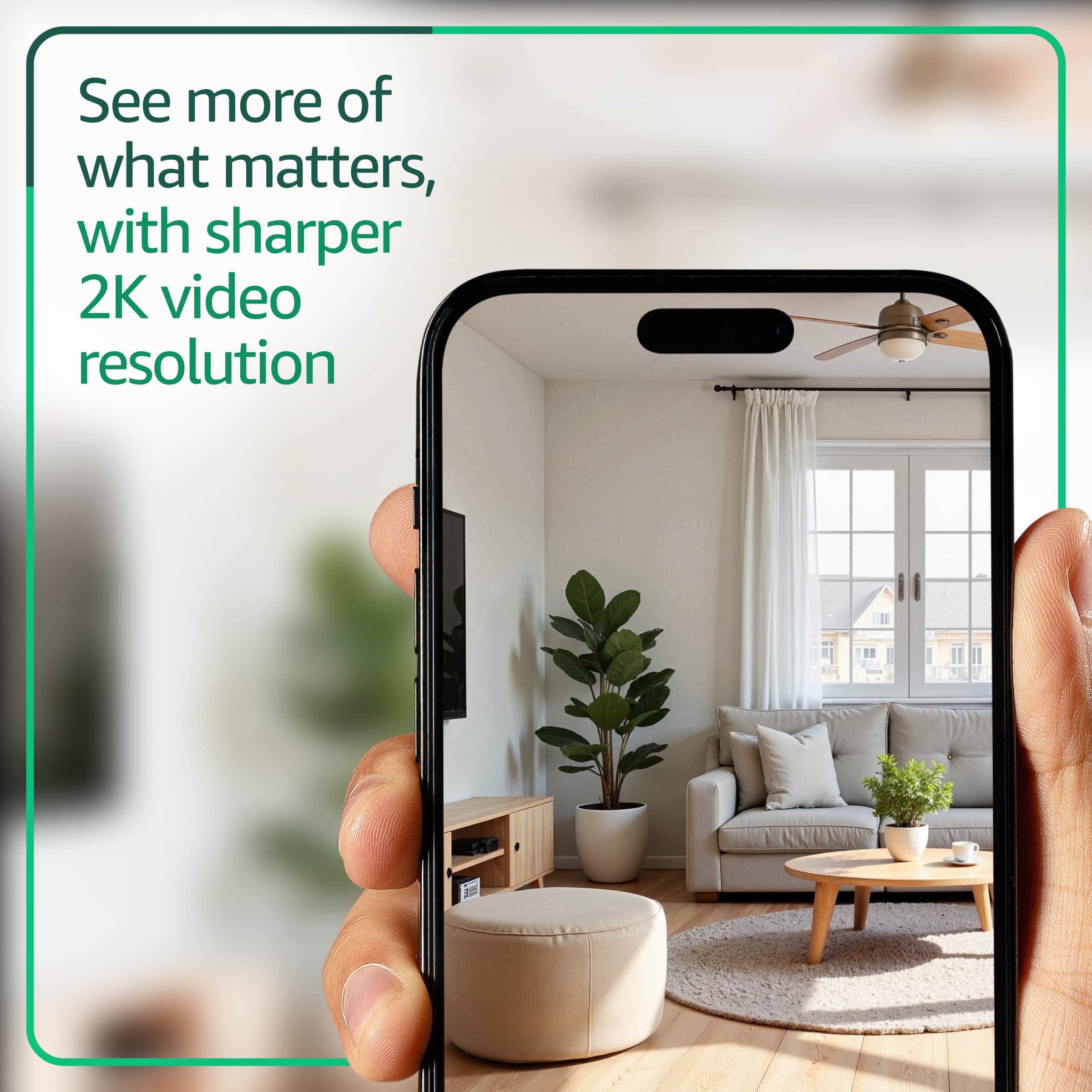
A:AnswerHello! Yes, the Blink Mini 2 is fully compatible with iPhones. You can view the 2K live video feed, receive motion alerts, and use the two-way audio feature directly through the Blink app. I hope this answers your question and I hope you have a great day!
A:AnswerHello and thank you for asking this question. The Blink Mini 2k+ does not require a sync module. The Blink sync module XR can improve performance and also supports local storage. I hope this answers your question and that you have great day.
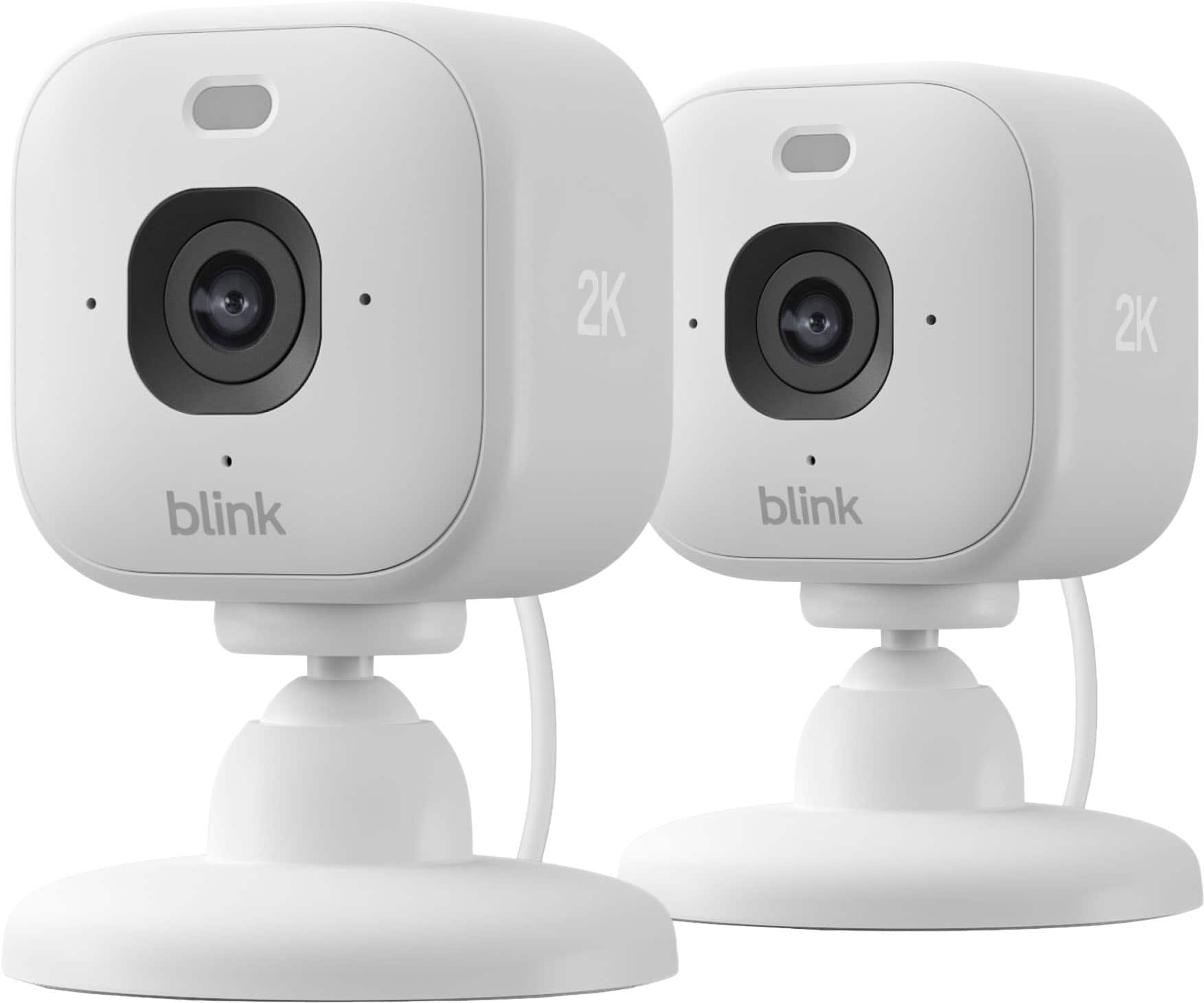
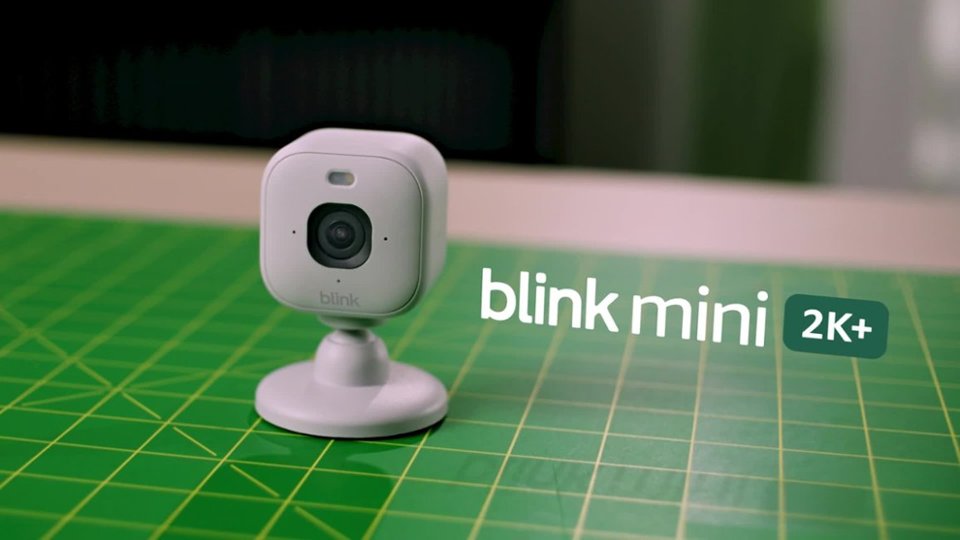
A:AnswerHello Strainer and thank you for your question! The microphone on the Blink Mini 2K is the hole underneath the camera lens. Hope this helps! Have a great day!