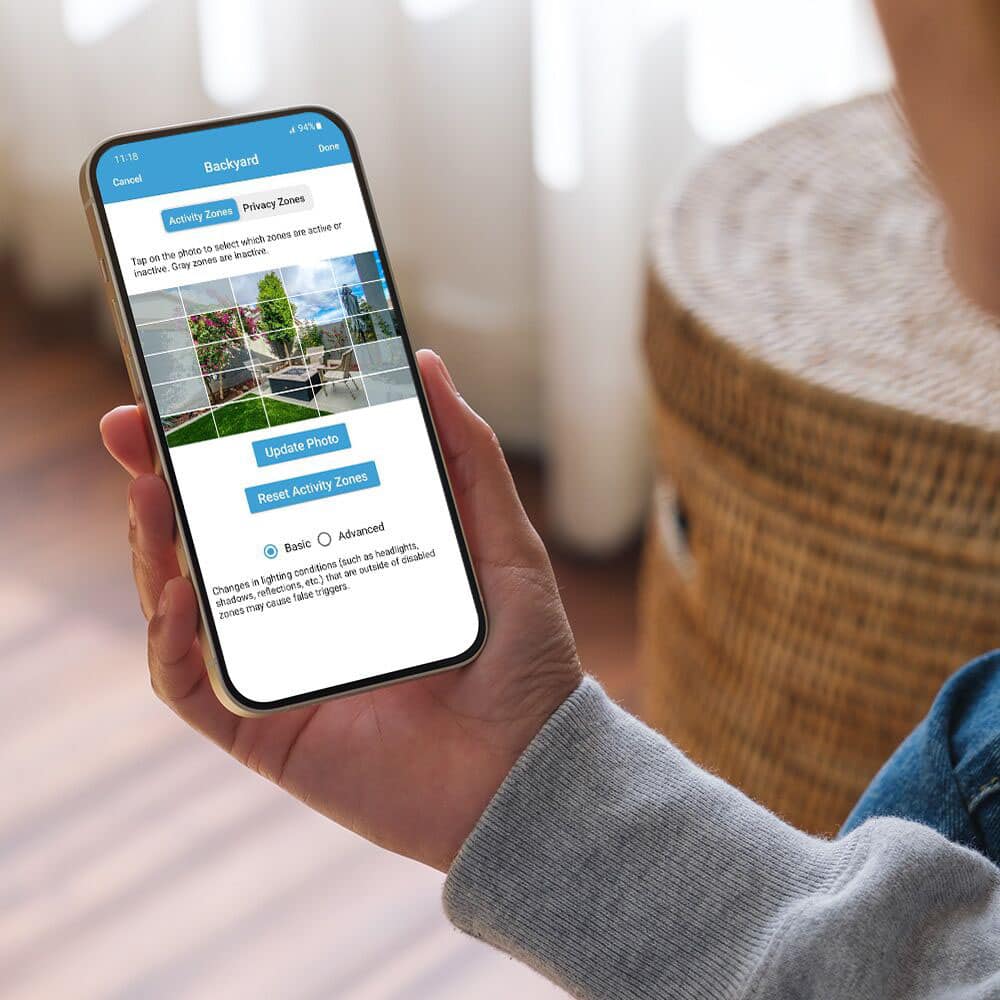
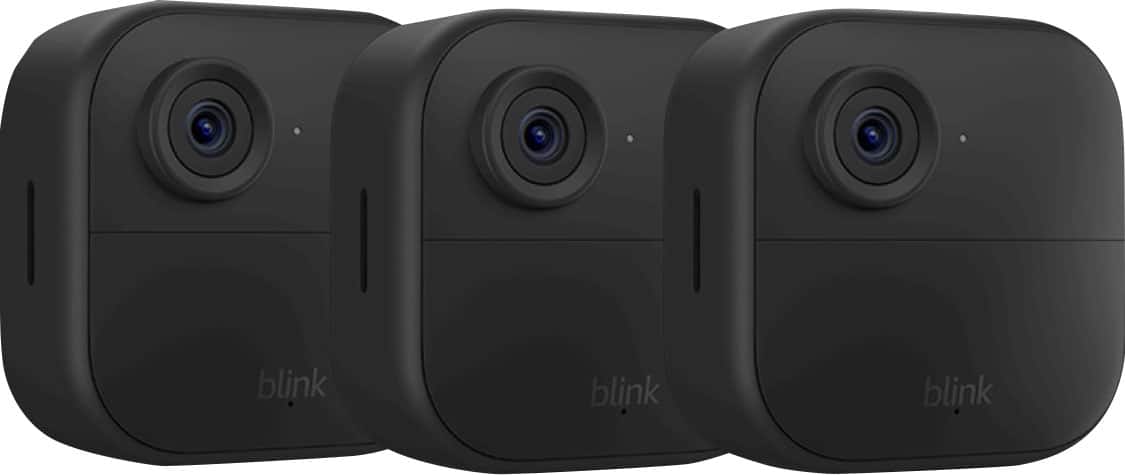
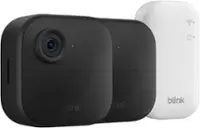
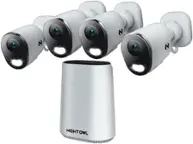
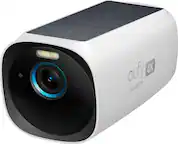
A:AnswerYes. I installed two 5 camera systems at a large home with several outbuildings, a pool and pond. Each sync module was connected to WiFi and each was given a unique name. The Blink app allows you to select each system independently..
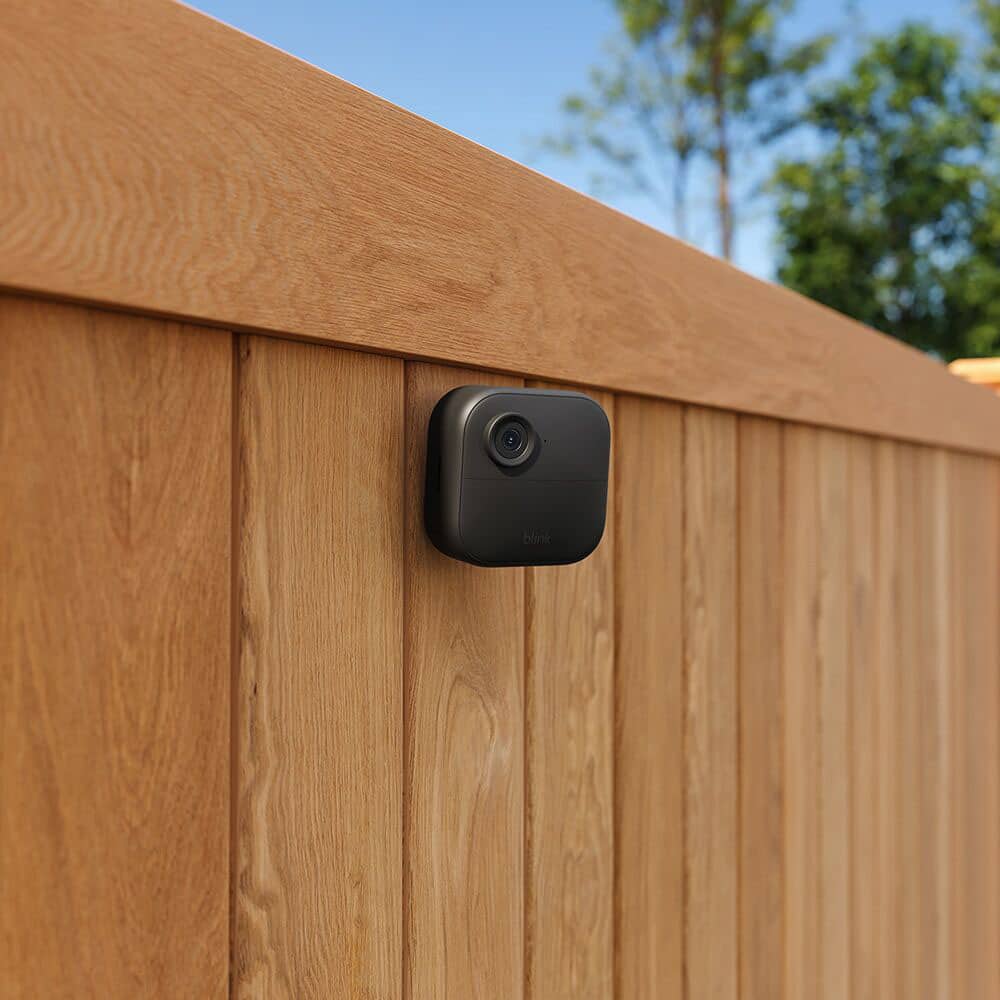
A:AnswerIt is really going to depend on the surface that you are mounting it to. Remember, heat or cold will have an effect on how well the adhesive works too.
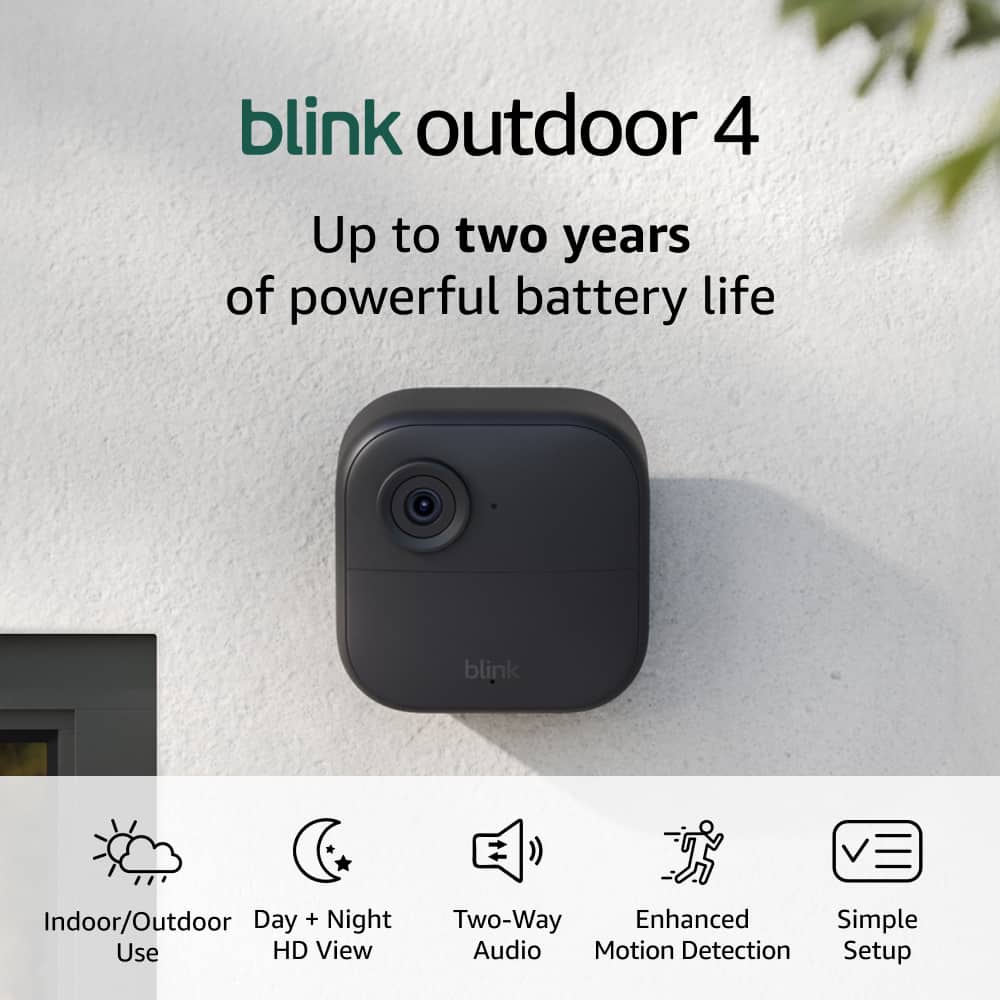
A:AnswerYes, the cameras have audio capability, but you can mute that feature if you want. It picks up all the sounds around it very well. You can even have recording trigger on the basis of sound.
A:AnswerIt shows color during the day, but switches to infrared in darker settings, which will look black and white. So, no, the camera will only show black and white when it's in the infrared mode, no color. That's just the nature of all cameras that have infrared capability.
A:AnswerIf Geek Squad comes to install the camera for you, you pay when you make the appointment. So you're really paying your surveillance installation in advance.
A:AnswerIf you have streaming capability from your phone to your TV, then yes. Or, you can plug the thumb drive in your Sync module into a computer and watch the footage from your computer, either on the computer monitor or streamed to your TV.
A:AnswerYou could.... BUT, you must give them your username and PW and they get full access just as if it were you in the app. You can't 'share' access by providing a link and you maintain control over the system and their access. Once you allow someone else access, they can change anything, including the PW and now locking you out.