A:AnswerNot seeing a option for storage after a year. Auto delete after 3, 7, 14 or 30 days. Or 1 year. You have to select one of those options on the app. Not sure if you can store after a year. I believe there is a model where you can download to a storage chip though.
A:AnswerAssuming a fairly standard home (single building, no unusually dense construction materials), the Sync Module should be able to communicate with Blink XT2 and Indoor camera units up to 100ft away in any direction. As far as how far away the system can be from the wireless router that would depend on the strength of your internet/WIFI, we recommend at least three bars of signal strength for optimal performance.
A:AnswerYou would find the Blink Home Monitor APP in the APP Store (for iOS devices), Google Play Store (for Android devices), or the Amazon APP store (for Fire Devices)
A:AnswerAssuming a fairly standard home (single building, no unusually dense construction materials), the Sync Module should be able to communicate with Blink XT2 and Indoor camera units up to 100ft away in any direction. As far as how far away the system can be from the wireless router that would depend on the strength of your internet/WIFI, we recommend at least three bars of signal strength for optimal performance.
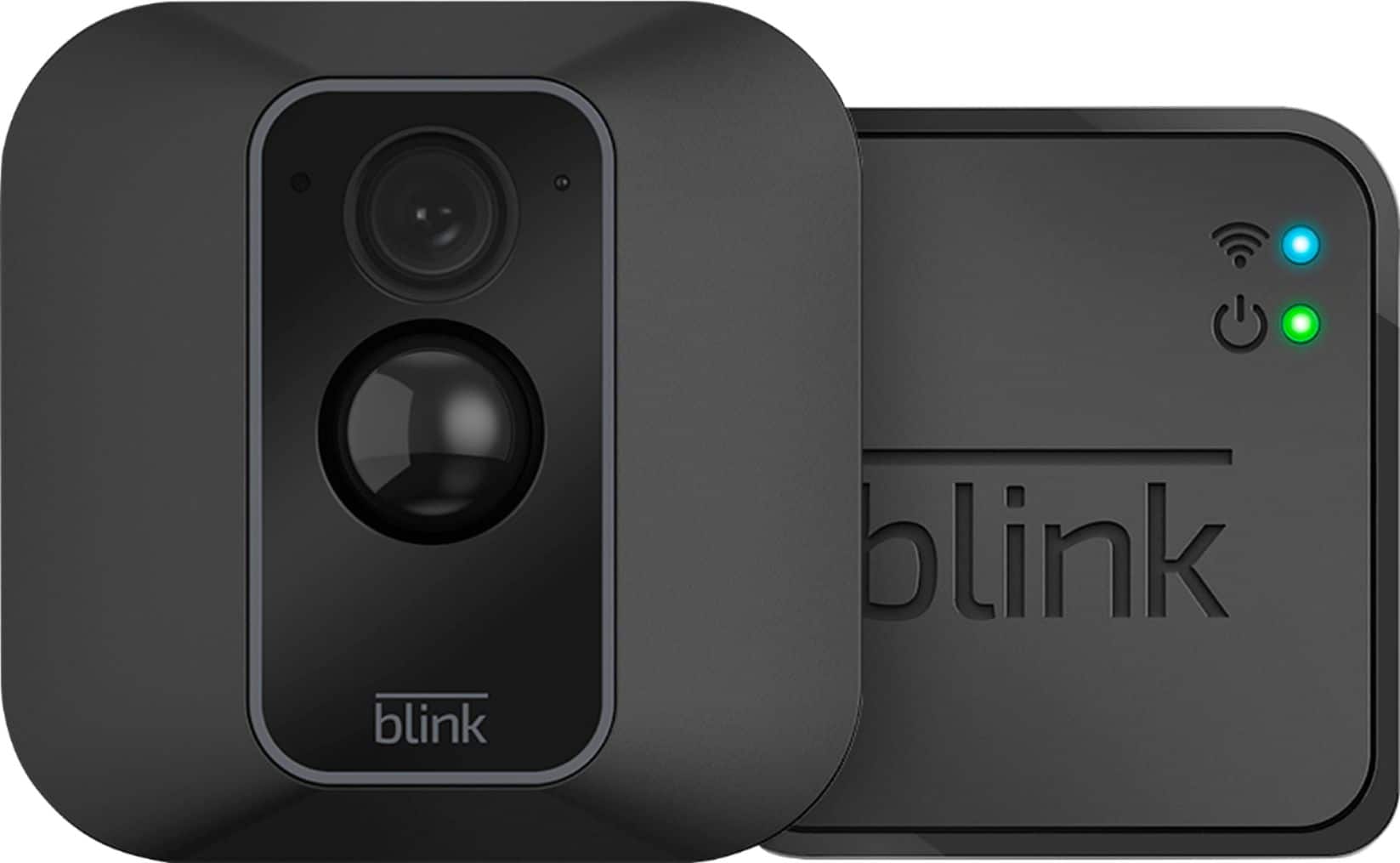
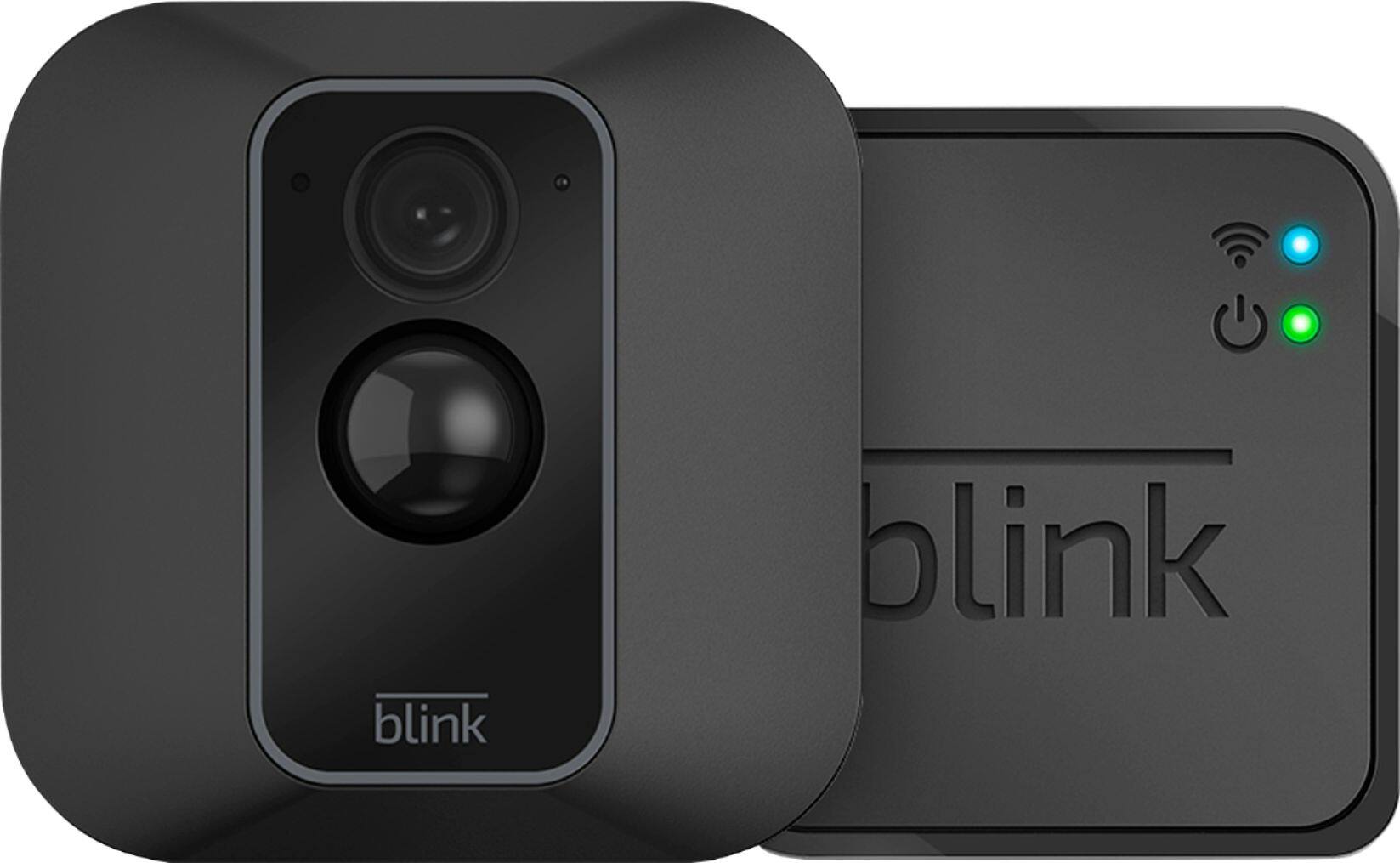
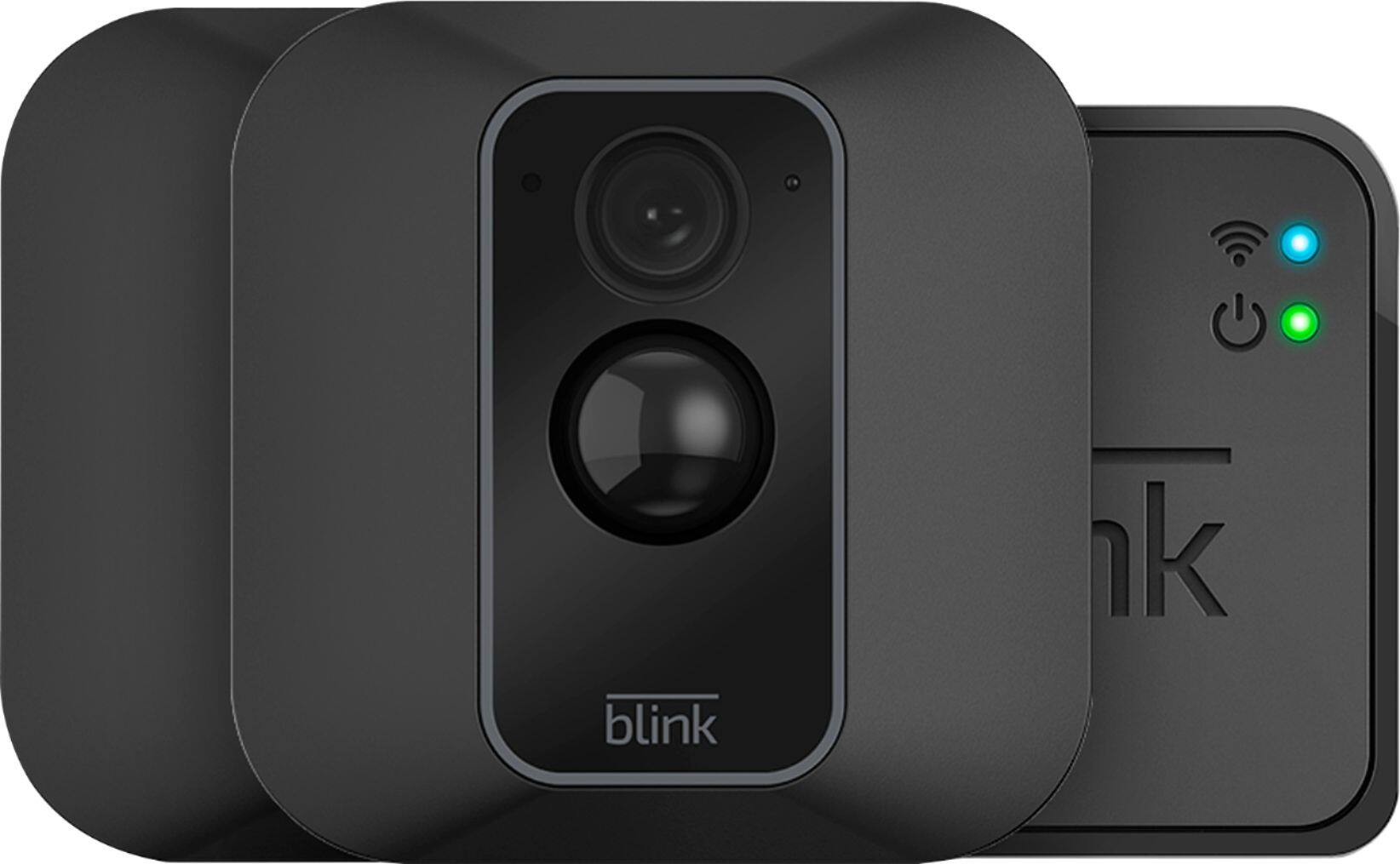
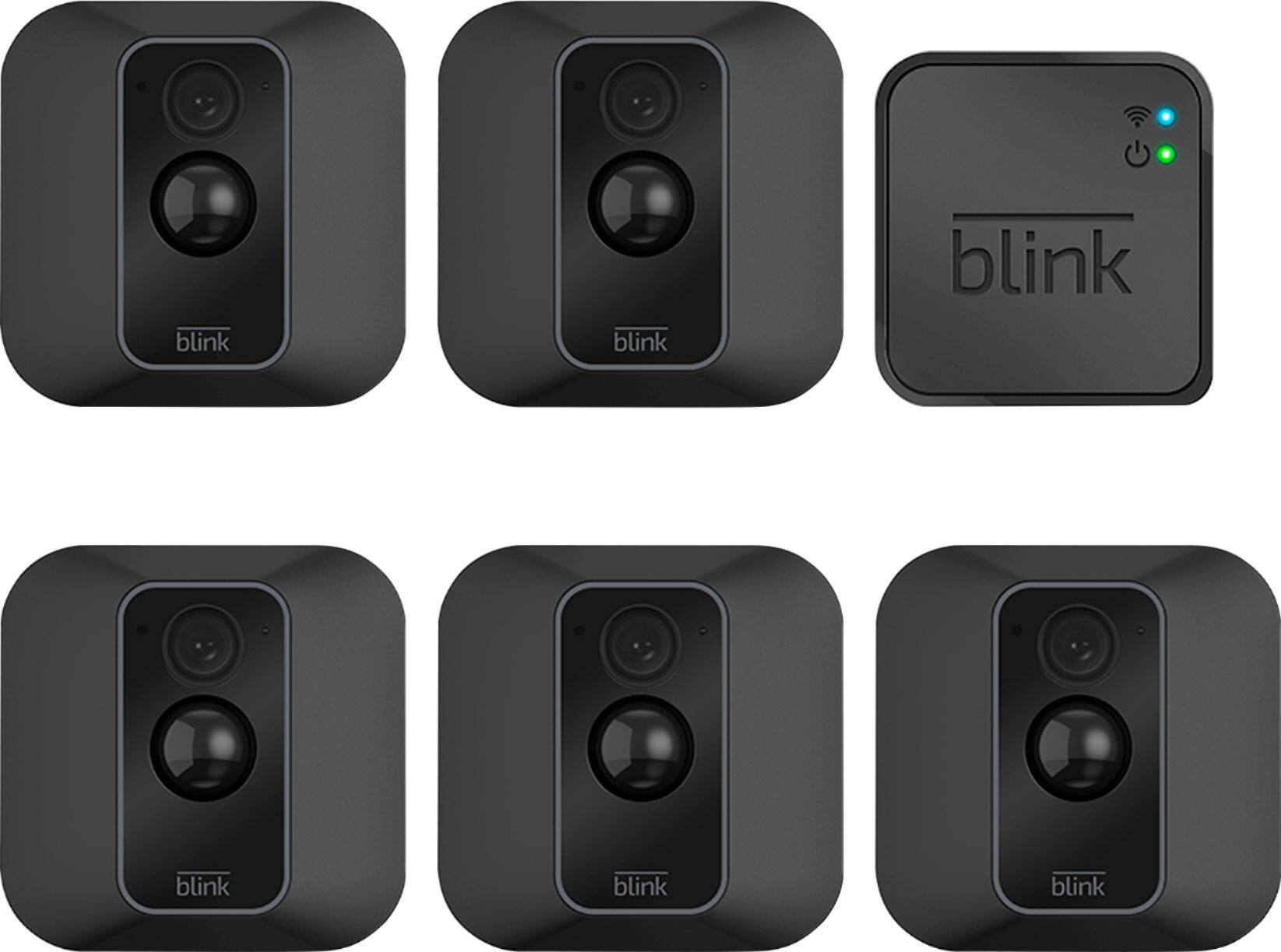
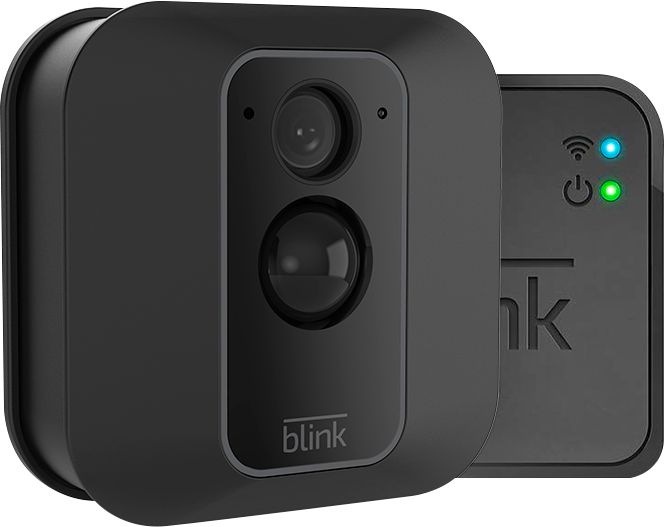
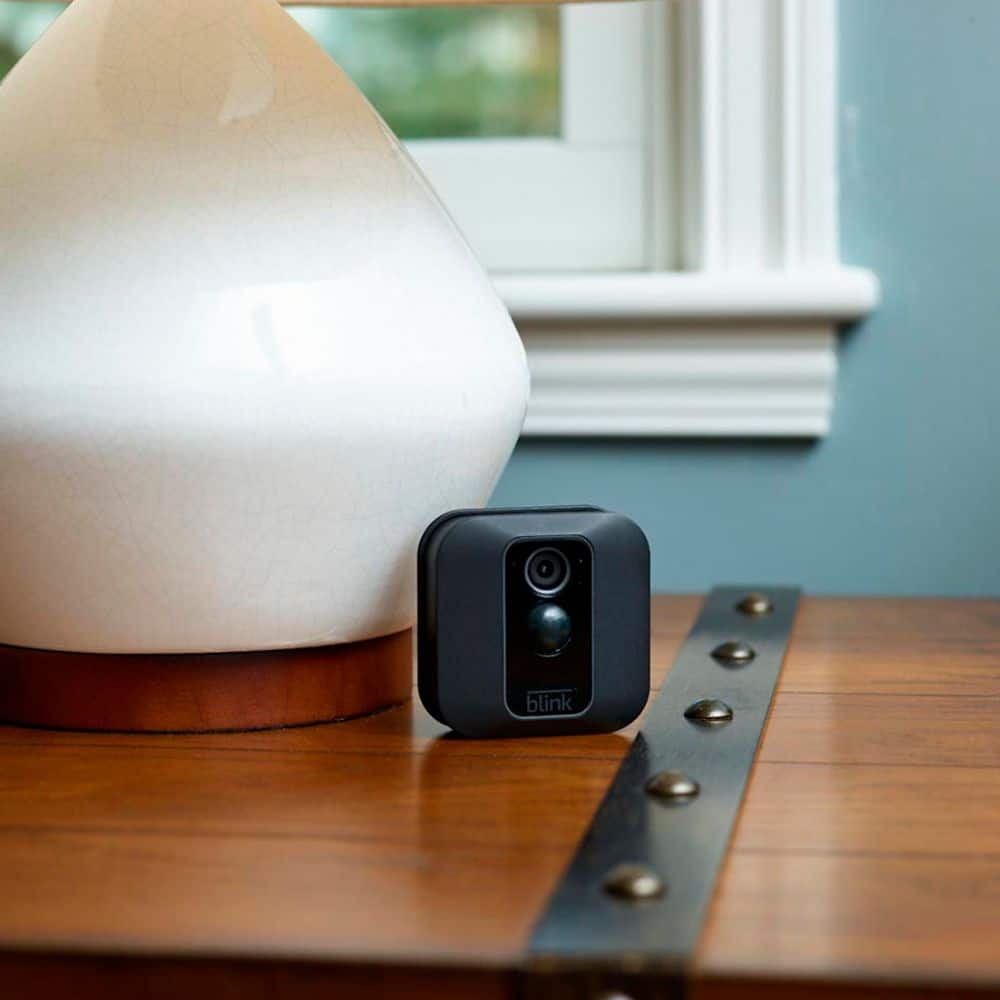
A:AnswerThe Blink sync module needed to operate the Blink XT2 cameras would ship with each system/kit package. The add-on camera would not ship with the sync module as it is just the camera to be added to any existing Blink System.
A:AnswerBlink’s server provides each Sync Module for the XT2 cameras storage for up to 7,200 total seconds of video (or 1,440 five-second events) for as long as you like (no expiration). If you reach your storage limit, it will automatically delete the oldest clip in order to make room for the next one.
A:AnswerThe Blink cameras have a field of view of 110 degrees - in the daytime, they provide enough visibility to identify an individual’s facial features that is 20ft away, recognize a person that is 32ft away, and beyond that depends on exact lighting conditions. At night, they provide visibility up to 20ft away depending on exact conditions.
A:AnswerYes, You are able to add Blink cameras to your existing Blink System at anytime. You can have up to 10 Blink devices per sync module as long as they are all within the 100ft operating range of the sync module in any direction. The cameras on the sync module can be in any combination.
You can also use this system purchase to set-up and access a separate Blink System from your same account by using our multi-system support feature.
A:AnswerWe do ship each Blink System/Kit purchase with a sync module. The add-on camera would be just the camera to add to an existing Blink System and would not ship with the sync module.
A:AnswerYou can only have one username/email address and password per account however, you can download our app to as many compatible iOS, Android and Amazon Fire devices as you’d like, so the entire household can receive alerts or check in at home. When launching the app on additional devices, please use the sign in option to access the account you created on your first Blink connected mobile device. You will not have to go through the setup process again. Please note you will not be able to use Live View from multiple devices at the same time.
A:AnswerUsually that means that if you find the exact same item locally for a lower price they will match the lower cost. The store would have specific rules if you called and asked.
A:AnswerYou can have up to 10 Blink devices per sync module as long as they are all within the 100ft operating range of the sync module in any direction. The cameras on the sync module can be in any combination.