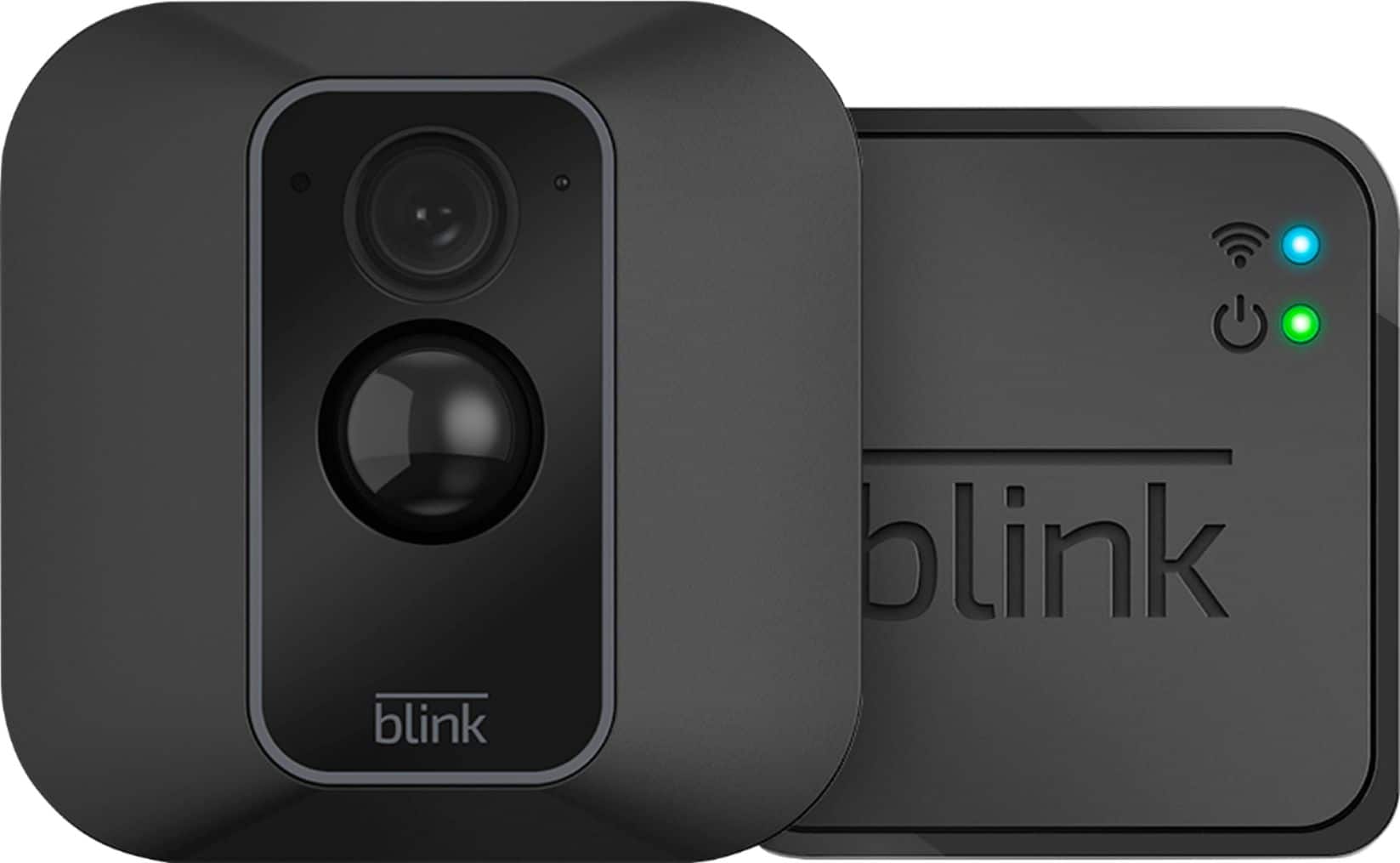
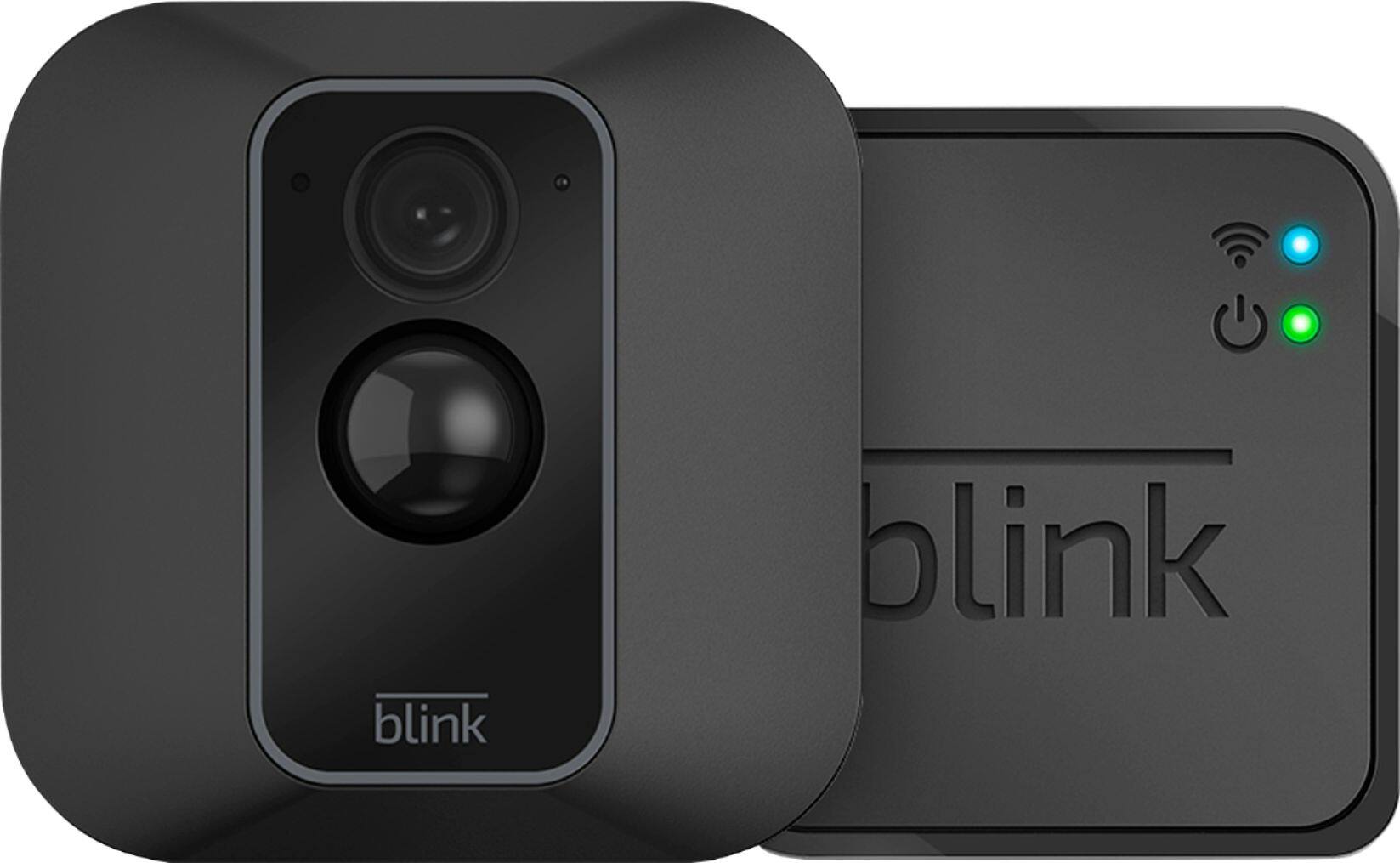
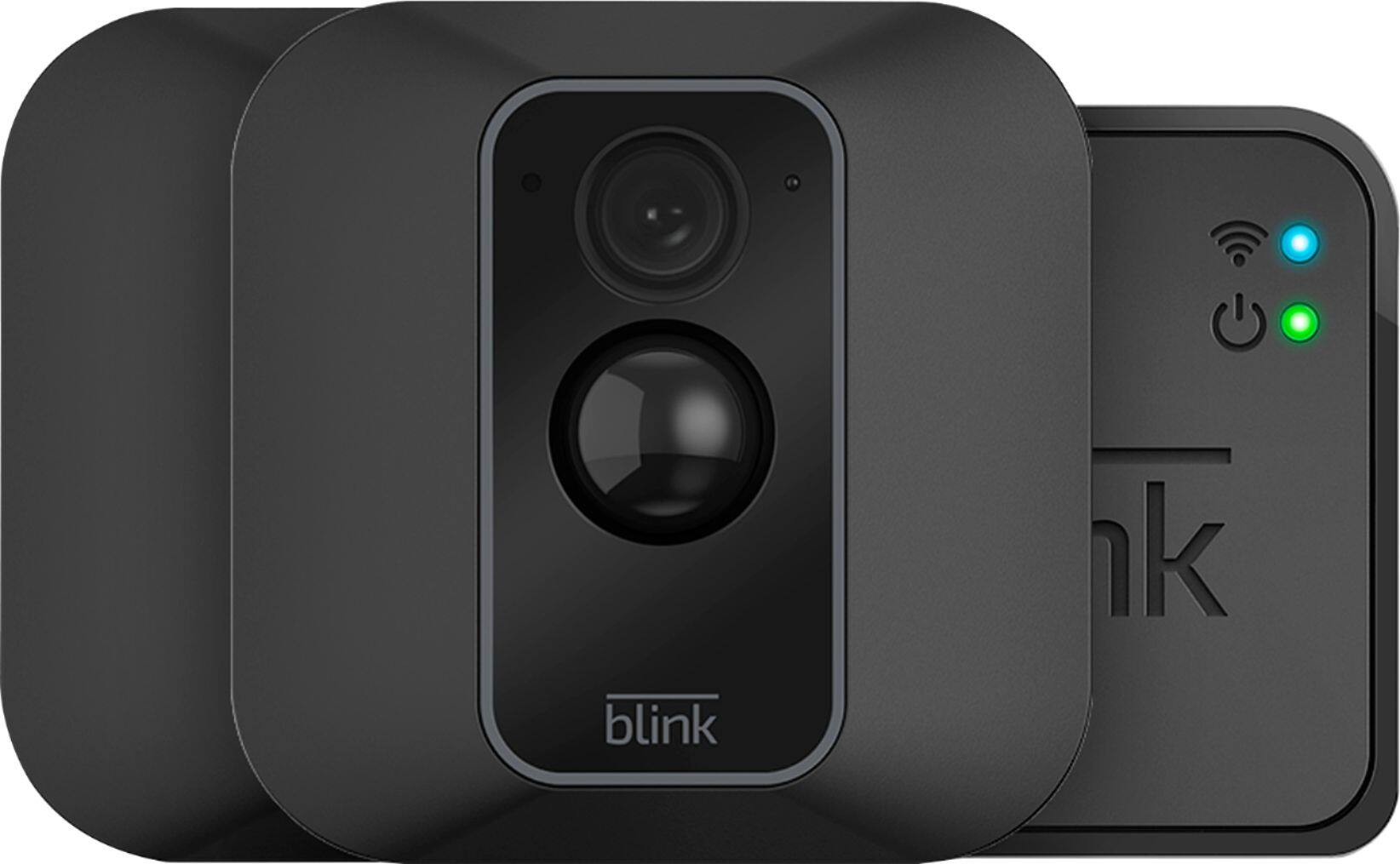
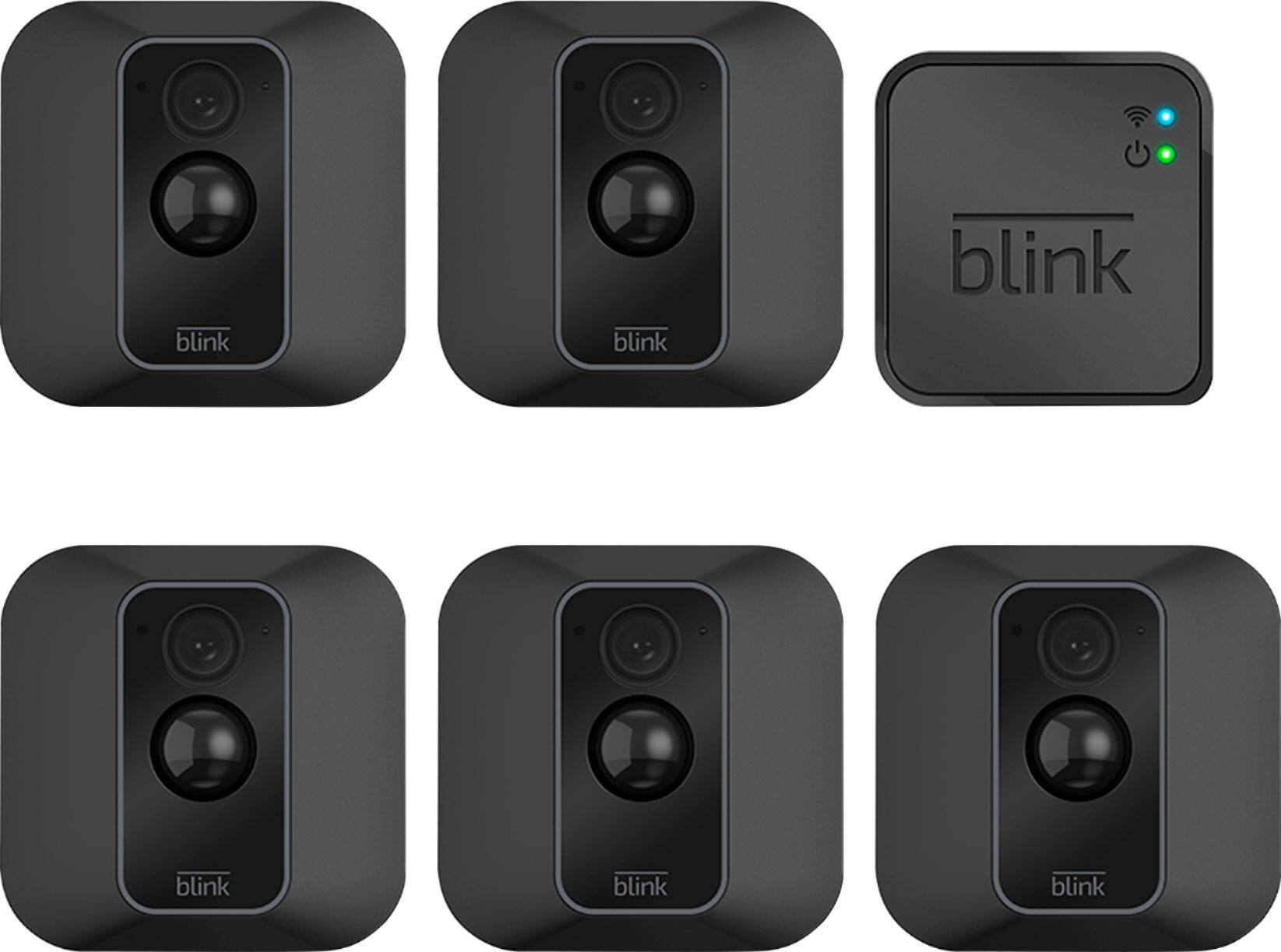
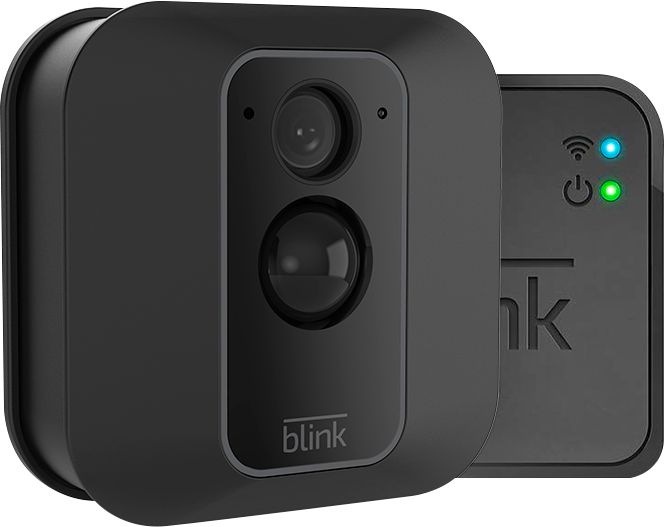
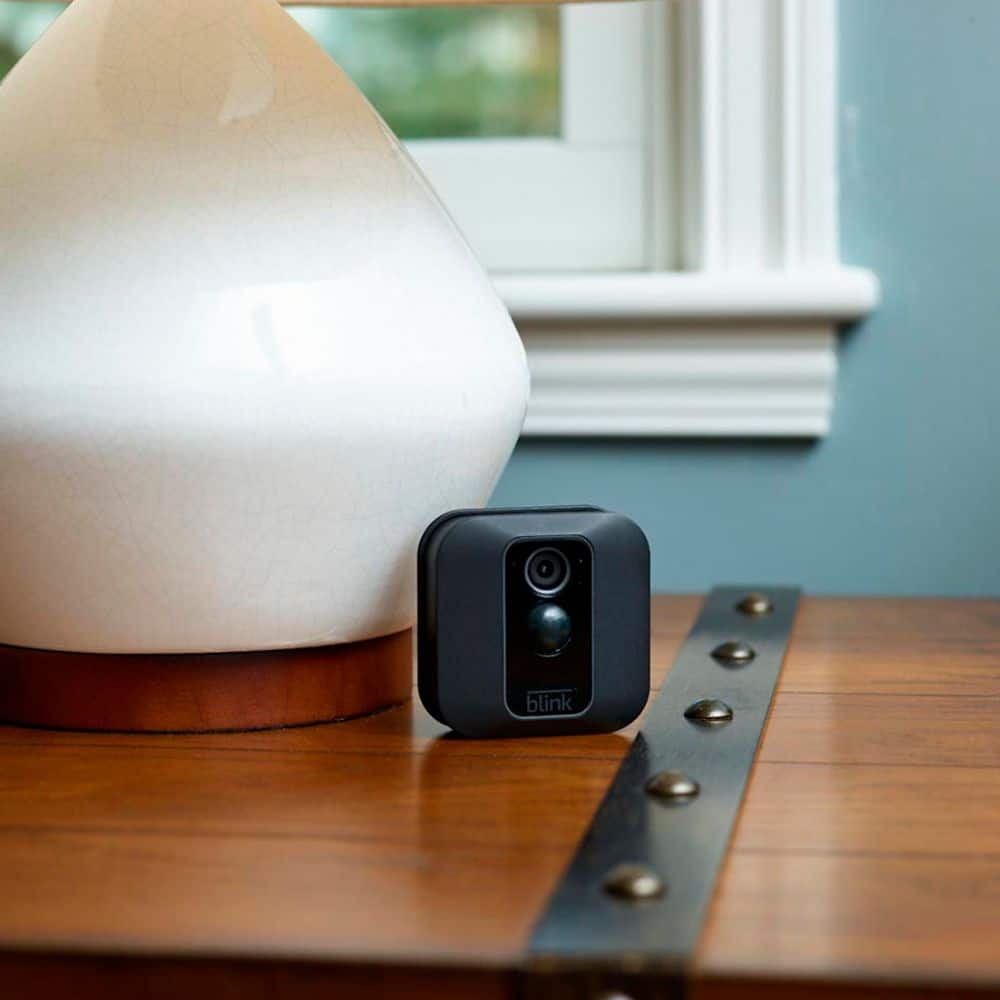
A:AnswerYou are able to add Blink cameras to your existing Blink System at anytime. You can have up to 10 Blink devices per sync module as long as they are all within the 100ft operating range of the sync module in any direction. The cameras on the sync module can be in any combination.
A:AnswerWe do not currently have a 4-camera XT2 system however we do have add-on cameras available that can be added to any existing Blink System. You are able to have up to 10 Blink devices per sync module as long as they are all within the 100ft operating range of the sync module in any direction. The cameras on the sync module can be in any combination.
A:AnswerAssuming a fairly standard home (single building, no unusually dense construction materials), the Sync Module should be able to communicate with Blink XT2 and Indoor camera units up to 100ft away in any direction. As far as how far away the system can be from the wireless router that would depend on the strength of your internet/WIFI, we recommend at least three bars of signal strength for optimal performance.
A:AnswerAssuming a fairly standard home (single building, no unusually dense construction materials), the Sync Module should be able to communicate with Blink XT2 and Indoor camera units up to 100ft away in any direction. As far as how far away the system can be from the wireless router that would depend on the strength of your internet/WIFI, we recommend at least three bars of signal strength for optimal performance. You are able to access the live view on the Blink XT2 cameras at anytime throguh the APP on your compatible mobile device and can save your live view sessions as well with the XT2 camera.
A:AnswerYou cannot currently access your Blink system from your computer. The Blink App is currently only compatible with iOS mobile devices running 10.3 or higher, Android mobile devices running version 5.0 (Lollipop) or higher and Fire OS mobile devices, running software version 5.1 or higher
A:AnswerI have the same issue. I used the camera's and the one in the back f the barn would be a little spotty. SO I got a wifi mess range extender for 104 and that fixed the issue. Now I have full service behind the barn. Works great now.