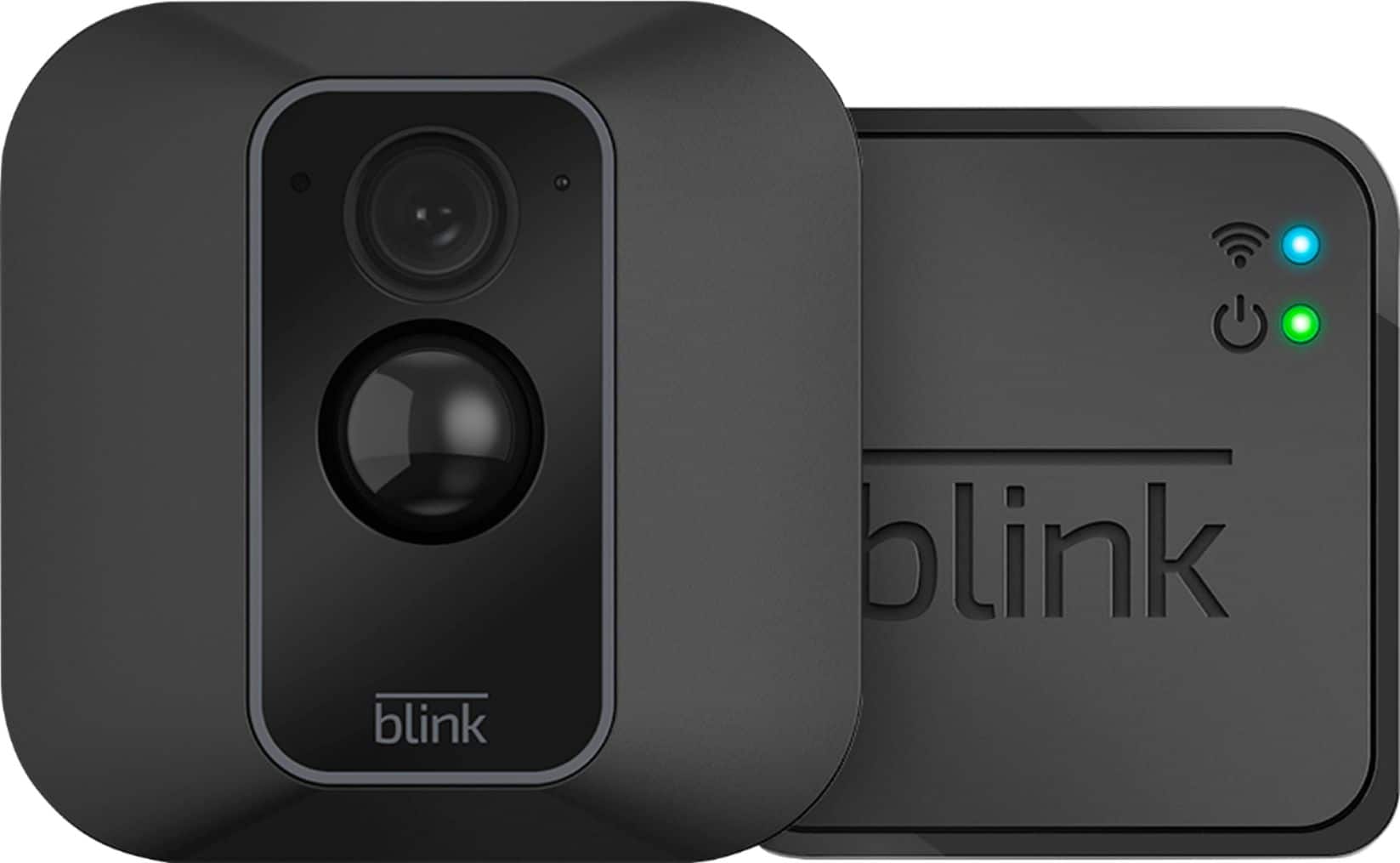
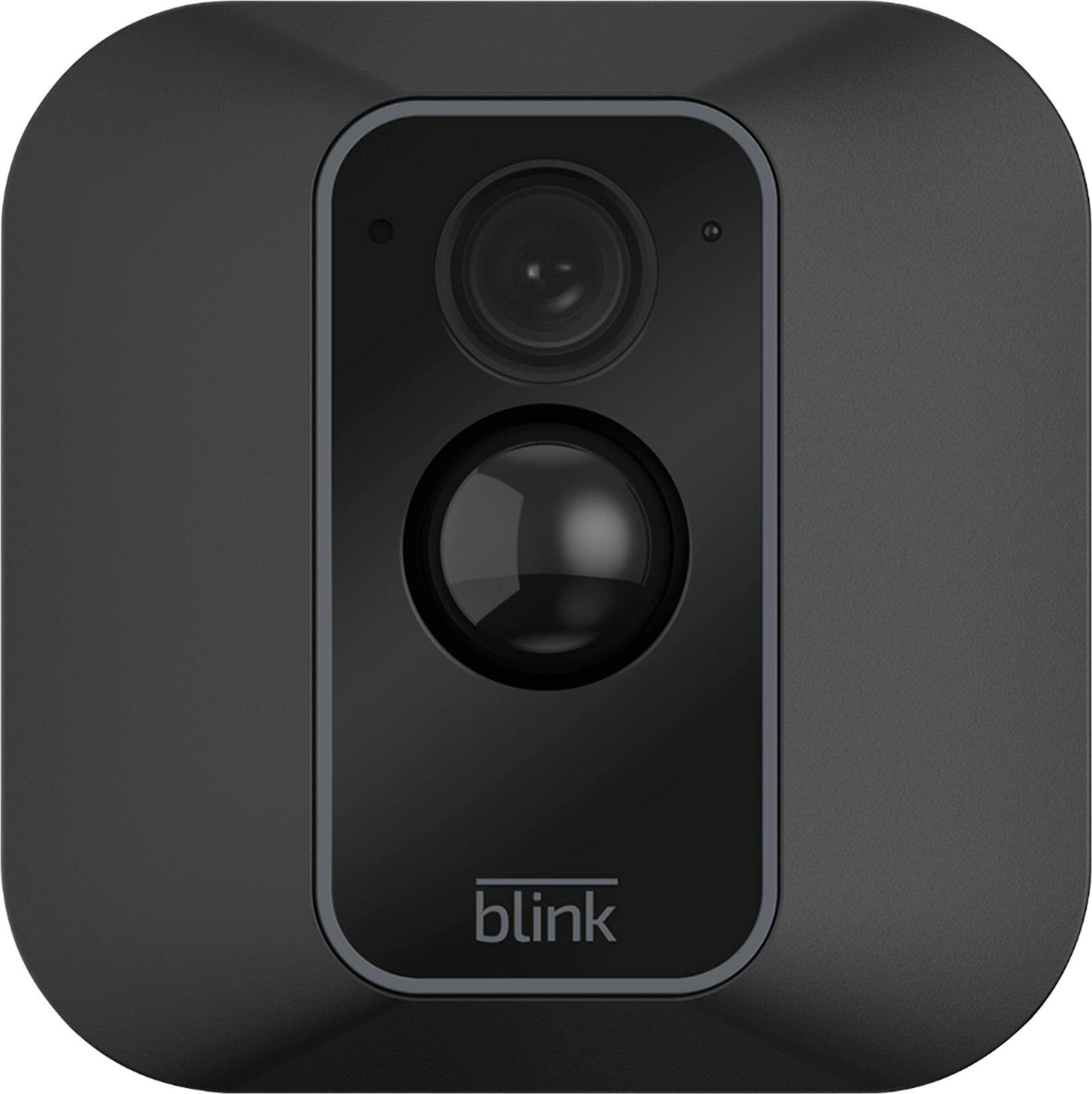
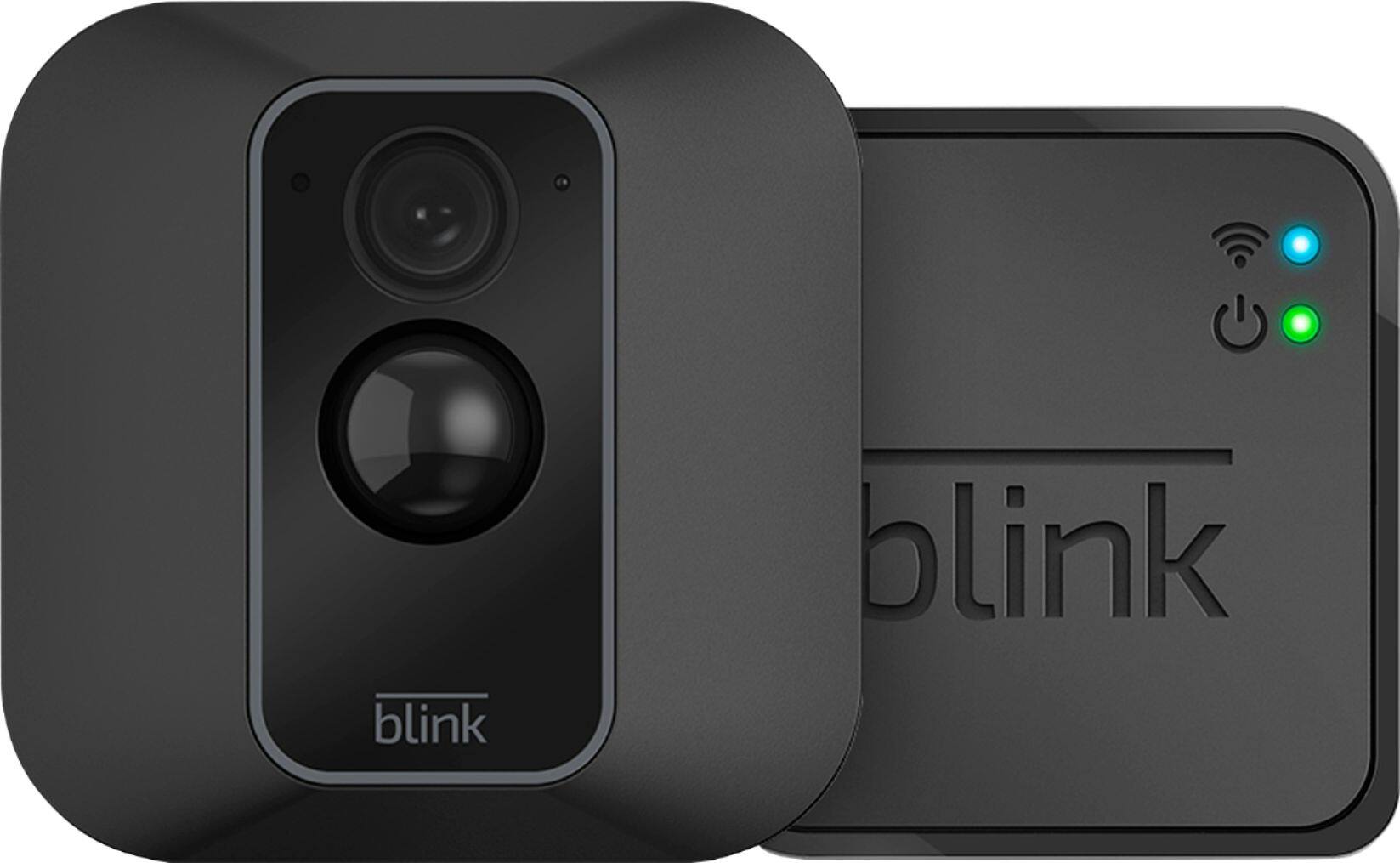
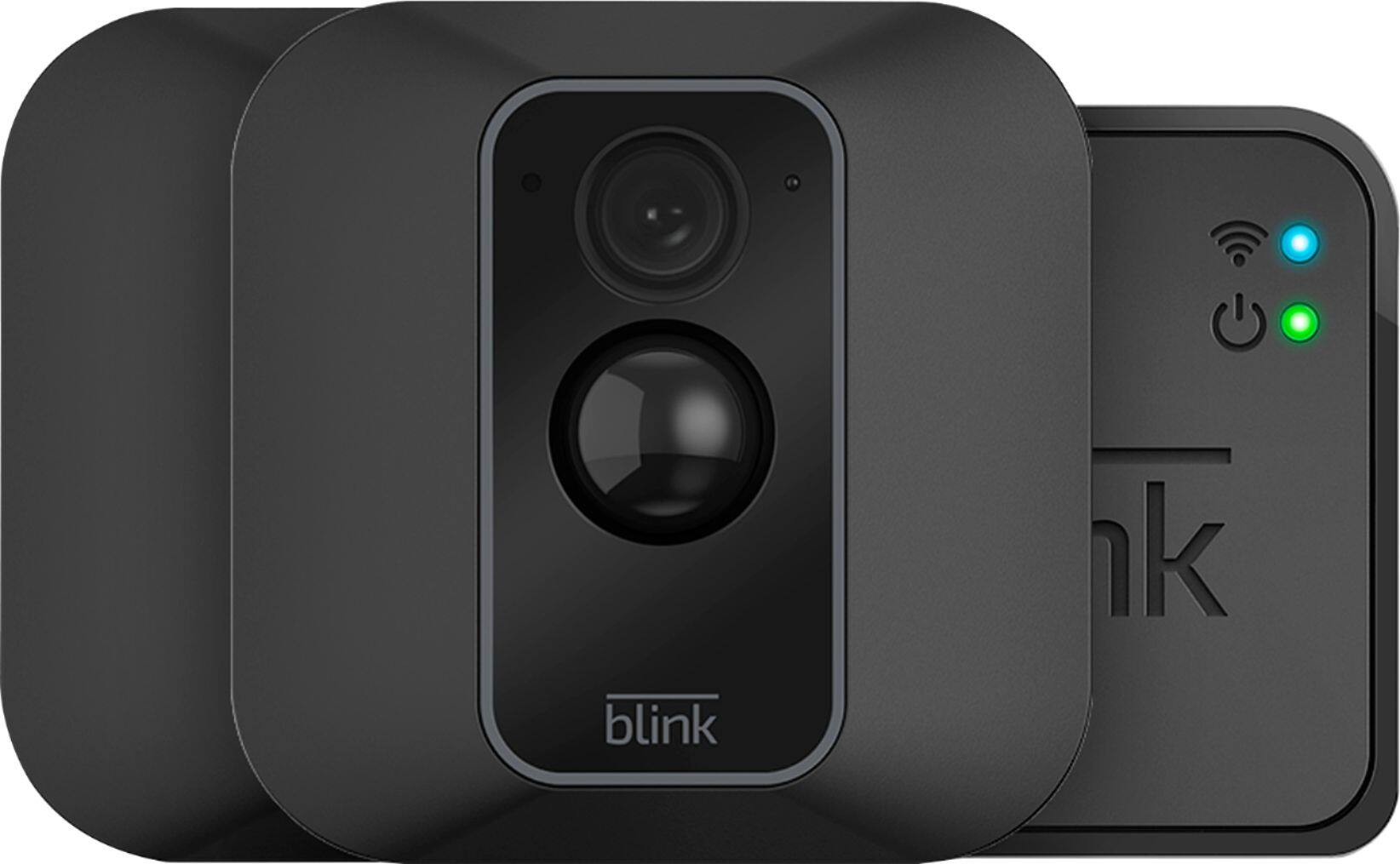
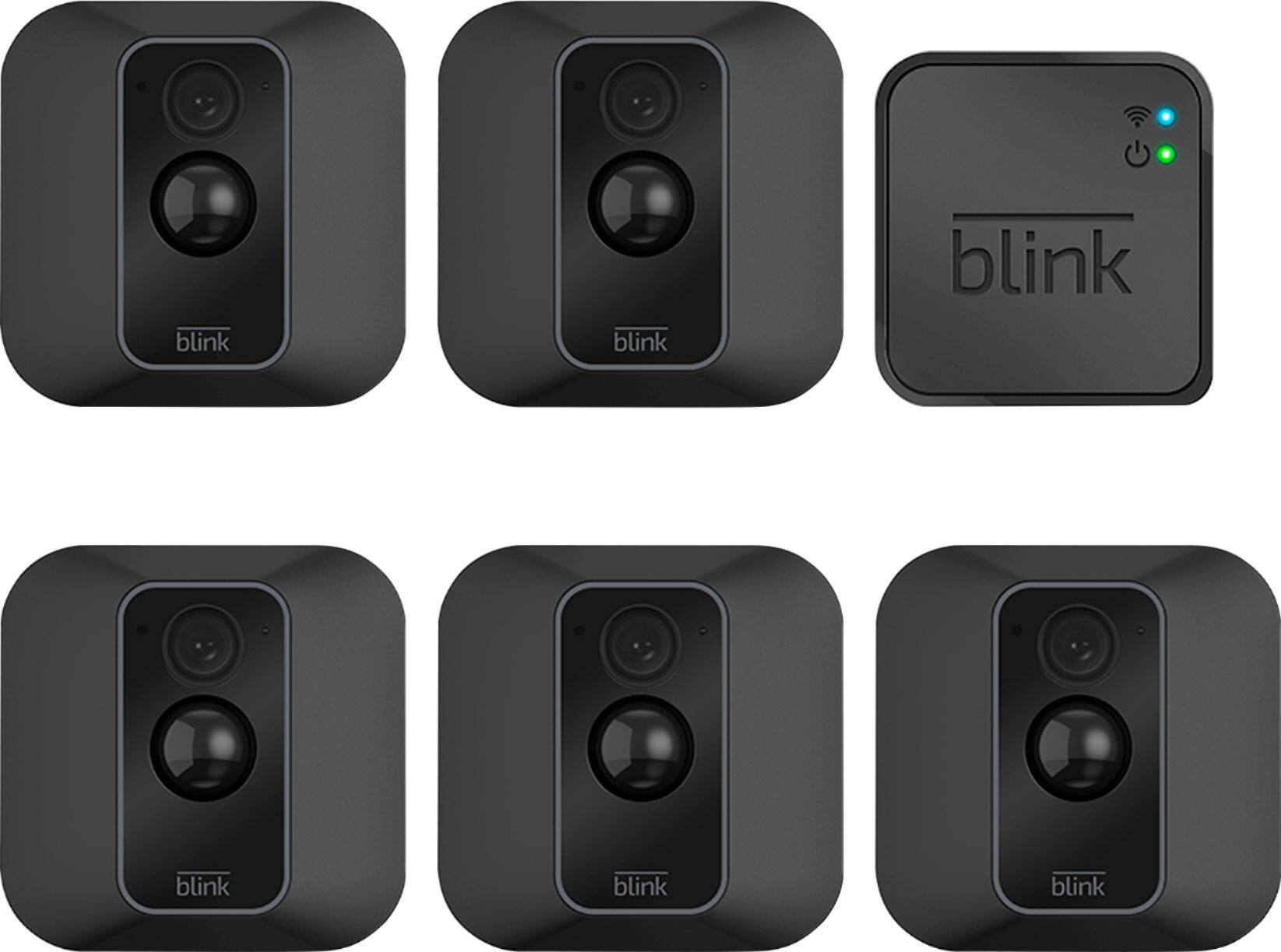
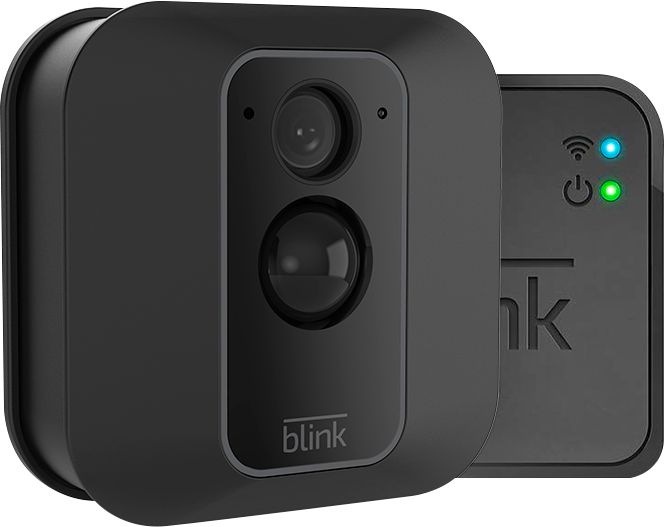
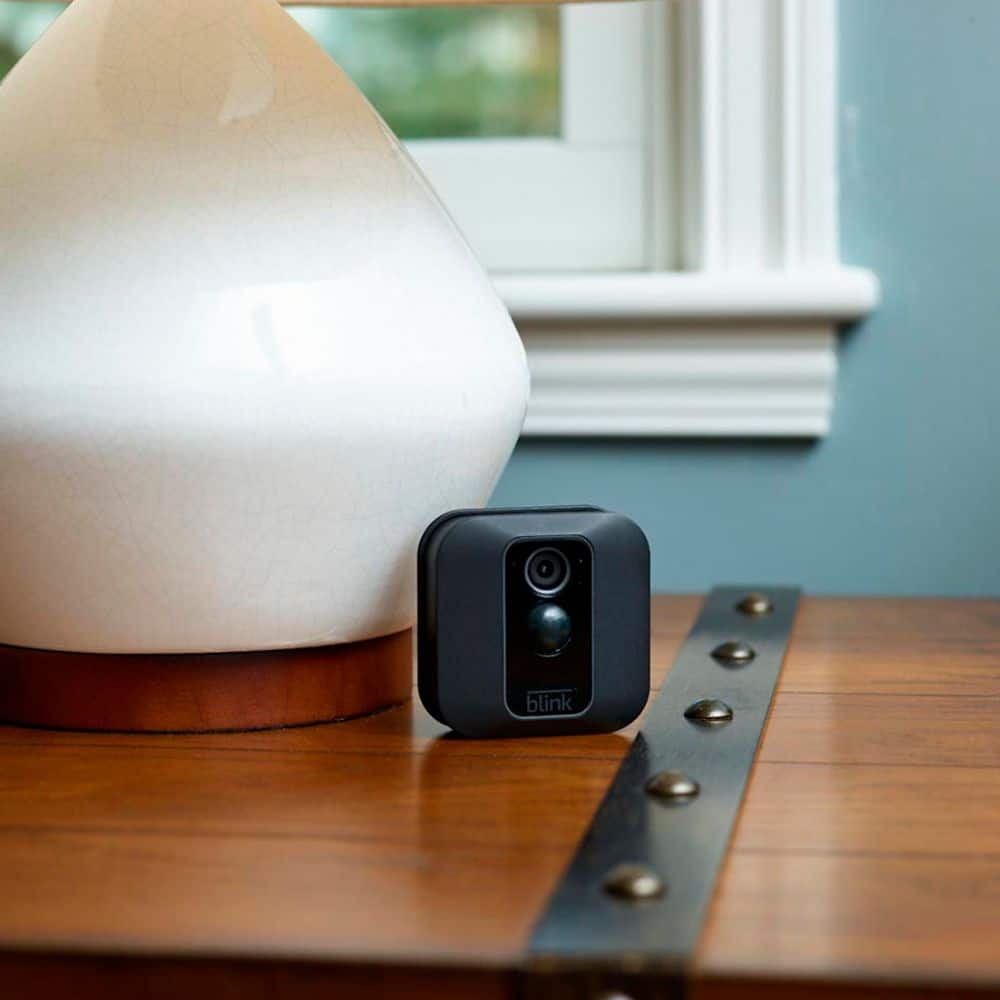
A:AnswerThe blink xt2 camera sensitivity is adjustable through the camera settings. You can also block out certain areas if you dont want them to be monitored.
A:AnswerBlink’s server provides each Sync Module for the XT2 cameras storage for up to 7,200 total seconds of video (or 1,440 five-second events) for as long as you like (no expiration). If you reach your storage limit, it will automatically delete the oldest clip in order to make room for the next one.
A:AnswerK, Assuming a fairly standard home (single building, no unusually dense construction materials), the Sync Module should be able to communicate with Blink units up to (and perhaps over) 100’ away in any direction. As far as how far away the system can be from your wireless router would depend on the strength of your internet/wifi, we recommend at least three bars of signal strength for optimal performance.
A:AnswerHere are our system requirements: A non-cellular 2.4 GHz Wi-Fi network (name and password) and high speed Internet connection (DSL, Cable, Fiber) with a minimum 2 Mbit/sec upload speed. Unfortunately, due to high latency issues, we do not recommend using Blink with Satellite providers. Please note that Blink is unable to gain internet access on networks that require authentication through a third-party login website.
A:AnswerThe Blink system does require a WiFi and Internet connection to operate - if it loses this connection, it will automatically resume normal operation as soon as this connection is restored.
A:AnswerAssuming a fairly standard home (single building, no unusually dense construction materials), the Sync Module should be able to communicate with Blink XT2 camera units up to 100ft away in any direction.
A:AnswerI would suggest you contact Blink customer service to be sure. I'm not sure how ADT connects because I've never used it. I can tell you that the Blink camera connects to a small unit that sits inside your house and that small unit connects to your router. I live in an apartment with brick walls and the camera would not connect with sufficient speed when placed in one spot, but connects just fine when placed in another.
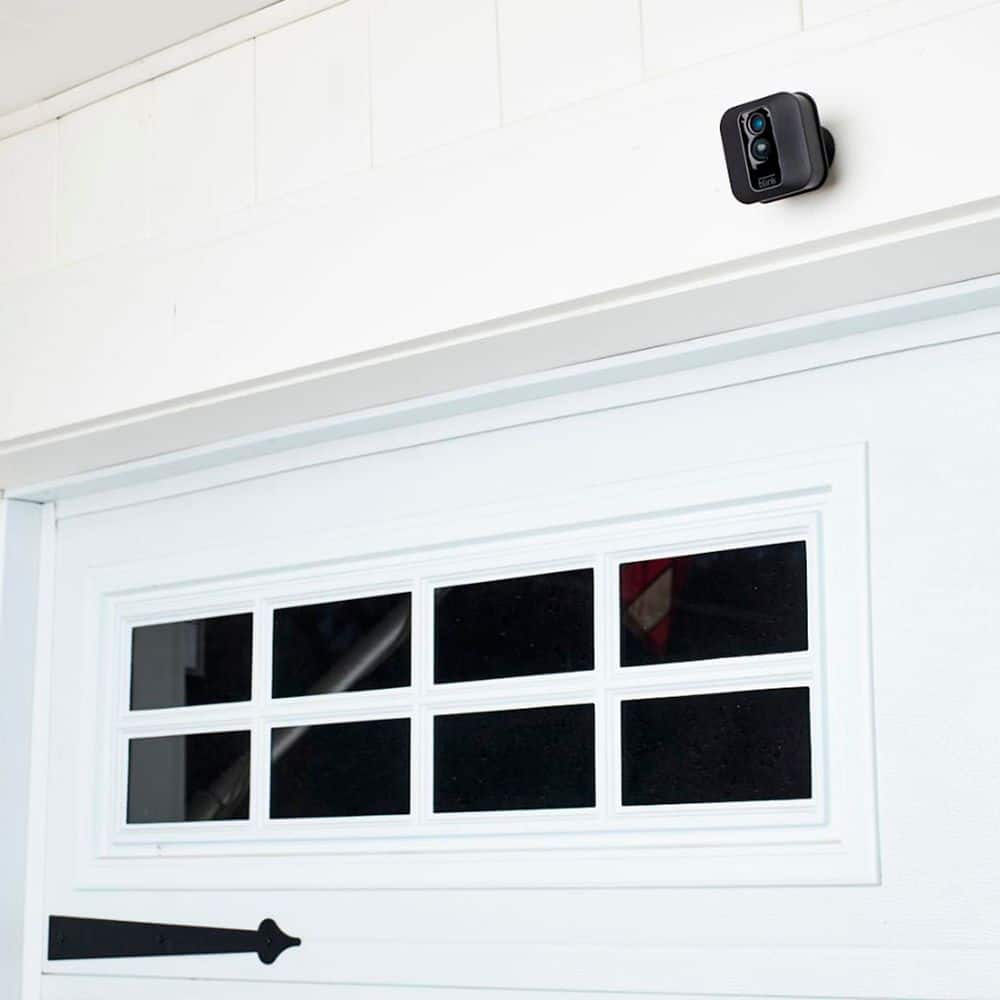
A:AnswerWe do ship each Blink XT2 with a mount and the mounting hardware. Please note, use of the included screws for the mount will create two holes in the surface of the wall.
A:AnswerIt is easy to install the cameras yourself. You connect the sync module and cameras to your wifi and then install the cameras. I am far from being a handyman but I was able to do it myself. The camera comes with a mounting bracket and screws but there are many cases and additional mounting brackets that can be purchased separately to make it fit your needs. All it takes is finding the right placement for your cameras, mounting, and screwing.
A:AnswerThis camera is amazing because you can adjust zones. You can adjust what zone of the frame you want motion detected or not. So say you have a pet bird in his cage, directly where you mounts your camera. You can select the zones where the bird is at and it won’t pick up motion from the zones you select. You can also arm and disarm the camera on heavy traffic days you are home. Really great features for a great value
A:AnswerAssuming a fairly standard home (single building, no unusually dense construction materials), the Sync Module should be able to communicate with Blink camera units up to 100ft away in any direction.
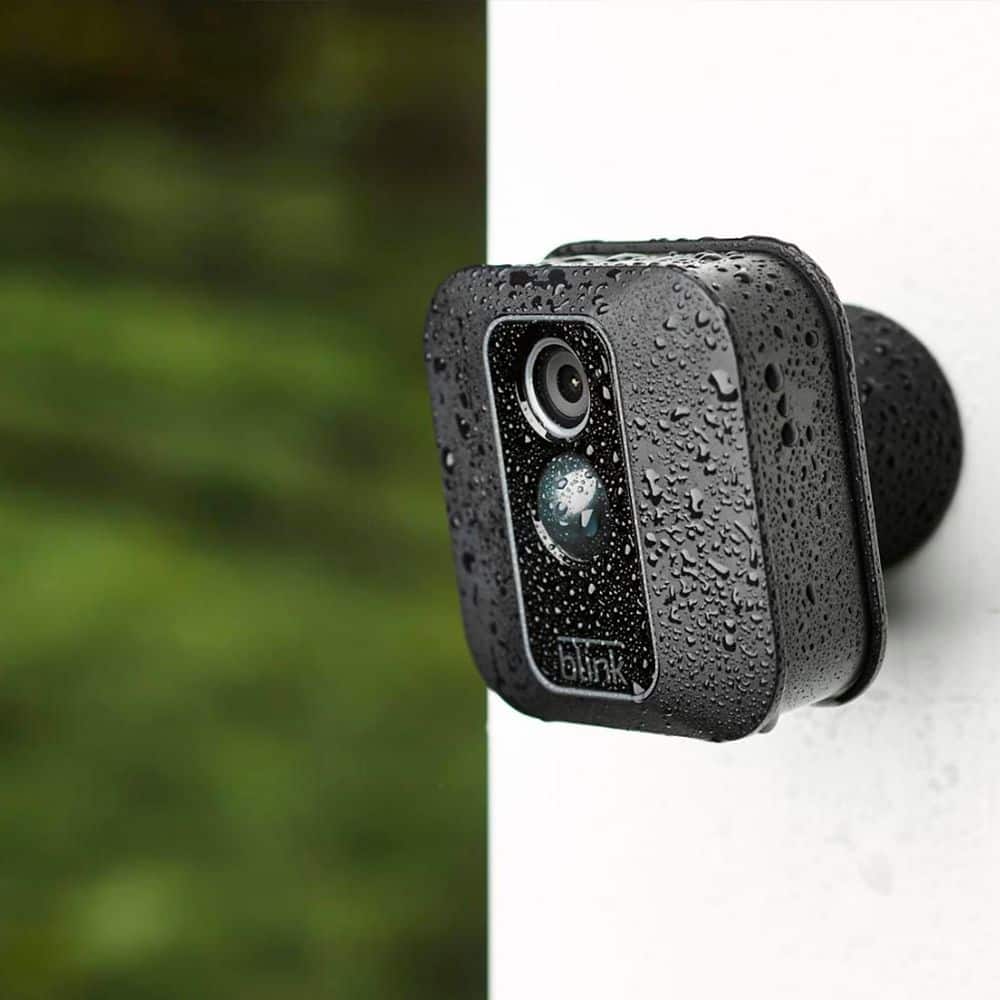
A:AnswerThe blink xt2 outdoor cameras are weatherproof but you can get some silicone covers if you want some extra protection. The cameras can run on mifi but you'll need a good speed and range on your mifi.