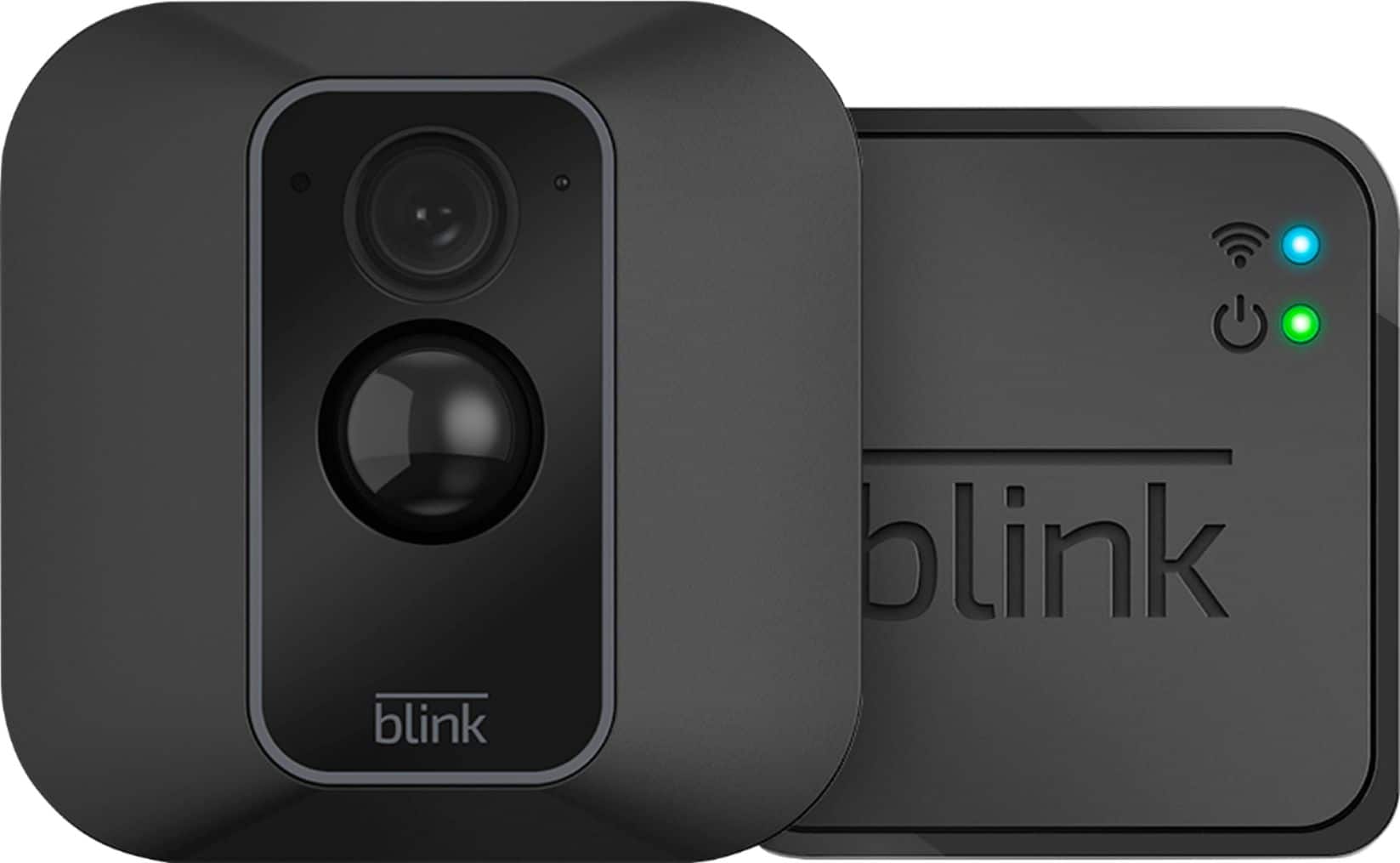
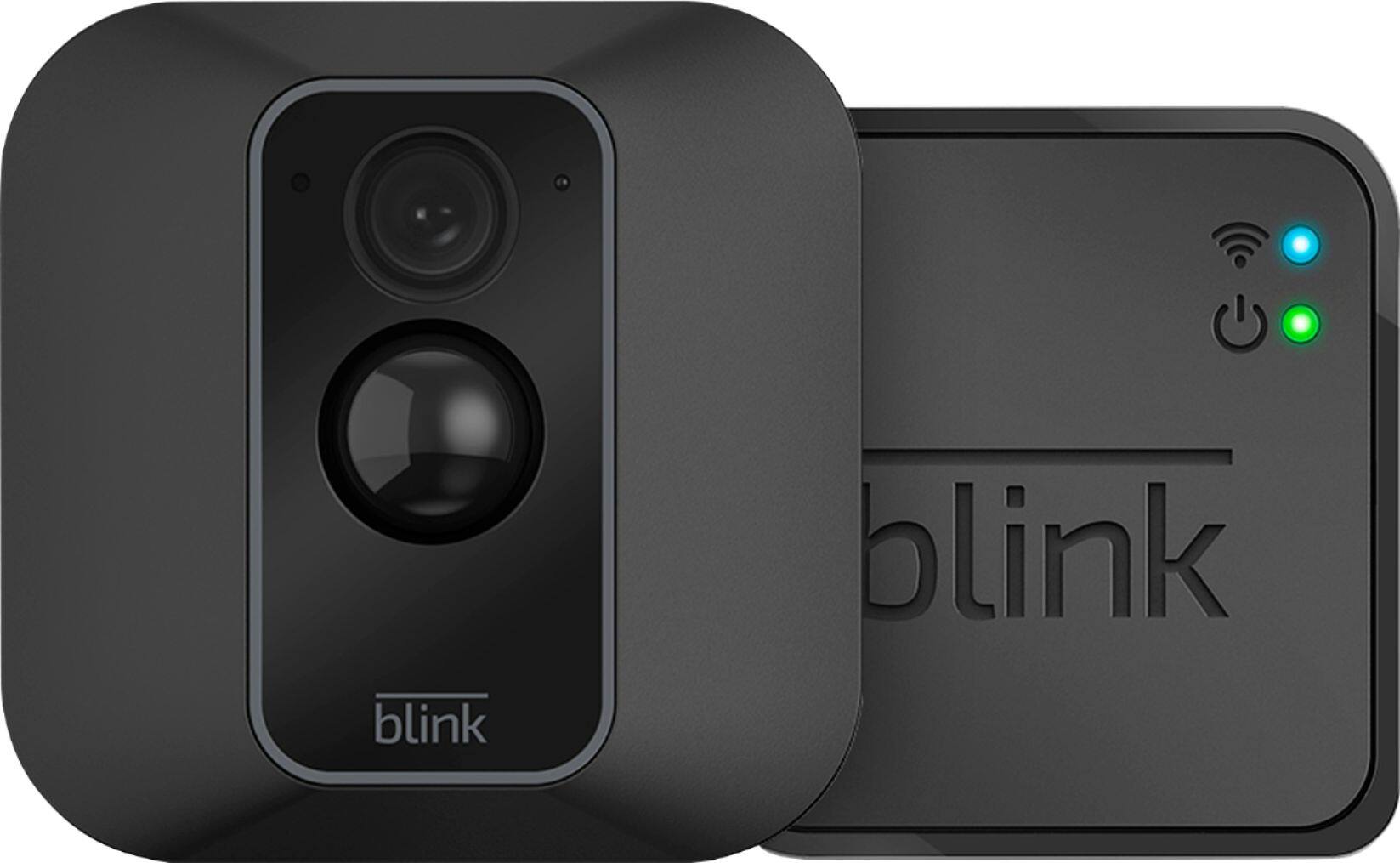
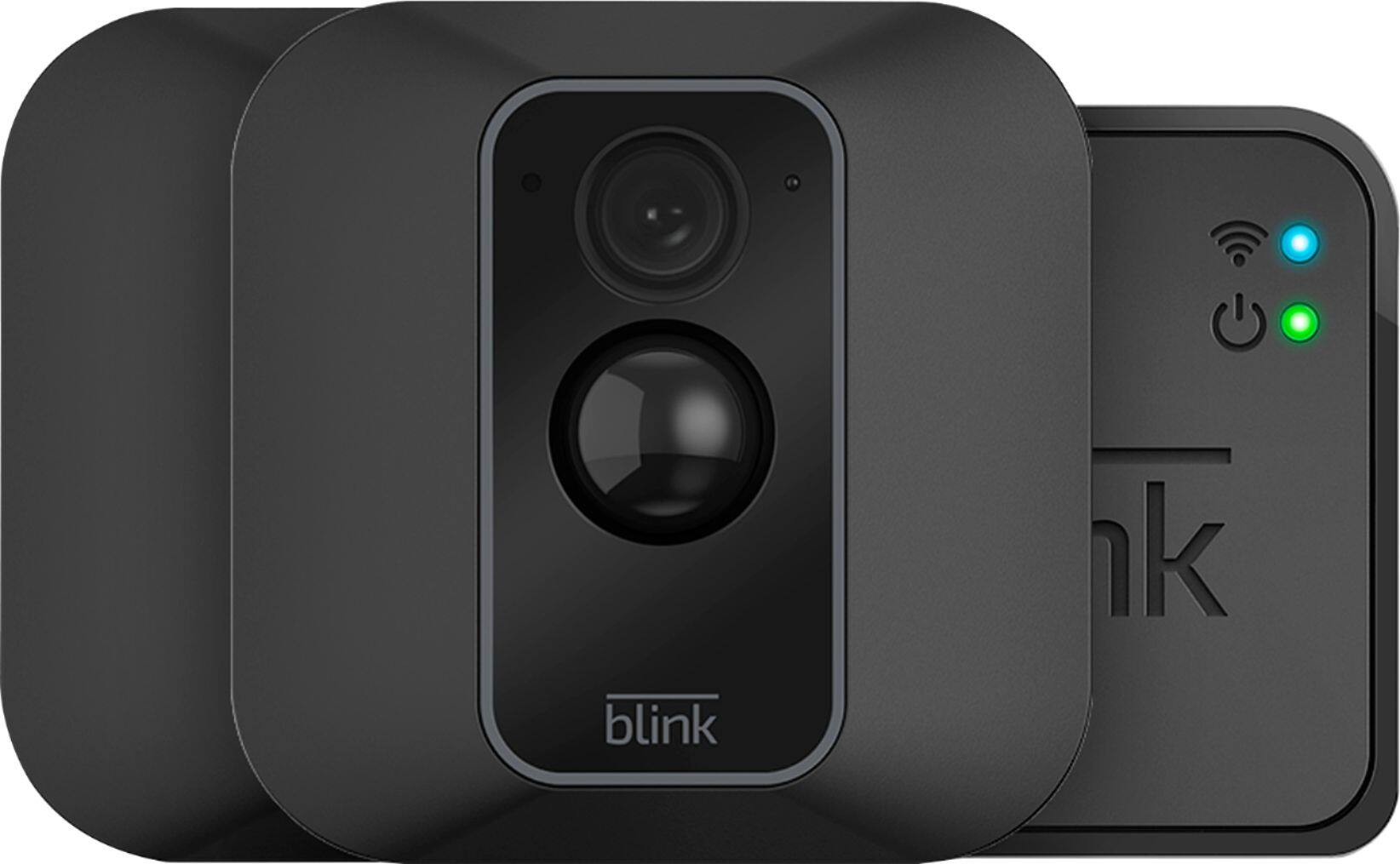
A:AnswerIt records anywhere from 5s to 60s with an early termination of recording if no motion is detected.
There is also a Retrigger time, meaning between clips there is a duration of at least 10 second, the camera will NOT record!!
A:AnswerThe batteries that are shipped with the Blink cameras are not rechargeable and we do not recommend using rechargeable batteries as they may cause issues with the cameras. Blink camera batteries should be replaced by Energizer Ultimate 1.5v Lithium AA batteries or the equivalent.
A:AnswerBlink’s server provides each Sync Module storage for up to 7,200 total seconds of video (or 1,440 five-second events) for as long as you like (no expiration). If you reach your storage limit, it will automatically delete the oldest clip in order to make room for the next one. You are able to set clips to automatically delete based on a time limit. By default, this is set to 14 days, but you can also change that to 3 days, 7 days, 30 days, and 1 year. You are also able to manually delete clips at anytime and any important clips can also be saved to your mobile device at anytime by using the share feature on the clip within the clip roll folder of the APP.
A:AnswerCamera turns on almost immediately, then you get an alert on your phone a couple seconds later. They run off of 2 lithium aa batteries that come with it
A:AnswerYou cannot currently access your Blink system from your computer. The Blink App is currently only compatible with iOS mobile devices running 10.3 or higher, Android mobile devices running version 5.0 (Lollipop) or higher and Fire OS mobile devices, running software version 5.1 or higher