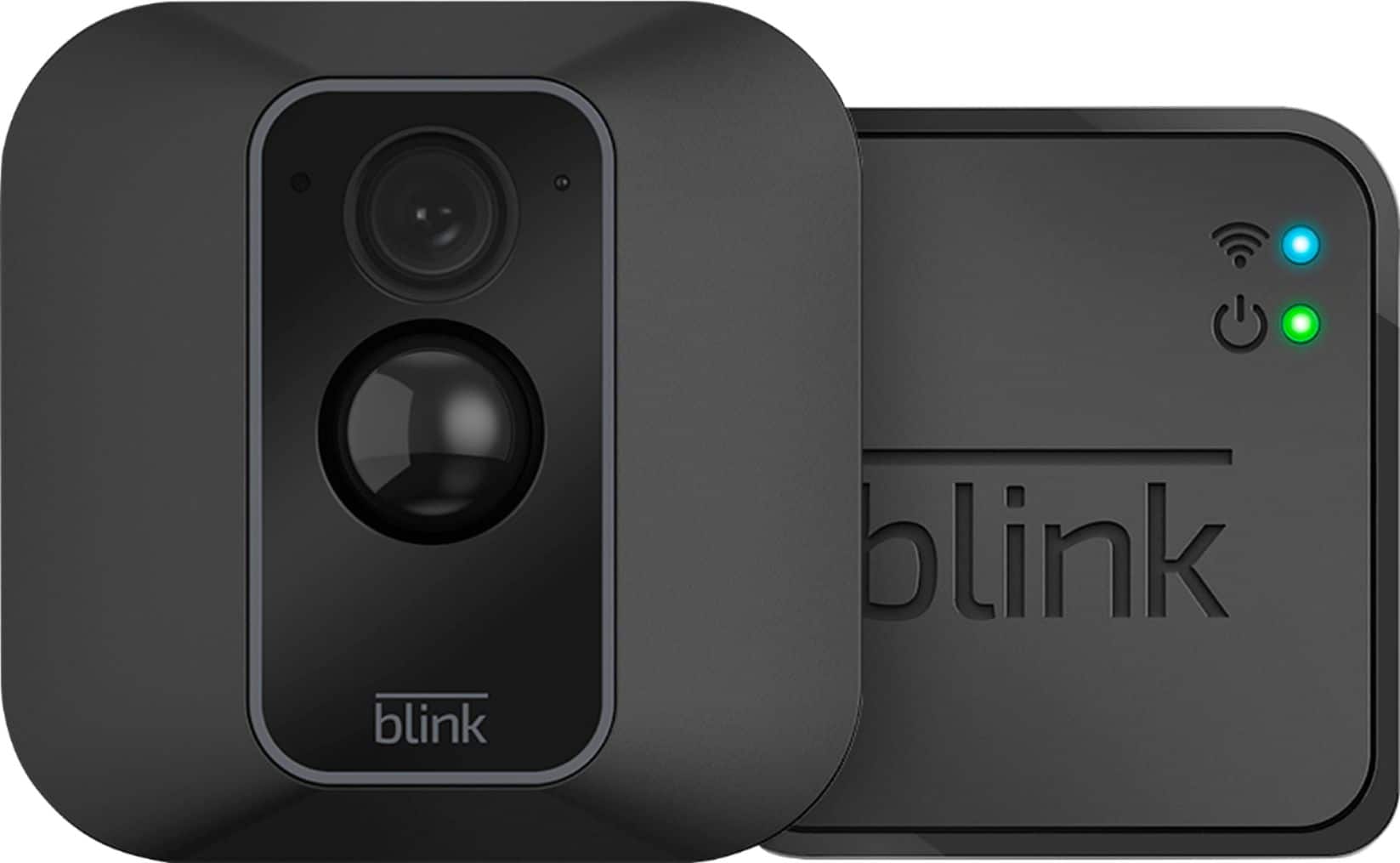
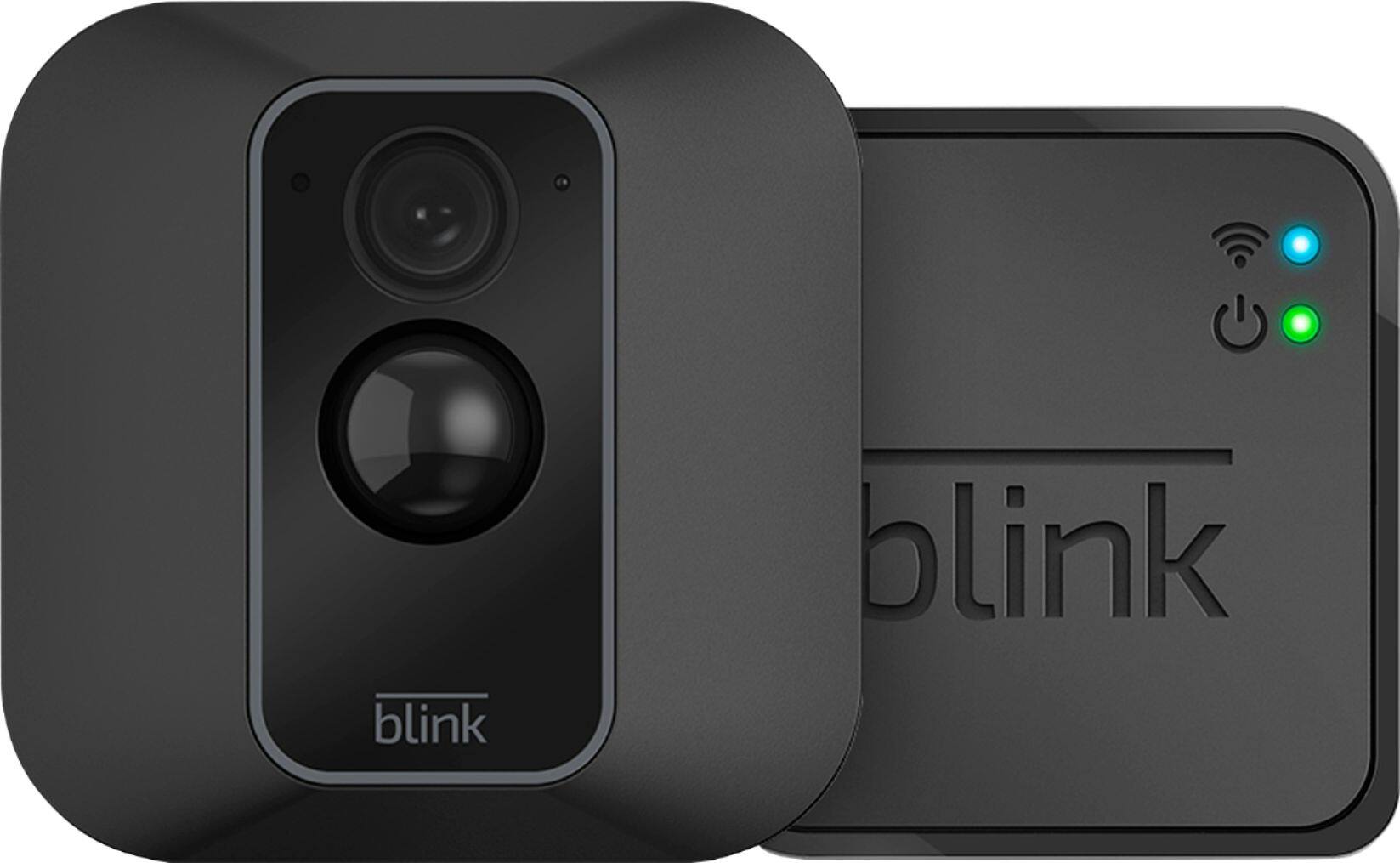
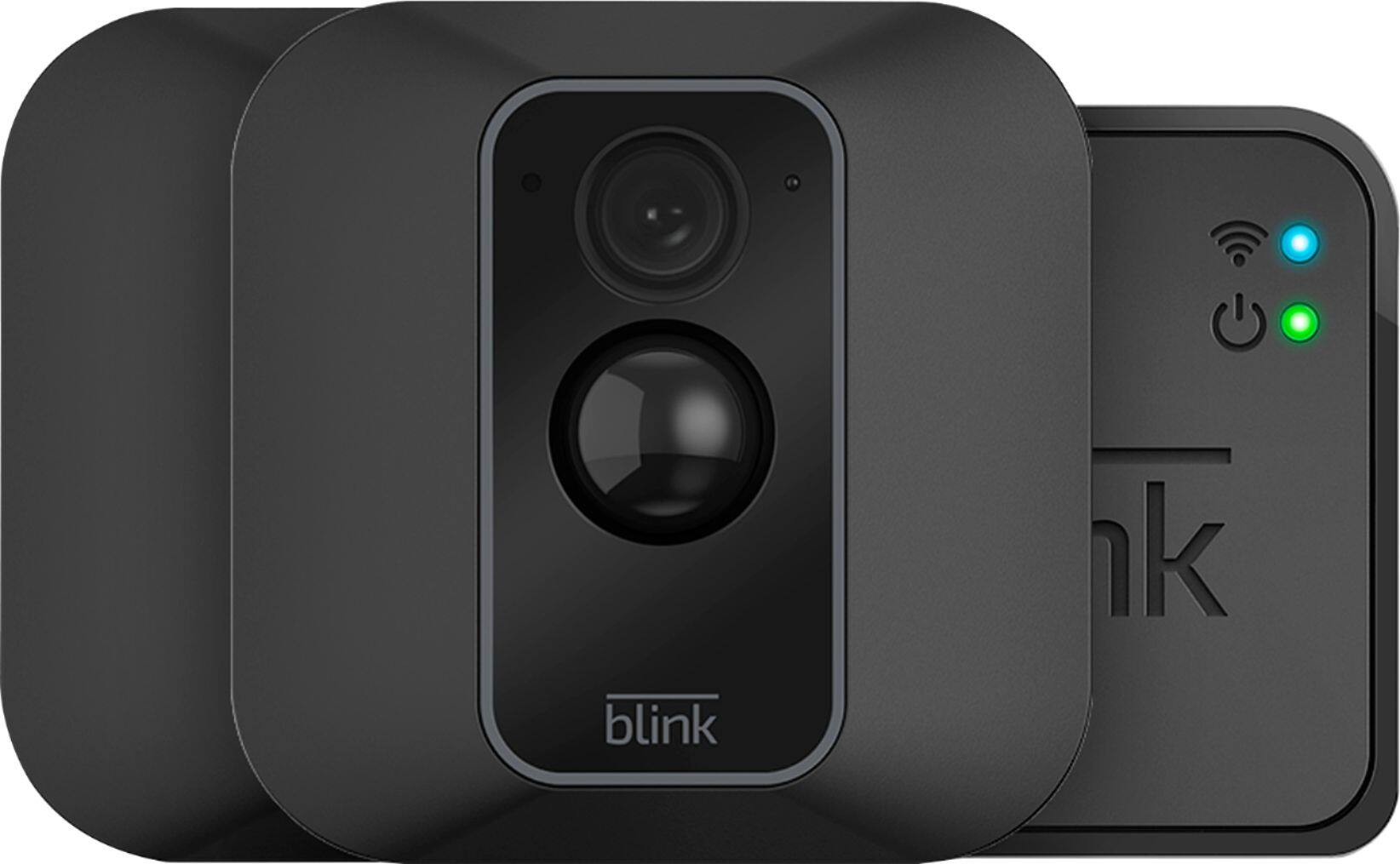
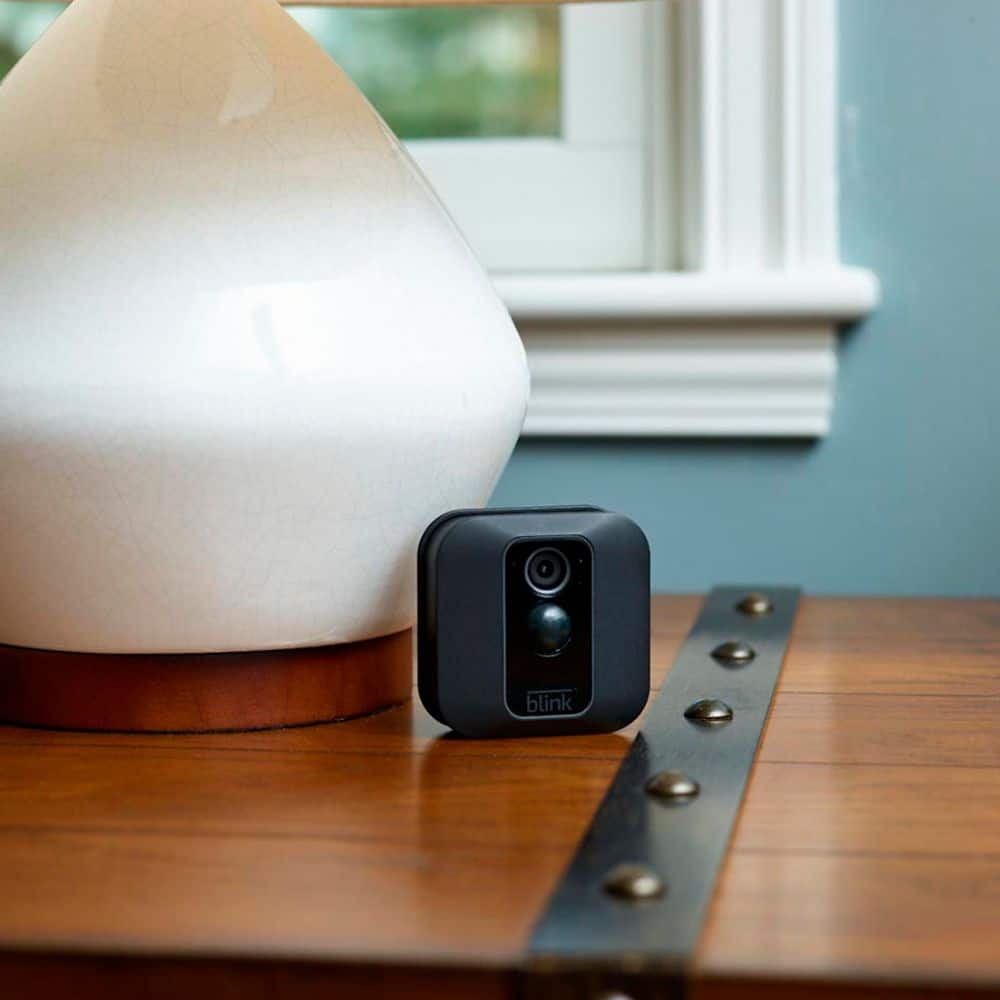
A:AnswerThe Blink cameras, when armed record clips based on motion detection, any recorded motion clips would be found within the clip roll folder of the APP on your compatible mobile device.
A:AnswerI'm in PA about an hour north of Philly. Be more worried about humidity building up on the lens during the summer and frost in the winter. This image is from Aug 26 2019 at around 6:30 am. You can barely see the deer in the bottom left of the image because of dew on the lens.
A:AnswerYou are able to set-up and access separate Blink Systems from the same account by using our multi-system support feature. With our multi-system support feature, you can access and use two or more (up to 5) separate Blink systems from the same Blink App account.
A:AnswerNo, Blink cameras work on 2.4Ghz WiFi networks for improved range and stability, however, if you have a 5Ghz router, it should also broadcast 2.4Ghz. I have the eero mesh network in my home and while it doesn’t differentiate between the two channels, it broadcasts both and connects the devices to the channel it’s best suited for. I had no issues at all setting these up and connecting them to my eero network
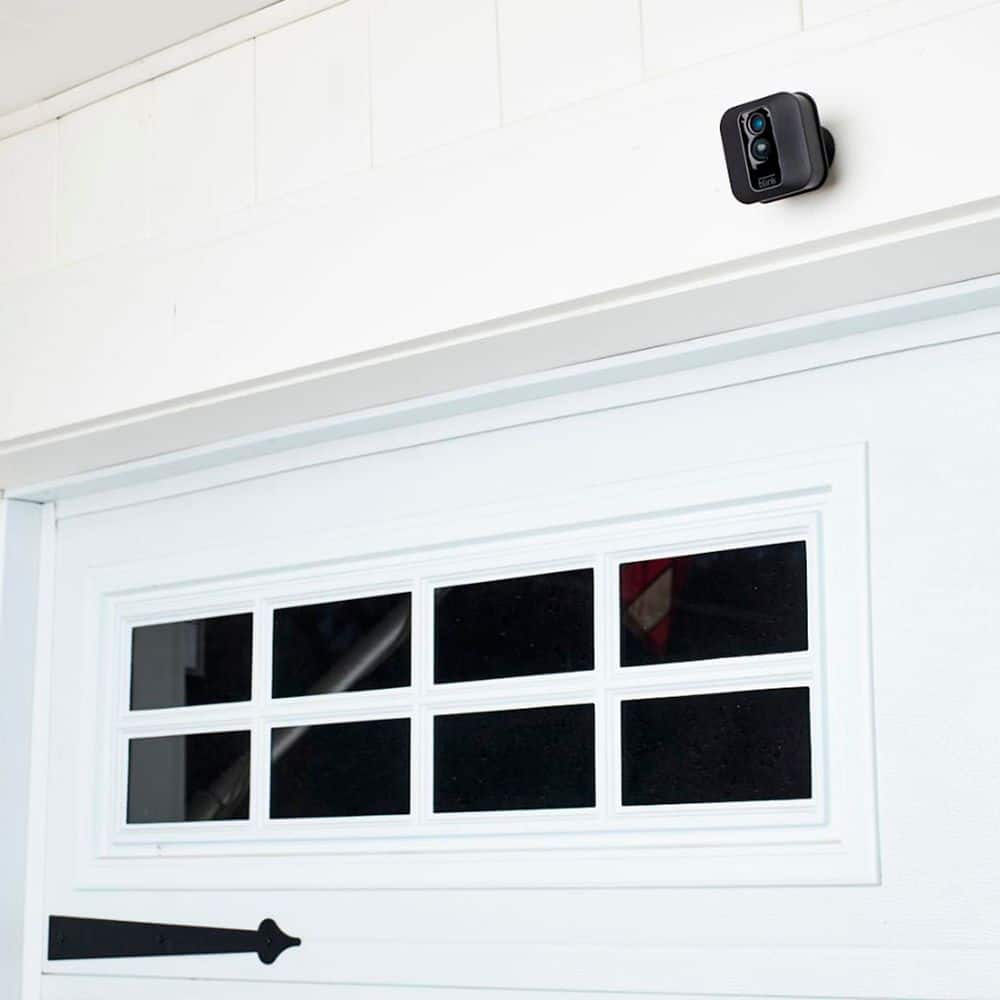
A:AnswerWe do ship each camera with a mount and mounting hardware. Please note, use of the included screws for the mount will create two holes in the surface of the wall.
A:AnswerYes, WiFi is a necessity for these. They don’t have internal storage and the only way they capture the recordings is by uploading them to the cloud for you to access on your phone. Also, without WiFi, there would be no way to set them up or view the recordings and live footage.
A:AnswerNo, it is capable of running on a DC adaptor, but you have to buy that separate and plug it into the back of the camera, this will also compromise the camera’s water resistance. You are better off using the batteries. I think you will be pleasantly impressed with the battery life as long as you don’t max out all the settings.
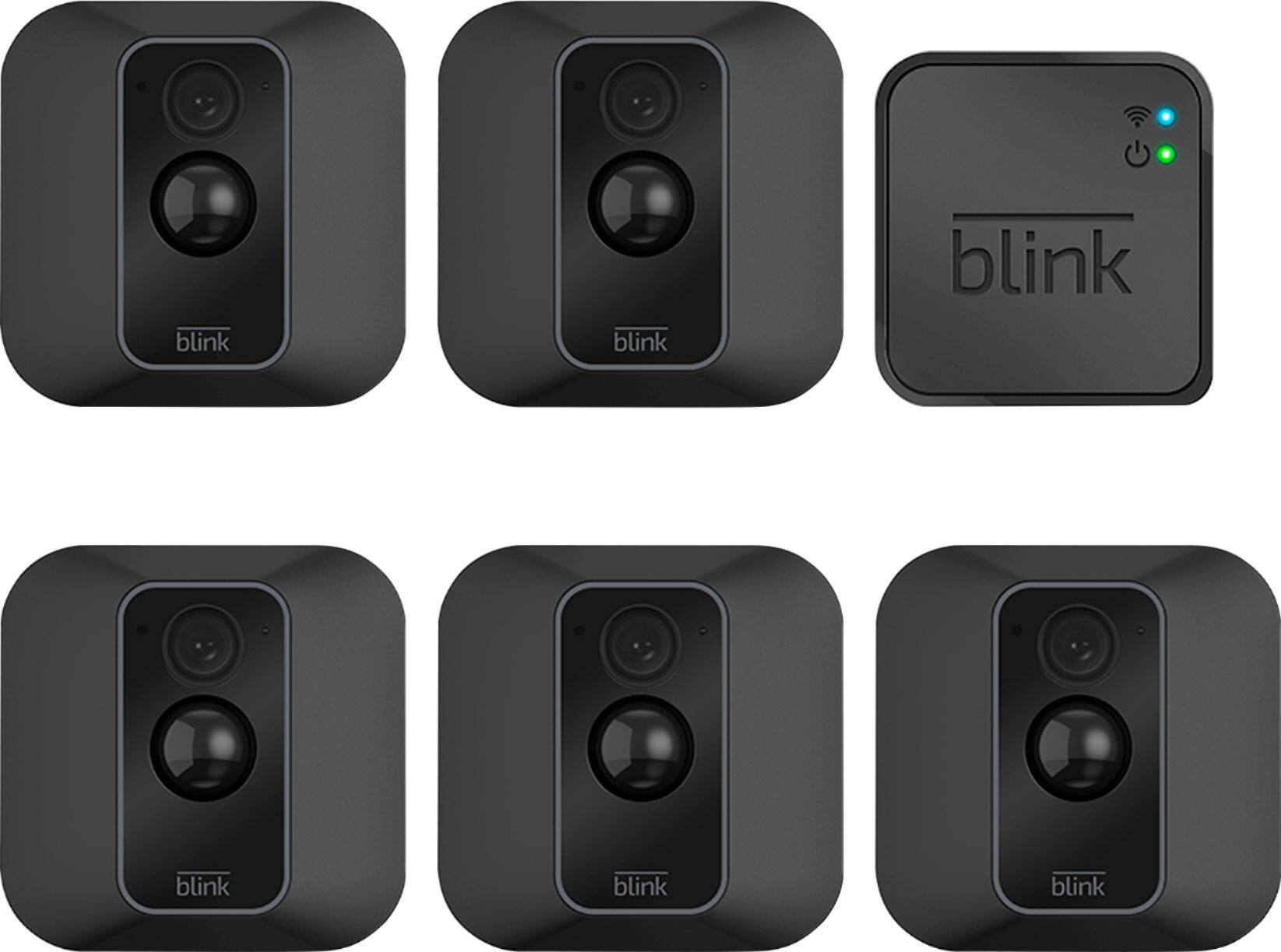
A:AnswerYou can have up to 10 Blink devices per sync module as long as they are all within the 100ft operating range of the sync module in any direction. The cameras on the sync module can be in any combination.
A:AnswerBlink’s included mount will allow you to easily adjust the positioning of, and pan, tilt or swivel the camera. Blink’s positioning and/or view cannot be controlled via the app.
A:AnswerYou are able to add Blink cameras to your existing Blink System at anytime. You can have up to 10 Blink devices per sync module as long as they are all within the 100ft operating range of the sync module in any direction. The cameras on the sync module can be in any combination.
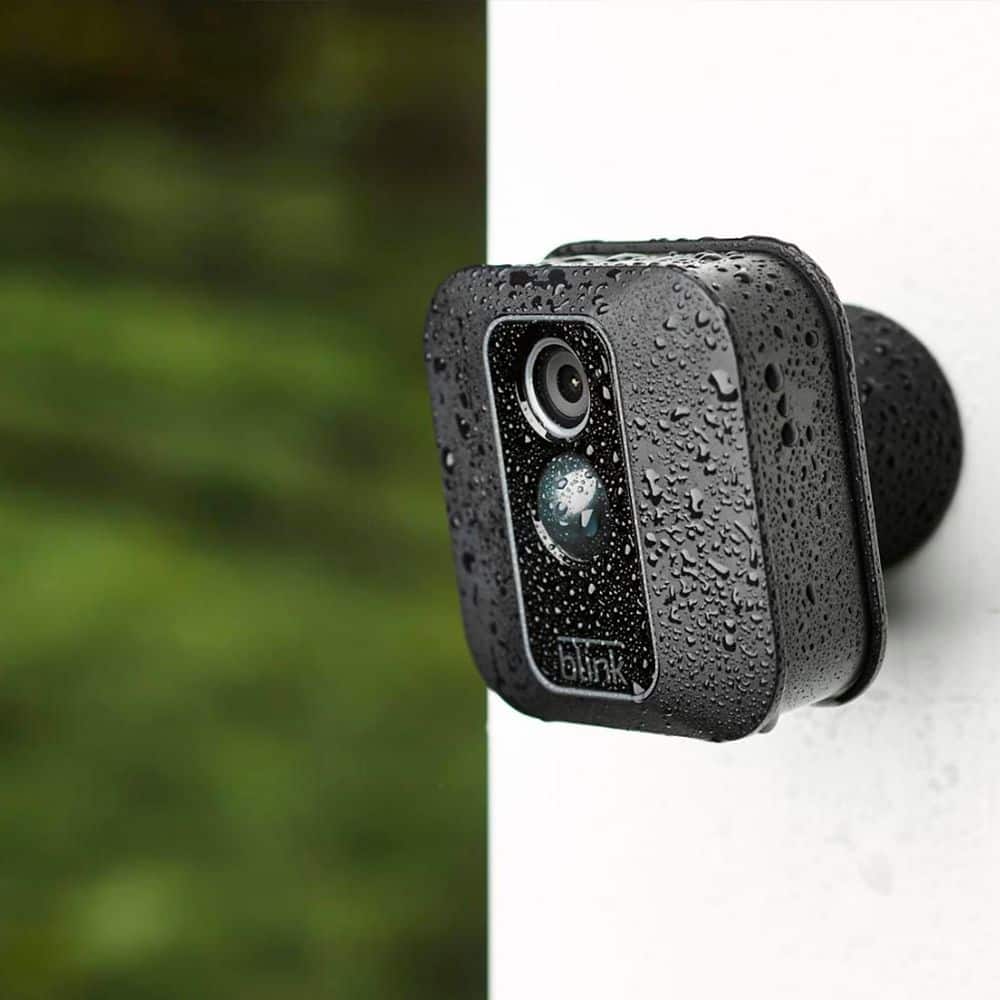
A:AnswerThe Blink XT2 cameras have an operating temperature range of -4° to 113° F (-20° to 45° C). The Blink XT2 camera is IP-65 rated to ensure that the water-resistant unit delivers clear, HD quality video no matter the forecast!
A:AnswerWhile the Blink System does integrate with the Amazon Alexa-enabled devices you do not need one of these to operate the Blink System, The Blink App is currently compatible with any iOS devices running version 10.3 or higher, Android devices running version 5.0 (Lollipop) or higher and Fire OS mobile devices, running software version 5.1 or higher Devices: iPhone, iPad, iPod touch, Android device and/or Fire HD 8, Fire HD 10, Fire (7"), Fire (8"), and Fire (10")