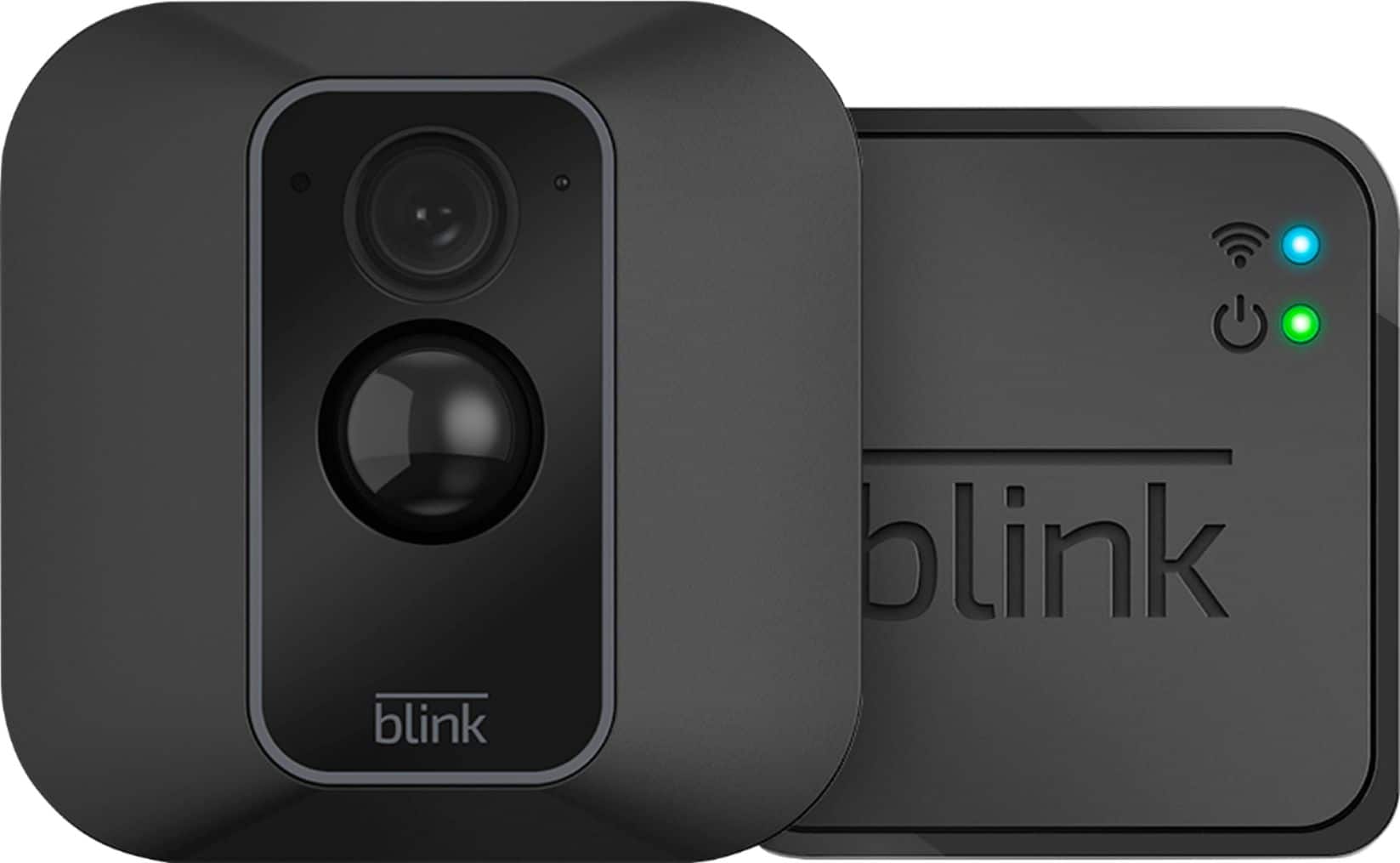
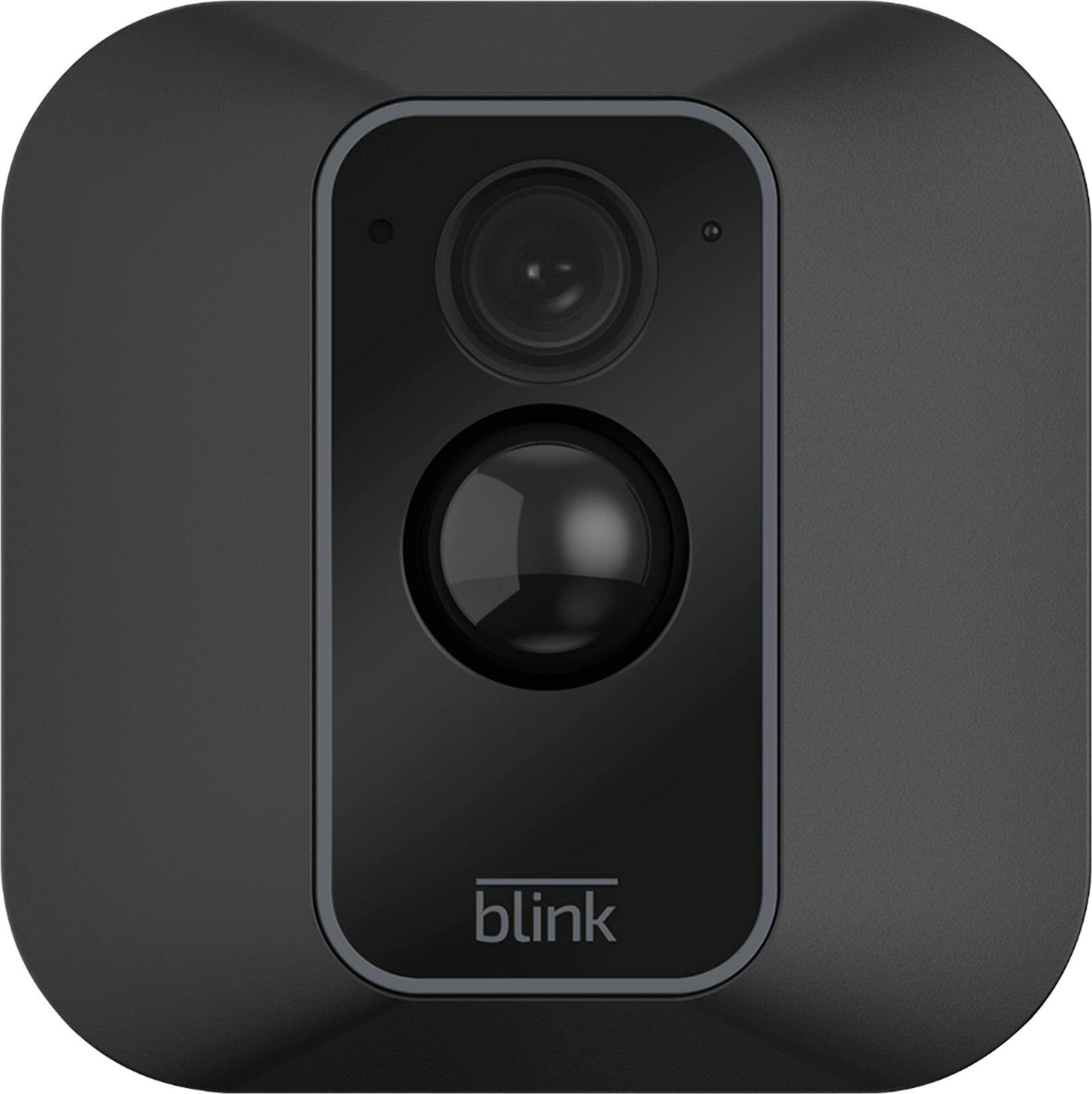
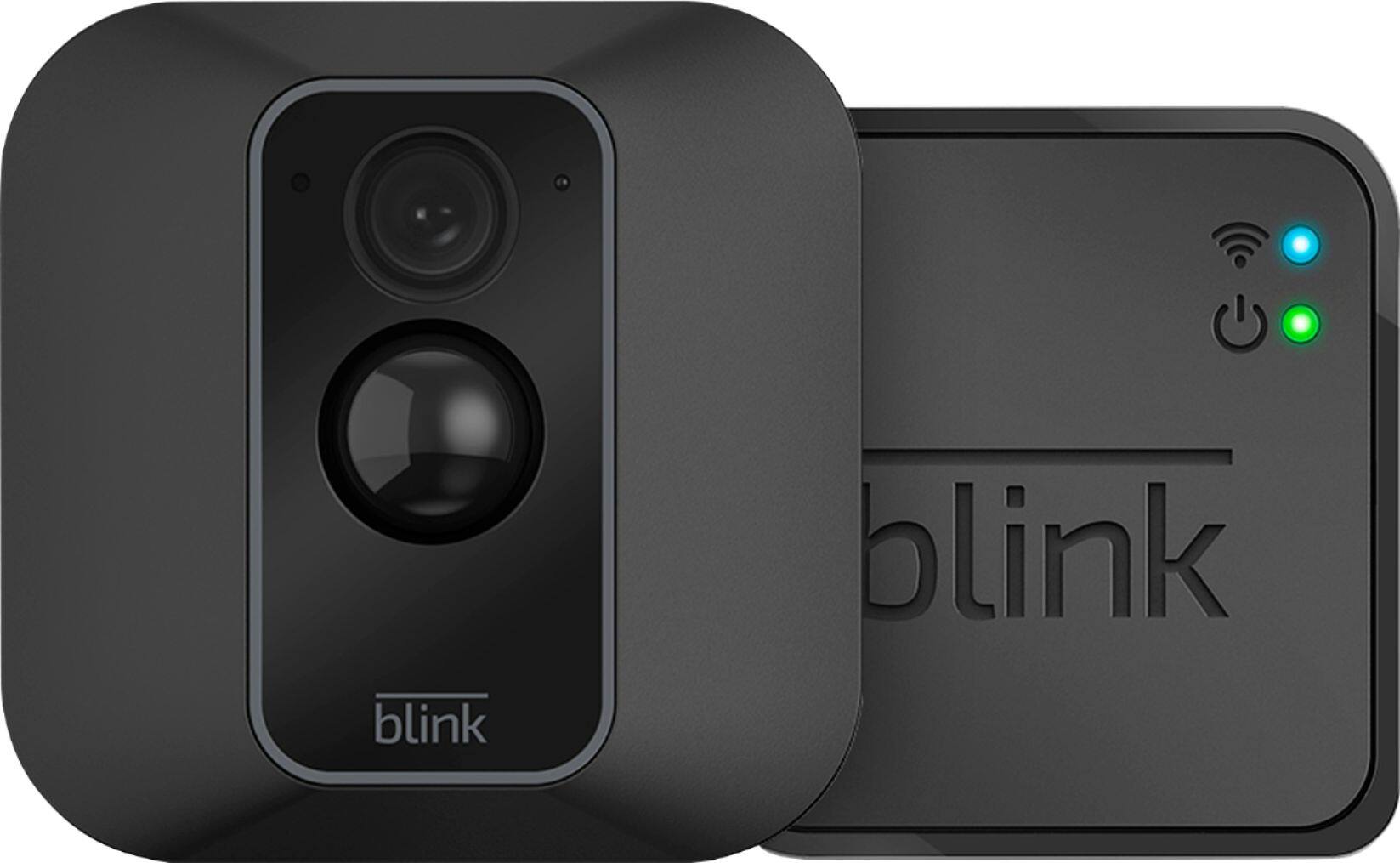
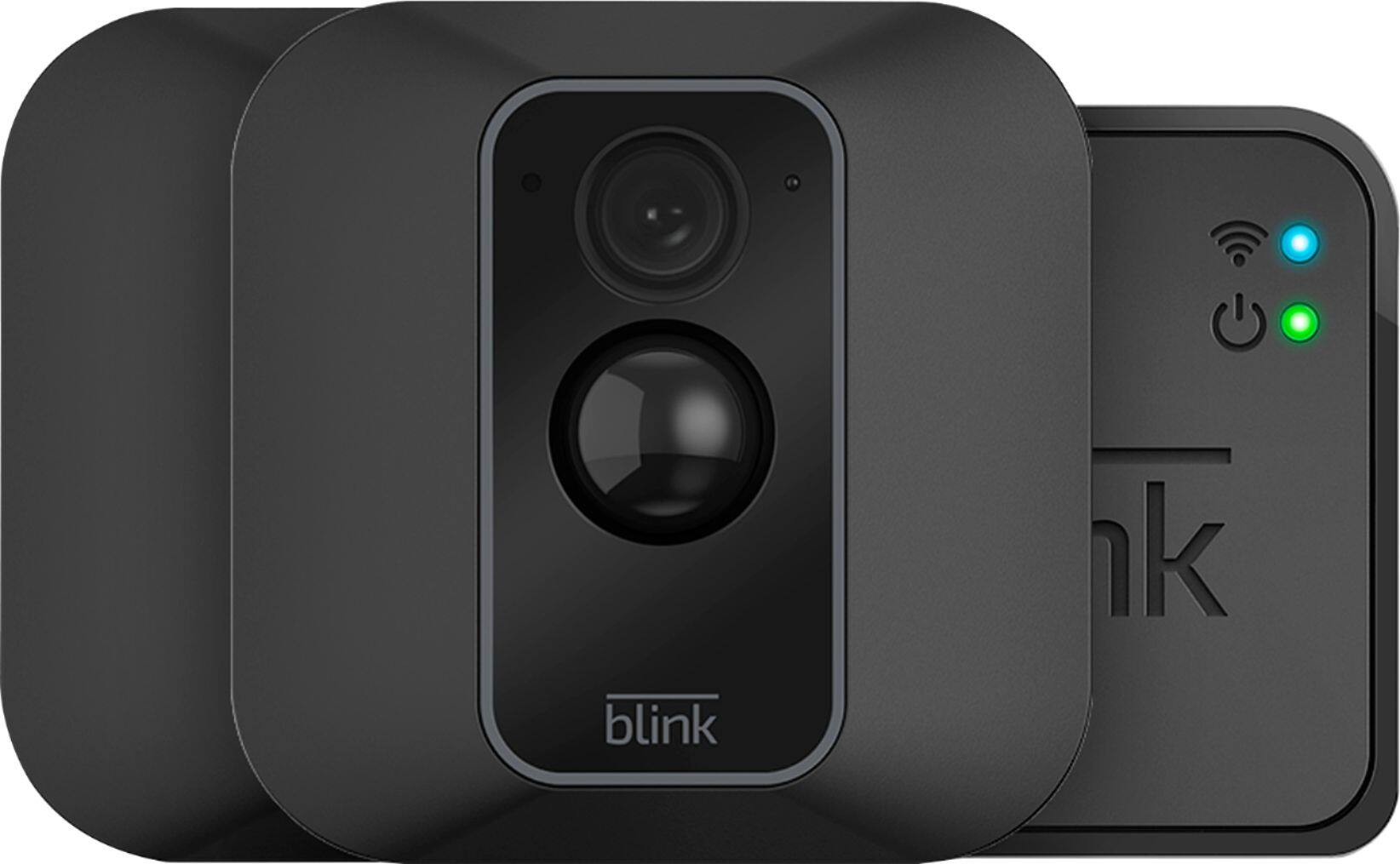
A:Answerfor The Blink XT2 You cannot puchase aditional space. As of right now there is no way to add local storage either.
Blink's Website states:
"Blink’s server provides each system storage for up to 7,200 total seconds of video. A system is defined by a Sync Module and up to ten cameras or devices associated with that Sync Module."
"Blink will soon feature an on-site storage device that accepts your USB flash drive."
A:AnswerWe do not recommend using rechargeable batteries as they may cause issues with the Blink cameras. The cameras are shipped with two non-rechargeable AA 1.5v Lithium batteries. Blink camera batteries should be replaced by Energizer Ultimate 1.5v Lithium AA batteries or the equivalent. Note: Avoid using AA Lithium Ion or Li-ion batteries as these will carry a higher voltage and may cause issues with your camera. You also want to avoid Alkaline based and rechargeable batteries, as they may cause issues with your camera.
A:AnswerThe Blink XT2 cameras feature a hardware based switch next to the batteries under the cover to turn on/off the blue status/indicator light if you wish.
A:AnswerYou can have up to 10 Blink devices per sync module as long as they are all within the 100ft operating range of the sync module in any direction. The cameras on the sync module can be in any combination.
A:AnswerYes, you can login to the Blink app from two separate phones. You'll need the main account holder to verify the email address requesting access, and only one of you will be able to access a live camera feed at a time.
A:AnswerThough the system can work with a hotspot, we do not recommend this as hotspots are often variable speed connections and are heavily reliant on location and signal strength. Our system requirements list high speed internet only.
A:AnswerThe Blink App is currently compatible with any iOS mobile devices running version 10.3 or higher, Android mobile devices running version 5.0 (Lollipop) or higher and Fire OS mobile devices, running software version 5.1 or higher
A:AnswerAssuming a fairly standard home (single building, no unusually dense construction materials), the Sync Module should be able to communicate with Blink camera units up to 100ft away in any direction. As far as how far away the system can be from your wireless router would depend on the strength of your internet/wifi, we recommend at least three bars of signal strength for optimal performance.
A:AnswerThe Sync Module would need to be plugged into a normal wall outlet. It comes with a USB and correct power adapter. They are 110/220V compatible. It is also possible to plug the Sync Module into a USB but could be unreliable. Make sure your USB is at least 5W/1AMP or it will not power.
A:AnswerYou are not able to at this time access the live view from more than one camera at a time, you would have to go to each camera individually within the APP to access the live view.
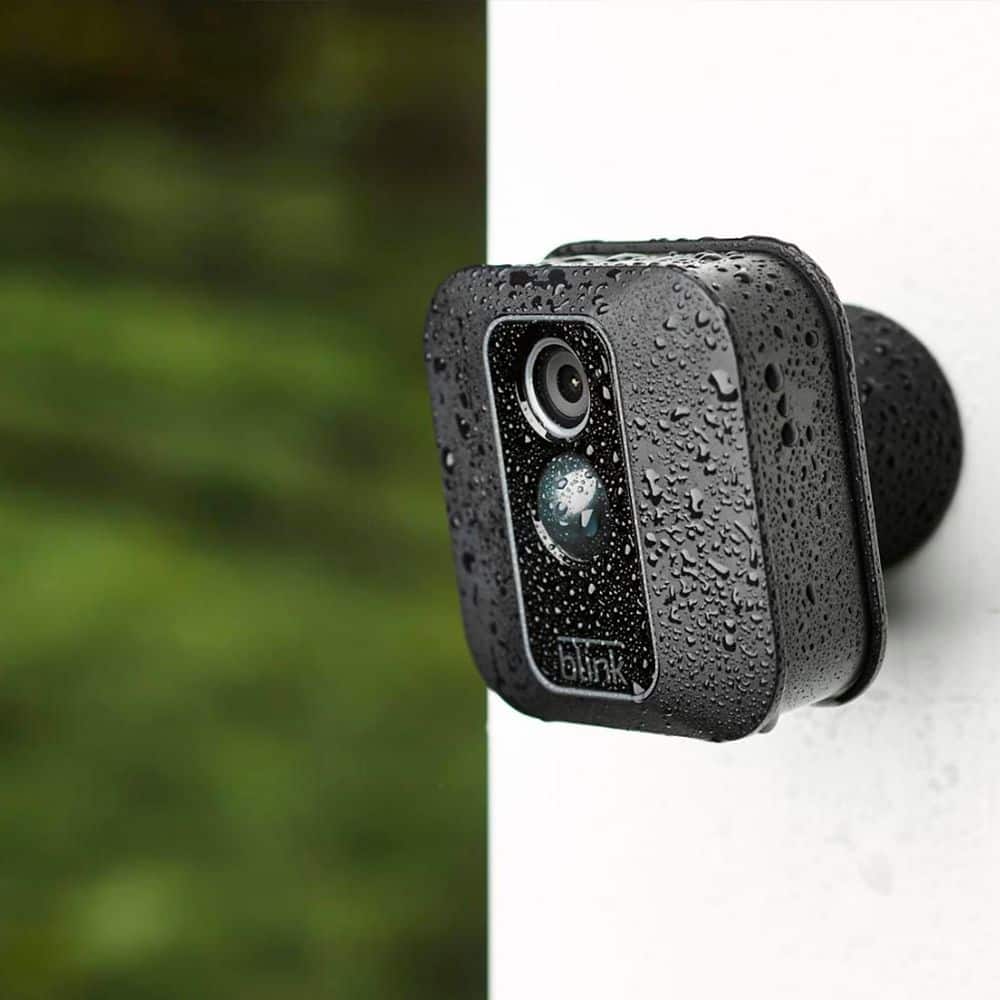
A:AnswerI have six Blink cameras in use in Colorado where -at a mile up- the sun, wind and precipitation can be as intense as most anywhere in North America. I placed my cameras angled slightly downward under awnings, added light colored silicone covers to reflect heat and they work just fine.
A:AnswerBlink does currently require a 2.4ghz WiFi-based Internet connection to operate. The Blink cameras are battery operated however the sync module needed to operate the Blink cameras would need to be plugged into a normal wall outlet at all times and within 100ft of the cameras in any direction.
A:AnswerYou can have up to 10 Blink devices per sync module as long as they are all within the 100ft operating range of the sync module in any direction. The cameras on the sync module can be in any combination.
A:AnswerIt works on a battery so you will have to change the battery Often, I had mine for a couple of months and i have it on constant and i have not needed to change the battery