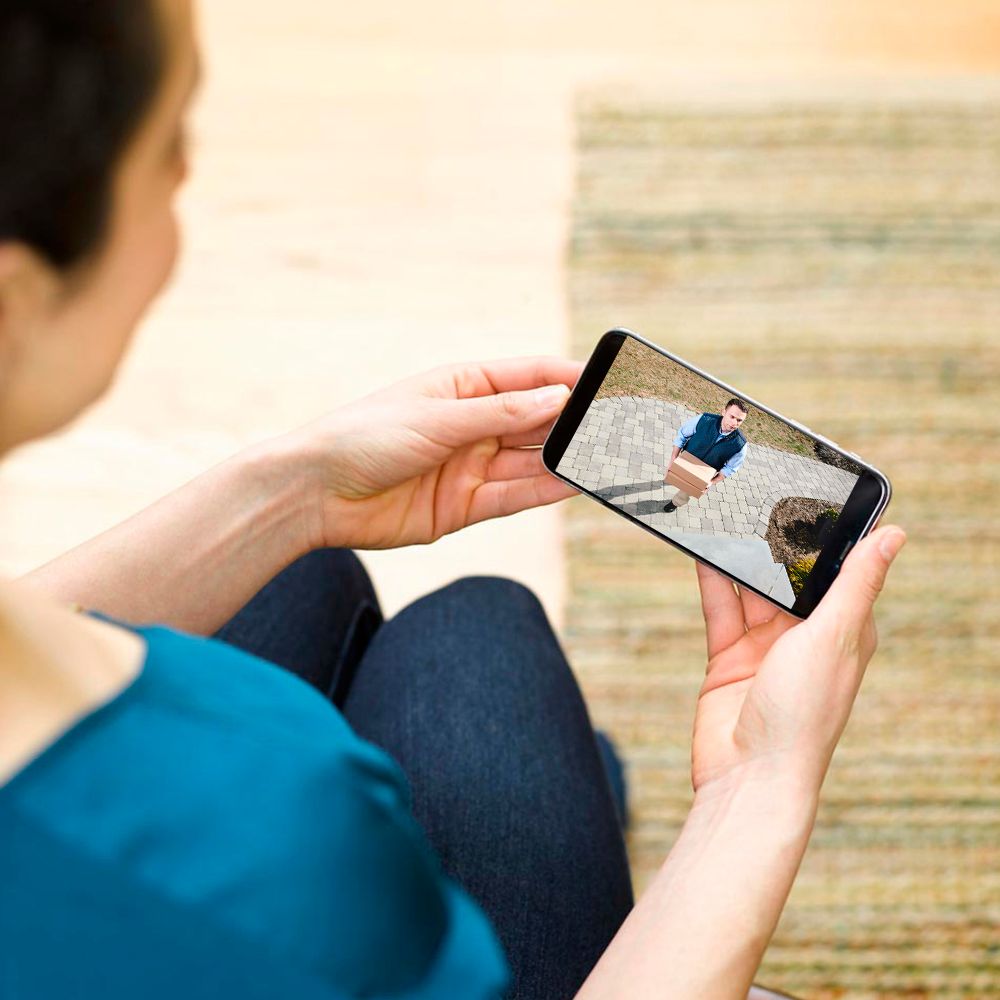
A:AnswerIt must connect to a phone with the downloadable app. Currently there is no way (that I am aware of) to connect to a PC. The motion sensor activates at about 20 feet. The night vision (when recording manually) is a little better than that but like I said, at a setting of 6 for sensitivity you will get activation at about 20 feet. The sensitivity can be increased but that will give lots of false results from wind blowing branches and bugs flying around
A:AnswerYou are able to save your Blink motion clips to your mobile device at anytime by using the share feature on the clip within the clip roll folder of the APP
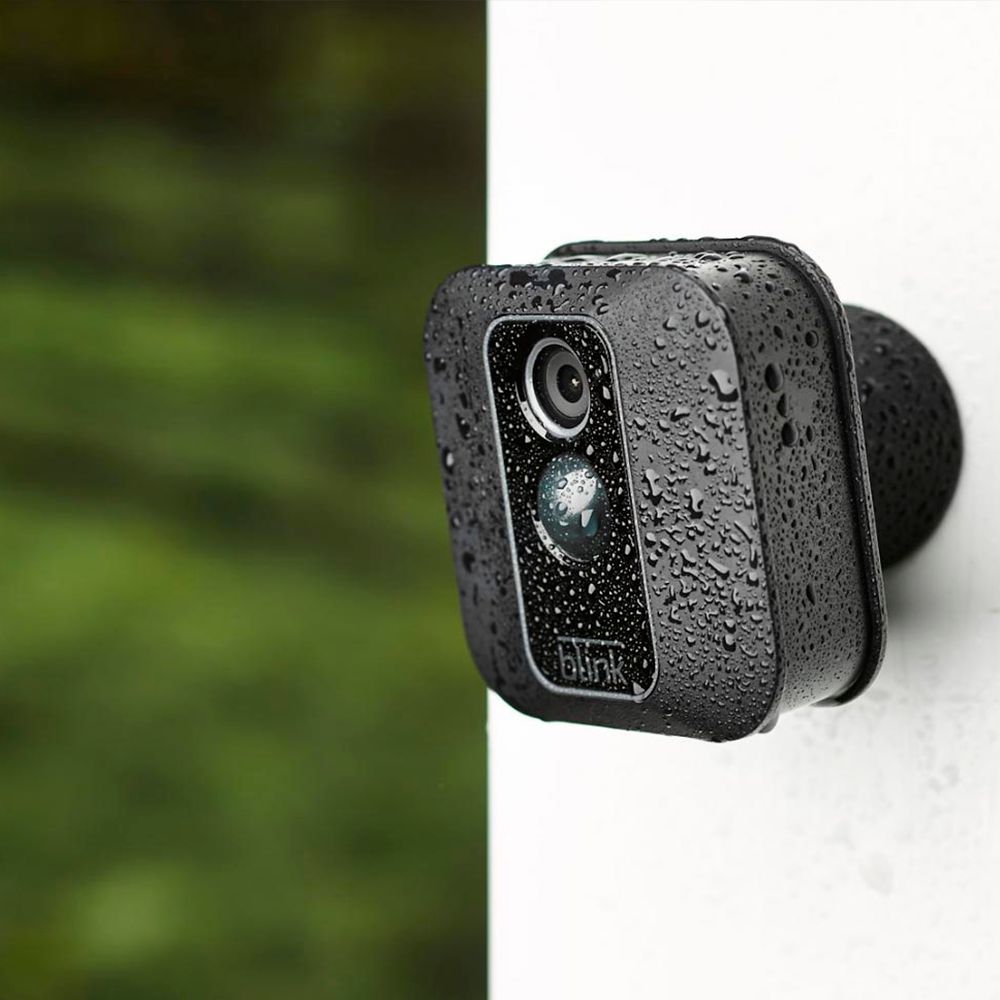
A:AnswerThe power adapter if for the sync module. You can purchase USB power adapters (I purchased mine on Amazon) that will power the cameras, but you will loose the water proof protection. If you need then I would seriously consider is it worth loosing the water proofing, the batteries are not that expensive and are easy to change.
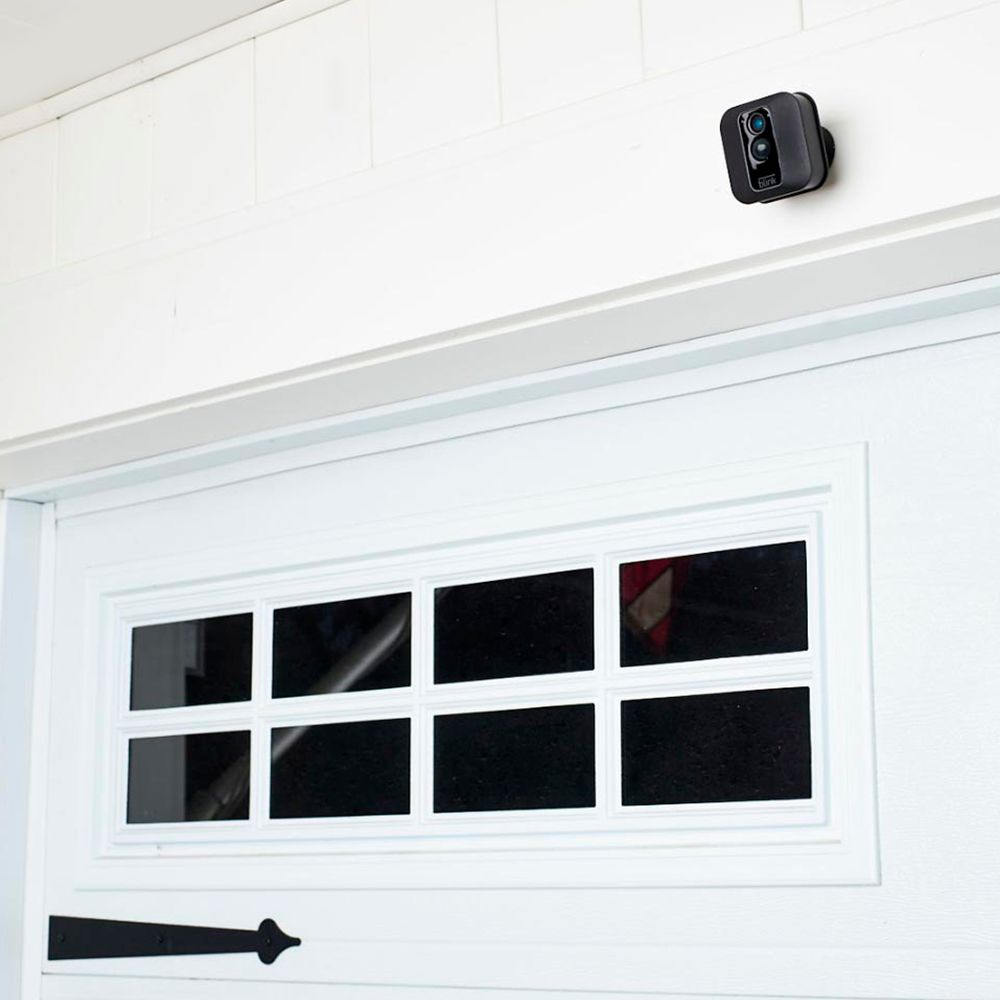
A:AnswerThe Blink cameras have a field of view of 110 degrees - in the daytime, they provide enough visibility to identify an individual’s facial features that is 20ft away, recognize a person that is 32ft away, and beyond that depends on exact lighting conditions. At night, they provide visibility up to 20ft away depending on exact conditions.
A:AnswerYou will need wifi at the location of the camera. Once you have set the cameras up on the wifi, you can then access the camera and view videos on your cell phone from anywhere. The Blink does not have local storage. Video storage is saved to the Blink servers and saved on your phone. Storage can be set to auto-delete from 3 days up to 1 year at a setting that you choose or until your storage is full. When the storage is full on your phone, it will automatically delete old videos to make room for the new videos regardless of the setting that you chose.
A:AnswerYes you can you just have to share the sign on information with who you want to be able to have control of the cameras. Me and my husband share our account. I will tell you this if one of you looks and the replay before the other and deleted it the other person can not see that clip clip or video. It's a great camera system really good video quality.
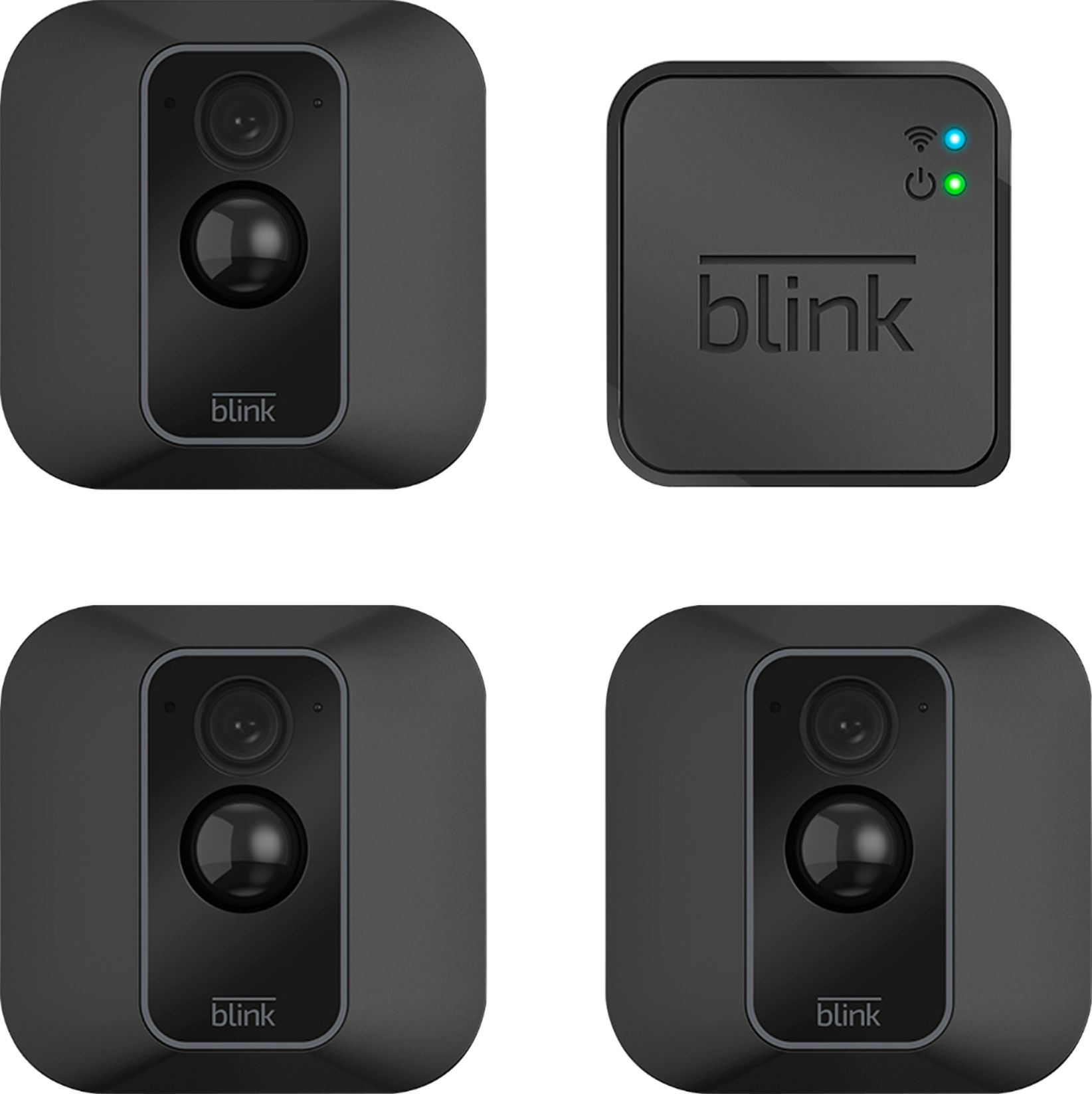
A:AnswerI'm pretty sure you need the kit because the camera connects to a small unit that sits inside your house and that small unit connects to your router, and the info is sent and controlled by the Blink app that is installed on your phone