A:AnswerYou can save the file on your phone and send it to a main computer and put it on a flash drive or burn to disks but these are not huge files individually. - 1 mimute max from initial motion and no motion after that.
A:AnswerBattery life depends on the activity of the area you are monitoring and your camera settings. I have 4, 2 lasted 6 months, very high traffic areas, the other 2 still going about 12 months now.
A:AnswerYou are able to save your Blink motion clips to your mobile device at anytime. Blink’s server provides each Sync Module for the XT2 cameras storage for up to 7,200 total seconds of video (or 1,440 five-second events) for as long as you like (no expiration). If you reach your storage limit, it will automatically delete the oldest clip in order to make room for the next one.
A:AnswerYou are able to add a second sync module to a location to create sort of 'zones' (i.e. indoor system and outdoor system,) or to even expand your coverage (more than 10 cameras), however you cannot string together the sync modules to increase your range. You may want to look at wifi range extenders for this. We would also suggest reaching out to our Tech Support Team as well to help troubleshoot any connection issues you may be having, support.blinkforhome.com
A:AnswerThe batteries are not recharged by the blink system in any way. When they get weak or are dead completely you must replace them with the recommended batteries. I suppose that you could purchase a lithium battery charger and also purchase rechargeable batteries.
A:AnswerTrigger time is what you prefer. If you have it recording 60 secs after motion is detected and trigger time at 10 secs. After it records the 60 secs it will wait 10 seconds before motion is triggered again. Depends on camera setup, location and preference.
A:AnswerWe are sorry for any issues you are having and would suggest reaching out to our Tech Support Team directly to troubleshoot, support.blinkforhome.com
A:AnswerBlink does currently require a 2.4ghz WiFi-based Internet connection to operate. Blink is not compatible with wifi networks broadcasting a 5ghz signal.
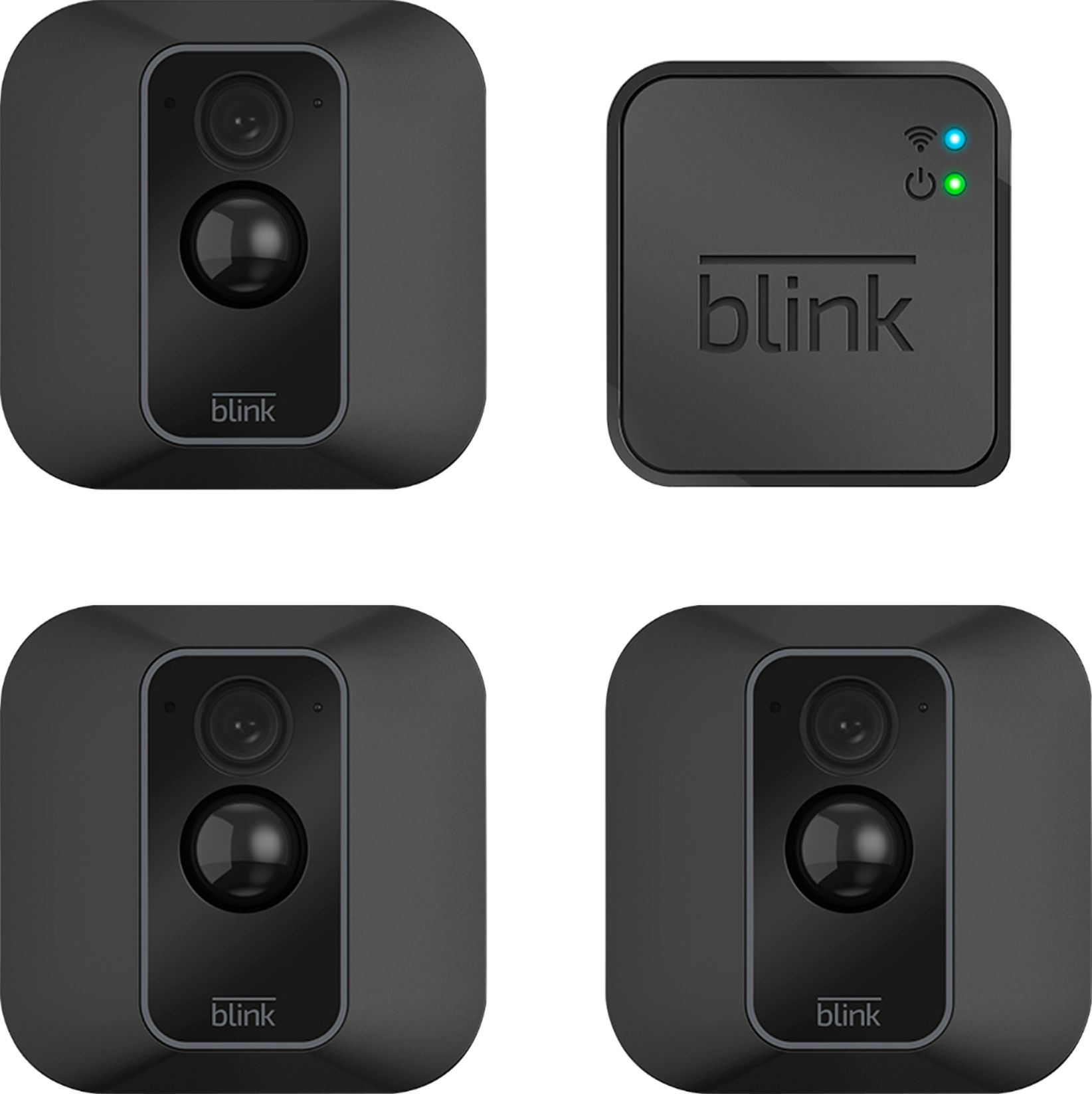
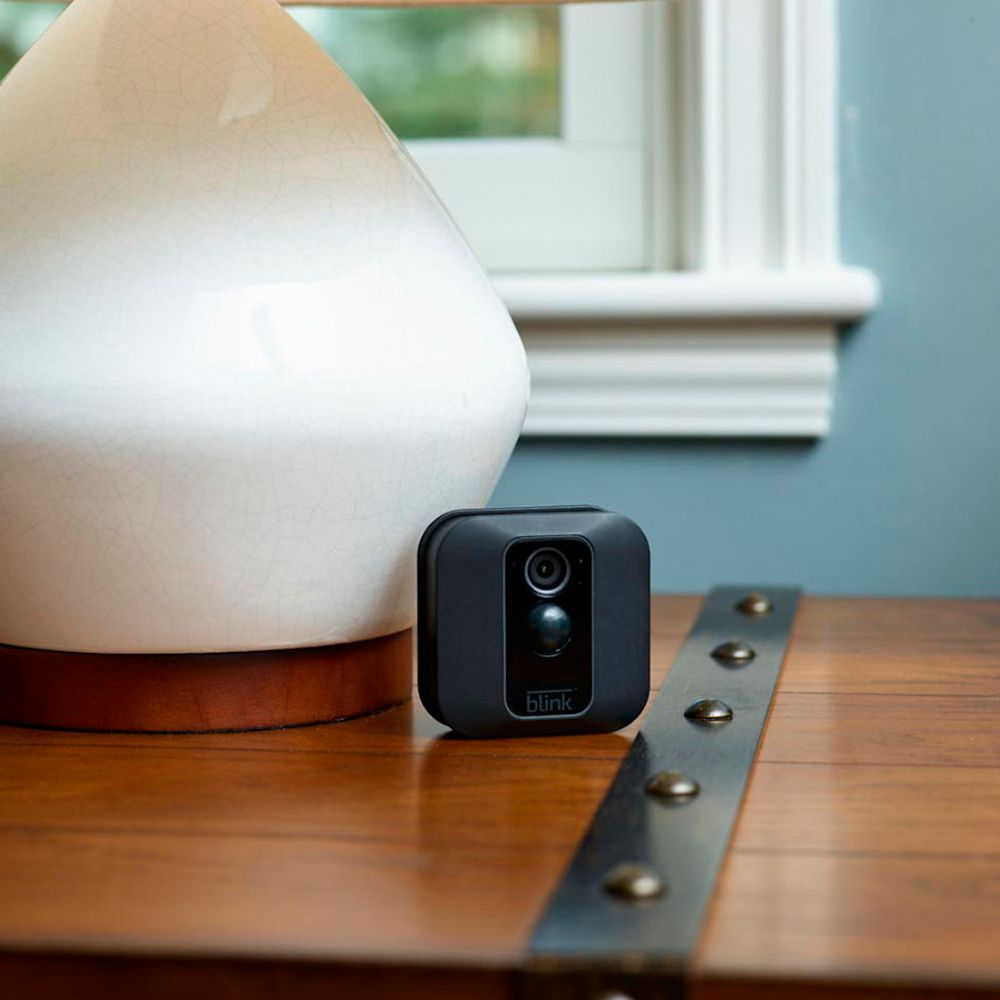
A:AnswerYou do not need to purchase any hardware to utilize the system. You set up the cameras inside or outside your home or business. Then you download the Blink app. The instructions are very easy to follow and it only takes a few minutes to complete.
A:AnswerBased on the answer below, the product is useless. Requires "their" server and not enough storage to save much. Requires paid subscription to save meaningful amount of video. Direct access cameras are far better.
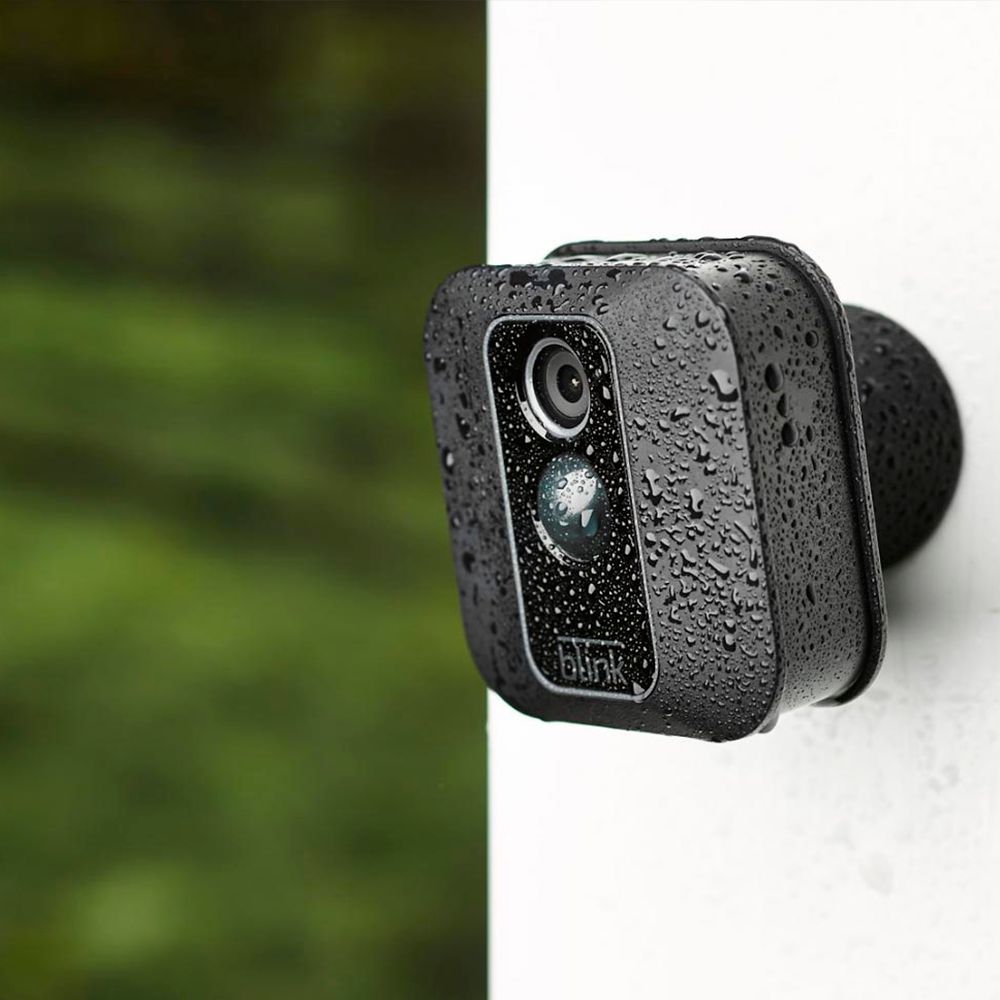
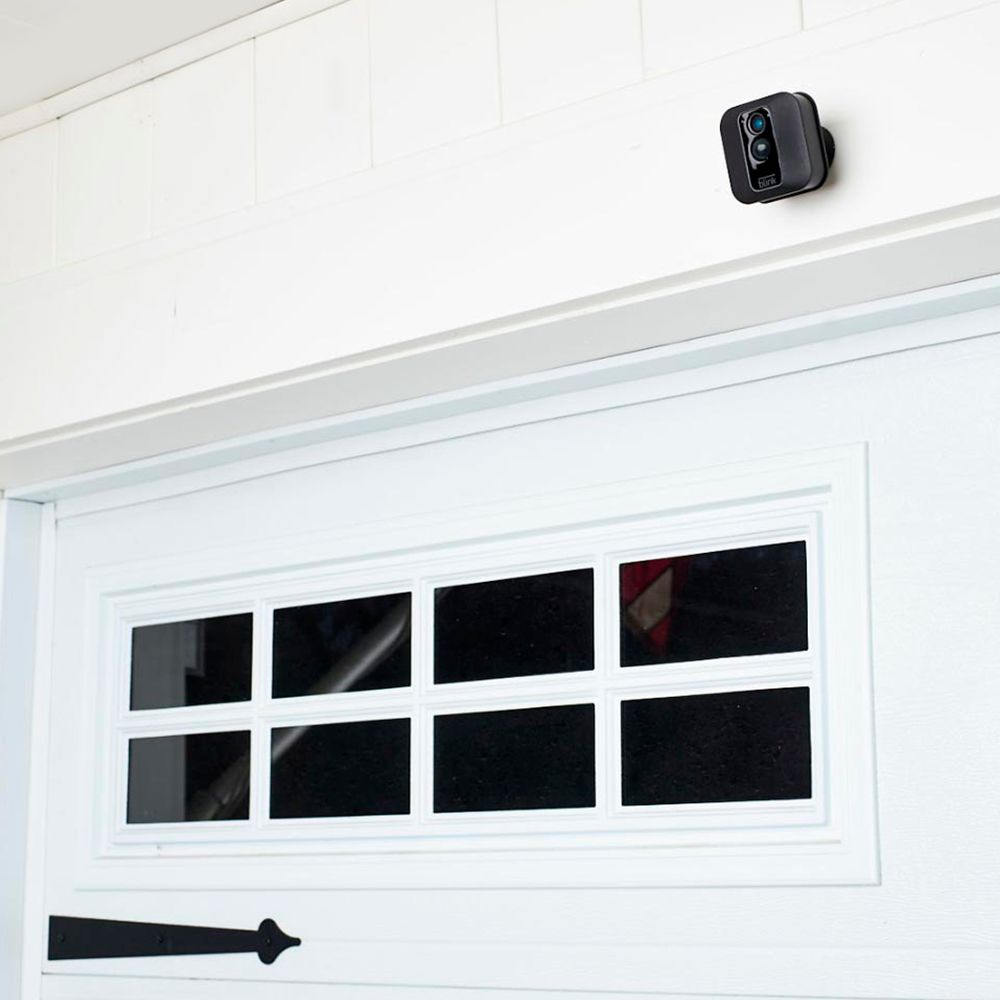
A:AnswerWe do ship each camera with a mount and mounting screws, Please note, use of the included screws for the mount will create two holes in the surface of the wall.
A:AnswerAssuming a fairly standard home (single building, no unusually dense construction materials), the Sync Module should be able to communicate with Blink camera units up to 100ft away in any direction.
A:AnswerYou cannot currently access your Blink system from your computer. The Blink App is currently only compatible with iOS devices running 10.3 or higher, Android devices running version 5.0 (Lollipop) or higher and Fire OS mobile devices, running software version 5.1 or higher
A:AnswerYes you need internet and router to set the system up, but it's easy set up. Also where I live it is very poor internet service and Blink is working great! Once set up you use your phn, tablet or computer to view.