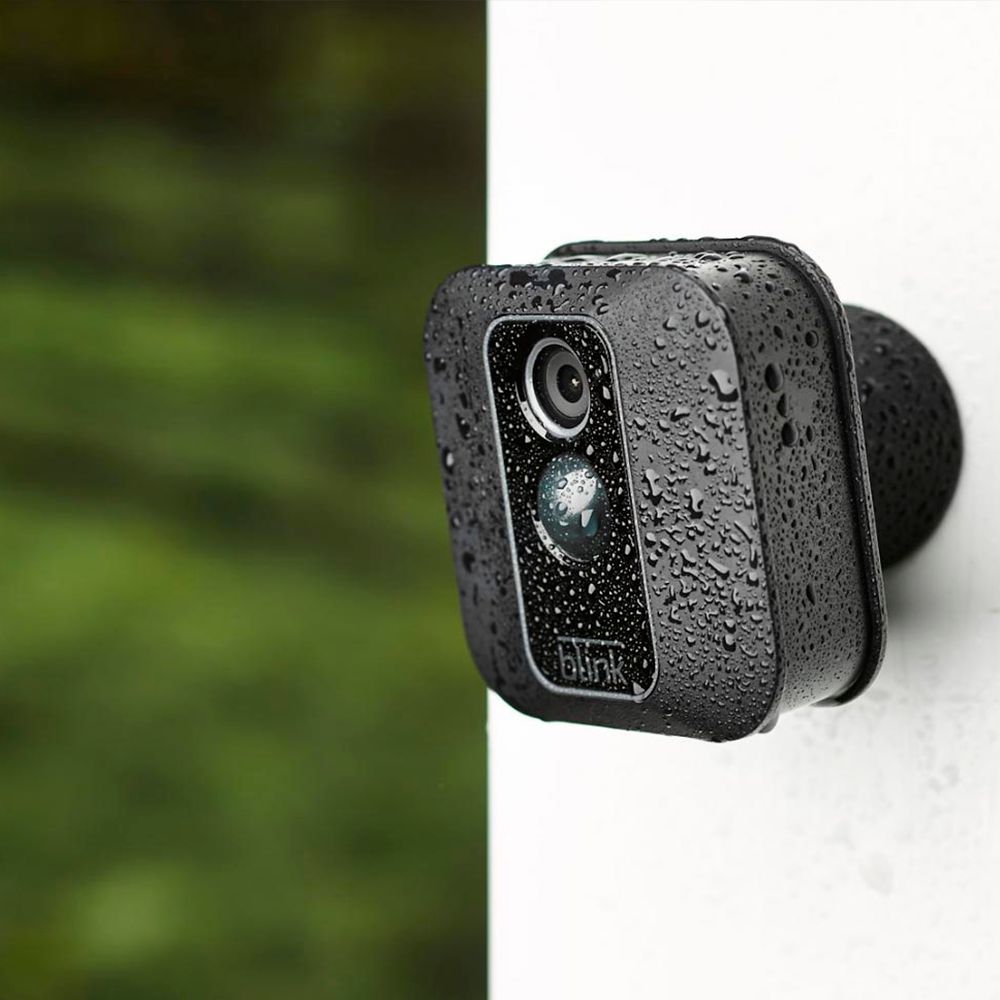
A:AnswerThe USB port on the back of the camera can be used with a MicroUSB cable and power adapter (not included with your camera) to power your cameras rather than using batteries. Do note: The Blink XT2 features a rubberized cover over the USB port. Removing this means that the camera is no longer weatherproof.
A:AnswerHello,
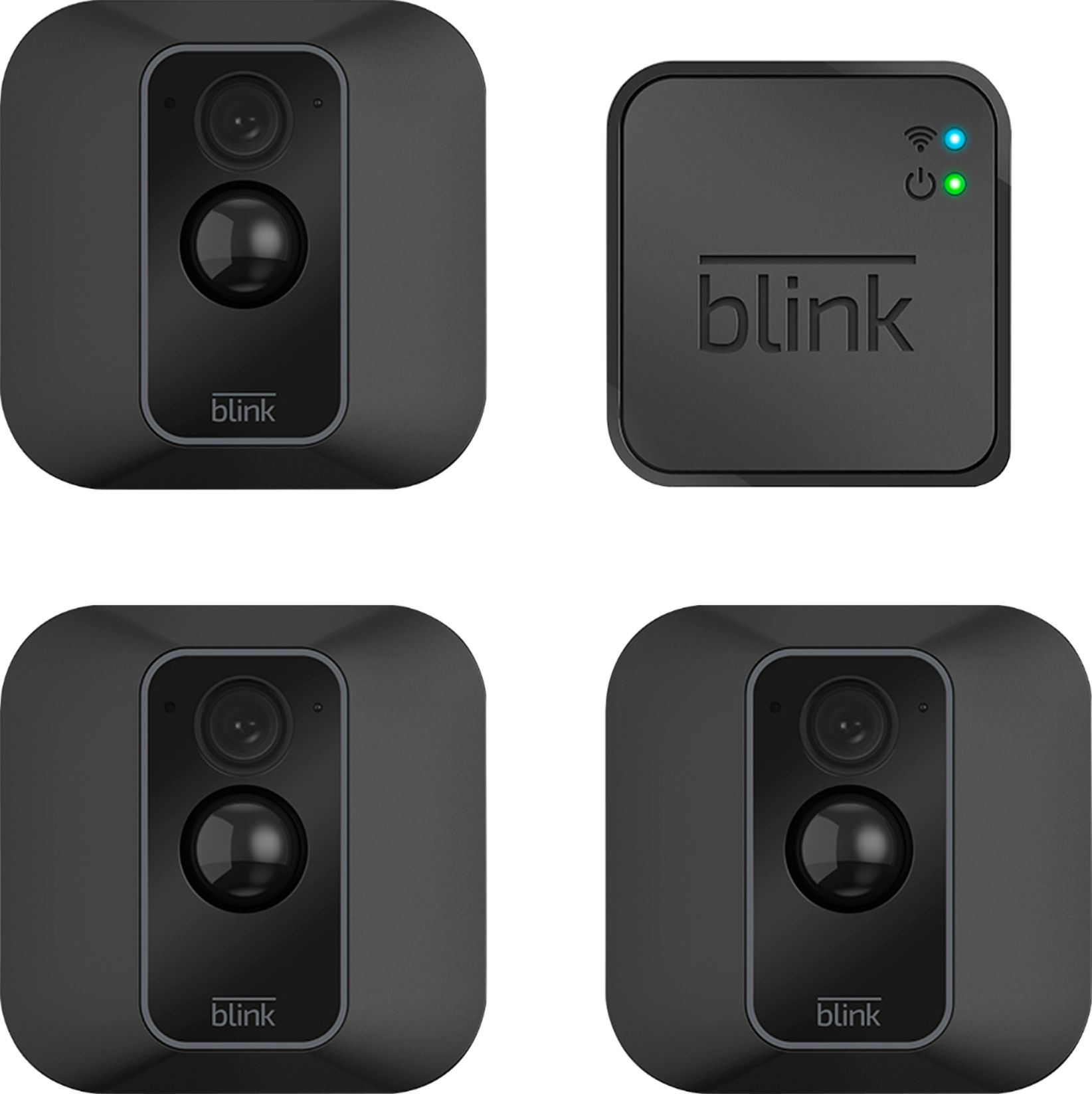
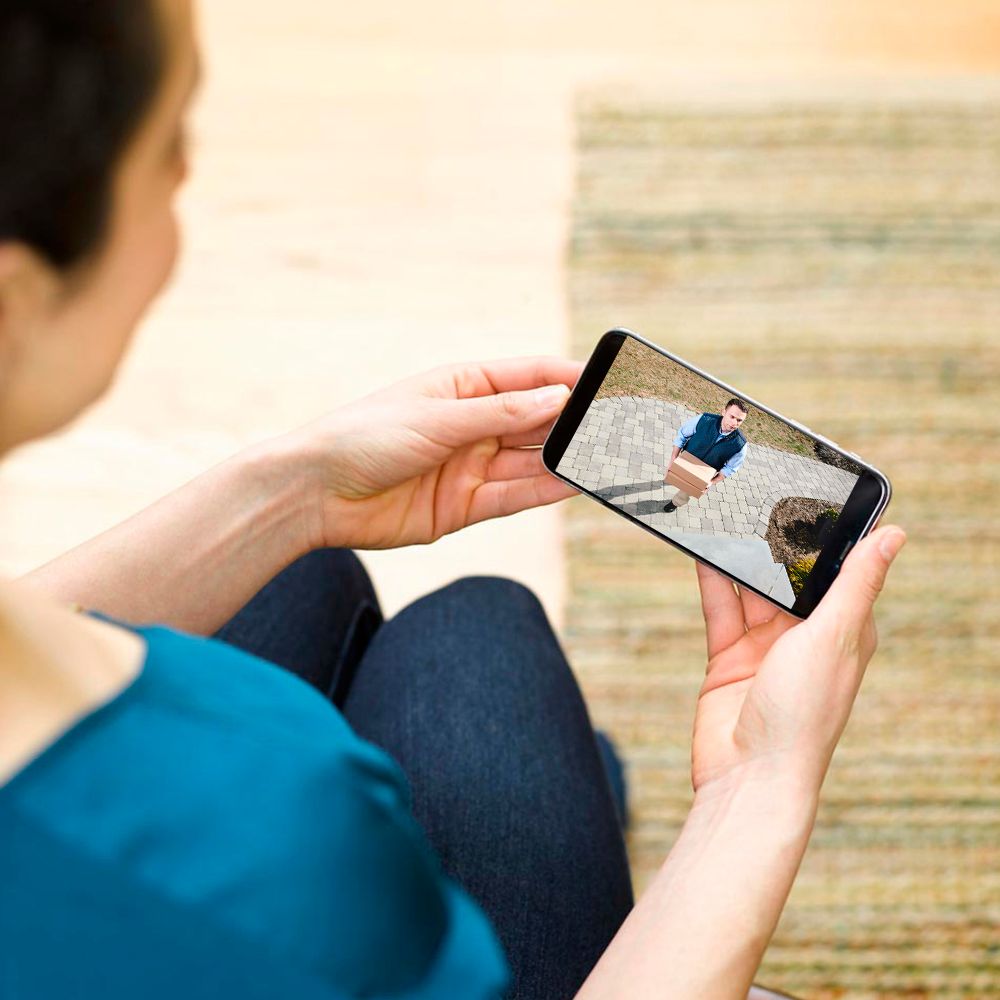
It is a wireless system so it runs off batteries. You will use your phone to read the scan code on each camera through the Blink app. You will want to be sure your camera and phone are tuned to the same internet connection. It comes with a small box that will act as the system router, this allows the Blink xt2 cameras to be connected to the internet. The app will allow you to see what is being recorded via your phone.
A:AnswerWe currently only offer our cloud storage option for the Blink camera systems accessible via the Blink App. Blink’s server provides each Sync Module storage for up to 7,200 total seconds of video (or 1,440 five-second events) for as long as you like (no expiration). If you reach your storage limit, it will automatically delete the oldest clip in order to make room for the next one. You are also able to set clips to automatically delete based on a time limit. By default, this is set to 14 days, but you can also change that to 3 days, 7 days, 30 days, and 1 year. Any important clips can also be saved to your mobile device at anytime by using the share feature on the clip within the clip roll folder of the APP.
A:AnswerYes, and there is also a feature that allows you to pick particular section tof the screen to detect and not detect motion...
Probably one of the best features this device offers
A:AnswerYou have to take the batteries out to charge or you can run a charge cable to the unit. I just replace when low not sure how long that is only had a few months.
A:AnswerThe longest this camera can record on motion detection is 60 seconds. This camera can not record 24/7.
Yes this camera does record with sound.
The recordings can be viewed on the Blink App on your phone.
A:AnswerThe Blink camera turns on instantly (within a fraction of a second) to record a video clip when motion is first detected. When you first come home to your Armed Blink system, you can trigger a motion alert by walking past your camera. The delay between clips or retrigger time gives you enough time to Disarm your system. By default, the system will capture a 5 second clip, wait for the retrigger time of 30 seconds and if motion continues, capture another 5 second clip. This retrigger time can be configured under camera settings anywhere from 10 to 60 seconds.