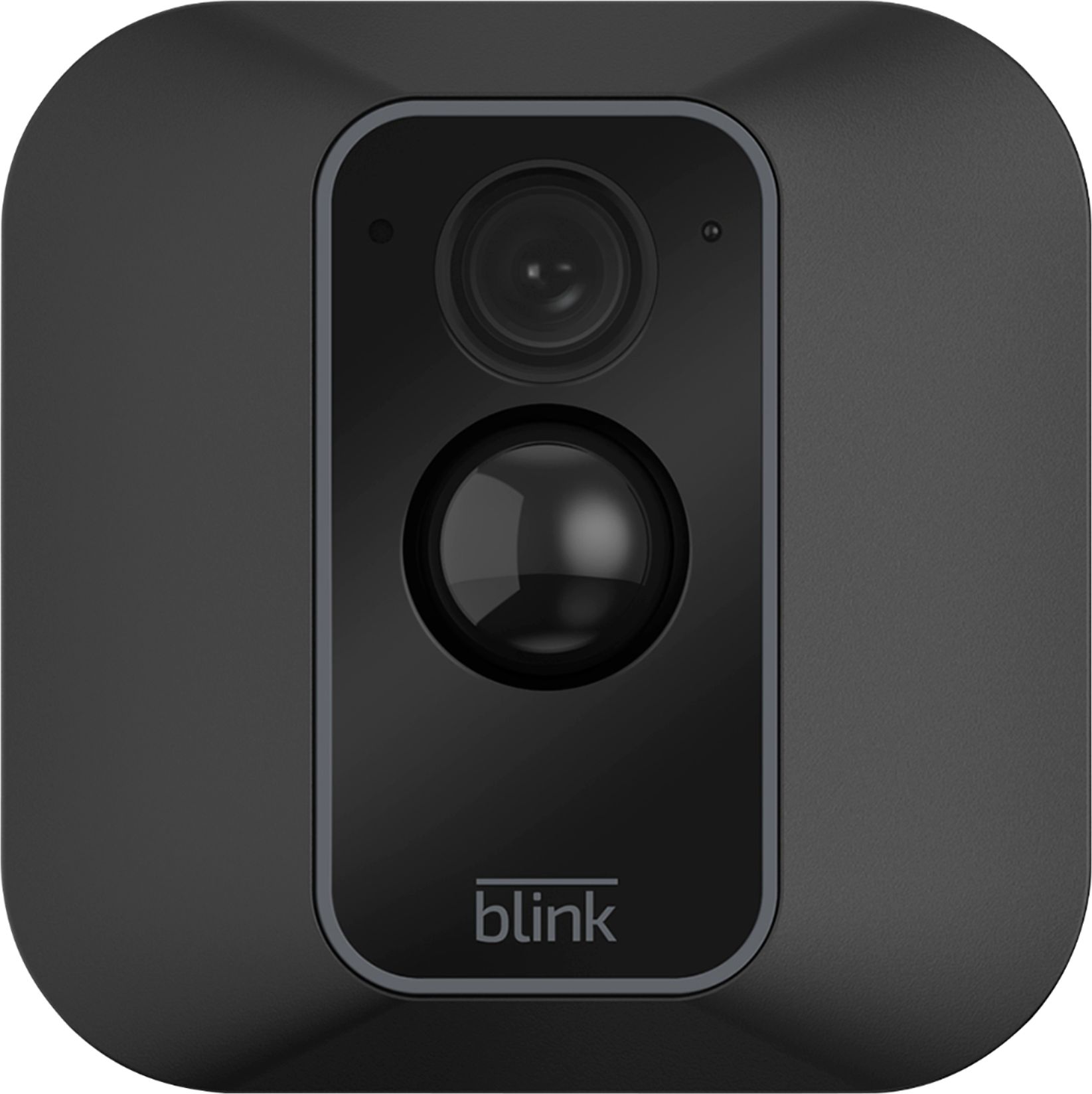
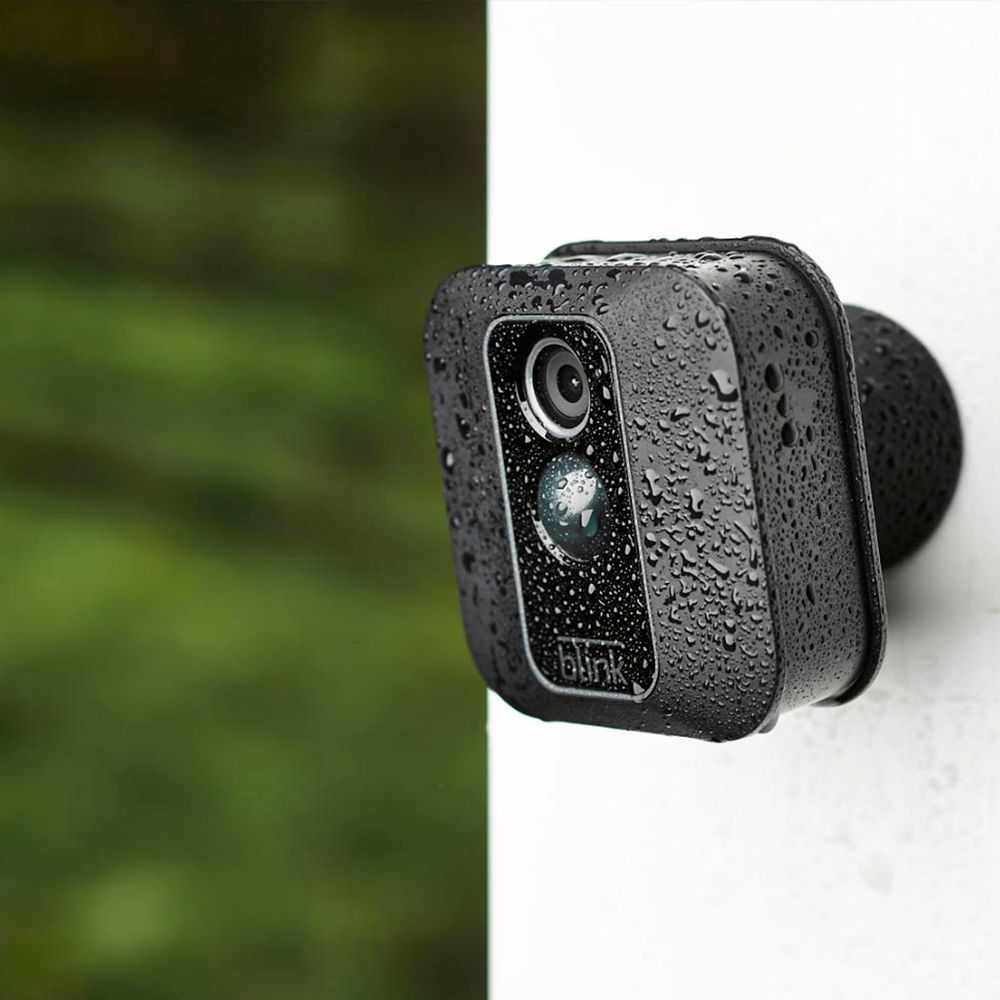
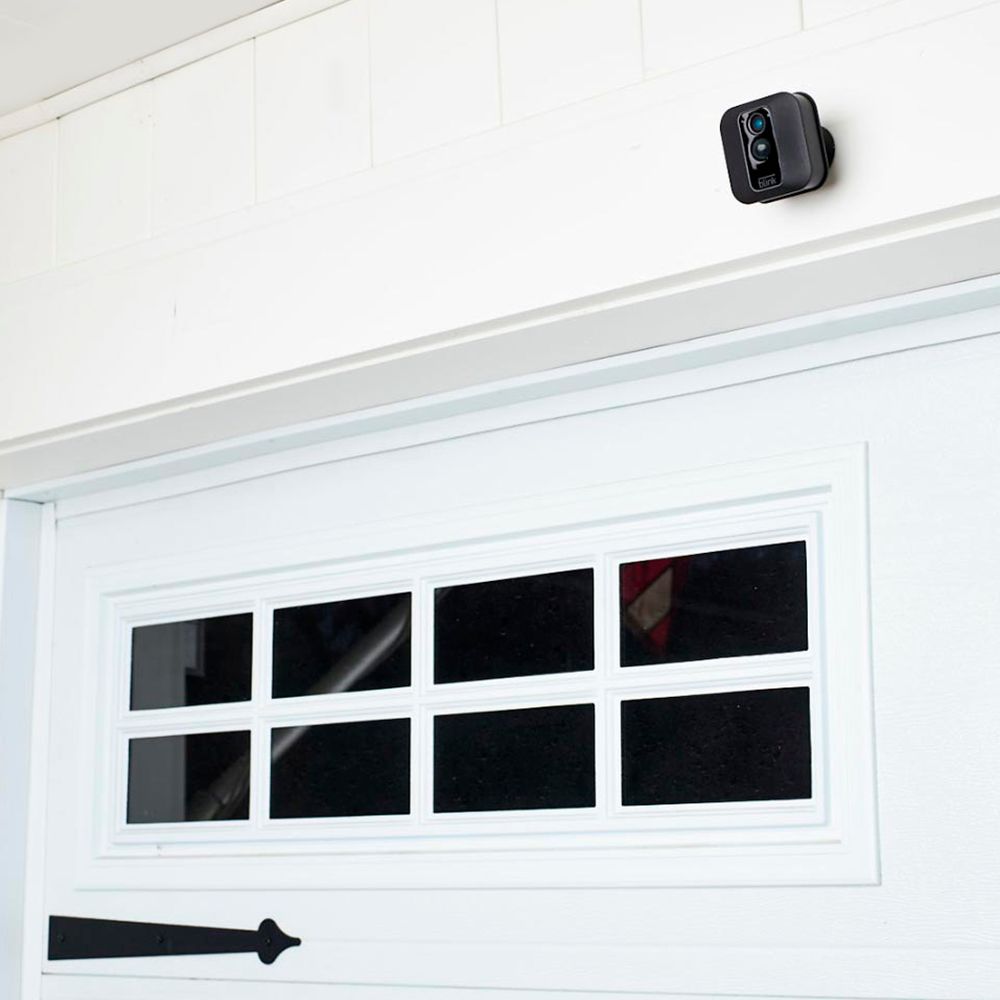
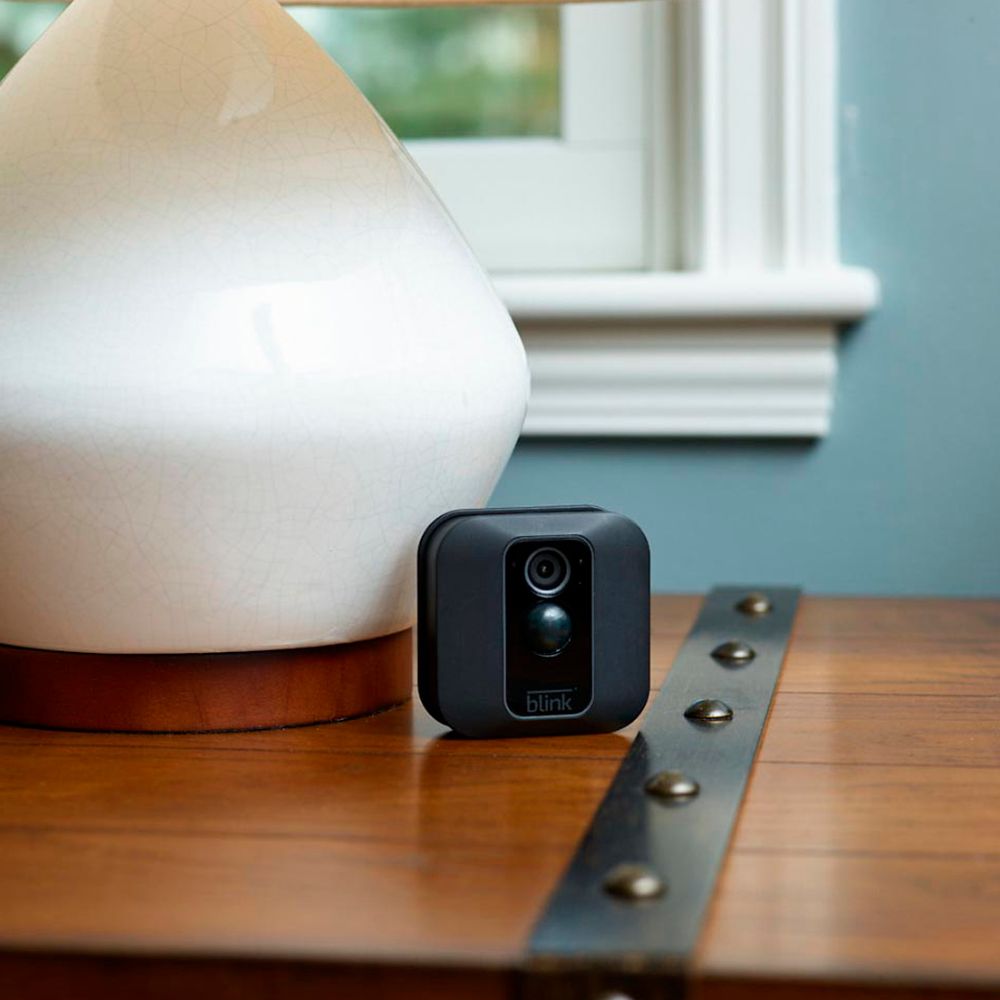
A:AnswerThe USB port on the back of the camera can be used with a MicroUSB cable and power adapter (not included with your camera) to power your cameras rather than using batteries.
The benefit of this is heavy users and cameras with a high number of motion clips will not drain batteries and require frequent replacements.
A:AnswerWith regular use*, your Blink cameras will last a very, very long time on a single set of 2 AA lithium batteries. This incredibly long battery life is made possible through a proprietary chip technology available only in Blink cameras.
Here are a few things that may affect battery life:
-Placing cameras in high traffic areas and leaving them armed all the time
-Using Alkaline or rechargeable batteries. (We DO NOT recommend this)
-Slow Internet connection speeds
-Extreme Temperatures
-Extended use of Live View
-Weak Camera signal strength between sync module and WIFI router
-DO NOT use AA Lithium Ion or Li-Ion batteries as these carry a higher voltage and may cause issues with your camera.
- use of Enhanced mode on Blink XT
*Two AA lithium metal batteries last up to two years, based on typical use of Live View, motion-activated recording, and two-way talk (only available on XT2). Battery life will vary based on device settings, use, and environmental factors. Use of two-way talk will reduce battery life.
A:AnswerThe log in is encrypted as you want it to be. You create your own log in information for their application. You can tell your system to arm and disarm on a schedule.
Best Buy is truly good about their returns. Make sure ti ask your local store for details. Also check the back of your receipt. Their return policy is printed there and usually is available online.
A:AnswerThe great thing about Blink is that it does not continuously record like other cameras. The camera only turns on when it detects motion or you turn it on to watch Live View, helping to significantly reduce data usage. A five second motion clip with audio takes up 750KB.
A:AnswerAssuming a fairly standard home (single building, no unusually dense construction materials), the Sync Module should be able to communicate with Blink camera units up to 100ft away in any direction.
A:AnswerAs long as you have a compatible mobile device and WIFI we do ship everything needed to get the system up and running once received. The sync module would ship with the correct power cord and adapter and we ship each camera with batteries, mount and mounting hardware.
A:AnswerNo, you do not "need" Alexa, but if you wanted to you can use your Echo Show and Echo Spot with Blink and you can use your voice to not only arm and disarm your cameras but also to see your Blink cameras.
A:AnswerWhile the Blink System integrates with the Amazon Alexa-enabled devices, you do not need one of these to operate the Blink System. The Blink App is currently compatible with any iOS devices running version 10.3 or higher, Android devices running version 5.0 or higher and Fire OS mobile devices, running software version 5.1 or higher Devices: iPhone, iPad, iPod touch, Android device and/or Fire HD 8, Fire HD 10, Fire (7"), Fire (8"), and Fire (10"). There are not any subscription fees or data storage charges with our Blink Camera Systems.
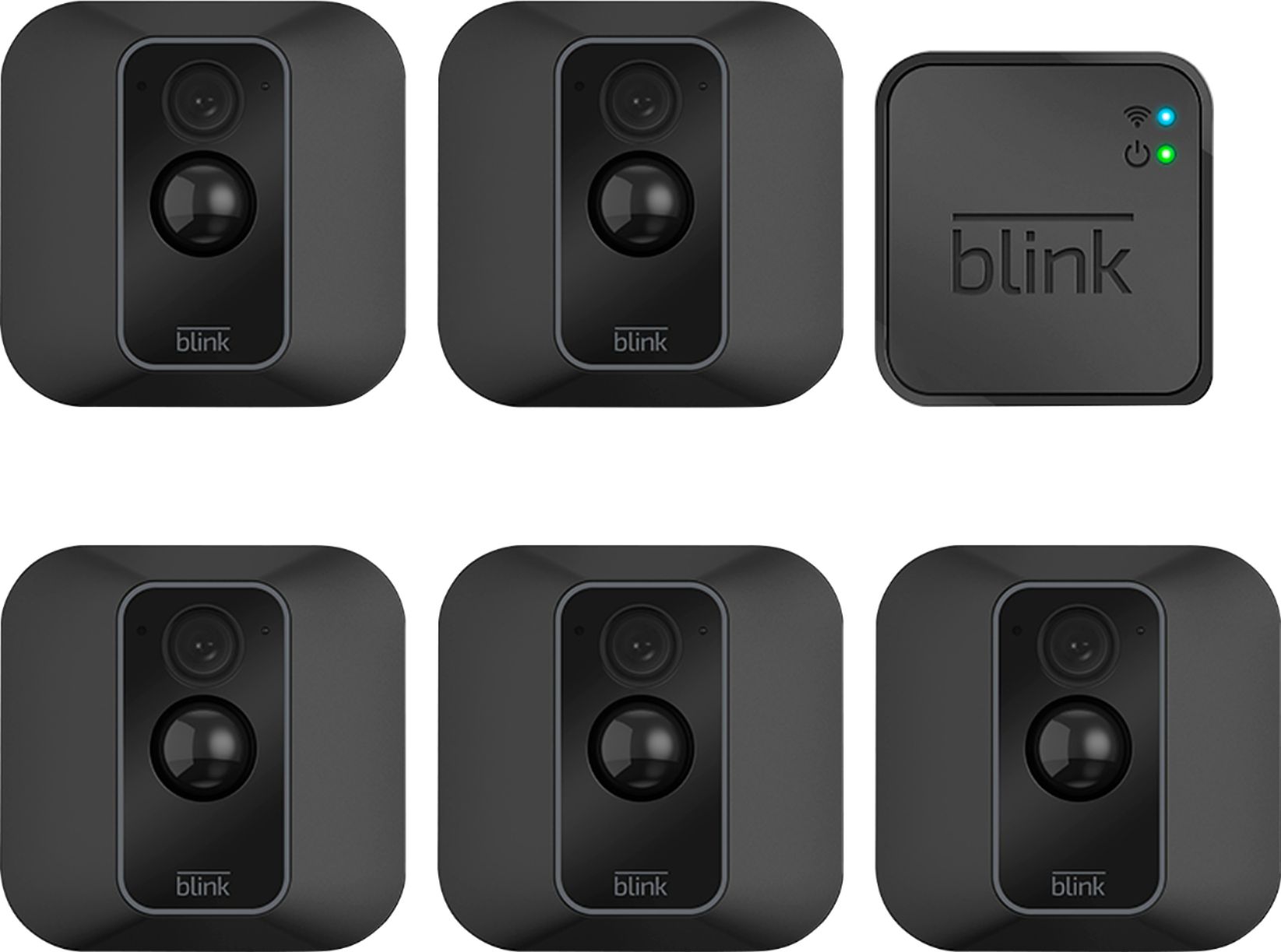
A:AnswerYou can have up to 10 Blink devices per sync module as long as they are all within the 100ft operating range of the sync module in any direction. The cameras on the sync module can be in any combination.
A:AnswerThe Blink cameras are shipped with two non-rechargeable AA 1.5v Lithium batteries. Blink camera batteries should be replaced by Energizer Ultimate 1.5v Lithium AA batteries or the equivalent.
A:AnswerWe currently only offer our cloud storage option for the Blink camera systems accessible via the Blink App. You are however able to download your Blink motion clips to your mobile device at anytime.
A:AnswerYou can have up to 10 Blink devices per sync module as long as they are all within the 100ft operating range of the sync module in any direction. The cameras on the sync module can be in any combination. You are able to add a second sync module to a location to create sort of 'zones' (i.e. indoor system and outdoor system,) or to even expand your coverage (more than 10 cameras), however you cannot string together the sync modules to increase your range. Any additional Sync Module you add to your account would add another 7,200 seconds of storage to you account overall. You are also able to set-up and access the two systems from the same account by using the multi-system support feature.
A:AnswerCameras have to be armed on the main app screen at the bottom. Also know there is a 10 second delay between alarms. You can watch for the blue light on the front of the to see how far they will alert for motion.
A:AnswerYou are able to add Blink cameras to your existing Blink System at anytime. You can have up to 10 Blink devices per sync module as long as they are all within the 100ft operating range of the sync module in any direction. The cameras on the sync module can be in any combination.
A:AnswerCurrently, you cannot receive alerts of the motion detection from your Alexa-enabled device. You are able to ask Alexa if you have any motion clips, when the last motion clip was or how many you have however you cannot receive an alert of the motion clip through your Alexa device at this time.
A:AnswerThe Blink cameras record clips based on motion detection and send a notification to your mobile device. You are able to set the clips to record anywhere from 5 to 60 seconds within the clip roll folder of the APP. The Blink XT2 will allow you to access Live View mode while the camera is recording. This will transition into recorded Live View event.
A:AnswerI understand your question. Simple answer: No, not through the app. To obtain my MACs, I had to use a wi-fi tool (Fing) and found the 3 x devices, which were the 2 x Blink camera's and Sync Module.
A:AnswerAssuming a fairly standard home (single building, no unusually dense construction materials), the Sync Module should be able to communicate with Blink camera units up to 100ft away in any direction. As far as how far away the system can be from your wireless router would depend on the strength of your internet/WIFI, we recommend at least three bars of signal strength.