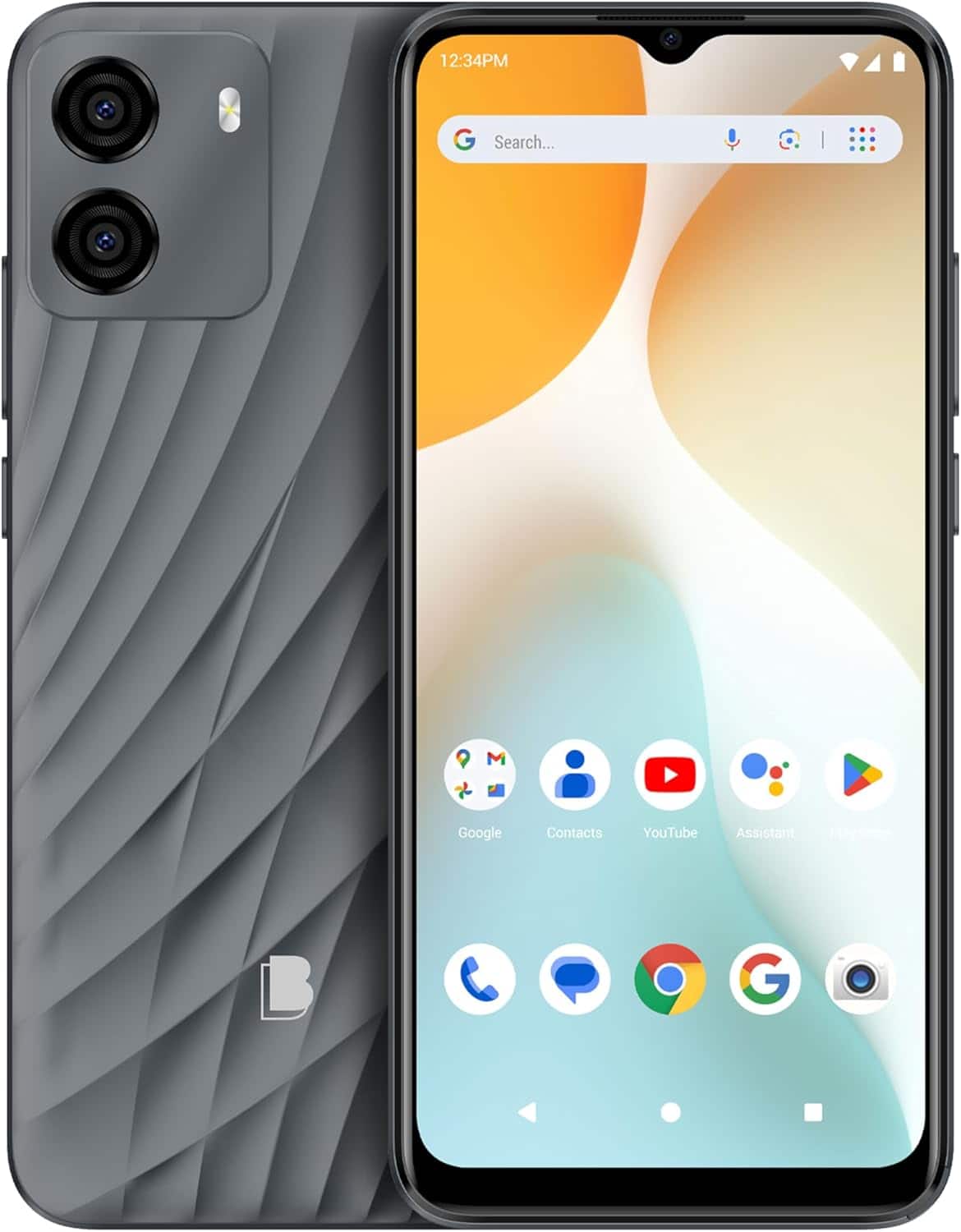
A:AnswerThe G33 has a two variants with different processors.
-
UNISOC 9863 | 28nm
1.6GHz Quad-Core
-
MediaTek Helio A22 | 12nm
ARM Cortex A53
2.0GHz Quad-Core
A:AnswerWe recommend contacting Xfinity Mobile to confirm which network they use. If they use the Verizon network, the G33 will not be compatible, as Verizon operates on a CDMA network, and our phones are only compatible with GSM networks.
A:AnswerSince Assurance Wireless uses T-Mobile's network, the G33 should work with them. We recommend contacting Assurance Wireless directly to confirm compatibility.
A:AnswerThe BLU G33 can be a good first cell phone for a child, as it offers essential features at an affordable price. It’s user-friendly and has a durable design. However, since the G33 is only compatible with GSM networks, it will not work with Verizon, which operates on a CDMA network. If you are looking for a phone that will work with Verizon, you may need to choose a different model.
A:AnswerYes, the BLU G33 can be used with just Wi-Fi. You can access the internet and use apps. However, please note that this phone does not support Wi-Fi calling, so you would need to use a third-party app to make phone calls.
A:AnswerUnfortunately, BLU Products does not test third-party devices. We recommend reaching out to the manufacturer of the G7 insulin sensor or visiting their website, where you may find a list of compatible devices.
A:AnswerYes, the G33 G0892 is compatible with AT&T. Since Consumer Cellular operates on both T-Mobile and AT&T's networks, it should also be compatible with their service.
A:AnswerOur products are unlocked and meant to work with any GSM SIM card-based carrier that allows unlocked devices. The G33 is fully compatible Metro PCS on their T-Mobile network. We recommend contacting Metro PCS to ensure they are compatible with your device’s bands.
A:AnswerWe apologize for any inconvenience, but at this time, none of our devices support eSIM technology, as most of our devices are equipped with dual SIM card capability.