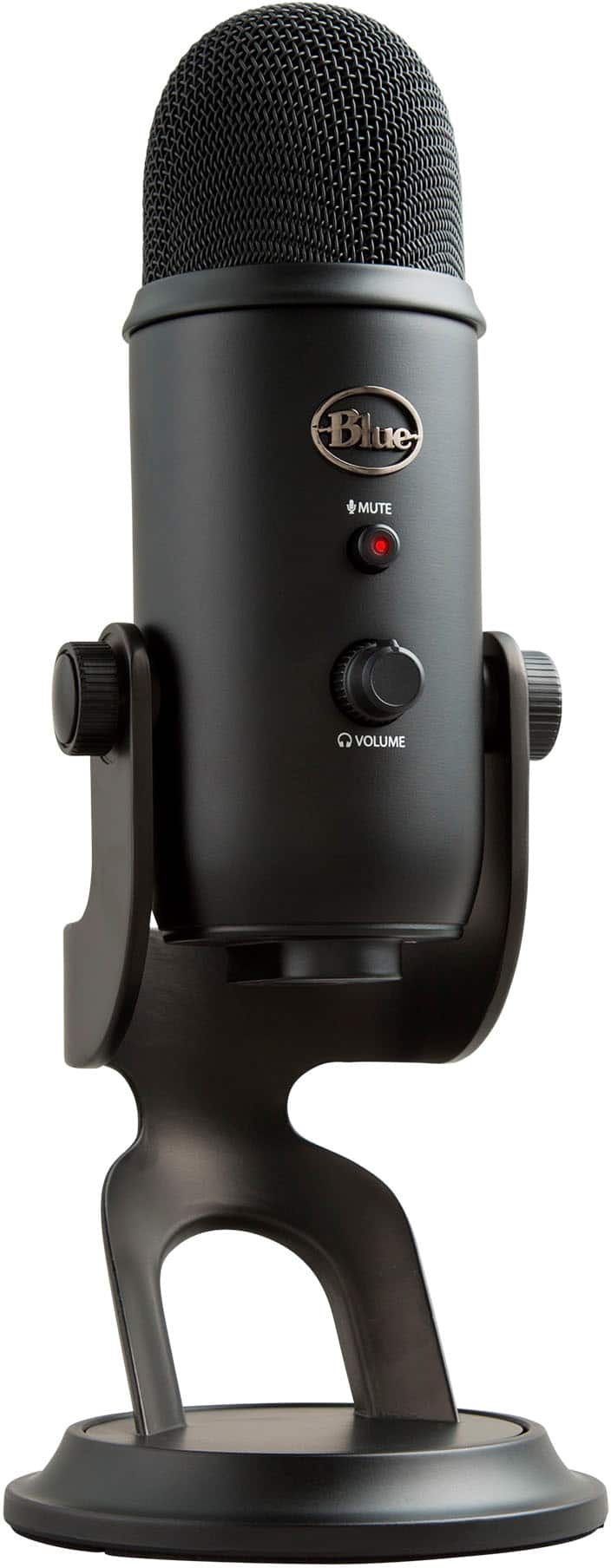
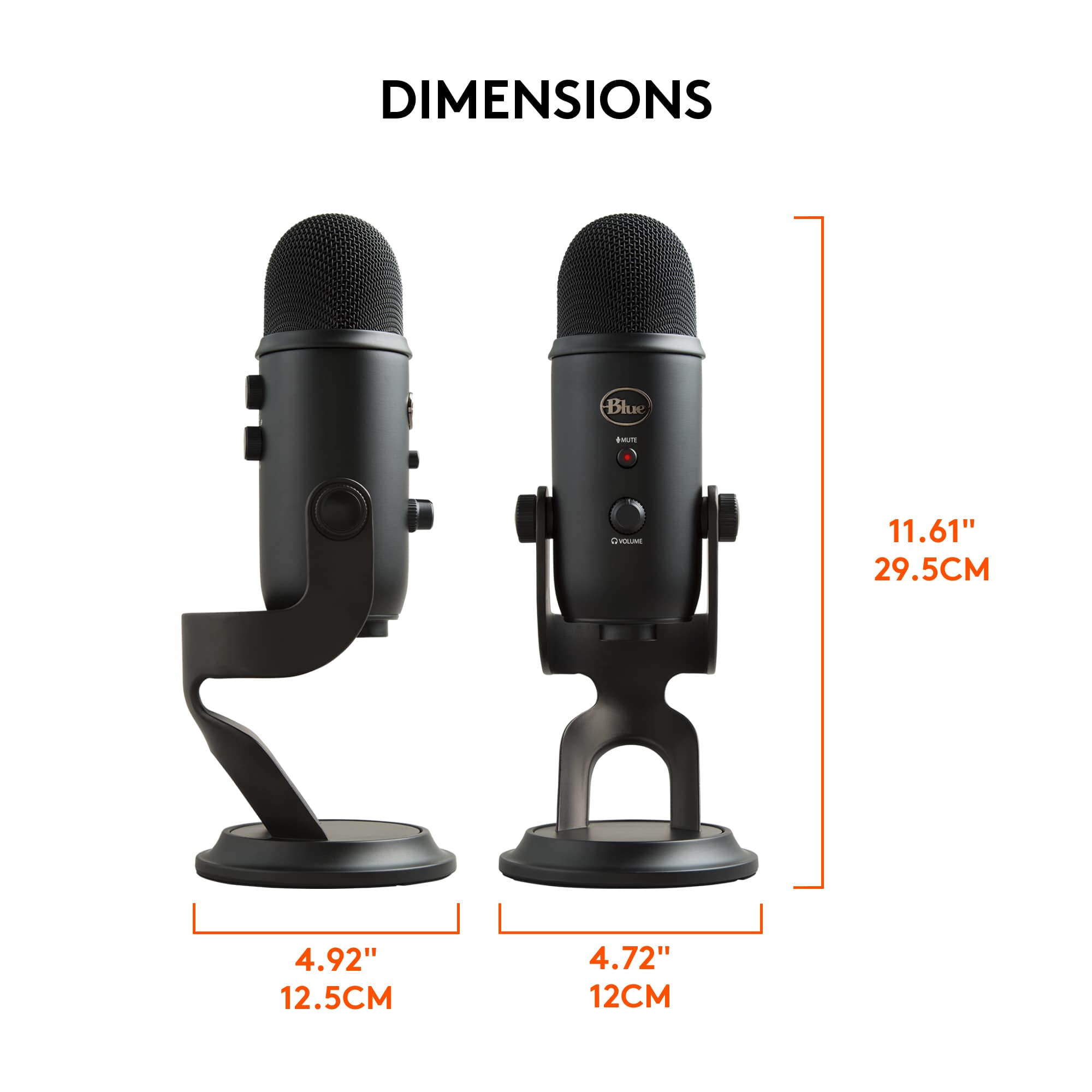
A:AnswerHello! So here is something to consider, when you are streaming music being played out of speakers and into a Microphone such as the Blue yeti, the audio gets very distorted. But!!! what you should do is use the Blue yeti for speaking, and then you can use the "line in" or loopback audio to play what is happening through the external speakers.
Put simply, dont use the mic to record whats being played out of speakers, it most likely wont sound good.
There are ways to make it so the audio being played out of the speakers is also played in the zoom meeting just by the using the computer to send the audio to two places (line audio).
A:AnswerI think it's probably a little expensive for Zoom meetings. I think there is a mini version you might look at and see what the price is. Also if you can catch a sale that can help. If not on sale and if there isn't a mini that's cheaper and you only need a mic for Zoom meetings I'd look for something cheaper.
A:AnswerYou can buy a telescopic mic stand with suspension arm and it can be placed to be close to you without being so close to the keyboard. There are (pardon my memory lapse) additional peripheries you can buy which keep vibrations to a minimum. If you search for something along the lines of “anti-shock mic” you’ll see something that has rubber bands built into the framework. This is what I’m referring to, as those rubber bands help dissipate any vibrations before they get to the mic.
A:AnswerNot in my experience, or at least it’s my experience that Bluetooth-enabled headphones cannot operate wirelessly while you use this mic. My Bluetooth headphones come with an adapter wire (as there is also a port in the mic body) so I was able to use my current headphones as regular wired ones while hearing what I was saying into my mic.
A:AnswerHello Alex. It is possible to use the Yeti with your Samsung Galaxy smartphone. However, it will need the appropriate adapters and third-party software, as I don't believe it is simply plug and play.